Jewelry photography, explained.
Tutorials, lighting guides, and editing walkthroughs for jewelry sellers on Etsy, Shopify, Amazon, and beyond. Written and tested by the Hylo team.
Featured
Latest from the Hylo team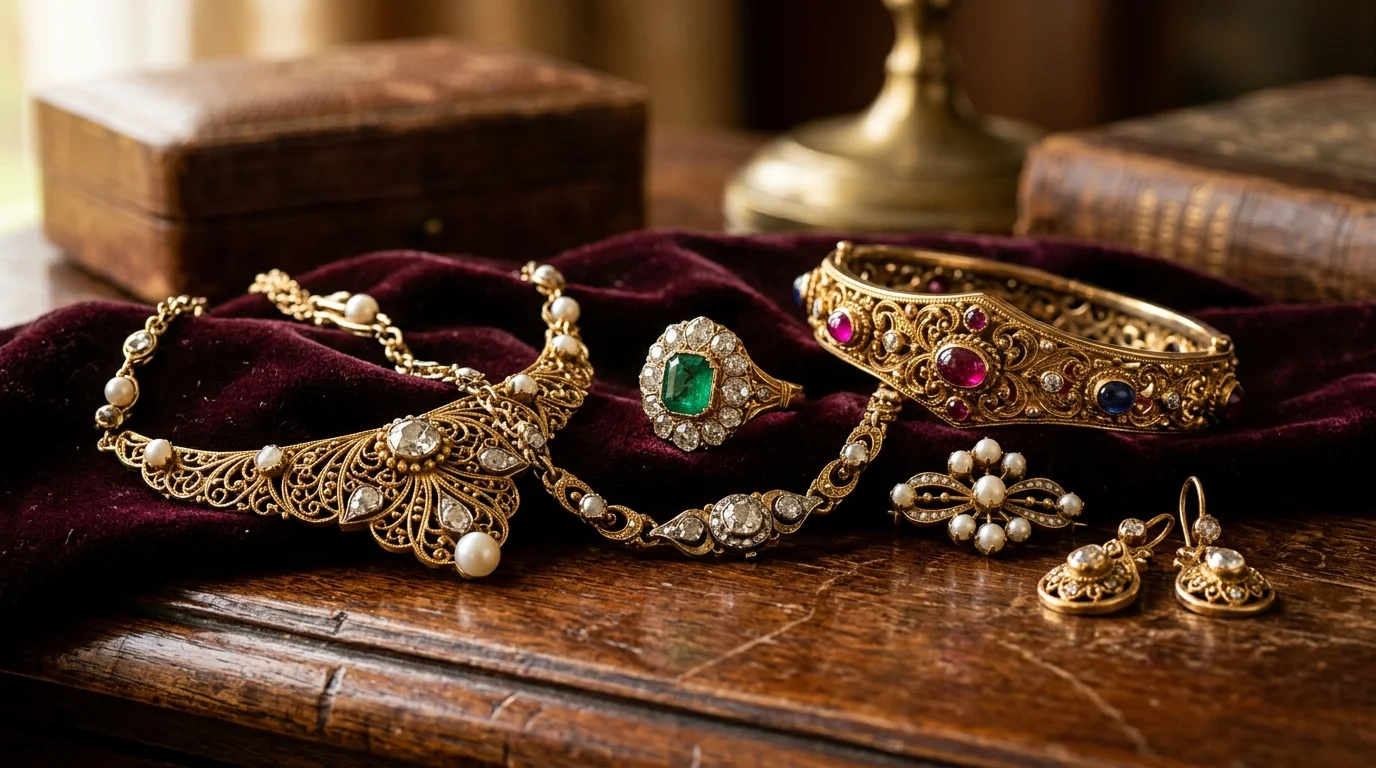
Vintage Jewelry Photography: Lighting, Styling, and Settings
Master vintage jewelry photography. Learn exact lighting setups, styling props, and how to use AI to capture the antique aesthetic for rings and necklaces.
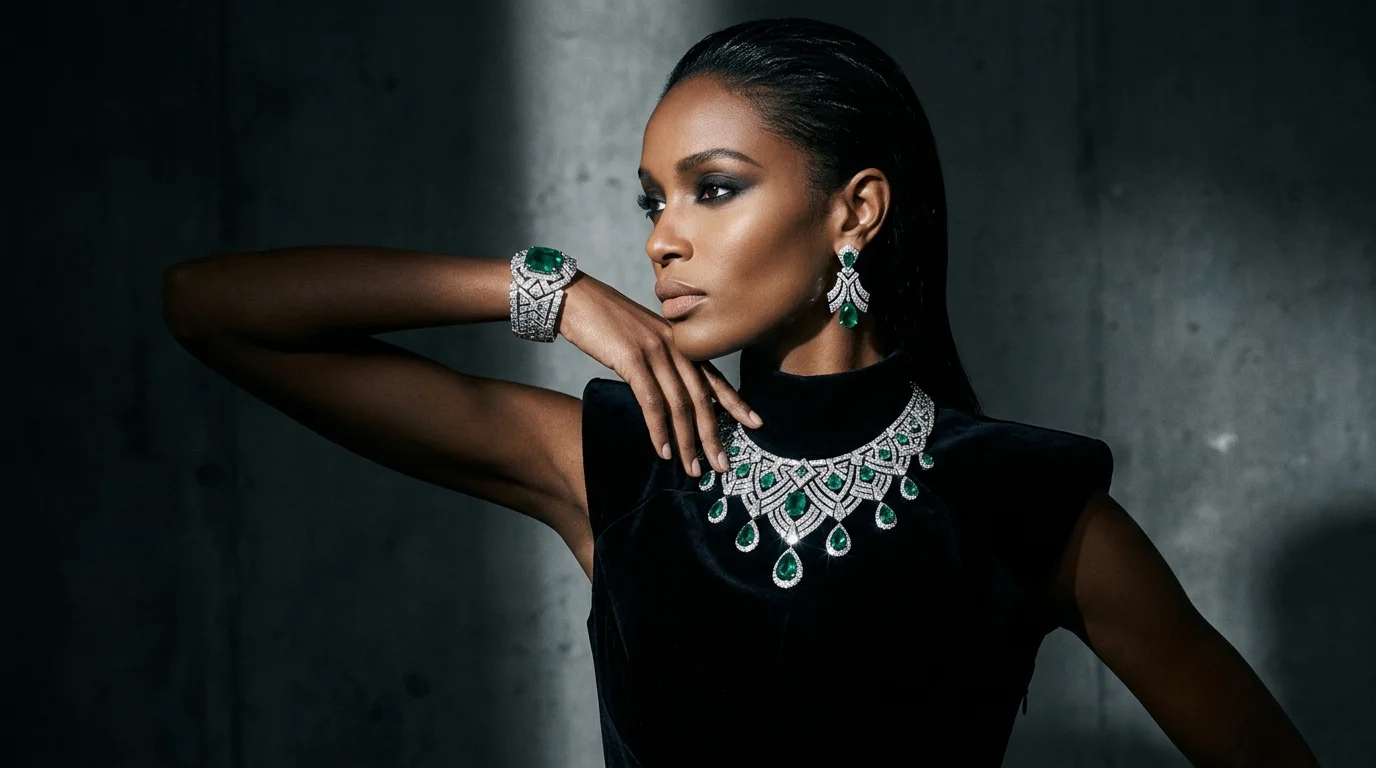
Editorial Jewelry Photography: The Ultimate Guide to Campaign Looks
Learn how to shoot editorial jewelry photography that elevates your brand. Master lighting, styling, and AI generation to create campaign-ready visuals.
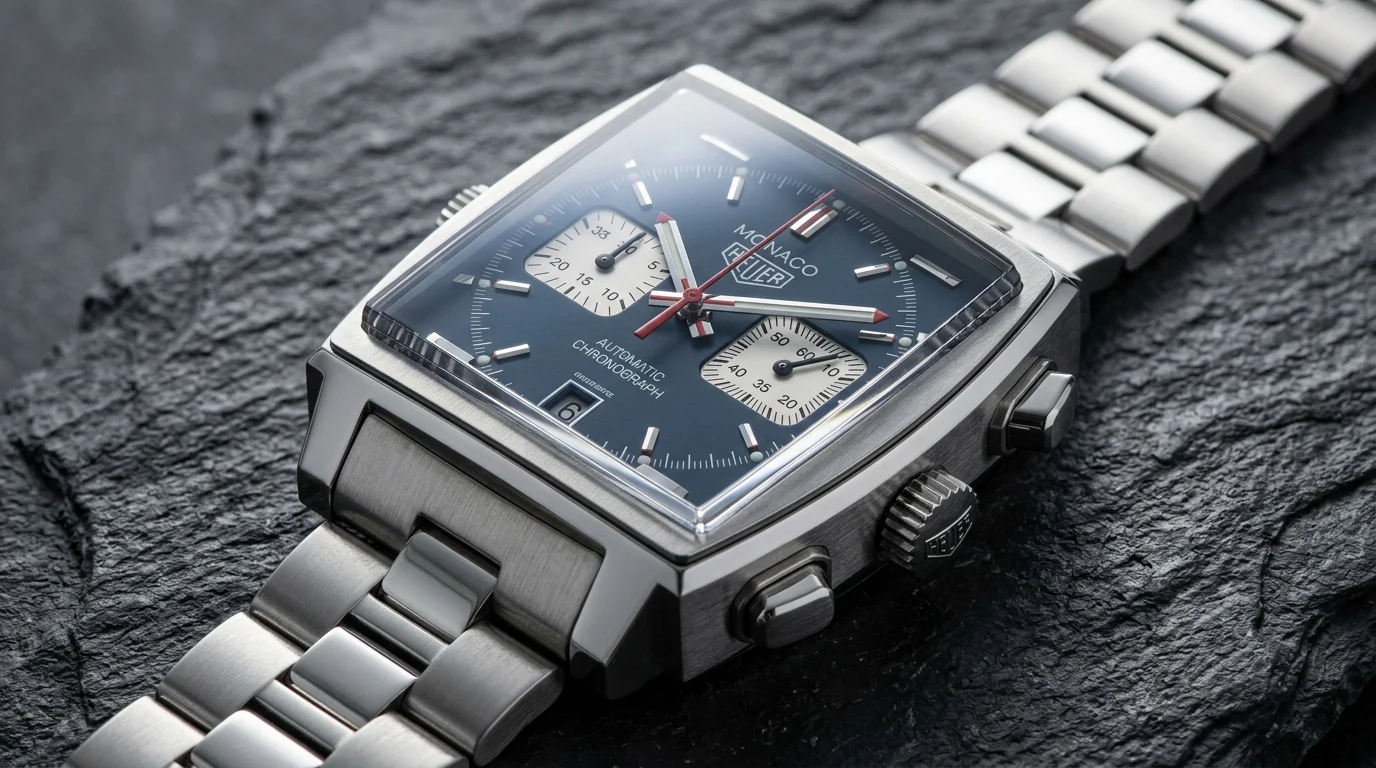
Watch Photography: The Complete Guide to Lighting, Angles, and Editing
Master professional watch photography. Learn the exact lighting setups, focus stacking techniques, and AI workflows to capture glare-free crystals and crisp dials.
All articles (93)
Filter by topic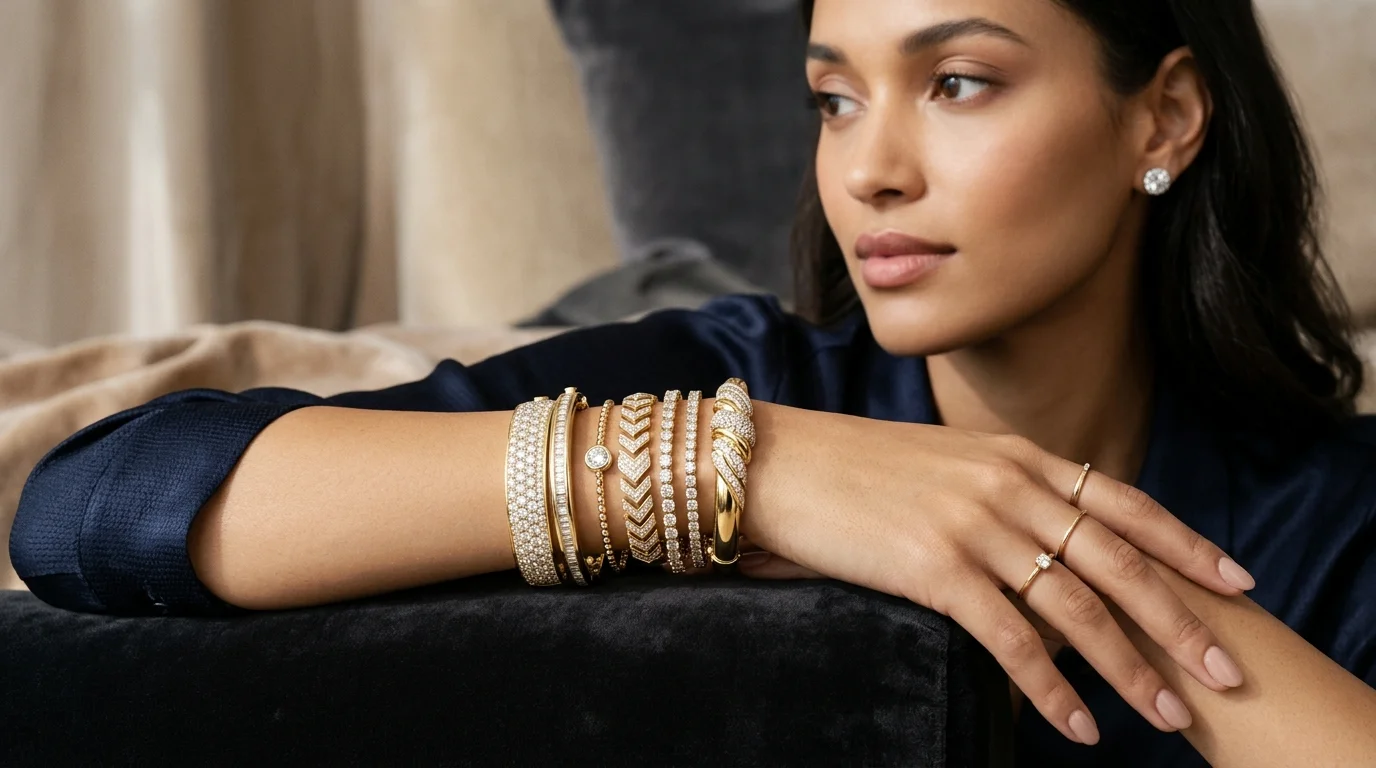 Read articleArticle
Master Bracelet Photography: Lighting, Styling, and AI Workflows
Learn how to shoot high-converting bracelet photography. Master lighting setups, styling tips, and AI workflows to scale your jewelry catalog.
 Read articleArticle
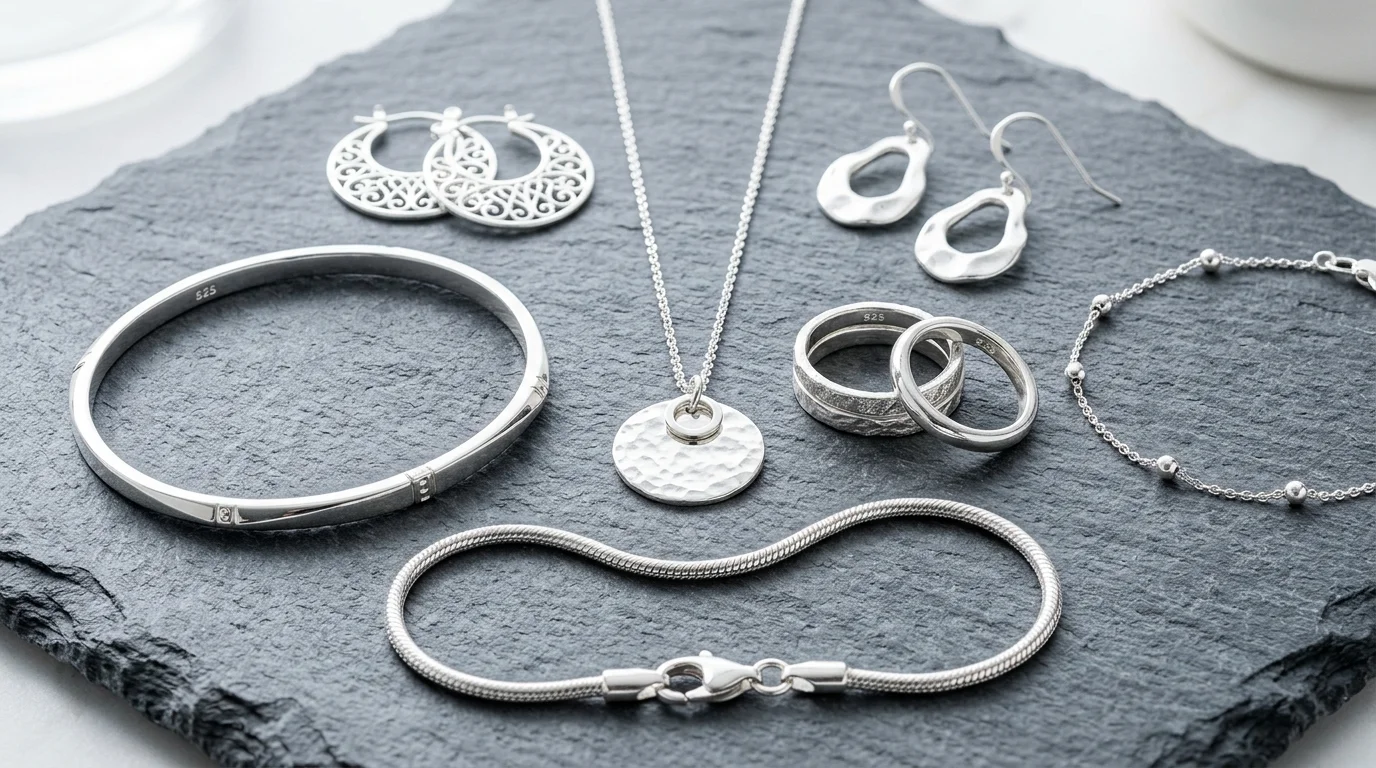
Silver Jewelry Photography: Expert Lighting, Settings & Styling Guide
Master silver jewelry photography. Learn the exact lighting setups, camera settings, and styling techniques to capture flawless, high-contrast silver pieces.
 Read articleArticle
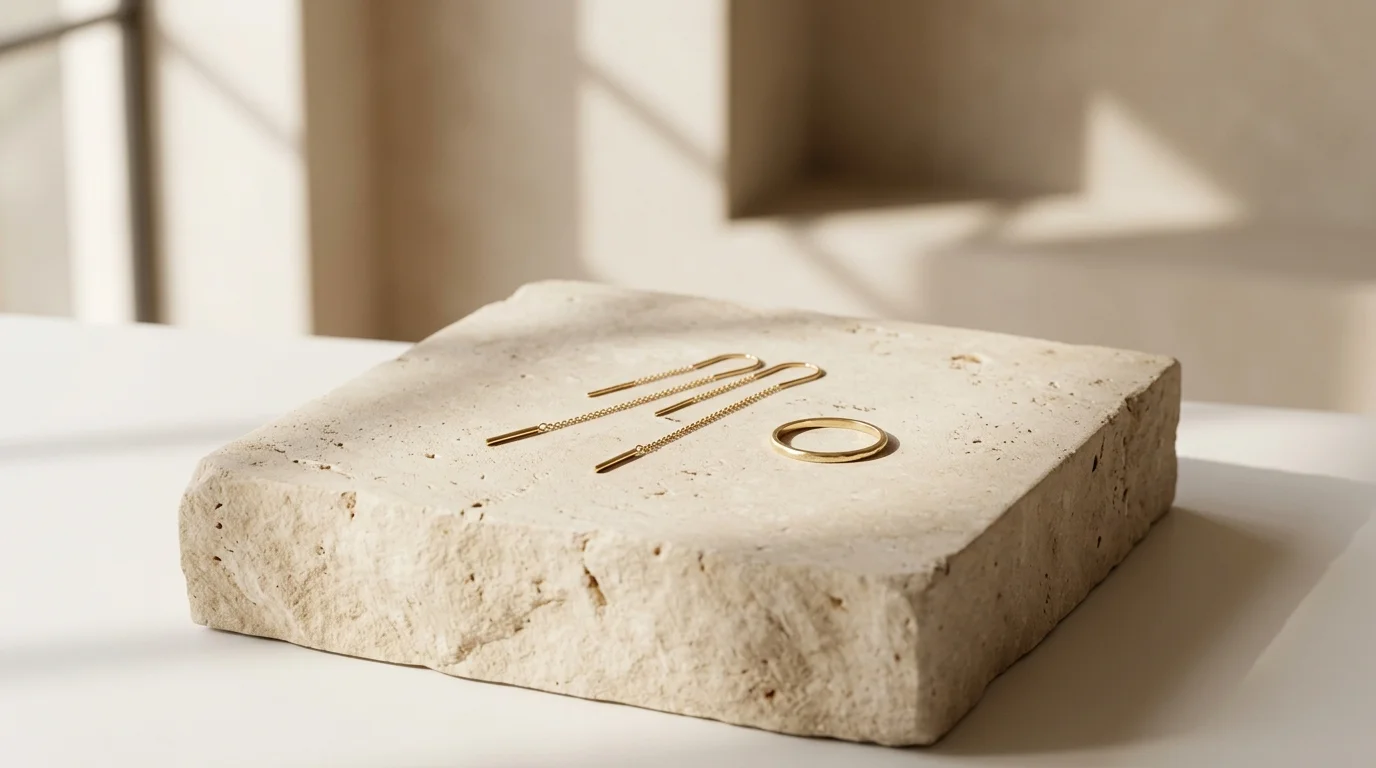
Minimalist Jewelry Photography: The Complete Guide
Master minimalist jewelry photography. Learn lighting setups, camera settings, and how to generate clean, modern visuals instantly with Hylo's AI Photoshoot.
 Read articleArticle
Lifestyle Jewelry Photography: Lighting, Props, and Setup
Master lifestyle jewelry photography. Learn lighting setups, prop styling, and how to generate editorial-grade lifestyle imagery using AI in minutes.
 Read articleArticle
Macro Jewelry Photography: The Complete Style Guide
Master macro jewelry photography. Learn exact lighting setups, camera settings, and how to generate extreme close-ups of fine jewelry with Hylo's AI.
 Read articleArticle
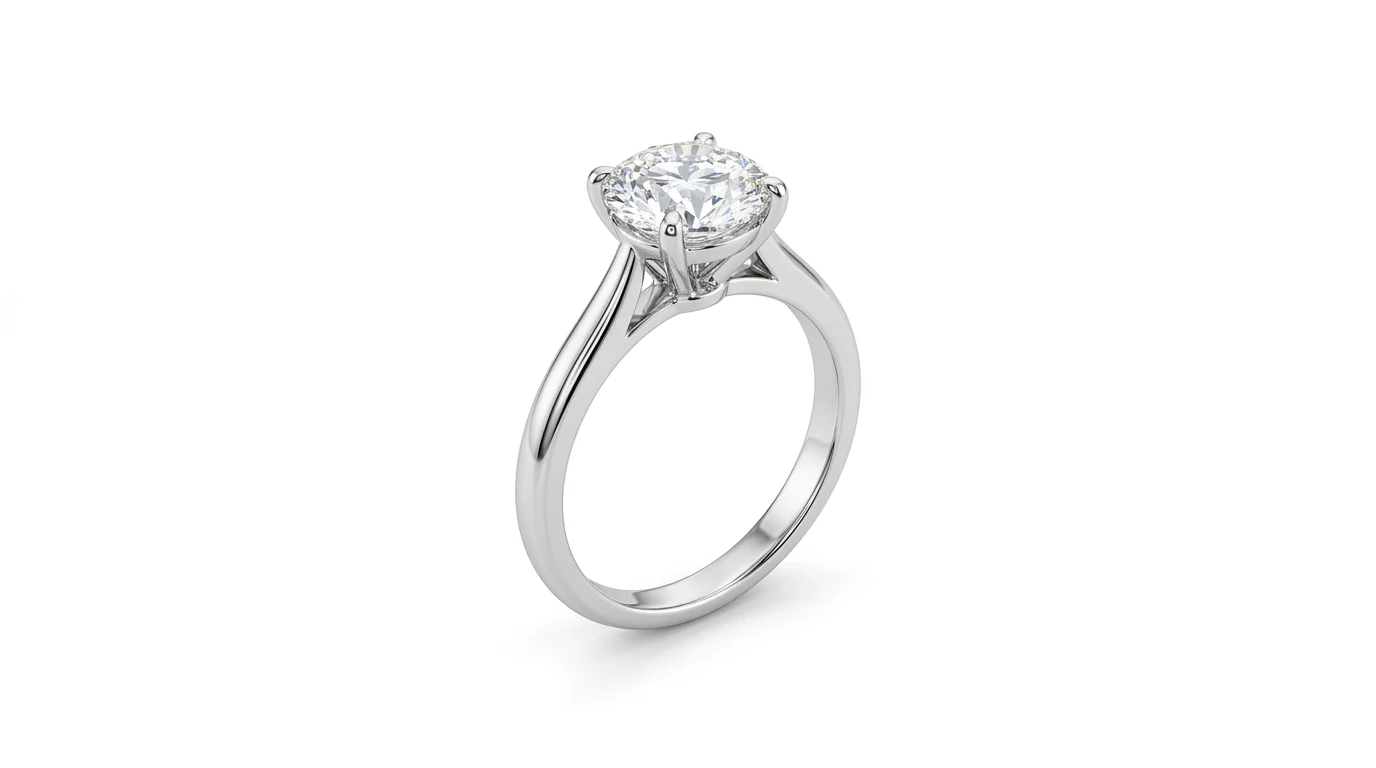
Creative Jewelry Photography: The Complete Visual Guide
Master creative jewelry photography. Learn manual studio setups, dramatic lighting techniques, and how to generate editorial looks instantly with AI.
 Read articleArticle
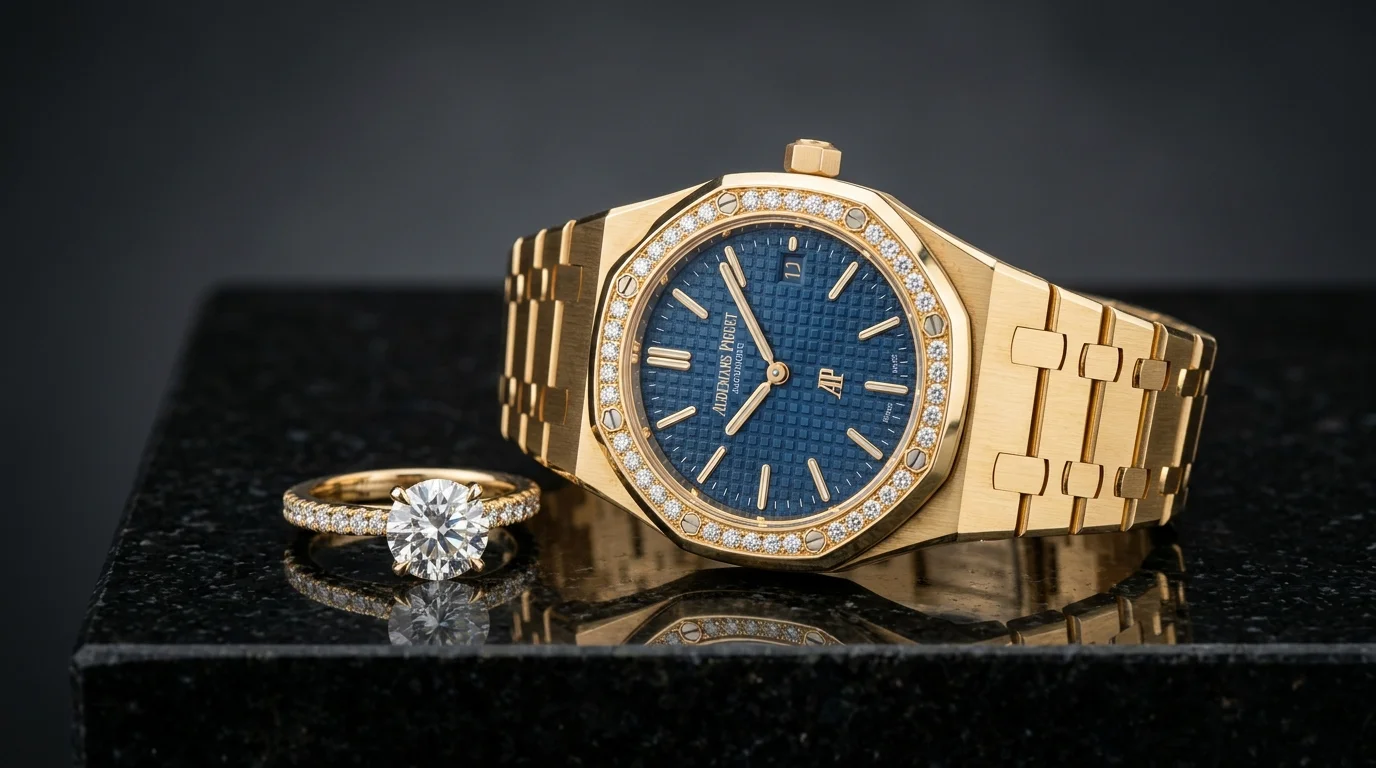
White Background Photography for Jewelry: A Complete Guide
Master white background photography for jewelry. Learn manual lighting setups, Amazon marketplace requirements, and how to generate pure white packshots with AI.
 Read articleArticle
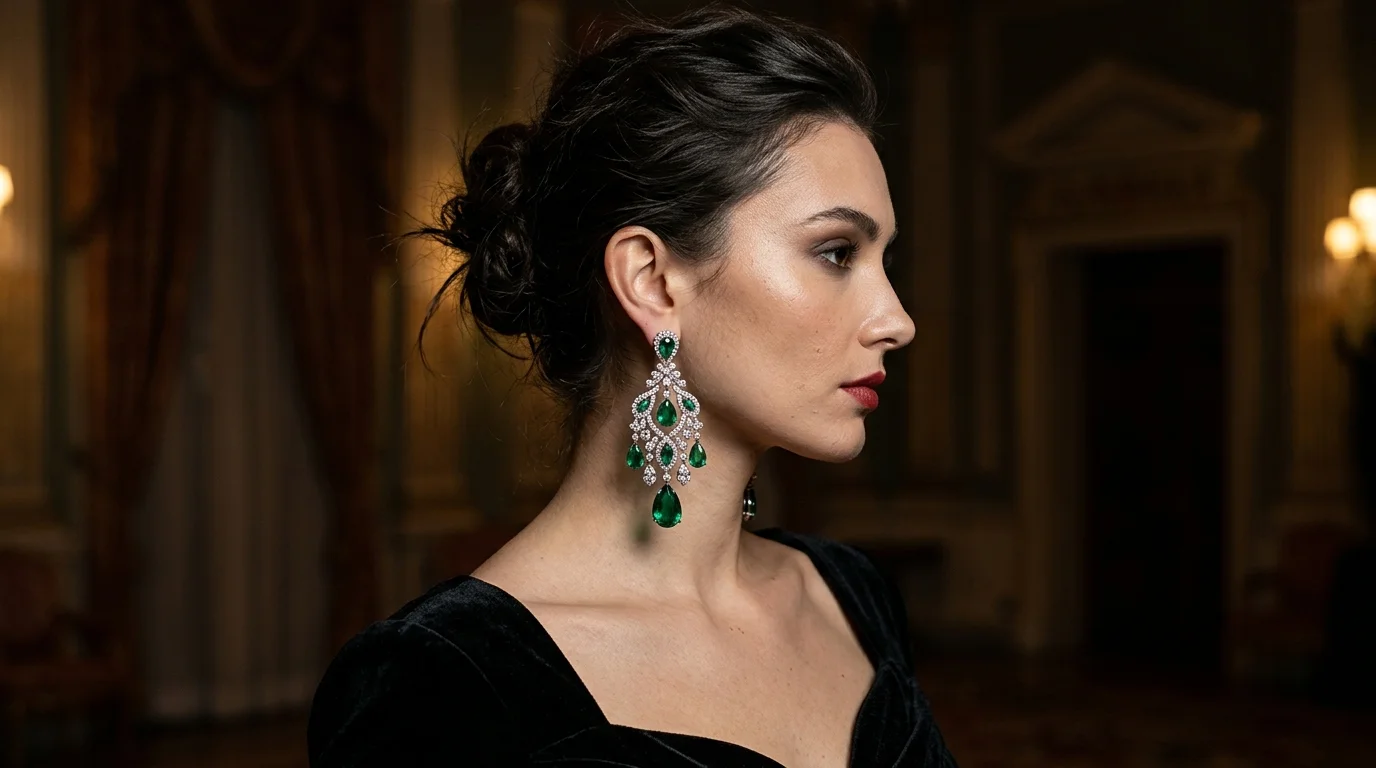
The Complete Guide to Jewelry Product Photography
Master jewelry product photography. Learn lighting setups, camera settings, and how to use Hylo's AI to generate studio-quality packshots in seconds.
 Read articleArticle
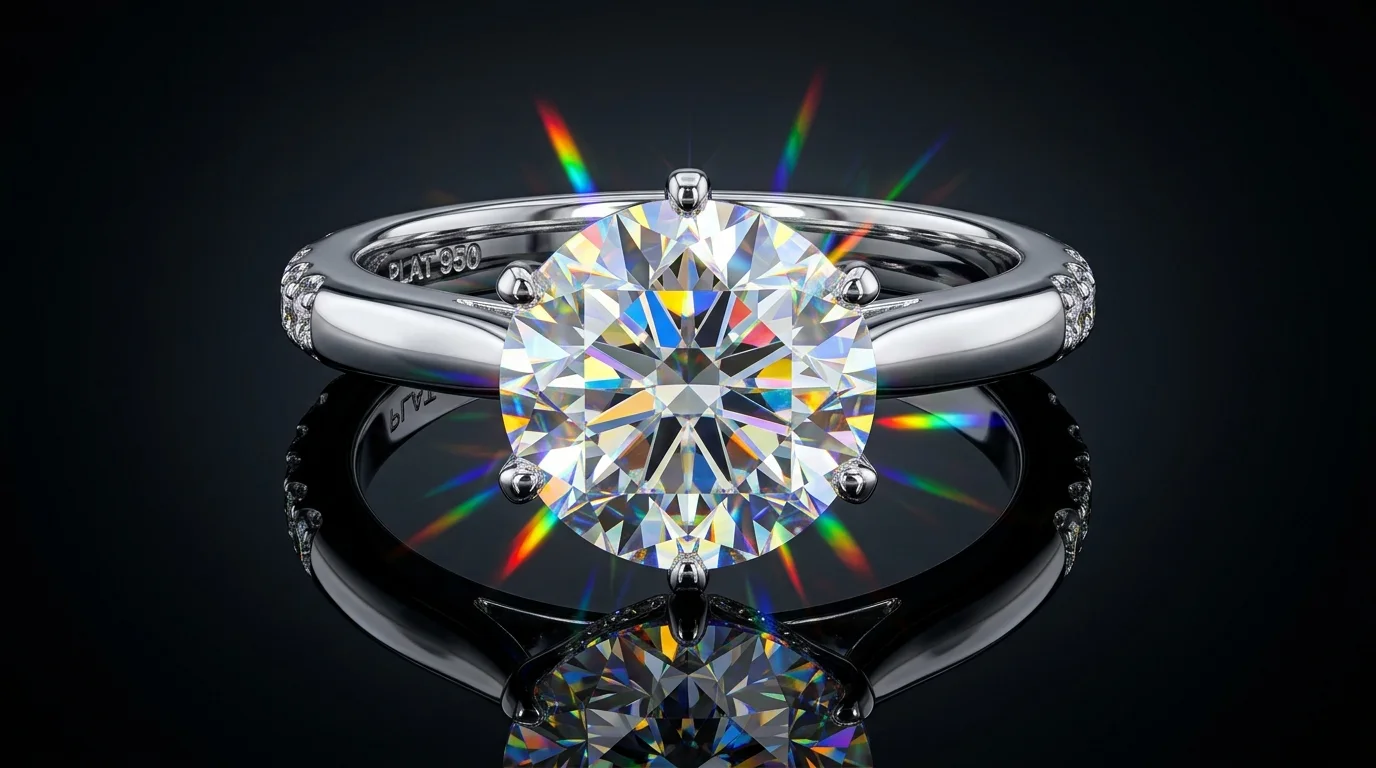
Earring Photography: Lighting, Styling, and AI Generation
Master earring photography. Learn professional lighting setups, styling techniques for studs and drops, and how to generate editorial looks with AI.
 Read articleArticle
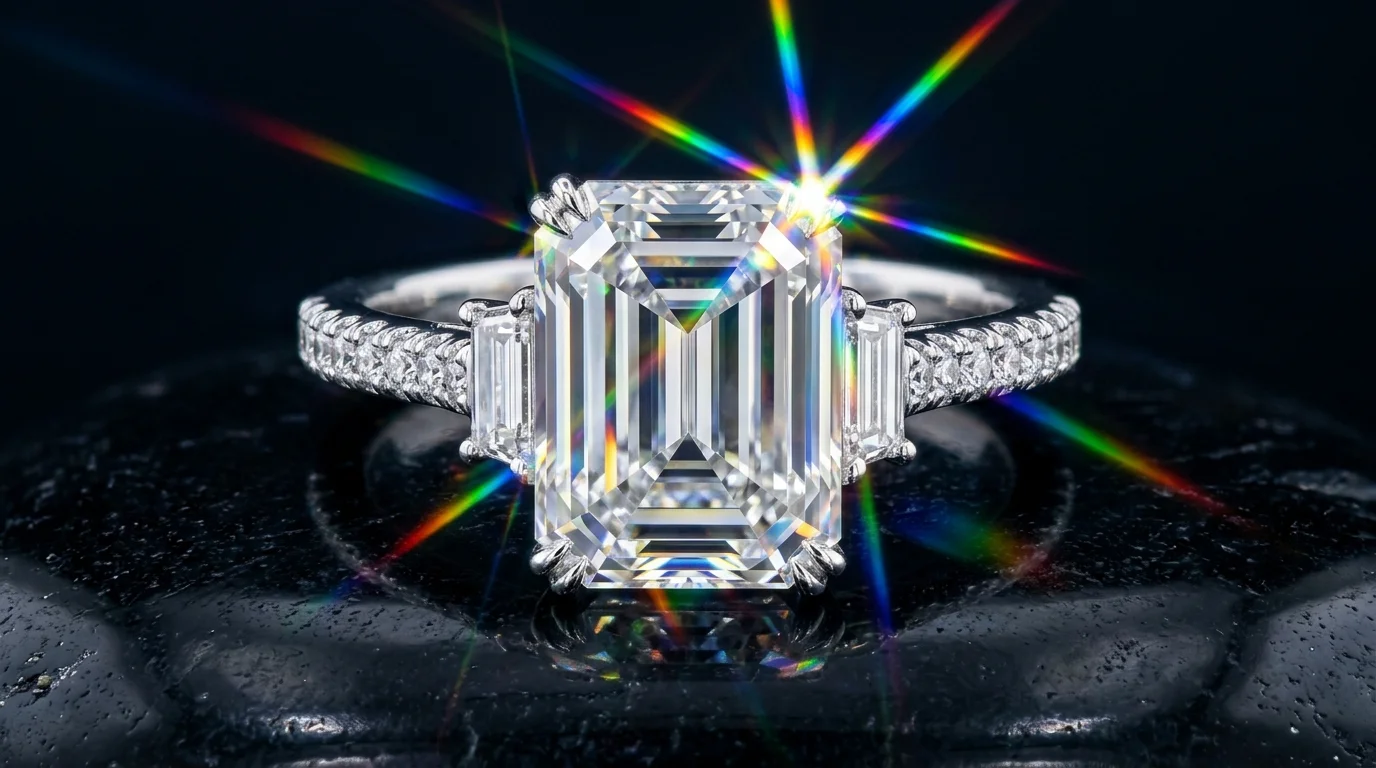
Diamond Photography: The Ultimate Guide to Lighting and Styling
Master professional diamond photography. Learn manual macro lighting setups, camera settings, and how to generate perfect facet contrast with AI.
 Read articleArticle
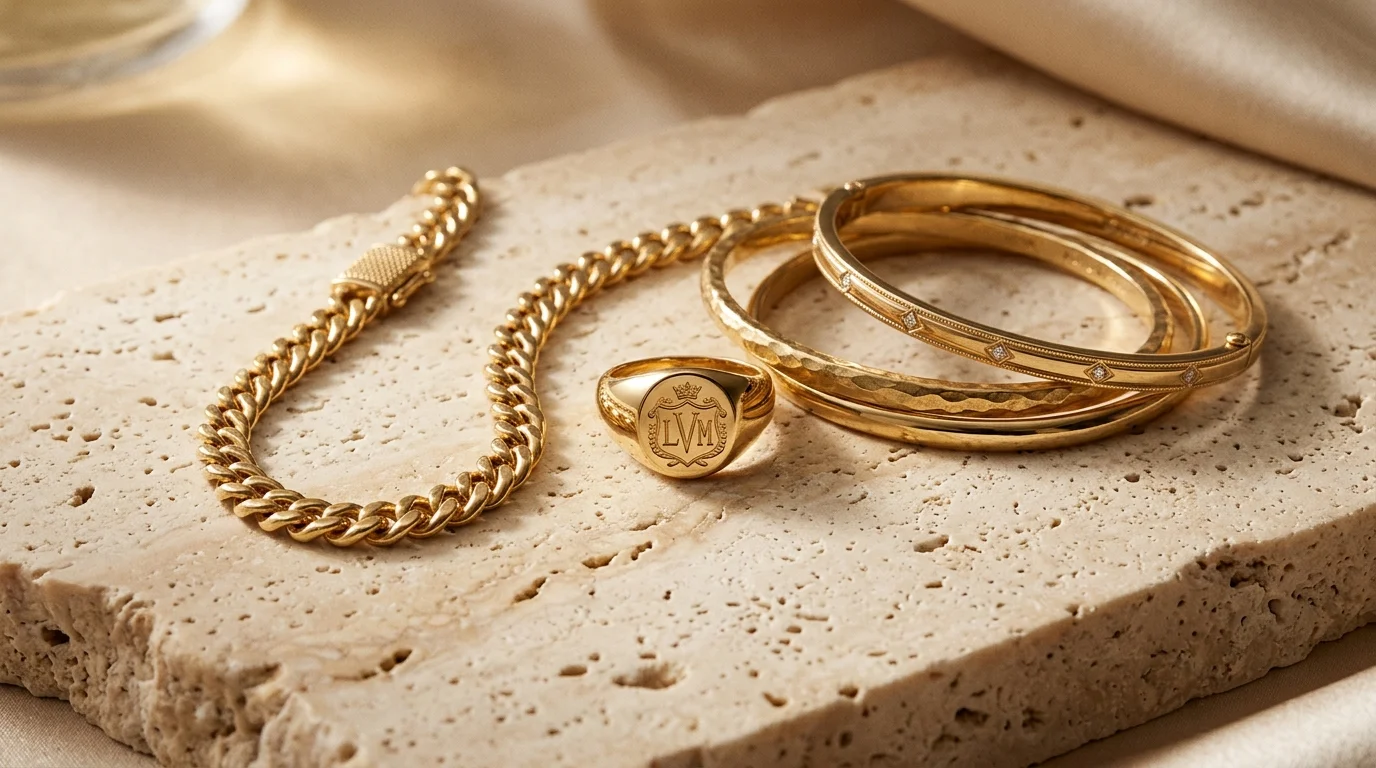
Gold Jewelry Photography: Lighting, Styling & AI Generation
Master gold jewelry photography. Learn how to light, style, and capture true alloy colors manually, or generate editorial gold product photos instantly with Hylo.
 Read articleArticle
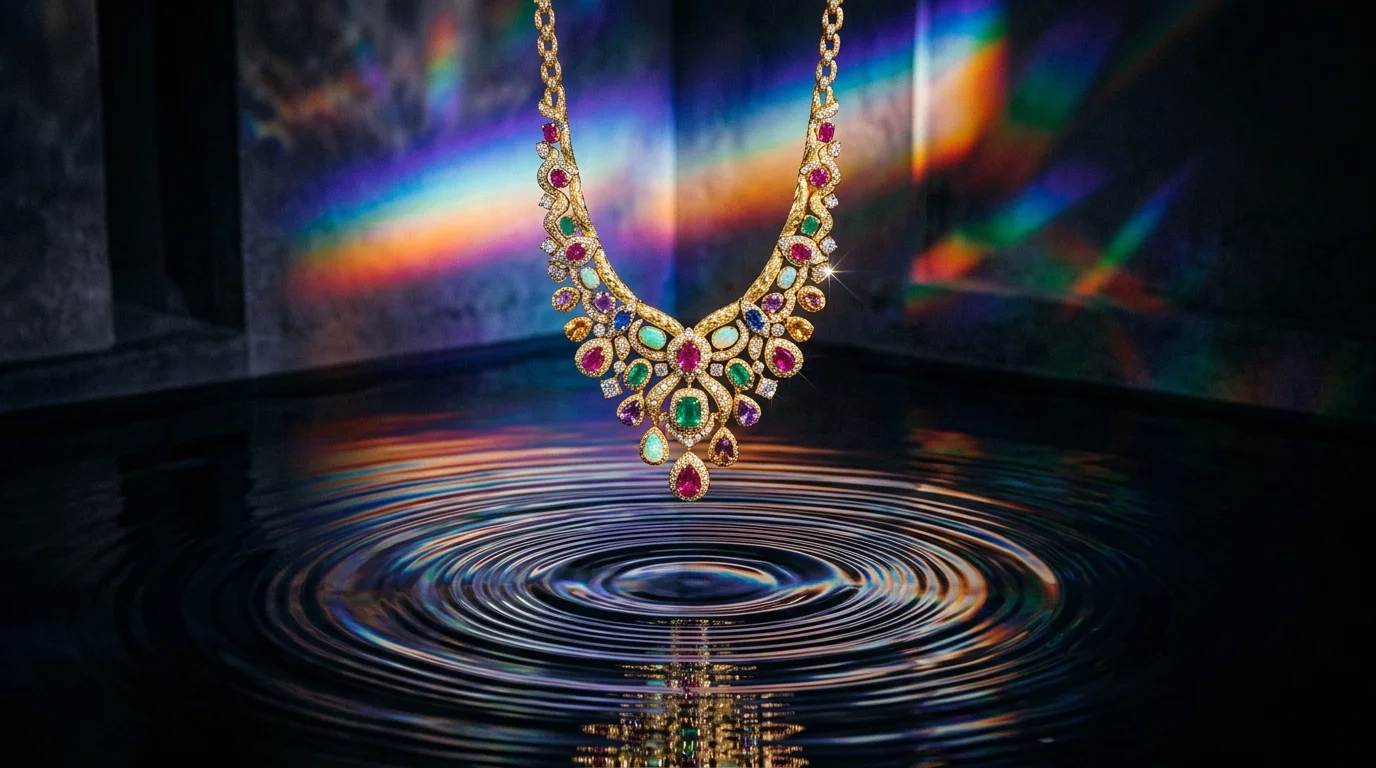
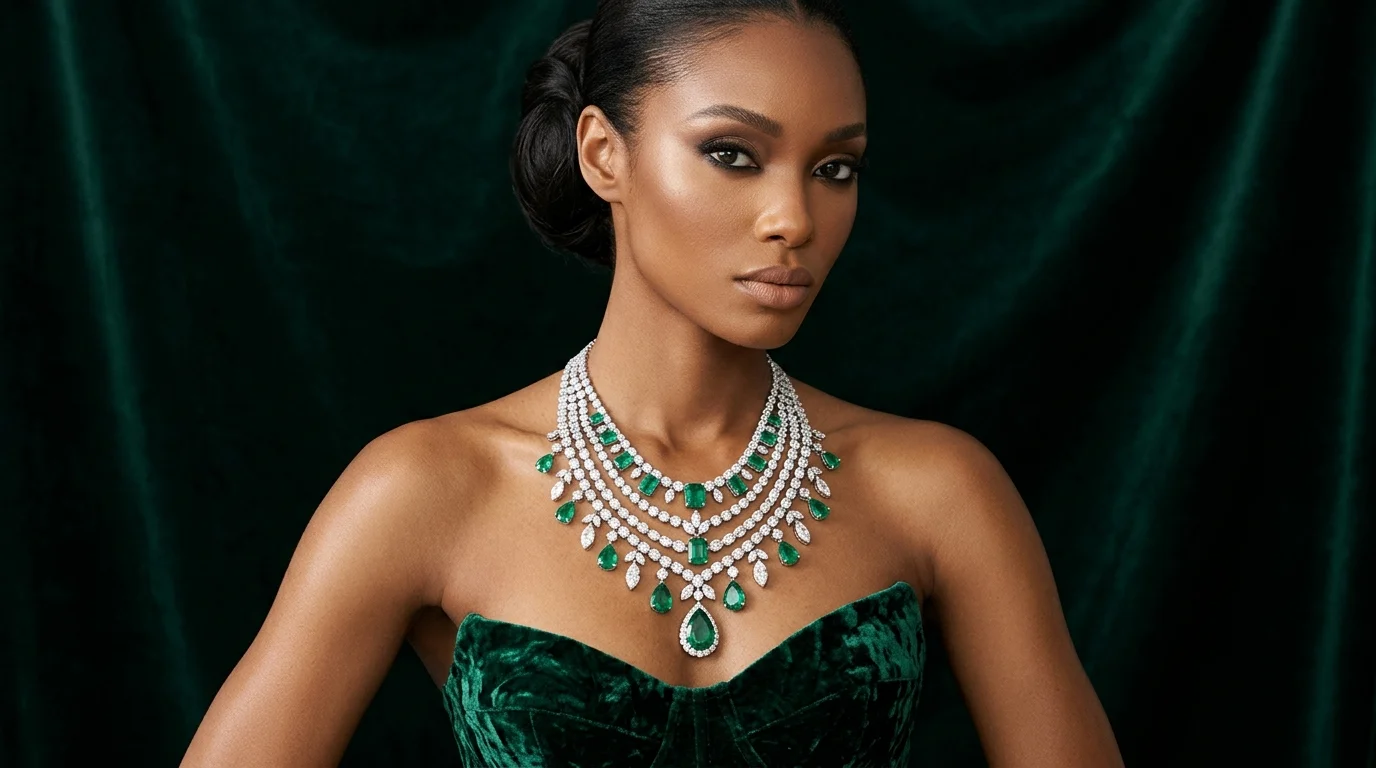
Necklace Photography: Studio Setups, Styling, and AI Workflows
Master necklace photography with expert lighting setups, styling tips, and AI workflows. Learn how to capture chains, pendants, and gemstones perfectly.
 Read articleArticle
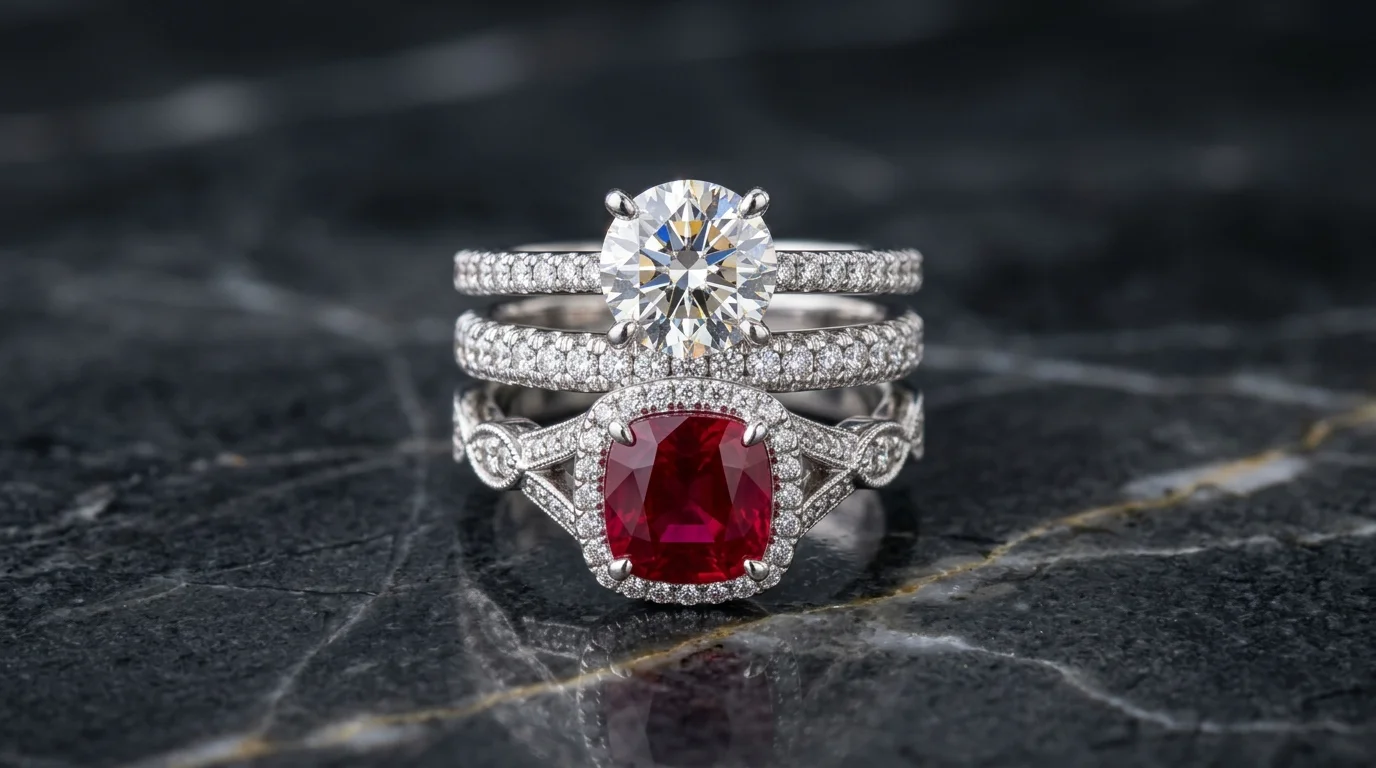
Ring Photography: Styles, Setups, and AI Workflows
Master ring photography with manual lighting setups, focus stacking techniques, and AI workflows. Explore 131 curated ring looks from the Hylo gallery.
 Read articleArticle
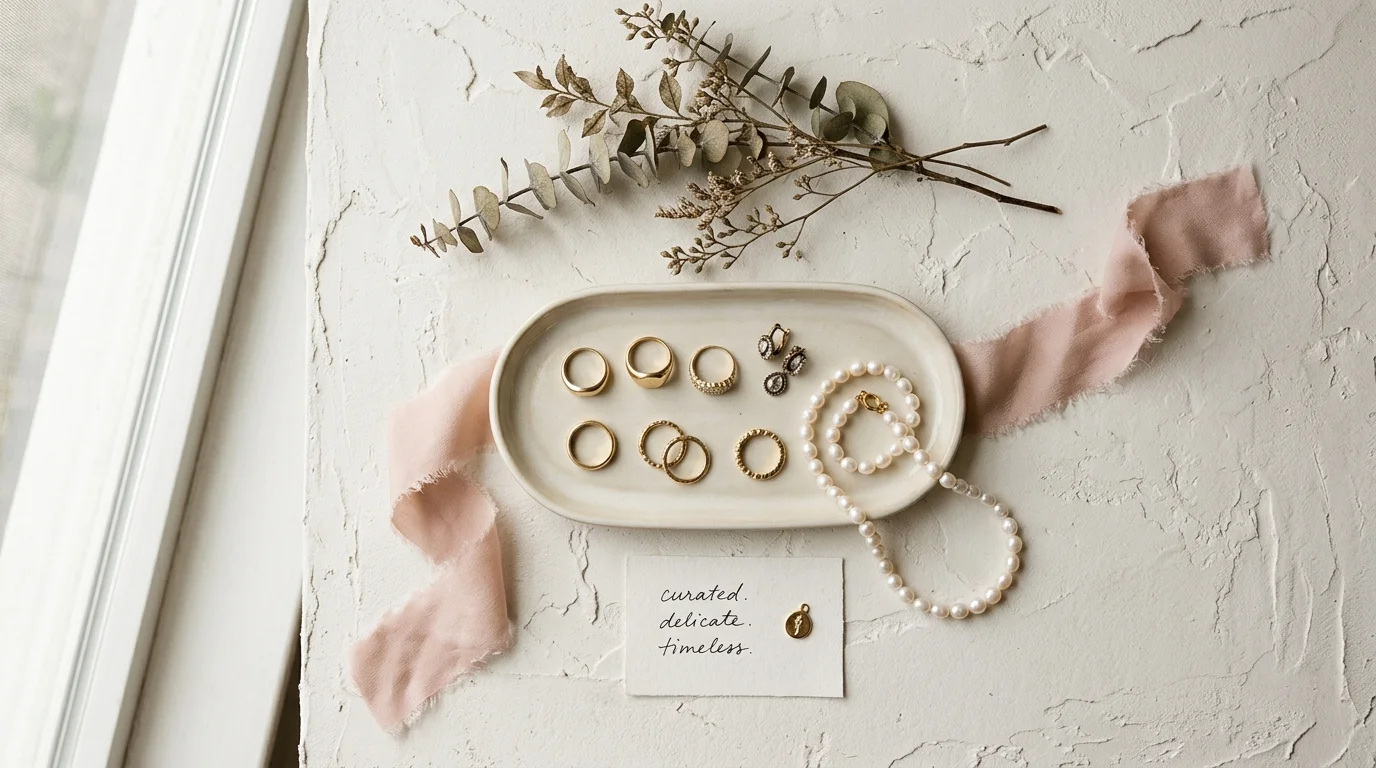
Flat Lay Jewelry Photography: A Complete Guide to Overhead Styling
Master flat lay jewelry photography. Learn overhead styling, lighting setups, and how to generate stunning flatlays instantly with Hylo's AI.
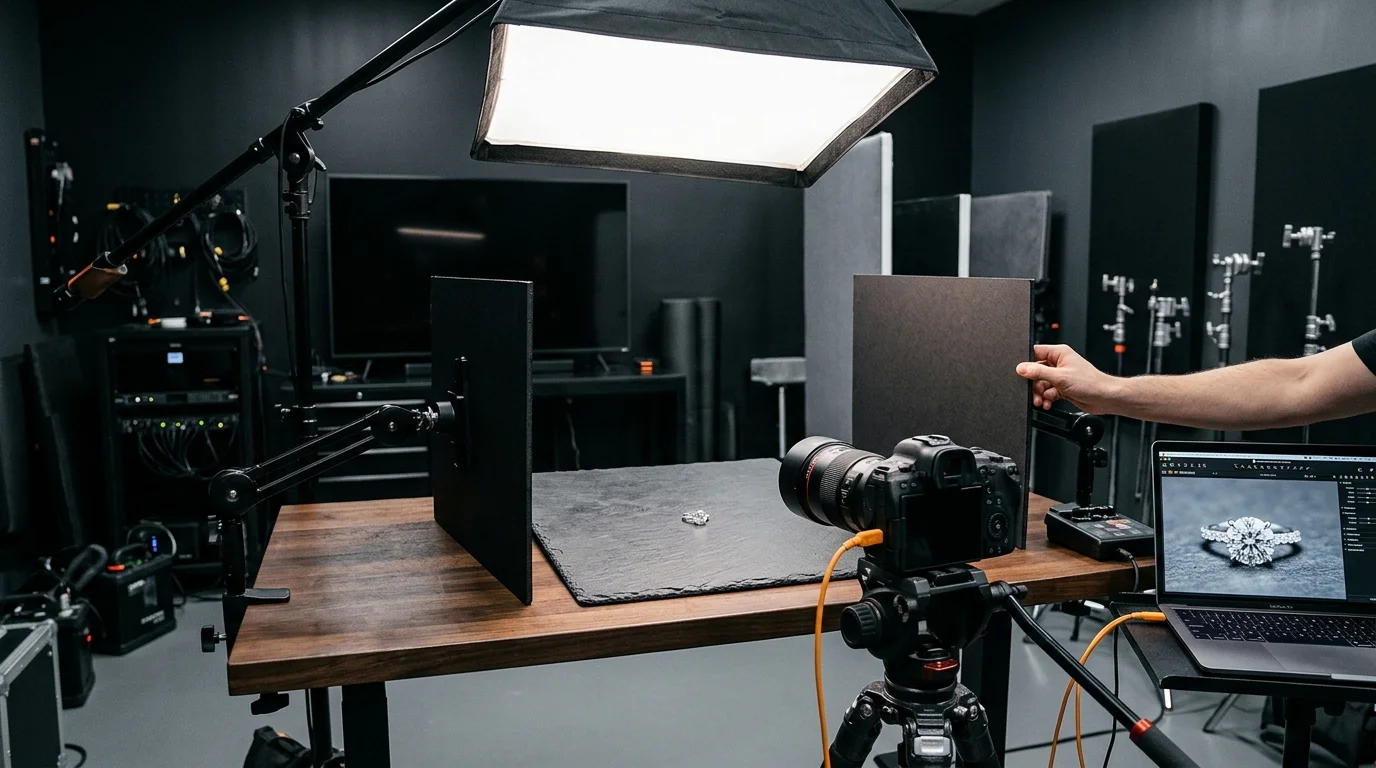 Read articleTutorial
Why AI Jewelry Photos Look Fake: The Optical Physics of Metals & Gems
Discover why general AI generators fail at jewelry photography. Learn how optical light transport, specular reflections, and contact shadows create realism.
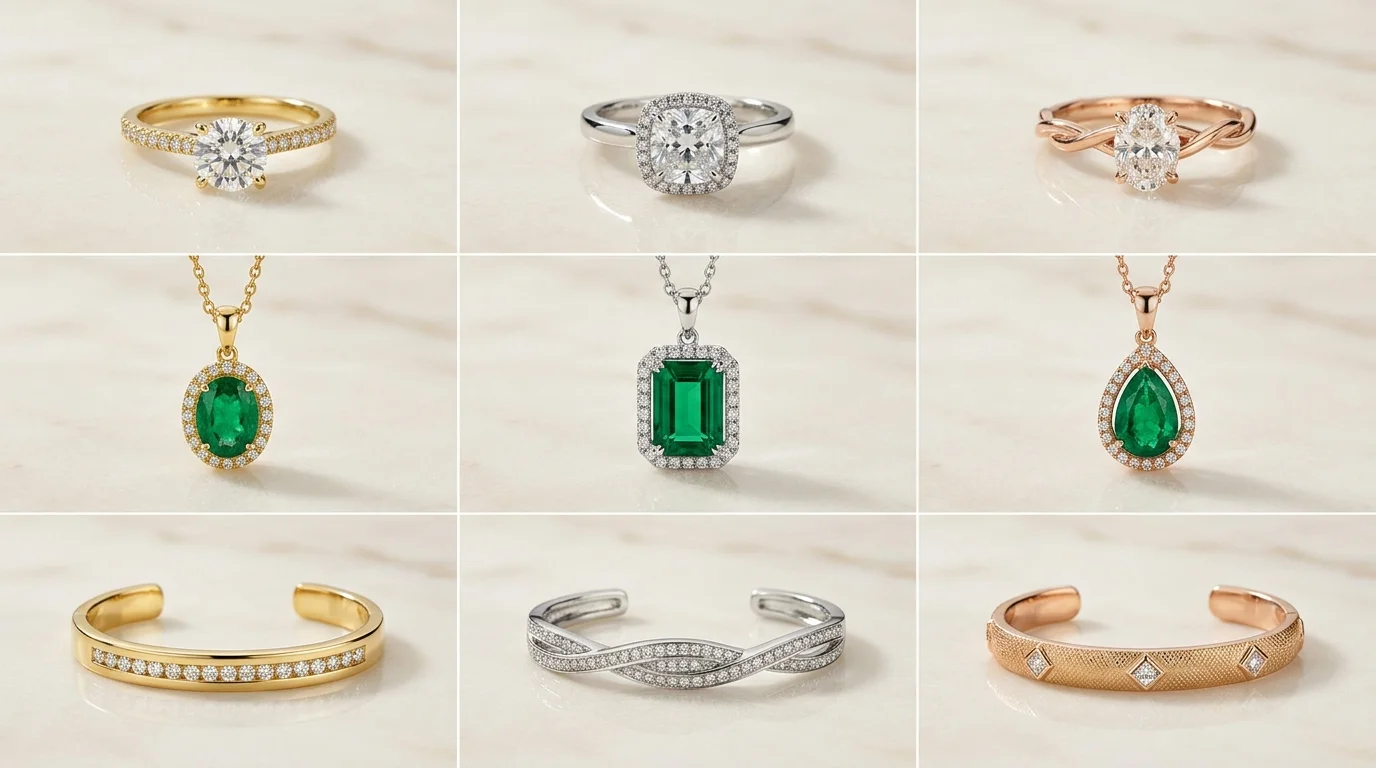 Read articleTutorial
AI Jewelry Photography Masterclass: Flat Lay, Model & Optical Physics
Master AI jewelry photography for flat lays and on-model shots. Learn how to solve metal reflections, gemstone refraction, and maintain studio consistency.
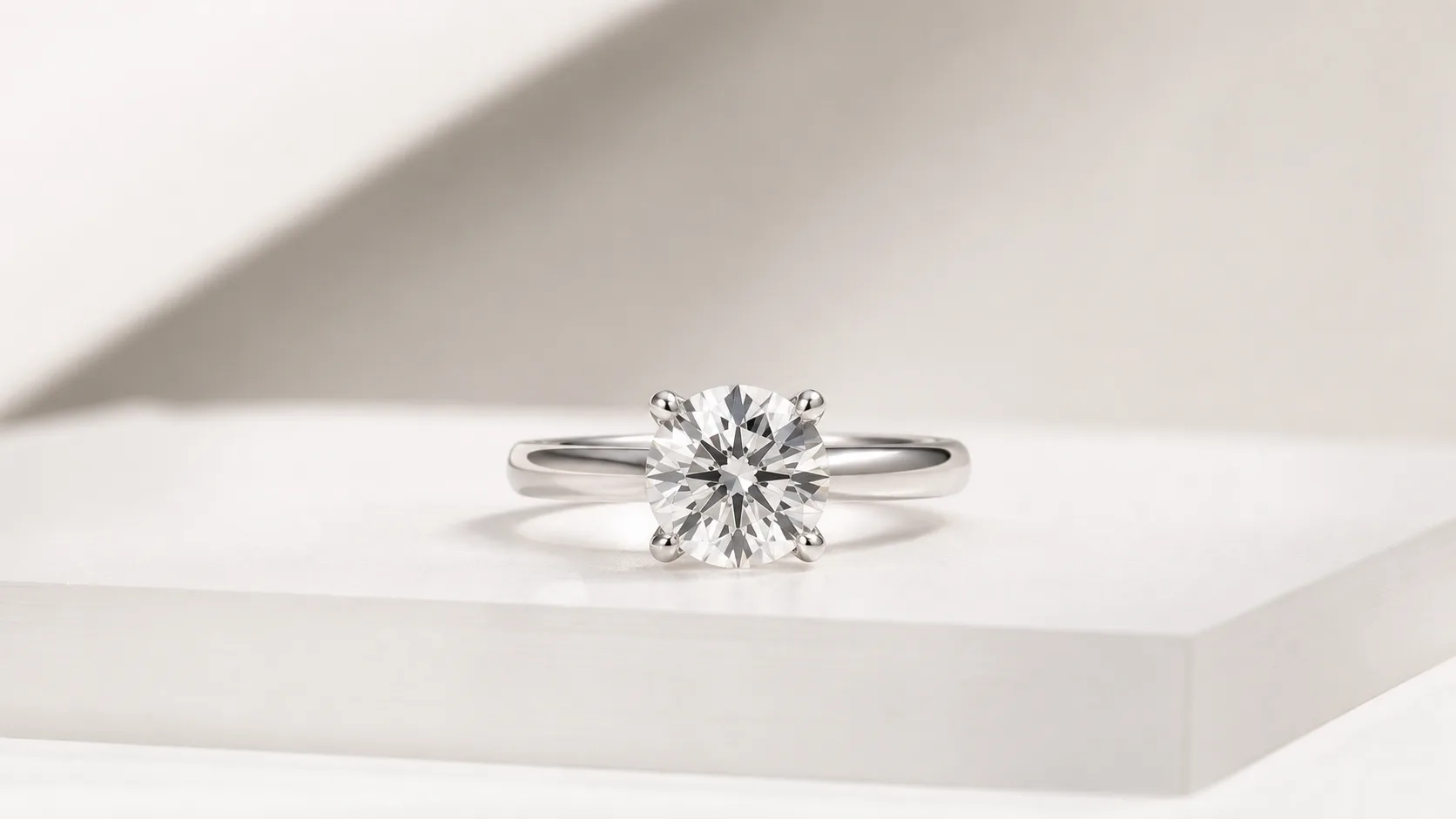 Read articleStyle
Luxury Studio Ring Photography: Low Key, High Contrast, Macro Detail
Achieve the ultimate luxury studio look for your rings. Learn the lighting, settings, and AI workflows to create high-end ring photos that convert. Start generating.
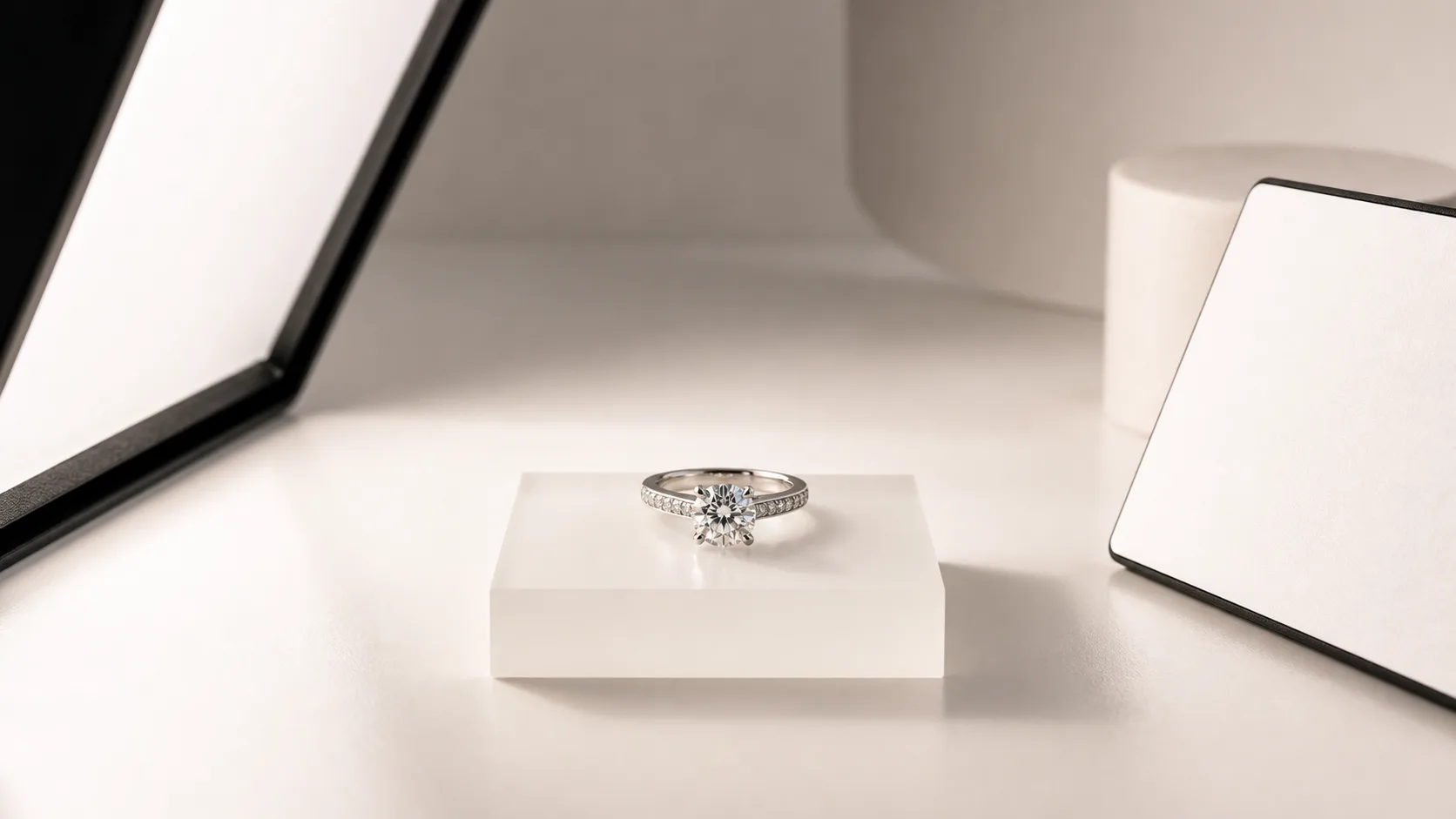 Read articleTutorial
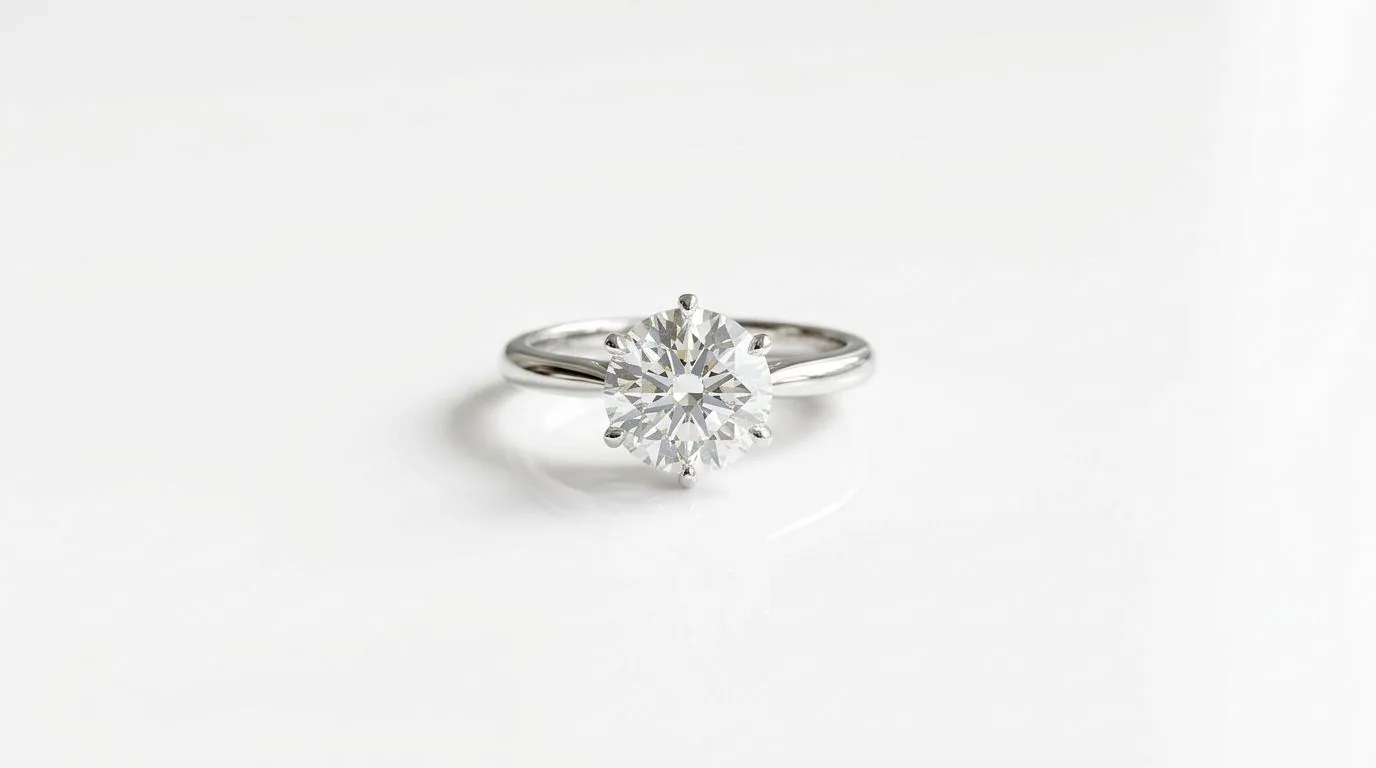
How to Light a Ring: Big Diffused Source, Small Aperture
Learn how to light a ring for stunning, professional photos. Our 10-step guide covers lighting setups, camera settings, and common mistakes. Get your free.
 Read articleTutorial
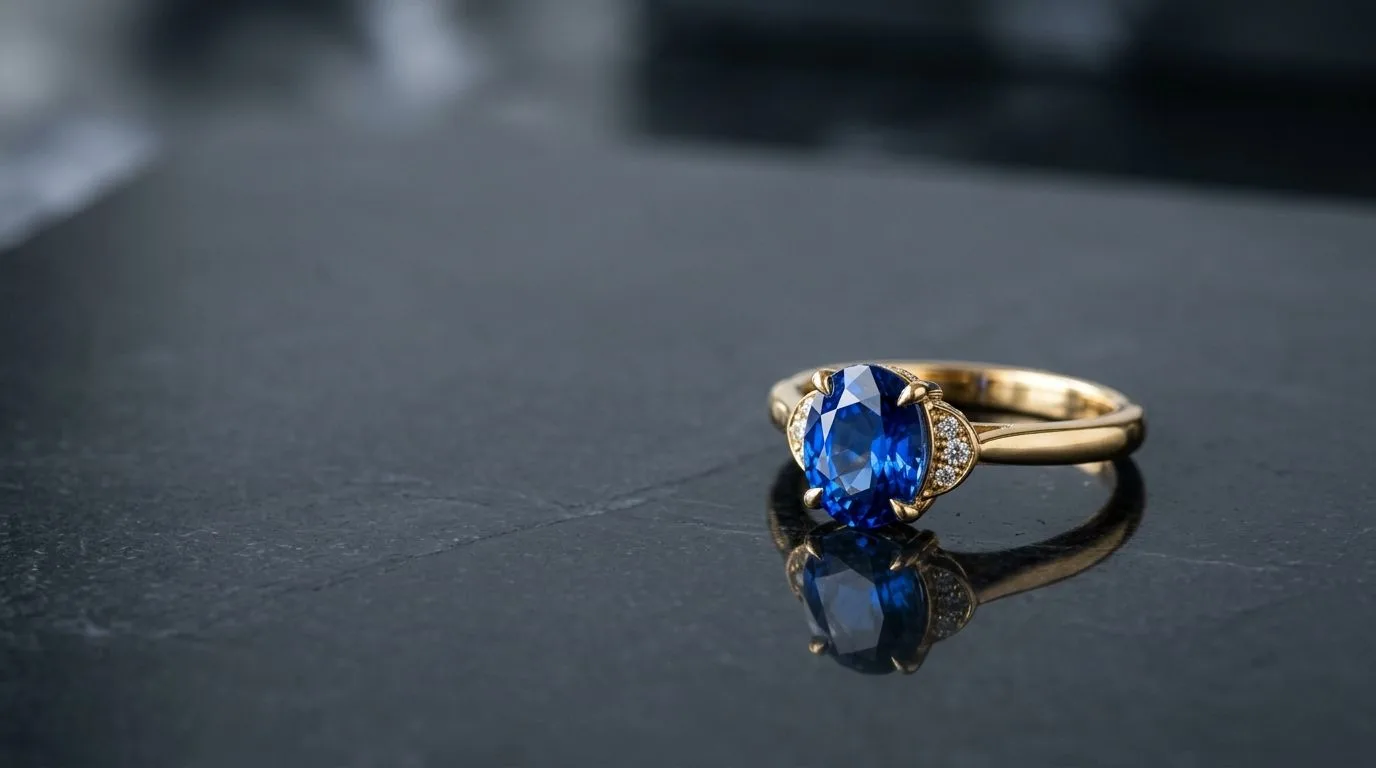
Ring on a White Background: Sweep, Diffuse, Overexpose the BG
Learn the pro 10-step process for shooting rings on a perfect white background. Get studio-quality packshots with your DSLR or phone. Start here.
 Read articleCommercial
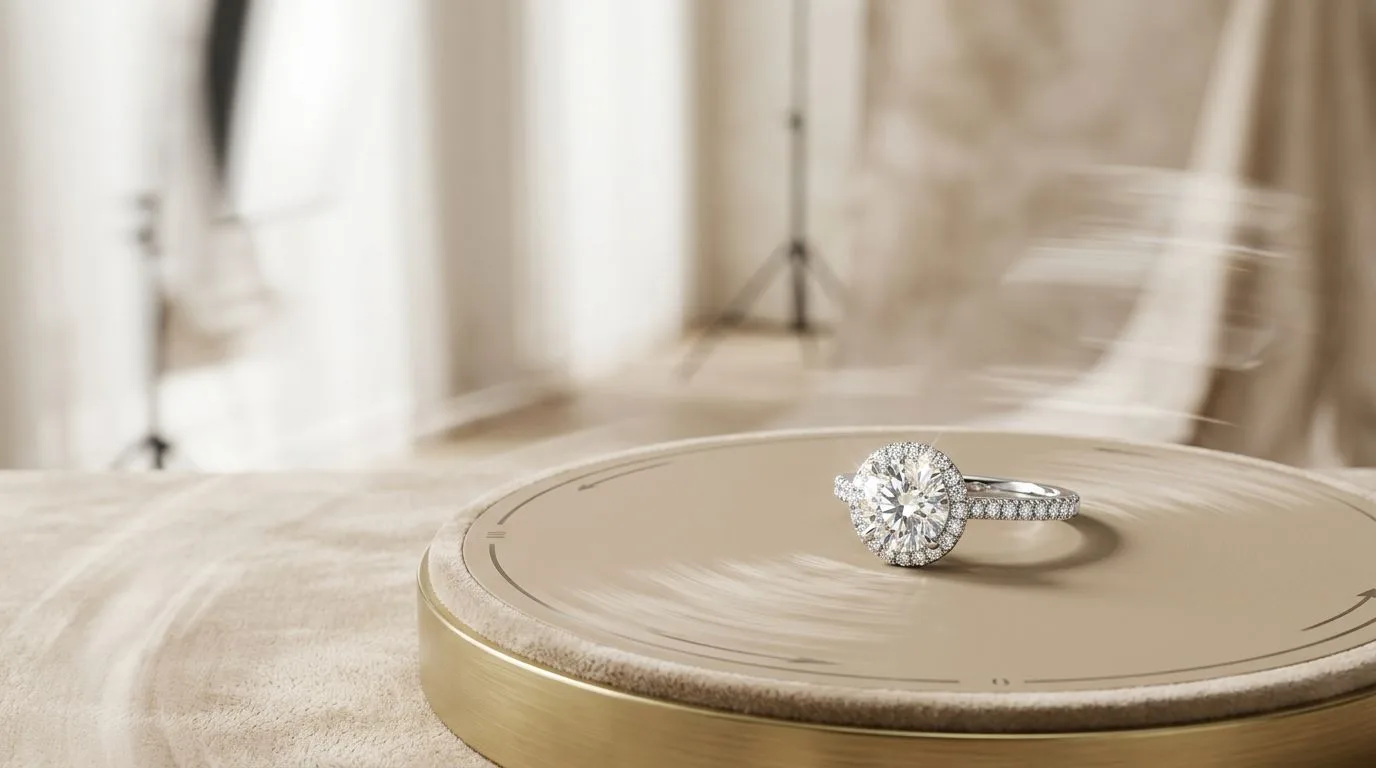
AI Jewelry Photo Generator: 8 Scene Styles From One Upload
Generate studio-quality jewelry photography in seconds. Hylo is the AI jewelry photo generator that replaces $3,000 shoots for DTC brands and jewelers.
 Read articleCommercial
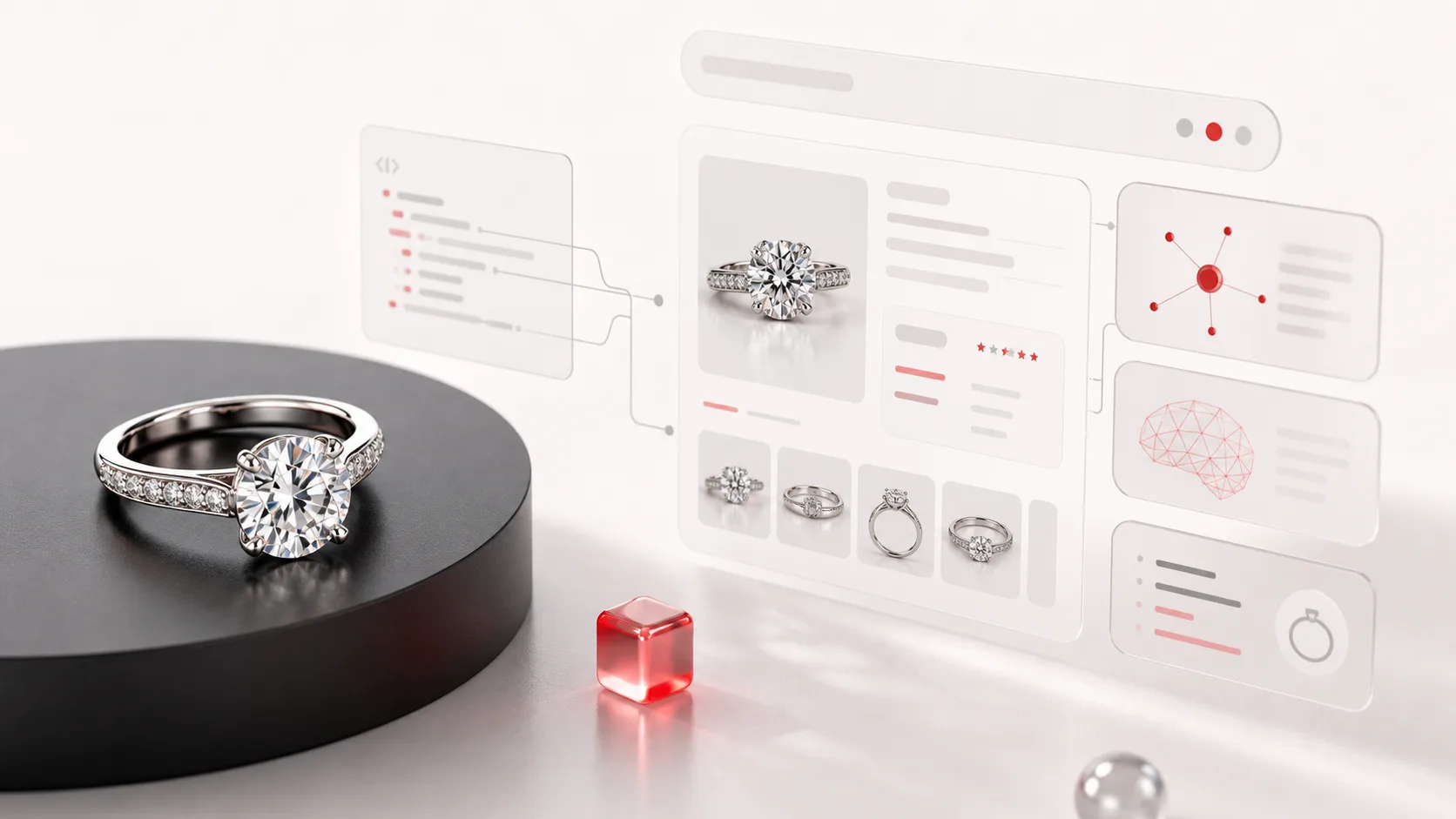
Jewelry Reels and Product Video: Turn One Photo into Motion for Every Channel
Why jewelry needs video, where it ranks, and how to turn a single product photo into marketplace listing video and vertical social Reels without filming.
 Read articleTutorial
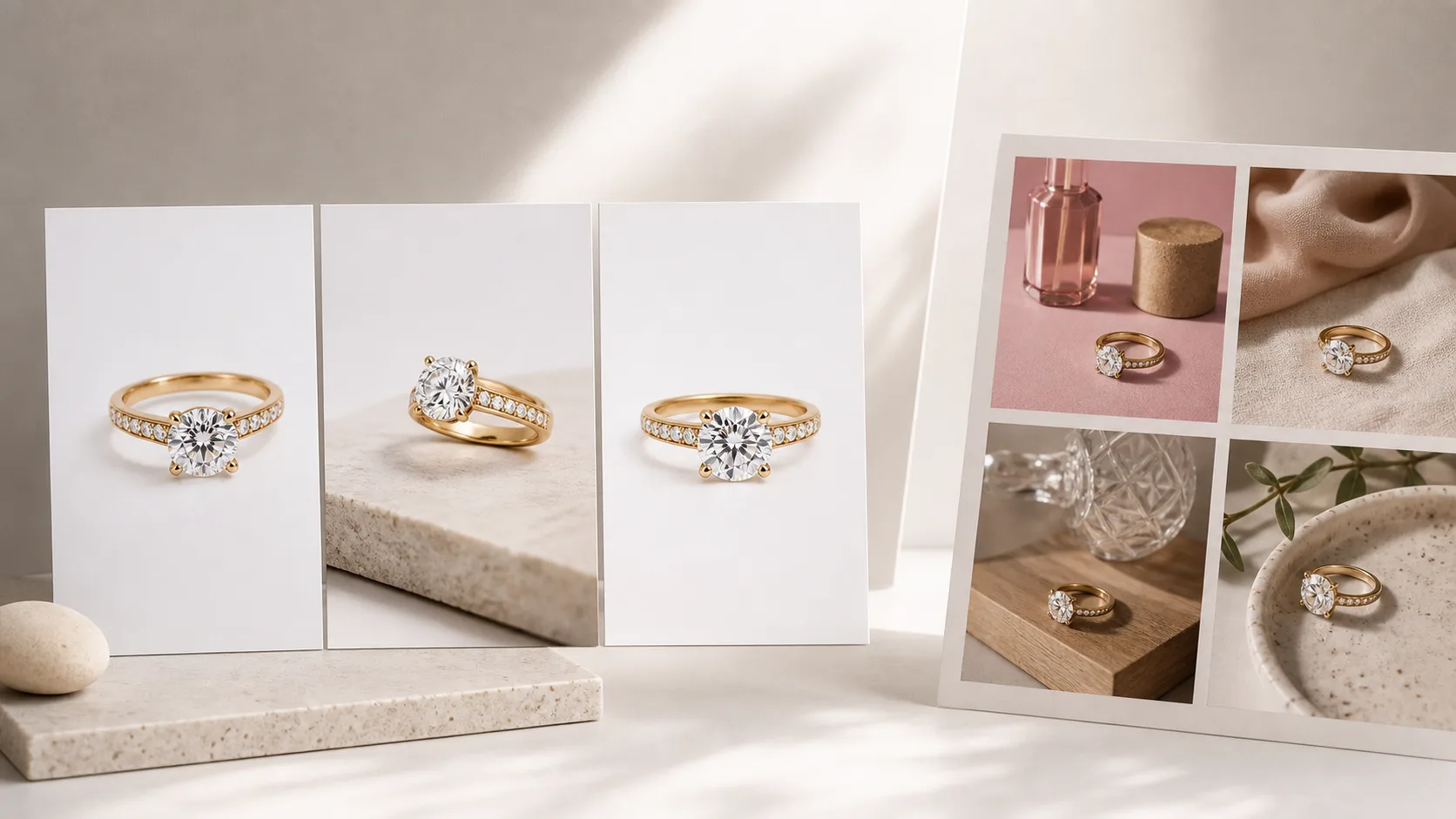
How to Get Your Jewelry Cited in Google AI Overviews and ChatGPT Shopping
How jewelry brands earn visibility in Google AI Overviews and ChatGPT shopping: structured product data, clean primary images, and citable content.
 Read articleComparison
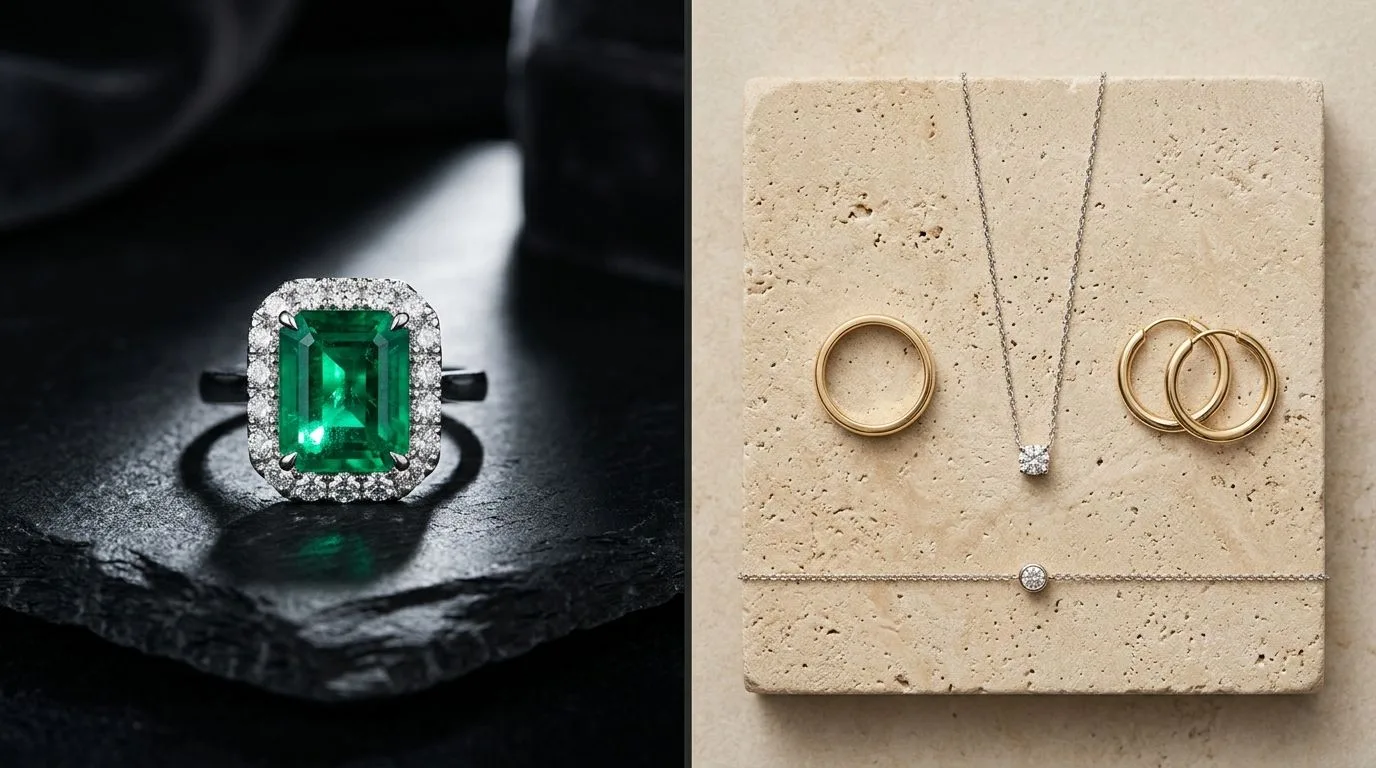
Hylo vs Flair for Jewelry: Specialist Beats Generalist on Detail
Hylo vs Flair compared for jewelry brands: jewelry-tuned AI, brand consistency, on-model shots, AI Retouch, and pricing. See which tool wins for your SKUs.
 Read articleComparison
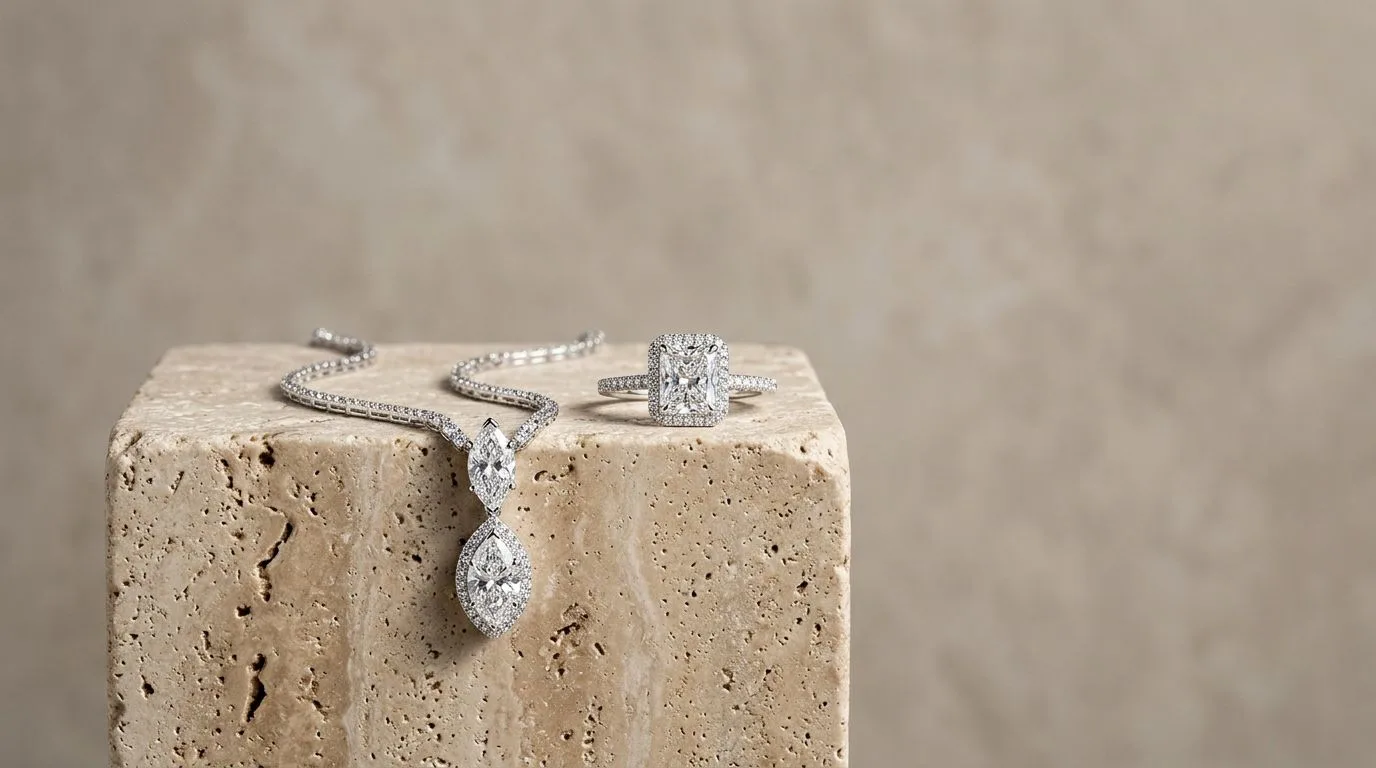
Hylo vs Photoroom for Jewelry: Editing Tool vs Full Photo Studio
We tested Hylo and Photoroom on 20 jewelry SKUs. See side-by-side results and learn which AI photo editor is the right choice for your jewelry brand.
 Read articleCommercial
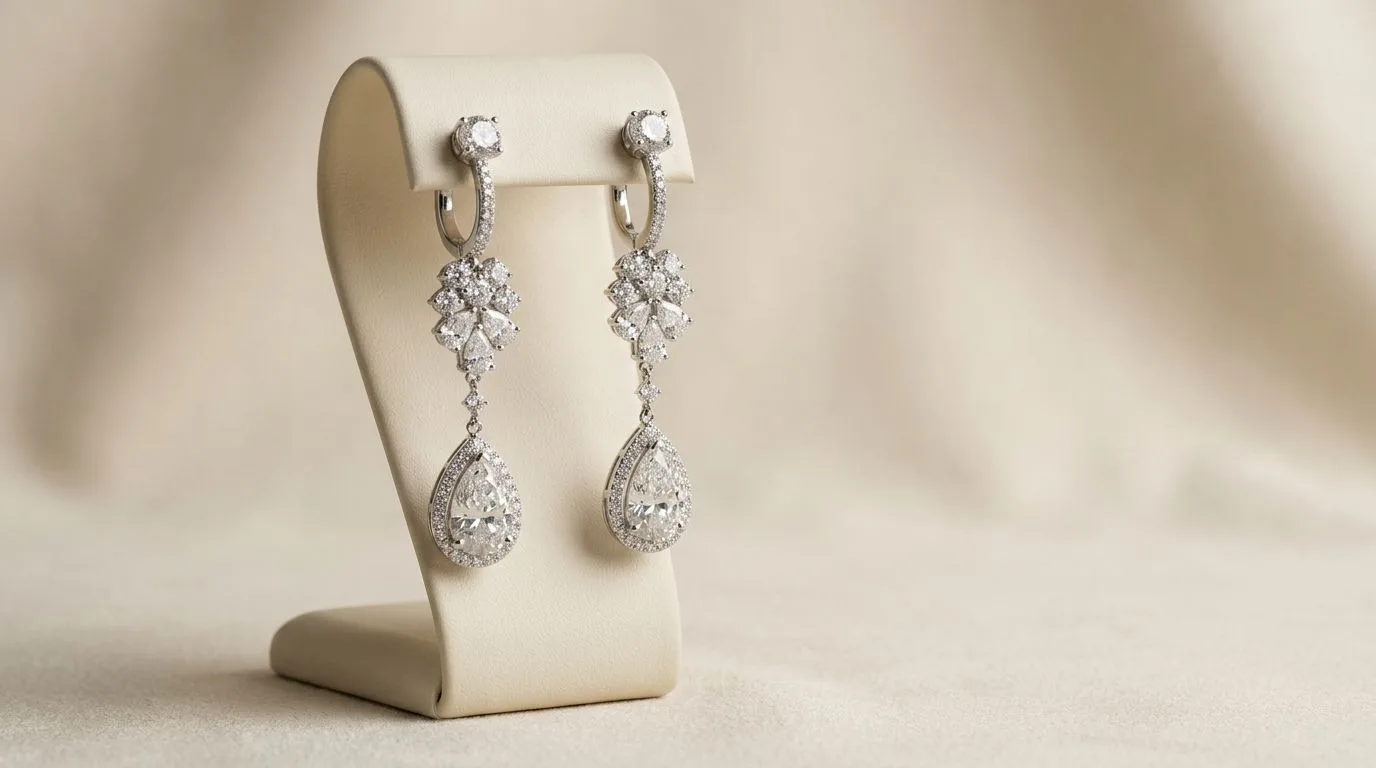
AI Jewelry Product Photography That Converts
Generate stunning jewelry product photography in seconds with Hylo's AI. Replace expensive photoshoots and create unlimited catalog, social, and lifestyle.
 Read articleStyle
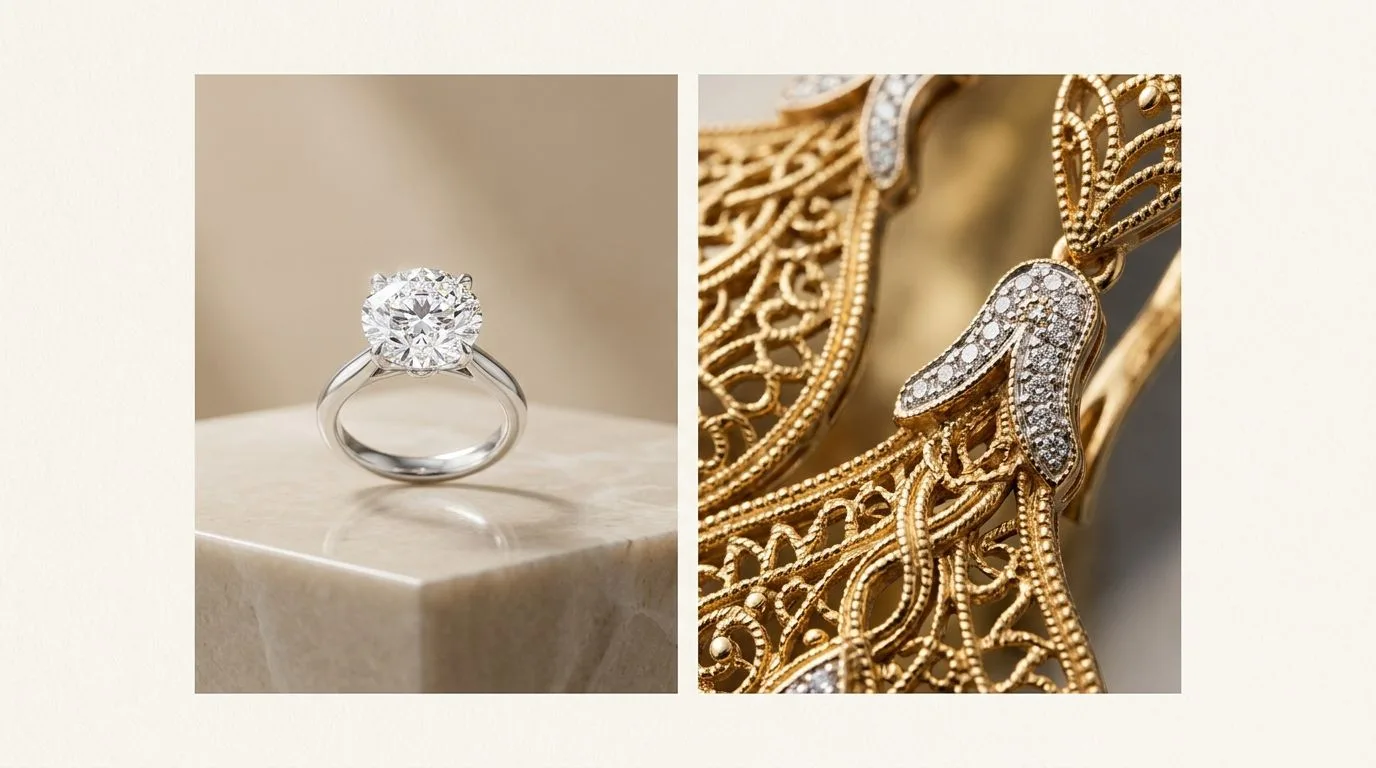
Luxury Studio Earring Photography: Dark Sets, Controlled Speculars
Master the luxury studio earring photo style. Learn manual camera settings, lighting setups, and how to generate high-end visuals in seconds with AI.
 Read articleComparison
Hylo vs Claid for Jewelry: Generation Beats Enhancement-Only
Compare Hylo vs Claid for AI jewelry photography. See how they handle thin chains, metal reflections, and gemstones to choose the right tool for your brand.
 Read articleComparison
Hylo vs ZMO.AI for Jewelry: Purpose-Built Beats General AI
Comparing Hylo vs ZMO.AI for jewelry photography. See side-by-side results, pricing, and which AI tool is best for your brand. Try Hylo free today.
 Read articleStyle
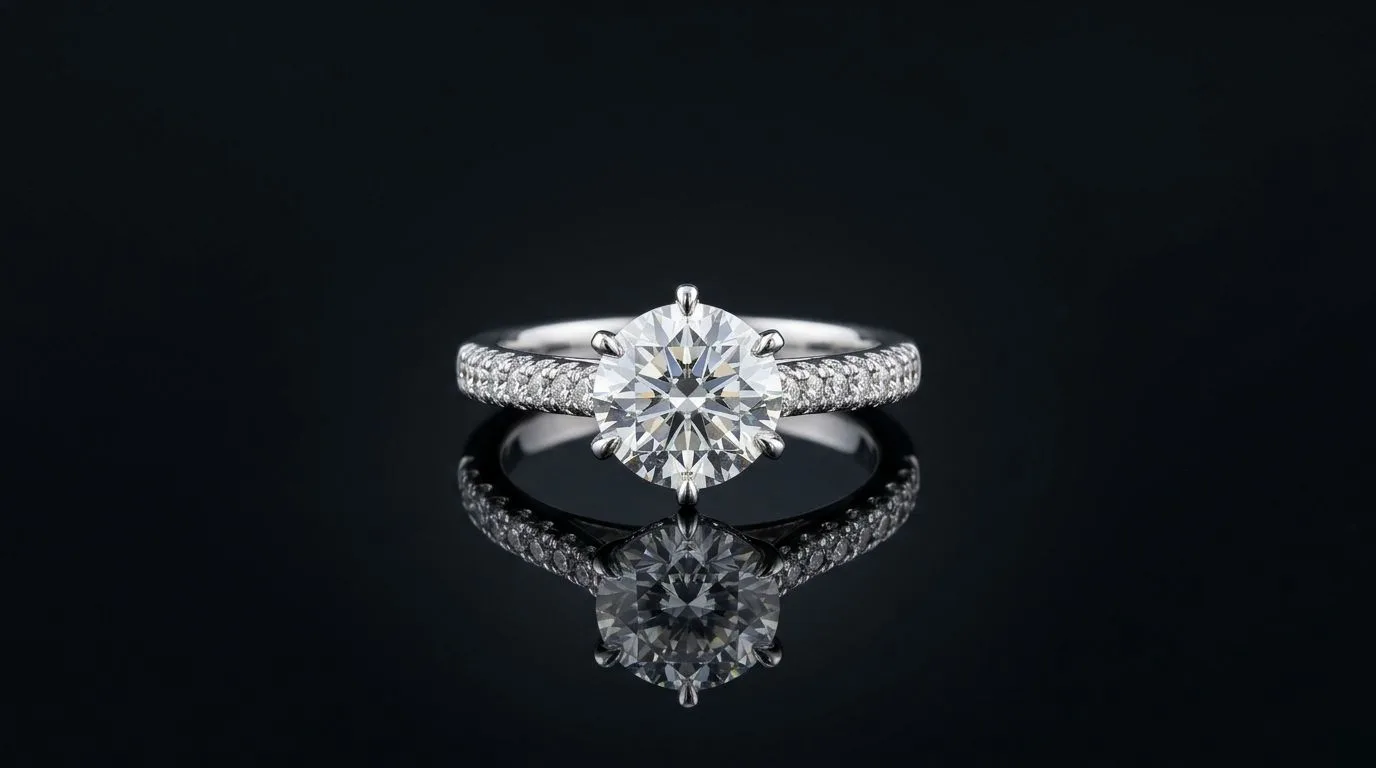
Luxury Studio Necklace Photography: The Dark-Set Formula
Master the luxury studio necklace photo style. Learn the lighting, settings, and props for high-end product shots that convert. Generate your own with Hylo.
 Read articleCommercial
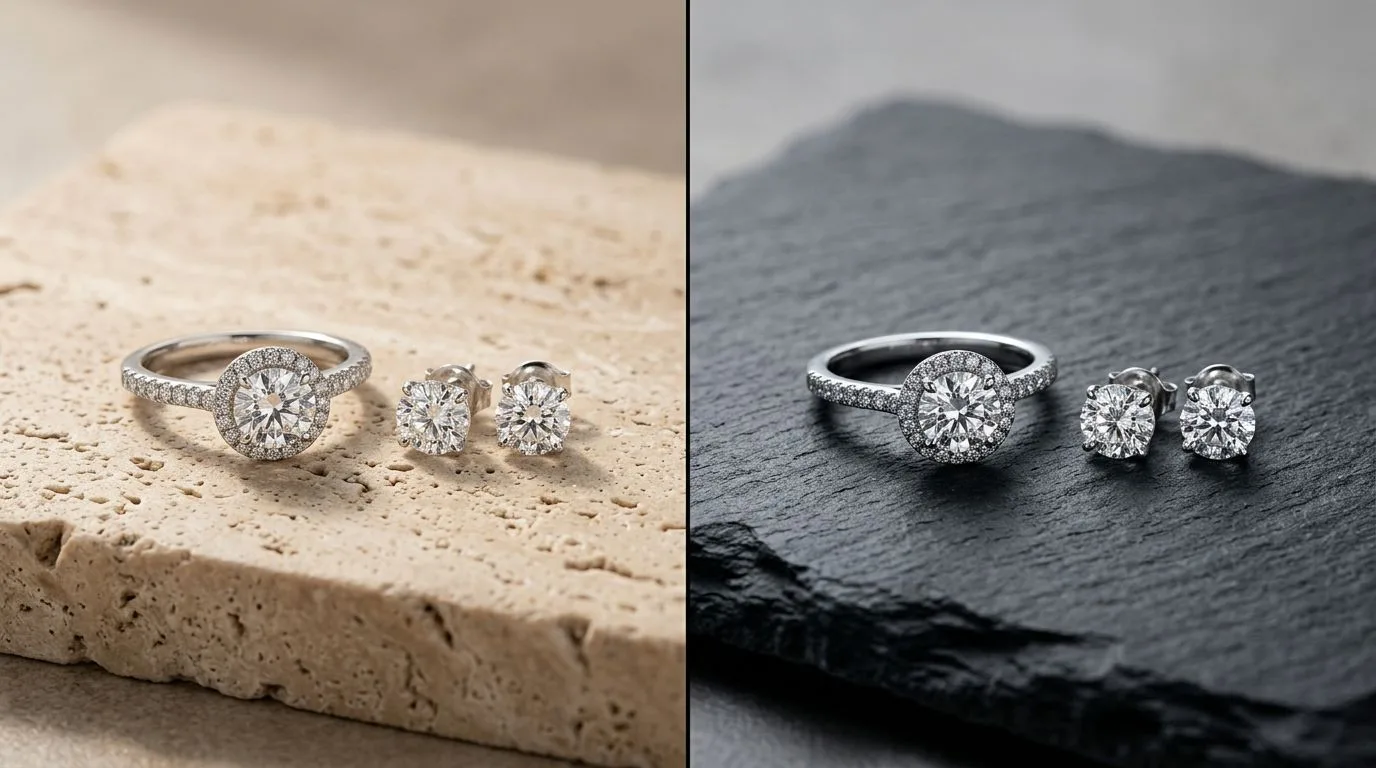
Jewelry Photo Enhancer: AI Retouching & Studio Backgrounds
Upgrade your catalog with the AI jewelry photo enhancer built for brands. Clean dust, fix lighting, and generate studio backgrounds in seconds. Try it free.
 Read articleComparison
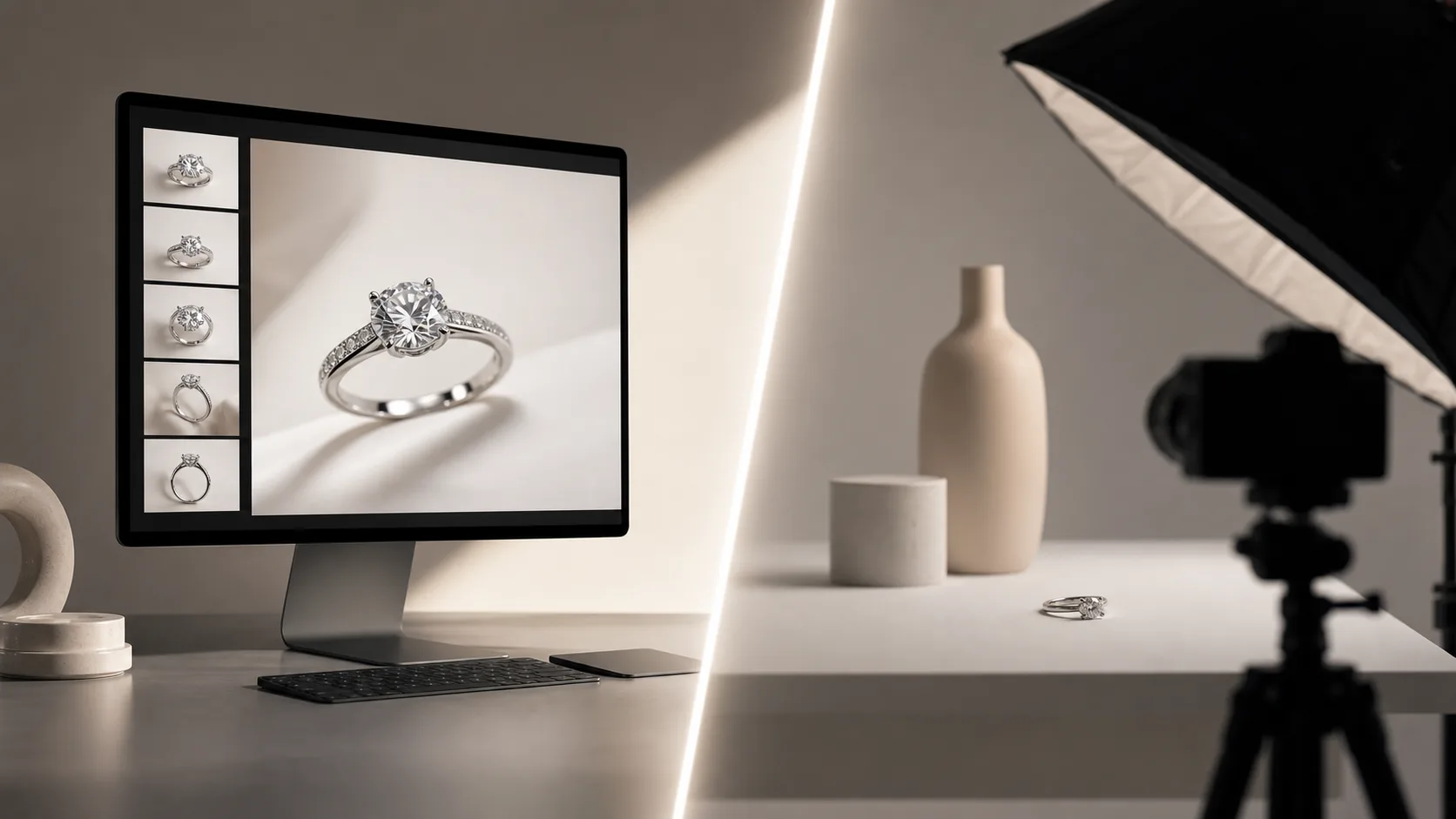
AI Product Photography Tools for Marketplaces: Hylo vs the Rest
Compare AI product photography tools for Amazon, Etsy, Shopify, and Faire. See which tools nail marketplace specs and jewelry detail before you commit.
 Read articleCategory
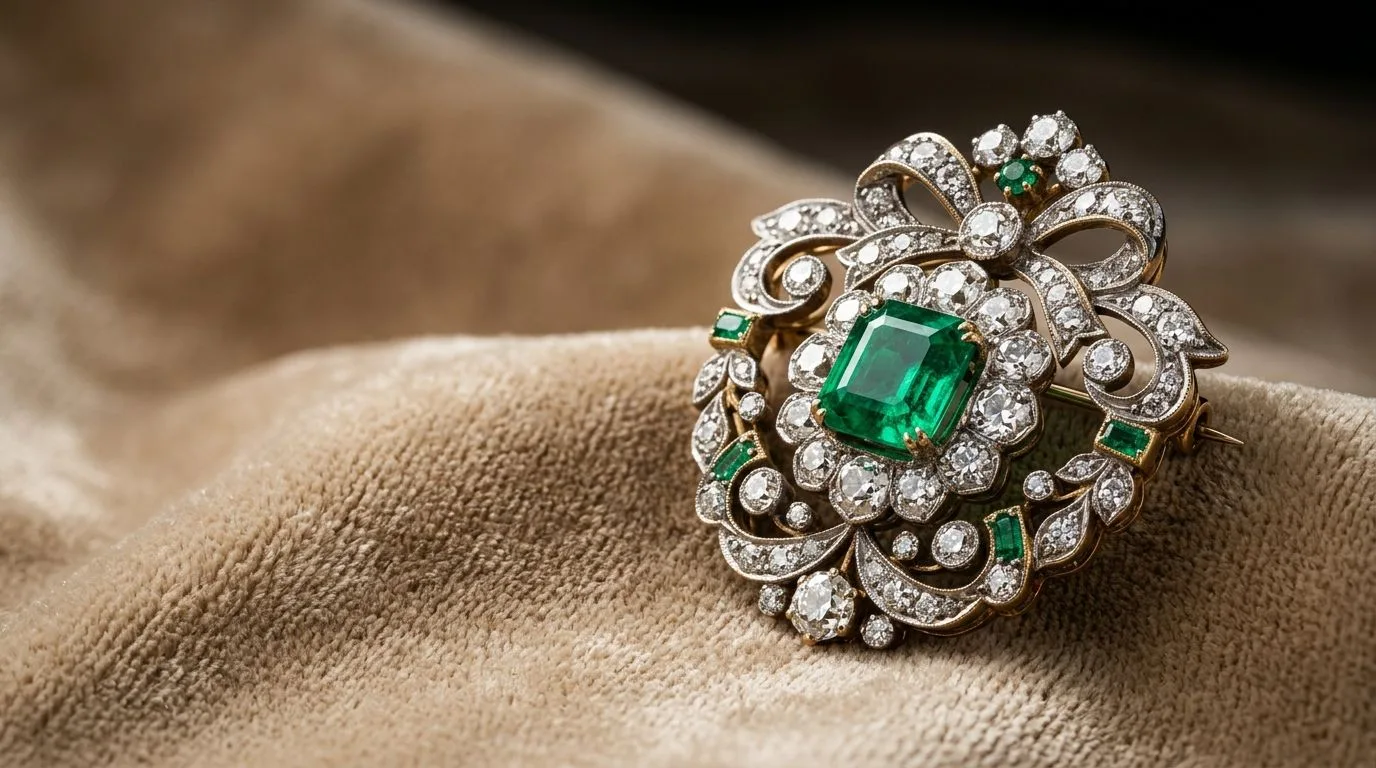
AI Brooch Photos: 8 Style Presets, Zero Studio Booking
Generate professional AI brooch photos across 8 style presets — editorial, macro, lifestyle, and more. No studio booking needed. Start free with Hylo.
 Read articleTutorial
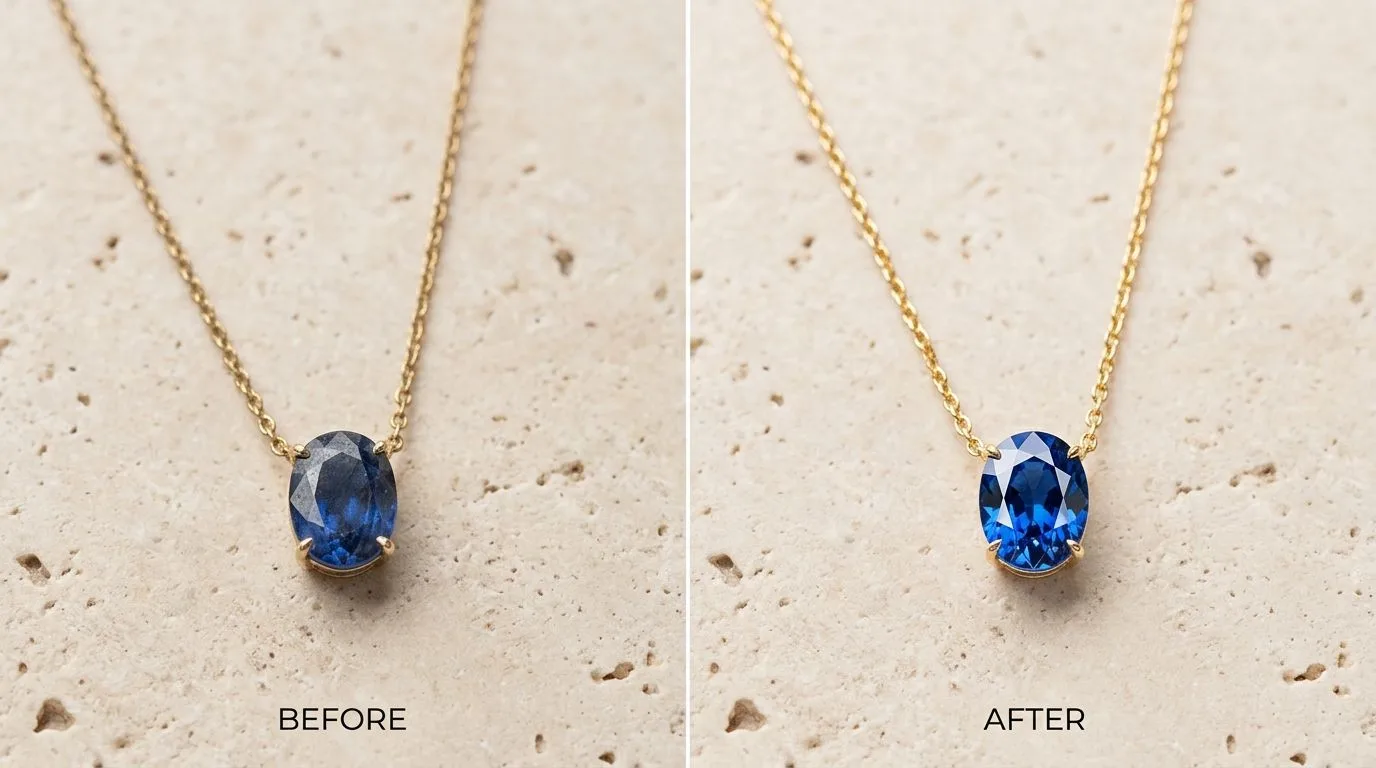
How to Retouch Necklace Photos: The 10-Step Studio Workflow
Learn how to retouch necklace photos to remove dust, fix colors, and create perfect shadows. Our 10-step guide shows you the pro workflow. Try Hylo for.
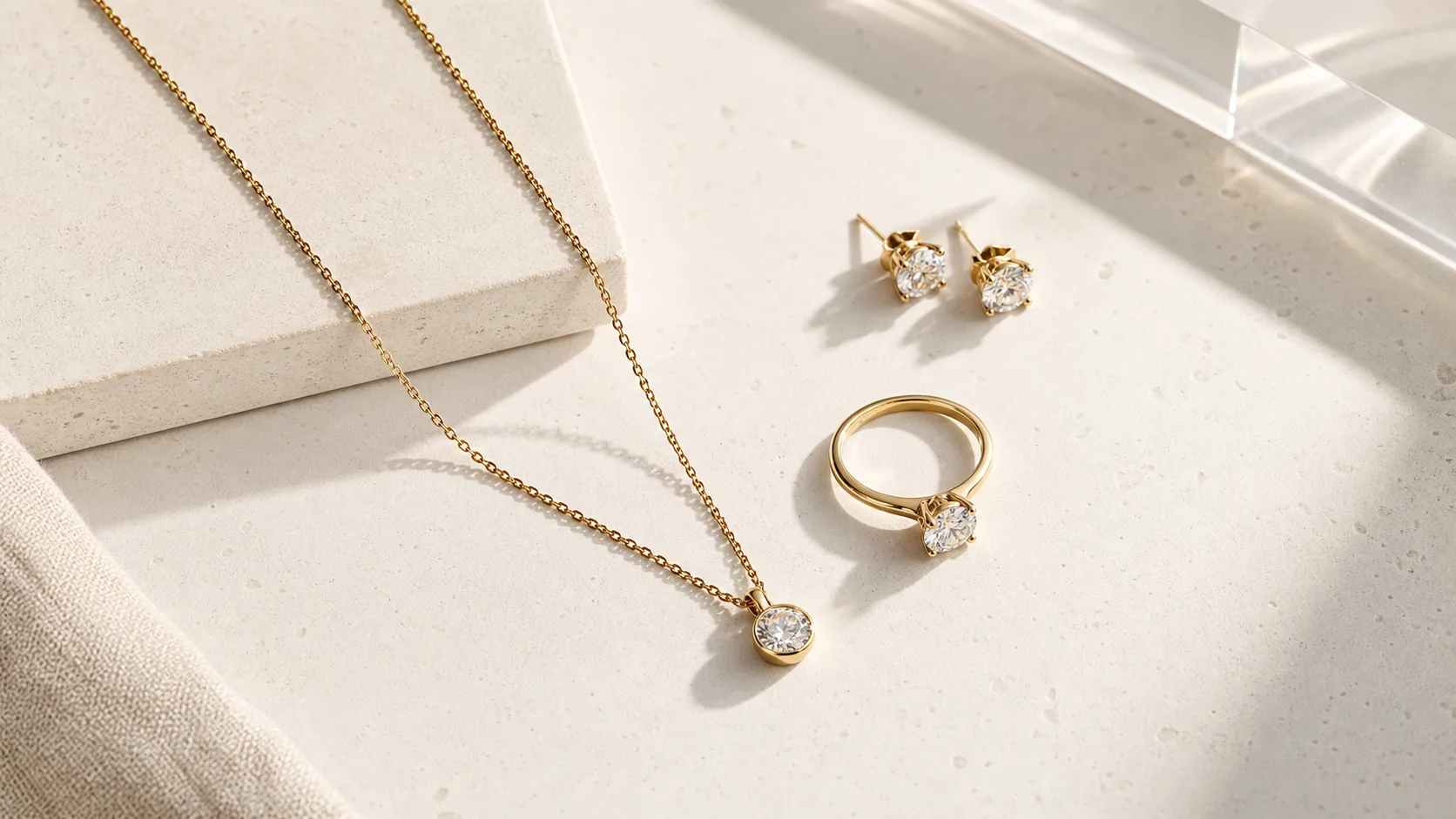
 Read articleComparison
Hylo vs Booth.ai for Jewelry: Metal and Stone Fidelity Decides It
Compare Hylo and Booth.ai for jewelry photography. See head-to-head tests on chains, rings, and gems to find the right AI tool for your brand.
 Read articleStyle
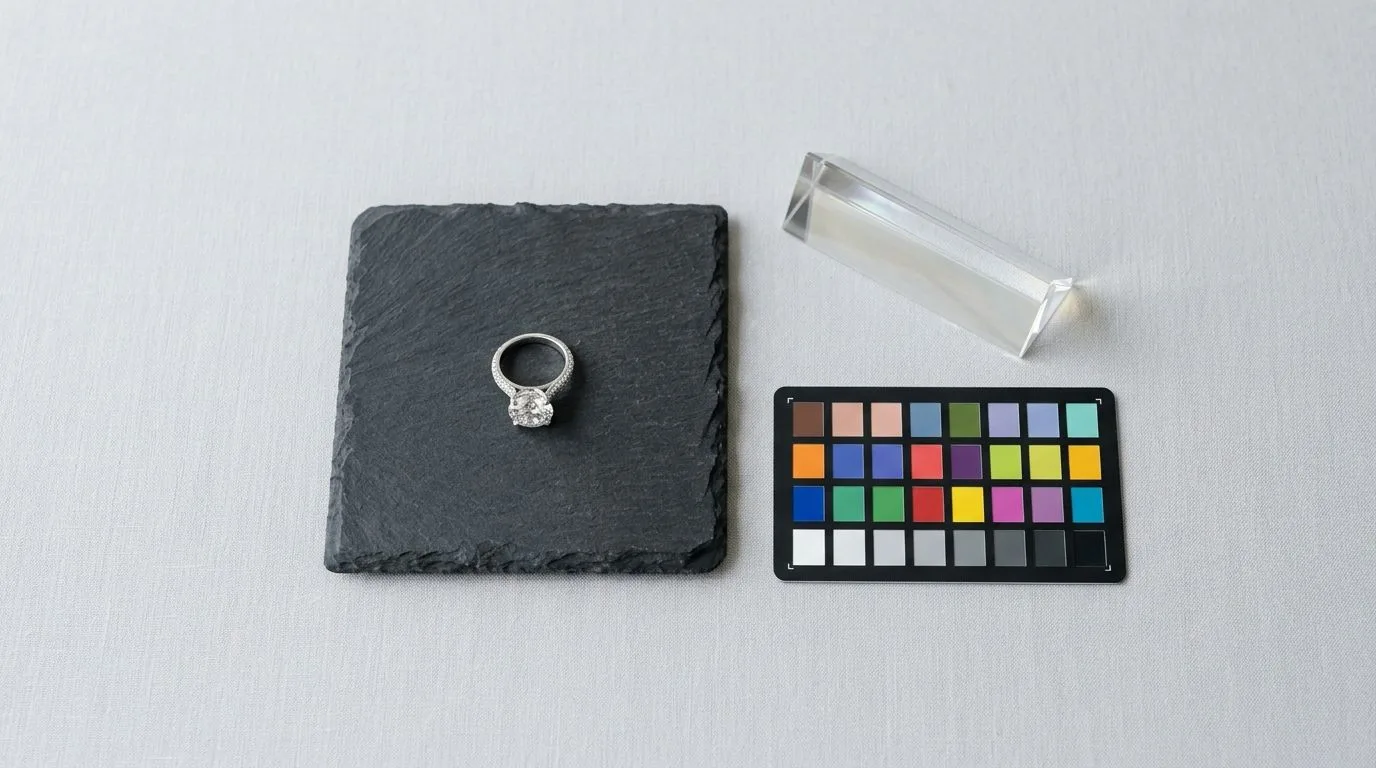
Flat Lay Jewelry Photography Ideas That Actually Convert
Flat lay jewelry photography ideas: surface rules per metal, negative space ratios, prop discipline, and Hylo AI Photoshoot settings to reproduce each look.
 Read articleTutorial
Jewelry Photography Statistics 2026: Market Size, Costs, and AI Benchmarks
Key 2026 numbers: the $85.7B online jewelry market, 1.19–1.5% conversion rates, $50–500 per studio image vs ~$0.35 with AI. Citable, sourced, updated.
 Read articleAlternatives
7 Flair Alternatives for Jewelry Photography (2026, Tested)
Looking for Flair alternatives? Compare 7 AI photo tools on price, quality, and jewelry-specific features. Find the best fit for your brand and start a free trial.
 Read articleMarketplace
Amazon Jewelry Image Requirements: Pure White, 1,600px, 85% Frame
Amazon's main-image rules for jewelry: pure white background, 85% frame fill, 1600px zoom threshold, and what gets a listing suppressed. Full checklist.
 Read articleTutorial
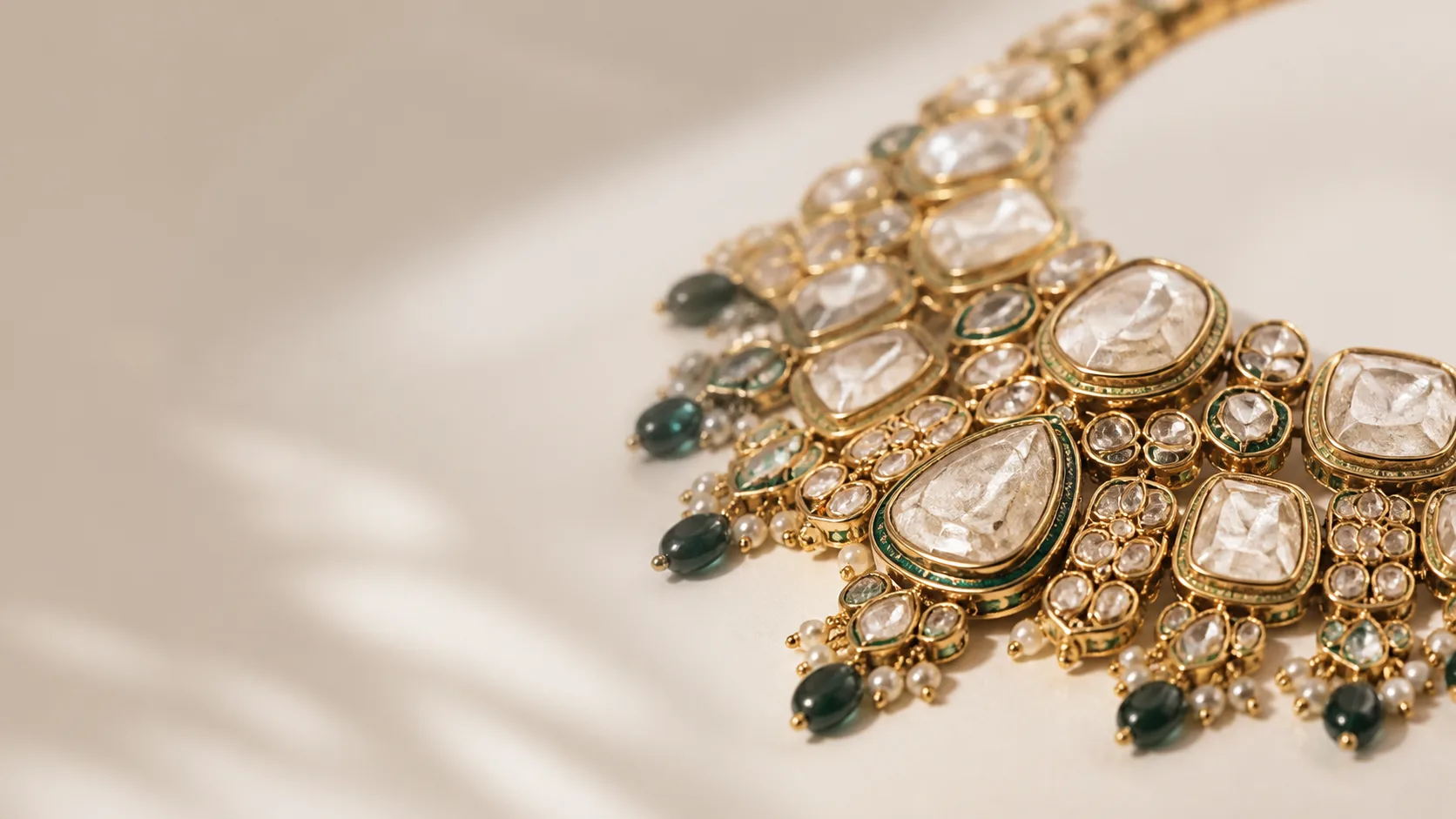
How to Photograph Kundan and Polki Jewellery Without Losing Stone Detail
Learn to photograph Kundan and Polki jewellery: control foil-backing glare, capture uncut diamond detail, and shoot meenakari reverse work for catalogs.
 Read articleTutorial
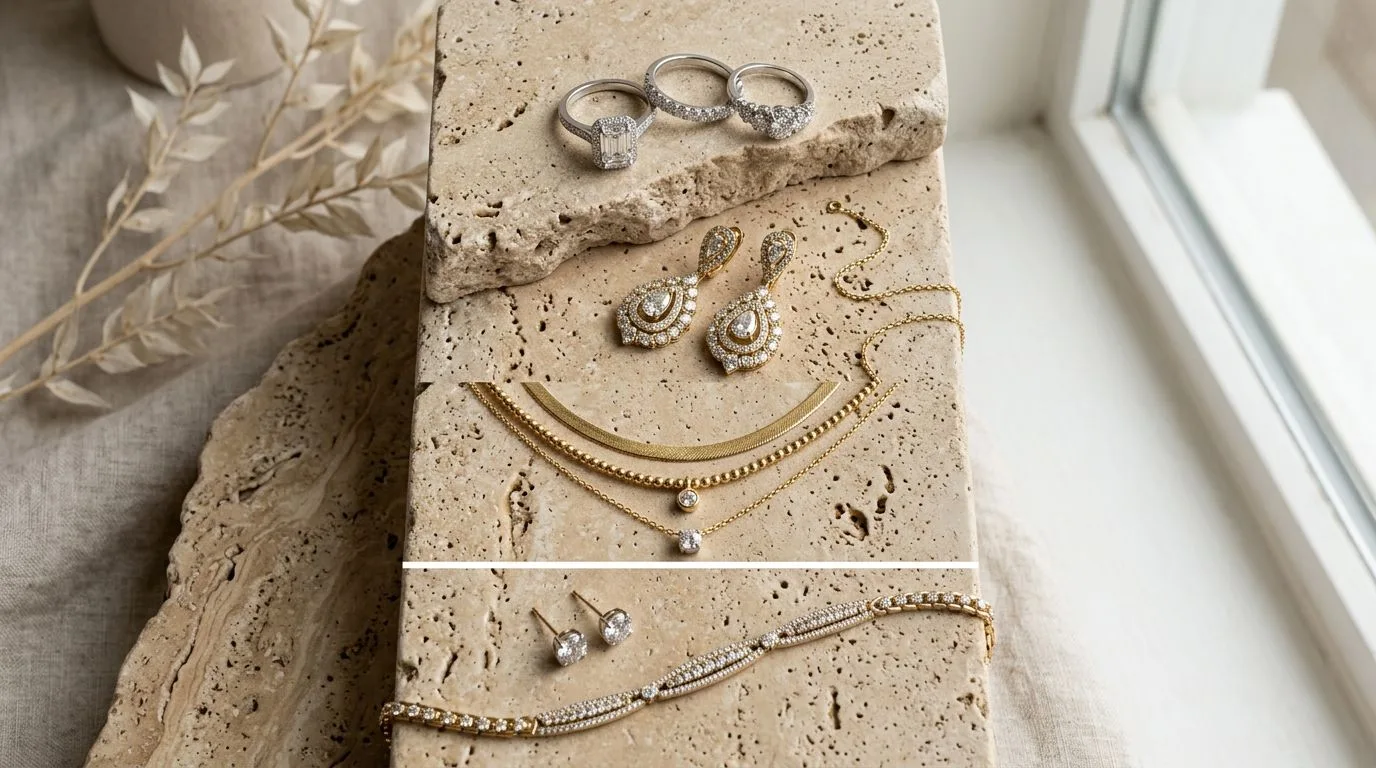
The Jewelry Listing Carousel: What Each Image Should Answer
A slot-by-slot framework for jewelry listing images that maps each photo to a specific buyer doubt, from packshot to scale to macro to on-model.
 Read articleMarketplace
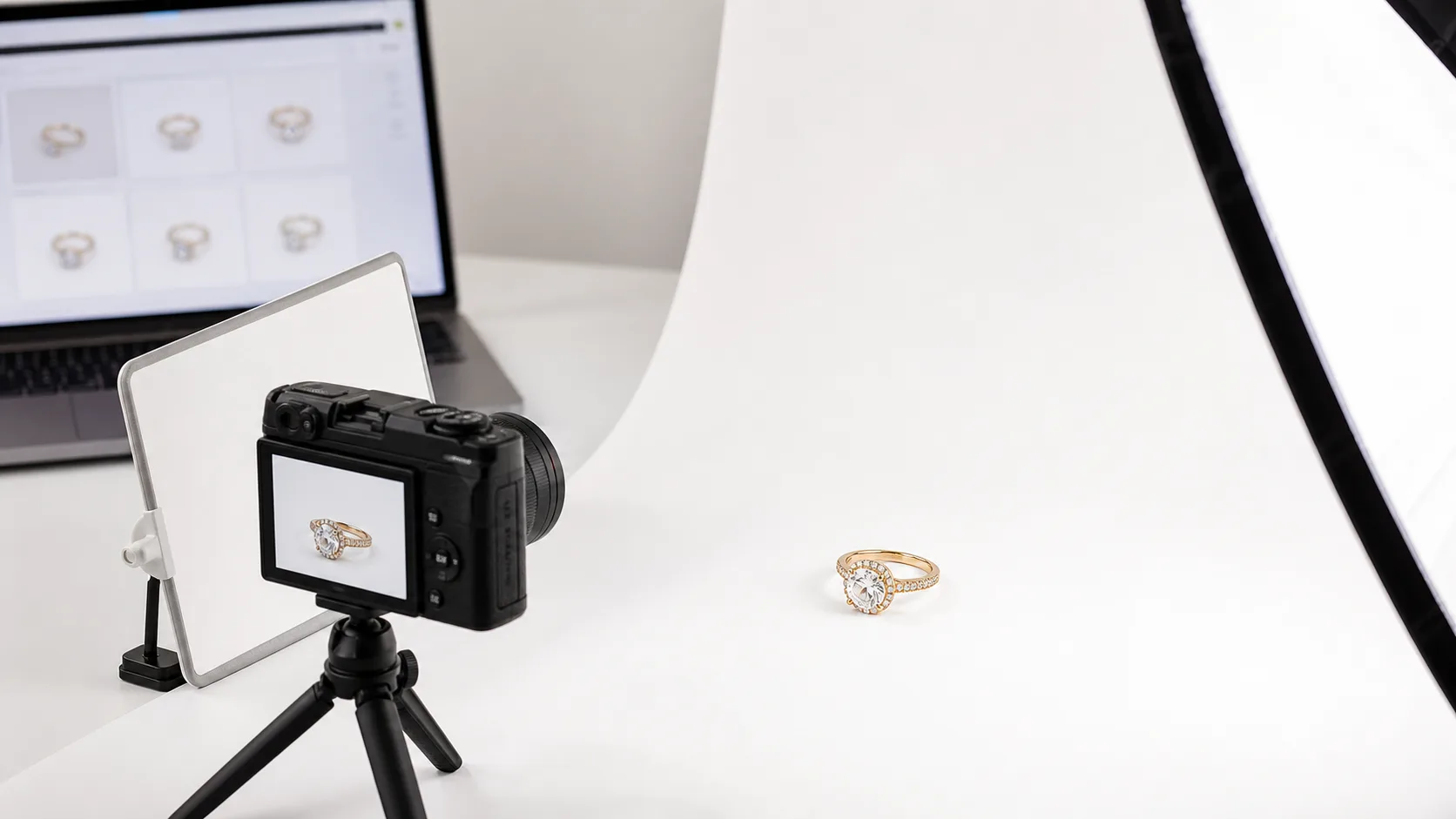
Etsy Jewelry White Background Photos: Shoot Once, Fix in AI
Learn to shoot stunning Etsy jewelry photos on a white background. Our expert guide covers lighting, camera settings, and editing to boost your sales. Try it now.
 Read articleTutorial
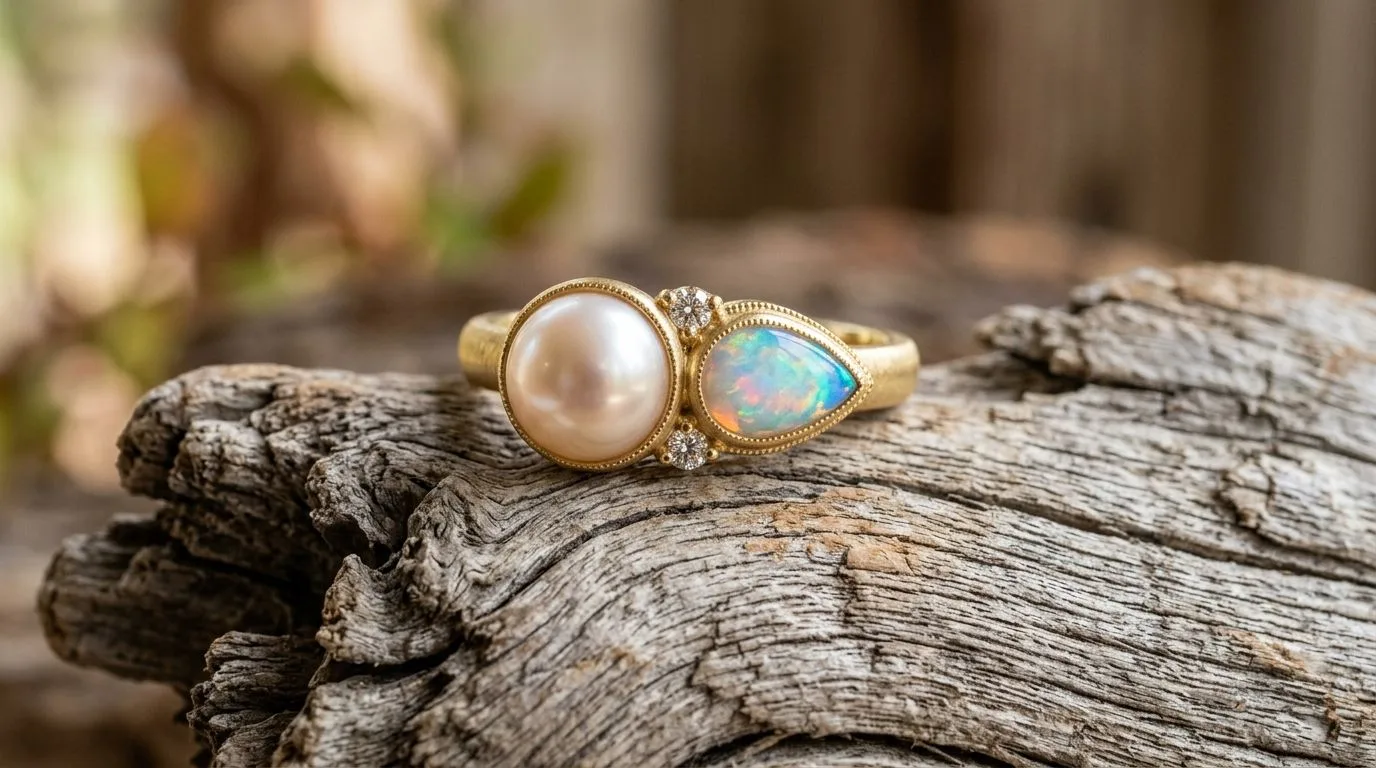
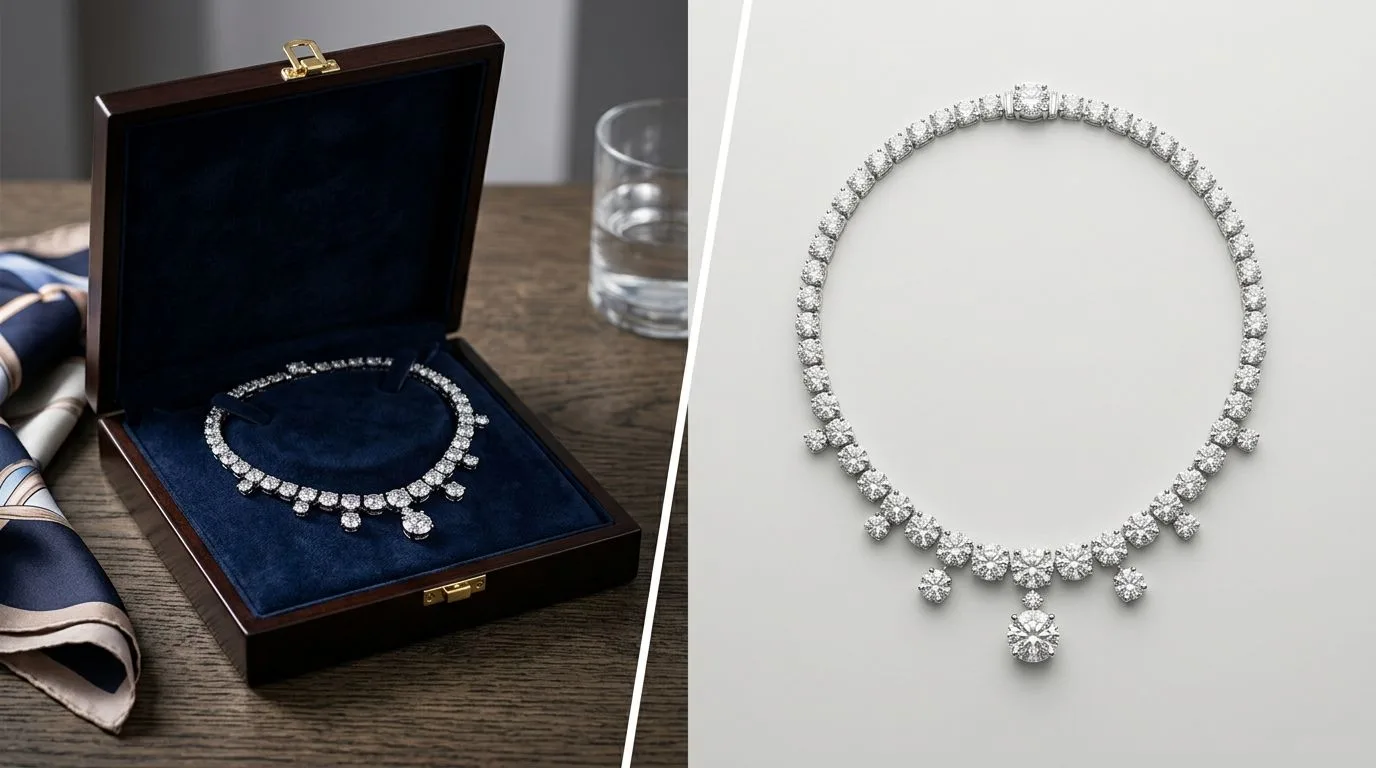
Pearl and Opal Photography: Capturing Luster Without Blowing Highlights
Pearls and opals need different lighting from faceted stones. Learn to capture soft luster and play-of-colour without blowing out highlights or losing depth.
 Read articleAlternatives
7 Booth.ai Alternatives for Jewelry Photography (2026, Tested)
Searching for Booth alternatives? We compare Hylo, Pebblely, Flair, and more on price, quality, and jewelry-specific features. Find the best AI photo tool.
 Read articleTutorial
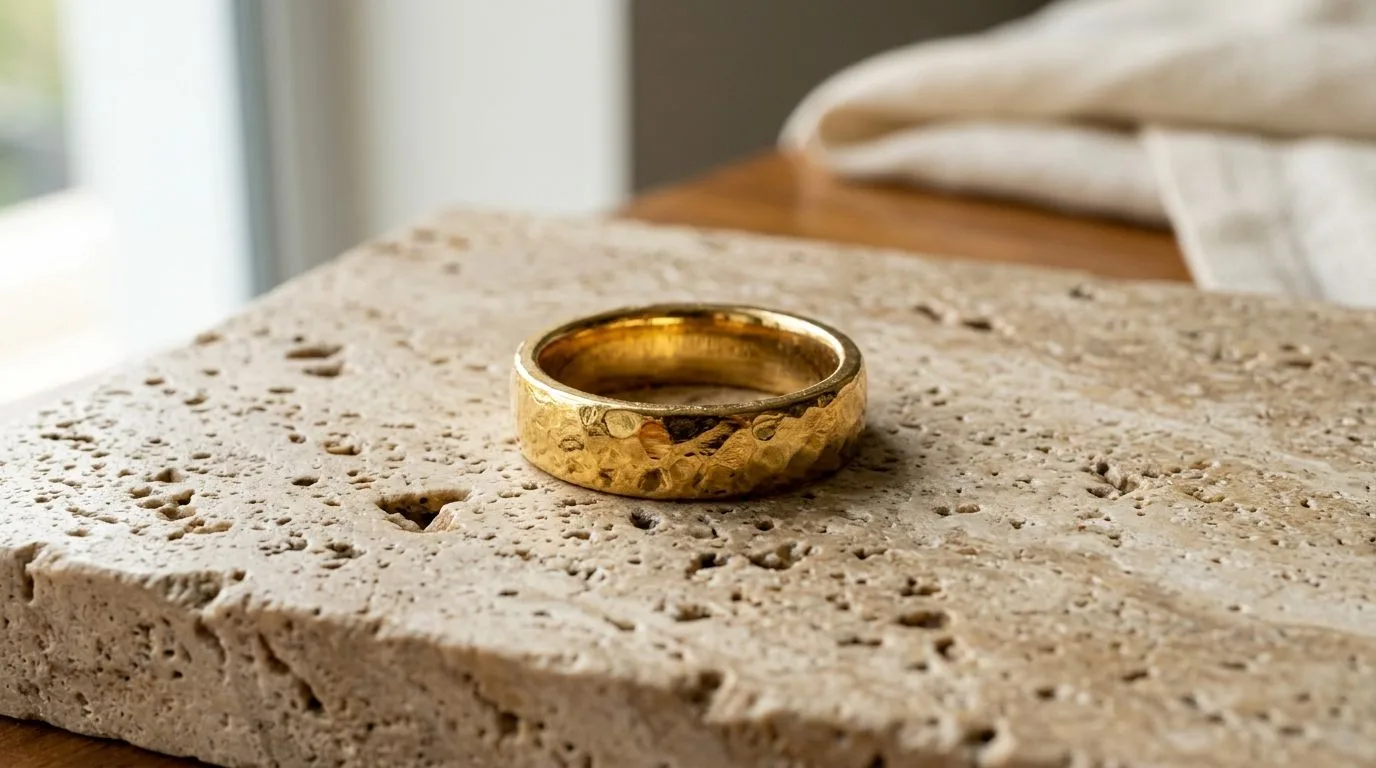
Gold Jewelry Photography: Getting True Tone on Camera
Why gold photographs the wrong colour and how to capture accurate tone across 22K, 18K, and rose gold using white balance, lighting, and neutral references.
 Read articleMarketplace
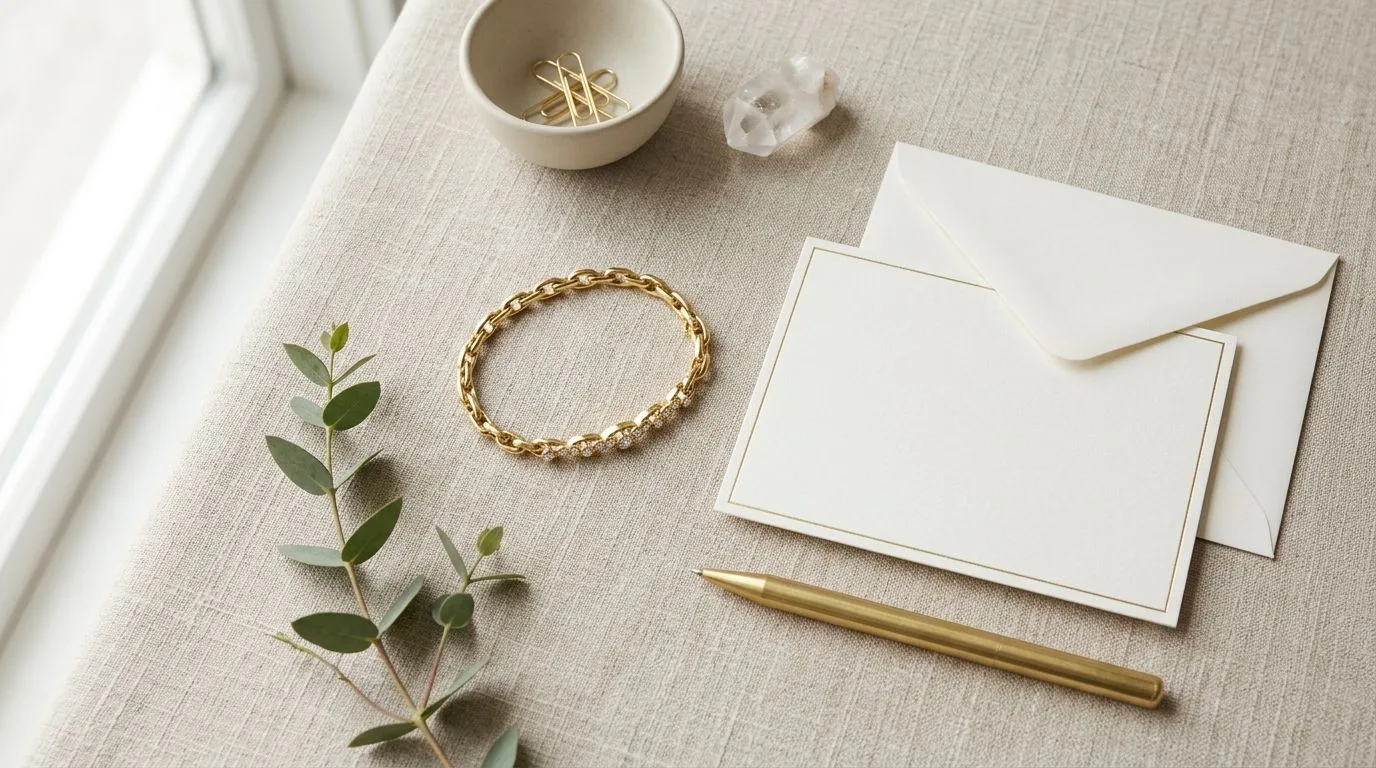
Etsy Jewelry Listing Checklist: 10 Photos, 13 Tags, One Formula (2026)
Our definitive Etsy jewelry listing checklist helps you optimize photos, titles, tags, and descriptions to rank higher and convert more. Get the checklist.
 Read articleGlossary
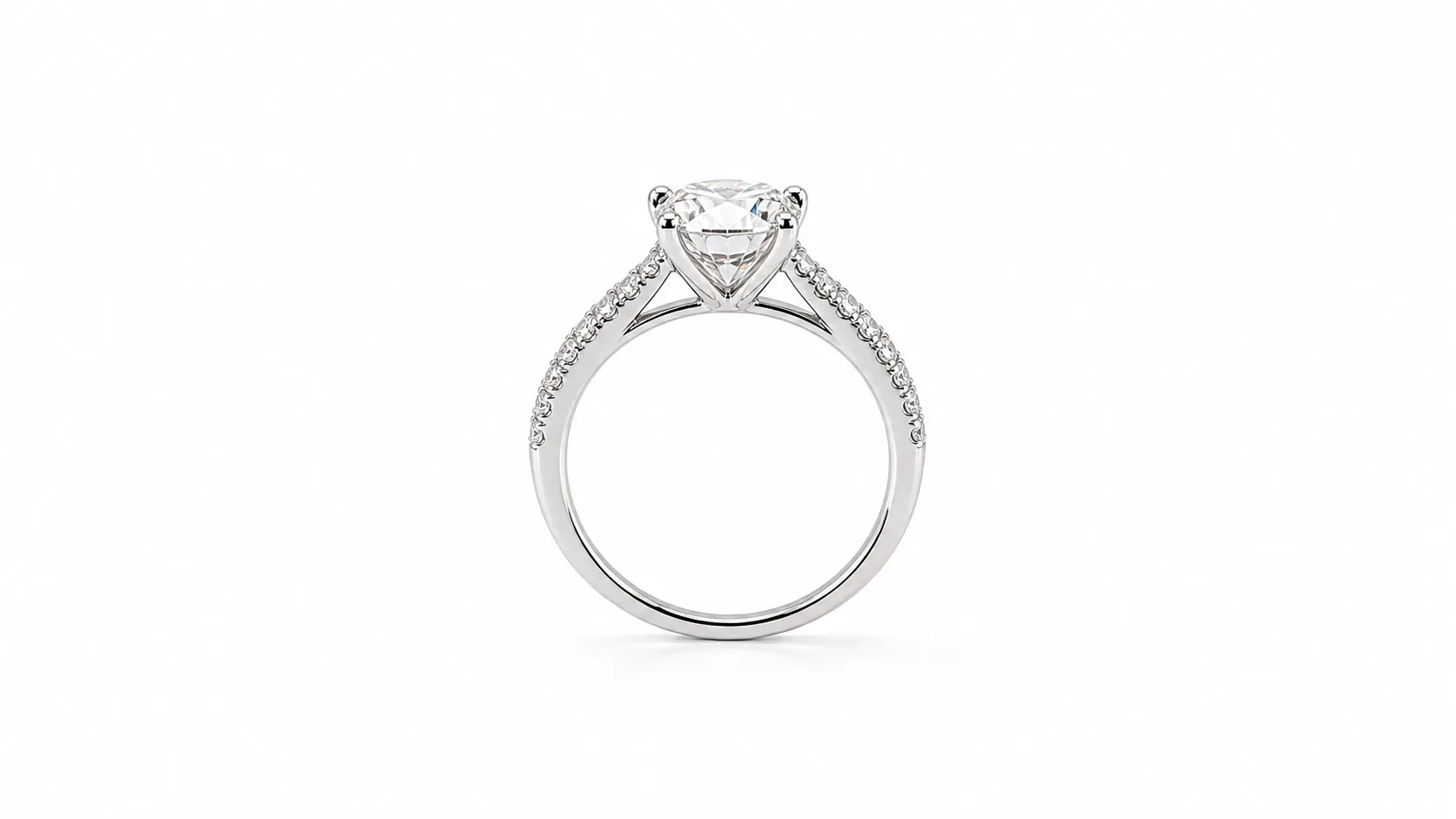
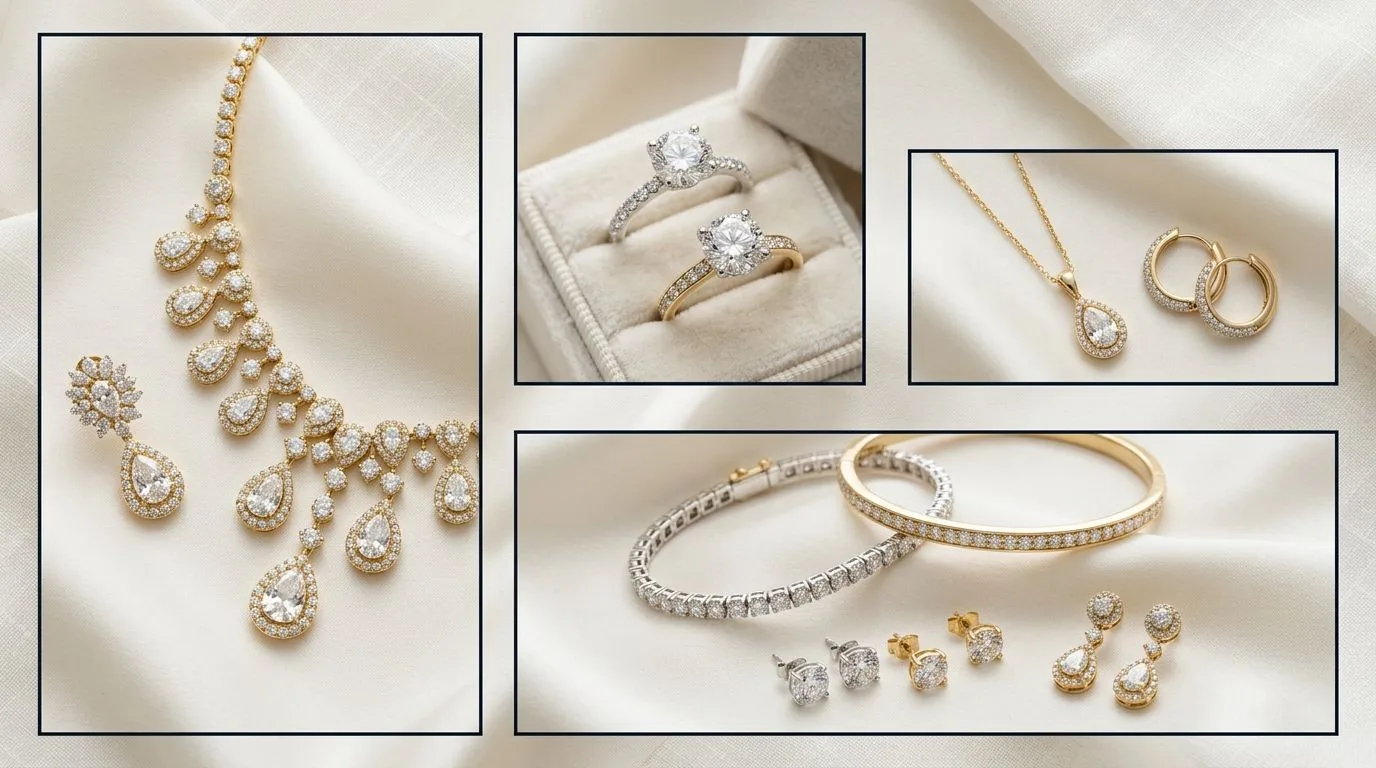
White Background Photo: RGB 255 Pure White, Defined
A white background photo isolates your product on a pure white (#FFFFFF) backdrop for clean, distraction-free visuals. Learn why it's essential for jewelry.
 Read articleMarketplace
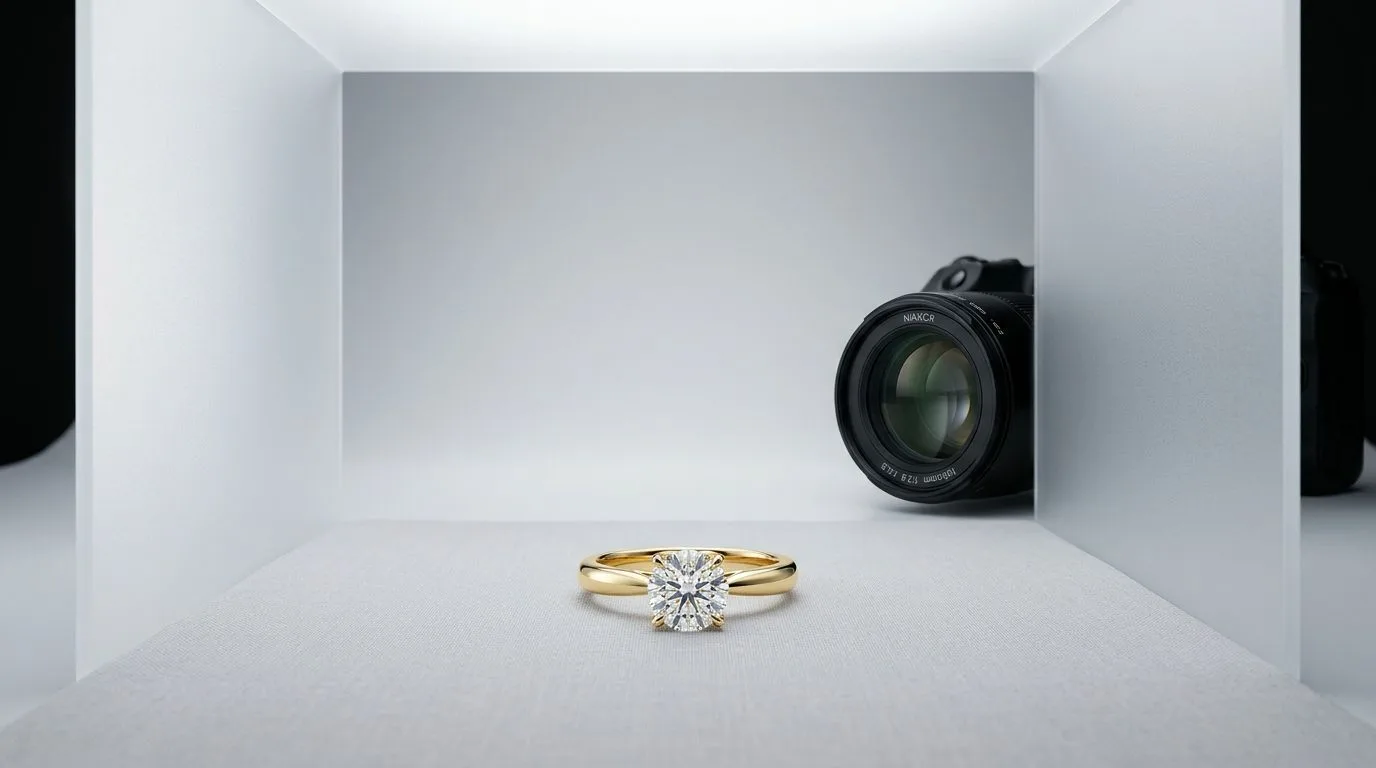
Etsy Jewelry Image Size: 2000px Square Is the 2026 Standard
Get the exact Etsy jewelry image size, ratio, and specs for listings that convert. Learn the optimal dimensions for thumbnails and galleries. Start creating.
 Read articleGlossary
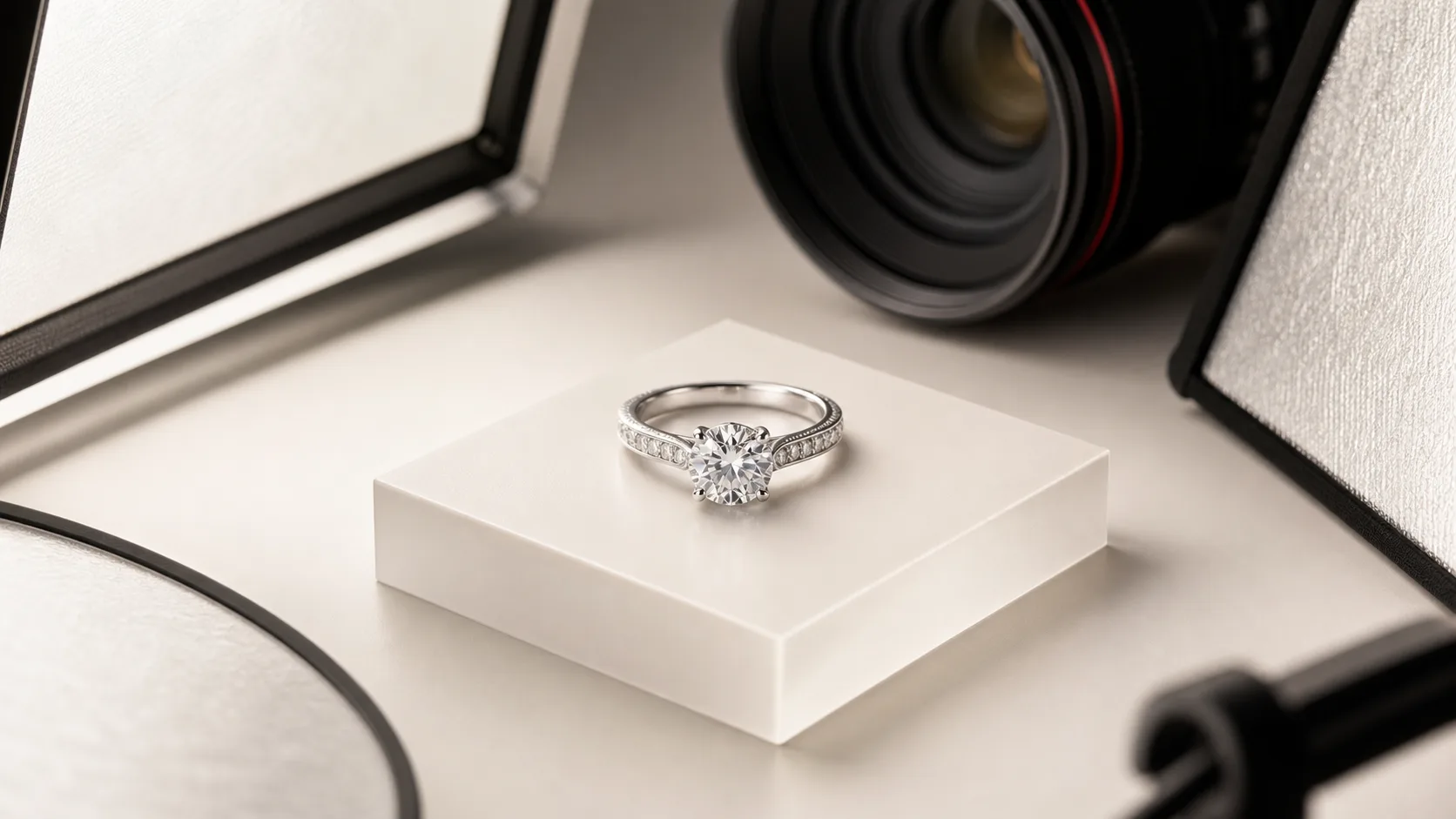
Product Photography: Definition, Types, and Jewelry Examples
Product photography is the art of capturing high-quality images of items for sale. Learn how to create professional jewelry photos that drive conversions. Try Hylo.
 Read articleTutorial
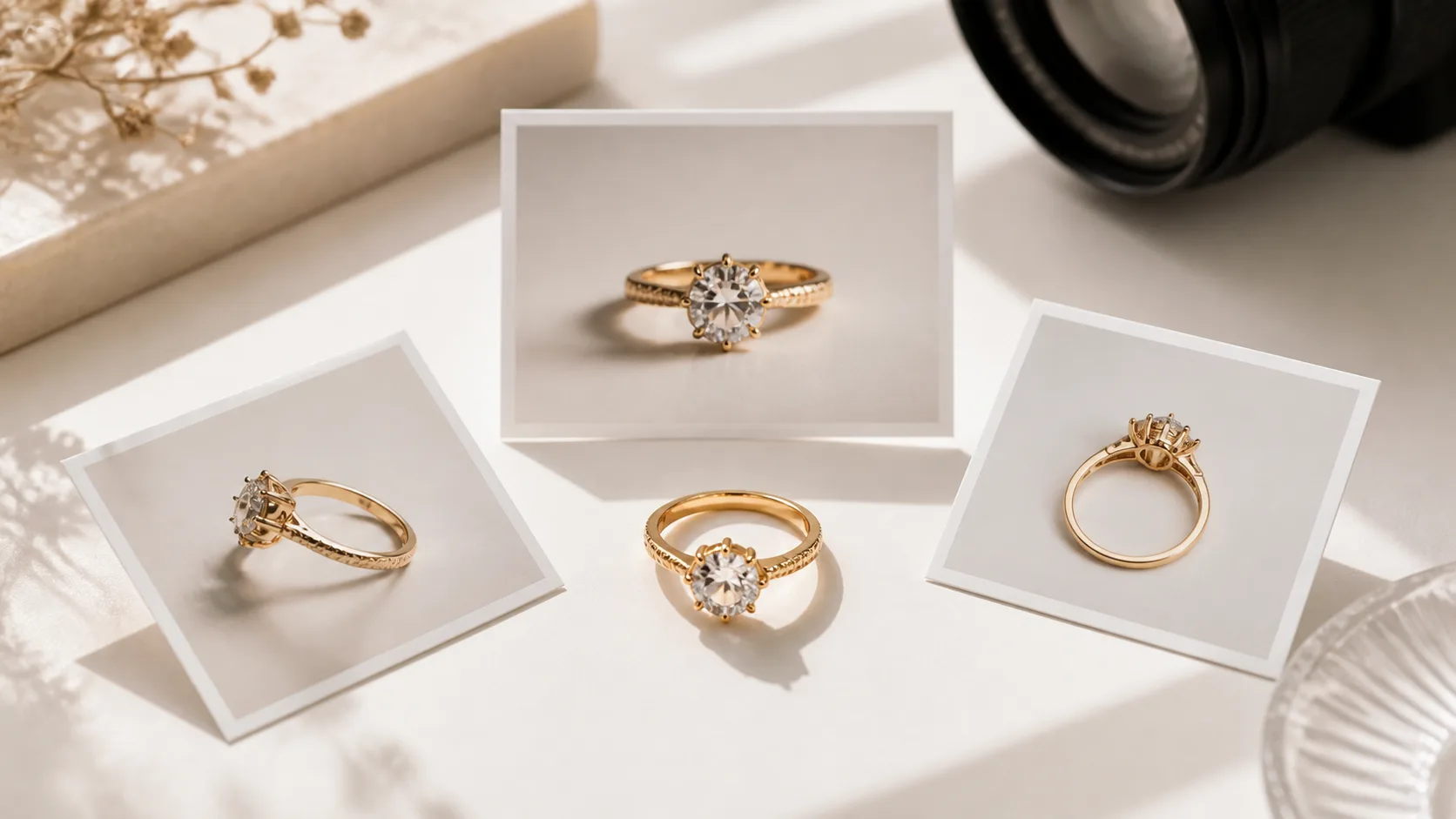
How to Photograph a Ring: Macro Lens, f/16, One Big Softbox
Learn how to photograph a ring like a professional. Master macro lenses, lighting, camera settings, and focus stacking for flawless jewelry photography.
 Read articleMarketplace
Best Etsy Jewelry Photo Angles: 5 Shots Every Listing Needs
Learn the 10 essential Etsy jewelry photo angles used by top sellers. Our guide covers hero shots, scale shots, and lifestyle images to increase.
 Read articleCommercial
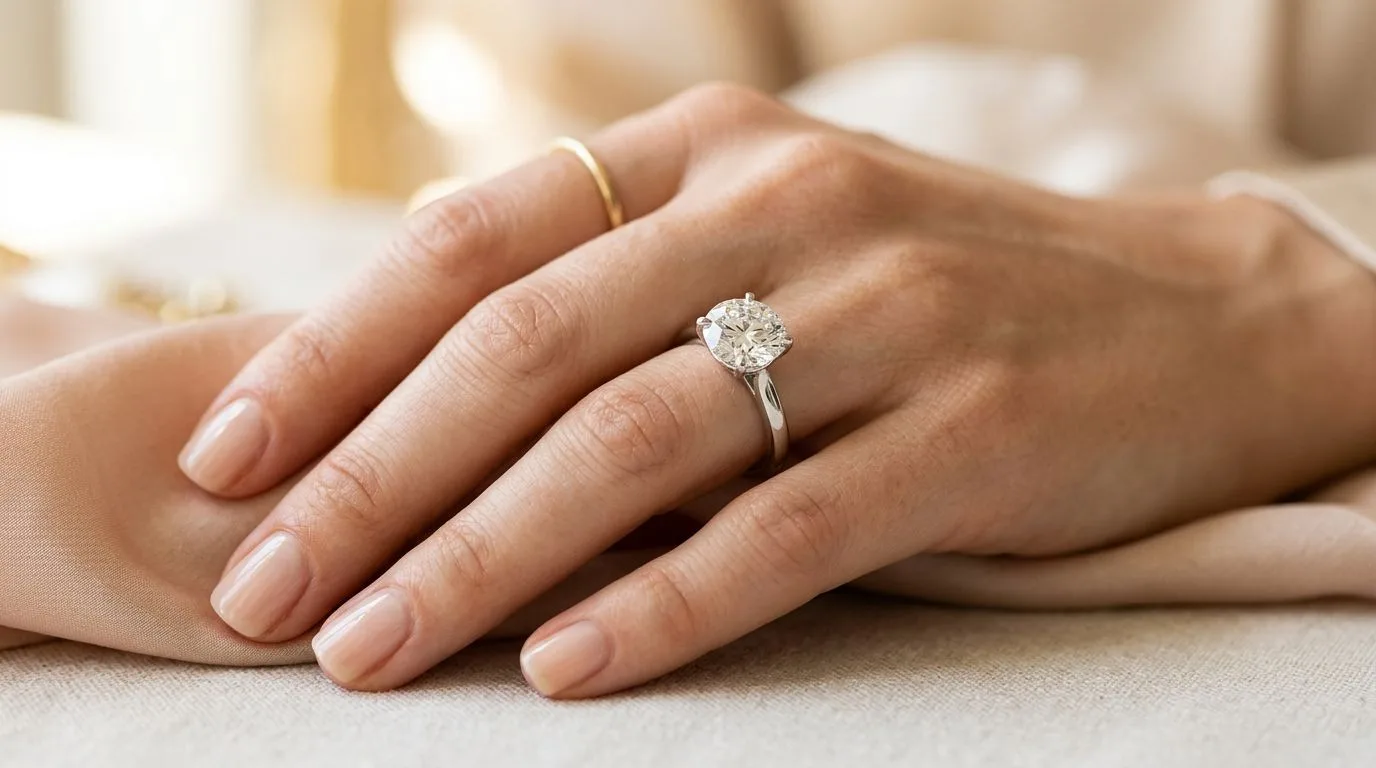
Engagement Ring Photography: Macro Detail and On-Hand Shots
Shoot engagement rings that sell: pair a sharp macro of the stone and setting with an on-hand scale shot, without hiring a hand model for every SKU.
 Read articleMarketplace
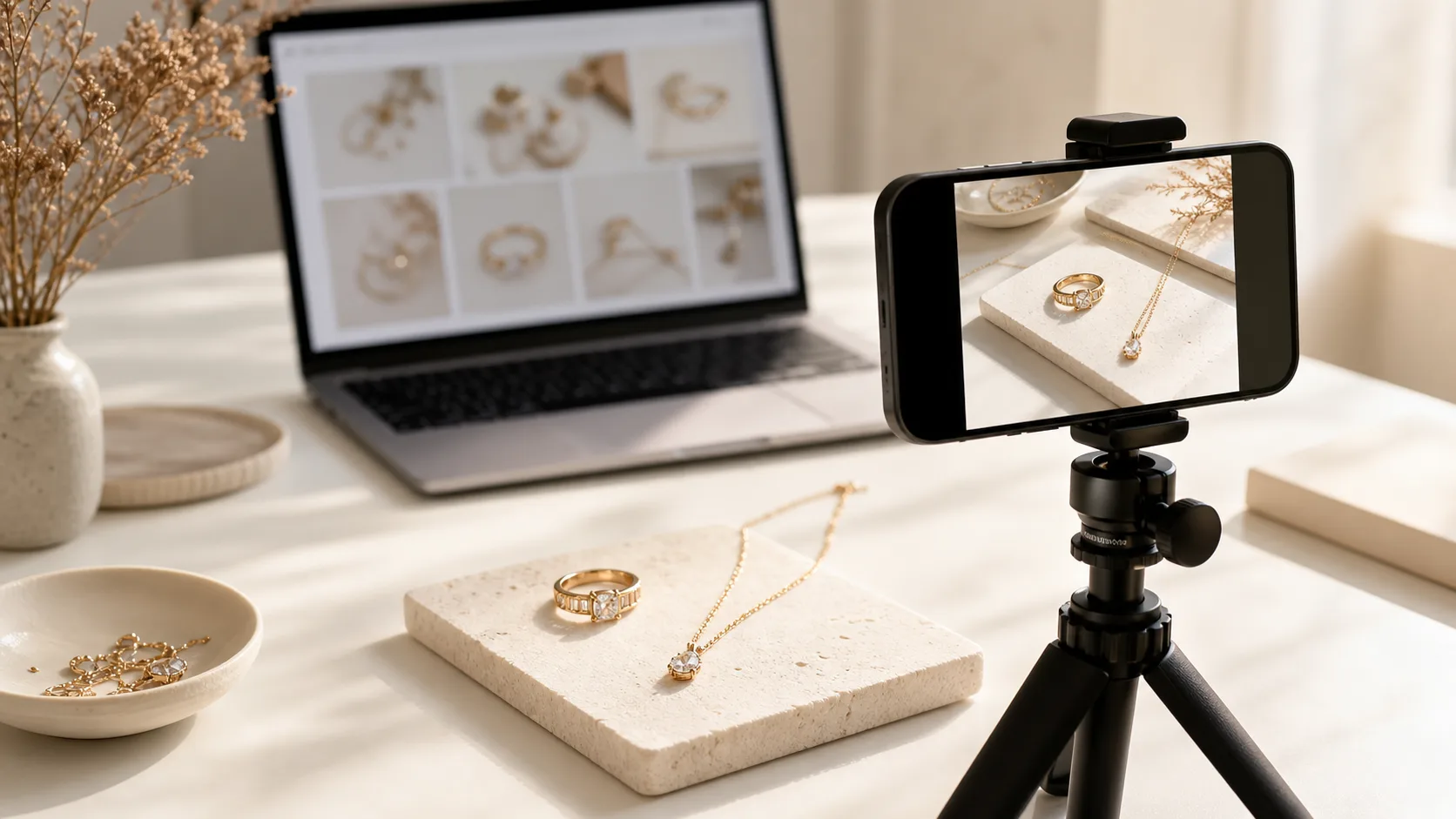
Etsy Jewelry Photo Tips That Actually Drive Sales
Master Etsy jewelry photography with expert tips on lighting, backgrounds, and composition. Learn the settings and shots that convert browsers into buyers. Try Hylo.
 Read articleTutorial
On-Model Jewelry Shots Without a Model: AI Try-On From Flat Photos
How to get on-model jewelry imagery that shows scale and drape without booking a model, including when on-model shots matter most and keeping them accurate.
 Read articleAlternatives
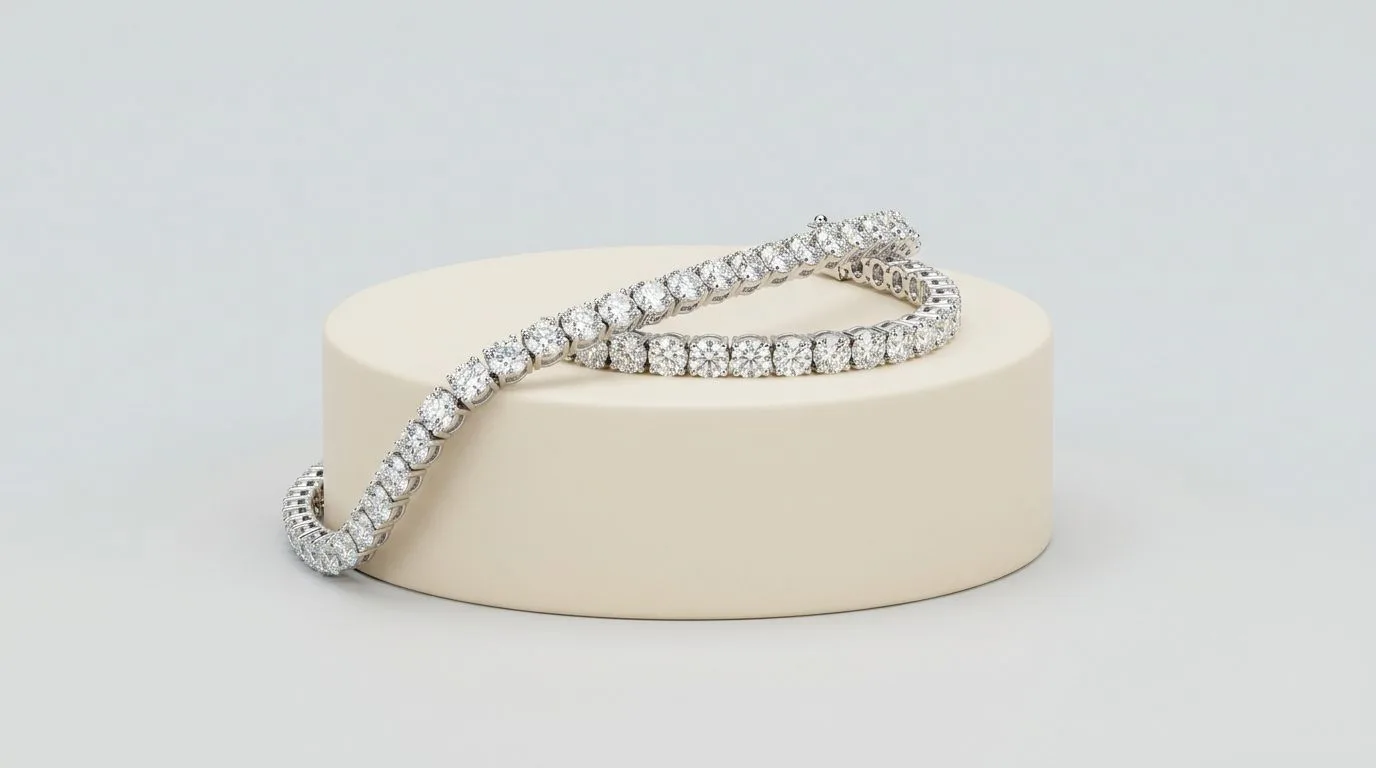
7 Pebblely Alternatives for Jewelry Photography (2026, Tested)
Looking for Pebblely alternatives to photograph your jewelry? We compare 7 AI tools on price, quality, and jewelry-specific features. Find your perfect fit.
 Read articleMarketplace
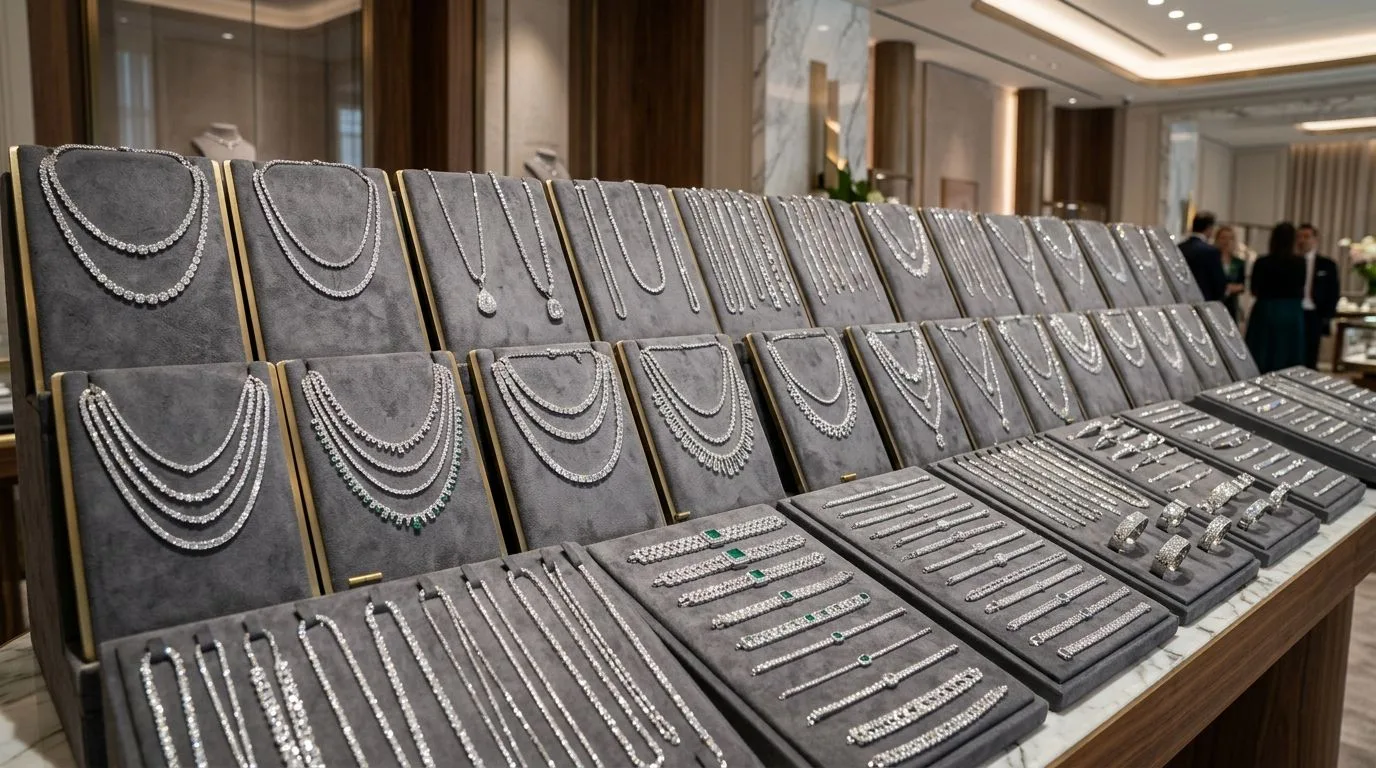
Shopify Jewelry Product Photos: Specs, Speed, and Variants
How to prepare jewelry photos for Shopify: image dimensions, square vs vertical ratios, page speed, and producing social variants from one master shot.
 Read articleCommercial
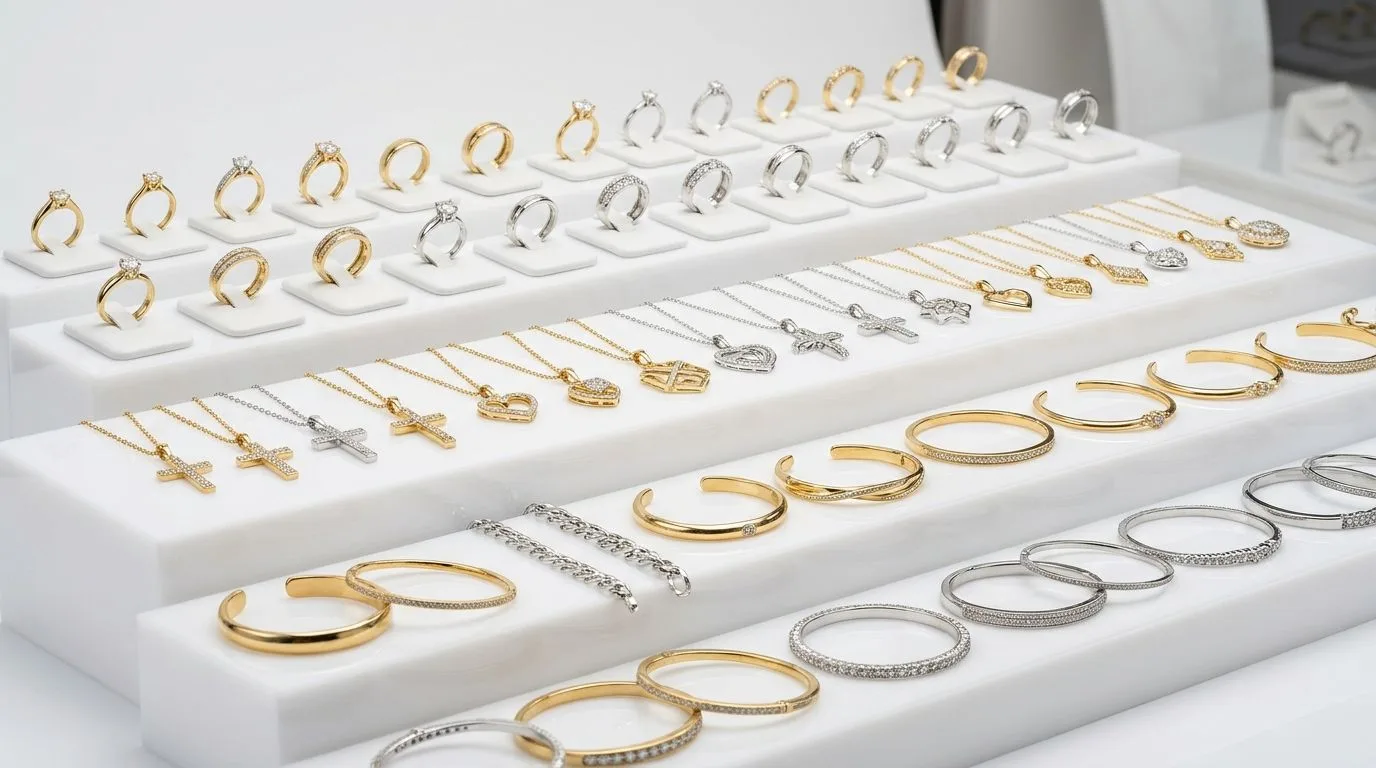
For Jewelry Wholesalers: Generate Large-Catalog Images at Scale
Wholesalers can produce images for thousands of SKUs without shooting each one. Generate consistent catalog visuals at scale from reference photos.
 Read articleCommercial
AI Jewelry Photography for Manufacturers: Catalog-Ready Images Without a Studio
Manufacturers can produce catalog-ready images of every piece without an in-house studio. Generate consistent packshots and on-model shots at catalog scale.
 Read articleMarketplace
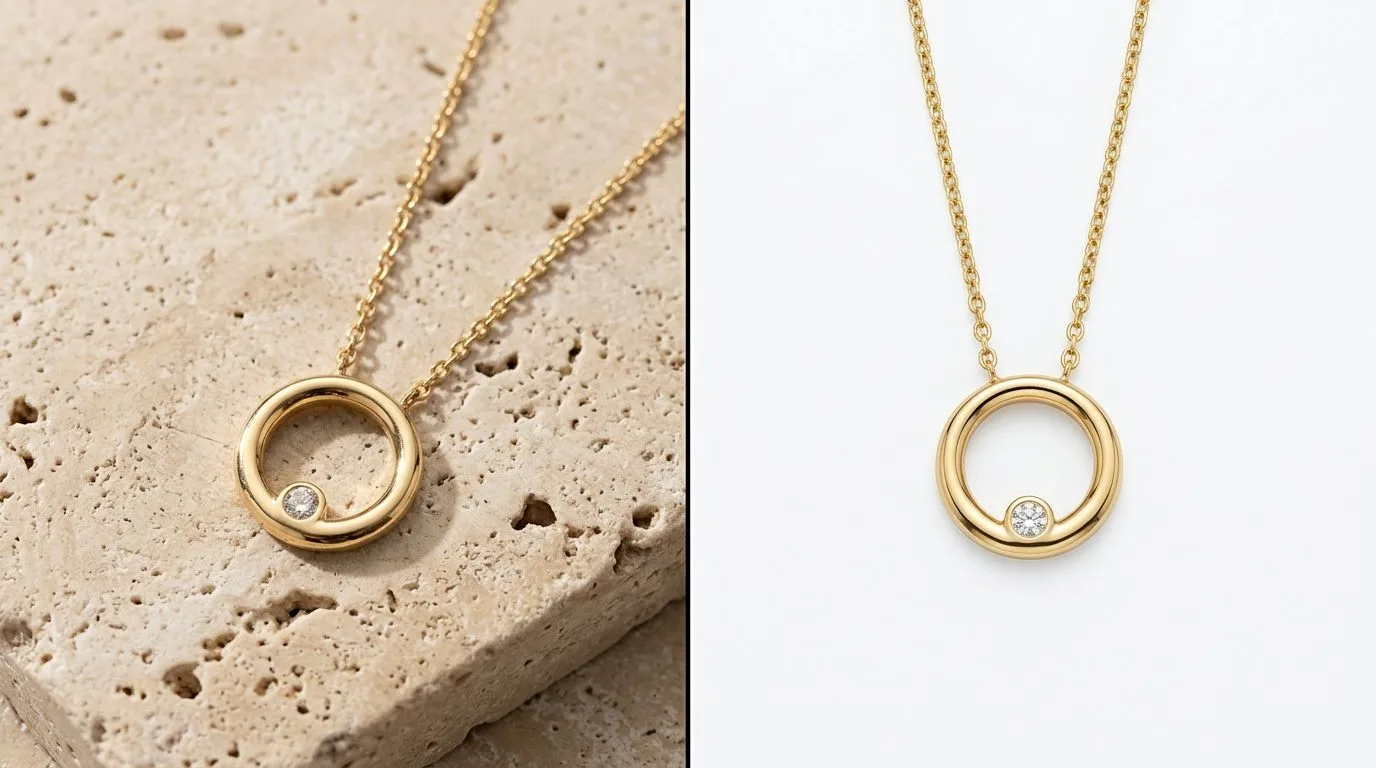
Etsy Jewelry Photo Requirements: 2000px, 10 Slots, No Watermarks
Master Etsy's jewelry photo requirements with our 2024 checklist. Learn the exact specs, lighting, and angles that drive sales. Start creating listing.
 Read articleMarketplace
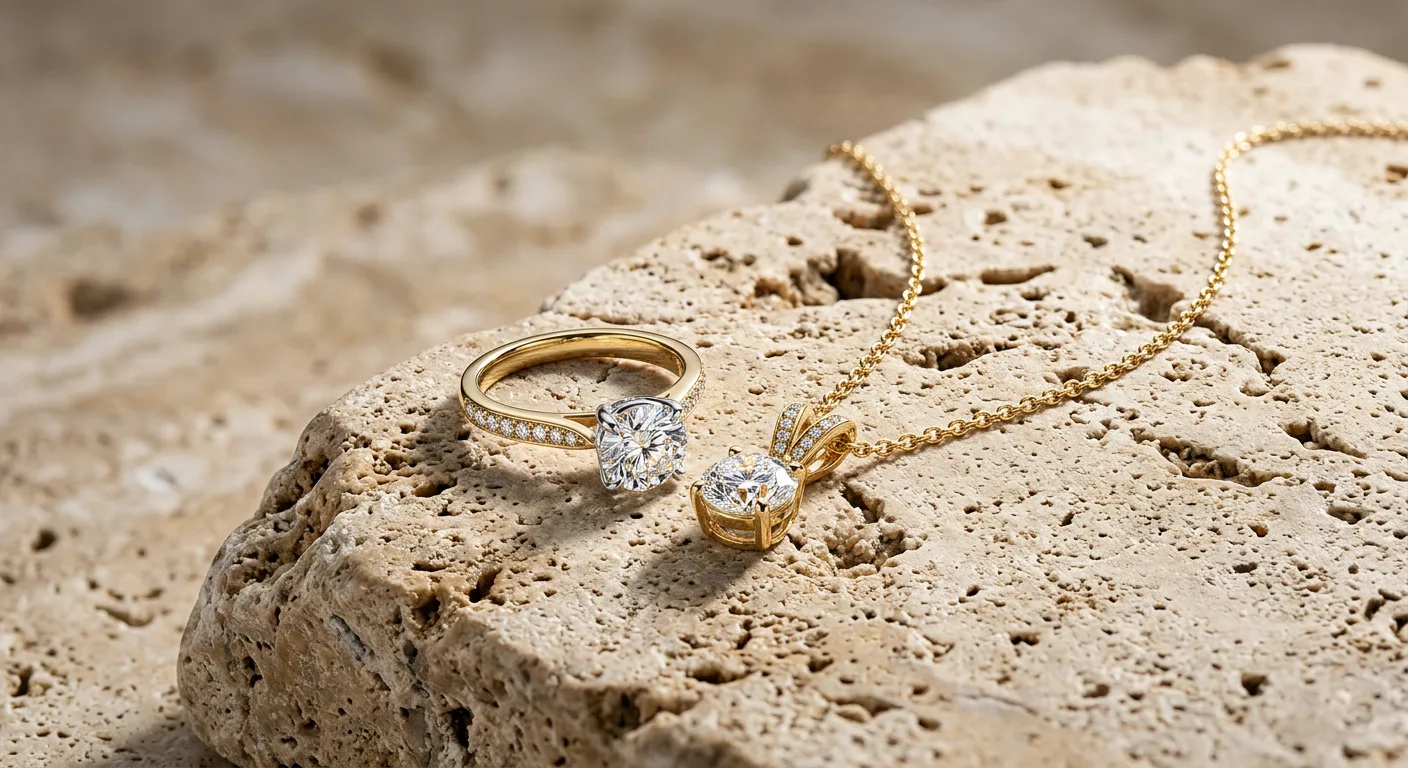
Etsy Jewelry Background Removal: Clean Edges on Chains and Prongs
Learn professional Etsy jewelry background removal techniques to meet guidelines and boost sales. Get clean, consistent product photos that convert browsers.
 Read articleCommercial
For Jewelry Marketing Agencies: Deliver Client Shoots Without Booking Studios
Agencies can deliver jewelry client imagery faster by generating packshots, on-model, and campaign variants without booking studios or models per project.
 Read articleGlossary
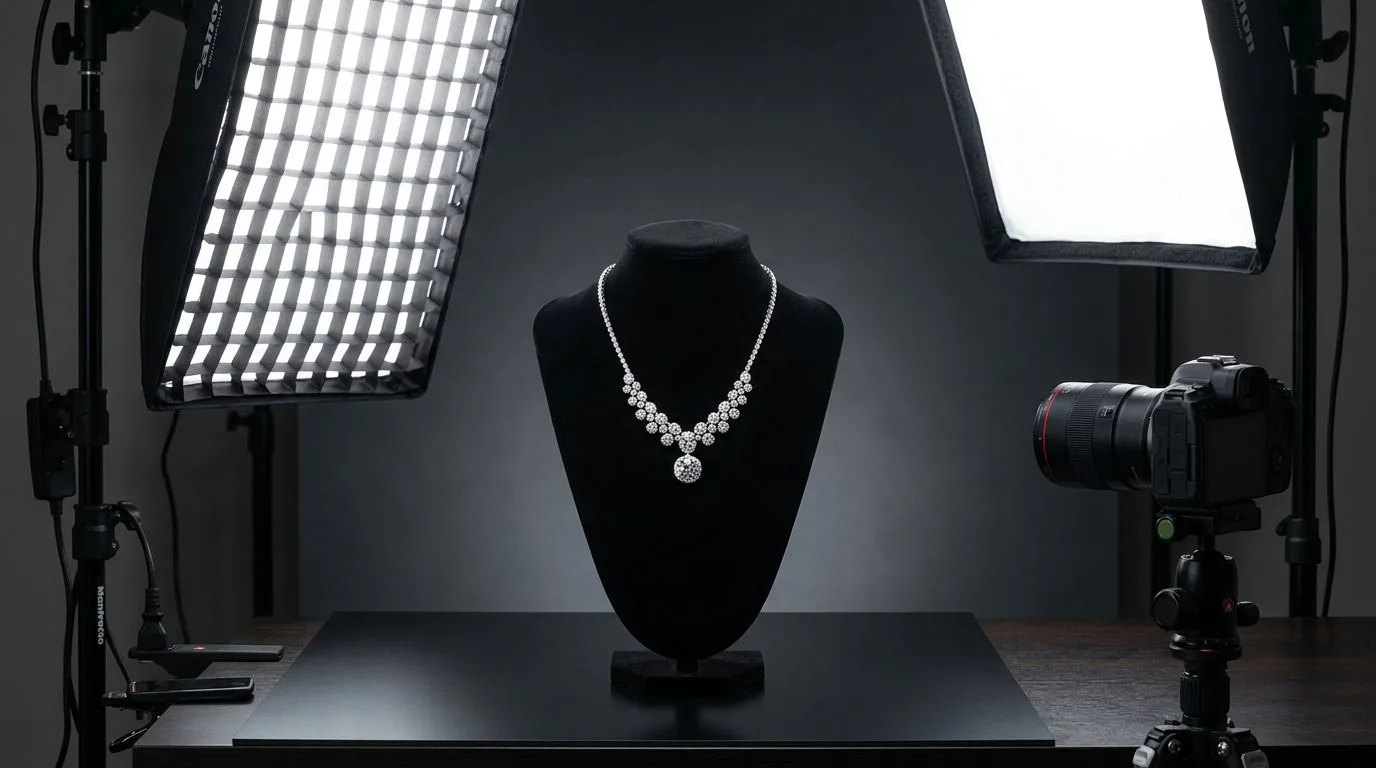
Lifestyle Photography: Products in Real Context, Defined for Jewelry
Define lifestyle photography and see how to use it for your jewelry brand. Learn to create aspirational images that sell rings, necklaces, and more. Try Hylo.
 Read articleTutorial
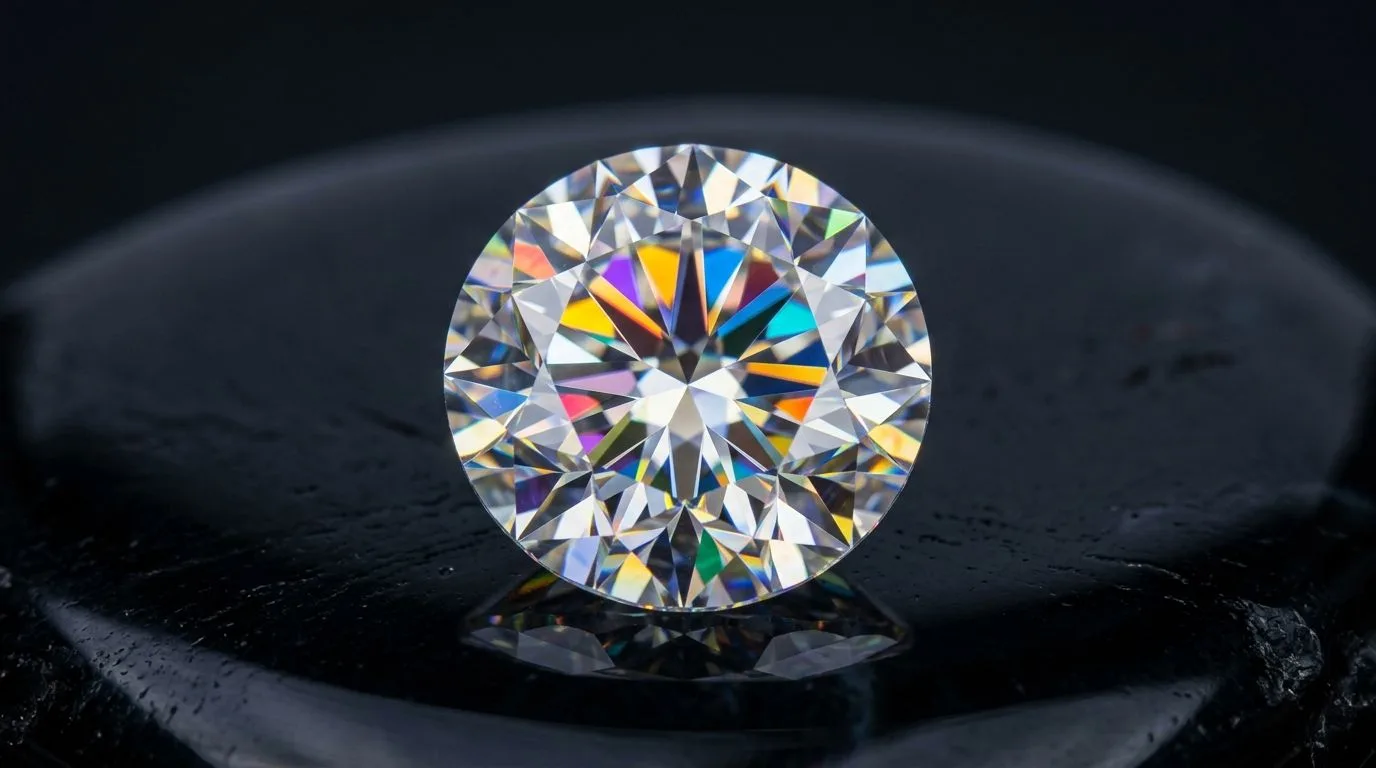
How to Photograph a Necklace: Drape, Light, and Angle by Chain Type
Learn how to photograph necklaces like a pro. A complete 10-step studio workflow covering lighting, chain styling, camera settings, and AI retouching.
 Read articleTutorial
Lab-Grown Diamond Photography: Showing Fire and Cut Online
Photograph lab-grown diamonds to show fire, brilliance, and cut when the stone itself isn't your differentiator. Lighting, settings, and on-hand techniques.
 Read articleCategory
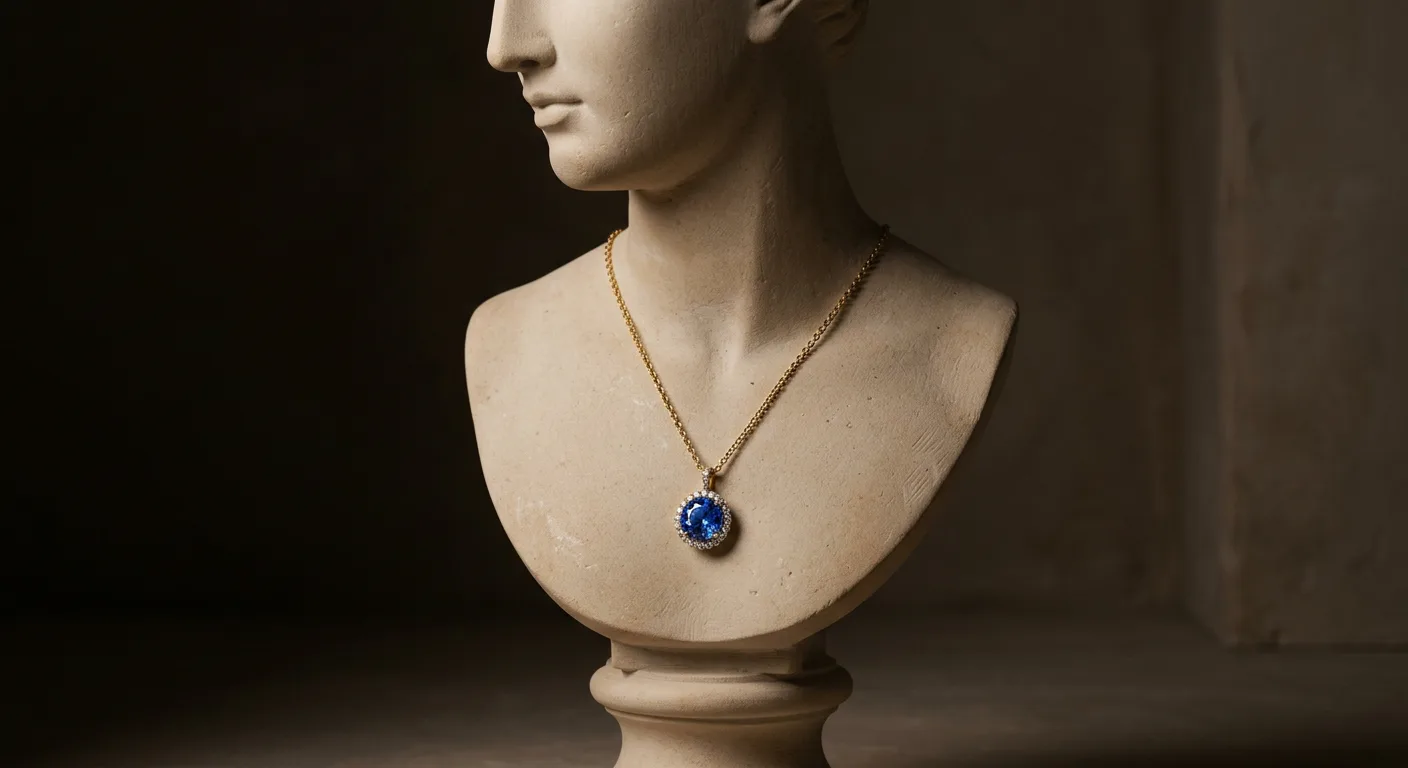
AI Necklace Photos: Drape, Detail, and On-Model Shots Without a Studio
Generate professional AI necklace photos in seconds. Replace expensive photoshoots with AI for e-commerce, social media, and linesheets. Try Hylo for free.
 Read articleCategory
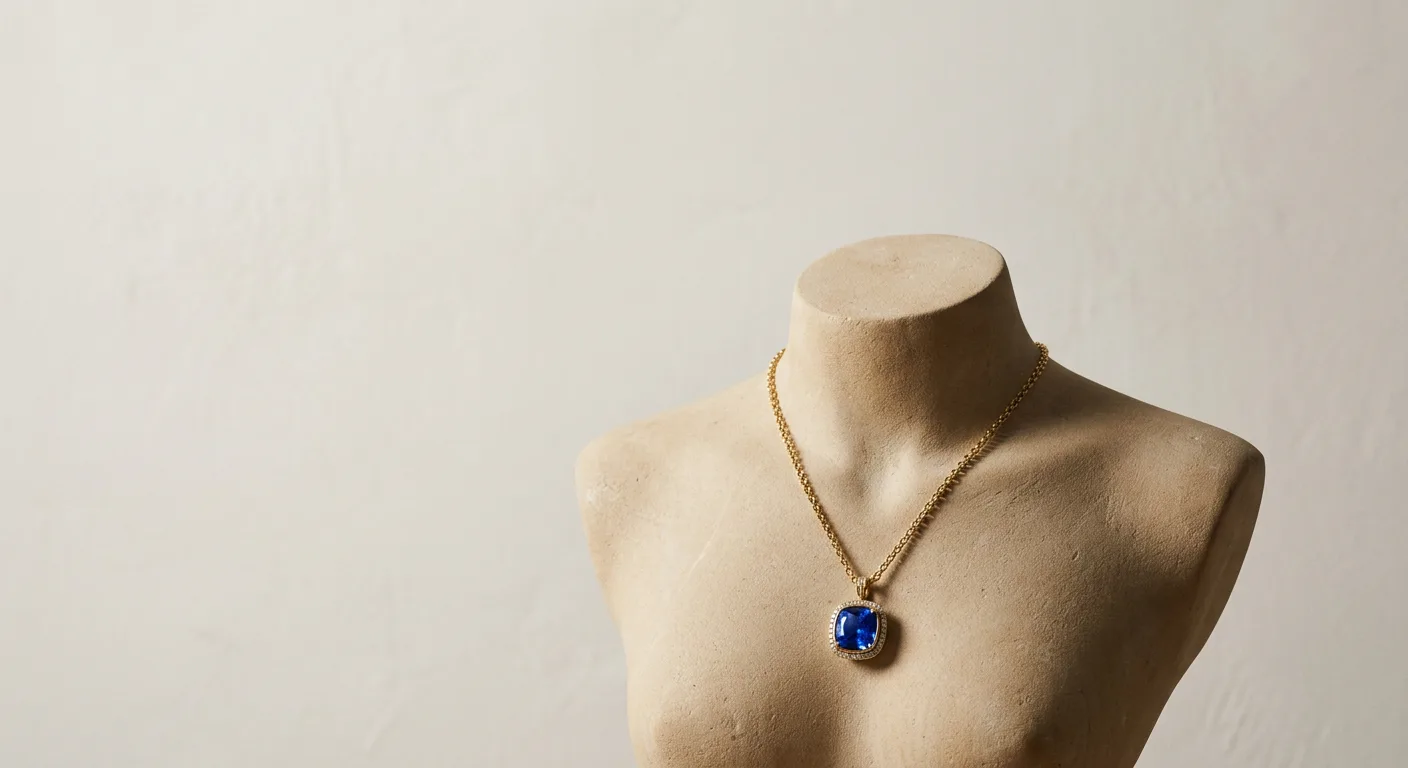
Mangalsutra Photography: The Complete On-Model and Catalog Guide
A complete guide to photographing mangalsutra and long sets: showing chain length, pendant detail, drape on the neck, and meeting marketplace image rules.
 Read articleMarketplace
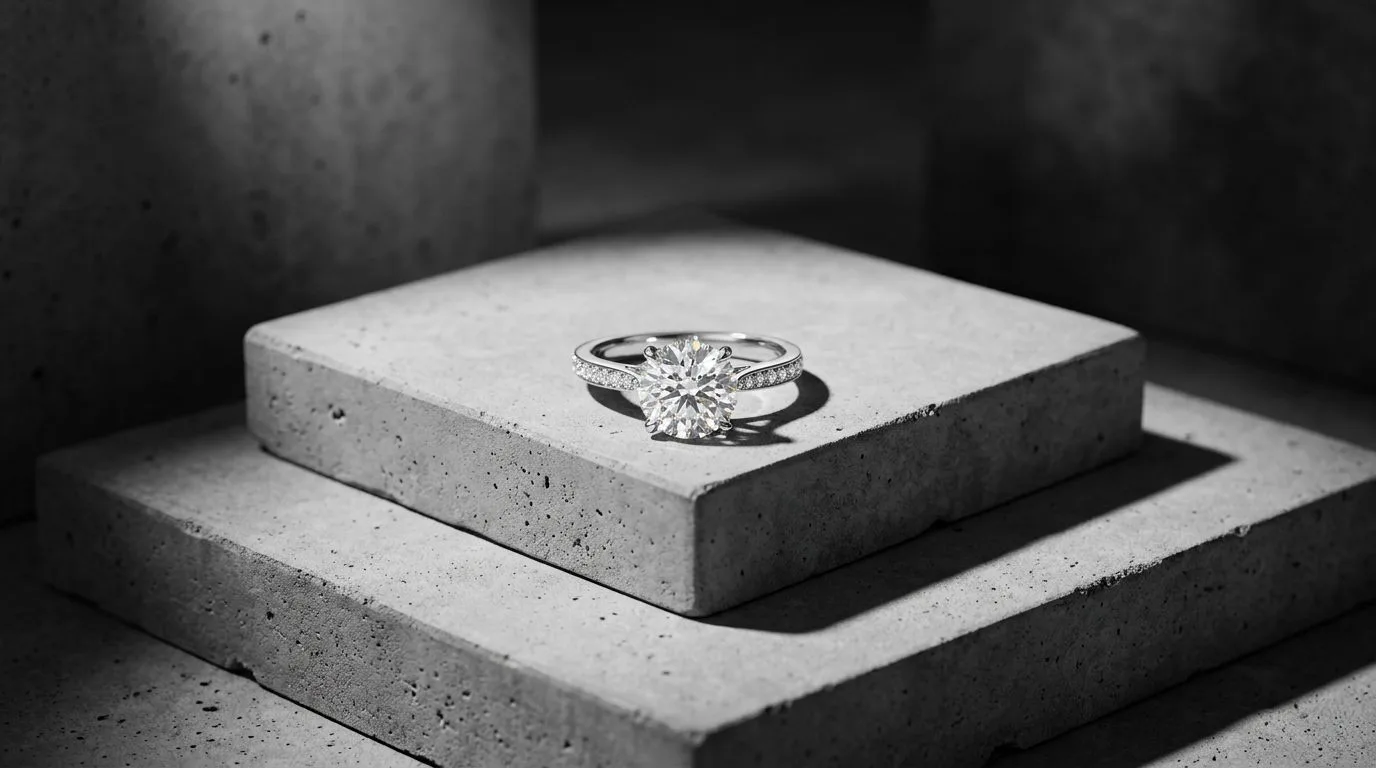
Google Merchant Center Jewelry Image Rejections: Causes and Fixes
Why Google Merchant Center disapproves jewelry images, promotional text, watermarks, low resolution, placeholders, and exactly how to fix each one fast.
 Read articleCategory
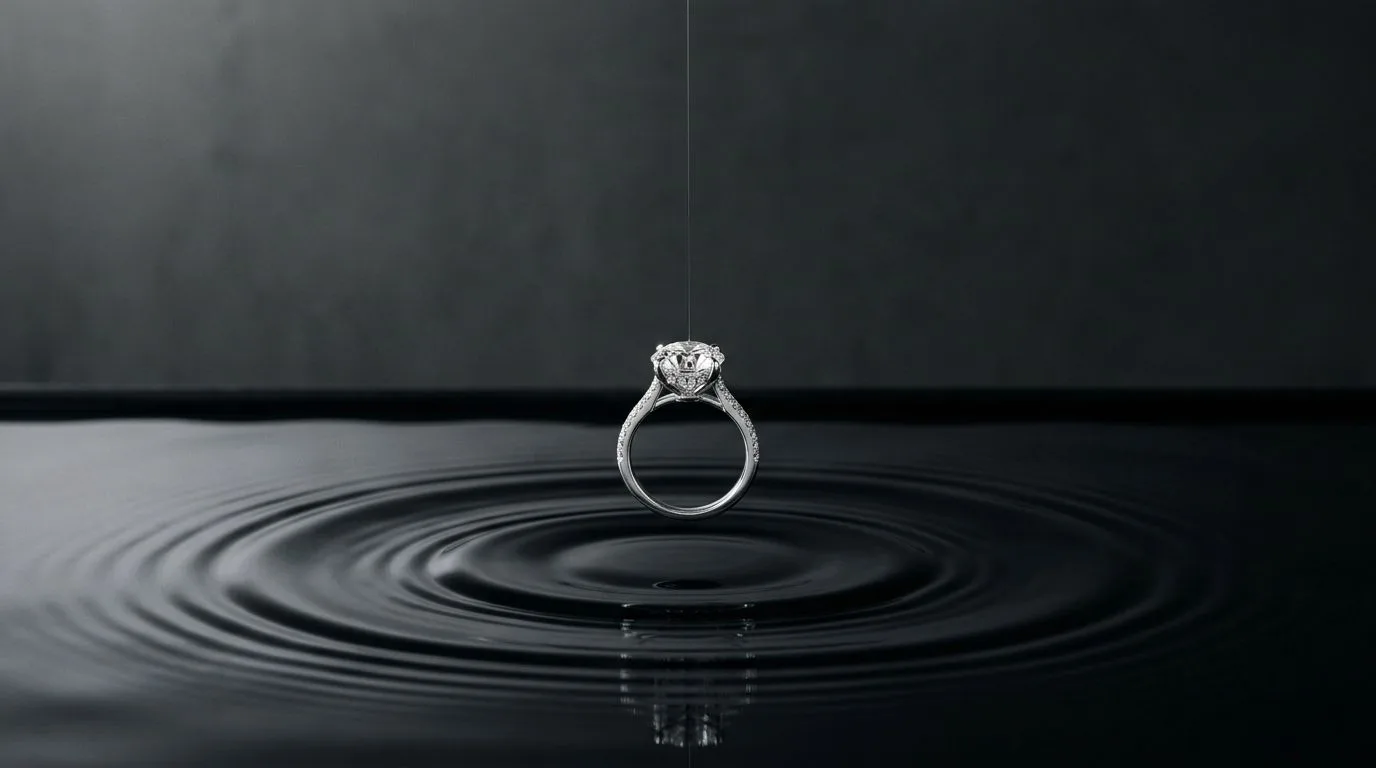
AI Ring Photos: Studio-Quality Images for About $0.35 Each
Generate stunning AI ring photos for your brand. Learn how to create packshots, lifestyle images, and on-model shots that boost conversion on any channel. Try Hylo.
 Read articleTutorial
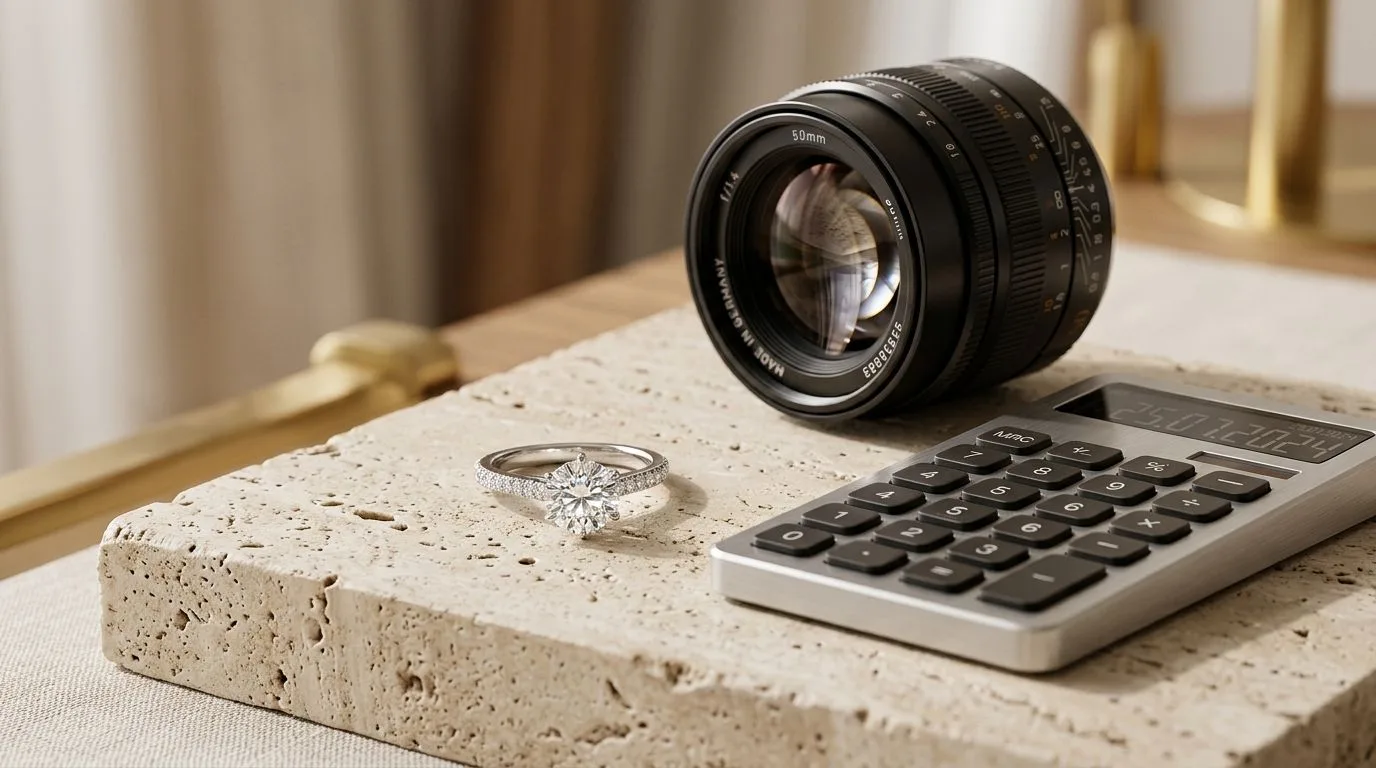
Jewelry Photography Cost: Studio vs AI, and How to Work Out Your Per-SKU Number
How to calculate the real per-SKU cost of studio jewelry photography versus AI generation, including the hidden costs sellers usually forget.
 Read articleMarketplace
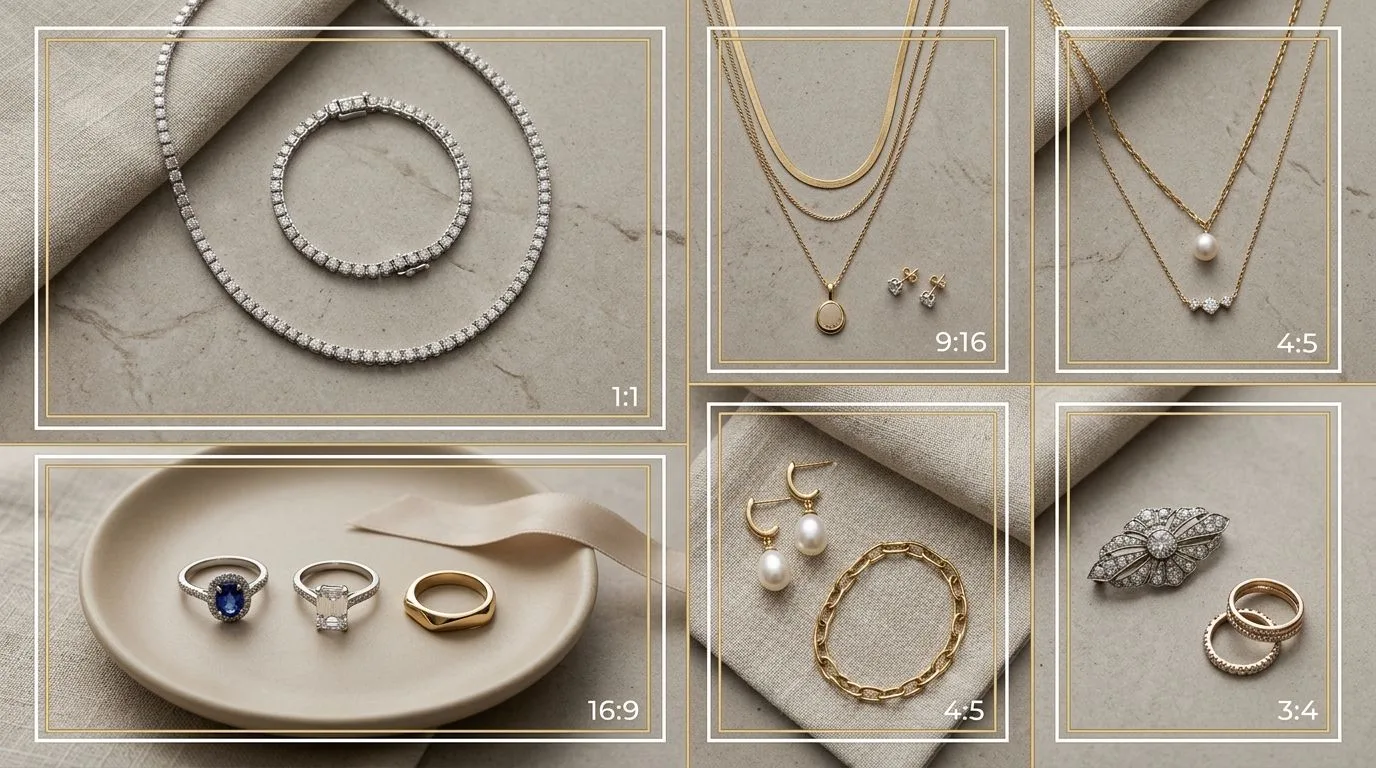
Myntra, Flipkart, and Tata CLiQ Jewelry Image Specs Explained
Jewelry image specs for Indian marketplaces: aspect ratios, on-body shot requirements, white-background rules, and how to prep one catalog for all platforms.
 Read articleCommercial
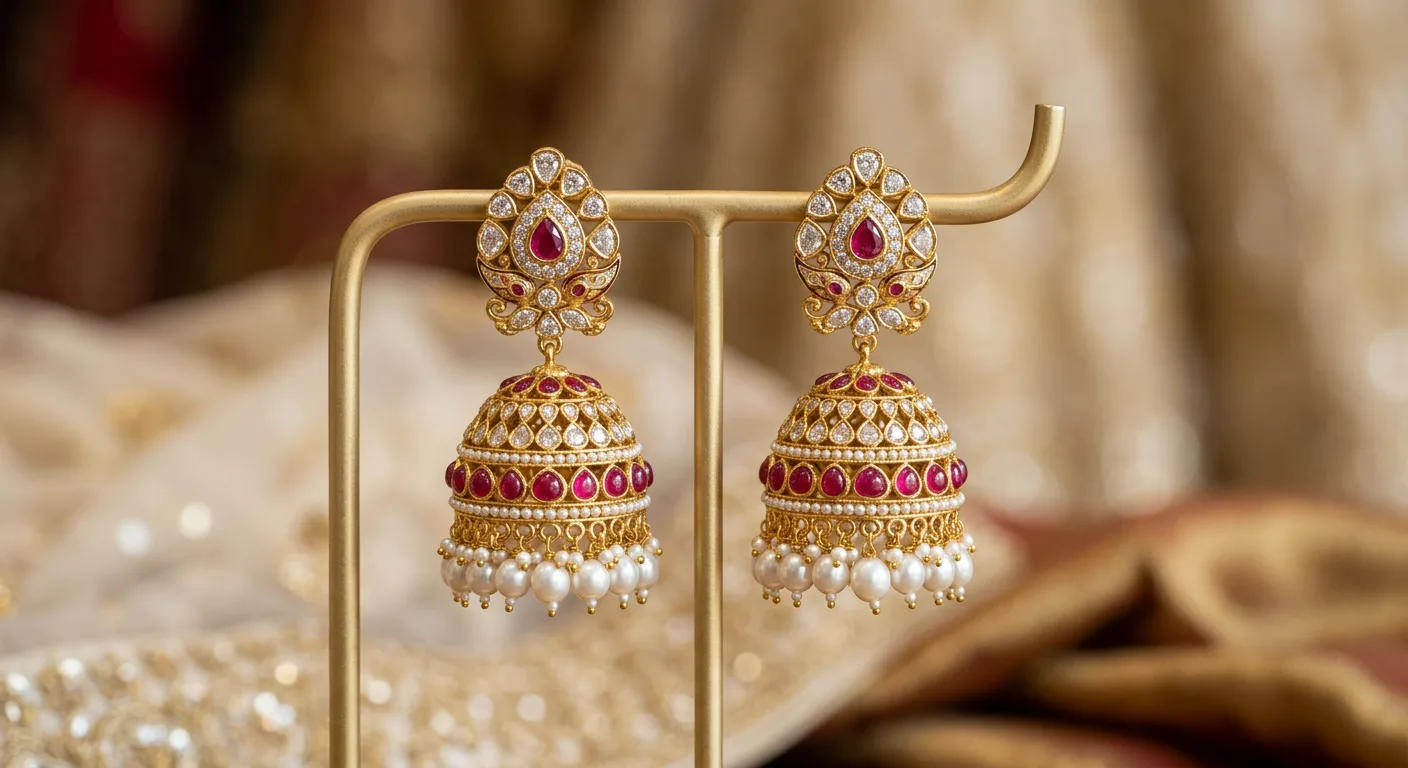
Jhumka and Jadau Earring Photography for Wedding-Season Catalogs
Shoot jhumka and jadau earrings for wedding-season catalogs: capture dome shape, hanging detail, and on-ear scale across hundreds of SKUs without a studio.
 Read articleTutorial
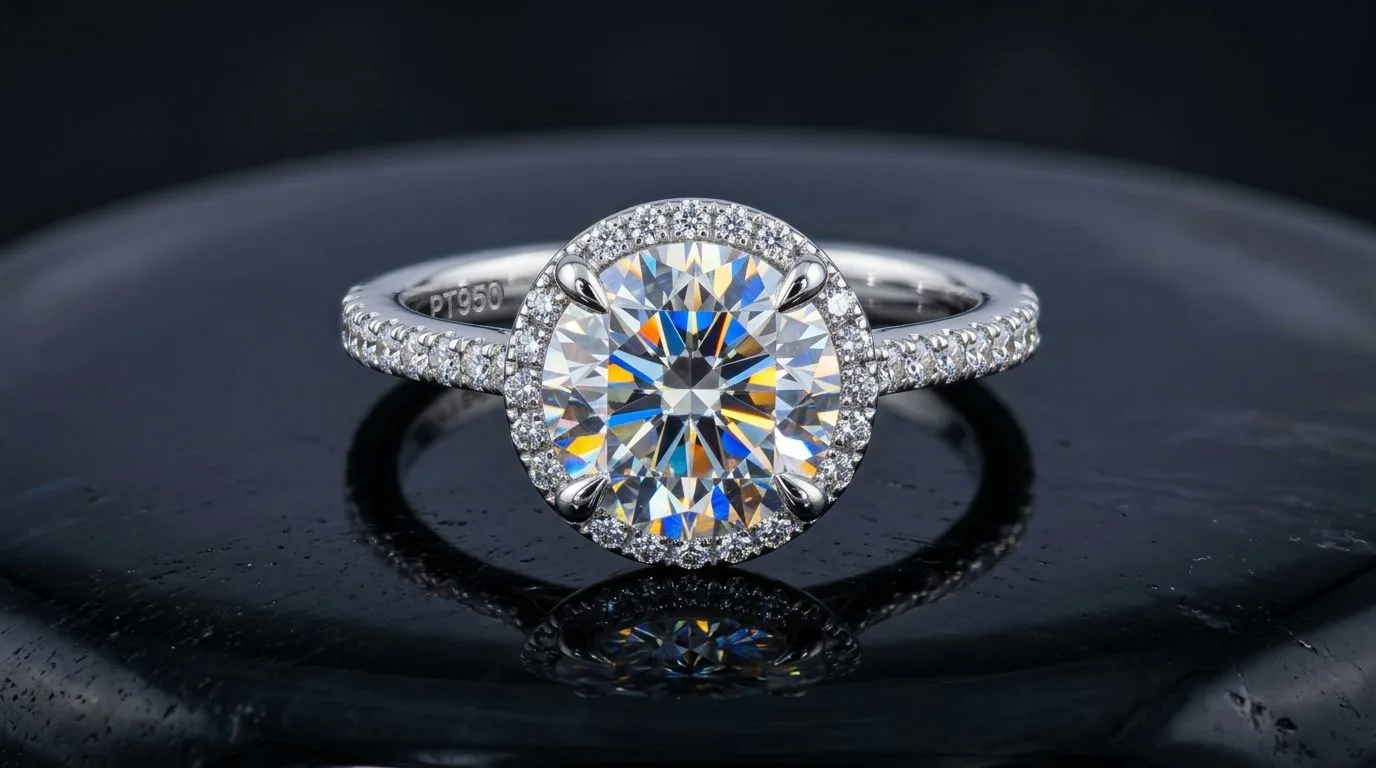
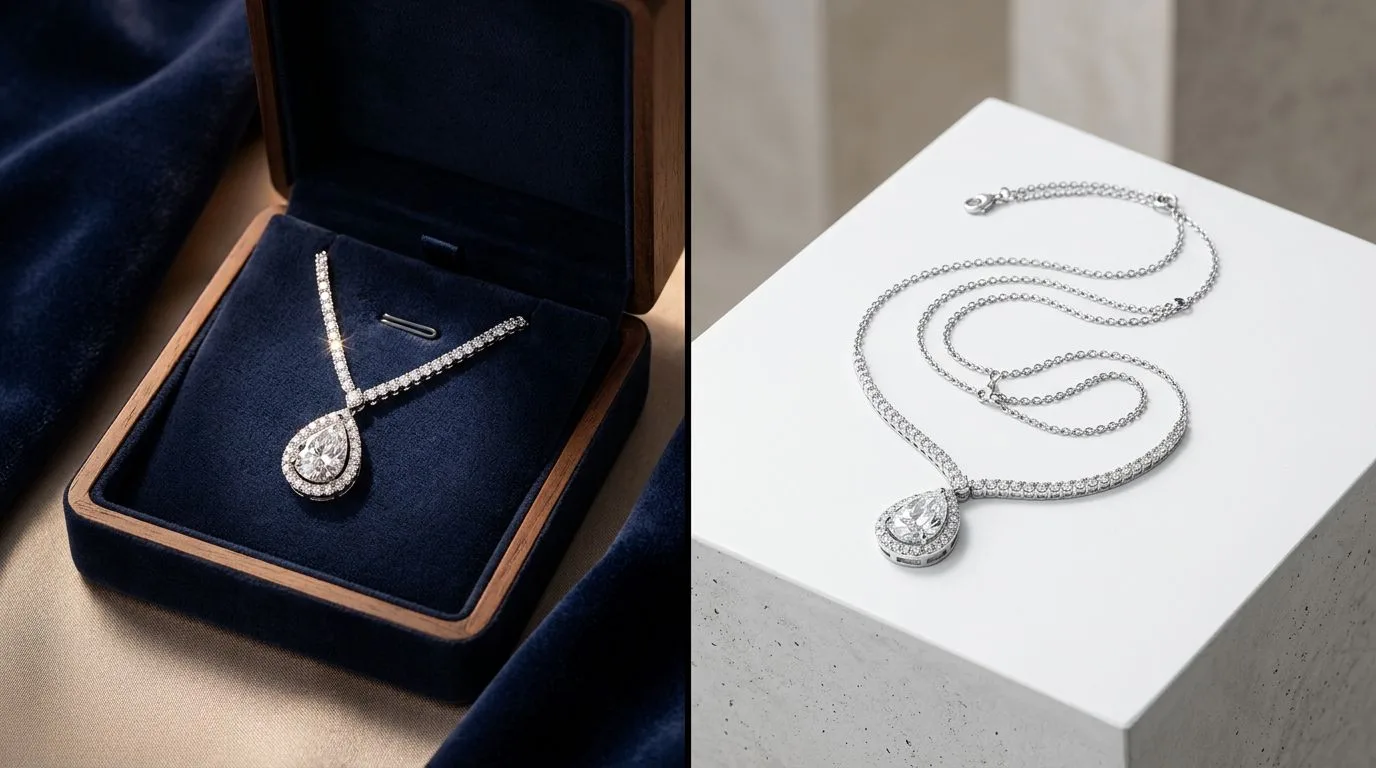
How to Photograph Diamond Sparkle: One Hard Light Source Does It
Learn how to photograph diamonds to maximize sparkle and fire. Master point-source lighting, light dispersion, and AI tools like Hylo to simulate perfect faceting.
 Read articleArticle
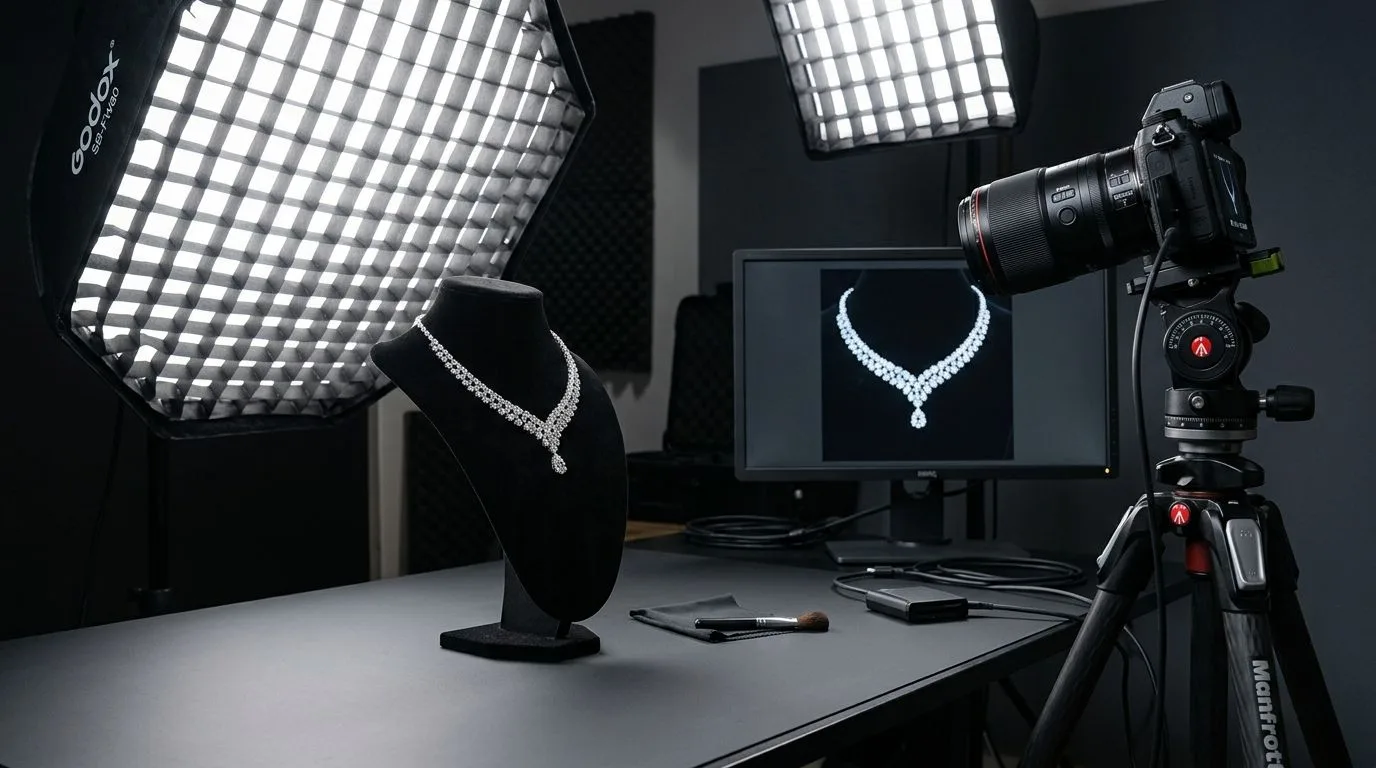
Hylo vs GemLightbox: The Future of Jewelry Photography in 2026
A deep dive comparison of Hylo AI software versus the GemLightbox physical hardware. Learn which solution offers the best ROI for e-commerce jewelry photography.
 Read articleTutorial
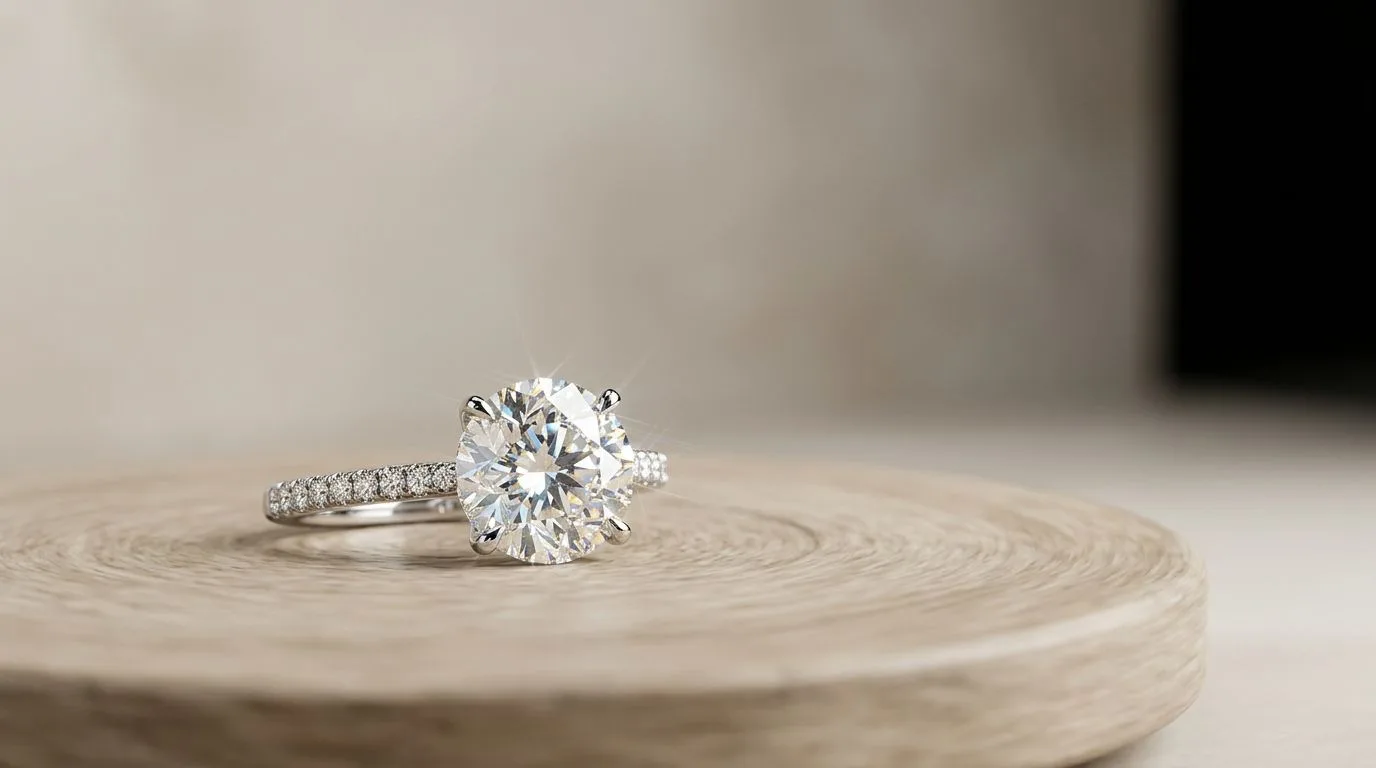
The Best Lighting for Jewelry Video (Fix LED Flicker)
Discover the best continuous LED lighting setups for jewelry video. Learn how to eliminate banding and LED flicker by perfectly matching your shutter speed.
 Read articleTutorial
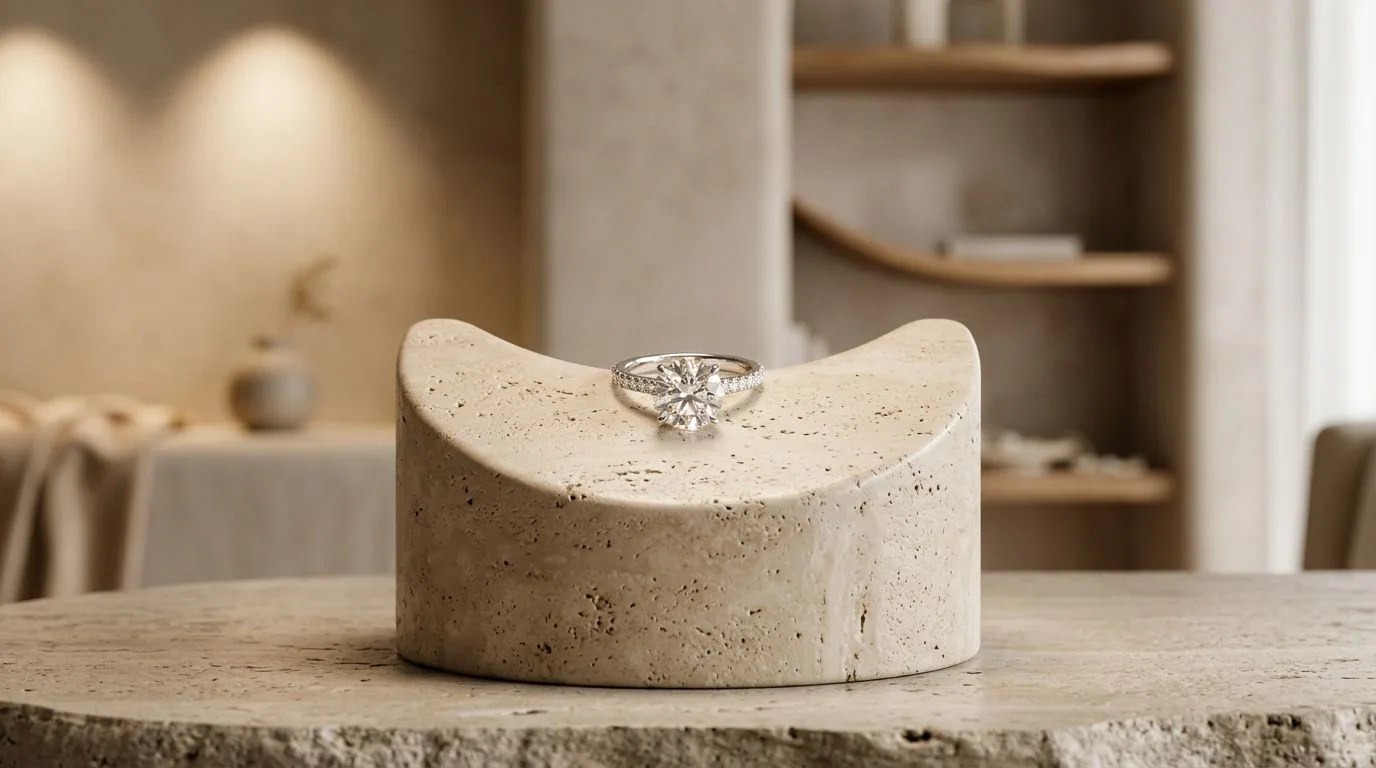
How to Shoot 360 Jewelry Videos: Turntable, Lighting, Export Settings
Learn how to shoot professional 360-degree jewelry videos. Master motorized turntables, macro lenses, stabilization, and AI video generation tools like Hylo.
 Read articleStyle
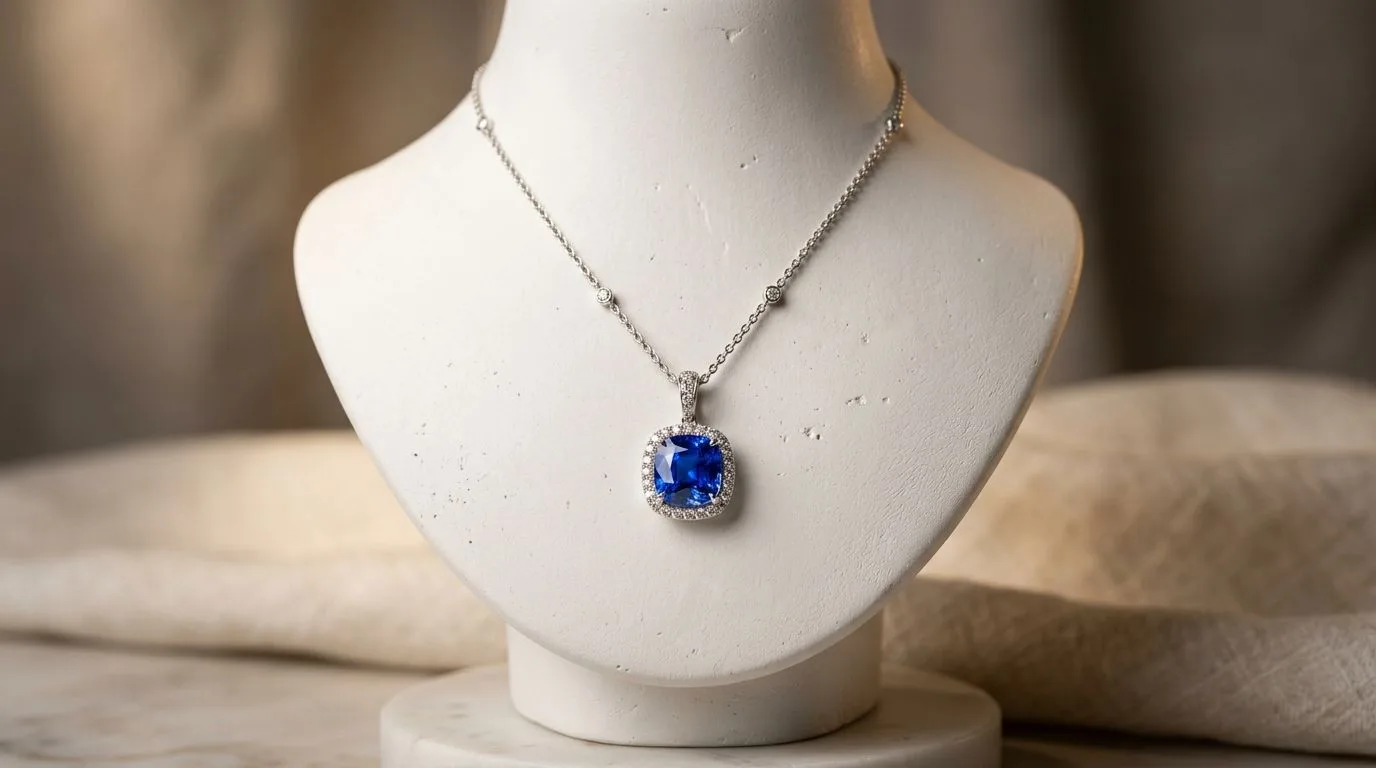
The Best Jewelry Photography Props for 2026 (Style Guide)
Discover the best jewelry photography props for e-commerce. Learn how to style acrylic blocks, marble slabs, and plaster without distracting from the jewelry.
 Read articleGlossary
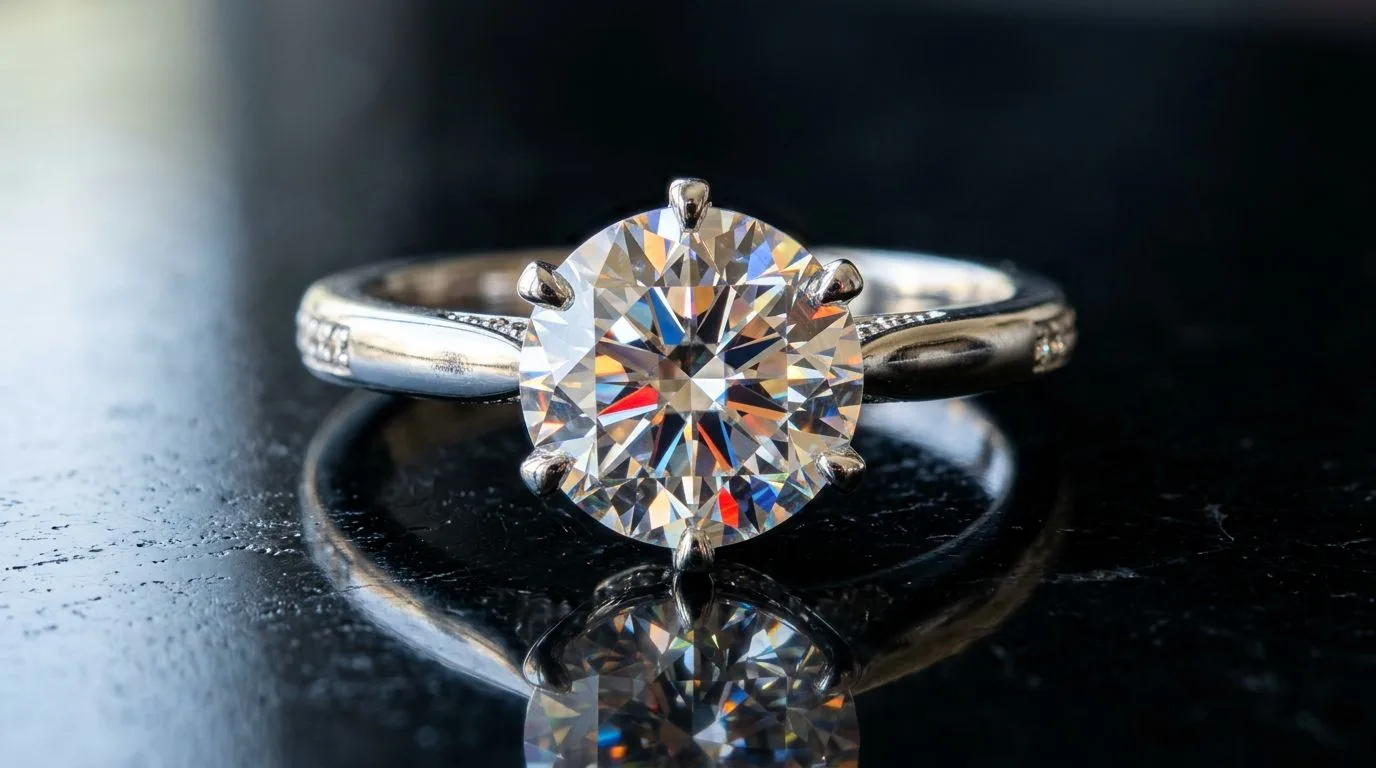
Ghost Mannequin Jewelry Photography: Invisible Support, Natural Drape
Learn the definition of ghost mannequin jewelry photography, how it differs from flat lays, and how to achieve the 3D invisible neck composite effect.
 Read articleGlossary
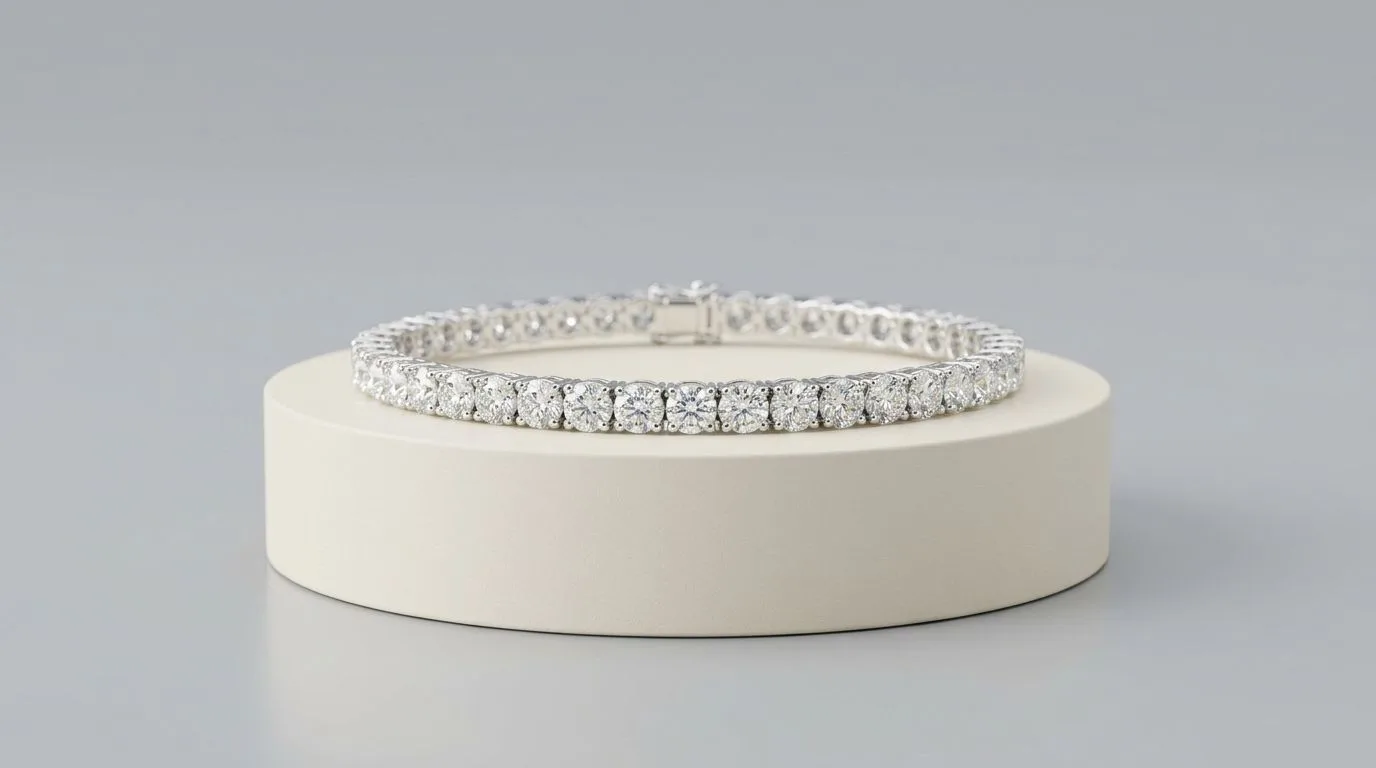
Focus Stacking in Jewelry Photography: Sharp From Prong to Band
Learn what focus stacking is in macro jewelry photography. Discover why shooting at f/22 causes lens diffraction, and how to merge multiple exposures for.
 Read articleMarketplace
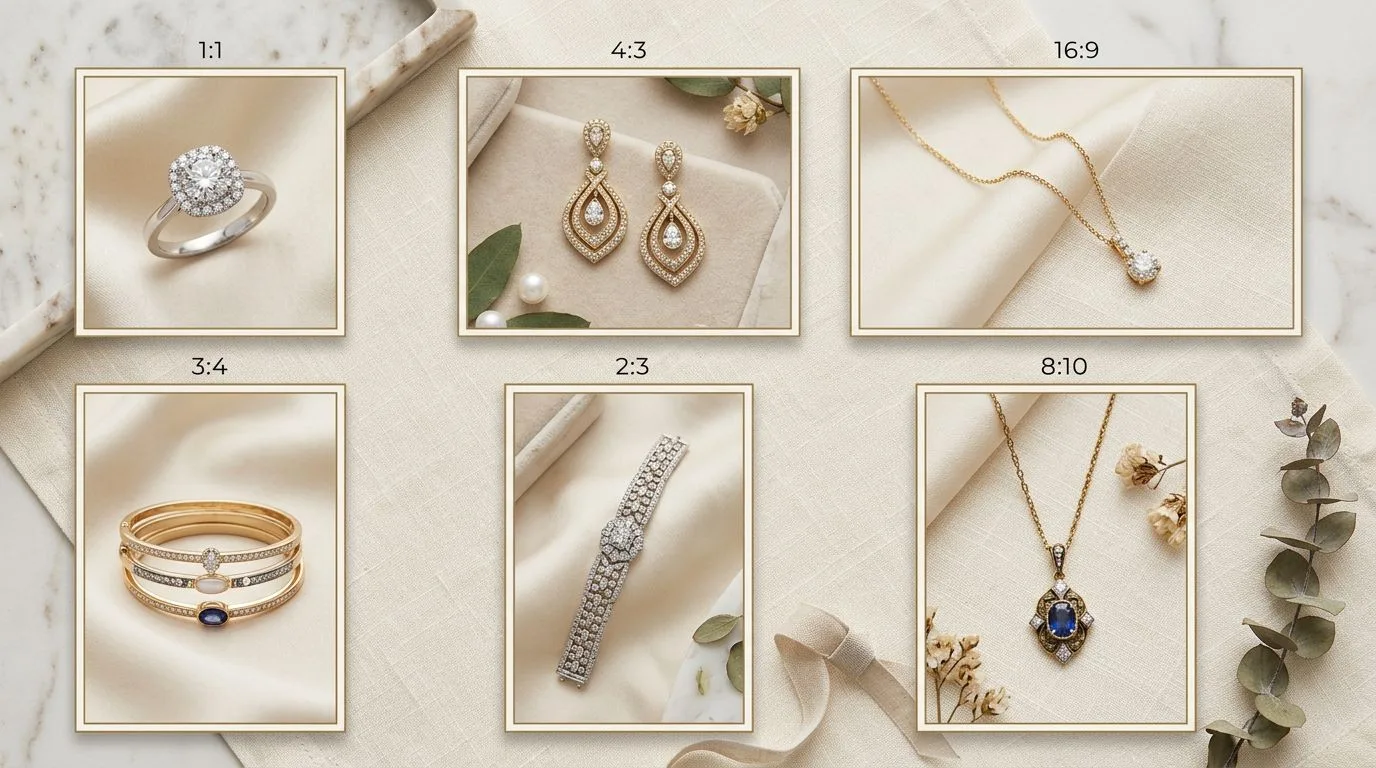
Shopify Jewelry Photography Best Practices (2026 Developer Guide)
Master Shopify jewelry photography best practices. Learn how to maintain grid coherence, optimize WebP compression for LCP, and apply AI batch-processing.
 Read articleMarketplace
Amazon Handmade Jewelry Photography Requirements (2026 Compliance Guide)
Master Amazon Handmade jewelry photography rules. Learn how to achieve the mandatory RGB 255 pure white background, 85% frame fill, and 1600px zoom dimensions.
 Read articleMarketplace
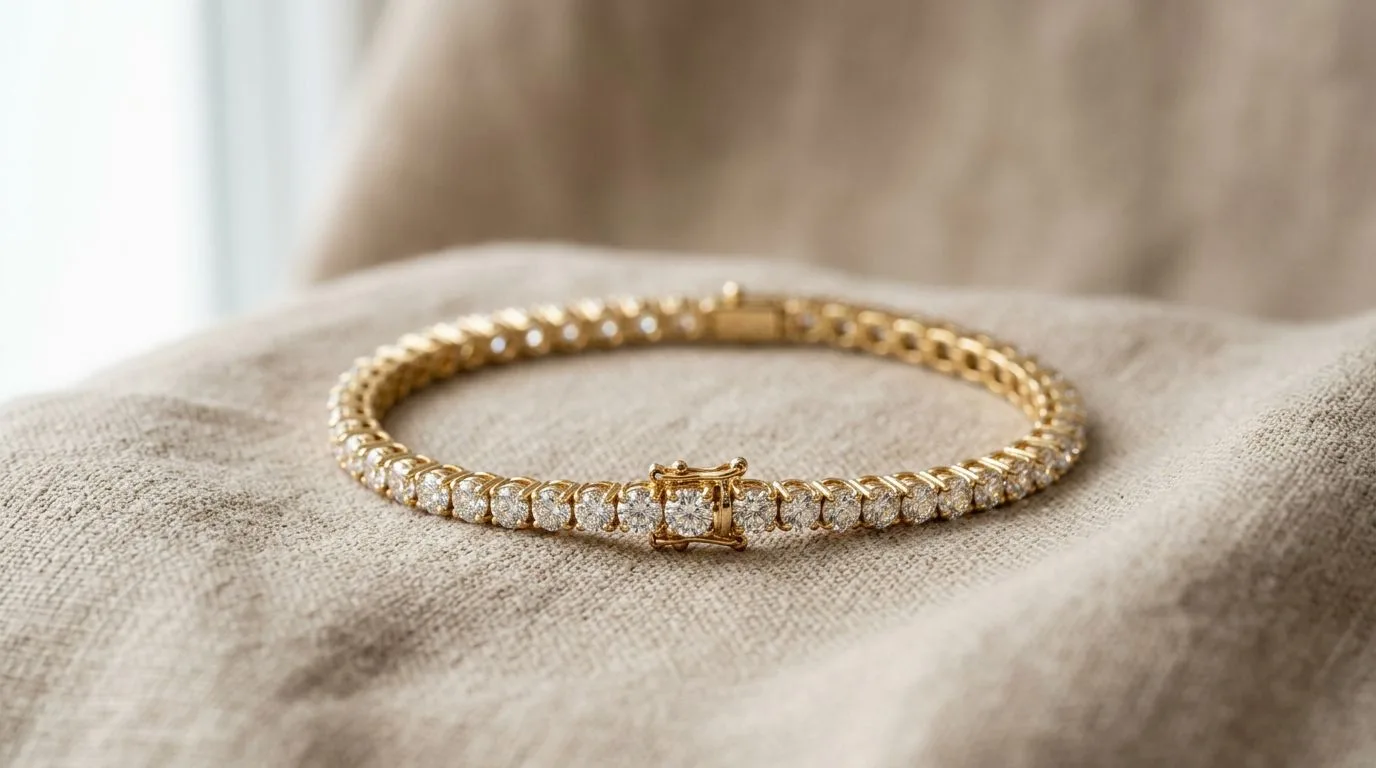
How to Photograph Jewelry for Etsy: 10 Slots, 5 Shot Types
Learn how to photograph jewelry for Etsy to maximize conversion. Discover the exact lighting setups, RGB 255 pure white requirements, and AI automation tools.
 Read articleComparison
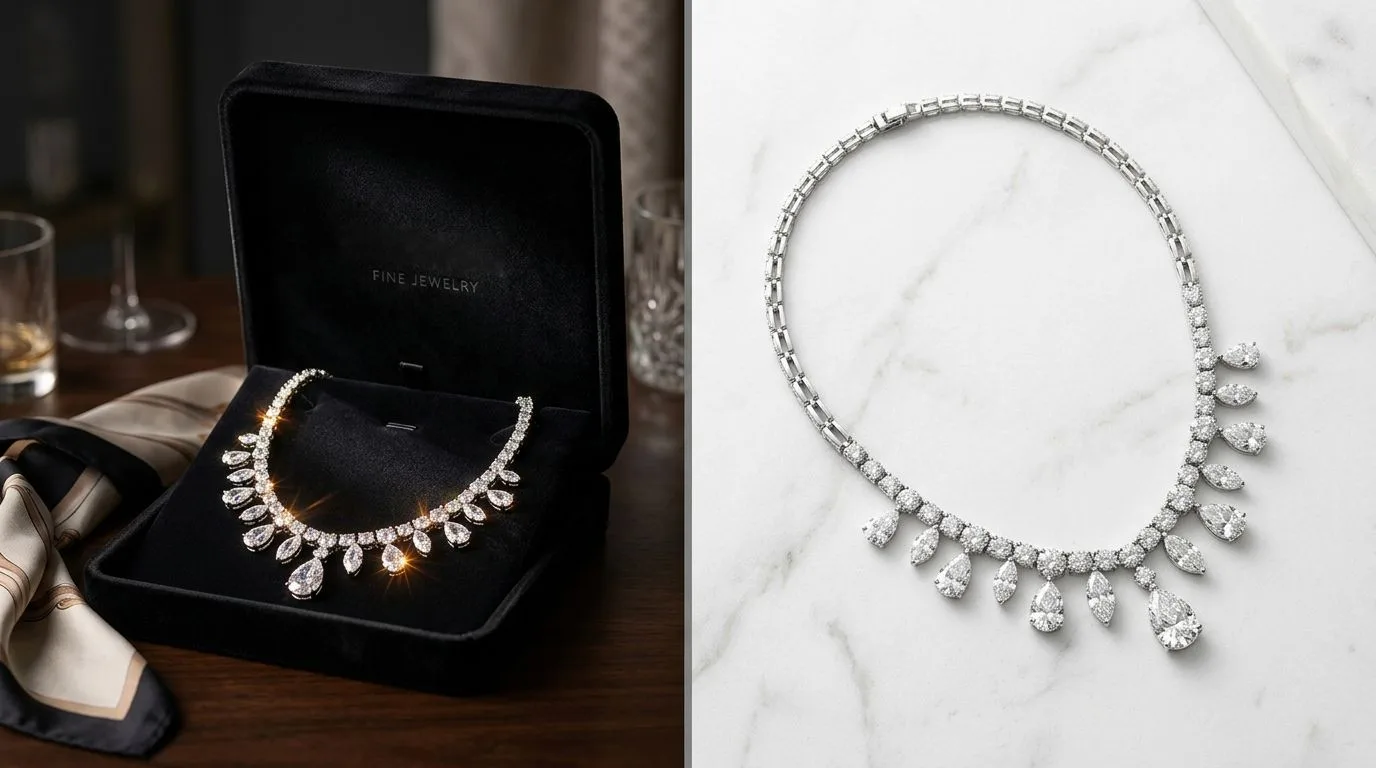
Hylo vs Pebblely for Jewelry (2026 Test): Detail Fidelity Decides It
We compared Hylo and Pebblely by testing 50 complex jewelry items. Find out which AI tool preserves 1mm thin chains, prong settings, and diamond fire.
 Read articleComparison
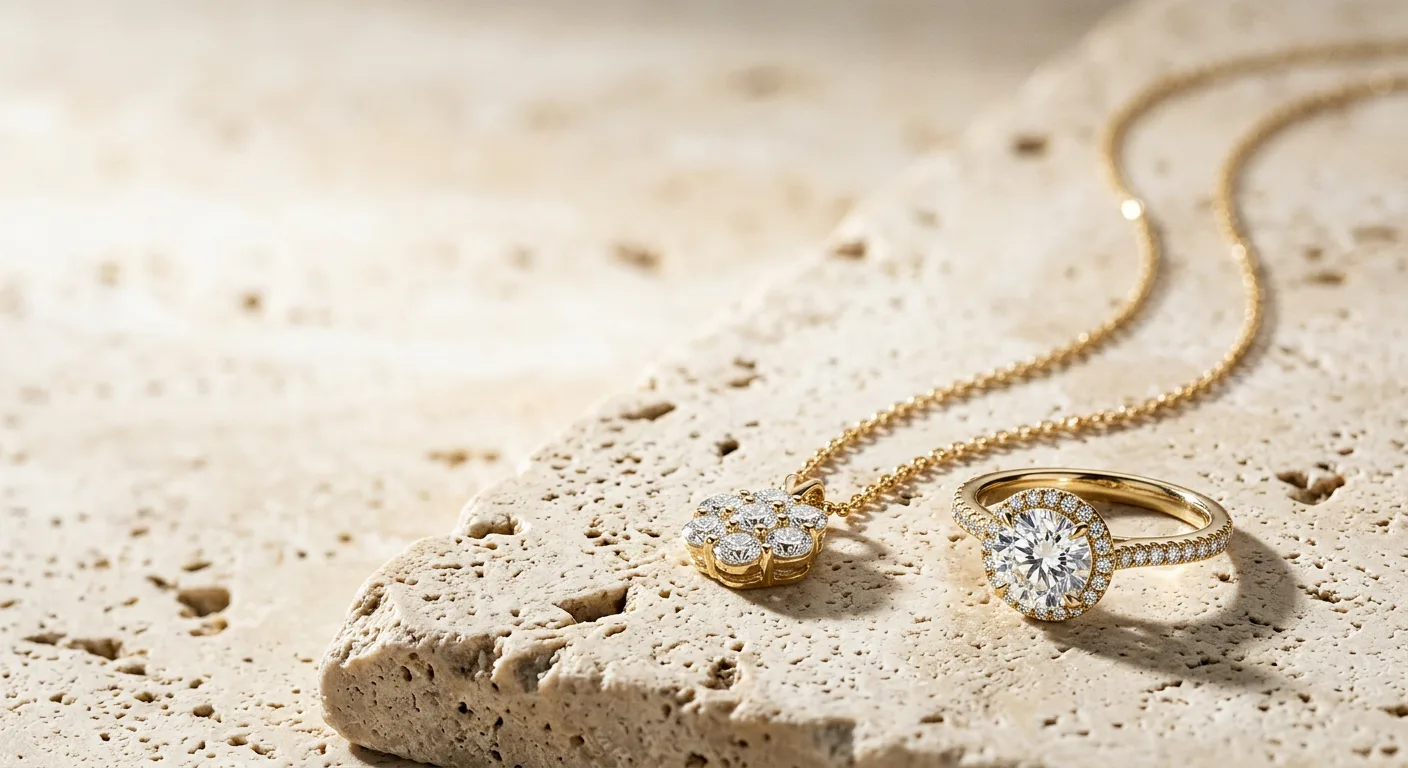
Hylo vs Photta: Which AI Jewelry Photography Tool Wins? (2026 Test Data)
We tested Hylo and Photta on 50 real jewelry SKUs. Compare features, pricing, and output quality to find the best AI photography tool for your brand.
 Read articleTutorial
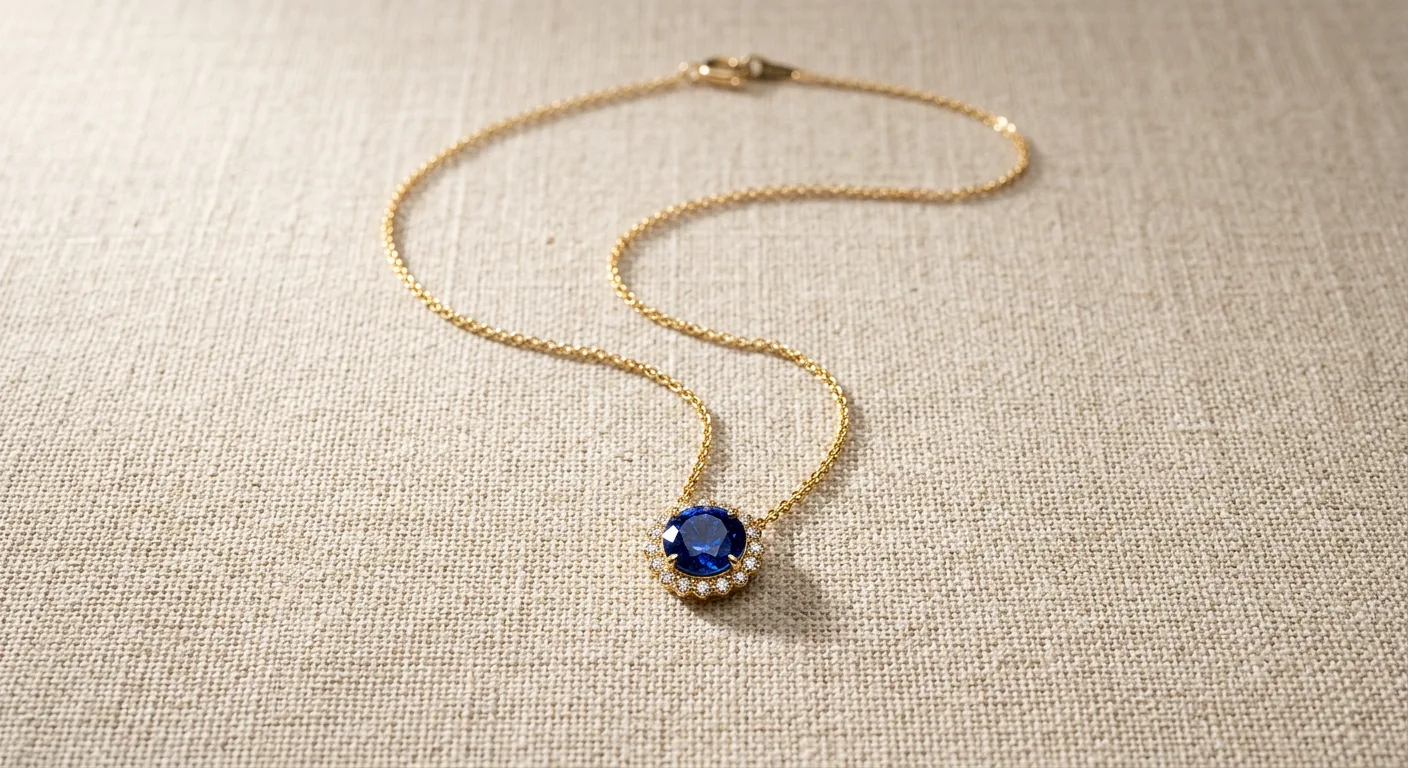
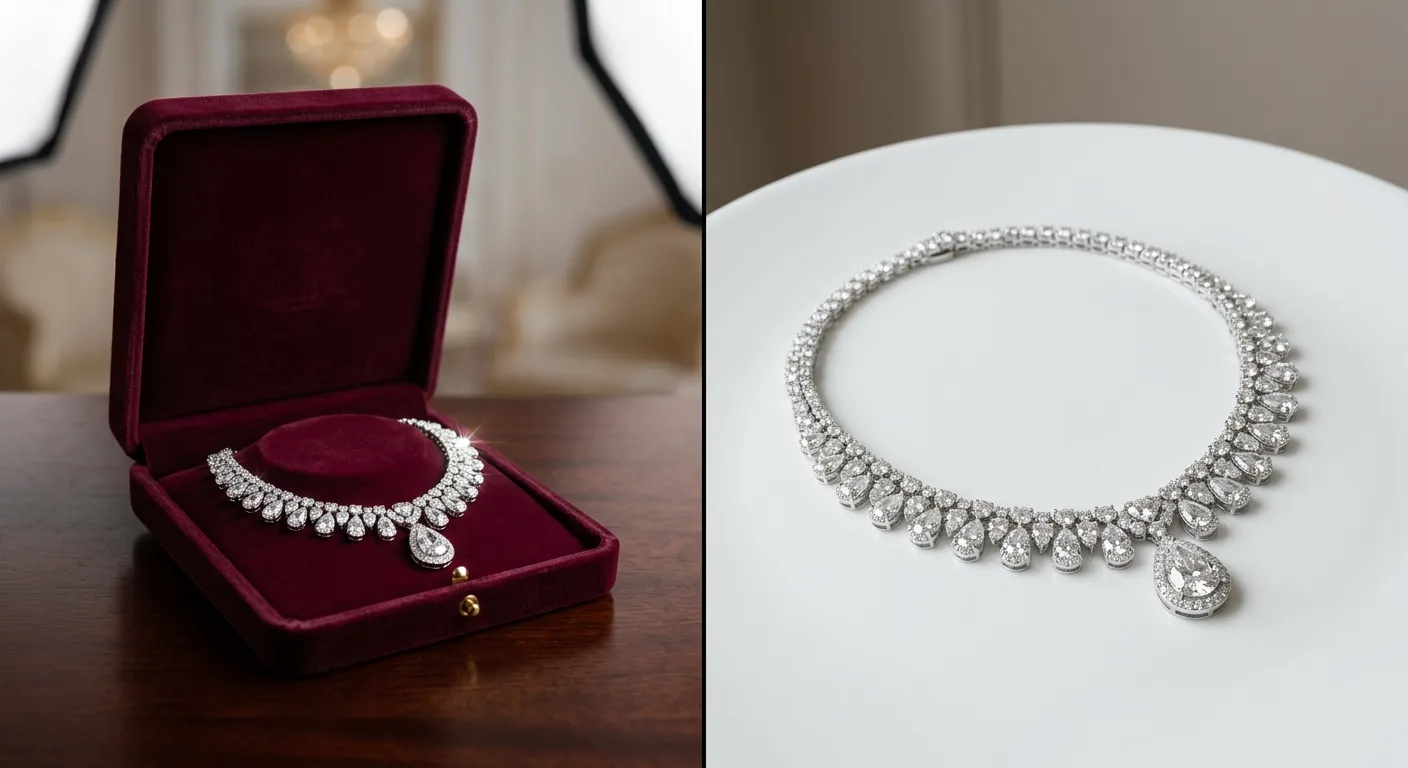
How to Photograph Necklaces Flat Lay: Shape the Chain First
Learn how to photograph necklaces flat lay. Master chain symmetry, prevent tangling, eliminate hard shadows, and use AI to preserve sub-millimeter chain details.
 Read articleTutorial
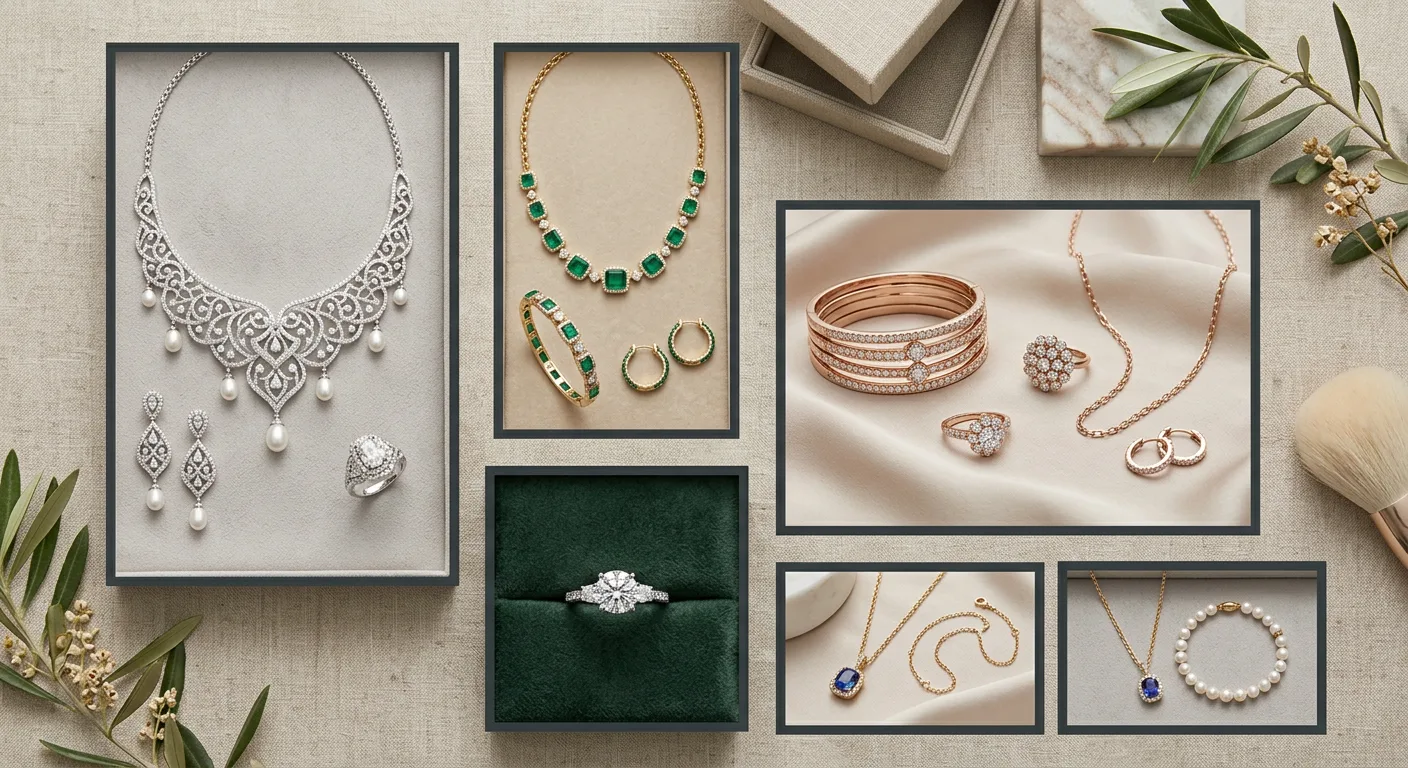
How to Photograph Rings Without Reflections: Tent, Tilt, Retouch
Learn how to photograph highly polished rings without capturing camera reflections. Master the white tent technique and AI tools like Hylo.
 Read articleTutorial
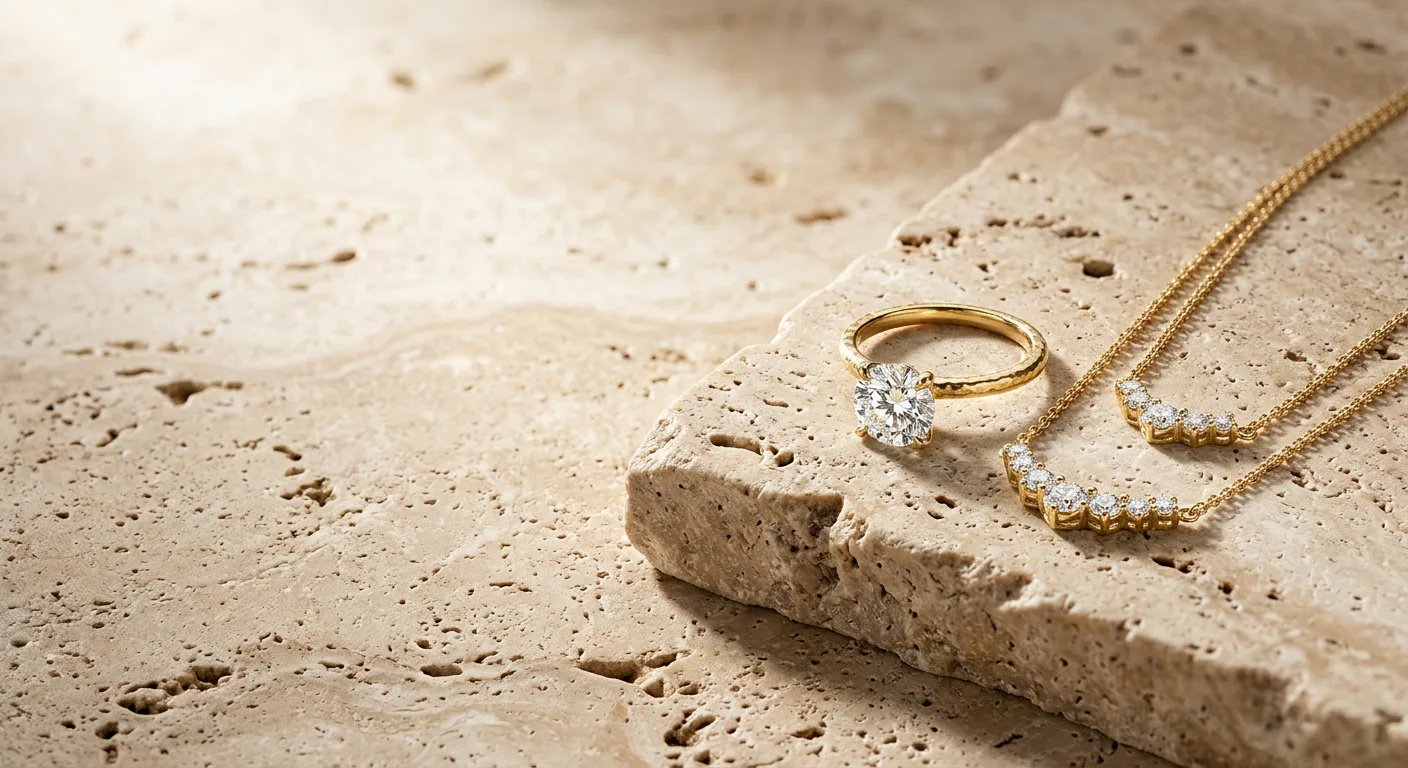
The Seasonal Jewelry Content Calendar: Planning for Demand Spikes
Plan jewelry content around the year's real demand spikes, Diwali, Akshaya Tritiya, Valentine's, and the holiday season, and produce catalogs ahead of each.
 Read articleComparison
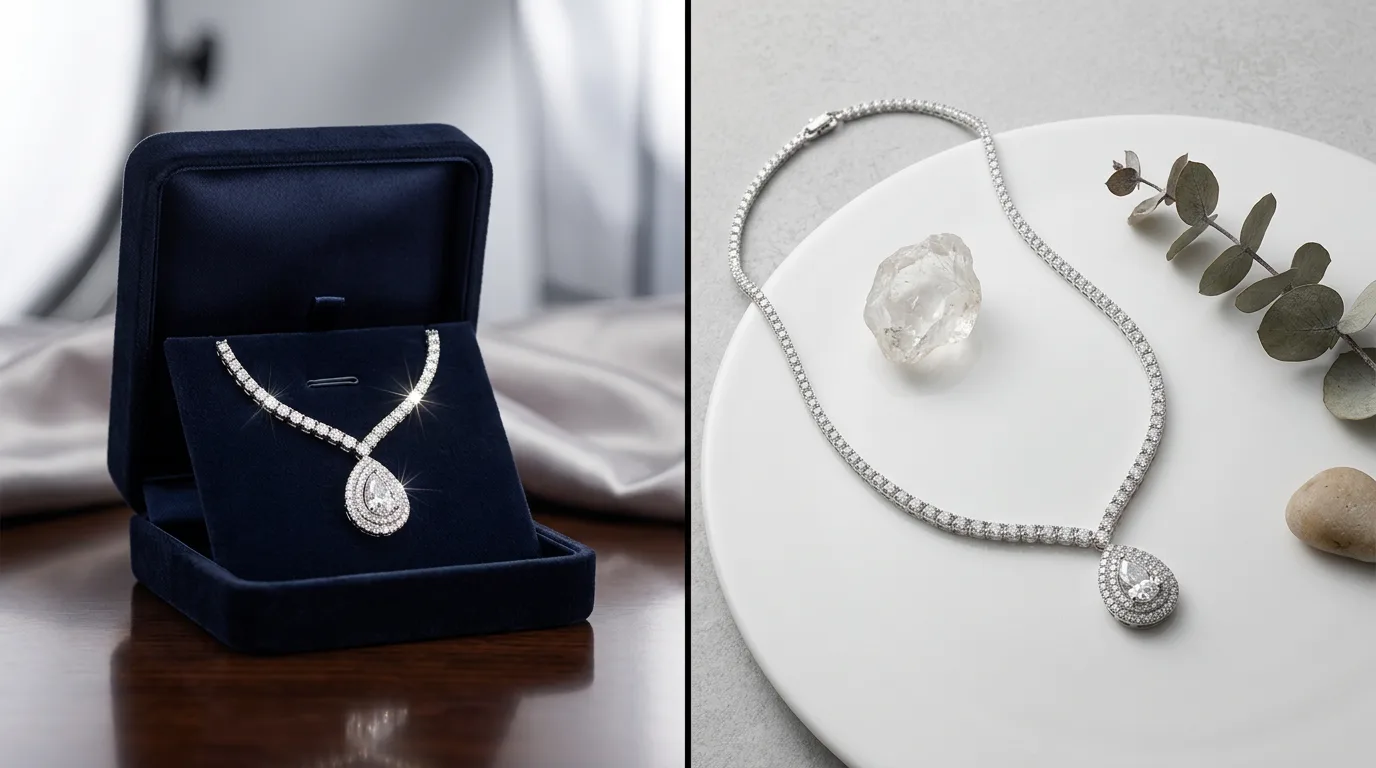
Jewelry Photo AI Alternative: Why Brands Pick Hylo for Fidelity
Compare Hylo vs Jewelry Photo AI. Discover why professional jewelers pick Hylo for batch processing, Brand Kit presets, and pixel-perfect gemstone reflection.
 Read articleTutorial
10 Mistakes Jewelry Brands Make in Product Photography (And How to Fix Them)
Avoid these 10 common jewelry product photography mistakes. Learn how flat lighting, gemstone reflection errors, and incorrect aspect ratios convert poorly.
 Read articleTutorial
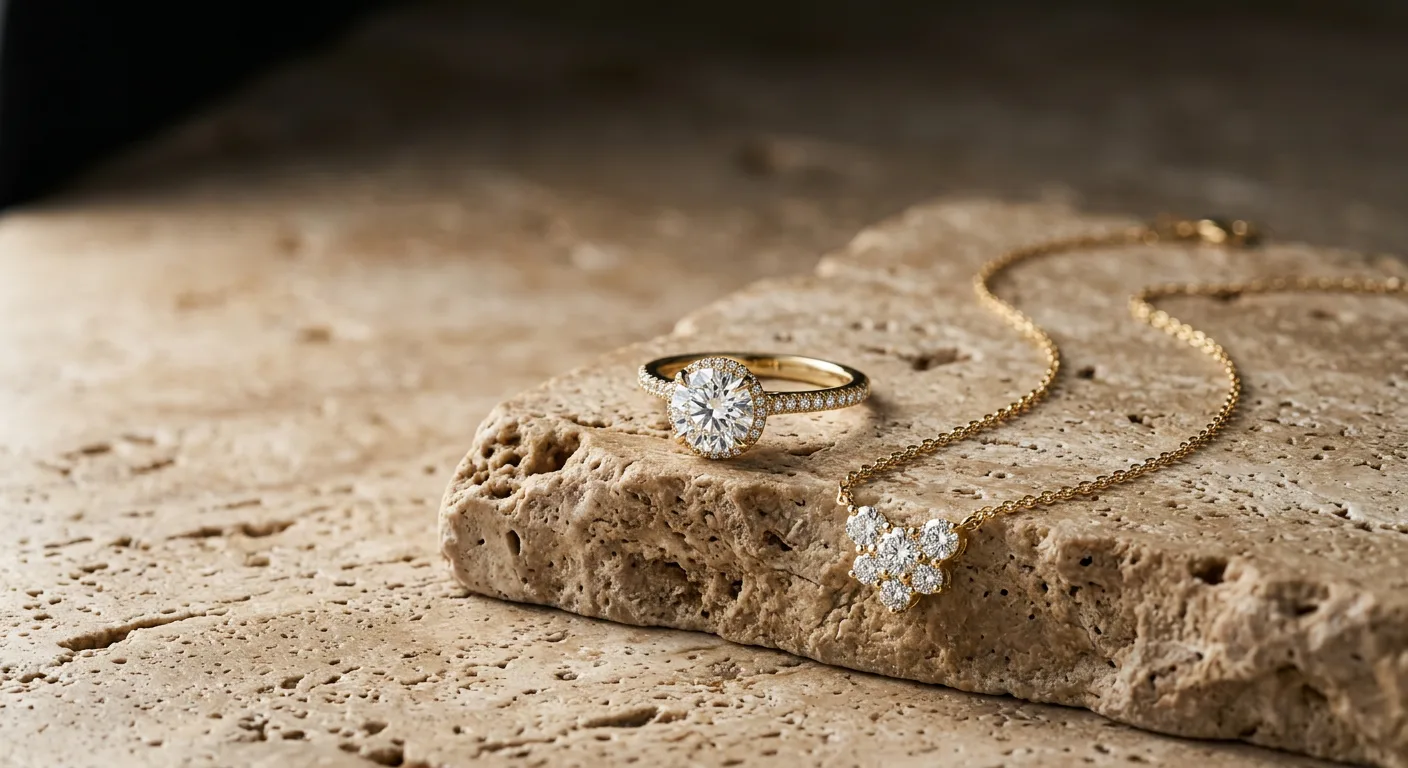
Lab-Grown Diamond Photography With AI: Fire and Cut Without a Studio
Learn how to capture the fire, clarity, and brilliance of lab-grown diamonds using AI product photography. Master studio-grade renders with Hylo.
 Read articleStyle
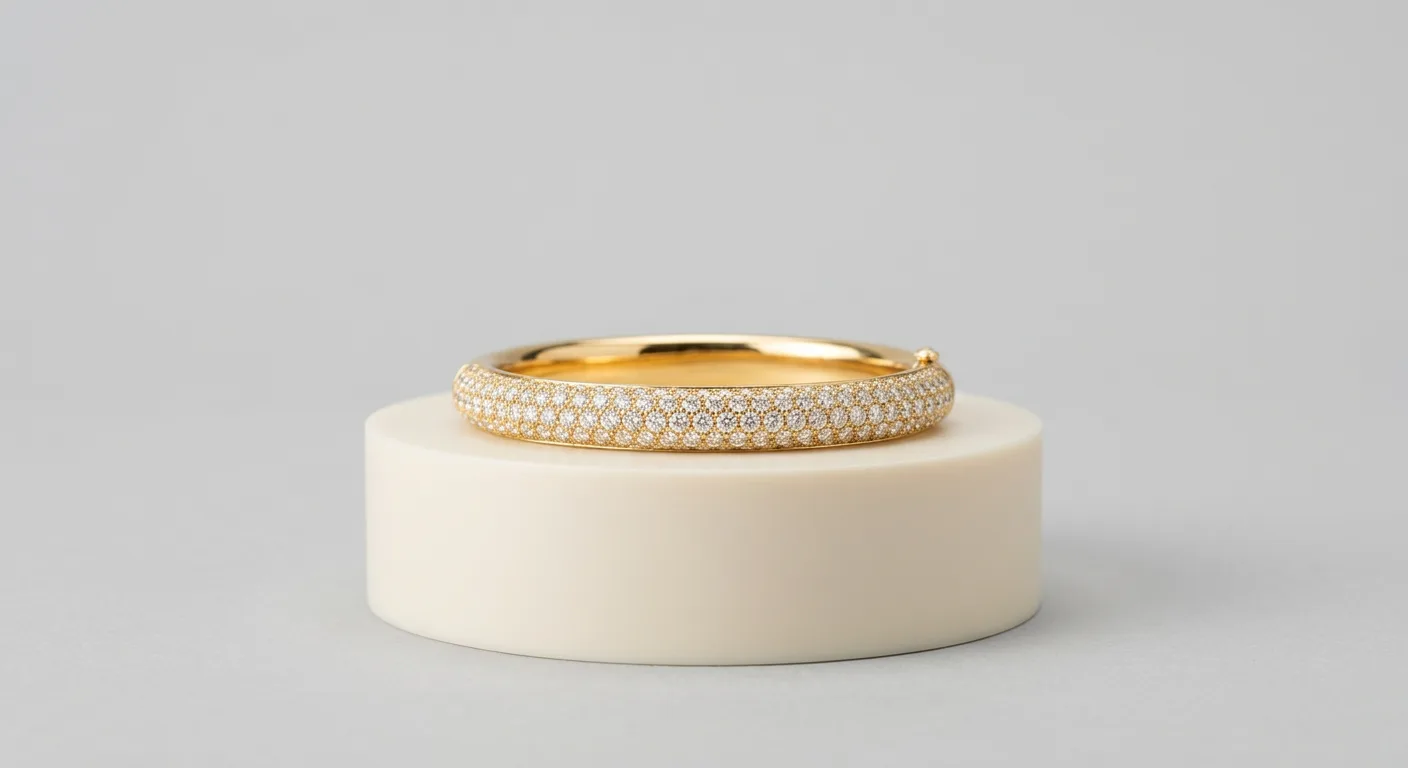
Lifestyle Model Bangle Photos: Styling, Poses, and AI Shortcuts
Master the lifestyle model bangle photo style with exact lighting, settings, and styling, then generate the look on your own bangles in minutes with Hylo.
 Read articleCommercial
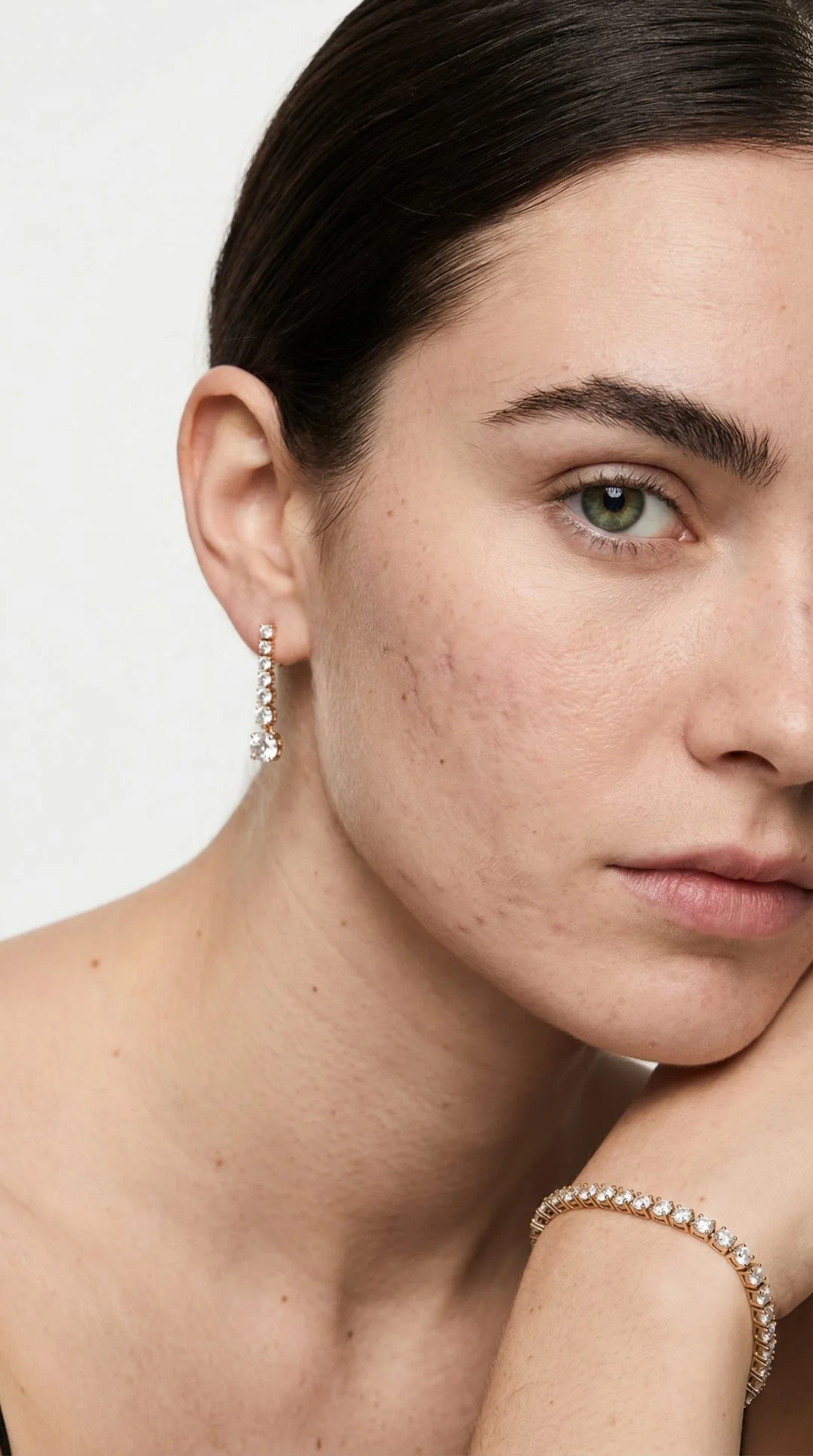
Jewelry Image Editor AI: Studio Results From Phone Photos
Hylo is the jewelry image editor AI that turns one raw product photo into marketplace-ready listings — retouch, restyle, and export in minutes. Try it free.
 Read articleCommercial
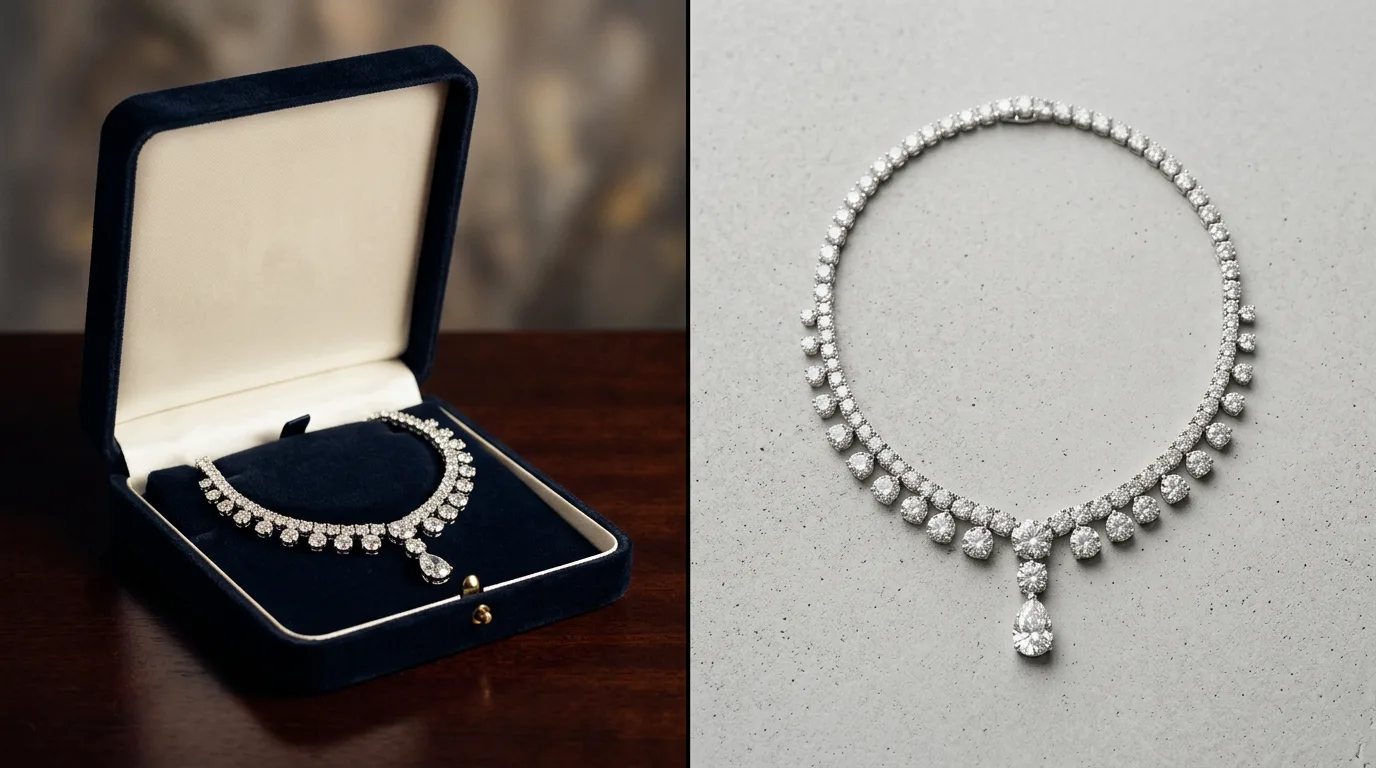
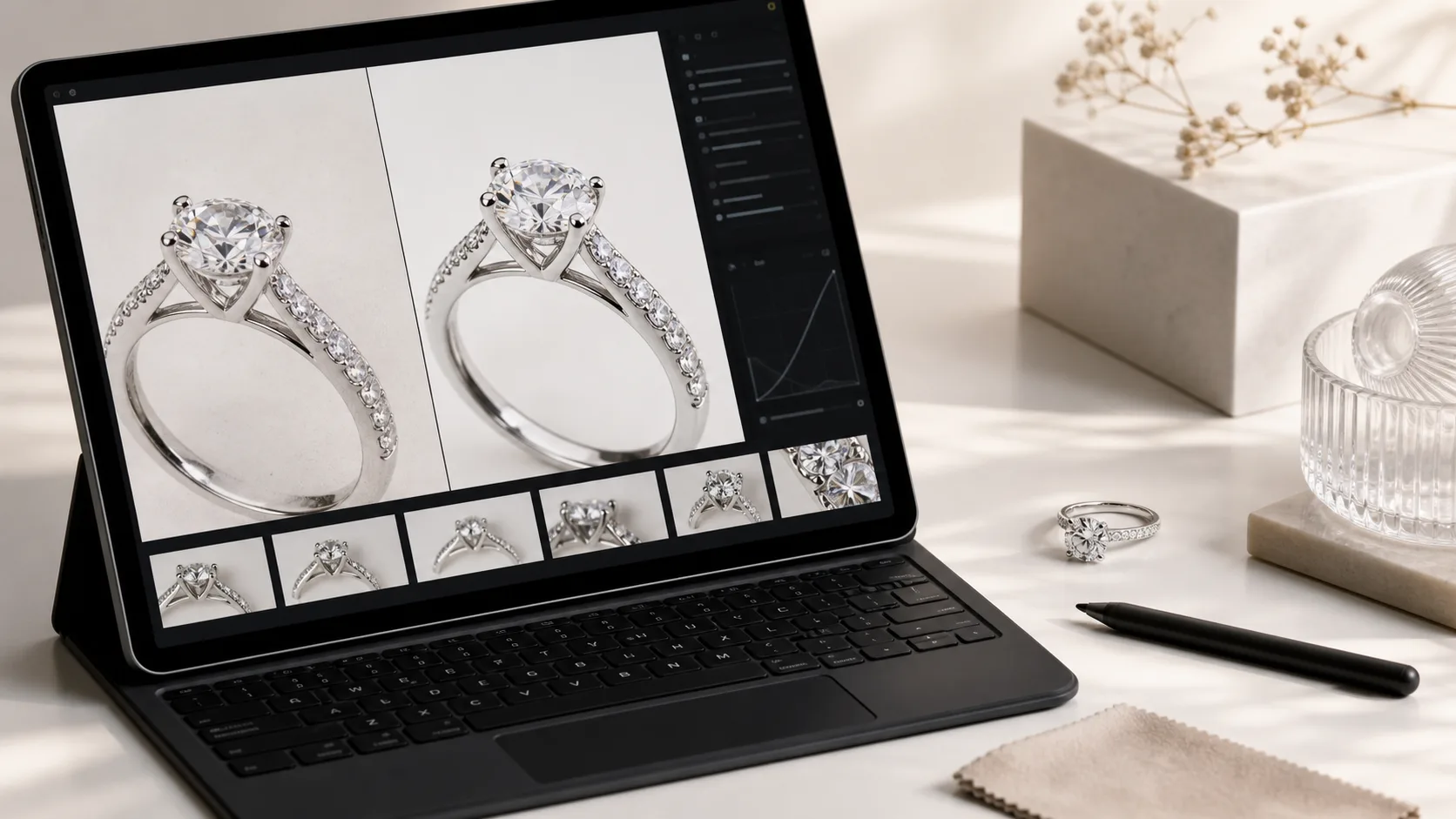
AI Jewelry Photo Editor: Retouch and Relight Without Photoshop
Replace expensive studio shoots with Hylo's AI jewelry photo editor. Generate editorial lifestyle shots, retouch metals, and export in seconds. Try it free.
 Read articleTutorial
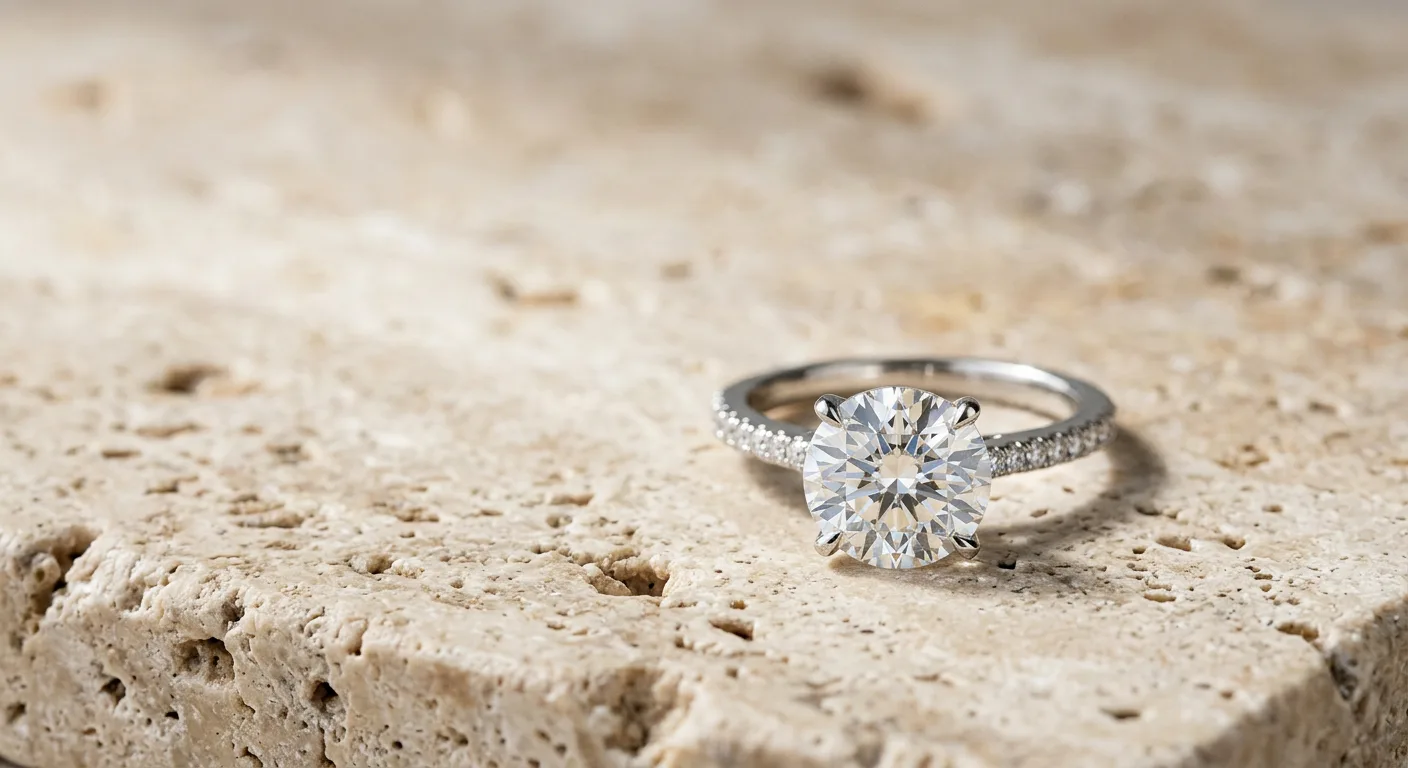
How to Retouch a Ring: Dust, Reflections, Metal Tone in Order
Learn the professional 10-step workflow for retouching rings. This guide covers dust removal, metal polishing, and gemstone enhancement. Start editing.
 Read articleCategory
AI Earring Photos: Studio-Quality Pairs From One Phone Shot
Create studio-quality AI earring photos for Shopify, Etsy, and Instagram. Replace expensive photoshoots with AI backgrounds, models, and props. Try it free.