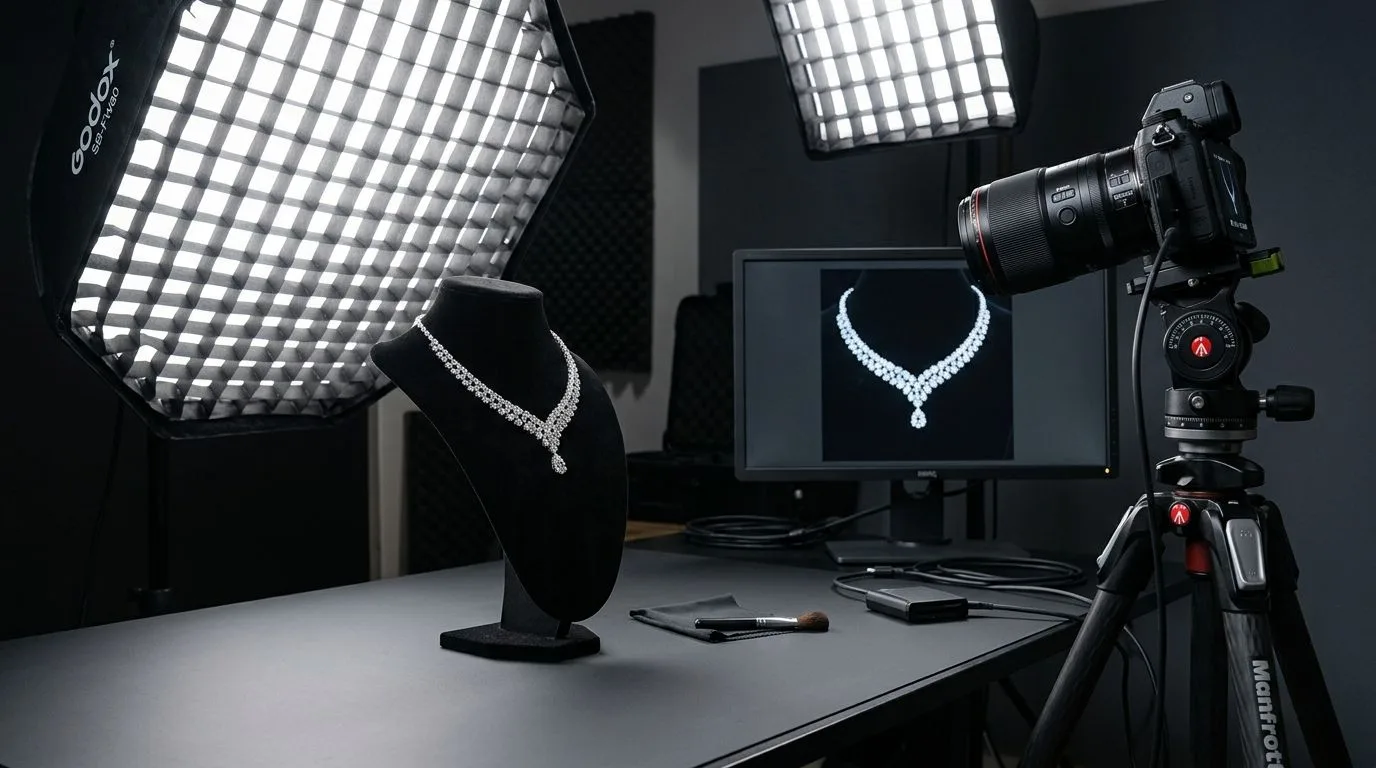
Continuous Light vs. Strobe
When transitioning from jewelry photography to jewelry video, the fundamental change is your light source. Still photography relies on powerful strobes (flashes) that freeze motion and allow for incredibly sharp focus (narrow apertures like f/16).
Video requires Continuous Lighting. Because continuous LEDs are significantly less powerful than a burst of flash, you are immediately forced to either open your aperture (losing depth of field) or raise your ISO (introducing digital grain). This is why investing in high-output continuous LED panels is critical for macro jewelry video.
The Optimal Lighting Setup for Video
To capture professional jewelry footage, you need to balance two competing physical requirements: soft reflections on the metal, and hard contrast for the diamond sparkle.
-
The Base Light (Soft & Diffused): Use two large, continuous LED softboxes positioned at 10 o'clock and 2 o'clock above the jewelry. These lights must be heavily diffused (passing through white nylon or acrylic). This provides the even, glowing reflections required to make gold and silver look highly polished.
-
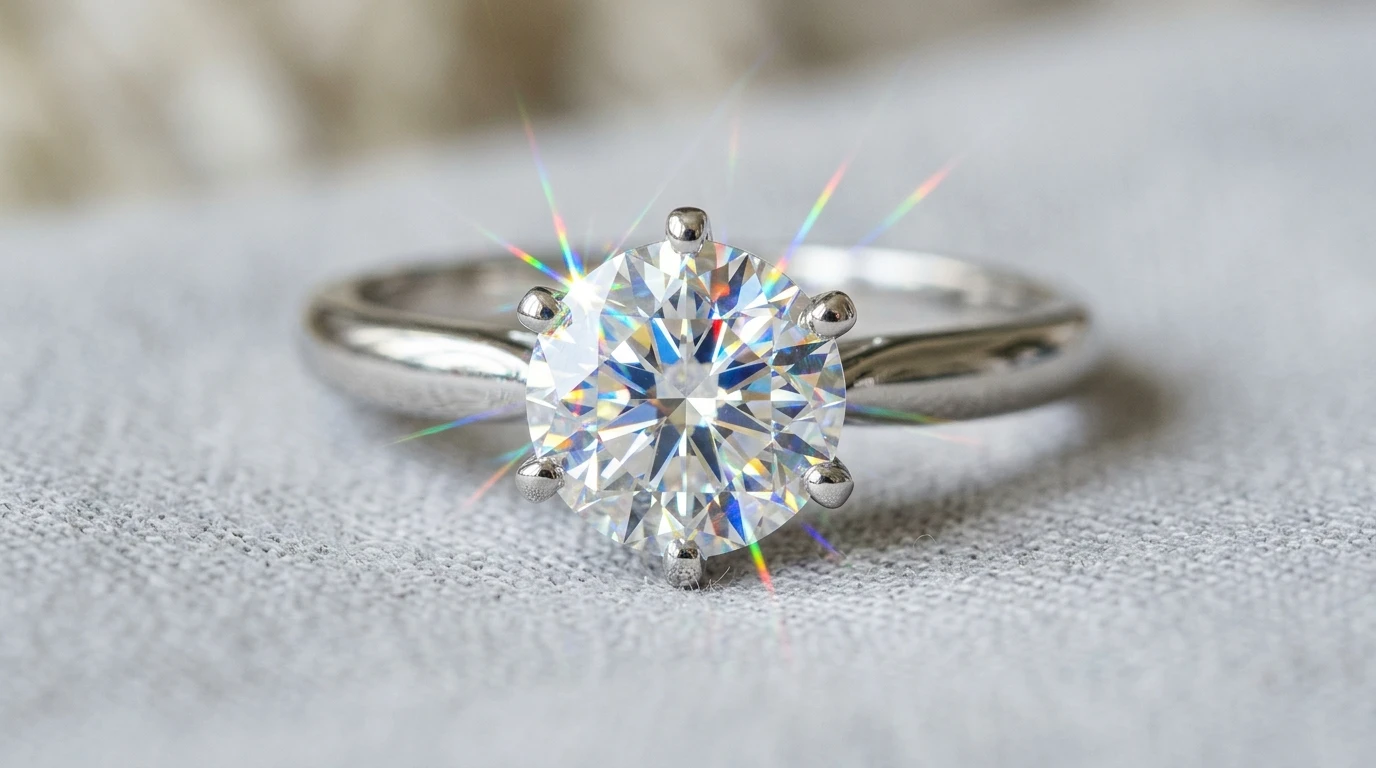
The Scintillation Light (Hard & Focused): Soft light kills diamond sparkle. To bring the stones to life in video, introduce a third, small, undiffused LED 'sparkler light'. Aim this hard beam directly at the center stone. As the jewelry rotates, this single hard light will bounce off the internal facets, creating brilliant, contrasting flashes of fire.
The Nightmare of LED Flicker (and How to Fix It)
The most common and frustrating problem in jewelry video is flickering or horizontal banding.
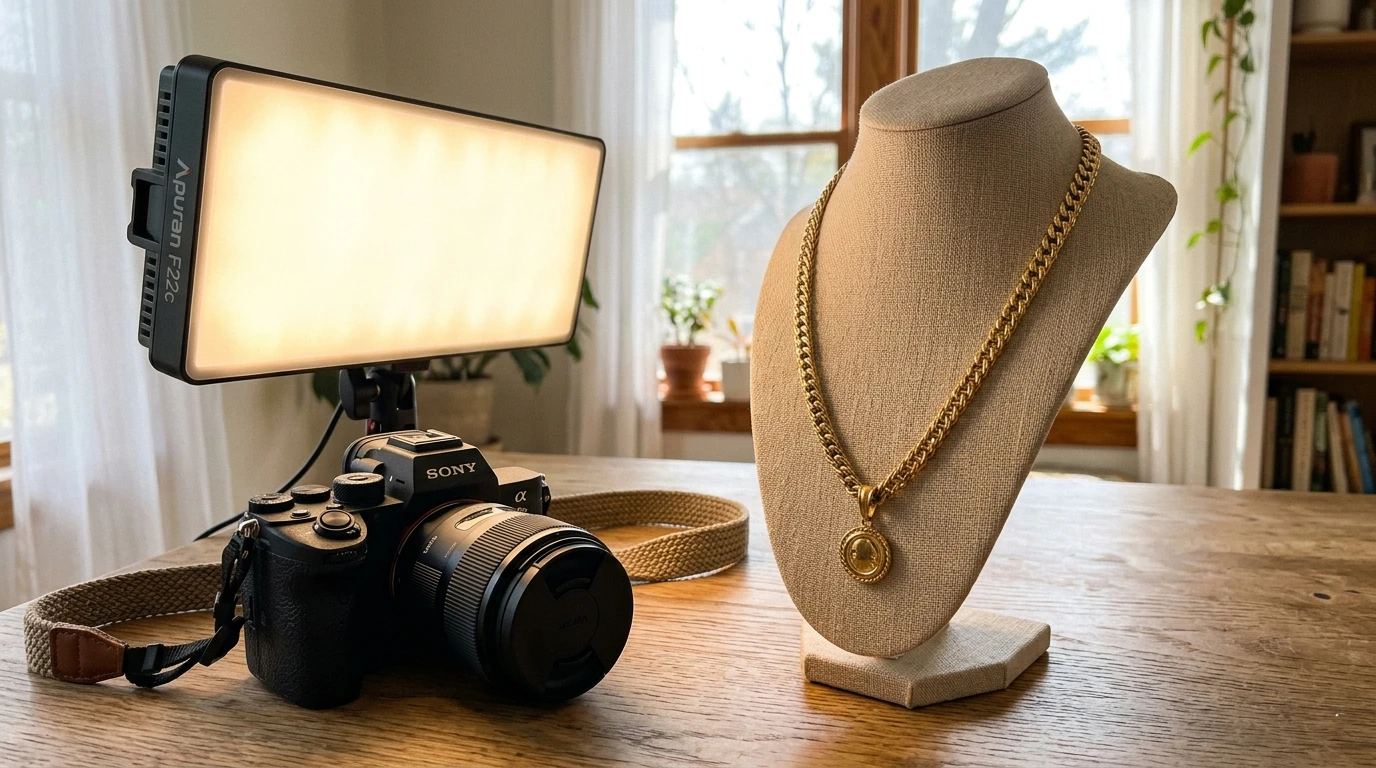
What Causes Flicker?
Cheap household LED bulbs and budget photography lights do not emit a constant stream of light. They actually turn on and off extremely fast (typically 60 times a second in the US, or 50 times a second in Europe), matching the frequency of the alternating current (AC) power grid. Your eye cannot see this, but your camera's fast electronic shutter captures it. When your shutter speed is out of sync with this invisible pulsing, you capture the exact millisecond the light is 'off', resulting in dark bands scrolling across your video.
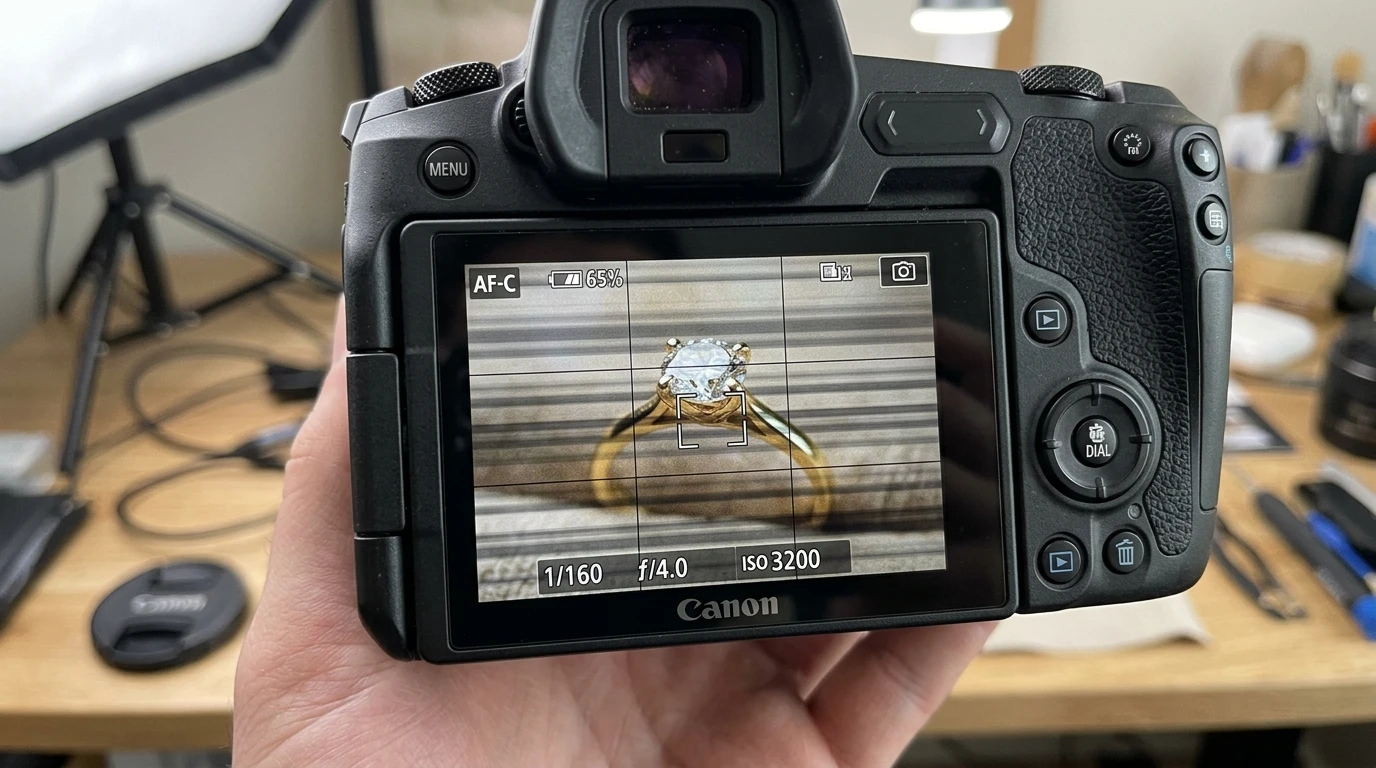
The Shutter Speed Solution
The easiest way to fix LED flicker is to match your camera's shutter speed to your region's electrical frequency:
- In 60Hz Regions (USA, Canada): Set your shutter speed to
1/60,1/120, or1/30. - In 50Hz Regions (Europe, UK, India, Australia): Set your shutter speed to
1/50,1/100, or1/25.
Rule of Thumb: The standard cinematic rule is to set your shutter speed to exactly double your frame rate (e.g., shoot at 30 fps, with a shutter speed of 1/60th). This inherently solves flicker in 60Hz regions.
The Hardware Solution
If you are shooting slow-motion video (e.g., 120 fps for a dramatic jewelry drop), you cannot use a 1/60 shutter speed. In these scenarios, you must buy 'Flicker-Free' rated LED lights. These professional lights use high-frequency ballasts that pulse the light in the thousands of hertz, completely eliminating flicker at any frame rate or shutter speed.
Generating Perfectly Lit Video with AI
If balancing continuous lighting ratios, buying expensive flicker-free LED panels, and managing manual shutter speeds sounds exhausting, there is a software alternative.
Generative AI platforms like Hylo allow you to bypass video production entirely.
You can shoot a standard still photograph of your jewelry using whatever basic lighting you have available. When uploaded to Hylo, the AI analyzes the geometry of the piece and generates a stunning, dynamic video. It mathematically synthesizes perfect, flicker-free studio lighting, adding moving reflections to the metal and simulated optical fire to the diamonds, creating an editorial-quality video from a single still image.
