What You'll Need for White Background Shots
Achieving a professional white background, or 'packshot,' doesn't require a $5,000 studio booking, but it does demand specific tools. Investing in a basic setup pays for itself by increasing conversion and justifying premium pricing.
Camera & Lens:
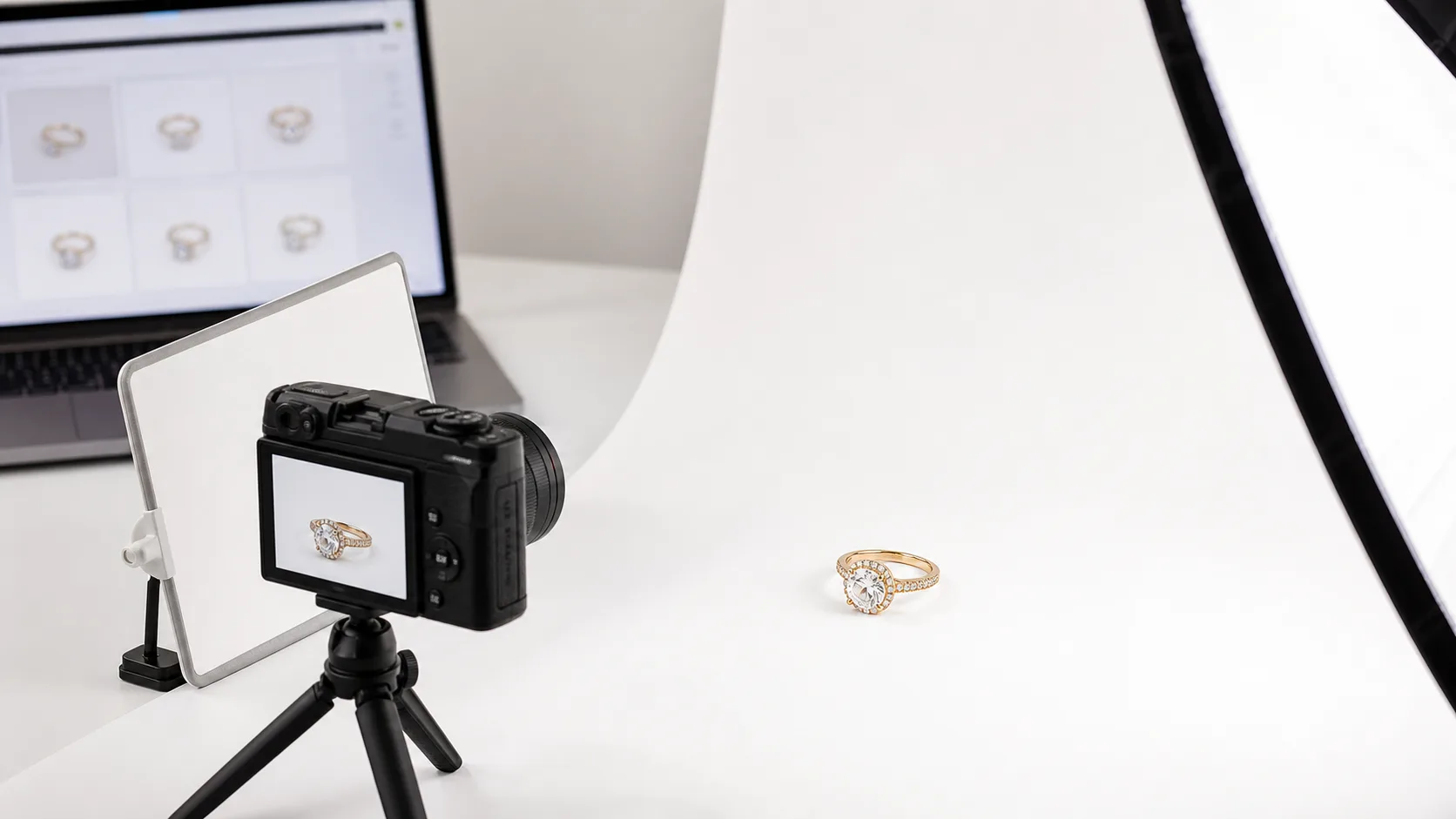
- DSLR or Mirrorless Camera: A camera with manual controls is essential. An entry-level model like a Canon Rebel or Sony a6000 series is more than enough.
- Macro Lens: A dedicated macro lens (e.g., a 100mm f/2.8) is the single most important piece of gear. It allows you to capture fine details like prong settings, milgrain, and gemstone facets without distortion. A kit lens will not suffice for serious jewelry work.
- Smartphone: A modern smartphone (iPhone 13 Pro / Google Pixel 6 or newer) can work in a pinch, especially when paired with an app that allows manual control (e.g., Halide, ProCam).
Lighting & Support:
- Lighting: You have two primary options. Natural light from a large, north-facing window provides soft, diffused light. For consistency, a studio light with a large softbox (24" or larger) is better. Avoid small, harsh lights.
- Tripod: Non-negotiable. Jewelry photography uses slow shutter speeds and requires perfect focus. A sturdy tripod eliminates camera shake.
- Remote Shutter or Timer: Pressing the shutter button can cause minute vibrations. Use a remote shutter release or your camera's 2-second timer.
Background & Props:
- White Background: A roll of white seamless paper is ideal. You can create a 'sweep' by curving it from a vertical surface down to your table, eliminating any horizon line. A light tent is a good all-in-one alternative for beginners.
- White Foam Core/Bounce Card: A simple piece of 12x18 inch white foam board is used to bounce light back into the shadows of your jewelry, making details pop.
- Props for Positioning: Dental wax, clear acrylic blocks, or museum putty are essential for holding rings upright or positioning earrings perfectly.
Before You Start: Prep and Pitfalls
Your camera captures every detail, including flaws. The difference between an amateur and a pro shot often happens before the shutter is ever pressed.
-
Clean the Jewelry Meticulously. Fingerprints, dust, and smudges are glaringly obvious under a macro lens. Use an ultrasonic cleaner for hard stones (diamonds, sapphires), followed by a steam clean if possible. For softer stones or all metals, use a jeweler's polishing cloth and wear cotton gloves while handling the piece. A small air blower (like a Giottos Rocket Blower) is perfect for removing last-second dust particles right before you shoot.
-
White Balance is Not Optional. Your camera's 'Auto White Balance' (AWB) setting will struggle with a scene that is 90% white. It will often render the background as a muddy gray or give it a blue/yellow color cast. You must set a custom white balance using a gray card or by setting it manually to match your light source's temperature (e.g., ~5500K for daylight/strobes). An incorrect white balance makes metals look cheap and gemstones appear off-color.
-
Don't Confuse 'Bright' with 'Overexposed'. The goal is a clean white background, not a blown-out, detail-less piece of jewelry. Many beginners crank up the exposure until the background is white on the camera screen, but this destroys the delicate highlights on metal and facets on gemstones. The goal is to get a light gray background in-camera, which you will then turn pure white in post-production. This technique preserves the crucial detail in your product.
The Step-by-Step Guide to Shooting Jewelry on White
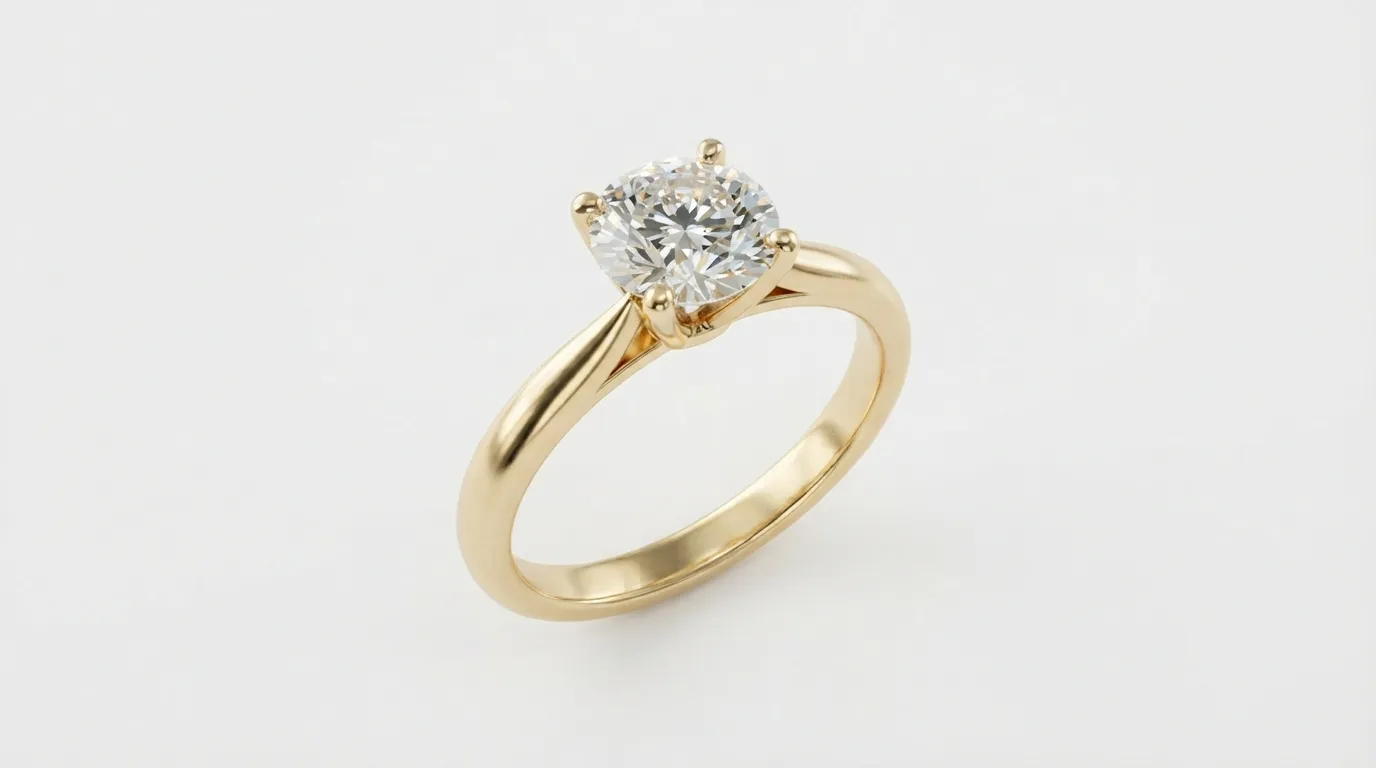
Follow this workflow for consistent, professional results. We'll use the example of a 1.5ct emerald-cut diamond engagement ring in a platinum setting.
Phase 1: Setup and Staging
- Create Your Sweep. Set up your table near your light source. Drape a roll of white seamless paper from a stand or tape it to a wall behind the table, letting it curve gently onto the tabletop. This creates a seamless, infinite white background with no hard edges.
- Position the Jewelry. Place a small ball of museum putty on the paper where you want the ring to sit. Press the ring firmly onto the putty so it stands upright. Use tweezers to make micro-adjustments to the angle. Position it so the main gemstone is facing the camera directly.
- Set Up Your Camera. Mount your camera with the macro lens on the tripod. Position it so the lens is level with the ring, about 12-18 inches away. Frame the shot, leaving some negative space around the ring for cropping later.
Phase 2: Lighting Your Piece
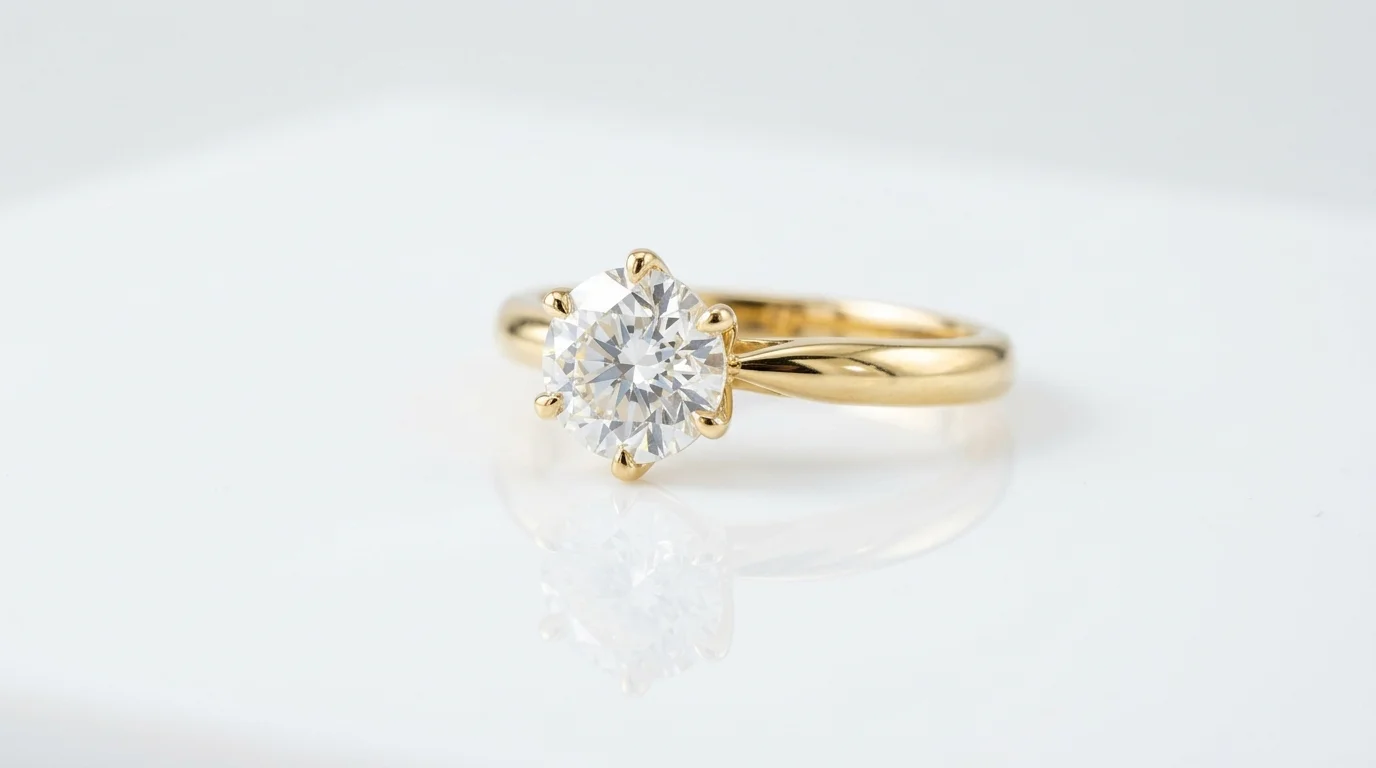
- Place Your Key Light. If using a softbox, position it at a 45-degree angle to the ring, slightly above it. This is your main 'key' light. It should create soft, defining shadows.
- Add Fill Light. On the opposite side of the ring, place your white foam core bounce card. Angle it to reflect light from the softbox back into the shadowed side of the ring. You'll see the dark areas of the platinum band instantly brighten up, revealing more detail. Adjust the card's angle until the shadows are soft but still present, giving the ring dimension.
- Check for Specular Highlights. Look at the gemstone's facets and the polished metal. You want to see clean, sharp reflections of your light source (specular highlights). If they are too bright or distracting, move the light further away or add another layer of diffusion material over your softbox.
Phase 3: Camera Settings
- Set to Manual Mode (M). You need full control.
- Set Your Aperture. For maximum sharpness from front to back, you need a deep depth of field. Set your aperture (f-stop) to between f/11 and f/16. This ensures the entire ring, from the nearest prong to the back of the band, is in focus.
- Set Your ISO. Set the ISO to the lowest native setting, usually ISO 100 or 200. This minimizes digital noise and maximizes image quality.
- Set Your Shutter Speed. With aperture and ISO locked in, adjust your shutter speed until the exposure meter in your camera reads '0' or '+1'. A good starting point is often around 1/125s, but this will vary based on your light's power. Take a test shot. The background should look light gray, not pure white. The ring itself should be perfectly exposed.
- Set Custom White Balance. Take a photo of a gray card in your lighting setup, then use your camera's menu to set the custom white balance based on that image. This guarantees accurate colors.
- Focus Carefully. Use your camera's live view and magnify the image 10x on the main gemstone. Manually adjust the focus ring on your lens until the facets are perfectly sharp. This is far more accurate than autofocus for macro work.
Phase 4: Post-Processing
- Import and Select. Import your photos into Adobe Lightroom or a similar editor. Choose the sharpest image.
- Basic Adjustments. Make minor tweaks to exposure, contrast, and clarity. Be subtle.
- Set the White Point. This is the key step. Open the Levels or Curves tool. Drag the white point slider inwards until the light gray background becomes pure, clean white (#FFFFFF). Watch your histogram to ensure you're not clipping the highlights on the jewelry itself.
- Retouching. Zoom in to 200%. Use the Spot Healing Brush or Clone Stamp tool to remove any dust, smudges from the putty, or microscopic scratches on the metal. This is tedious but essential.
- Sharpen and Export. Apply a final sharpening pass (use a mask to apply it only to the jewelry, not the background). Export as a high-quality JPG, sized according to Etsy's latest recommendations (at least 2000px on the longest side).
Common Mistakes and How to Fix Them
Even with the right steps, small errors can compromise your photos. Here’s a checklist of common issues and their solutions.
| Mistake | Why It Happens | How to Fix It |
|---|---|---|
| Muddy Gray Background | Underexposure or incorrect white point setting in post. The camera sees the white scene and tries to expose it to middle gray. | In-camera: Use exposure compensation to overexpose by +1 to +1.5 stops. In post: Use the Levels or Curves tool in Photoshop/Lightroom to set the white point correctly. |
| Harsh Shadows & Glare | Light source is too small or too close. Direct, undiffused light creates hard-edged shadows and specular 'hotspots' that blow out detail. | Use a larger light source (big softbox) or move it further away. Add a layer of diffusion material (like a sheer white curtain or a professional diffuser panel) between the light and the jewelry. |
| Blurry or Soft Photos | Shallow depth of field, camera shake, or missed focus. Using a wide aperture (e.g., f/2.8) will leave most of the piece out of focus. | Use a high f-stop (f/11-f/16), a sturdy tripod, and a remote shutter. Use manual focus with 10x magnification in live view to nail the focus on the most important detail. |
| Unflattering Reflections | The polished surface of the jewelry is reflecting you, your camera, and your messy room. | Create a 'tent' of white foam core around the jewelry, leaving just a small hole for the camera lens. This surrounds the piece with neutral white reflections. |
| Incorrect Colors | Auto White Balance is confused by the all-white scene, leading to a blue or yellow cast. | Never use Auto White Balance. Set a custom white balance using a gray card before your shoot, or set it manually to match your light source's Kelvin temperature. |
Pro Tips for Standout Etsy Listings
Getting a clean white background is the baseline. These tips help you compete with the top 1% of Etsy sellers.
-
Use a Subtle Gradient. Pure white (#FFFFFF) is standard, but a very light gray gradient (e.g., #FFFFFF to #F2F2F2) can add a sense of depth and professionalism, making the product feel more grounded. This is easily done in Photoshop or with a tool like Hylo's Canvas Editor.
-
Master the Ghost Mannequin. For necklaces and pendants, shooting them on a mannequin and then removing the mannequin in post-production creates a 'hollow' or 'ghost' effect. This shows the item's shape and drape as it would be worn, which is crucial for online buyers. This requires careful Photoshop work with layers and masks.
-
Focus Stack for Ultimate Sharpness. For complex pieces with a lot of depth, like a multi-stone cluster ring, even f/16 might not get everything in focus. Focus stacking involves taking multiple shots focused at different points (front, middle, back) and merging them in software like Photoshop or Helicon Focus. The result is an image that is perfectly sharp from edge to edge.
-
Shoot Multiple Angles on White. Don't just shoot one hero image. For an Etsy listing, you need at least 3-5 shots on white: a direct front-on shot, a 3/4 angle, a top-down view (for rings), and a detail shot of the clasp or setting. Consistency in lighting and background across all these shots is key to a professional listing.
How Hylo Creates Perfect White Backgrounds in Seconds
The manual process described above is how professional photographers have worked for decades. It's effective, but it's also slow and requires technical skill and expensive equipment.
Hylo's AI Photoshoot feature condenses this entire workflow into about 30 seconds.
Here is a raw phone photo run through that exact workflow — drag to compare the input against the white-background output:
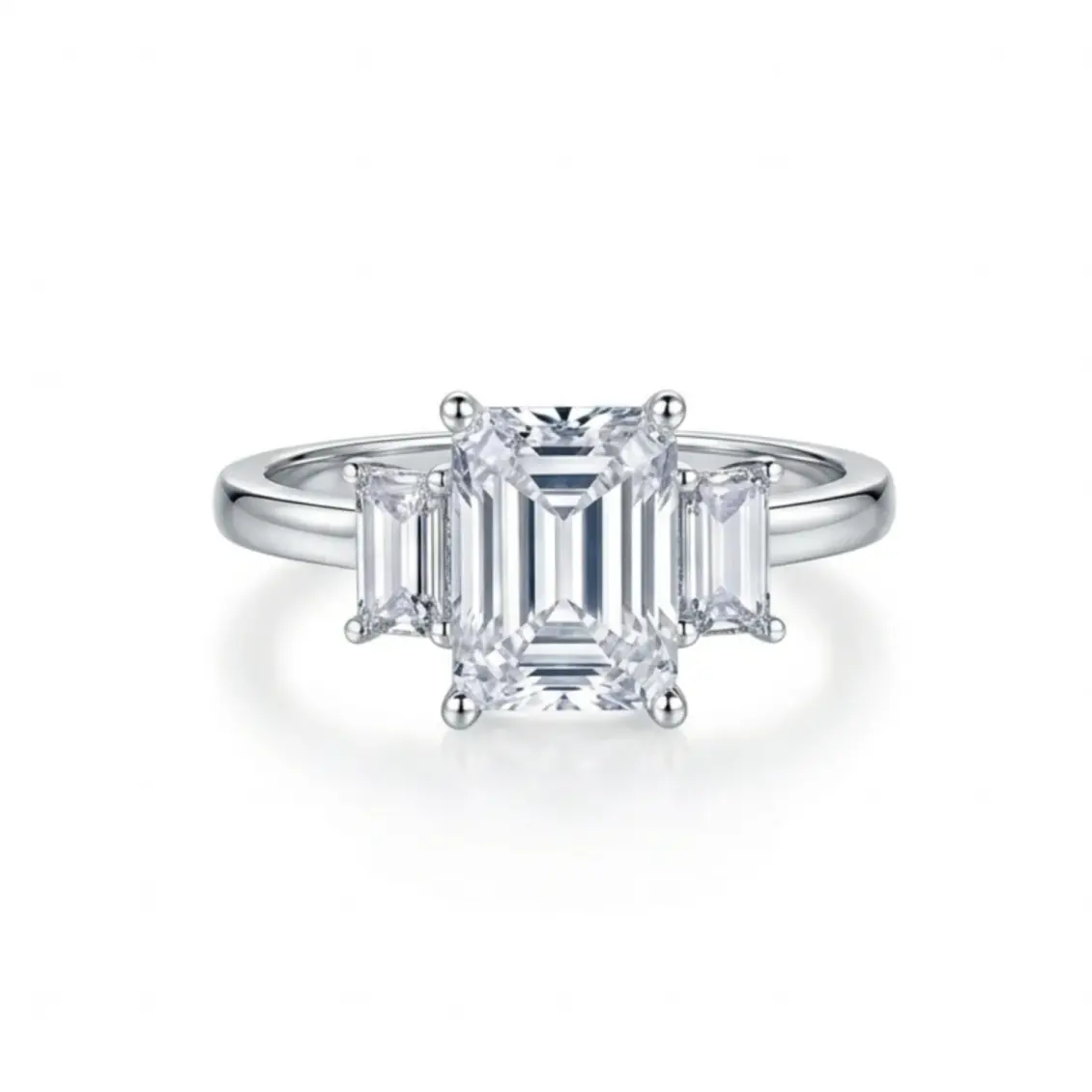
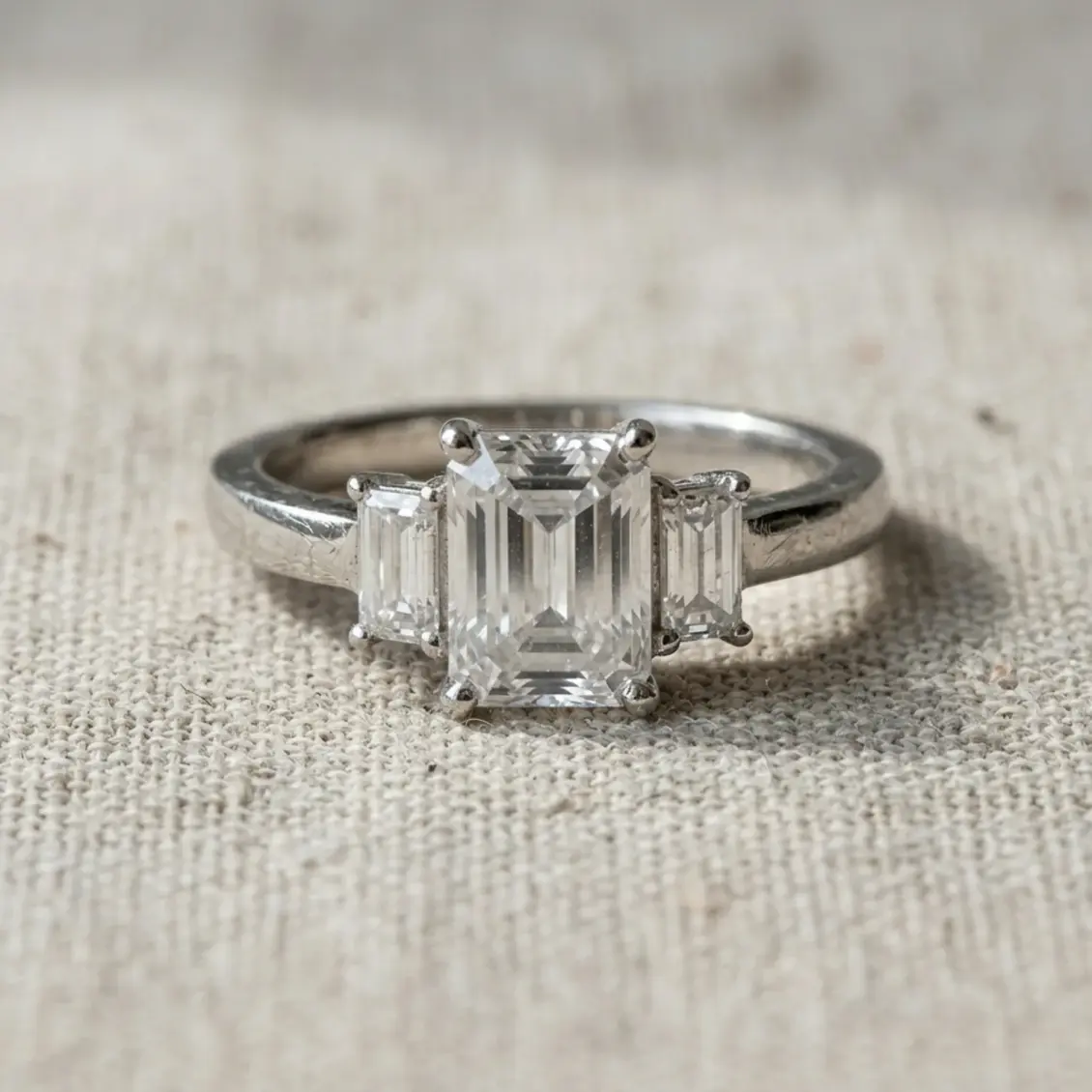
- Start with any photo. Take a clear, well-lit photo of your jewelry with your phone. It doesn't matter if it's on your kitchen counter, a piece of paper, or in your hand.
- Upload to Hylo. Our AI instantly identifies the jewelry, removes the original background, and cleans up any reflections.
- Generate a scene. Select a prompt from our Creative Library, like "Product on a clean white seamless background, studio lighting," or simply type your own. AI Photoshoot generates dozens of photorealistic images of your product on a perfect white background, complete with realistic lighting and soft shadows.
With Hylo, you can create your entire catalog of packshots in an afternoon, not a week. The AI Retouch tool can instantly remove dust and minor scratches, saving you hours in Photoshop. You can save your preferred white background style to your Brand Kit to ensure every single product photo—from earrings to necklaces—is perfectly consistent. Finally, use the Canvas Editor to add text or resize your images for Etsy's specific requirements.
While a professional photographer using focus stacking might still be the best choice for a single, multi-million dollar campaign hero shot, Hylo is built to produce the other 99% of your product images faster, cheaper, and with more consistency than any manual process.
Questions Jewelry Brands Ask About White Backgrounds
How do I photograph white gold or silver on a white background?
This is a classic challenge. The key is defining the edges. You can't rely on color contrast. Instead, you need to use lighting to create thin, dark reflections along the edges of the metal. This is called 'specular definition.' Place strips of black foam core just outside the frame, on either side of the piece. Their reflection will appear as a crisp, dark line on the edges of the silver or platinum, separating it from the white background and giving it shape and volume.
Does Etsy prefer pure white (#FFFFFF) or off-white?
Etsy's own listing-photo guidance and its search results pages both favor images with clean, non-distracting backgrounds. Pure white (#FFFFFF) is the safest and most common choice, as it ensures your product 'pops' in search results and looks consistent next to other listings. While a subtle off-white or light gray can look more premium on your own website, pure white is generally recommended for the primary thumbnail image on Etsy to maximize visibility and click-through rate. You can use lifestyle or styled shots for the other image slots in your listing.
How do I get a natural shadow on a white background?
A subtle, soft shadow grounds the object and makes it look realistic rather than floating unnaturally. The best way to achieve this is with your lighting setup. A single, large, diffused light source placed above and slightly to one side of your jewelry will create a soft, gentle shadow on the opposite side. Avoid multiple light sources, which create confusing multiple shadows. In post-production, you can enhance this shadow or create one from scratch in Photoshop, but getting it right in-camera always looks more natural.