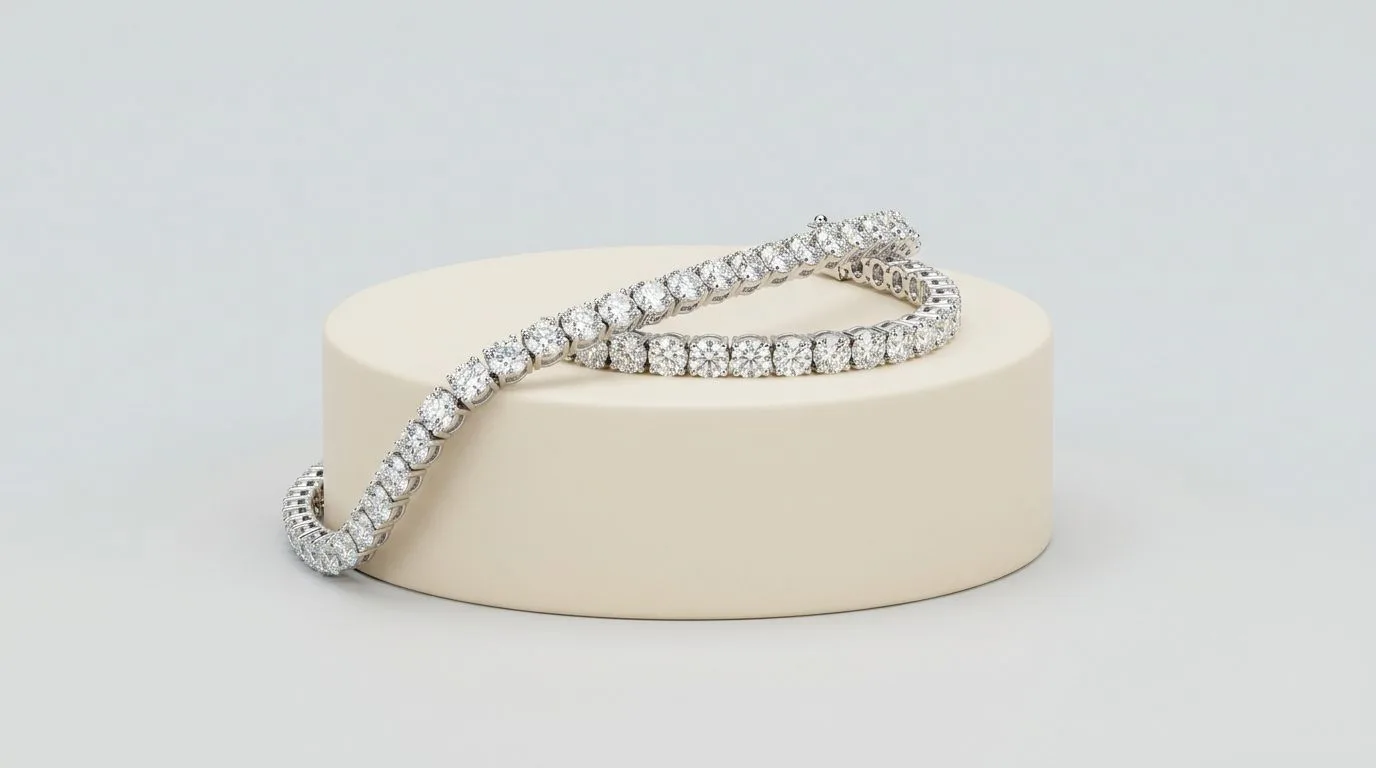
Selling jewelry on Shopify is a different discipline from selling on a marketplace. There is no enforced white background, no frame-fill rule, and no zoom threshold to clear. That freedom is the point of having your own store, but it shifts the responsibility onto you: you set the standard, and the two things that quietly make or break a Shopify jewelry store are visual consistency and page speed. Get both right and your store can outclass any marketplace listing; neglect either and the same freedom that could differentiate you instead makes the store look amateur.
Dimensions and ratios
Shopify supports product images up to 4472 x 4472px and 20 megapixels, which is far larger than you need. The practical standard most jewelry stores converge on is a 2048 x 2048px square. Square images are the safe default because they render evenly in collection grids and across themes and devices, and they give a large, zoomable view on the product page. The temptation to mix square and vertical crops is worth resisting, because a grid of mismatched ratios looks unfinished. Pick one ratio for product images and hold to it across the entire catalog.
Background is a choice, not a rule
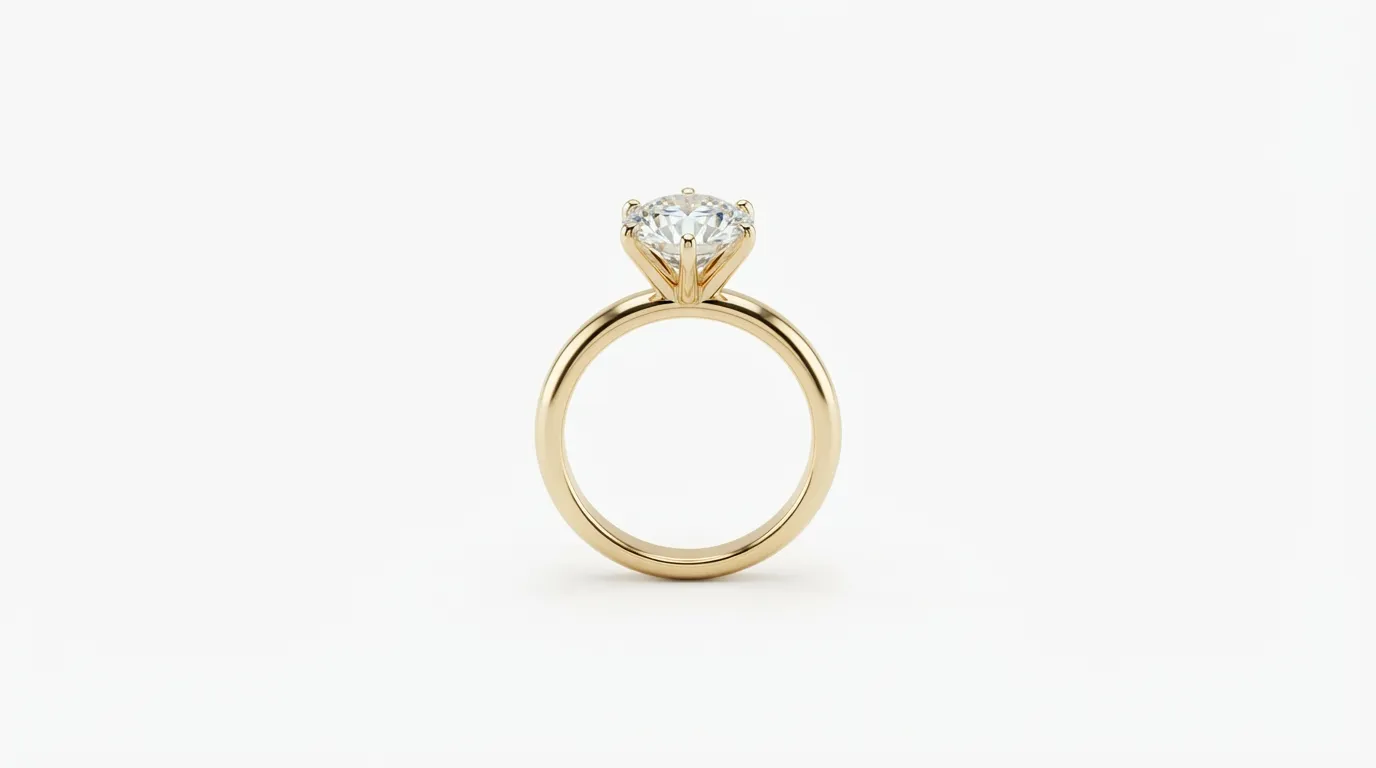
Because Shopify does not mandate a white background, the look of your store is a deliberate decision rather than a compliance checkbox. Many jewelry brands still choose white or a light neutral for product images because it keeps the focus on the piece and the catalog consistent, then reserve lifestyle and coloured backgrounds for collection banners, the homepage, and marketing. The mistake is not choosing white or colour; it is being inconsistent, so that the store feels assembled from different shoots.
Page speed is a jewelry problem
Jewelry stores are image-heavy by nature, with large galleries per product and detail shots buyers want to zoom. That makes page speed a real risk. Large, uncompressed image files slow load times, and slow pages hurt both conversion and search ranking. Shopify automatically serves responsive image sizes, but it can only work from what you upload, so starting from a sensibly sized, compressed master rather than a giant original keeps pages fast. The aim is the smallest file that still looks sharp when zoomed.
Theme behaviour and why consistency matters more on Shopify
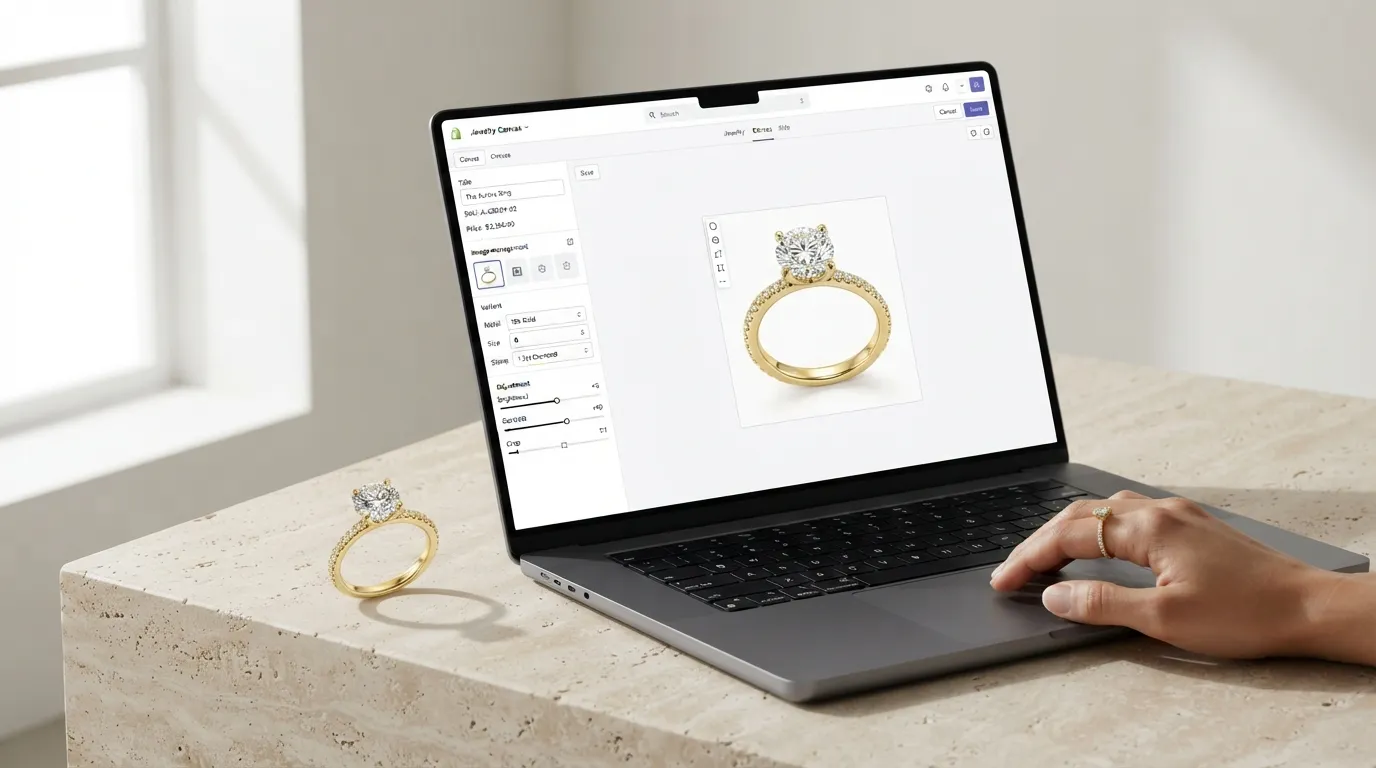
On a marketplace, the platform controls the layout, so your images slot into a fixed grid. On Shopify, your theme controls how images are cropped, padded, and displayed, and themes handle non-square images differently. Some themes pad images to fit, adding white space around an off-ratio photo; others crop to fill, potentially cutting off part of the piece. If your catalog mixes aspect ratios, the same theme will treat each product differently, producing the uneven, unprofessional grid that quietly erodes trust. Standardising on one ratio, square is the safest, removes this variable entirely and makes the store look deliberately designed rather than assembled piecemeal.
It is worth previewing how your chosen theme treats product images before you commit to a shooting and editing standard. Upload a square test image and an off-ratio one, view them in a collection grid and on a product page, on both desktop and mobile, and confirm the theme does what you expect. Locking your image standard to your theme's behaviour up front saves re-editing an entire catalog later.
Practical page-speed tactics for jewelry stores
Because jewelry stores carry large galleries and zoomable detail shots, image weight is the dominant factor in page speed. A few concrete tactics keep pages fast without sacrificing the quality buyers need. Export product images as compressed JPEGs sized to the largest dimension your theme actually displays, rather than uploading 4000px originals that the browser then has to downscale. Let Shopify generate and serve its responsive image sizes, which it does automatically from your upload, but give it a sensibly sized master to work from. Reserve the very largest files for the zoom view, where detail justifies the weight, and keep collection-grid thumbnails light.
Page speed is more than a conversion issue; it is a ranking factor, and Core Web Vitals such as Largest Contentful Paint are directly affected by how quickly your hero product image loads (Google's "good" LCP threshold is 2.5 seconds). For an image-heavy jewelry store, the hero image is often the largest contentful element on the page, so compressing it well has an outsized effect on both perceived speed and measured performance. The goal is the smallest file that still looks sharp when a buyer zooms to inspect a setting or hallmark.
Using background freedom deliberately
The absence of a white-background rule is an opportunity that many stores waste by being inconsistent rather than by choosing the wrong colour. A signature background tone can become part of your brand, the same way a recognisable packaging colour does, but only if it is applied uniformly across every product image. The decision is less about which background and more about committing to one and holding the line across the catalog and over time, including for new pieces added months later.
A common and effective approach is a two-tier system: clean white or light-neutral backgrounds on the product-page images where clarity and consistency matter most, and richer lifestyle or coloured backgrounds on collection banners, the homepage, and campaign content where mood and storytelling add value. This gives you the clarity buyers need to evaluate the piece and the brand atmosphere that differentiates your store, without mixing the two in a way that makes the product grid look incoherent.
Variants and the colour-accuracy problem
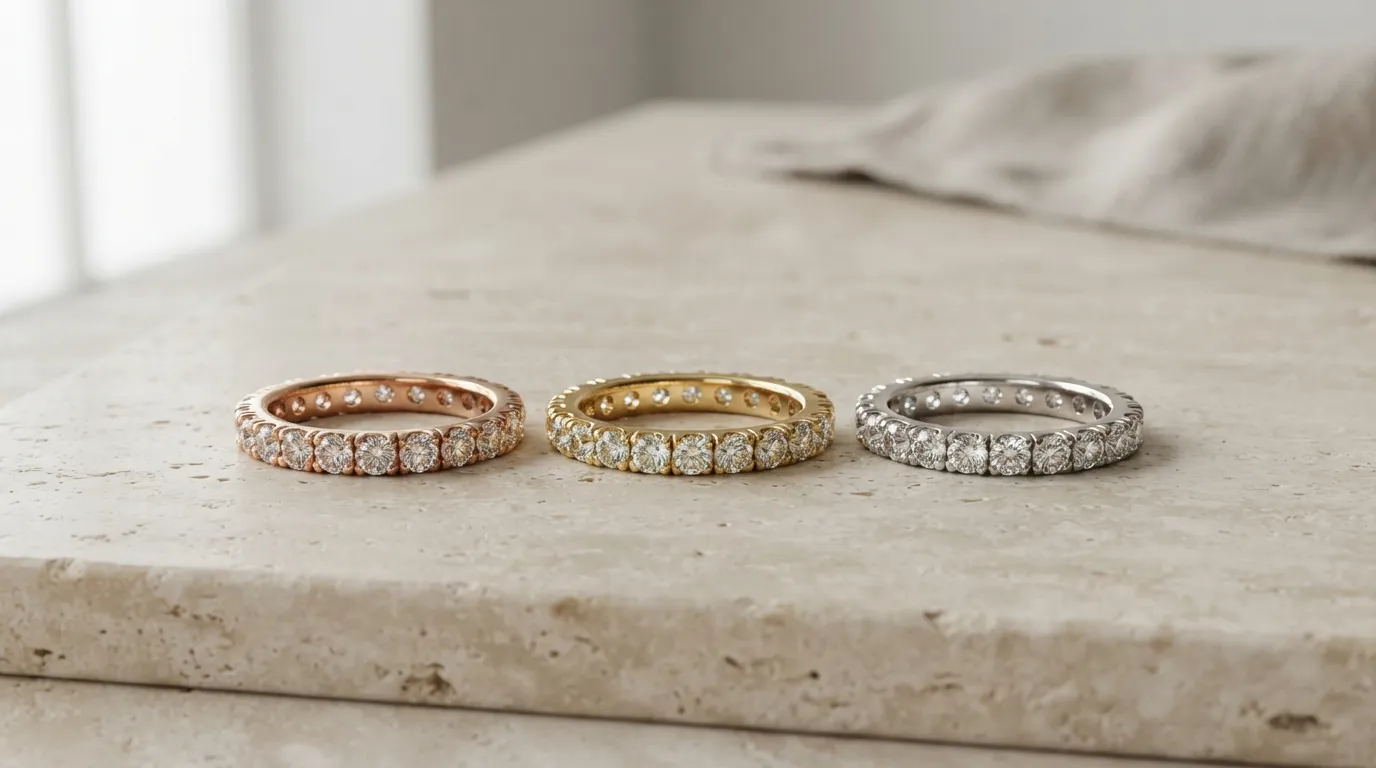
Jewelry frequently comes in metal variants, yellow, white, and rose gold, or different stone colours, and Shopify's variant system lets you attach a distinct image to each. The accuracy challenge is real: a buyer choosing rose gold expects the image to show true rose gold, and a mismatch between the variant swatch, the image, and the delivered piece is a direct route to returns. Photograph or generate each variant rather than relying on a single image to stand in for all of them, and calibrate colour so the on-screen metal matches the physical piece as closely as the display allows.
This is another area where producing variants from a consistent master pays off. Generating the white-gold, yellow-gold, and rose-gold versions of the same design from one accurate input keeps the framing, lighting, and scale identical across variants, so the only thing that changes between them is the metal colour, which is exactly what the buyer is choosing between.
Inconsistent framing across variants makes comparison harder and the store look less considered.
One master, many variants
The most efficient way to run a jewelry store and its social channels is to treat the square store image as a master and generate the other ratios you need from it. A 4:5 crop serves Instagram feed, and a 9:16 crop serves Reels and Stories. Reframing the same piece for each channel keeps your store and social presence visually consistent and is far faster than reshooting for each format. This is exactly the kind of repetitive reframing that AI image tools handle well: Hylo's AI Photoshoot can produce a consistent square packshot and the on-model and scale frames for the product page, and generate the social-ratio variants from the same input, so the whole catalog and its marketing share one visual language.
Mobile, zoom, and the product-page experience
The majority of Shopify jewelry traffic is mobile, and the mobile product page behaves differently from desktop. Images stack and fill the width of the screen, swipe galleries replace hover-zoom, and the first image often occupies most of the initial viewport. This makes the lead image even more important on mobile than on desktop, and it makes square or portrait ratios safer than landscape, which can look small and letterboxed on a tall phone screen. Preview your product pages on an actual phone, not just the desktop theme editor, to confirm the gallery reads well and the lead image lands with impact.
Zoom matters for jewelry on your own store just as it does on a marketplace, because buyers want to inspect a setting or finish before committing. Most Shopify themes support pinch-zoom on mobile and hover or click zoom on desktop, but the quality depends on the resolution you upload. This is the one place where a larger file is justified: provide enough resolution that the zoom view reveals real detail rather than blowing up a soft image. Balance this against page speed by keeping the grid thumbnails light and reserving the high-resolution version for the zoomable product-page image.
Accessibility and alt text
A detail many jewelry stores overlook is image alt text, which serves both accessibility and SEO. Descriptive alt text, "rose gold solitaire engagement ring with a round lab-grown diamond", helps screen-reader users understand the image and gives search engines and AI systems a text description of a visual product. For a jewelry catalog where the product is almost entirely visual, good alt text is one of the few ways to make that visual information legible to machines and to users who cannot see the image. Write alt text that describes the actual piece, metal, stone, style, rather than stuffing keywords, which helps neither audience.
A consistent sequence
As with marketplaces, the product-page gallery should be a sequence of answers, not a random assortment: packshot, scale or on-model, macro, variants, and a short video. Apply the same order to every product. Consistency makes the storefront look professional and helps repeat buyers find what they want. Video earns its place on hero products in particular, because movement conveys the sparkle and scale that stills cannot, and Shopify supports video directly in the product media gallery.
The freedom Shopify gives you is a double-edged advantage: without platform rules forcing a baseline, a careless store can look worse than a disciplined marketplace listing, while a disciplined store can look far better than anything a marketplace template allows. The difference is entirely down to the standards you set and hold. Decide your ratio, your background, your compression target, your slot sequence, and your alt-text convention once, write them down, and apply them to every product and every new addition. That discipline, more than any single beautiful photograph, is what makes a Shopify jewelry store feel trustworthy, load quickly, and convert the high-consideration buyers who scrutinise every detail before they commit.
If you are migrating an existing catalog or launching a new one, the most efficient path is to define the standard first and produce to it, rather than collecting mismatched images and trying to harmonise them later. Generating a consistent master and its variants from a single input per piece keeps the framing, lighting, and ratio identical across the whole catalog, which is the hardest thing to achieve when images come from different shoots over time. The store that looks like it was designed as a whole, rather than assembled piece by piece, is the one that earns buyer trust at the scale jewelry margins require.
