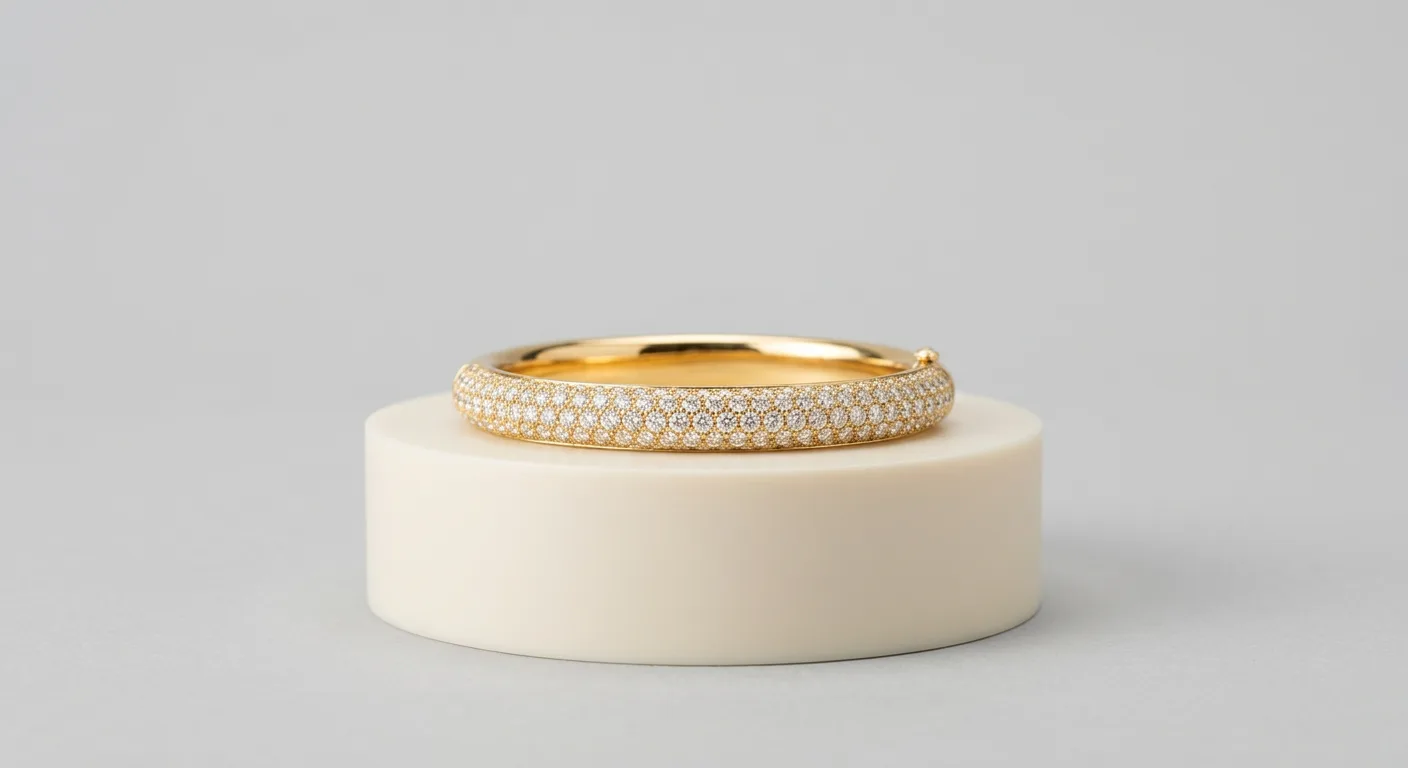
What defines the lifestyle model bangle photo style
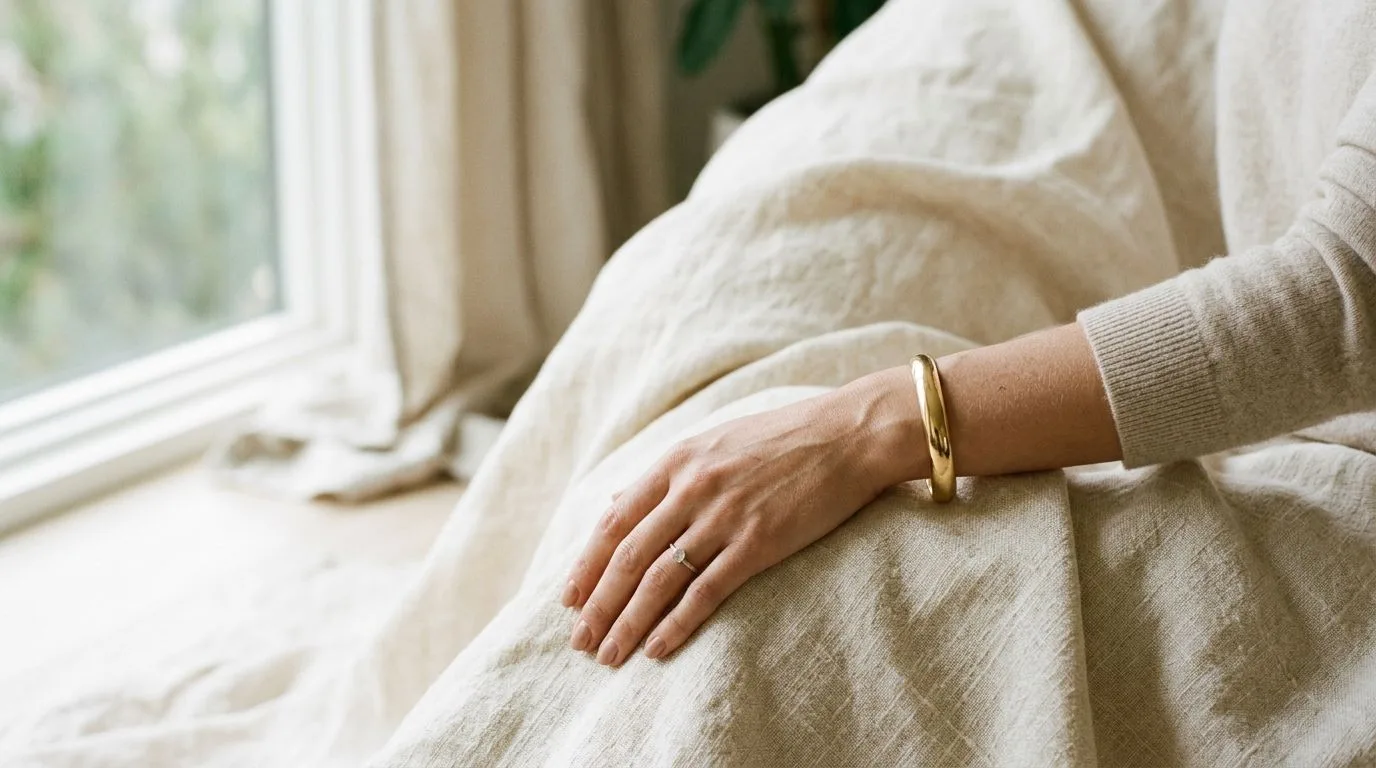
A bangle photographed in this style looks like it was caught mid-moment, not staged on a block. The wrist is doing something, reaching for a coffee, resting on a linen sleeve, tucked into a coat pocket. That context is the whole point. Where a packshot answers "what does this bangle look like," the lifestyle model shot answers "what does it feel like to wear it on a Tuesday."
Three things make the look read as lifestyle rather than catalog. Soft, directional light, usually window daylight or an overcast sky, so the metal picks up gentle gradients instead of hard studio specular hits. A shallow depth of field, f/2.8 to f/4, that drops the background into a wash of color and pulls your eye to the wrist. And a real skin-and-fabric environment: a forearm, a sleeve, a tabletop with believable props.
The mood sits between editorial and documentary. It is aspirational but reachable. A buyer should picture her own arm in the frame.
- Light: soft, single-direction, warm or neutral white balance
- Focus: the bangle sharp, everything behind it melting away
- Styling: one hero piece, maybe a thin stacking band, never a cluttered arm party unless stacking is the product
One caution specific to bangles. They are round, hard, and reflective, so a sloppy lifestyle setup will mirror a window, a ceiling, or your own phone right across the brightest curve. Half of shooting this style well is just controlling what the metal is allowed to reflect.
When to use the lifestyle model bangle photo style
Reach for this style when the buyer needs to imagine wearing the piece, which is most of the time on emotional, self-purchase jewelry. It is the workhorse for Instagram and TikTok, where a cold packshot scrolls right past but a sunlit wrist stops a thumb. It carries your storefront's hero banner and "shop the look" sections. And it is gold for email and ad creative, where lifestyle imagery routinely outperforms product-only shots on click-through.
Channel by channel, the calculus shifts. On your own Shopify or Webflow store, lead with a clean packshot for the gallery's first slot, then use two or three lifestyle frames to build desire further down. On Instagram and TikTok Shop, lifestyle is the main event. On Etsy, mix one lifestyle hero with detail shots, since Etsy buyers want both the dream and the proof. On Amazon Handmade, keep lifestyle out of the main image slot entirely, that has to be pure white background, and use lifestyle in the secondary gallery positions.
Where lifestyle is the wrong call: a wholesale linesheet for a Faire buyer who needs accurate color and scale, or a marketplace main image with strict white-background rules. Those want a packshot. Lifestyle sells the feeling; packshots sell the facts. Most catalogs need both.
Think about buyer psychology too. A $48 stacking bangle is an impulse buy, so the lifestyle shot does almost all the selling. A $1,200 solid-gold cuff is considered, so lifestyle creates the want but macro detail and a clean packshot close the deal.
How to shoot the lifestyle model bangle photo style manually
Start with the arm. You want a relaxed wrist, slightly turned so the bangle's face catches light rather than presenting edge-on. A stiff, straight arm kills the shot. Have the model rest the forearm on a surface or let the hand fall naturally; the bangle should sit where it lands when someone actually wears it, not be nudged into a perfect centered position.
Light it with a single soft source. A north-facing window is the cheapest perfect light you will ever find. Position the wrist so the window is at roughly 45 degrees to the side and slightly in front, then add a white foamcore bounce on the shadow side to open up the underside of the bangle. For a 14k yellow-gold bangle on medium skin, that one-window-one-bounce setup gives you warm, dimensional metal without a single hard hotspot.
Control reflections before you touch the camera. Because a bangle is a curved mirror, walk a large piece of white card around it and watch the surface; you are sculpting what it reflects. Wear dark clothing or stand behind a black flag so your own silhouette doesn't print on the gold. This is the step amateurs skip and pros obsess over.
Settings, for a typical indoor daylight shot:
- Aperture: f/2.8 to f/4 for that soft background, stop to f/5.6 if both edges of a wide cuff need to stay sharp
- Shutter: 1/160s handheld, faster if the model is moving
- ISO: 100 to 400, push only as the window light fades
- White balance: custom or daylight (~5200K), then fine-tune warmer for gold, cooler for silver and platinum
- Lens: 50mm or 85mm prime; the 85mm compresses the background into a creamier blur
Focus on the front face of the bangle, not the wrist bone behind it. At f/2.8 your depth of field is thin enough that missing focus by a centimeter shows. Shoot a burst as the model shifts slightly; you will keep one frame in ten and that ratio is normal.
For a wide engraved cuff, get in close with a slight top-down angle so the engraving catches a raking sliver of light. For a thin round bangle, shoot more straight-on so the circle stays a clean shape rather than collapsing into an ellipse.
How to generate the lifestyle model bangle photo style with Hylo
If booking a hand model and a daylight studio isn't realistic for every SKU, this is exactly what Hylo's AI Photoshoot is built for. Upload a clean flat shot of the bangle, the kind you can take on white paper with your phone, and Hylo generates the lifestyle model frame around it: a real-looking wrist, soft daylight, a blurred lived-in background, with your actual bangle preserved.
Set it up like this. Load your logo, colors, and preferred look into the Brand Kit so every generated frame matches your storefront instead of drifting style to style. In AI Photoshoot, pick the lifestyle / model-hand direction rather than packshot or macro. Choose skin tone and setting to match your audience, a warm cafe table, a neutral studio wrist, an outdoor sleeve. Then generate a set and pick the frames where the metal reads true.
The jewelry-specific part matters here. A generic background tool will happily mangle a thin chain or melt a prong; Hylo is tuned to hold bangle geometry, keep the inner and outer curves clean, and preserve engraving and metal tone. Once you have a frame you like, run it through AI Retouch to clean any stray reflection, then size it for each channel in the Canvas Editor, square for Instagram, vertical for TikTok, wide for your hero banner.
Be honest about the trade-off. For a flagship $1,200 cuff that anchors a campaign, a real model shoot still gives you art direction a generation can't fully match. But for the other forty SKUs that all need a lifestyle frame by Friday, generating them on-brand in an afternoon is the difference between a complete catalog and a half-empty one.
Examples across jewelry categories
The style adapts by piece, and the wrist staging changes with it.
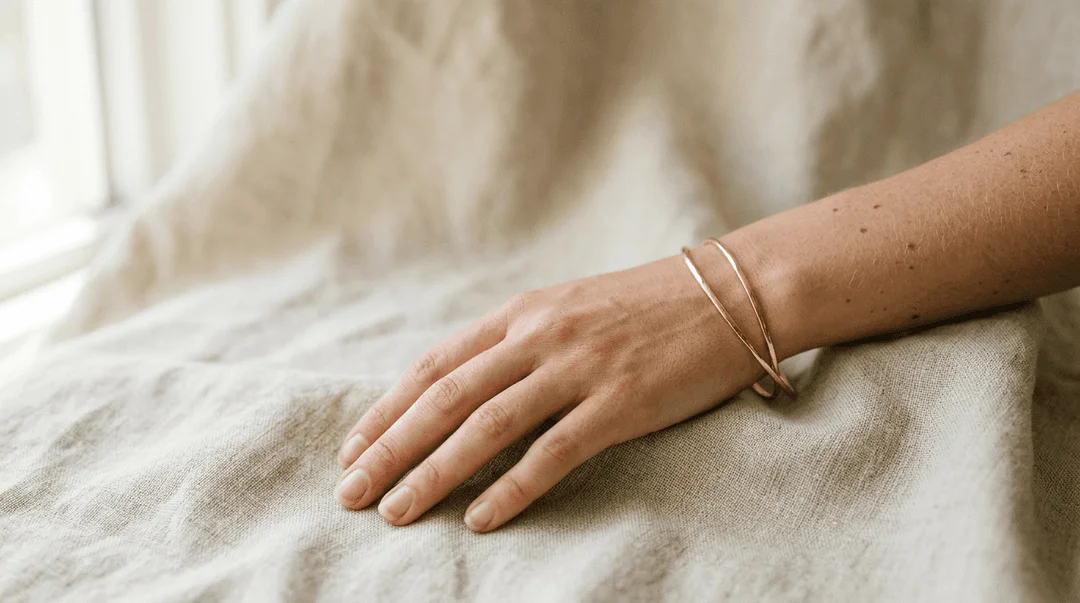
Bangles and cuffs: the home turf. Turn the wrist so the widest face catches light. For a stack, vary metal tones (one yellow gold, one rose) so the group reads as curated rather than repetitive. Watch the inner edge, a dark unlit inner curve makes a bangle look hollow and cheap.
Rings: shift to a relaxed hand near the face or resting on fabric. Lifestyle ring shots live or die on nail grooming and a natural finger curl; a clenched or splayed hand looks tense. A solitaire wants a slightly downward light to spark the stone.
Earrings: these need a face or a hair-and-jaw crop, which is a different model brief. Soft side light along the jaw, hair tucked back, the earring catching a single highlight. Movement helps, a slight head turn gives drop earrings life.
Necklaces: a collarbone-and-neckline crop. The pendant should rest where it naturally falls; a flat-lit chain disappears, so angle the light to separate each link. Pair with a simple neckline that doesn't compete.
Across all four, the lifestyle rule is constant: one hero piece, real skin, soft light, blurred world. The category just changes which body part frames the shot.
Common mistakes
The reflection mirror. A window, a ceiling grid, or the photographer printed across the bangle's curve. Fix it by flagging the scene with black card and dressing the shooter in dark clothes.
Flat, even light. Lifestyle is not a ringlight selfie. If the metal has no gradient, it has no dimension. Use one directional source and let a real shadow exist.
Everything in focus. A deep depth of field drags the background forward and turns lifestyle into busy catalog. Open up to f/2.8 to f/4 and let the world go soft behind the wrist.
The death-grip hand. Tense, posed fingers read as stock photography. Let the wrist relax and shoot through small natural movements.
Color that lies. Gold shot under cool light goes greenish and gray; silver under warm light goes dingy. Set white balance deliberately and check the metal against the real piece, because a buyer who receives a duller bangle than the photo will return it.
Clutter. Three bangles, a watch, two rings, and a busy sleeve, and the buyer can't tell what's for sale. Style one hero piece and let it breathe.
