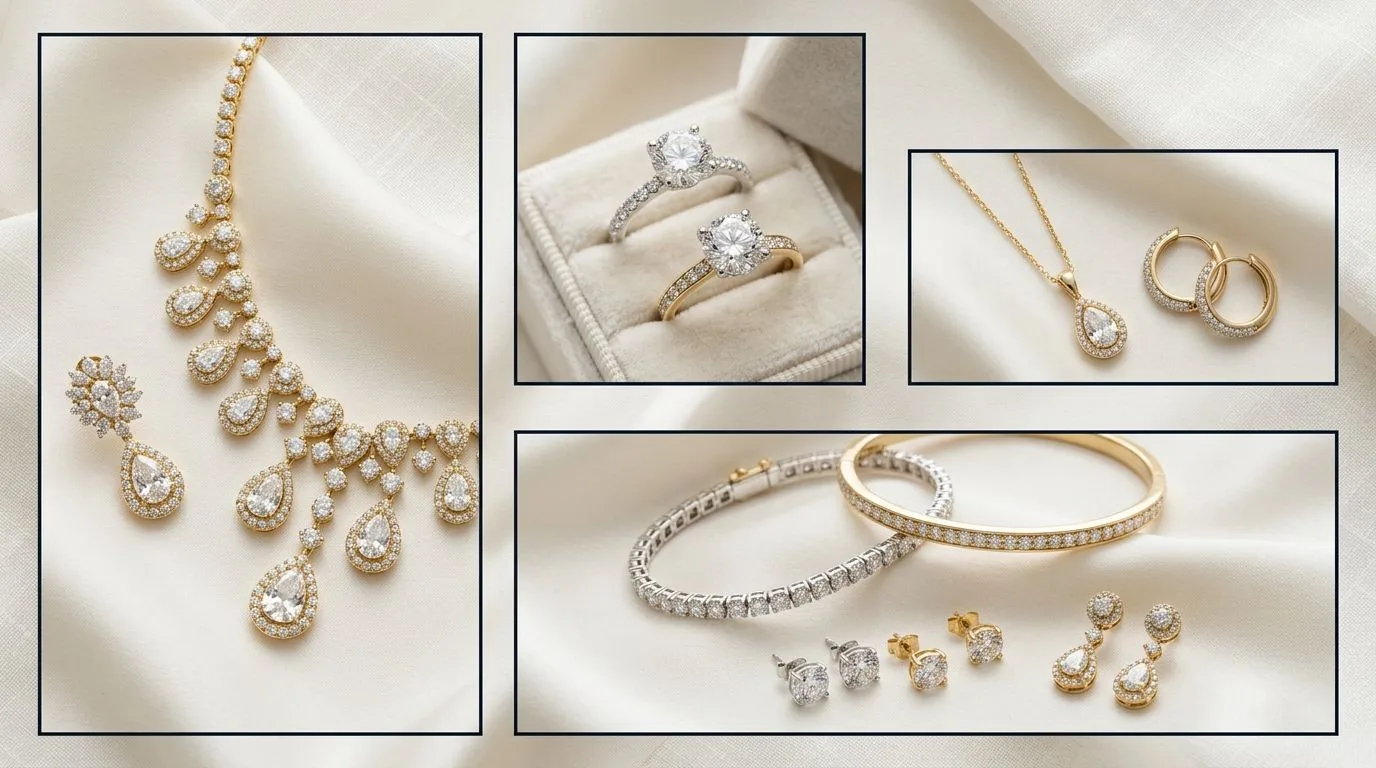
Etsy's Official Image Requirements (And Why They're Not Enough)
Etsy provides official guidelines, but they are the bare minimum for your listing to be accepted. Following them won't make your jewelry stand out. Top sellers treat these as a starting point, not the goal. The official specs are designed for functionality, not for showcasing the intricate details of a pavé setting or the fire in a gemstone.
Here are Etsy’s published requirements:
| Specification | Etsy's Recommendation |
|---|---|
| Recommended Size | 2000px on the shortest side |
| Aspect Ratio | 4:3 recommended, but flexible |
| File Size | Under 1MB for fast loading |
| File Types | .jpg, .gif, .png |
| Number of Photos | Up to 10 |
Following these rules prevents technical errors, but it doesn't guarantee a sale. The difference between a functional listing and a high-converting one lies in optimizing beyond these basics. A 2000px image is good, but a 3000px image resized down to 2700px looks even sharper. A flexible aspect ratio is allowed, but a consistent one across all 10 images creates a professional, cohesive gallery view.
The Unofficial Rules: What Top 1% of Jewelry Sellers Do
We analyzed thousands of top-performing Etsy jewelry listings. The most successful brands don't just meet the minimums; they follow a stricter set of self-imposed standards designed to maximize visual impact and build buyer trust.
Here’s the playbook for creating images that sell:
-
Pixel Dimensions: They upload images that are larger than the minimum. The sweet spot is between 2700px and 3000px on the longest side. This provides exceptional detail when a customer uses Etsy's zoom feature—critical for showing craftsmanship on an engagement ring's claw setting or the texture of a hammered silver cuff.
-
Aspect Ratios: They stick to one or two consistent aspect ratios across their entire shop. The most common and effective are:
- 4:3 (Landscape): Best for necklaces, bracelets, and flatlays. (e.g., 2800 x 2100 pixels)
- 3:4 (Portrait): Excellent for dangling earrings and pendants. (e.g., 2100 x 2800 pixels)
- 1:1 (Square): A strong, modern choice that works well on social media feeds, making it easy to repurpose content. (e.g., 2500 x 2500 pixels)
-
File Format & Size: They almost exclusively use JPEG (JPG) format. While PNGs support transparency, they result in larger file sizes. Top sellers save their JPEGs at a high quality setting (80-90 in Photoshop or a similar editor) to keep file sizes between 500KB and 800KB. This is well under the 1MB limit and ensures your page loads instantly, even on a slow mobile connection.
-
The Thumbnail Safe Zone: The first image in your listing is your most important. Etsy crops this primary image to a 5:4 aspect ratio in search results and on category pages. Successful sellers compose their primary shot with this crop in mind, ensuring the jewelry piece is perfectly centered and no key details are cut off. They don't place the main subject right at the edge of their 4:3 frame.
Step-by-Step: How to Prepare Your Images for Etsy
Optimizing your images is a multi-step process that starts before you even pick up the camera. Follow this workflow to produce consistently professional results for every listing.
Phase 1: Shooting for Success
Your final image quality is determined by the data you capture initially. Shoot with resizing in mind.
- Set Your Camera: Use a DSLR, mirrorless camera, or a high-end smartphone with manual controls. Set your camera to its highest resolution and quality setting (RAW if possible, otherwise Large/Fine JPEG).
- Use a Tripod: Jewelry photography requires sharp focus. A tripod eliminates camera shake, especially when using slower shutter speeds for better lighting. This is non-negotiable for capturing crisp facets on a gemstone.
- Control Your Lighting: Use a light box or a softbox setup with diffused, continuous light. This creates soft shadows that define the piece without harsh, distracting reflections. For a 1ct round-cut solitaire, this setup prevents the metal from blowing out and shows the diamond's brilliance.
- Get the Right Settings: Aim for a deep depth of field to keep the entire piece in focus. A good starting point for a macro lens is an aperture of f/11, a shutter speed of 1/125s, and ISO 100. This minimizes noise and maximizes sharpness.
Phase 2: Editing and Retouching
This is where you clean up imperfections and make your jewelry pop. Use software like Adobe Photoshop, Lightroom, or a free alternative like GIMP or Photopea.
- Basic Adjustments: Correct white balance, exposure, and contrast. Your white background should be pure white (RGB 255, 255, 255), not a dull grey.
- Spot Healing: Zoom in to 200% and meticulously remove any dust, fingerprints, or minor scratches using the spot healing brush or clone stamp tool. This is what separates amateur shots from professional packshots.
- Sharpening: Apply a subtle sharpening filter (like an Unsharp Mask) to enhance the fine details of engravings, milgrain, or stone facets. Don't overdo it—the image should look crisp, not grainy.
Phase 3: Cropping and Resizing
Now, you'll format the edited image to Etsy's optimal specifications.
- Set the Aspect Ratio: Use the crop tool to set your desired aspect ratio (e.g., 4:3). Frame your jewelry piece with enough negative space, keeping the 5:4 thumbnail crop in mind for your primary image.
- Resize the Image: Go to 'Image Size'. Make sure 'Constrain Proportions' is checked. Set the longest side to your target dimension, like 2800 pixels. Let the other dimension adjust automatically. This preserves your aspect ratio.
Phase 4: Exporting for the Web
Saving your file correctly is crucial for quality and load speed.
- Use 'Save for Web' or 'Export As': In your editing software, choose this option instead of 'Save As'. It's specifically designed to optimize images for online use.
- Select JPEG: Choose JPEG as the file format.
- Set Quality: Adjust the quality slider to 80-90. Monitor the estimated file size. Your goal is to get it under 1MB, ideally around 500-800KB, without a visible loss in quality.
- Ensure sRGB: Make sure the 'Convert to sRGB' box is checked. This is the standard color profile for the web and ensures your colors look accurate across different browsers and devices.
Common Etsy Image Mistakes and How to Fix Them
Even with the right specs, small errors can undermine your listing's performance. Here are the most common issues and their solutions.
-
Mistake 1: Blurry or Pixelated Images. This usually happens when you upload a small image and Etsy stretches it, or from camera shake.
- The Fix: Always start with a high-resolution source file (over 3000px wide). Use a tripod when shooting and a remote shutter or timer to avoid touching the camera. During editing, apply sharpening as the very last step before exporting.
-
Mistake 2: Inconsistent Aspect Ratios. Using a mix of portrait, landscape, and square images in one listing creates a jarring, unprofessional gallery experience for the shopper.
- The Fix: Choose one primary aspect ratio (e.g., 4:3) for your brand and stick to it. You can create a template in Photoshop or Canva to ensure every image is cropped identically. Consistency signals a professional, detail-oriented brand.
-
Mistake 3: Over-compressed JPEGs. Trying to get the file size too small (e.g., under 100KB) results in visible compression artifacts, especially around the edges of your jewelry. It looks blocky and cheapens the product.
- The Fix: Aim for a file size between 500KB and 800KB. This is the sweet spot for Etsy—excellent quality with near-instant load times. Export JPEGs at a quality level of 80 or higher.
-
Mistake 4: Ignoring the Thumbnail Safe Zone. Your primary image gets cropped to 5:4 in search. If your stunning drop earring is at the far left of your 4:3 frame, the bottom half might get cut off in the thumbnail, killing your click-through rate.
- The Fix: When composing your main shot, visualize a 5:4 crop overlaid on your 4:3 frame. Keep the most important part of the jewelry well within that central area. You can even create a visual guide layer in your editing template to ensure you never forget.
Pro Tips for Standout Etsy Jewelry Photos
Once you've mastered the technical specs, use these strategies to elevate your listings above the competition.
-
Use All 10 Image Slots. Maxing out your photo slots is a powerful signal to both the Etsy algorithm and potential buyers. It shows you have nothing to hide. Use them to show the piece from multiple angles, on a model (or a ghost mannequin), a scale shot next to a coin, a detail shot of the clasp, and an image of your packaging.
-
Create a 'Key' Image with Dimensions. Use one of your 10 slots for a graphic that shows the jewelry on a clean background with dimension lines and measurements (e.g., '18mm Drop Length', '8mm Width'). This answers a common buyer question visually and can reduce returns from customers who misjudged the size.
-
Optimize for Mobile Viewing. Over 60% of Etsy traffic comes from mobile devices. Your images need to be clear and compelling on a small screen. Use tight crops and simple, high-contrast backgrounds. Before publishing, check your listing on your own phone to see how it looks.
-
Test Your Thumbnails. Your primary image's only job is to earn a click from a crowded search results page. Create two or three different primary image options for a new listing (e.g., a packshot vs. a lifestyle shot). Run the listing with one for a week, then switch to the other and compare the views and clicks. Use the data to inform your future photography direction.
How to Create Perfect Etsy Images in 60 Seconds with Hylo
The manual workflow of shooting, editing, retouching, and resizing is time-consuming and requires technical skill. For a brand owner juggling design, production, and marketing, it can be a major bottleneck.
Hylo's AI Photoshoot replaces this entire process. Instead of setting up a physical studio, you upload a single photo of your jewelry piece taken with your smartphone. From there, you can instantly generate dozens of perfectly-sized and formatted images for Etsy.
Here’s how it works:
- Upload a Photo: Take a clear, well-lit photo of your jewelry on any background with your phone. Upload it to Hylo.
- Generate Images: Describe a scene like "A gold solitaire necklace on a textured grey marble slab, with soft morning light" or select a style from our Creative Library. Our AI generates photorealistic images in seconds.
- Set Your Canvas: Use the Canvas Editor to set a custom 4:3 or 1:1 aspect ratio. Hylo will automatically frame your product perfectly within those dimensions, ready for Etsy.
- Retouch and Export: Use one-click AI Retouch to remove any imperfections and enhance gemstone sparkle. Export as a high-quality, web-optimized JPEG at the exact resolution you need.
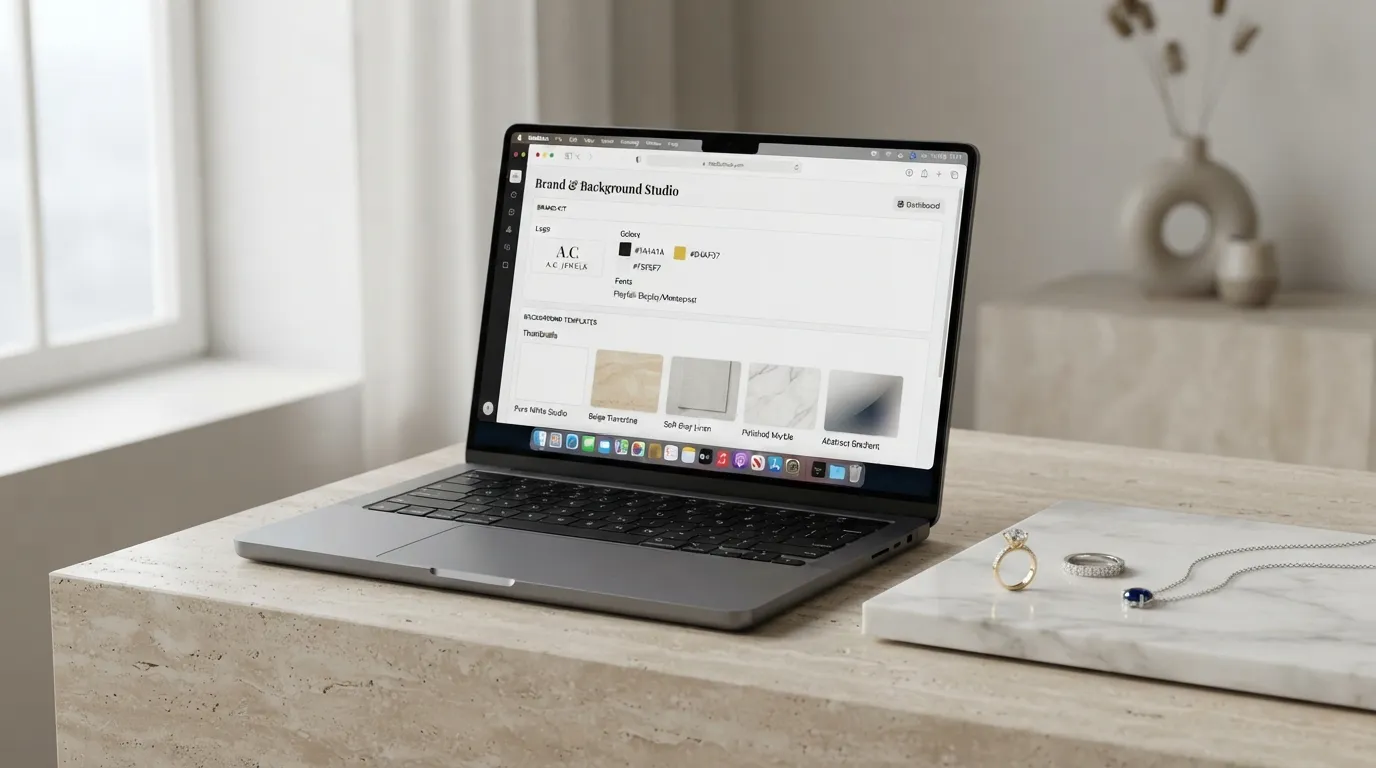
You can save your preferred lighting, backgrounds, and aspect ratios in your Brand Kit to apply them consistently to every new product, creating a professional and cohesive storefront in a fraction of the time. While a dedicated photographer is still the best choice for complex campaign imagery, Hylo is built to produce high-volume, high-quality Etsy product photos faster than any manual method.
Questions Jewelry Brands Ask About Etsy Images
What about Etsy Ads and Offsite Ads image requirements? Etsy uses your primary listing photo for all advertising. There are no separate image specs for ads. This makes it even more critical that your main image is clean, compelling, and follows best practices. It should be a clear shot of the product on a simple background, free of text, watermarks, or sale badges, which can violate the ad policies of platforms like Google Shopping and Facebook.
Should I use video in my Etsy listings? Yes, absolutely. A short, 5-15 second video showing the piece being worn or sparkling under a light can significantly increase conversion rates. It helps customers understand the scale, movement, and finish of the jewelry in a way static images cannot. The video doesn't need to be professionally produced; a simple, steady clip from your phone is effective. Etsy recommends a 1080p resolution, and files must be under 100MB.
How do I handle watermarks on Etsy images? Our advice is to avoid them. While it's tempting to add a logo to protect your images, watermarks can be distracting and may reduce customer trust. They can also make your listings ineligible for Offsite Ads. A better way to protect your brand is to develop a unique, recognizable photography style that is harder to copy than a simple logo overlay. If you must use one, make it small, semi-transparent, and place it in a corner where it doesn't obscure the product.
