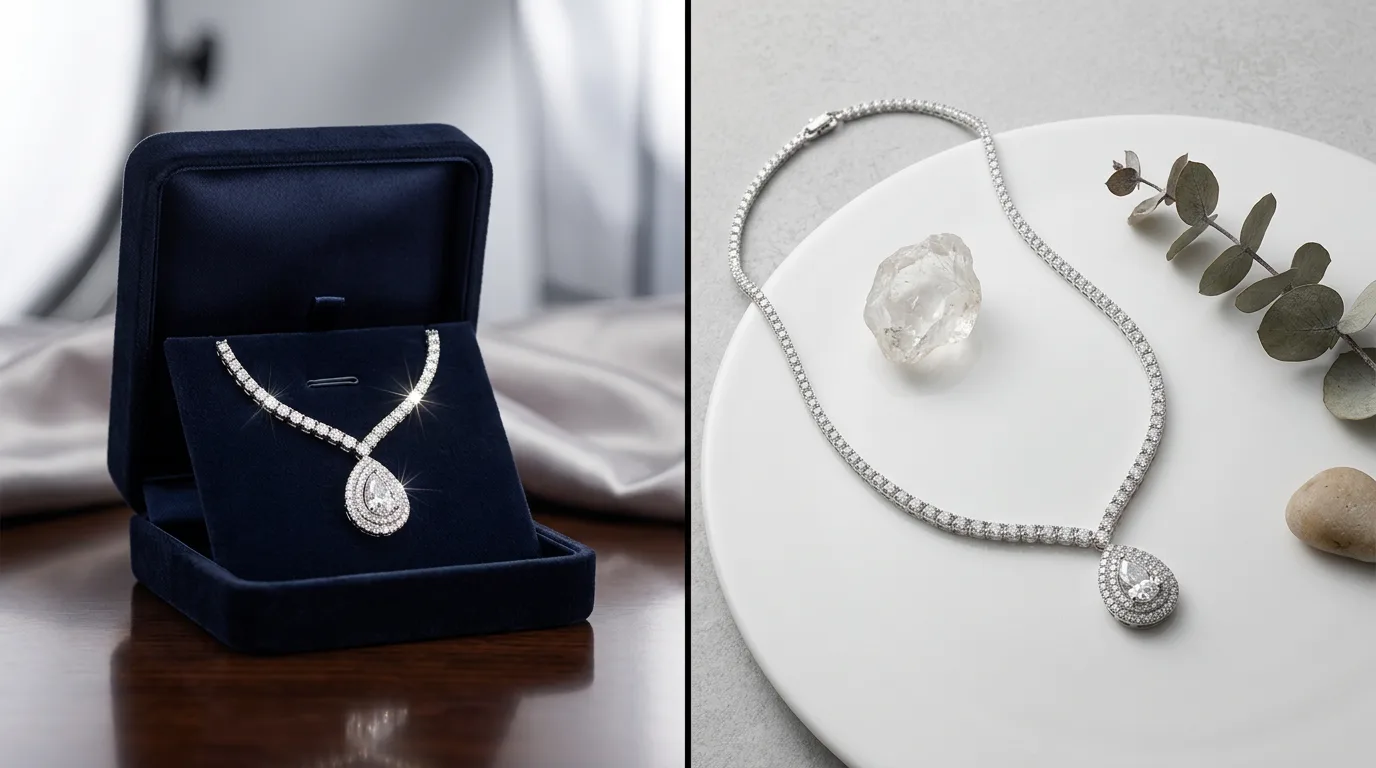
Why Product Photography is the Ultimate Conversion Lever
In online jewelry retail, the product image is your only bridge of trust. Because customers cannot touch, wear, or inspect the physical item, they rely entirely on your photos to judge its value, materials, and quality. Baymard Institute's e-commerce research finds product images are the single most scrutinised element on a listing, and insufficient or misleading imagery is a leading cause of abandoned purchases. If your metal looks like painted plastic or your gemstones appear lifeless and dull, customers will buy elsewhere.
Avoid these 10 common jewelry product photography mistakes to ensure your listings look professional and convert at their highest potential.
The 10 Most Common Mistakes & How to Fix Them
1. Inaccurate Metal Coloring
If your 18k yellow gold looks orange or your platinum looks cold and blue, customers will feel misled when they open the package, driving up return rates.
- The Fix: Use Hylo’s Brand Kit to color-lock your exact metal tones (e.g. Rose Gold
RGB: 183, 110, 121). This ensures color consistency across your entire store.
2. Lifeless, "Dead" Gemstones
Diamonds and colored gemstones have unique optical properties. Renders that treat them as flat gray shapes look cheap and artificial.
- The Fix: Turn on the gemstone fire refraction toggle in Hylo to simulate how light splits into rainbow colors (dispersion) through the facets.
3. Distracting Reflections on Polished Metal
Highly polished gold and platinum act as mirrors, capturing the camera, the room, and the photographer’s silhouette.
- The Fix: Use soft, diffused light sources (like a light box) or use Hylo’s AI Retouch model to automatically clean up distracting reflections while preserving realistic specular highlights.
4. Blurry Macro Details on Settings and Prongs
If the prongs holding a main stone look blurred or soft, it implies low craftsmanship. Fine jewelry requires sharp, clear details.
- The Fix: Shoot with a high aperture (f/11 to f/16) to increase depth of field, or let Hylo’s detail reconstruction model sharpen the macro edges automatically.
5. Inconsistent Aspect Ratios
A catalog where some images are square, some are portrait, and others are landscape looks unprofessional and messy.
- The Fix: Standardize your aspect ratios across channels (e.g. Shopify 1:1, Etsy 4:3, Amazon 1:1 with white margins). Hylo allows you to select these formats with one click.
6. No On-Model / Lifestyle Context
Seeing a ring on a hand or a necklace on a collarbone helps buyers judge the scale and size of the piece, preventing surprise returns.
- The Fix: If you cannot hire models, use Hylo’s AI Lifestyle Model generator to render the jewelry on a photorealistic model hand or neck.
7. Over-Retouching (The "Plastic" Look)
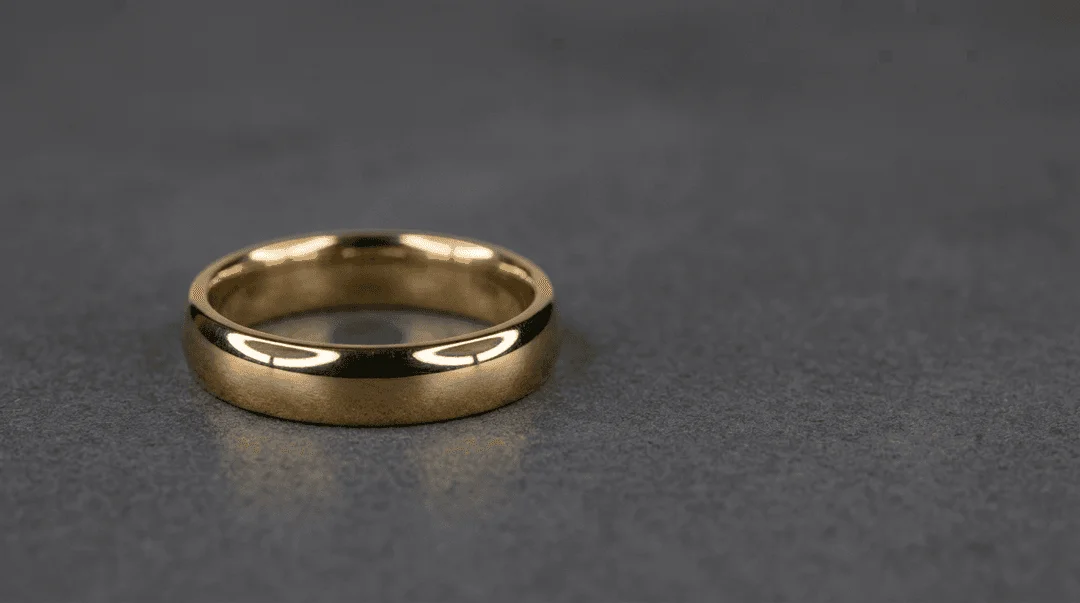
Airbrushing metal until every single texture is erased makes the ring look like a cheap digital render. Real jewelry has subtle metallic grain.
- The Fix: Keep the retouched brush opacity low (2-5%) in Photoshop or let Hylo's AI Retouch automatically clean up dust while preserving the metal's natural texture.
8. Distracting Background Selections
A background that competes with the jewelry for attention ruins the listing. Colorful, busy backgrounds distract the eye.
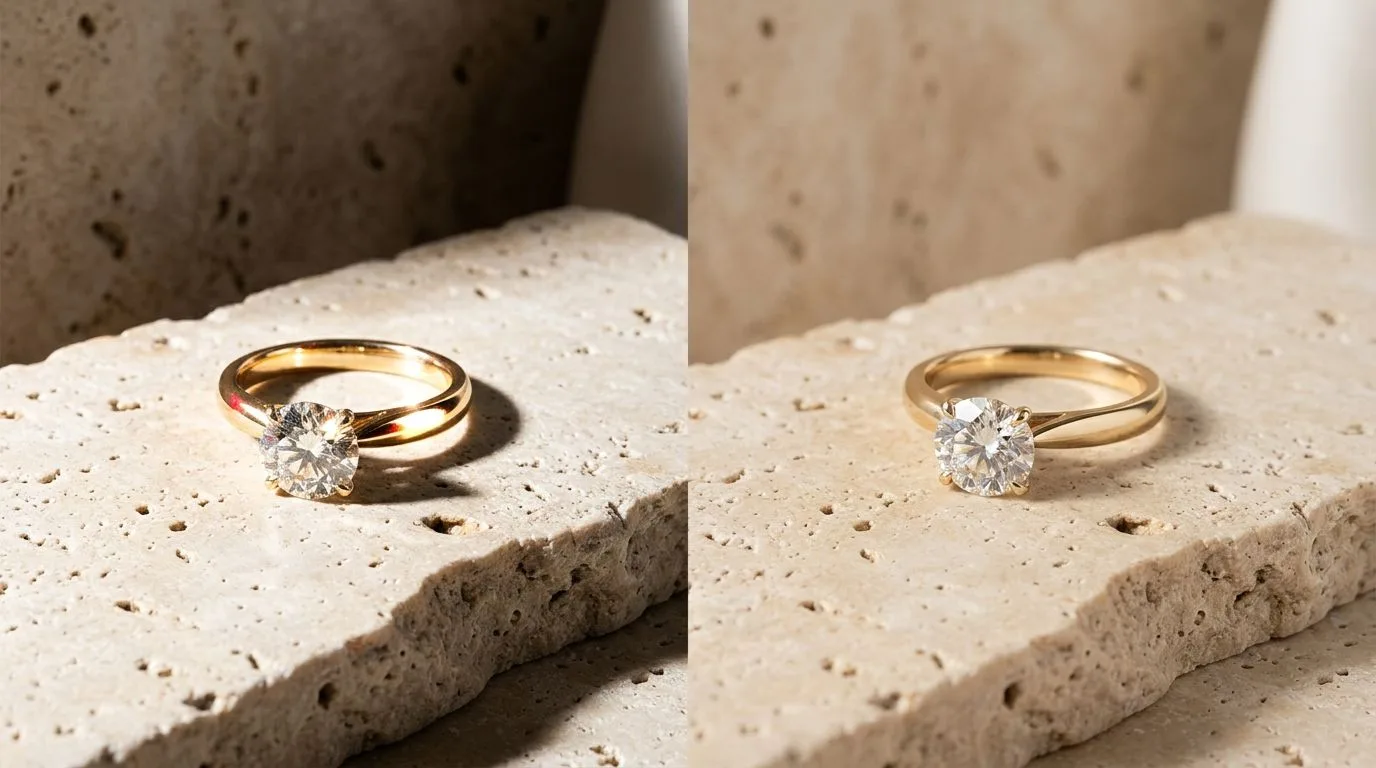
- The Fix: Stick to neutral, organic stone, plaster, clay, or clean white pedestals. These can be selected directly from Hylo's creative library.
9. Lack of Multiple Angles
A single front-facing shot is not enough. Buyers need to see the side profile, the clasp, the undersides, and how it sits on a body.
- The Fix: Generate 3-4 consistent angles per SKU to provide a complete visual experience on the product listing page.
10. Flat, Low-Contrast Lighting
Flat lighting hides the three-dimensional curves of a piece. It makes round bands look flat and erases highlights.
- The Fix: Use soft, directional key lights to create elegant highlights and subtle shadows that emphasize the ring's physical shape.
Manual Photoshop vs. Hylo AI (An Honest Comparison)
Written by Harshal Patel, Founder & Creative Designer of Hylo.
Many brands ask if they should hire a manual Photoshop retoucher or use an AI tool like Hylo. Here is my honest advice:
- When to choose manual Photoshop: For high-end creative billboard campaigns or magazine covers, manual retouching is still the gold standard. Using advanced techniques like Frequency Separation (separating color from texture) and custom dodge-and-burn layers allows for hours of meticulous pixel control.
- When to choose Hylo AI: For e-commerce catalogs, Shopify product pages, and social media content, Hylo is far superior. It replaces the 45-minute manual retouching process with a 30-second AI generation, saving thousands of dollars and accelerating launch speeds. Read more about our team and technology on our About Us page.
Frequently Asked Questions
How do I fix color casts on jewelry?
Color casts happen when light reflects off surrounding walls onto the polished metal. To fix this, shoot in a neutral room and adjust the white balance so the white gold elements look neutral gray, not yellow or blue.
What is Frequency Separation?
Frequency separation is a Photoshop retouching technique that splits an image into high-frequency (texture) and low-frequency (color) layers. It lets you smooth out color shifts on metal without smudging the metal's surface texture.
Can Hylo replace a professional retoucher?
For e-commerce product pages, yes. Hylo delivers consistent, studio-quality results in seconds. For complex composite advertising banners, a professional retoucher is still recommended.
How do I create realistic shadows for my jewelry?
A realistic shadow consists of two parts: a dark, narrow contact shadow directly under the product, and a soft, diffuse ambient shadow that fades outward. Hylo's AI shadow generator handles both automatically.
What file format is best for Shopify?
Use high-quality JPEGs or WebPs. WebPs are preferred because they offer the same quality as JPEGs but are 30% smaller, which improves page load speed and boosts SEO rankings.
