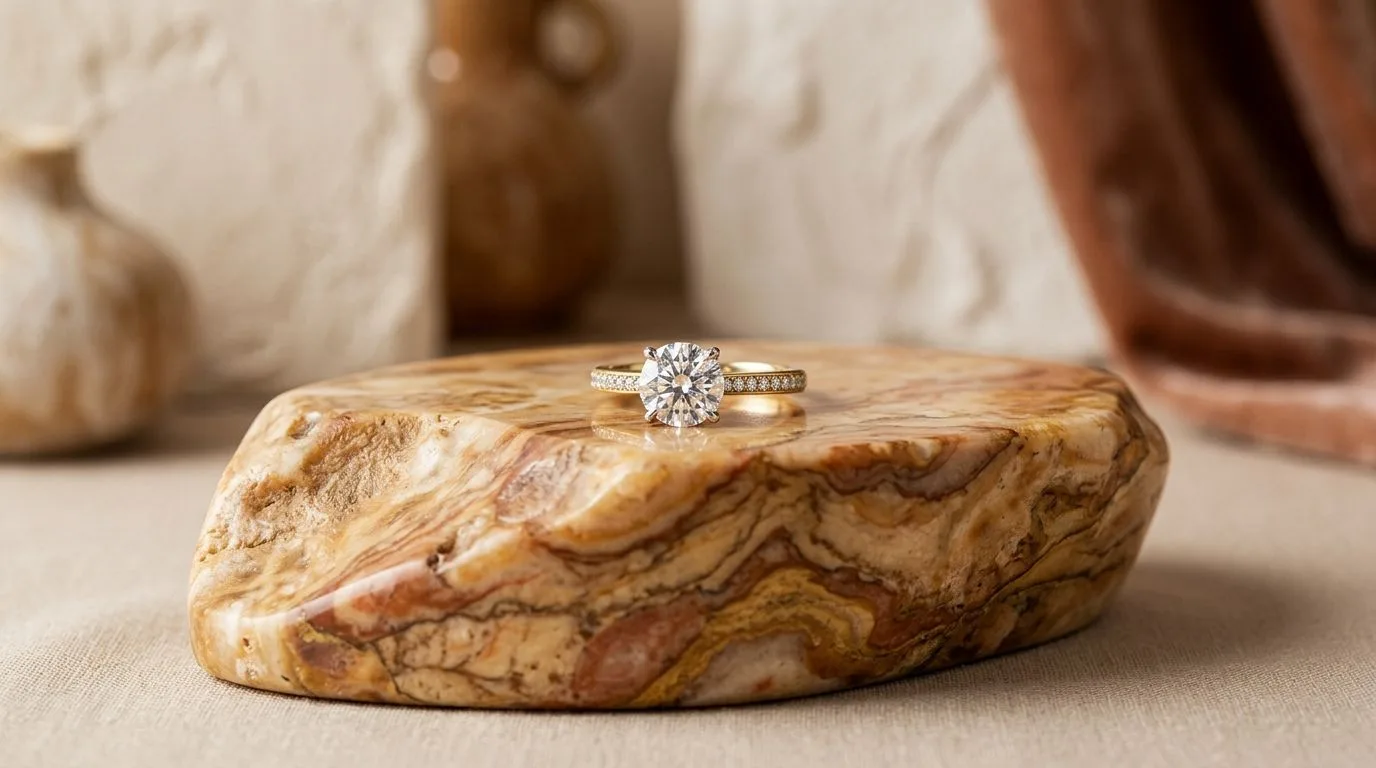
Quick Verdict: Who Should Use Flair vs. Hylo?
Flair is a capable, general-purpose AI image generator that's useful for quick creative concepts across many product categories. It's fast, easy to use, and a solid step up from a blank canvas. However, its generalist model struggles with the specific challenges of jewelry: metallic reflections, transparent gemstones, and fine details like pavé settings or delicate chains.
Hylo is a specialist tool built exclusively for jewelry. Our AI model understands the physics of light on metal and facets, rendering pieces with a realism that generalist tools can't match. It's designed for production workflows, not just one-off image creation, with features built for brand consistency and high-volume shoots.
Here’s the bottom line for your brand:
- Solo Designer: Start with Flair or Pebblely for early-stage mood boarding. Graduate to Hylo when you need consistent, high-converting product shots for your storefront.
- Small DTC Brand: Hylo is the definitive choice. Your brand's perceived value is tied directly to your photography, and Hylo's
Brand Kitensures every image is perfectly on-brand. - Etsy Seller: Use Hylo to create a full carousel of high-quality listing images that stand out from the competition. Its marketplace-specific presets are a major time-saver.
- Wholesale Supplier: Hylo's bulk processing via
AI Photoshootis built for creating consistent linesheets for hundreds of SKUs quickly and affordably. - Enterprise/Retailer: Hylo provides the quality, consistency, and scale required to replace traditional photography, saving tens of thousands of dollars in studio costs annually.
At-a-Glance Comparison: Flair vs. Hylo vs. The Field
When evaluating AI photography tools, the devil is in the details. A feature that sounds similar on a pricing page can produce dramatically different results for a jewelry brand. Here's how the leading options stack up on the features that matter most for selling jewelry.
| Feature | Hylo | Flair | Pebblely | Photoroom | Canva Magic Studio |
|---|---|---|---|---|---|
| Jewelry-Tuned Model | ✅ Yes, exclusively trained | ❌ No, generalist model | ❌ No, generalist model | ❌ No, generalist model | ❌ No, generalist model |
| Pricing (Pro Tier) | Starts at $49/mo | Starts at $29/mo | Starts at $19/mo | Starts at $12.99/mo | Included in Canva Pro ($119/yr) |
| Brand Consistency | ✅ Brand Kit (Private AI Model) | 🟡 Template-based | 🟡 Template-based | 🟡 Template-based | ✅ Brand Kit (Colors/Fonts) |
| Bulk Processing | ✅ Yes, hundreds at once | 🟡 Limited to 30 images | ✅ Yes | ✅ Yes (Batch Mode) | ❌ No |
| Marketplace Presets | ✅ Yes (Etsy, Amazon, etc.) | ❌ No | ❌ No | ✅ Yes (basic sizing) | ✅ Yes (basic sizing) |
| Max Export Quality | 4K (4096x4096px) | 1024x1024px | 2048x2048px | 4K (with upscaling) | 1024x1024px |
| Commercial License | ✅ Yes, on all paid plans | ✅ Yes, on all paid plans | ✅ Yes, on all paid plans | ✅ Yes, on Pro plan | ✅ Yes, on Pro plan |
| Free Tier | ✅ Yes, 30 free credits | ✅ Yes, 30 free images | ✅ Yes, 40 free images | ✅ Yes, with watermark | ✅ Yes, with limits |
Where Flair Wins
To be clear, Flair is a good tool, and there are scenarios where it might be a better choice than a specialist like Hylo. Credibility means being honest about where competitors excel.
1. Broad Applicability for General Stores
If your brand sells more than just jewelry—for example, a lifestyle boutique that also offers candles, apparel, and leather goods—Flair's generalist model is a significant advantage. It can generate plausible backgrounds for a wide variety of product types without requiring a specialized tool for each. Hylo is laser-focused on jewelry; it won't produce great results for a t-shirt or a handbag. For a multi-category store, Flair offers more versatility under one roof.
2. Simplicity for Quick Ideation
Flair's interface is extremely simple. You upload a product, type a prompt or choose a template, and get an image. This makes it excellent for rapid brainstorming, mood boarding, or creating one-off social media posts where perfect realism isn't the primary goal. If you just want to see what your new earring design might look like on a marble tray next to a peony, Flair can get you an answer in 30 seconds. The workflow isn't built for producing a hundred consistent SKU images, but it's very fast for creative exploration.
3. Price Point for Occasional Use
With plans starting at a lower price point, Flair can be more approachable for businesses or individuals who only need to generate a handful of images per month. If you're not shooting new collections frequently and just need to occasionally refresh a hero image, Flair's cost structure can be more economical than a professional-grade tool designed for higher volume.
Where Hylo Wins for Jewelry Brands
While Flair is a capable generalist, Hylo wins on the specific, high-stakes details that determine whether a customer trusts your jewelry enough to buy it online.
1. Unmatched Realism on Metal, Gems, and Details
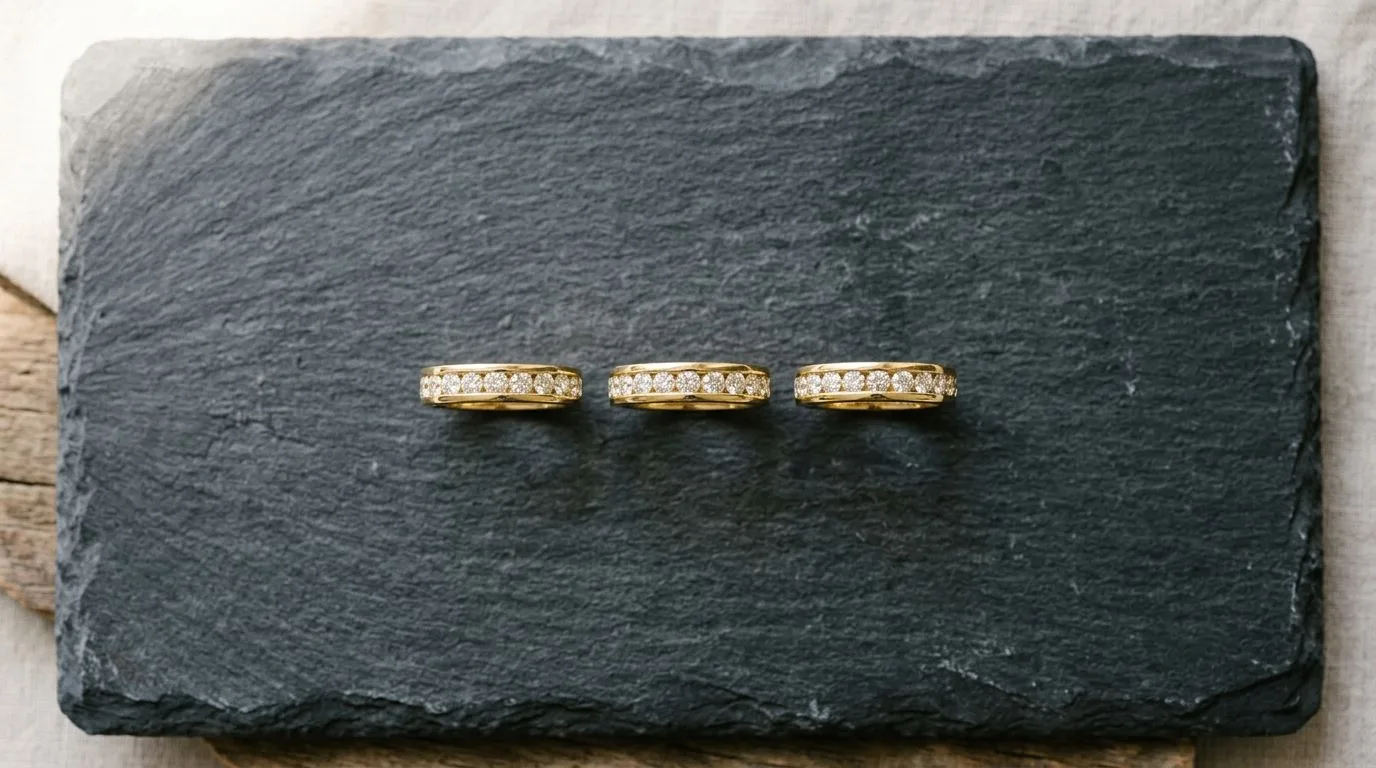
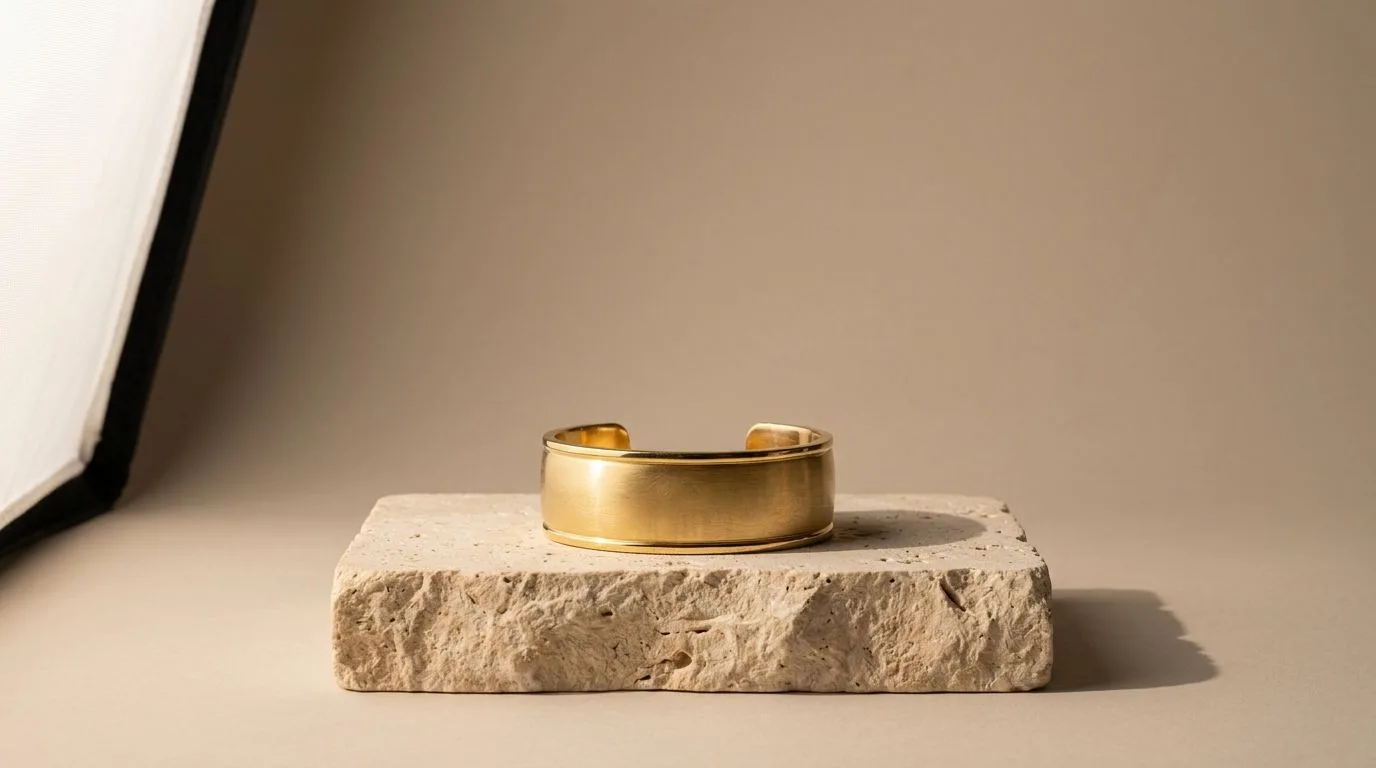
This is the single biggest differentiator. Standard AI models like the one Flair uses are not trained on the complex ways light interacts with jewelry. They often produce dull, plastic-looking metals, opaque gemstones, and blurred details on prongs, pavé, and chains. Hylo's AI model was trained exclusively on a dataset of millions of high-end jewelry photographs. It understands how to render:
- Accurate Reflections: Creating believable shine and specular highlights on gold, silver, and platinum without looking fake or distorted.
- Gemstone Transparency & Faceting: Rendering diamonds, sapphires, and emeralds with realistic depth, fire, and brilliance.
- Fine Details: Keeping delicate chains, milgrain edges, and tiny prong settings sharp and defined, even at high zoom.
Our AI Retouch feature further enhances this, allowing one-click removal of dust, fingerprints, and minor blemishes—a task that would take a human retoucher hours.
2. True Brand Consistency with a Private AI Model
Flair uses public templates, meaning your competitors can use the exact same scenes. This makes it impossible to build a unique, recognizable brand aesthetic. Hylo's Brand Kit is fundamentally different. You upload your existing photos or a style guide, and we train a private, custom AI model exclusively for your brand. It learns your specific lighting style, camera angles, propping, and color palette. Every image generated with your Brand Kit looks like it was shot by the same professional photographer on the same day. This is how you build a cohesive, premium-looking storefront and catalog.
3. A Workflow Built for Commerce, Not Just Creation
Running a jewelry business means producing assets at scale. Hylo is built for this production reality. You can drag and drop hundreds of raw product photos into our AI Photoshoot and generate on-brand images for all of them in a single batch. From there, you can use the Canvas Editor to instantly resize and format those images for every channel you sell on—Shopify product pages, Etsy listings, Instagram stories, TikTok Shop, and wholesale linesheets—without ever leaving the app. This end-to-end workflow saves dozens of hours per collection launch compared to using separate tools for generation, editing, and formatting.
4. Commercial-Grade 4K Export
Your product images need to look sharp on every device, from a phone to a 27-inch retina display. Hylo exports images at a native 4K resolution (4096x4096 pixels), providing the quality needed for high-zoom on product pages and even for print materials like lookbooks or tradeshow banners. Most generalist tools, including Flair, top out at 1K or 2K, which can appear soft or pixelated when customers zoom in to inspect the details of a piece.
Which Flair Alternative is Right for Your Brand?
The right tool depends entirely on your business model, product category, and goals.
-
You should choose Flair if... you run a generalist store selling many different types of products, and jewelry is only a small part of your inventory. Its flexibility across categories is a major asset in this case. It's also a good choice for pre-launch brands who are still in the mood-boarding phase and want to quickly visualize different creative directions without committing to a specific brand style.
-
You should choose Photoroom or Pebblely if... you are extremely budget-sensitive and primarily need a tool for basic background removal and simple scene generation. Their free and entry-level tiers are generous, making them great for getting started. They are a significant step up from a raw phone photo, but lack the jewelry-specific realism and brand consistency features of Hylo.
-
You should choose Canva Magic Studio if... you already run your entire business design workflow inside of Canva. If you're creating social posts, ads, and emails in Canva, the convenience of having an integrated AI image tool might outweigh the need for perfect photographic realism. It's about workflow consolidation, not best-in-class output quality.
-
You should choose Hylo if... you are a serious jewelry brand. Whether you're a solo designer or a 50-person team, if your revenue depends on convincing customers to buy fine jewelry online, photographic quality and brand consistency are non-negotiable. Hylo is the only tool on the market built from the ground up to solve the unique challenges of jewelry photography, and it's designed to function as a direct replacement for a professional photography studio, saving you thousands of dollars and weeks of time per collection.
How to A/B Test Hylo Against Flair, Risk-Free
Don't take our word for it. The best way to choose is to compare the output side-by-side using your own products.
- Sign up for Hylo's free trial. You'll get 30 free credits to generate images, no credit card required.
- Select 5 key products. Choose a variety of pieces that represent common challenges: a ring with pavé details, a transparent gemstone pendant, a delicate chain necklace, and a highly reflective metal cuff.
- Use the same input photos. Take the exact raw, on-a-white-background photos you've used in Flair and upload them to Hylo's
AI Photoshoot. - Generate in both tools. In Flair, use your best prompt. In Hylo, select a scene from our
Creative Libraryor upload your brand guidelines to theBrand Kitto create a custom scene. - Compare the results. Place the images side-by-side. Look closely. How is the shine on the metal? Can you see the facets in the diamond? Is the chain sharp or blurry? Does the shadow look natural?
- Run a blind test. Show the two images to a friend or colleague and ask, "Which one would you pay more for?" The answer will tell you everything you need to know about how image quality impacts perceived value.
With our 14-day money-back guarantee on all paid plans, you can test Hylo's full capabilities for your next product launch with zero financial risk.
