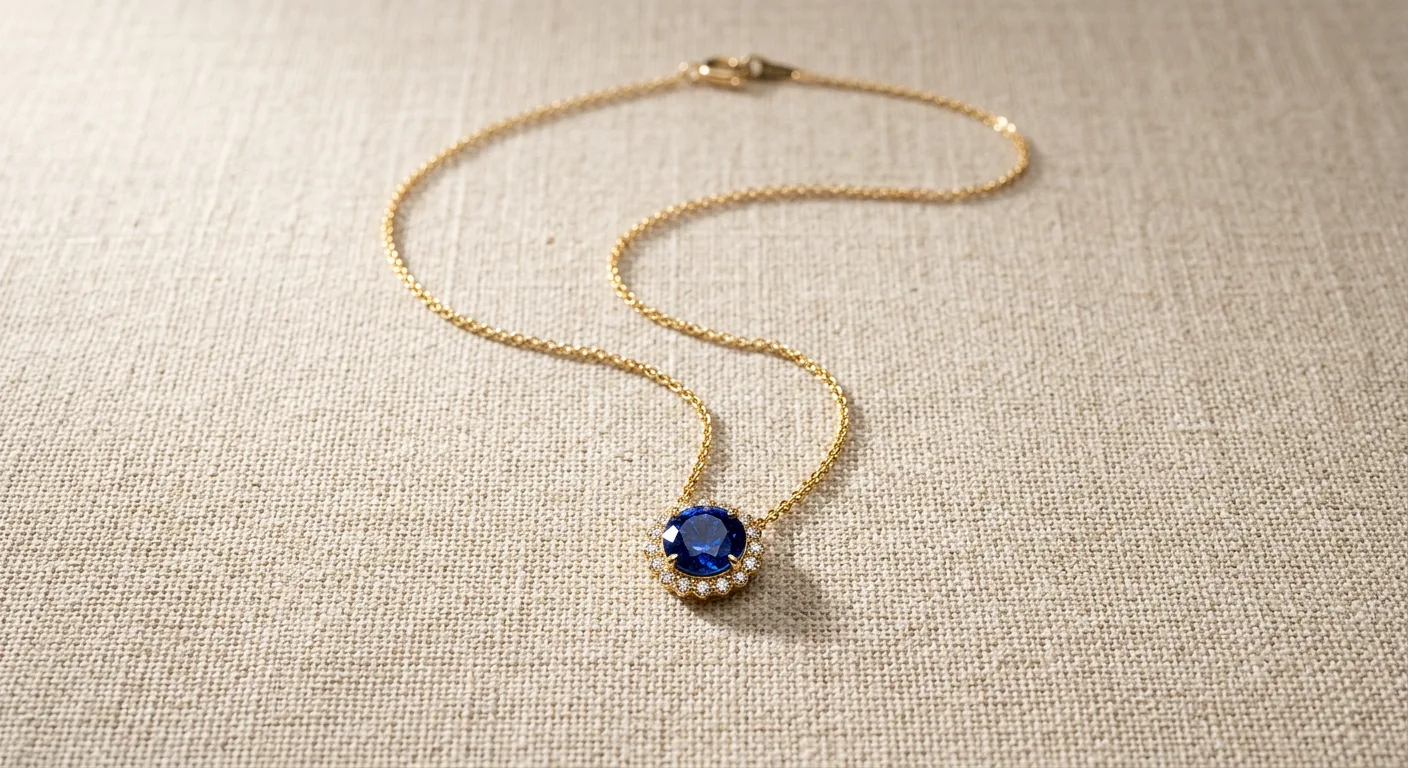
What you'll need
Unlike rings, which stand up, necklaces require a top-down ('flat lay') approach. You will need:
- A DSLR or modern smartphone.
- A tripod with a lateral arm (a c-stand or boom arm) so the camera can look straight down at the table.
- A matte white board or acrylic sheet.
- Clear jewelry tape or museum wax.
- A pair of jeweler's tweezers (essential for arranging chains without leaving fingerprints).
- Diffused lighting (a large softbox or window light).
Before you start
The most difficult part of photographing necklaces is the chain. Chains are chaotic. If a chain is slightly twisted, crimped, or asymmetrical, the human eye will immediately notice it, making the entire piece look cheap.
Never try to arrange a chain perfectly by hand on a flat table. Your fingers are too large, and you will inevitably create uneven curves. Instead, you must use gravity to do the work for you.
Step-by-step necklace flat lay walkthrough
Follow these steps to achieve perfect symmetry and pristine lighting for your necklace flat lays.
1. Set up your overhead rig
Mount your camera to the lateral arm of your tripod so the lens is pointing perfectly straight down at the table. Use a bubble level on your camera to ensure it is completely parallel to the table. If the camera is slightly tilted, the pendant will look distorted.
2. The 'Gravity Drop' technique
Take your white board and hold it vertically. Tape the clasp of the necklace to the top back edge of the board, allowing the pendant to hang straight down the front. Gravity will pull the chain into a mathematically perfect 'V' or 'U' shape.
3. Secure and lay flat
While the necklace is hanging perfectly, take tiny pieces of clear tape or museum wax and secure the pendant and the middle of the chain directly to the board. Once secured, carefully lay the board flat on your table. You now have a perfectly symmetrical flat lay.
4. Arrange the excess chain
If the chain is very long, don't let it run out of the camera frame. Use your jeweler's tweezers to gently loop the excess chain near the top (by the clasp) into a neat, intentional coil or a soft S-curve.
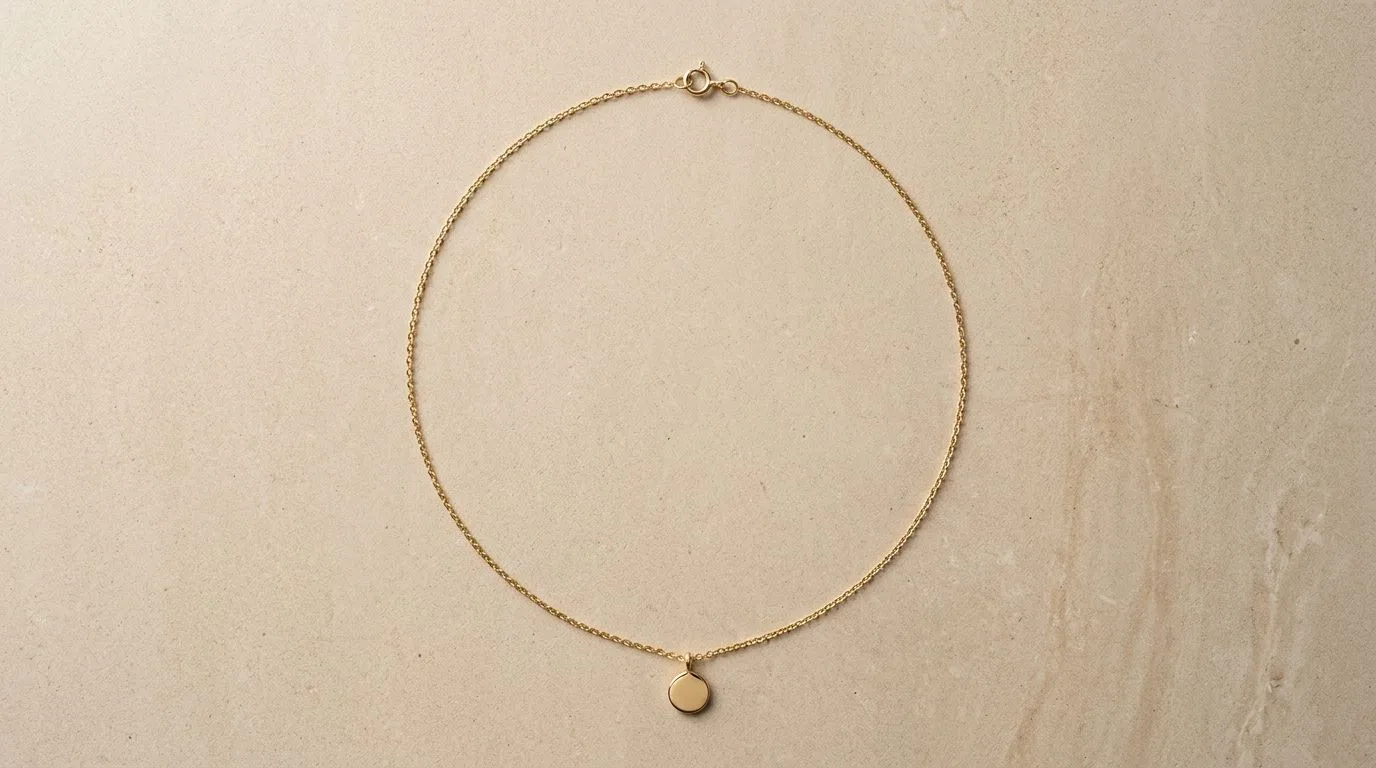
5. Position your lighting
If you light a flat lay from straight above, the chain will cast no shadows and will look like a flat, 2D drawing. You must light it from a low angle. Position a large softbox at a 45-degree angle to the table. This will cast soft micro-shadows under each chain link, revealing the 3D texture of the metal.
6. Shoot and review
Set your aperture to f/8 or f/11. Take the photo. Zoom in to 100% on the thinnest part of the chain. Ensure every link is sharp and the pendant is perfectly centered.
Common mistakes and how to fix them
- Harsh black drop shadows: If your light is too small or too direct (like a desk lamp), the necklace will cast a deep, distracting black shadow onto the background. Fix this by using a larger light source or moving a diffusion panel (a white sheet) between the light and the jewelry.
- The 'Floating Head' pendant: If you use generic background removal software on a delicate 1mm cable chain, the AI will often erase the chain entirely, leaving just the pendant floating in white space. You must use specialized tools designed for jewelry.
- Crooked pendants: Even a 2-degree tilt on a geometric pendant ruins the photo. Use the grid overlay on your camera screen to align the pendant perfectly.
Pro tips for necklace photography
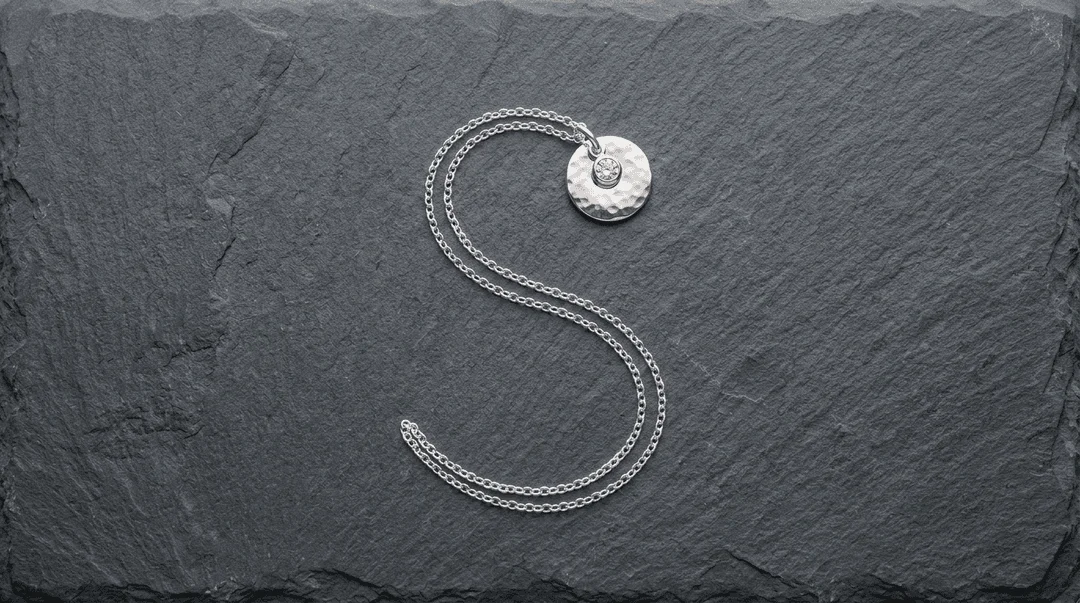
- The 'Invisible Neck' crop: When cropping your final image, crop out the clasp and the top loops of the chain. Let the chain run off the top edge of the frame. This creates the illusion that the necklace is being worn on an invisible neck, focusing all attention on the pendant.
- Macro clasp shots: Always take a secondary photo of the clasp and any metal purity stamps. Buyers want to know if it's a lobster claw or a spring ring.
How to do this faster with Hylo
Manually cutting out a delicate chain in Photoshop is an absolute nightmare. The Magic Wand tool will select the shadows inside the links, and the Pen Tool takes hours to trace hundreds of tiny metal circles.
Hylo eliminates this bottleneck entirely.
- Lay your necklace on any plain surface (it doesn't even need to be perfectly white).
- Snap an overhead photo with your smartphone.
- Upload to Hylo. Hylo's proprietary chain-preservation algorithms are specifically trained to recognize sub-millimeter metal links. It will instantly remove the background without erasing a single link of your delicate chain.
- Apply your Brand Kit to generate a pristine white background, complete with a natural, mathematically perfect drop shadow that makes the chain pop off the screen.
Questions jewelry brands ask about flat lays
Should I use a neck bust or a flat lay? A neck bust is great for showing how a necklace sits on the collarbone, but it is notoriously difficult to light evenly without casting shadows behind the neck. A flat lay is the industry standard for clean, modern e-commerce catalogs.
How do I stop thin chains from tangling during a shoot? Always clasp the necklace immediately after removing it from the model or the box. When laying it down, hold it by the clasp and let it drape naturally. Never bunch a chain in your palm.
