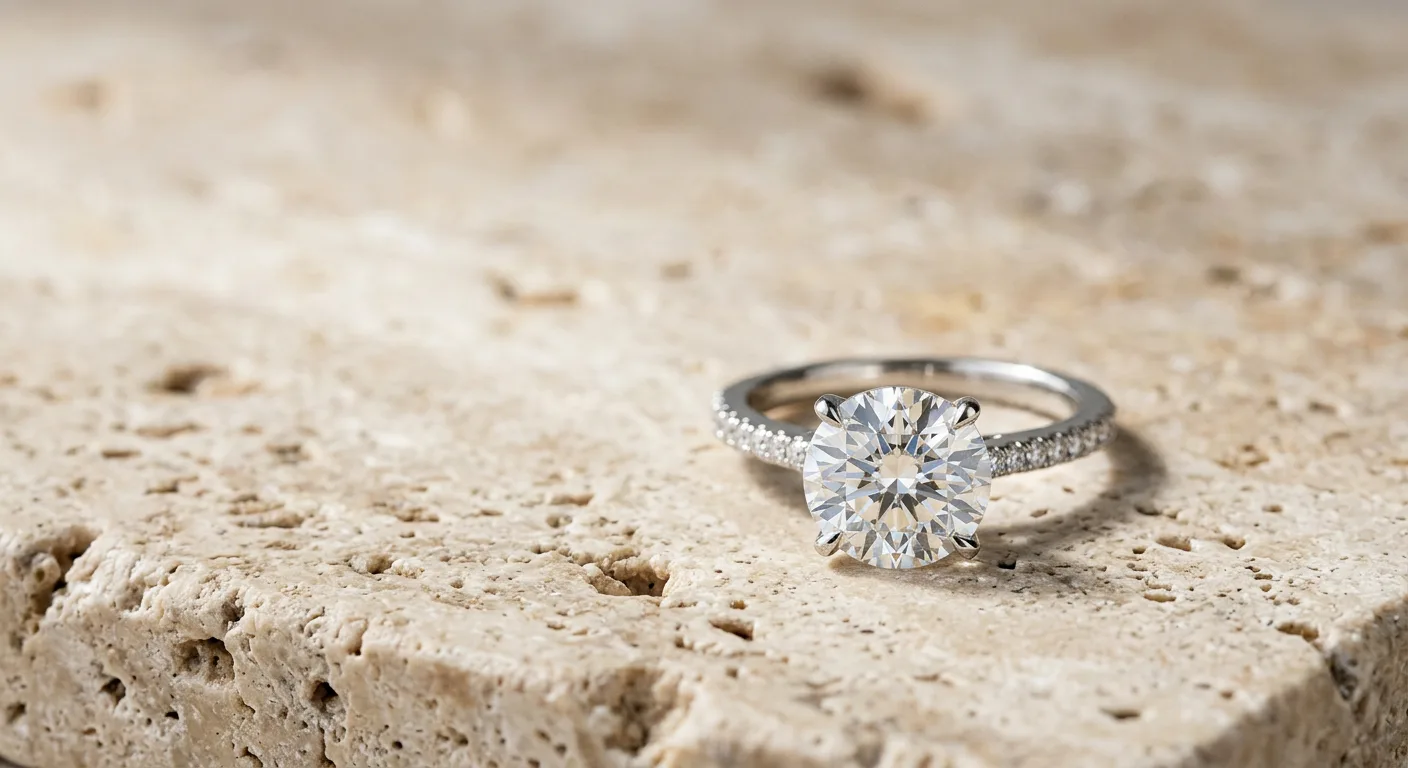
How to Use This Guide
This is your central resource for creating every type of earring photo your business needs. Your goal dictates your starting point. Don't read this cover-to-cover; use these rules to find the specific guide you need right now.
-
If you're launching a new product on a marketplace like Etsy or Amazon, your first priority is the main image. It must be on a pure white background (RGB 255, 255, 255) to comply with their terms of service and maximize visibility in search. Start with our guide to creating perfect packshots. This is the foundational image for every product listing.
-
If you're refreshing your Shopify or Webflow product pages, you need a complete image carousel that answers customer questions visually. This means combining styles. Begin with the packshot, then explore our guides on generating on-model photos to show scale and lifestyle flatlays to evoke a specific mood. A typical high-converting carousel includes a packshot, two lifestyle shots, an on-model view, and a macro detail shot.
-
If you're planning an Instagram or TikTok campaign, your focus is on brand storytelling, not just product specs. Skip the white backgrounds and go directly to our guides on creating aspirational lifestyle scenes or themed flatlays. For example, for a bridal collection of pearl drop earrings, you might generate scenes with silk, soft light, and floral elements. These images are designed to stop the scroll and build brand affinity.
-
If you're preparing a wholesale linesheet for retail buyers, clarity and consistency are paramount. Buyers need to see the product clearly. Use our packshot guide to create a uniform grid of your entire collection on a single, consistent background. You can supplement this with one or two key on-model shots to show how the collection wears.
Why AI Earring Photos Matter for Jewelry Brands
Professional photography is a primary driver of conversion in jewelry e-commerce, but it's also a significant bottleneck and expense. A single photoshoot can cost $2,000-$5,000 and take weeks to coordinate, shoot, and retouch. For brands with constantly evolving collections, this is unsustainable. AI photography directly solves this problem, transforming a capital-intensive, slow process into a fast, affordable, and on-demand operational task.
On a practical level, different sales channels demand different visual styles. What works on Instagram will get your product suppressed on Amazon.
-
Marketplaces (Amazon, Etsy): These channels require a clean, distraction-free main image on a white background. It’s a technical requirement for discoverability. AI tools like Hylo’s
AI Photoshootcan produce these compliant images from a single phone photo, ensuring you meet the platform rules without a complex studio setup. -
Direct-to-Consumer (Shopify, Webflow): On your own site, you control the narrative. A study by BigCommerce found that 78% of online shoppers want to see products in context. This means showing your pavé huggie hoops on a model, or your chandelier earrings styled for an evening out. AI lets you create this variety instantly, building a compelling visual story that justifies a premium price.
-
Social Commerce (Instagram, TikTok Shop): These are inspiration-driven channels. A sterile white background won't perform. You need scroll-stopping creative that feels authentic and aspirational. AI allows you to place your sterling silver studs in countless contexts—on a marble tray, next to a latte, on a model with a specific aesthetic—without ever booking a location or hiring talent. This endless variety keeps your feed fresh and engaging.
-
Wholesale & B2B: Buyers look for consistency and clarity. AI-generated packshots ensure that every earring in your linesheet is shot from the same angle, with the same lighting, creating a professional and cohesive presentation that makes it easy for them to order.
Ultimately, AI photography democratizes access to the high-quality, diverse imagery that was once only available to large brands with in-house creative teams. It levels the playing field, allowing independent designers to compete on visual quality.
The Core Earring Photography Styles at a Glance
Rather than just one type of photo, a successful earring brand needs a portfolio of image styles. AI can generate all of them from a single source image. Think of these styles as falling into three main categories: e-commerce essentials, brand-building narratives, and detail-oriented convincers.
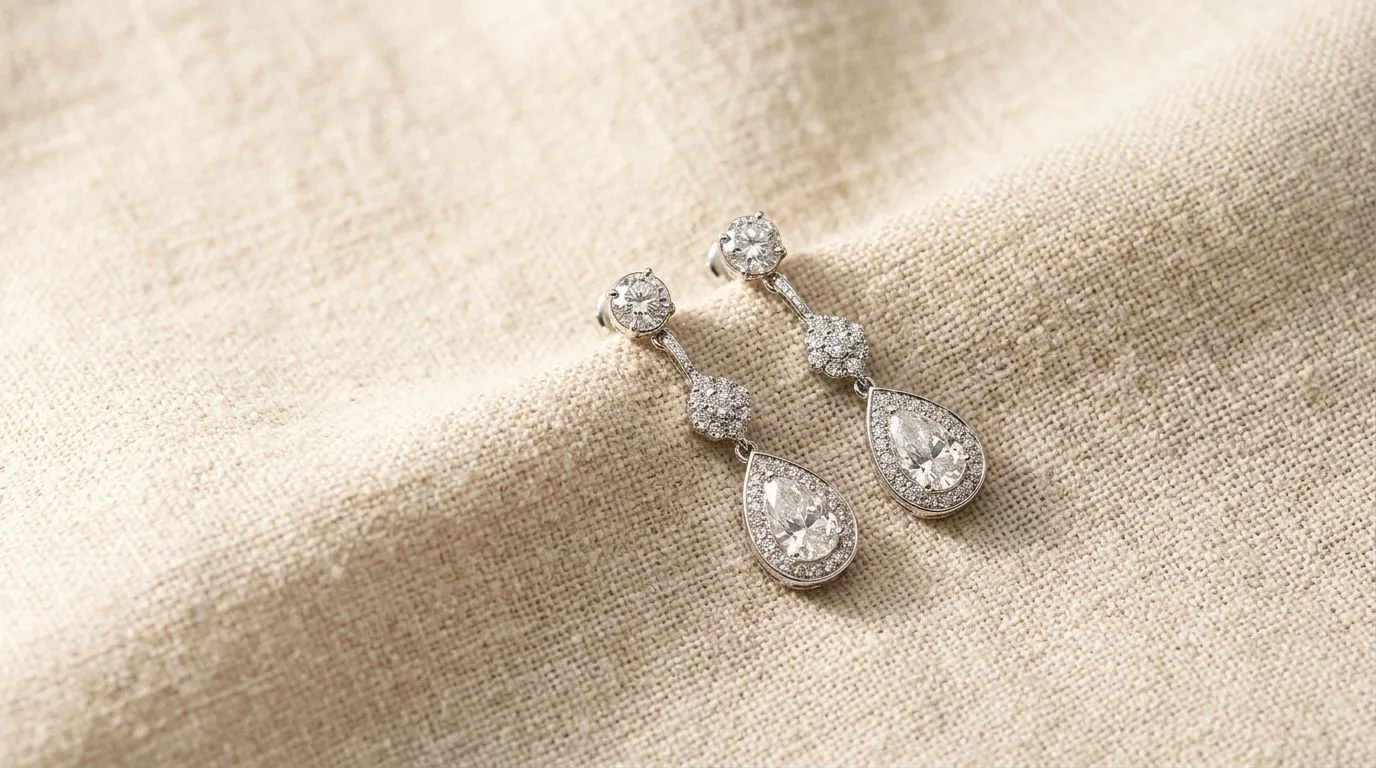
First are the E-commerce Essentials. This category is headlined by the classic packshot on a pure white or light grey background. This is your non-negotiable hero image for marketplaces and the foundation of a clean, professional website. It's an objective, clear representation of the product. Alongside it is the ghost mannequin or floating shot, which shows the earring's shape and form without any distractions, often used for showing the back or clasp of a stud earring. These images are about clarity and compliance.
Next are the Brand-Building Narratives. This is where you tell your story and create desire. This group includes on-model photography and lifestyle flatlays. On-model shots are crucial for earrings, as they provide an immediate sense of scale and context—how far do those threader earrings really drop? AI models in Hylo can be customized for ethnicity, age, and aesthetic to match your brand's target audience perfectly. Lifestyle flatlays place your earrings in an aspirational scene. Imagine your gold hoops resting on a copy of a literary journal next to an espresso cup on a Parisian cafe table. Tools like Pebblely or Booth are great for simple prop styling, while Hylo's AI Photoshoot excels at creating these complete, photorealistic scenes and placing models.
Finally, there are the Detail-Oriented Convincers. These are the images that close the sale for discerning customers. The macro shot is the star here. This is a tight crop that highlights the craftsmanship of your work—the precision of a pavé setting, the texture of hammered gold, or the unique inclusions in a gemstone. It builds trust and justifies a higher price point. While traditional macro photography requires specialized lenses, AI can render these high-detail shots, sharpening and emphasizing the fine points of your piece. This category proves the quality you claim in your product description.
How to Combine Styles for a Complete Product Listing
Creating a high-converting product page isn't about having one perfect photo; it's about using a sequence of photos to tell a story and answer every potential customer question. A well-structured image carousel guides the shopper from interest to purchase. Let's walk through a workflow for a new pair of 14k gold huggie hoop earrings with a single bezel-set diamond.
Step 1: The Source Image Start by taking a clear, well-lit photo of the earrings on a plain, neutral surface with your smartphone. Focus on capturing the details sharply. This doesn't need to be perfect, but good lighting is key. This single photo will be the foundation for everything else.
Step 2: The E-commerce Foundation
Upload your photo to Hylo. Your first task is to generate the main packshot. Use AI Photoshoot with a simple prompt like "14k gold huggie hoop earrings on a seamless white background, studio lighting." This creates your Amazon and Etsy-compliant main image. Generate a few variations to get the angle perfect.
Step 3: Show Scale and Context Next, create an on-model shot. A customer's primary question with hoops is "How big will they look on me?" Use a prompt like "Close up on a woman's ear wearing small 14k gold huggie hoop earrings, soft natural light, minimalist aesthetic." This immediately answers the scale question and helps the customer visualize themselves wearing the product.
Step 4: Build Aspiration and Detail Now, create the lifestyle and detail shots. Generate two options:
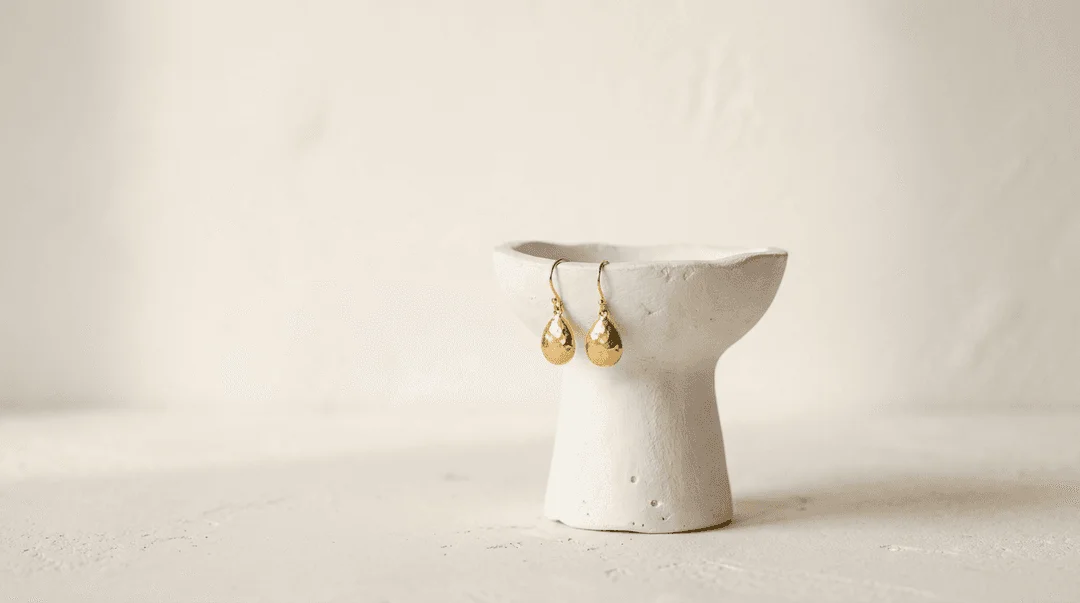
- Lifestyle Flatlay: "Small 14k gold huggie hoop earrings lying on a textured linen cloth next to a delicate ceramic dish." This sets a mood and reinforces your brand's aesthetic (e.g., minimalist, organic, luxurious).
- Macro Shot: Use
AI Retouchto enhance the sharpness of your original photo, then use theCanvas Editorto create a cropped version that focuses tightly on the bezel-set diamond and the texture of the gold. You can add a text overlay that says "0.05 ct Bezel-Set Diamond."
Step 5: Assemble the Carousel Your final image sequence for your Shopify product page should be:
- The main packshot on white.
- The on-model shot showing scale.
- The lifestyle flatlay.
- A second on-model shot from a slightly different angle or with a different model.
- The macro detail shot.
This five-image sequence takes a customer on a journey, starting with a clear view of the product and ending with the fine details that justify their purchase.
Common Mistakes Jewelry Brands Make with AI Earring Photos
AI tools are powerful, but they aren't magic. The quality of the output depends on the quality of the input and the clarity of your direction. Here are common mistakes to avoid.
-
Mismatching Shadows and Lighting. A frequent issue with simpler AI background tools (like those in Canva or Photoroom) is that the original lighting on the earring doesn't match the new AI-generated background. A product shot with harsh, direct light placed on a background with soft, diffused light looks fake and immediately breaks a customer's trust. Use a platform like Hylo that re-renders the entire scene, including physically accurate lighting and shadows that make the product look like it truly belongs in the environment.
-
Ignoring Scale and Proportion. Placing a 3-inch drop earring on an AI model and having it look like a tiny stud is a common pitfall. Always provide clear scale references in your source image if possible, or use tools that allow you to adjust the product's size relative to the scene. An unrealistic on-model photo is worse than no on-model photo at all.
-
Over-complicating the Scene. The goal of a lifestyle photo is to complement the jewelry, not overpower it. Adding too many distracting props—bright colors, busy patterns, or unrelated objects—pulls focus away from the earring. Keep your prompts and compositions clean. The earring is always the hero of the shot.
-
Forgetting Channel-Specific Requirements. A beautiful, moody, on-model shot might be perfect for Instagram, but it will get your product delisted on Amazon if you set it as your main image. Always create variations of your photography for each channel you sell on. Use your
Brand Kitto save different background styles and aspect ratios for each channel to streamline this process.
