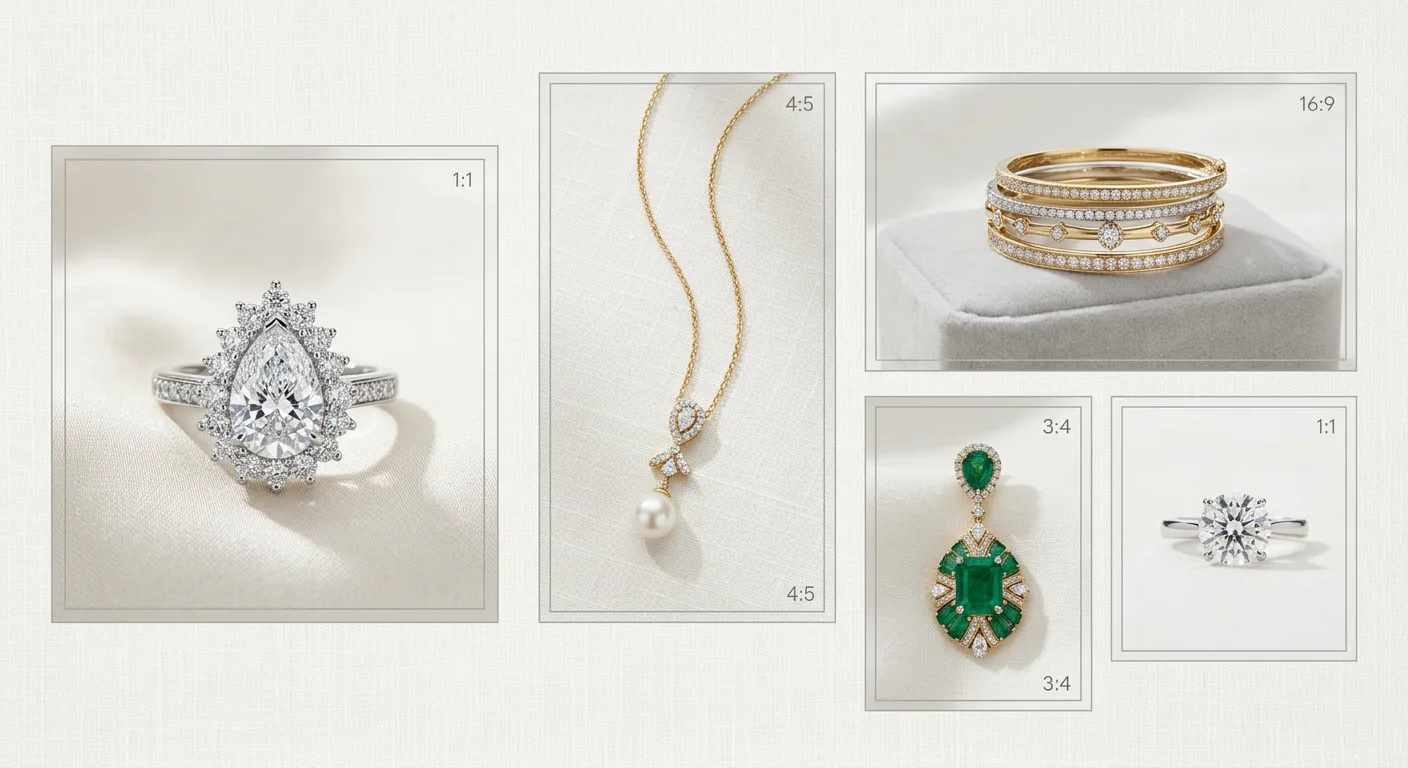
Amazon's image rules are not suggestions. The main image in particular is enforced, and a non-compliant one can quietly suppress your listing so it stops showing in search results. For jewelry sellers this matters more than for most categories, because jewelry is a high-consideration, detail-driven purchase and the image is doing almost all of the selling. A shopper cannot hold the piece, feel its weight, or try it on, so every doubt they have must be resolved by what they see on screen, and it starts with a main image that Amazon will actually display. This guide lays out exactly what Amazon requires, why each rule exists, and how to produce compliant images without a full studio.
The non-negotiable main-image rules
Amazon's main image, the first one shoppers see in search and at the top of the detail page, has to meet a specific set of requirements. Per Amazon's product image requirements, the background must be pure white, which Amazon defines precisely as RGB 255, 255, 255. This is stricter than it sounds: a lightbox shot that looks white to the eye is often actually light grey, around RGB 245, and technically out of spec. The reliable way to hit true white is to isolate the product in post or to use a tool that outputs a pure-white background directly.
The product must fill roughly 85% of the image frame. The logic is the thumbnail: in search results your image is small, and a piece floating in a sea of white space is hard to see and loses clicks. Filling the frame makes the jewelry legible at a glance. The main image must also contain only the product you are selling, with no props, no additional items, no logos, no watermarks, and no text or graphics overlaid on it. And it has to be a genuine photographic representation of the actual item, not an illustration or a cartoon.
The 1600px zoom threshold
Amazon enables image zoom when the longest side of an image is at least 1600px. Zoom is one of the highest-value features for jewelry because the entire buying decision often hinges on detail a shopper cannot see at thumbnail size: how a stone is set, whether the prongs are even, what the hallmark reads, how the clasp works. If your images are below 1600px, zoom is off and you are asking buyers to commit to a detailed product they cannot inspect. Exporting at 2000px or larger keeps zoom comfortably enabled and protects you if Amazon raises the threshold.
What gets a listing suppressed
The fastest way to lose visibility is a main image that breaks a core rule, most commonly a non-white background, added text or a logo, or a placeholder graphic standing in for a real photo. When Amazon flags this, the listing can be suppressed, meaning it will not appear in search until the image is corrected. The fix is straightforward: replace the offending main image with a compliant one and reupload. Secondary images are governed more loosely and rarely cause suppression, but a weak secondary set still costs you conversion.
Using the full carousel
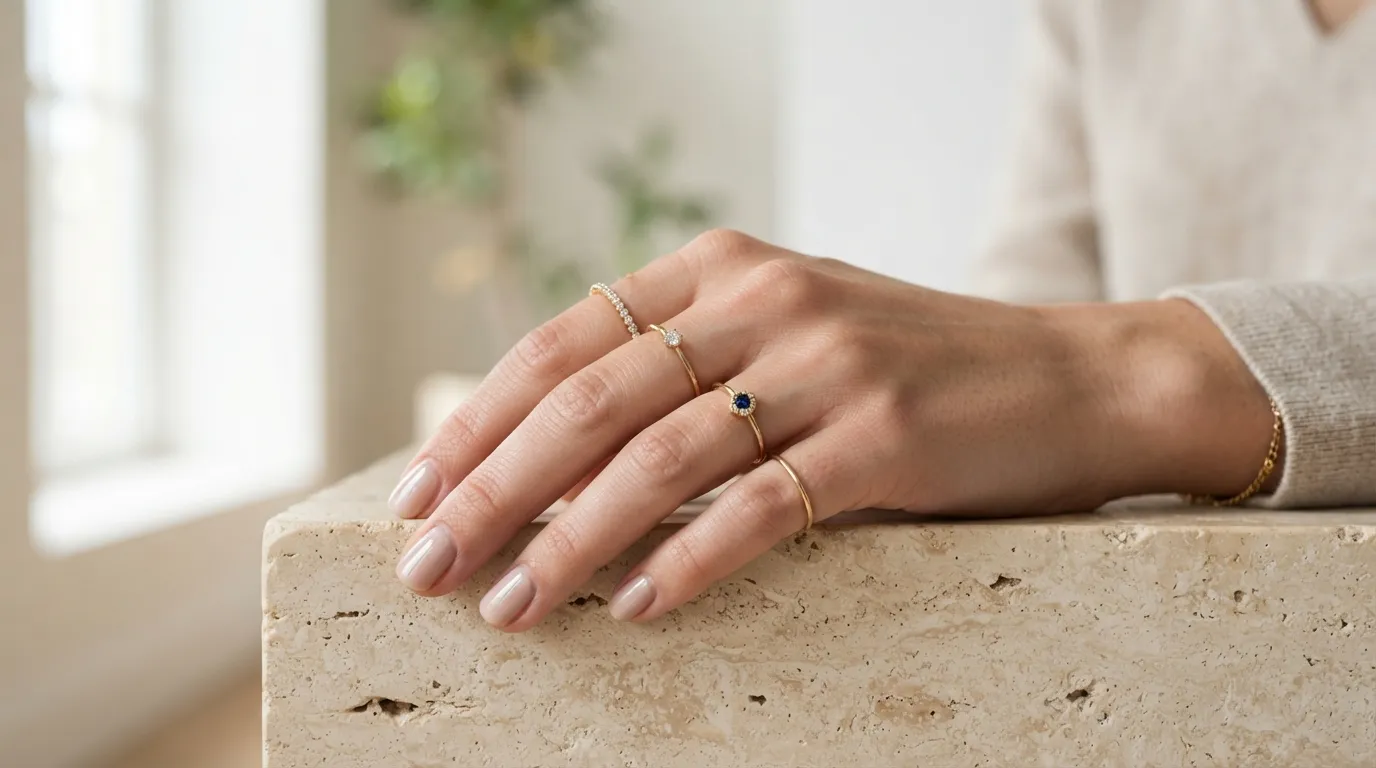
Amazon allows up to nine images, with around seven typically displayed depending on category. Treat every slot as a chance to remove a buying objection. After the compliant main packshot, a strong jewelry carousel includes a scale or on-model shot so size is unambiguous, a macro of the central stone or the hallmark, an infographic carrying dimensions and material details, and a packaging shot if presentation is part of the offer. Each image should answer a question a buyer would otherwise have to ask, and secondary images are where Amazon allows the text and infographics the main image forbids.
File format, colour space, and the details that trip sellers up
Beyond the headline rules, a few technical details cause avoidable rejections and quality problems. Amazon accepts JPEG, TIFF, PNG, and GIF, but JPEG is the practical choice for jewelry because it balances quality and file size. Save in the sRGB colour space; if you export in Adobe RGB or a wider space, colours can shift when Amazon displays the image, and for jewelry that means your gold tone or gemstone colour may render differently than you intended. Flatten any layers and avoid embedded colour profiles that the platform may not honour.
Image file names do not affect ranking on Amazon the way they can on your own site, but keeping them organised by SKU saves you from uploading the wrong variant, a surprisingly common cause of listing confusion in large jewelry catalogs where many pieces look similar. Keep the file size within Amazon's limits while staying above the 1600px zoom threshold; a well-compressed 2000px JPEG comfortably satisfies both.
Avoid borders, mannequins that distract from the piece, and any element that could be read as a second product. For jewelry specifically, watch for stray reflections of the studio or the photographer in polished metal and faceted stones, because while these do not technically breach a rule, they look unprofessional at the zoom levels Amazon enables and undermine the buyer confidence the listing is trying to build.
Category nuances for rings, necklaces, and earrings
The core rules are constant, but composition should adapt to the piece. Rings photograph best at a slight three-quarter angle that shows the face of the stone and the profile of the band in one view, rather than dead flat. The main image still needs the ring large in the frame on white, but the angle communicates more than a top-down shot. For sizing, the on-hand or scale shot belongs in the secondary slots.
Necklaces and pendants need to communicate both the pendant detail and the chain length. A flat straight-down shot on white works for the main image, but it leaves drape and length ambiguous, so a secondary on-model or on-bust frame is close to essential. For long chains, a measurement infographic in a secondary slot prevents the length surprises that drive necklace returns.
Earrings are almost always shown as a matched pair on the main image, since buyers want to confirm they are buying two. Hanging earrings should be shown hanging so the danglers fall naturally, while studs can be shown flat or at a slight angle. An on-ear scale frame in the secondary slots resolves the size question that is acute for earrings, where a pair can look far larger or smaller online than in person.
A practical compliance workflow at scale
For a seller with a handful of SKUs, hitting these rules by hand is manageable. The difficulty scales with the catalog: a brand launching fifty or five hundred pieces faces the same pure-white, frame-fill, zoom-resolution checklist on every single image, plus a full secondary set per SKU. This is where a repeatable process matters more than any single perfect shot.
Establish your compliance template once, pure white at RGB 255, product at about 85% fill, 2000px square export, no text on the main image, and apply it identically to every piece. Build a standard secondary sequence, scale, macro, infographic, packaging, and follow it for each SKU so buyers always find the same information in the same place. Where shooting and clipping every piece to true white is the bottleneck, Hylo's AI Photoshoot generates compliant white-background packshots from a single input, and AI Retouch brings an existing shoot up to spec, both keeping the piece faithful to the real item so you meet Amazon's accuracy requirement and avoid the returns that misrepresentation causes.
Common reasons jewelry images get flagged or underperform
Several recurring problems account for most jewelry-image trouble on Amazon. The first is the near-white-but-not-white background, a lightbox grey around RGB 245 that passes the eye but fails the pure-white standard; the fix is to clip and place on true 255 white in post. The second is too much empty space, a small piece floating in white that becomes illegible as a thumbnail and loses the click. The third is stray reflections or visible studio elements in polished metal, which look unprofessional under zoom even though they do not breach a rule. The fourth is text or a logo sneaking onto the main image, often a size callout the seller thought was helpful, which can suppress the listing. The fifth is uploading below 1600px, which silently disables zoom on a category where buyers most want to inspect detail.
Each of these is avoidable with a short pre-publish check: confirm true white, confirm frame fill, scan polished surfaces for reflections, confirm no text on the main image, and confirm at least 1600px on the longest side. Running that check on every SKU before publishing prevents the slow, invisible erosion of visibility that comes from a catalog of subtly non-compliant images.
Keeping images honest and accurate
Amazon's underlying principle is that the image must represent the real product, and for jewelry that principle has a direct commercial payoff in fewer returns. Stone count, stone colour, metal tone, and proportions must match the physical piece. An image that exaggerates a gemstone's saturation, brightens a diamond beyond reality, or makes a thin band look substantial wins a click and then triggers a return when the real item arrives, which costs you the sale and risks your account health through return-rate and review damage. Treat accuracy not as a constraint but as the cheapest returns-reduction tool you have.
Producing compliant images without a studio
The practical bottleneck for most sellers is the pure-white main image and the volume of secondary shots across a large catalog. Shooting every SKU in a physical studio, then clipping each to true white, is slow. Hylo's AI Photoshoot can generate marketplace-ready packshots on a compliant white background from a single input photo, and AI Retouch can clean an existing shoot to meet the no-text, true-white, frame-fill rules. Whichever method you use, the compliance targets are the same: pure white at RGB 255, product at about 85% fill, no text on the main image, and at least 1600px on the longest side to keep zoom on. Keep the generated or retouched image faithful to the real piece, since accuracy of stone count, metal colour, and proportion is both an Amazon requirement and the main driver of returns.
A quick pre-publish checklist
Before you publish any jewelry listing on Amazon, run a final pass against the rules that actually cause problems. Confirm the main image background reads as true white at RGB 255 rather than lightbox grey. Confirm the piece fills roughly 85% of the frame and is recognisable at thumbnail size. Confirm there is no text, logo, watermark, or second object on the main image. Confirm the file is at least 1600px on the longest side so zoom stays enabled, and ideally 2000px. Confirm the colour is true to the physical piece, particularly metal tone and gemstone colour. Finally, confirm your secondary slots cover scale, macro detail, specifications, and authenticity. A listing that passes this checklist will display reliably, survive Amazon's enforcement, and give buyers the information they need to commit without the surprises that drive returns.
