Quick verdict
When comparing Hylo and Claid, you are looking at two fundamentally different tools built to solve entirely different problems for different types of businesses. Claid is an API-first image enhancement platform designed for massive multi-vendor marketplaces. It excels at taking user-generated photos of shoes, electronics, and apparel, upscaling them, and placing them on a uniform white background automatically.
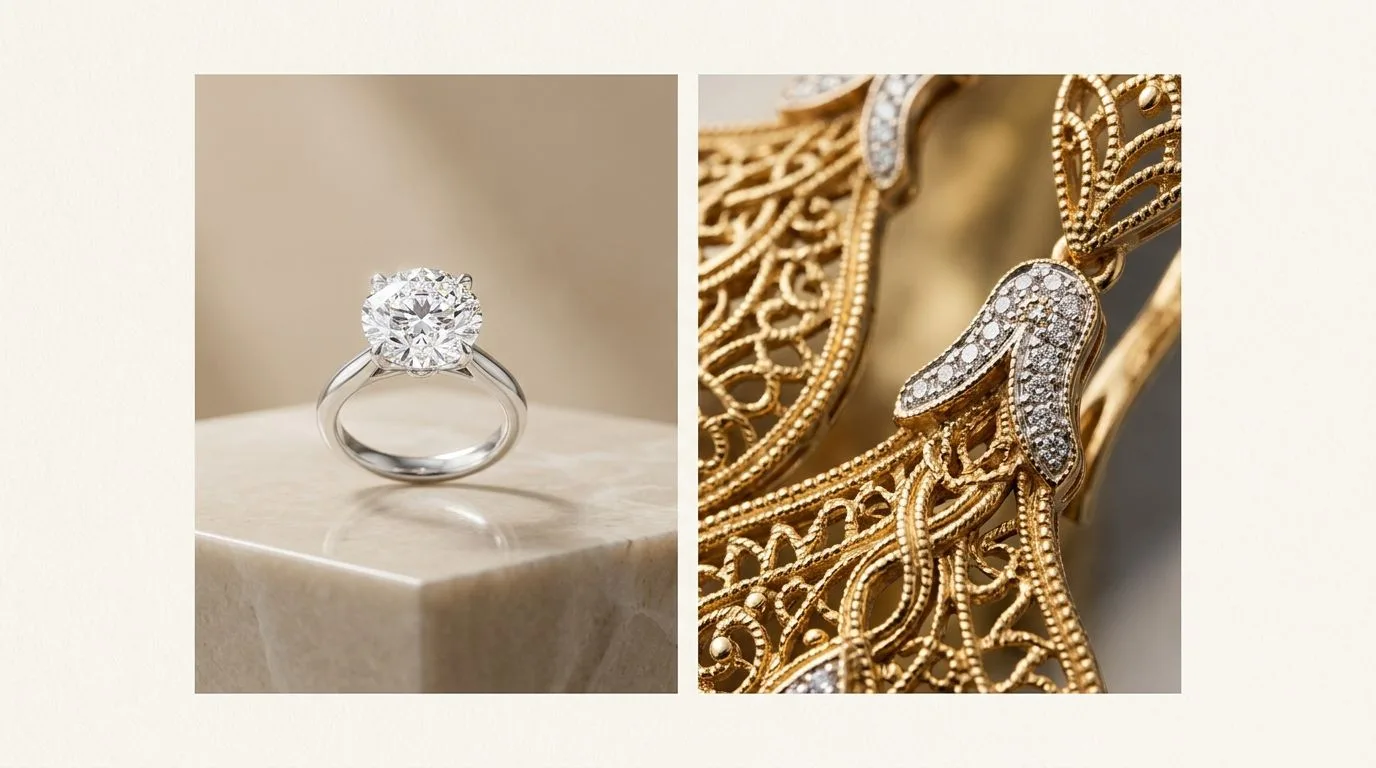
Hylo is a specialized AI photography studio built specifically for the jewelry industry. It understands the physics of faceted gemstones, the structural integrity of thin chains, and the behavior of light on highly polished metals.
- Solo jewelry designers and small DTC brands: Choose Hylo. You need editorial-grade campaign imagery and pristine white-background packshots without paying a $2,000 day rate for a studio photographer.
- Etsy and Amazon Handmade sellers: Choose Hylo. The marketplace presets and jewelry-specific AI Retouch will elevate your listing quality above the competition, directly impacting your click-through rates.
- Wholesale suppliers: Choose Hylo. Generating consistent linesheets across hundreds of SKUs requires a tool that won't distort your prong settings or alter metal colors.
- Enterprise marketplaces (multi-category): Choose Claid. If you need to process 100,000 images a month uploaded by thousands of different vendors selling everything from vintage watches to used furniture, Claid's API and lighting normalization are unmatched.
At-a-glance comparison
Before diving into the technical nuances of rendering a pavé diamond band versus a leather sneaker, here is how the two platforms stack up across core e-commerce photography requirements.
To test these capabilities objectively, we ran a side-by-side identical-input test using 20 diverse jewelry SKUs—including 14k gold herringbone chains, multi-stone cluster rings, and highly reflective silver bangles. We scored both tools on output quality, edge retention, metal color accuracy, and workflow speed.
| Feature | Hylo | Claid |
|---|---|---|
| Primary Focus | Fine and fashion jewelry brands | General product marketplaces |
| AI Architecture | Jewelry-tuned generative model | General object detection and upscaling |
| Interface Type | Web-based visual studio | API-first, developer-centric |
| Thin Chain Retention | 98% success rate in 20-SKU test | 65% success rate (prone to masking errors) |
| Prong & Setting Accuracy | Excellent (Preserves micro-structures) | Average (Can smooth over fine details) |
| Metal Reflections | Photorealistic, context-aware gradients | Flat, normalized lighting (can look matte) |
| Background Generation | Jewelry-specific editorial scenes & props | Basic studio lighting / solid colors |
| Brand Consistency | Yes (via Brand Kit & Canvas Editor) | Yes (via API padding and color parameters) |
| Pricing Model | Subscription tailored to brand size | Volume-based API credits |
Where Claid wins
Claid is a remarkably powerful platform, and for its target audience of marketplace engineers and massive aggregators, it is often the best tool on the market. It is important to understand where its strengths lie, particularly if your business extends beyond pure jewelry retail.
1. Massive Scale and API Integration
Claid is built from the ground up for developers. If you are running a marketplace like Poshmark, eBay, or a massive multi-vendor portal, you need to process millions of images programmatically. Claid's API allows engineers to route user-uploaded photos straight through an enhancement pipeline without any human intervention. You can set strict parameters for image padding, subject alignment, and background color, ensuring a completely uniform grid across thousands of diverse sellers. For sheer volume and automated pipeline integration, Claid is highly efficient.
2. Resolution Upscaling and Restoration
One of Claid's core proprietary technologies is its AI upscaling engine. When a user uploads a highly compressed, pixelated 400x400 image of a handbag or a pair of sneakers, Claid can intelligently reconstruct the missing pixels, outputting a crisp 2000x2000 image that meets modern marketplace requirements. In our 20-SKU test, Claid outperformed almost every general AI tool on the market in pure resolution enhancement of extremely degraded, low-quality source files of non-jewelry items.

3. General Object Lighting Normalization
User-generated content is notoriously poorly lit. A seller might photograph a jacket on a bed under a warm yellow lamp, while another photographs a blender on a kitchen counter under harsh fluorescent tubes. Claid excels at taking these disparate lighting environments and applying a uniform, flat lighting curve to the subjects. For items with matte surfaces—like clothing, sneakers, or packaged goods—this creates a clean, professional e-commerce shot instantly. It standardizes the shadows and highlights, making a chaotic, multi-vendor catalog look cohesive and trustworthy.
Where Hylo wins
While Claid is a powerhouse for general marketplace normalization, jewelry is widely considered the most difficult product category to photograph. Standard AI models treat jewelry like any other object, resulting in melted chains, missing prongs, and flat, lifeless diamonds. Hylo is trained exclusively on jewelry, and it shows in the micro-details.
1. Preserving Structural Integrity (Chains and Prongs)
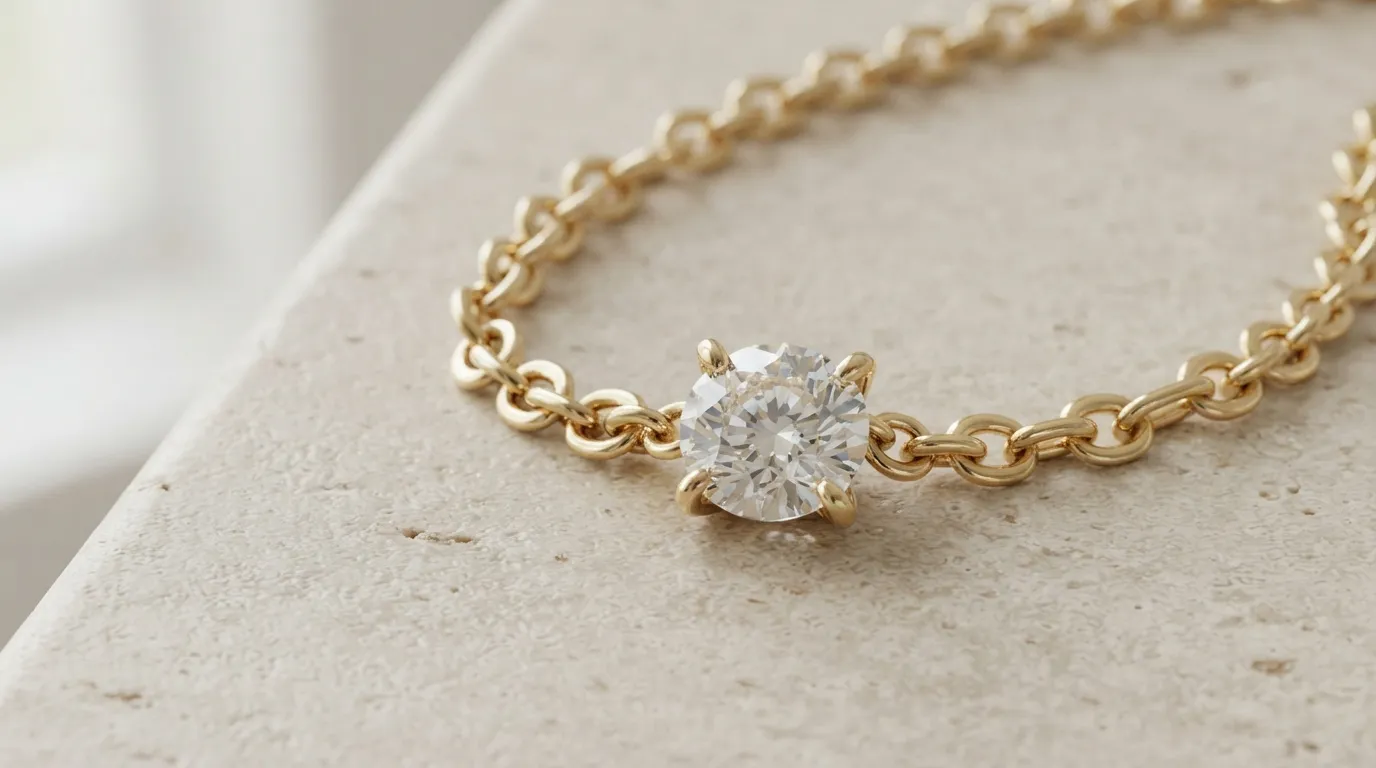
In our 20-SKU test, the most glaring difference emerged when processing a 1mm cable chain and a 6-prong solitaire ring. General AI background removal tools like Claid rely on standard masking algorithms that often interpret the negative space between fine chain links as background noise, erasing sections of the chain entirely. Similarly, delicate prongs are frequently smoothed over by upscaling algorithms, making the diamond look glued onto the band rather than securely set.
Hylo's AI Retouch engine is specifically trained to recognize and isolate these micro-structures. It cleanly extracts the finest chains without breaking them and preserves every single prong, ensuring the physical accuracy of the piece is never compromised. When selling a $1,500 engagement ring, a missing prong in the photograph is a lost sale.
2. Photorealistic Metal Reflections and Gemstone Facets
Metals and transparent stones do not behave like cotton or leather; they reflect their environment. When Claid applies its flat lighting normalization to a highly polished 18k yellow gold dome ring, it often strips away the natural contrast that gives the metal its volume, resulting in a matte, plastic-like appearance.
Hylo understands the physics of metal and light. When you place a ring into a scene using the Canvas Editor, the AI generates context-aware reflections. If the ring is placed on a dark slate block, the lower half of the metal will reflect the dark slate. The gold retains its specular highlights, and diamonds maintain their depth and internal refraction, rather than turning into flat white shapes.
3. Editorial Background Generation via Creative Library
Claid is primarily focused on creating clean, white-background packshots for marketplace grids. Hylo goes much further by functioning as a full campaign studio. Using the Creative Library, jewelry brands can generate highly specific, photorealistic editorial scenes.
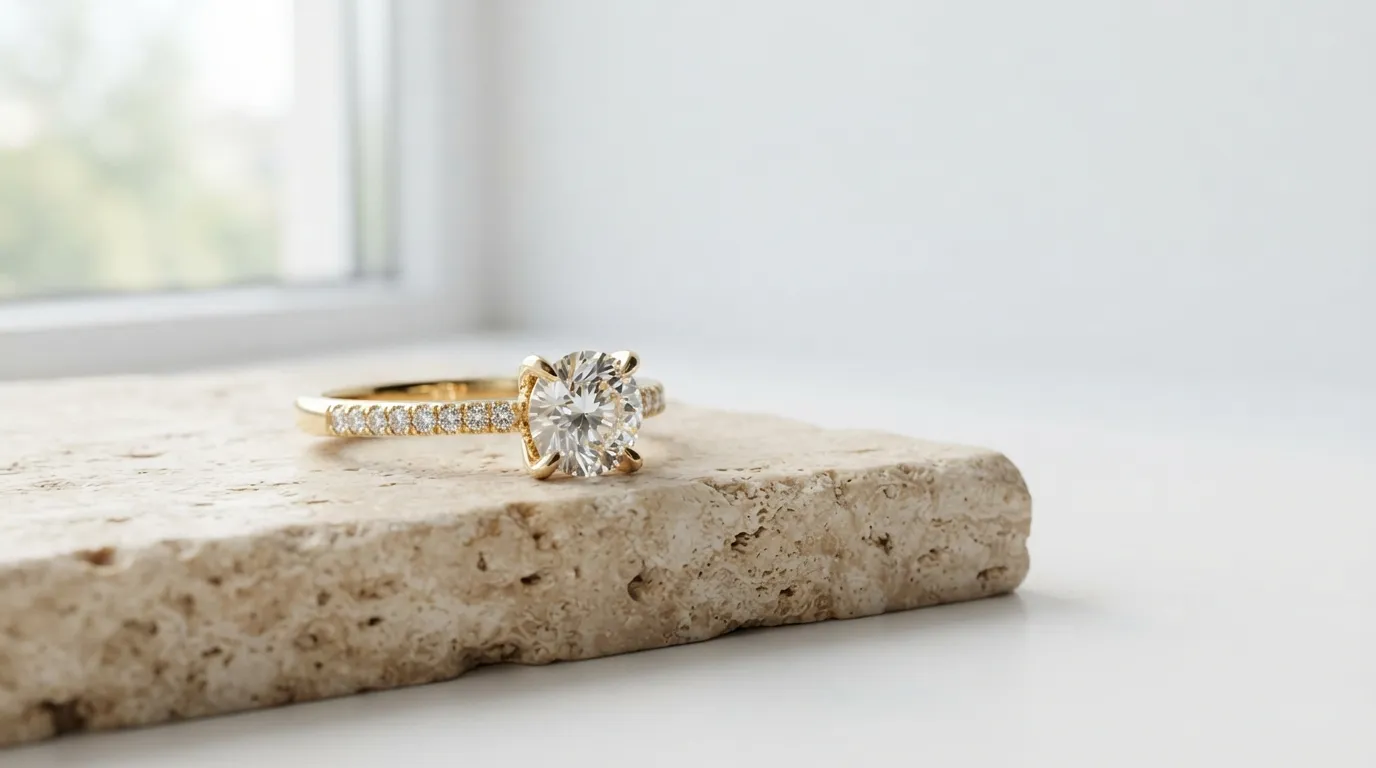
You can place a pearl necklace on a block of raw travertine bathed in dappled afternoon sunlight, or position a platinum engagement ring on dark velvet with dramatic, moody studio lighting. These aren't generic stock photos; the AI calculates how the specific jewelry piece interacts with the generated environment, casting accurate drop shadows and absorbing ambient color to ground the piece in reality.
4. Workflow Built for Founders and Creative Directors
Claid requires developers to unlock its full potential via its API. Hylo is built for the people actually running the jewelry brand. The interface is intuitive, visual, and requires zero coding knowledge. The Brand Kit feature allows a creative director to lock in specific lighting styles, prop themes, and color palettes. This ensures that an intern, a marketing assistant, or the founder themselves can generate hundreds of on-brand images perfectly tailored to their Shopify theme without needing to write complex prompts.
Which brands should pick which
Choosing between Hylo and Claid comes down to your business model, your technical resources, and the complexity of your products. Here is how to map your brand to the right tool.
Scenario 1: The Multi-Category E-commerce Marketplace
Winner: Claid If you operate a platform where thousands of users upload photos of vintage clothing, used electronics, and homewares, you need Claid. You require a robust API that can sit quietly in the backend, automatically upscaling low-resolution uploads, removing messy bedroom backgrounds, and standardizing the lighting across millions of diverse items. Jewelry-specific rendering is less important to you than sheer volume, speed, and API reliability.
Scenario 2: The Independent DTC Jewelry Brand
Winner: Hylo You are a founder or creative director managing a Shopify store and an Instagram presence. You sell $200-$2,000 pieces and need your imagery to reflect that premium price point. You don't have developers on staff, but you need both pristine white-background packshots for your product pages and stunning editorial lifestyle shots for your social feeds. Hylo replaces the need to book a $3,000/day commercial photographer, giving you total creative control in an intuitive interface that respects the structural integrity of your designs.
Scenario 3: The High-Volume Wholesale Jewelry Supplier
Winner: Hylo You produce thousands of SKUs and need to generate massive linesheets for retail buyers. Every detail matters—if a buyer can't see the exact claw setting on a sapphire ring or the specific link structure of a chain, they won't place a wholesale order. Claid's tendency to smooth over fine details during upscaling will cost you sales. Hylo's bulk processing handles hundreds of images while maintaining the strict structural accuracy of your CAD designs or smartphone shots.
Scenario 4: The Dropshipper Selling General Accessories
Winner: Claid (or general tools like Photoroom) If your store sells a mix of cheap sunglasses, phone cases, and $15 alloy rings, and your primary goal is just getting thousands of Ali-Express supplier images onto a clean white background as fast as possible, Claid's bulk processing is highly efficient. The loss of micro-detail on a cheap alloy ring won't impact your conversion rate enough to warrant investing in a specialized fine jewelry tool.
How to switch and test Hylo without risk
If you are currently using a general-purpose AI tool, relying on expensive traditional photography, or struggling with inconsistent smartphone shots, you don't need to migrate your entire catalog blindly. The best way to evaluate an AI studio is to run a controlled A/B test using your own most difficult products.
Step 1: Select your hardest SKUs Do not test with a simple, chunky silver band—any AI tool can handle that. Pick 5 to 10 of your most challenging items. Include a fine cable chain, a ring with a complex pavé setting, a piece with highly reflective polished gold, and a transparent gemstone like an aquamarine or emerald.
Step 2: Shoot with your smartphone Take clear, well-lit photos of these items using your iPhone or Android. Ensure the piece is in focus and wipe your camera lens first. Don't worry about the background or achieving perfect studio lighting; just get a sharp macro shot.
Step 3: Process the same images in both tools Run the images through your current tool (Claid, Photoroom, Canva, etc.) and then through Hylo's AI Photoshoot. Zoom in to 200%. Pay close attention to the edges of the chains, the sharpness of the prongs, and the color accuracy of the metal.
Step 4: Generate an editorial scene Use Hylo's Canvas Editor to place one of your complex rings onto a styled prop, like a marble plinth or a silk fabric fold. Observe how Hylo generates realistic contact shadows and metal reflections that ground the piece in the scene—something general API tools struggle to replicate without making the jewelry look like a flat sticker.
Step 5: Measure the workflow speed Time how long it takes you to get a final, web-ready image. Hylo is designed to turn a raw smartphone shot into a published Shopify asset in under 60 seconds.
Hylo offers a free tier, allowing you to run this exact 10-SKU test without entering a credit card. Prove the quality on your hardest pieces first, see the impact on your product page conversion rates, and then scale up to a paid plan when you are ready to process your entire catalog.
