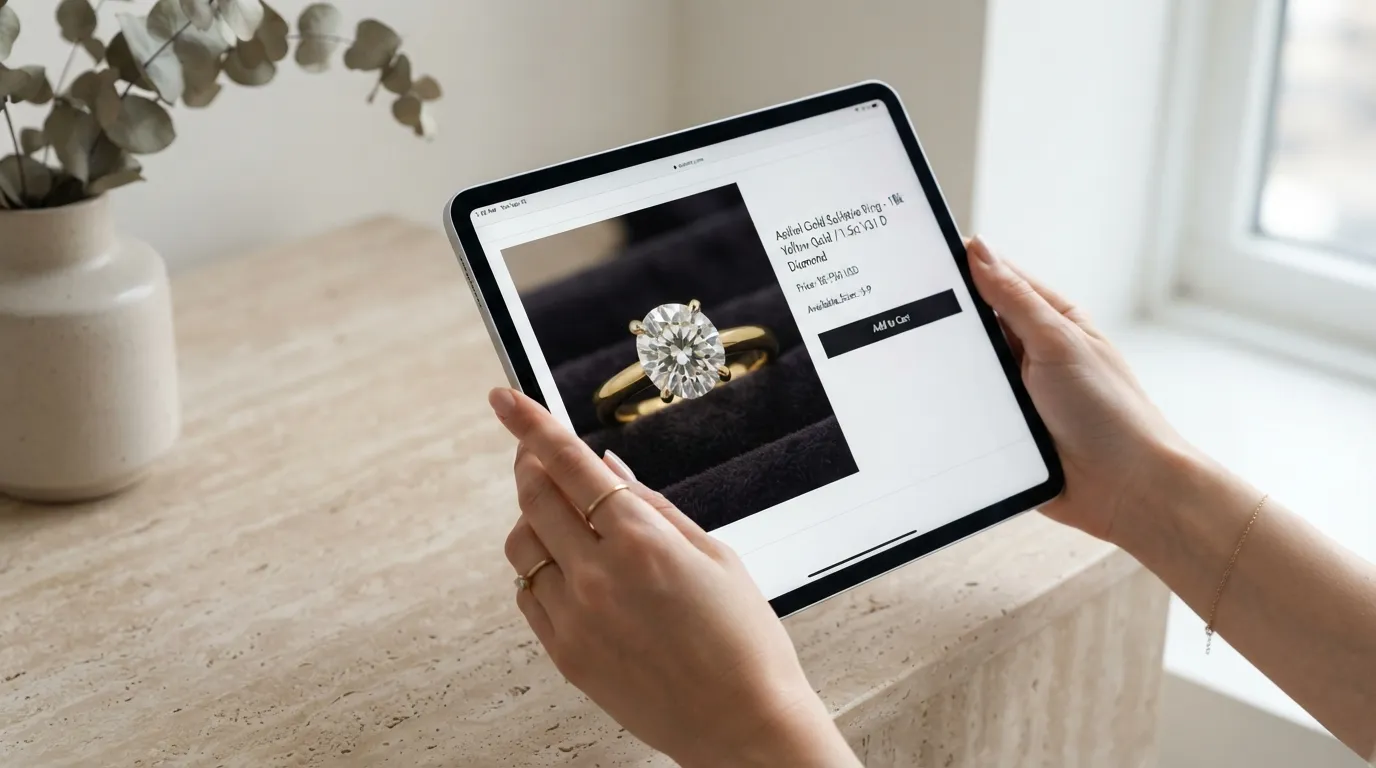

Why jewelry brands are rethinking product photography
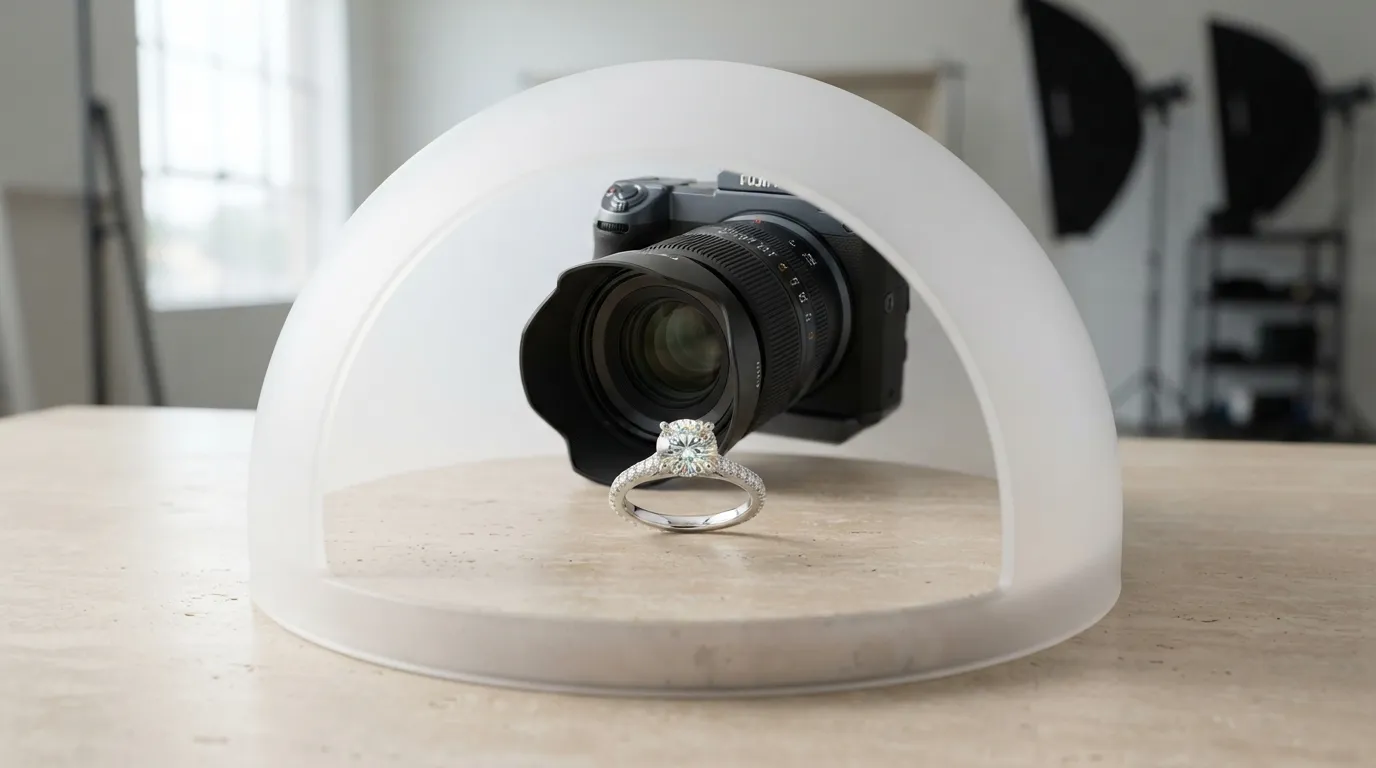
The traditional model of jewelry photography is broken for modern commerce. Launching a 30-piece collection used to mean booking a specialized jewelry photographer. When you factor in a $1,500 to $3,000 day rate, studio rental, specialized macro lighting equipment, insurance for shipping fine jewelry, and $25-per-image retouching fees, a single product launch can easily cost a brand $5,000.
That financial model simply does not scale when you need fresh content for Instagram daily, a new hero banner for your Shopify store every week, and strict white-background packshots for Amazon or Faire. The product cycle is too fast, and the multi-channel demands are too high.
Generalist AI image generators have tried to fill this gap, but they struggle with jewelry. Tools like Photoroom, Pebblely, Booth, and Canva are excellent for apparel, CPG, and skincare, but jewelry requires micro-precision. When you run a diamond ring through a generalist AI, it often hallucinates prongs, melts pavé settings, and turns 18k gold into something that looks like yellow plastic.
That is why operators are shifting to specialized AI jewelry photo generators. By moving photography in-house with a purpose-built generator, brands cut their visual production costs by 95% while actually increasing their output volume. You aren't replacing the art of high-end editorial photography for a billboard campaign—you are replacing the logistical nightmare of shipping samples, booking studios, and waiting three weeks for a Dropbox link just to list a new SKU on your website.
How Hylo works for jewelry photo generation
Building a comprehensive asset library used to take weeks of coordination. With Hylo, the entire process from a raw smartphone photo to a final, web-ready export happens in one browser tab.
It starts with the upload. You snap a photo of a 1ct round-cut solitaire on your iPhone. Hylo’s background removal engine is trained specifically on fine jewelry—it automatically isolates your piece, preserving the exact shape of delicate claw prongs, fine chain links, and the complex facets of the stone without clipping the edges.
Next, you set up your Brand Kit. Instead of typing out complex prompt engineering from scratch every time, you define your brand's visual identity once. You input your hex codes, select your preferred lighting styles (like soft diffused window light or harsh direct flash), and choose recurring textures (like travertine stone, silk, or velvet displays).
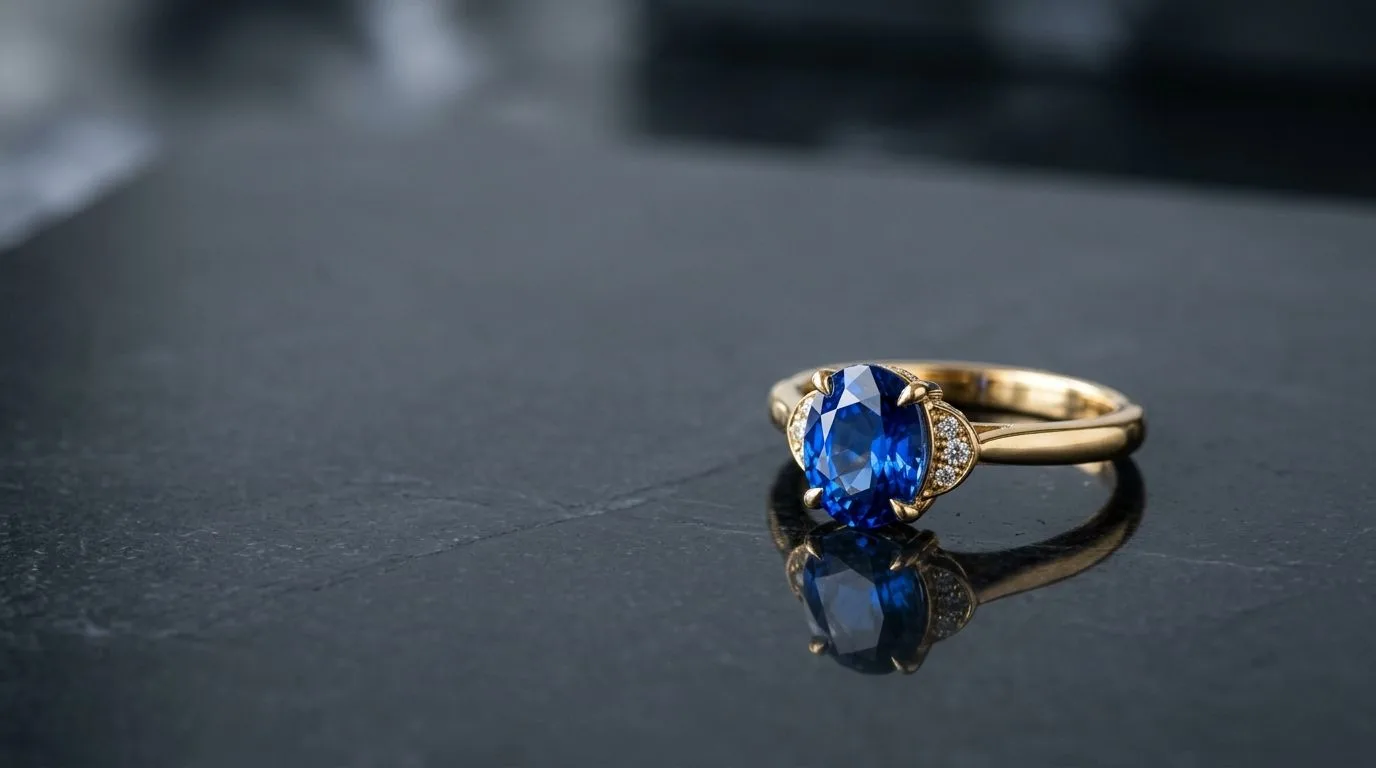
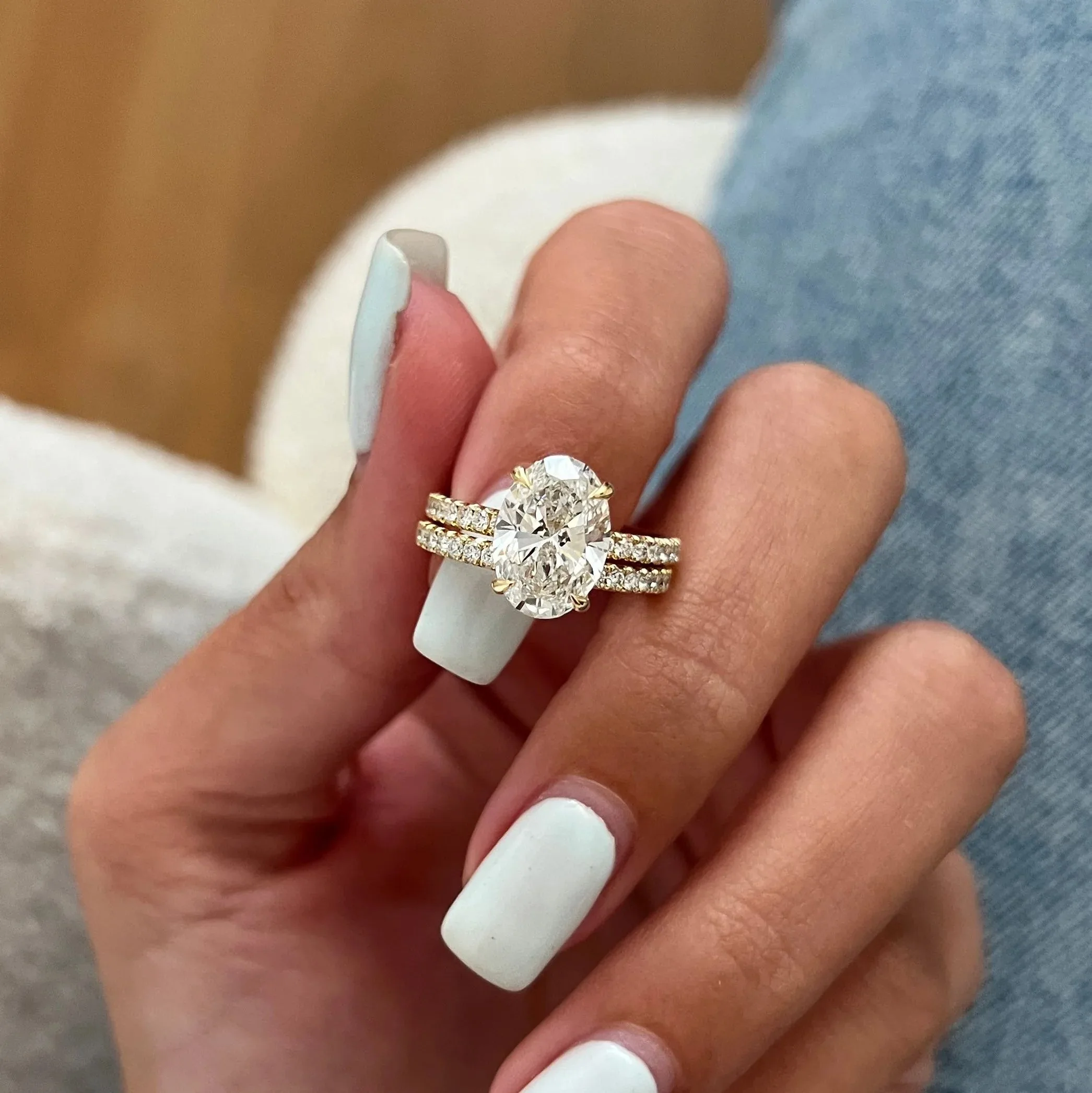
Then you enter the AI Photoshoot. Here, you select your output type based on the channel you are fulfilling. Need a crisp e-commerce shot? Choose the white seamless packshot. Need social proof? Generate a model-hand shot that places your ring on a photorealistic hand with accurate skin tones, natural shadows, and proper scale. Want an editorial banner? Select a lifestyle scene with macro focus and dramatic depth of field, simulating the look of an f/2.8 aperture on a 100mm macro lens.
Once generated, the AI Retouch feature lets you polish the final image. You can enhance metal reflections, sharpen diamond fire, or remove minor dust specs that your phone camera picked up. Finally, the Canvas Editor allows you to resize the image for every channel—a 4:5 crop for Instagram, a 16:9 banner for Webflow, or a strict 1:1 square for your wholesale linesheet—and export them all simultaneously.
Who uses Hylo
We built Hylo for the operators actually running jewelry businesses. It isn't a toy for hobbyists; it is operational infrastructure for merchants who need their visuals to drive real conversion across multiple channels.
- Independent Designers & Ateliers: You make everything by hand. You don't have a marketing team or a $10,000 creative budget. Hylo lets you shoot your one-of-a-kind bespoke pieces at your kitchen table and instantly generate editorial-grade images that justify your premium pricing to clients.
- Shopify & Webflow DTC Brands: You live and die by your conversion rate. You use Hylo to maintain absolute visual consistency across your product pages, generating matching packshots and lifestyle variants for every SKU so your collection grid looks immaculate and builds buyer trust.
- Etsy & Amazon Handmade Sellers: You are fighting an algorithm that heavily rewards click-through rates. You use Hylo to generate eye-catching hero images that stop the scroll, while also producing the strict pure-white background shots that comply with Amazon's rigorous marketplace standards.
- Wholesale & Faire Suppliers: You need to build massive linesheets for retail buyers. Sending a PDF with blurry, inconsistent photos kills wholesale deals. Hylo allows you to bulk-generate clean, uniform catalog shots of your entire 200-piece inventory in a single afternoon, making your brand look like a reliable retail partner.
- Brick-and-Mortar Retailers: You have display cases full of valuable inventory but a neglected e-commerce site. You use Hylo to digitize your physical stock rapidly, turning quick snaps taken on the sales floor into a professional online catalog without hiring an outside agency.
What you get at every plan
We price Hylo to scale with your business. Whether you are launching your first capsule collection or managing a 5,000-SKU catalog, there is a tier designed for your specific workflow and volume.
Free (30 Credits) This is the try-before-you-buy tier. We know jewelry brands have been burned by AI tools that turn diamonds into glass. The Free plan gives you enough credits to upload your own pieces, test the background removal on your trickiest chains, and generate real lifestyle shots to prove the quality before you spend a dime.
Starter ($9/month) Built for the independent designer launching their first few SKUs. This gives you enough generation capacity to build a tight, highly curated Shopify storefront and maintain a consistent Instagram posting schedule without sweating over lighting setups or renting gear.
Pro ($29/month) The sweet spot for growing DTC brands. At this tier, you unlock advanced Brand Kit features, allowing you to lock in your exact brand colors and lighting styles. It is designed for brands releasing new pieces monthly and managing multiple sales channels like Faire, Etsy, and their own site that require different aspect ratios and styles.
Studio ($79/month) The high-volume powerhouse. If you are a wholesale supplier, a multi-brand retailer, or an established DTC brand shooting hundreds of products, this tier effectively replaces your retainer with a professional studio. You get bulk processing, priority generation speed, and the capacity to entirely automate your visual pipeline.
Getting started in under 10 minutes
You do not need to learn complex prompt engineering, understand focal lengths, or master Photoshop masking to get studio-quality results. Here is how you go from a raw photo to a live Shopify listing in under ten minutes:
- Prep your jewelry: Wipe down your piece with a microfiber cloth to remove fingerprints and dust.
- Snap a flatlay: Place the jewelry on a clean, flat surface. Use your smartphone to take a well-lit, in-focus photo from directly above. Diffused daylight from a window works best.
- Upload to Hylo: Drag and drop the image into the dashboard. Hylo will instantly remove the background and isolate your piece.
- Select your scene: Choose from our Creative Library of jewelry-specific environments. Pick a white seamless background for e-commerce, or a styled marble plinth for social media.
- Generate and Retouch: Hit generate. Review the results, and use the AI Retouch tool to dial in the metal reflections or sharpen the stone facets if needed.
- Export your assets: Use the Canvas Editor to crop the image into a 1:1 square for your product page and a 4:5 vertical for Instagram, then download your web-ready files.