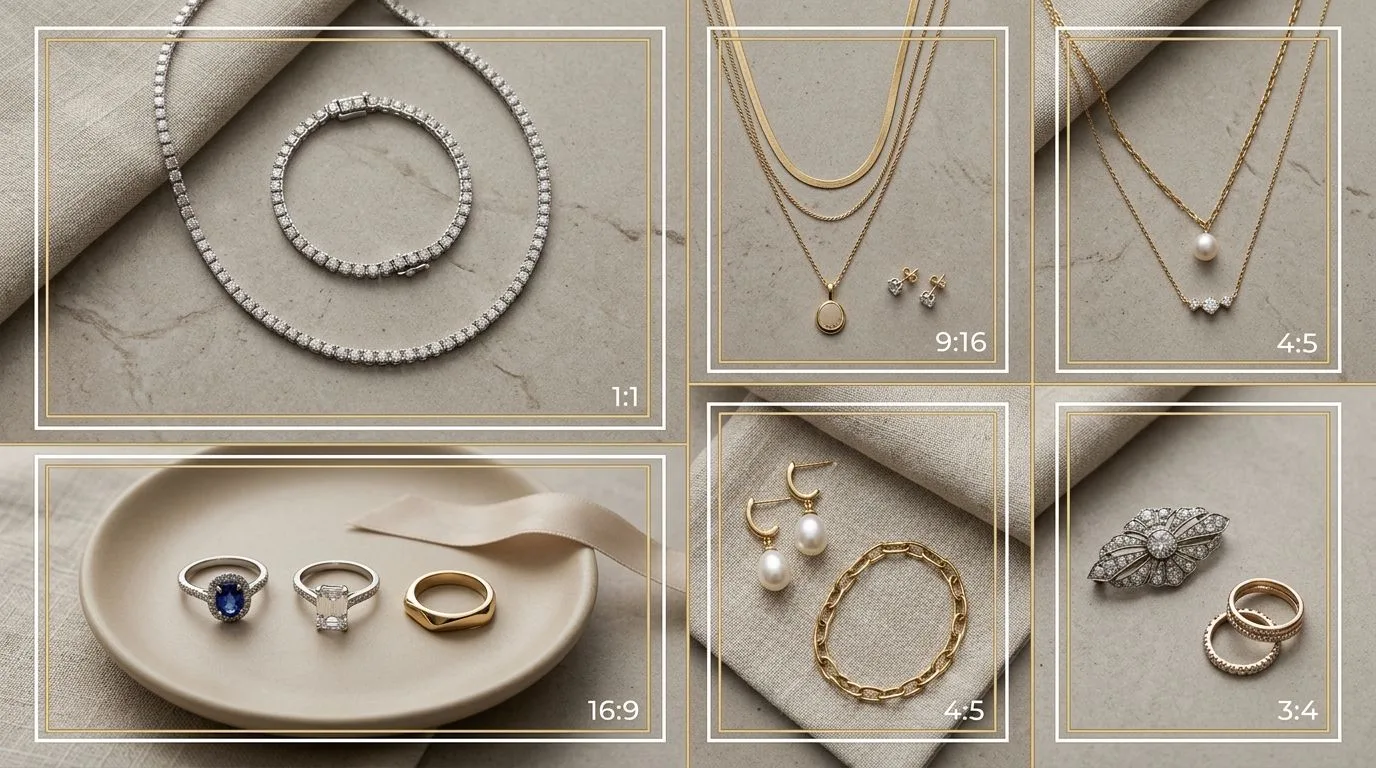
Selling jewelry across Indian marketplaces means dealing with a patchwork of image rules rather than one standard. A set of images that sails through one platform can be rejected or underperform on another, because aspect ratios, background requirements, and on-body expectations differ by marketplace and even by category within a marketplace. A seller who treats Amazon, Flipkart, Myntra, and Tata CLiQ as if they were interchangeable will inevitably trip a requirement on at least one of them, losing visibility on the platform where a piece might have sold best. This guide explains the main differences and gives you a workflow that prepares one catalog for all of them without reshooting per platform.
Because Indian marketplaces update their seller guidelines regularly, treat the specifics here as a working orientation and always confirm the current category guidelines in each platform's seller portal — Flipkart's seller image guidelines and Myntra Partner's imaging spec are the authoritative sources — before a large upload. The workflow, however, stays the same regardless of the exact numbers, and it is the workflow, not the memorisation of any one platform's current ratio, that keeps you efficient as the rules shift.
Why one image set doesn't fit all platforms
The biggest structural difference is between fashion-led marketplaces and general marketplaces. Fashion-led platforms like Myntra are built around how things look worn, so they require on-body or on-model imagery for accessory categories such as earrings, necklaces, and rings, and they lean toward portrait aspect ratios that suit a worn shot. A flat, product-only image that works fine as an Amazon main image may not satisfy Myntra's on-body requirement for the same category.
General marketplaces like Flipkart lean toward clean product images on white or light backgrounds for the main catalog image, prioritising clear product visibility, with lifestyle and on-model shots in additional slots. The aspect ratio expectations differ too, with some categories preferring square and others portrait.
The practical consequence is that you need at least two core variants of each piece, a clean white-background packshot and an on-model shot, and the ability to crop both to whatever ratio a given platform requires. Build your catalog around those two variants and the per-platform work shrinks to cropping and checking, rather than reshooting.
Aspect ratios: prepare to crop
There is no universal jewelry aspect ratio across Indian marketplaces. Portrait ratios such as 3:4 and 4:5 are common on fashion-led platforms because they frame a worn piece well, while 1:1 square appears on others. Rather than memorising every number, which changes, the dependable approach is to shoot or generate a high-resolution master at 2000px or more on the longest side and crop down to each platform's required ratio. Starting from a large master means each crop stays sharp and lets buyers zoom into stone and metal detail.
The on-body requirement is the real hurdle
For most sellers, the white-background packshot is straightforward. The friction is the on-body requirement. Producing on-model shots for earrings, necklaces, mangalsutras, and rings across a large catalog traditionally means booking models and a studio, which is expensive and especially hard to schedule before the October to February wedding season when catalogs balloon.
This is where on-model generation changes the math. Hylo's AI Photoshoot can place a piece on a model from your existing packshot, so you can satisfy on-body requirements on platforms that demand them without a physical shoot, then crop the result to each platform's ratio.
For categories like mangalsutra, where drop length and drape are the decisive buyer questions, the on-model frame is not just a compliance checkbox but the image most likely to convert.
Match the image set to the category
Different jewelry categories raise different buyer doubts, so tailor the image set within each platform's rules. A mangalsutra or long necklace needs an on-model shot that shows where it falls on the body. A ring needs a stone macro and an on-hand scale shot. Stud earrings need an on-ear shot for scale. Bridal Kundan and Polki sets benefit from reverse meenakari detail frames. Build the set around the questions the category's buyer is actually asking.
A workflow for multi-platform catalogs
The efficient process is to standardise upstream and customise at the end. Confirm each platform's current rules. Create one high-resolution master per piece. Produce two core variants, white-background packshot and on-model. Crop those variants to each platform's required ratio. Verify each image against the specific platform's background, ratio, on-body, and resolution rules. Then upload the correct variant to each marketplace.
Done this way, the heavy work, capturing or generating the master and the on-model variant, happens once per piece, and adapting to each marketplace becomes a quick cropping and checking step rather than a reshoot. For Indian sellers managing large, wedding-season-driven catalogs across several platforms, that difference is the difference between listing on time and missing the season.
Platform by platform: what to expect
While you must always confirm the live guidelines, it helps to understand the character of each major Indian platform so you know what kind of image set to prepare. Myntra is fashion-first, and its audience shops the way they shop clothing: they want to see the piece worn, styled, and in context. For accessory categories such as earrings, necklaces, and rings, Myntra expects on-body or on-model imagery, and its portrait-oriented layouts suit a worn shot. A seller who only has flat packshots will struggle on Myntra, because the platform and its buyers both expect to see the piece on a person.
Flipkart is a general marketplace and behaves more like Amazon in spirit: the main catalog image should be a clean product shot on a white or light background so the piece is clearly visible and comparable against others in search. Lifestyle and on-model images have their place in additional slots, but the primary image prioritises clarity. Tata CLiQ sits closer to the premium and fashion end, and like Myntra rewards well-styled, aspirational imagery, though its specific requirements differ and should be checked. The common thread is that each platform's image expectations mirror how its buyers shop, so matching the platform's character matters as much as hitting the exact pixel spec.
The two core variants every piece needs
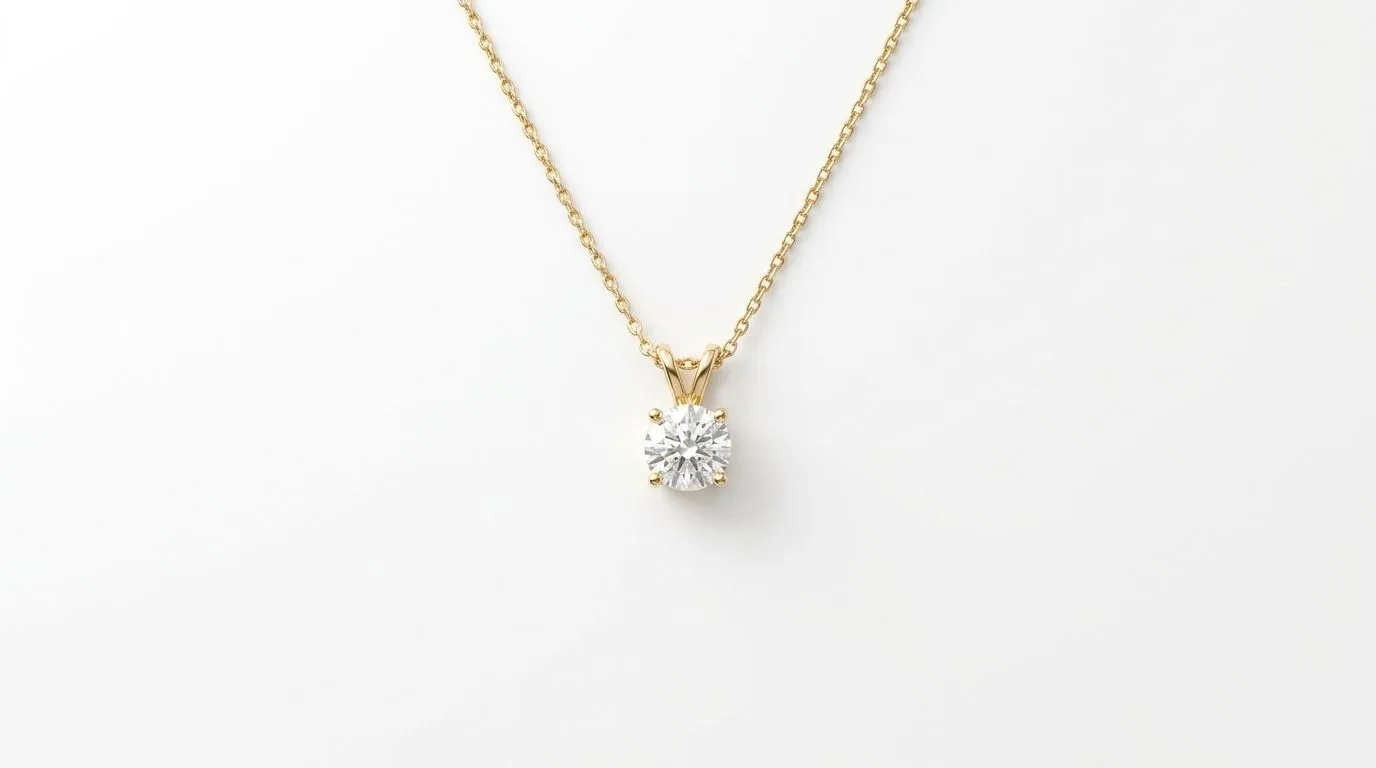
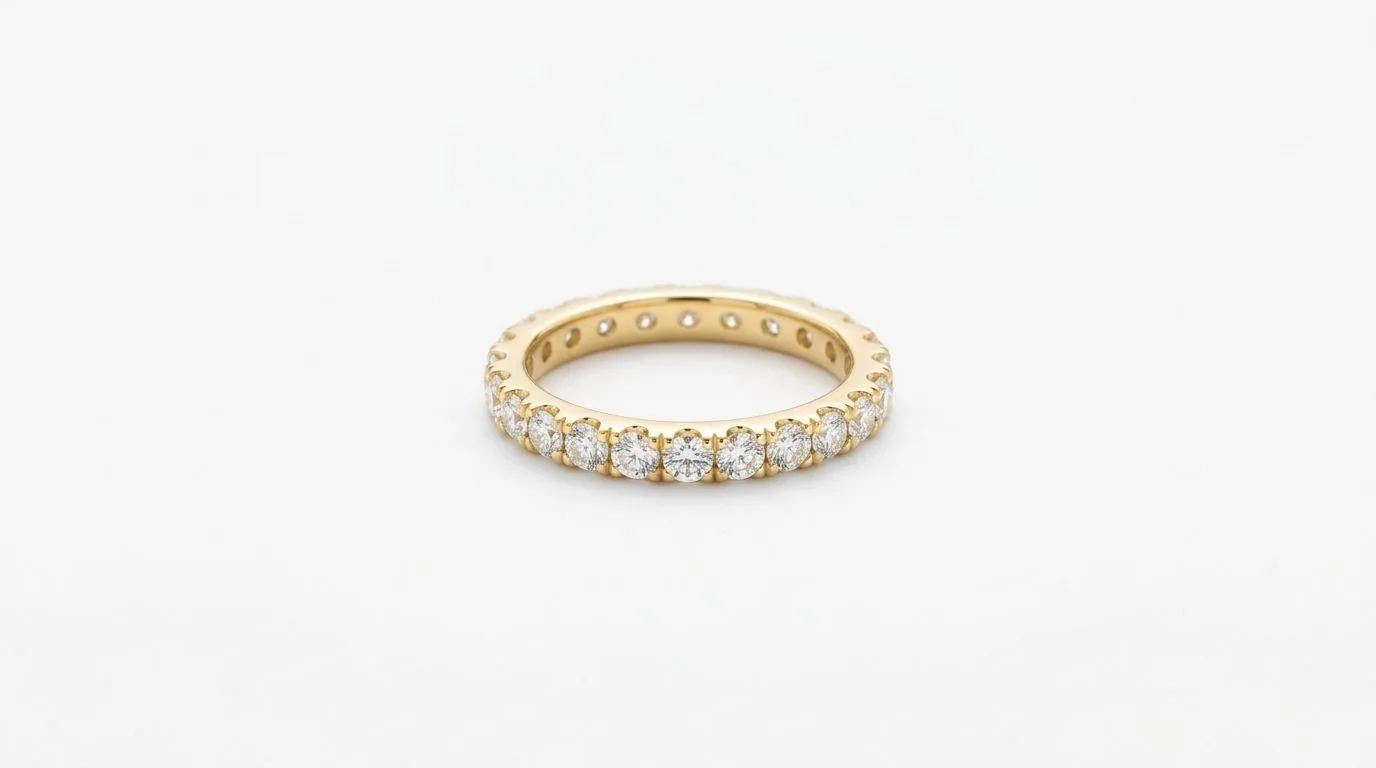
Because the platforms diverge mainly along the clean-packshot versus on-model axis, the most efficient catalog strategy is to ensure every piece has both. The white-background packshot covers Flipkart-style main images, Amazon, Merchant Center, and any slot that demands clarity. The on-model shot covers Myntra's on-body requirement, the lifestyle slots on other platforms, and the social channels you market through. With these two variants and a high-resolution master, you can serve every Indian marketplace by cropping rather than reshooting.
The variant most sellers are missing is the on-model shot, because it has traditionally been the expensive one. A packshot can be produced in a lightbox; an on-model shot has historically meant a model, a stylist, and a studio day. This asymmetry is why so many catalogs are strong on Flipkart and Amazon but weak or non-compliant on Myntra, and it is the single biggest gap to close if you sell across platforms.
Resolution, file size, and zoom
Across all these platforms, starting from a high-resolution master is what makes a multi-platform workflow practical. A master at 2000px or more on the longest side can be cropped to 3:4, 4:5, or 1:1 and still stay sharp, and it gives buyers the zoom detail that jewelry demands. Uploading a small file forecloses your options: you cannot crop a 1000px image to portrait for Myntra and still have enough resolution left for a clear, zoomable result. Shoot or generate large, then downscale per platform, never the reverse.
Watch each platform's maximum file size as well as its minimum resolution, and compress sensibly so pages stay fast without the image going soft under zoom. The goal is the same across platforms: the largest practical resolution that still loads quickly, so the piece is both clearly visible in the grid and inspectable in detail when a buyer zooms.
Seasonality and the wedding-season catalog crunch
For Indian jewelry sellers, the calendar is unforgiving. The wedding and festival season from roughly October to February drives a disproportionate share of annual sales, and catalogs balloon in the run-up as sellers add bridal sets, mangalsutras, and gifting pieces. This is precisely when the on-model requirement becomes a bottleneck: you have the most new SKUs to photograph, the least time, and the highest competition for model and studio bookings. Sellers who plan their image production around the season, rather than scrambling when listings are due, are the ones who list on time and capture the demand.
This timing pressure is what makes on-model generation strategically valuable rather than merely convenient. Hylo's AI Photoshoot can place a piece on a model from your existing packshot, so a seasonal surge of new SKUs can be made Myntra-compliant without booking out a studio for weeks, and each generated on-model frame can then be cropped to whatever ratio each platform needs. Producing the on-model variant at the speed the season demands turns the catalog crunch from a blocker into a routine step.
Common mistakes selling jewelry across Indian platforms
A few recurring mistakes cost sellers visibility and sales across Indian marketplaces. The first is uploading the same flat packshot everywhere, which fails Myntra's on-body expectation and leaves fashion-led buyers unable to picture the piece worn. The second is preparing images at a single platform's ratio and then awkwardly stretching or letterboxing them to fit another, producing distorted or padded images that look unprofessional. The third is starting from a low-resolution source, which forecloses clean cropping and disables the zoom buyers rely on for jewelry. The fourth is ignoring category nuance, using the same image set for a mangalsutra, a ring, and a pair of studs when each raises different buyer questions.
The fifth, and most damaging during peak season, is leaving image production to the last minute. Sellers who treat images as an afterthought find themselves unable to list new bridal and gifting pieces in time because the on-model shots are not ready, missing the narrow window when demand is highest. Avoiding these mistakes is less about mastering each platform's exact spec and more about building a disciplined, master-plus-variants workflow that makes per-platform adaptation a quick final step.
The payoff for getting this right is significant. A seller who can move a new piece onto Amazon, Flipkart, Myntra, and Tata CLiQ within hours, each with the correct ratio, background, and on-body variant, captures demand across the entire Indian market while competitors are still scheduling shoots. In a market where the wedding and festival calendar concentrates so much of the year's sales into a few months, that speed is not a marginal convenience; it is often the difference between a piece selling through and a piece arriving too late to matter.
Try Hylo free and prepare on-model jewelry images for every Indian marketplace.
