The Gatekeeper: Amazon's MAIN Image Algorithm
If you are selling jewelry on Amazon Handmade in 2026, understanding the A9 search algorithm's visual requirements is just as critical as keyword optimization.
Your MAIN image (the first image a customer sees in search results) is algorithmically analyzed upon upload. If it contains a light grey background (e.g., RGB 240 instead of RGB 255), a prop, or a watermark, Amazon's system will automatically flag the listing and suppress it from search results. Your product will become invisible.
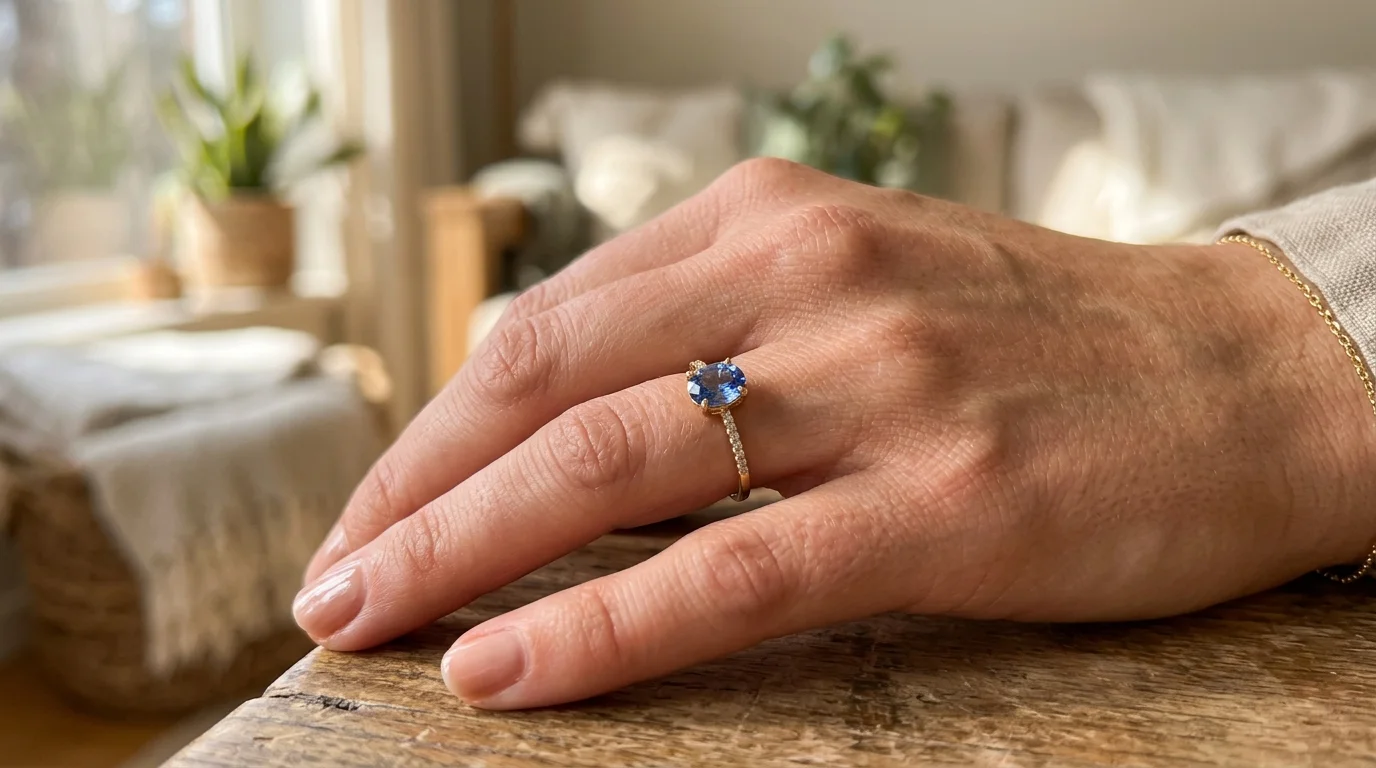
You must save your highly creative, on-model lifestyle shots for alternate image slots (images 2 through 9).
The 4 Unbreakable Rules for MAIN Images
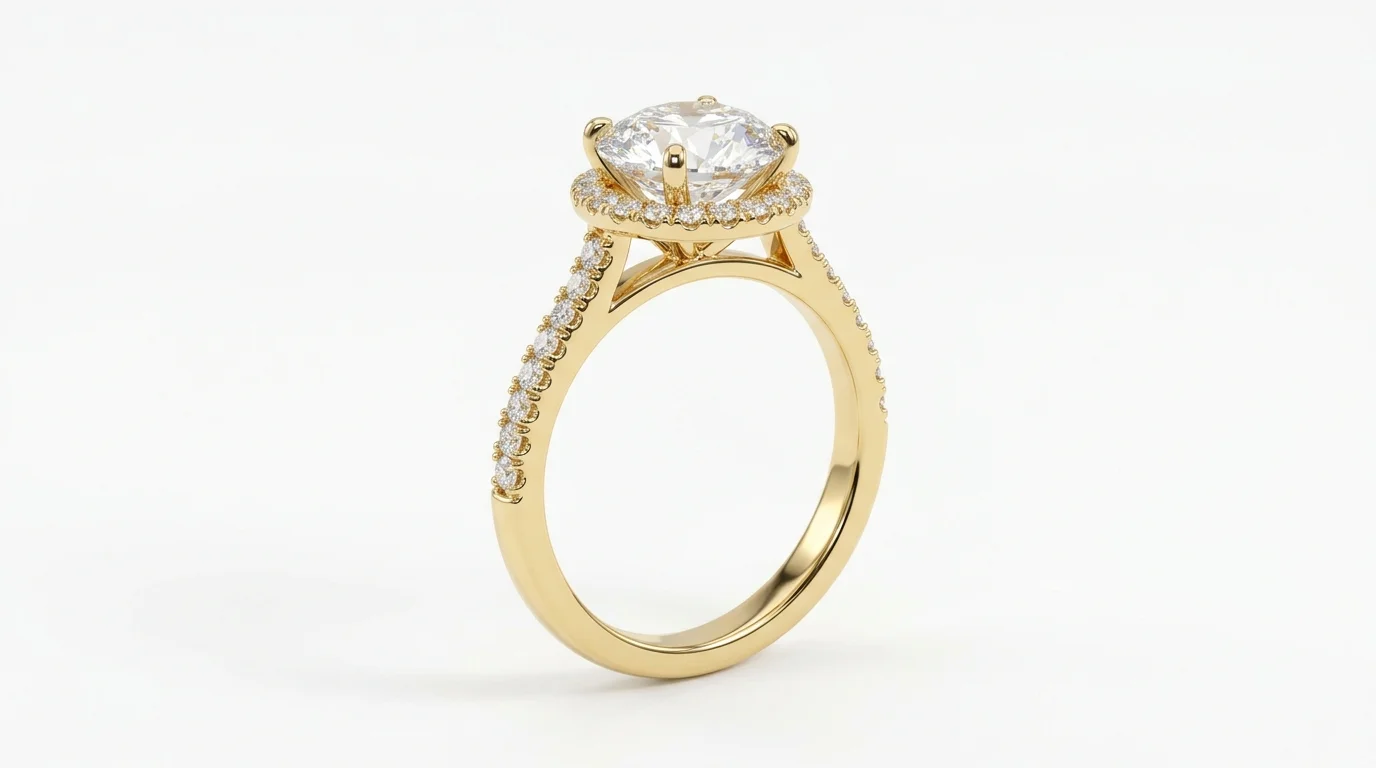
1. Pure White Backgrounds (RGB 255)
Amazon mandates that the background must be mathematically pure white. This means every background pixel must read hex #FFFFFF or RGB 255, 255, 255. Shooting jewelry on a piece of white printer paper will result in a grey background due to light falloff. You must use software to strip the background entirely.
2. The 85% Frame Fill Rule
Your jewelry must occupy at least 85% of the total image area. If you upload a massive 2000x2000 pixel image, but the ring itself is tiny in the center, Amazon will reject it. The product must command the frame.
3. Resolution and Hover-to-Zoom
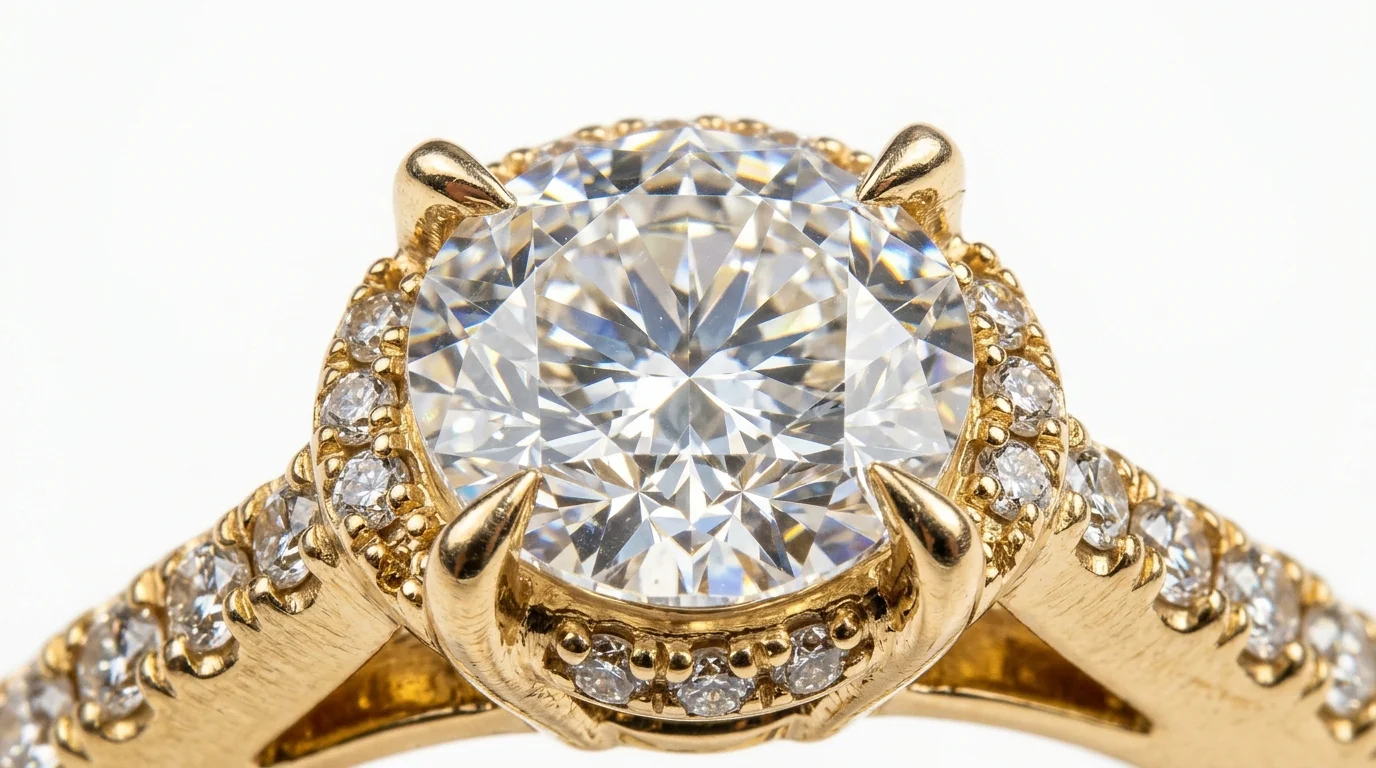
While the absolute minimum resolution is 1000 pixels on the longest side, you should always upload images at 1600x1600 pixels. This specific resolution triggers Amazon's 'hover-to-zoom' feature. For high-ticket items like fine jewelry, buyers demand the ability to zoom in and inspect the structural integrity of the prongs and the clarity of the gemstones. Listings without hover-to-zoom suffer significantly lower conversion rates.
4. Zero Distractions
The MAIN image must contain only the product being sold. No props (no velvet ring boxes), no mannequins, no neck busts, no human hands, and absolutely no text or watermarks.
The Traditional Photoshop Workflow (Manual)
Achieving this level of compliance manually requires high-end studio lighting and extensive post-processing. If you are shooting manually, follow this workflow:
- Shoot deep focus: Use a macro lens at f/11 or f/14 on a heavy tripod to ensure edge-to-edge sharpness across the entire ring or pendant.
- Draw a Clipping Path: Open the RAW file in Photoshop. Select the Pen Tool (
P) and manually trace a vector path around the entire piece of jewelry. - Isolate the metal: Never use the Magic Wand or automated 'Remove Background' tools built into operating systems. They fundamentally misinterpret the negative space between thin chain links and will 'melt' the metal prongs.
- Fill RGB 255: Create a solid white adjustment layer beneath your masked jewelry layer.
- Color Correct: Ensure silver lacks yellow color casts and gold is vibrant.
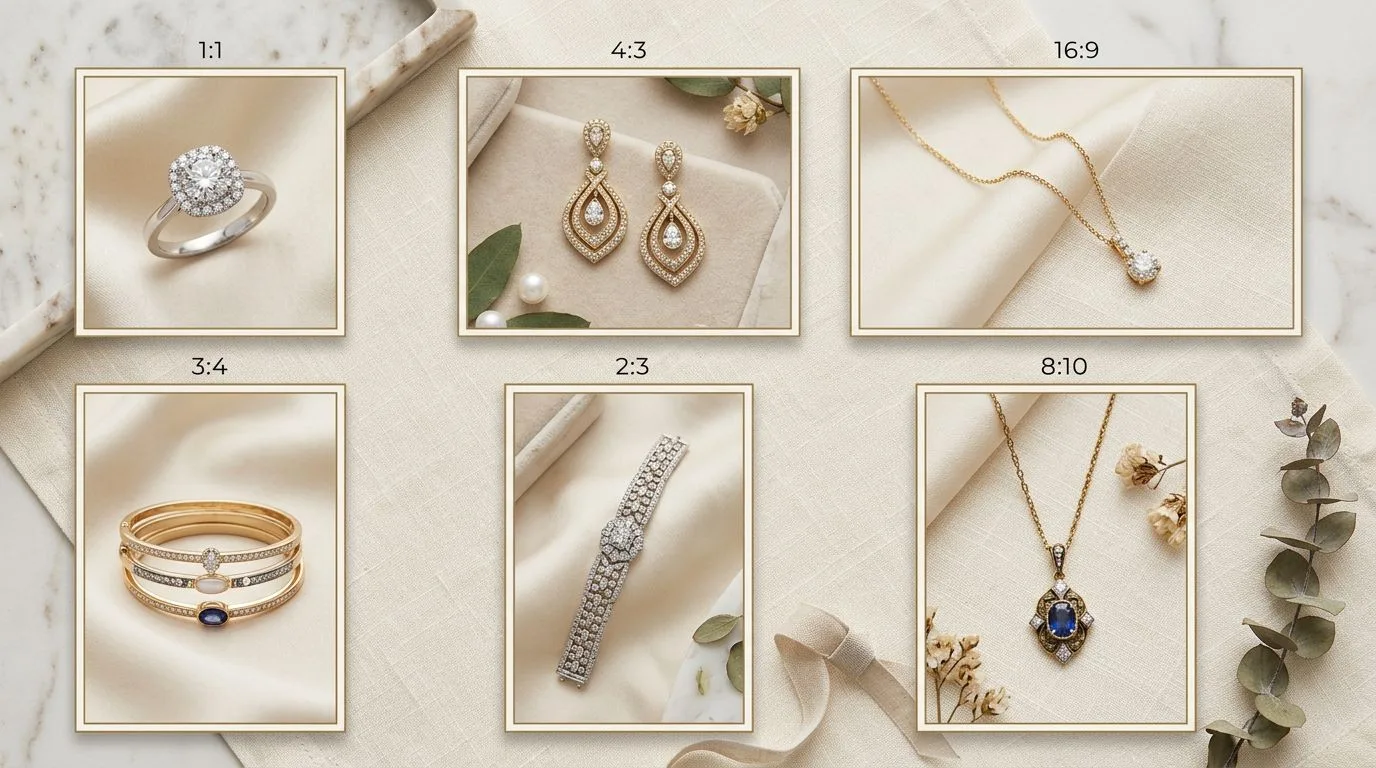
- Crop: Lock the aspect ratio to 1:1, drag the crop box until the jewelry fills 85% of the grid, and export at 1600x1600px.
This manual process averages 15 to 20 minutes per SKU for an experienced retoucher.
The Algorithmic Workflow (Hylo AI)
If you have a catalog of 200 SKUs, spending 60 hours drawing clipping paths in Photoshop is an unacceptable operational bottleneck.
In 2026, top Amazon Handmade sellers utilize jewelry-tuned AI models to automate compliance:
- Take a sharp, focused smartphone photo of your jewelry on a desk.
- Upload the raw image to Hylo.
- Hylo's proprietary edge-detection model mathematically isolates the jewelry, preserving the sub-millimeter structure of prongs and chains without human intervention.
- Select the 'Amazon Pure White' preset.
- The system instantly drops the background to true RGB 255, generates a physically accurate drop shadow (which Amazon permits and encourages for depth), and automatically scales the asset to fill exactly 85% of a 1600x1600 pixel frame.
Your image goes from a raw smartphone shot to a fully compliant, zoom-enabled Amazon listing asset in under 30 seconds.
Optimizing Alternate Image Slots
While the MAIN image is heavily restricted, Amazon Handmade provides up to 8 alternate image slots to aggressively merchandise the product. A high-converting listing should include:
- Slot 2 (Scale): A lifestyle shot of a model wearing the piece to establish physical dimensions.
- Slot 3 (Details): An extreme macro shot focusing on the hallmark (e.g., '14k') and the gemstone setting.
- Slot 4 (The Gallery): A side-profile shot of the ring or pendant showing the architectural structure beneath the main stone.
- Slot 5 (Packaging): A high-end shot of your unboxing experience. Handmade buyers frequently purchase gifts and demand premium packaging.