What You'll Need for Standout Etsy Photos
Great photos start with the right tools. You don't need a five-figure studio, but you do need to control your environment. Whether you're using a DSLR or a smartphone, this is the essential kit.
- Camera: A DSLR or mirrorless camera with manual controls gives you the most flexibility. A solid entry point is a Canon EOS R100 or Sony a6400. If using a smartphone, use an app like Halide or ProCam to shoot in RAW and control settings manually.
- Lens: A dedicated macro lens (e.g., a 100mm f/2.8) is the single biggest upgrade you can make for jewelry. It allows you to capture fine details like pavé settings and engravings without distortion. For smartphones, a quality clip-on macro lens from a brand like Moment or Sandmarc is a good substitute.
- Tripod: Jewelry photography requires slow shutter speeds and precise focus. A sturdy tripod is non-negotiable. Look for one with a horizontal arm, like the Manfrotto MT190XPRO, which lets you shoot directly overhead for flatlays.
- Lighting: Consistent, controllable light is crucial. Skip the window light, which changes constantly. Start with two continuous LED panel lights with softboxes (like a Godox SL60W kit). This gives you a main "key" light and a softer "fill" light to manage shadows.
- Backgrounds: Start simple. A roll of white seamless paper is your workhorse for the primary hero shot. A 24x24 inch sheet of matte black or frosted acrylic can add variety. Avoid distracting textures until you've mastered the basics.
- Modifiers & Props: Keep it minimal. You'll need a piece of 12x18 inch white foamcore to use as a bounce card, a small amount of dental wax to hold rings upright, and some basic acrylic blocks or velvet-lined trays for styling.
Before You Start: Prep That Prevents Reshoots
Your photoshoot setup is only half the battle. A few minutes of preparation before you press the shutter will save you hours of editing or force a complete reshoot.
First, abandon the idea that "natural light" is best. While it can be beautiful, it's inconsistent in color and intensity, leading to a mismatched look across your Etsy shop. Controlled, artificial light ensures every photo from every session looks like it belongs to the same professional brand.
Second, resist the urge to over-prop. Your jewelry is the hero, not the props. A cluttered background with too many flowers, crystals, or unrelated objects will confuse the buyer and cheapen your product. Start with a clean background and only add a prop if it serves a specific purpose, like demonstrating scale or evoking a mood.
Most importantly: meticulously clean every single piece of jewelry before it goes in front of the camera. Wear cotton or latex gloves. Use a jeweler's microfiber cloth to wipe away every fingerprint and smudge. Use a can of compressed air to blow away any clinging dust. A 100mm macro lens will show every single speck, and customers will notice.
The 10 Essential Angles for Your Etsy Listing
Top Etsy sellers use their 10 photo slots to tell a complete story and answer every potential customer question visually. Think of your photo carousel as a sales pitch. Here are the shots you need, in order of importance.
| Angle Type | Purpose | Best For |
|---|---|---|
| 1. The Hero Shot | Clear, distraction-free view of the full product. | Primary thumbnail image. |
| 2. The 45-Degree Angle | Shows depth, dimension, and side details. | Engagement rings, multi-stone pendants. |
| 3. The Detail/Macro Shot | Highlights craftsmanship, settings, and quality. | Gemstone facets, clasps, engravings, textures. |
| 4. The Scale Shot | Conveys size and prevents returns. | Dainty necklaces, small stud earrings, rings. |
| 5. The Group Shot | Displays options or a complete set. | Metal variations (gold, silver), matching sets. |
| 6. The On-Model Shot | Shows how the piece is worn. | All jewelry, especially necklaces and earrings. |
| 7. In-Context Lifestyle | Tells a story and evokes an aesthetic. | Building a strong brand identity. |
| 8. The Packaging Shot | Shows the unboxing experience; great for gifts. | All products, especially during holiday seasons. |
| 9. The Video Clip | Shows movement, sparkle, and a 360° view. | Pieces with high-shine or articulating parts. |
| 10. The Sizing Chart | Provides clear technical specifications. | Necklaces with different lengths, ring sizing. |
The Angle-by-Angle Breakdown
-
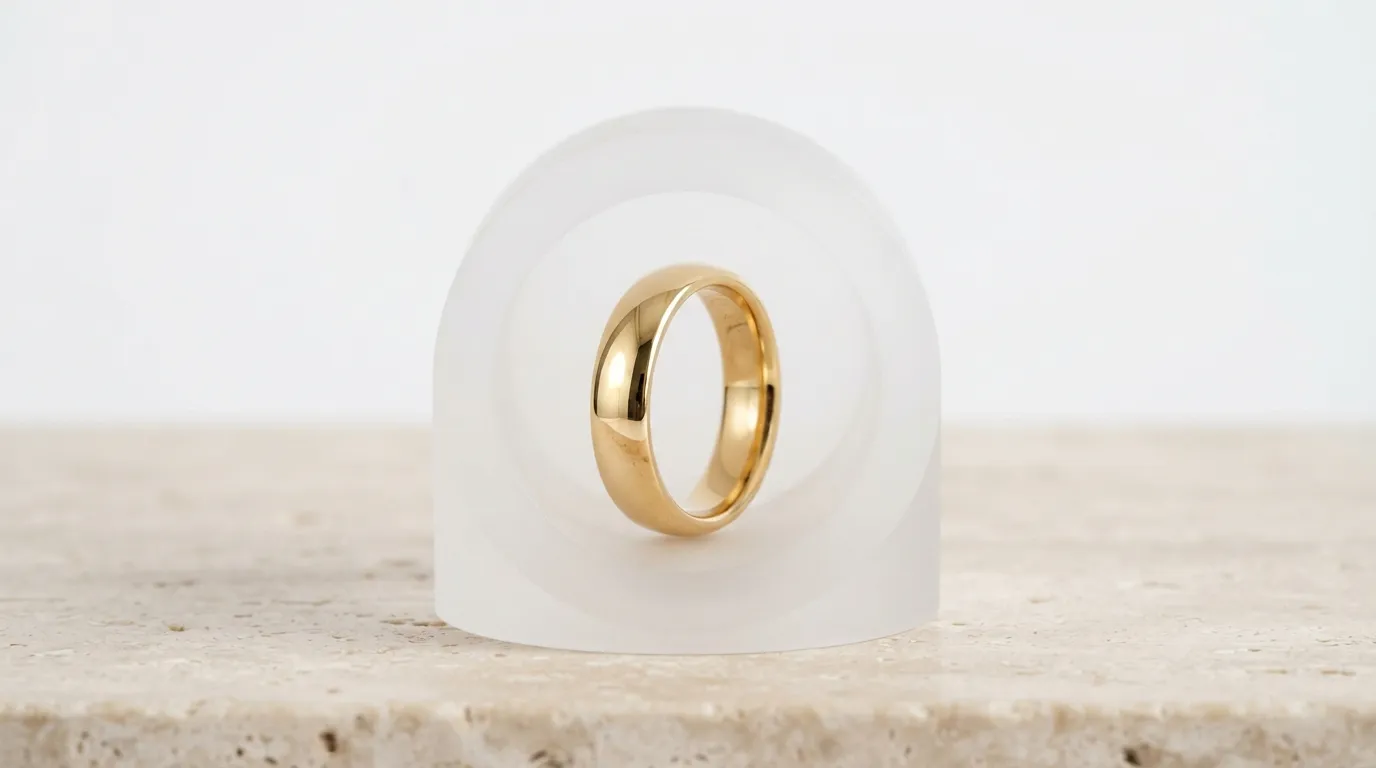
The Hero Shot (Primary Image): This is your most important photo. It must be a crystal-clear, well-lit shot of the product on a simple, clean background (usually white or light gray). For a 1ct round-cut solitaire, shoot straight-on at an aperture of f/11 or f/16 to ensure the entire piece is in sharp focus.
-
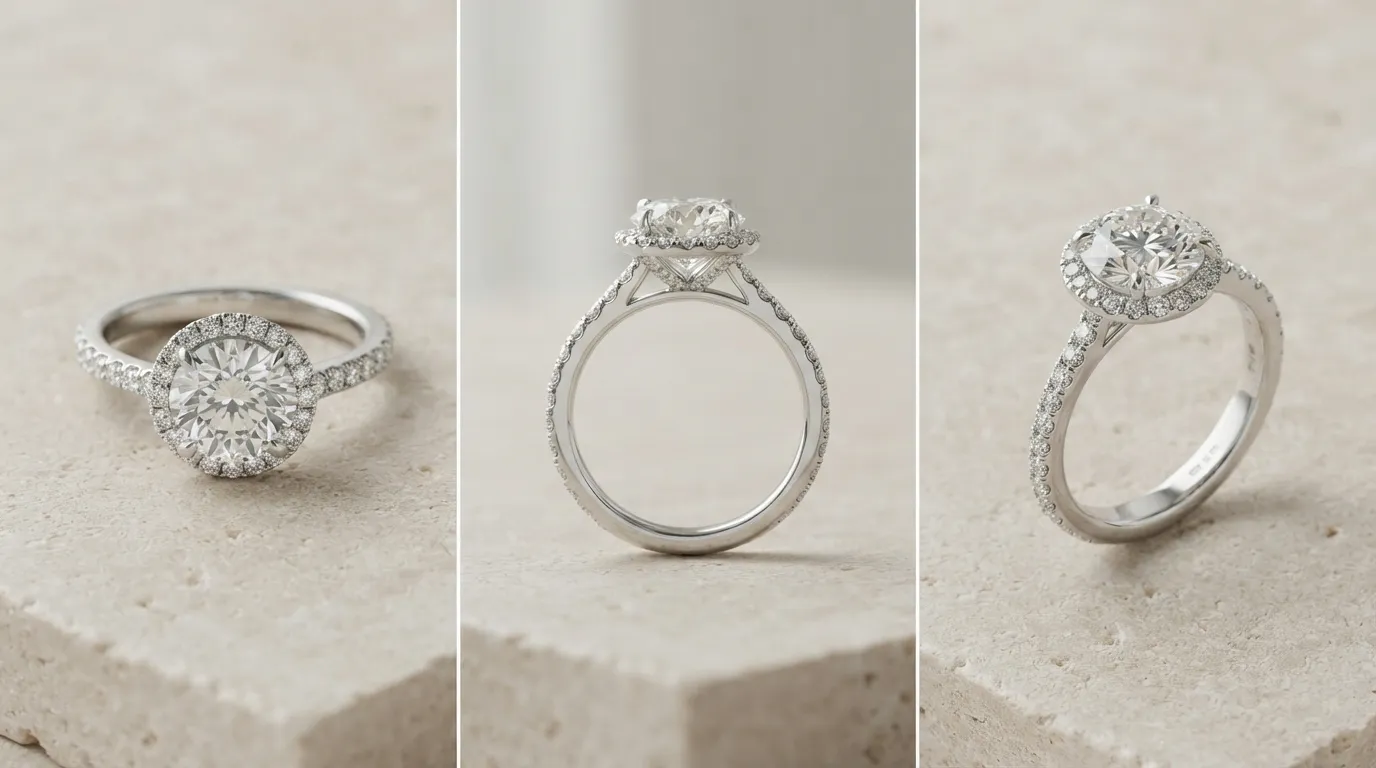
The 45-Degree Angle: This shot reveals the product's form. It shows the height of a ring's setting off the band or the dimension of a sculpted pendant. This angle adds a sense of quality and three-dimensionality that a flat, top-down shot lacks.
-
The Detail/Macro Shot: Get close. Use your macro lens to show off the quality of your work. Focus on the milgrain detailing, the security of a bezel setting, or the precision of a pavé band. This shot builds trust in your craftsmanship.
-
The Scale Shot: This is the #1 way to reduce returns from customers saying, "It was smaller than I thought." Show the piece being worn, or place it next to a universally understood object like a coin or a ruler. For delicate chain necklaces, this is non-negotiable.
-
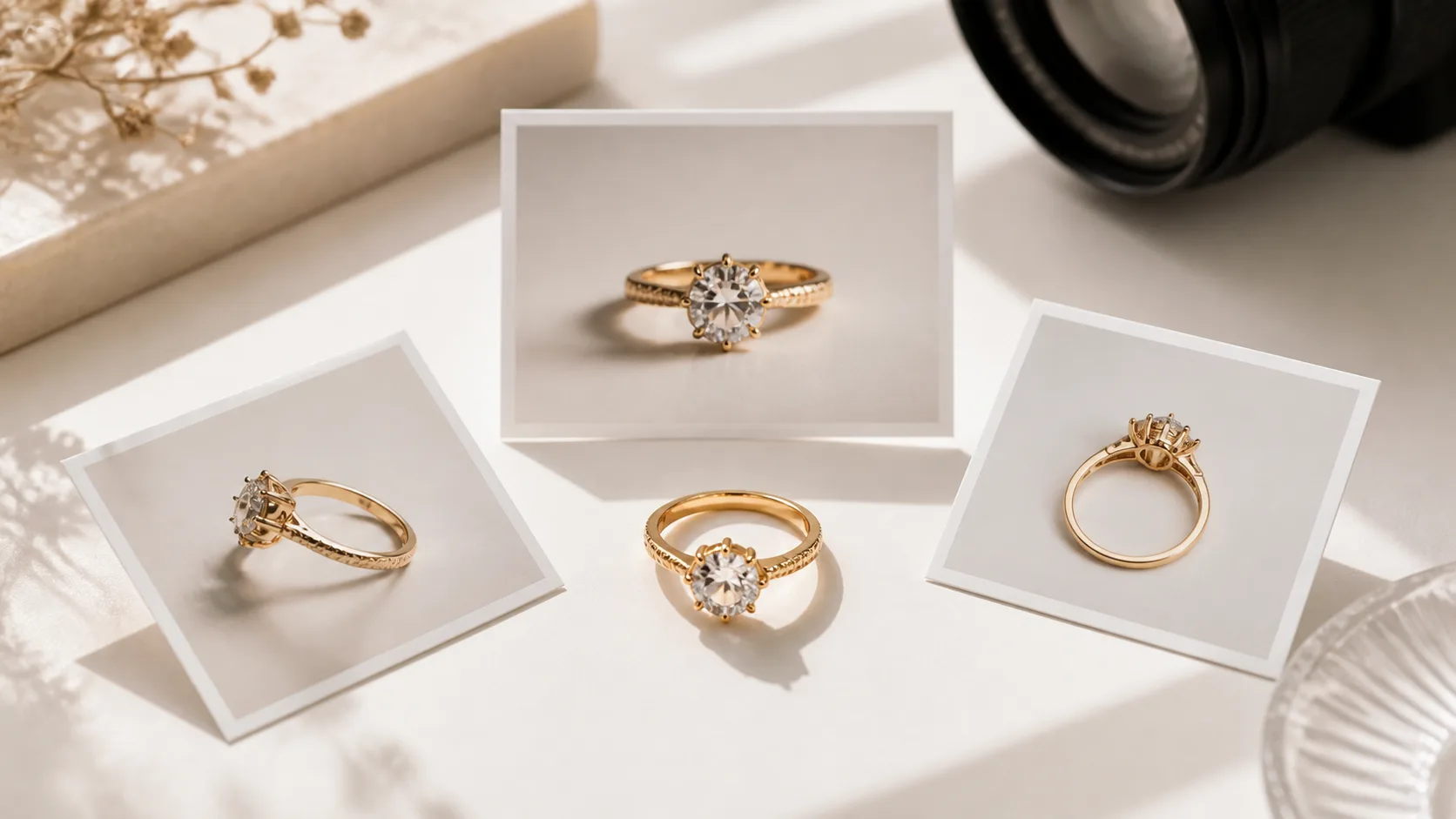
The Group Shot: If you offer the same design in multiple metals (e.g., sterling silver, yellow gold, rose gold), show them together in one shot. This helps customers decide and can increase the average order value if they buy a set.
-
The On-Model Shot: The most effective way to show scale and style. It helps the customer imagine themselves wearing the piece. You can use a real model or create a composite "ghost mannequin" shot. This is especially critical for earrings and necklaces to show how they drop and where they sit.
-
The In-Context Lifestyle Shot: Place your jewelry in a scene that reflects your brand's aesthetic. A pair of minimalist gold hoops on a marble tray with a design magazine, or a rustic silver cuff on a piece of driftwood. This shot sells a feeling, not just a product.
-
The Packaging Shot: Many Etsy purchases are gifts. Show your branded box, pouch, and any other packaging elements. A beautiful unboxing experience can be a deciding factor for a gift-giver.
-
The Video Clip: Etsy listings with video often perform better. A simple 5-10 second clip of the piece rotating on a turntable or a model's hand moving to show the sparkle is incredibly effective. Use your phone's video mode and edit in a simple app.
-
The Sizing/Comparison Chart: This is a graphic, not a photo. Create a simple image showing different chain lengths on a silhouette or a ring size guide. This provides clarity and reduces pre-purchase questions.
Common Etsy Photography Mistakes and How to Fix Them
Even with the right angles, a few common mistakes can undermine your efforts. Here’s how to spot and fix them.
-
Mistake: Busy or Distracting Backgrounds. A floral tablecloth or a cluttered desk pulls focus from your jewelry. The Fix: Stick to solid, neutral backgrounds for your primary shots. White, light gray, or black are industry standards for a reason. Let the jewelry be the focus.
-
Mistake: Inconsistent and Harsh Lighting. A single, direct light source creates harsh, dark shadows that hide details. Window light changes throughout the day, creating an inconsistent look. The Fix: Use at least two light sources with diffusion (softboxes). Place one as your main light (key light) and the other at a lower power to fill in the shadows (fill light). This creates soft, even light that wraps around the piece.
-
Mistake: Soft Focus and Missed Details. If the prongs of a ring or the clasp of a necklace are blurry, customers will question the quality. The Fix: Always use a tripod and a remote shutter or 2-second timer to eliminate camera shake. Set your camera's aperture to a higher f-stop (like f/11 or f/16) to increase the depth of field, keeping more of the jewelry in sharp focus.
-
Mistake: Inaccurate Colors. If your 14k gold ring looks brassy orange or your sterling silver has a weird blue cast, you'll lose trust and get returns. The Fix: Set a custom white balance on your camera using a grey card before every shoot. This tells the camera what true neutral gray looks like in your specific lighting, ensuring all your colors are rendered accurately.
Pro Tips for Professional-Looking Jewelry Shots
Ready to elevate your photos from good to great? These are the small tricks professional photographers use.
-
Use Dental Wax for Positioning. A tiny, pea-sized ball of dental wax is the invisible tool for positioning jewelry. Use it to stand a ring up perfectly straight or to hold a stud earring in place for a flatlay. It’s strong, invisible, and won't damage the piece.
-
Master the Bounce Card. Shadows are inevitable, but you can control them. If you have a dark shadow on one side of a ring, place a small piece of white foamcore just out of the frame to bounce light back into that shadow. This simple trick adds professional polish and reveals hidden details.
-
Shoot Tethered to a Laptop. Connecting your camera directly to a computer (tethering) lets you see your photos on a large screen in real-time. This allows you to spot focus, lighting, and dust issues instantly, saving you from discovering a fatal flaw after you've already wrapped the shoot.
-
Try Focus Stacking for Ultimate Sharpness. For complex pieces like an engagement ring, it can be impossible to get everything from the front prong to the back of the band perfectly sharp in one shot, even at f/16. Focus stacking is the solution. Take multiple photos, each focused on a different part of the ring, and then merge them using software like Adobe Photoshop or Helicon Focus for a final image that is tack-sharp from front to back.
How to Create Perfect Etsy Angles in Minutes with Hylo
You don't need to be a professional photographer with a full studio to produce all 10 essential shots. With AI, you can generate your entire photo set from a single, clean product photo.
Start by taking one well-lit hero shot with your smartphone on a plain background. This is your input image.
- Upload to Hylo AI Photoshoot. Select your clean product photo. This becomes the digital model of your product that Hylo's AI will use.
- Generate On-Model and Lifestyle Shots. Instead of hiring a model or building a set, describe what you want in a simple text prompt. For the on-model shot, try:
A woman's hand with a neutral manicure wearing a delicate gold ring, soft natural light. For the in-context shot:A silver locket necklace resting on a velvet-lined jewelry box. You can generate dozens of options in seconds. - Refine with AI Retouch. If your original photo has a tiny speck of dust or a minor reflection, use AI Retouch to clean it up instantly. It's faster and more precise than manual clone-stamping.
- Create Graphics with Canvas Editor. For your sizing chart, upload a clean hero shot to the Canvas Editor. Add text overlays, lines, and diagrams to create a professional-looking graphic without leaving the platform.
- Maintain Consistency with Brand Kit. Save your brand's fonts and color palette in your Brand Kit. This ensures that any graphics you create in the Canvas Editor perfectly match your shop's aesthetic.
While a dedicated macro lens is still the best tool for capturing the finest technical details of a prong setting, Hylo AI Photoshoot can generate 80% of your required Etsy angles—including the most time-consuming lifestyle and on-model shots—in a fraction of the time and cost of a traditional shoot.
Questions Jewelry Brands Ask About Etsy Photos
Do I need to use all 10 photo slots for every Etsy listing?
While you should aim to use as many as possible, focus on the most critical 6-8 shots first: Hero, 45-Degree, Detail, Scale/On-Model, Lifestyle, and Packaging. The more visual information you provide, the more confident a buyer will be. More photos lead to higher conversion rates and fewer pre-sale questions in your inbox.
Can I really use my iPhone for professional Etsy jewelry photos?
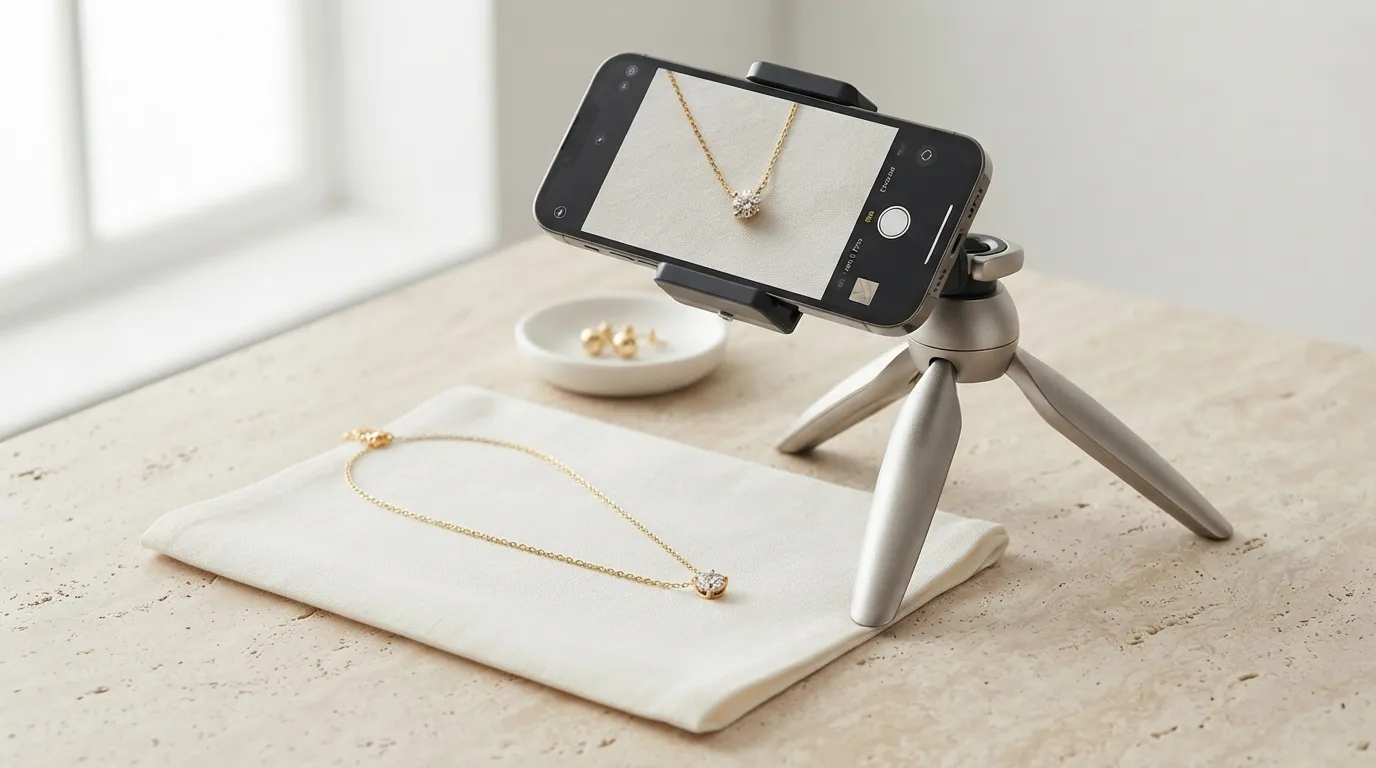
Yes. Modern iPhones have remarkable cameras. The key is to control the environment. Use a tripod to keep the phone steady, tap the screen to lock focus and exposure, and use two affordable LED lights with diffusion. The quality of your lighting is far more important than the brand of your camera.
How do I manage reflections in shiny jewelry?
Reflections are the biggest challenge in jewelry photography. The solution is to control what the jewelry 'sees'. Use large, white surfaces (like foamcore or softboxes) around the piece to create clean, simple reflections. To eliminate a specific unwanted reflection, use a piece of black foamcore (called 'negative fill') to block it. This creates a deep, contrasting line that can define the shape of a piece beautifully.