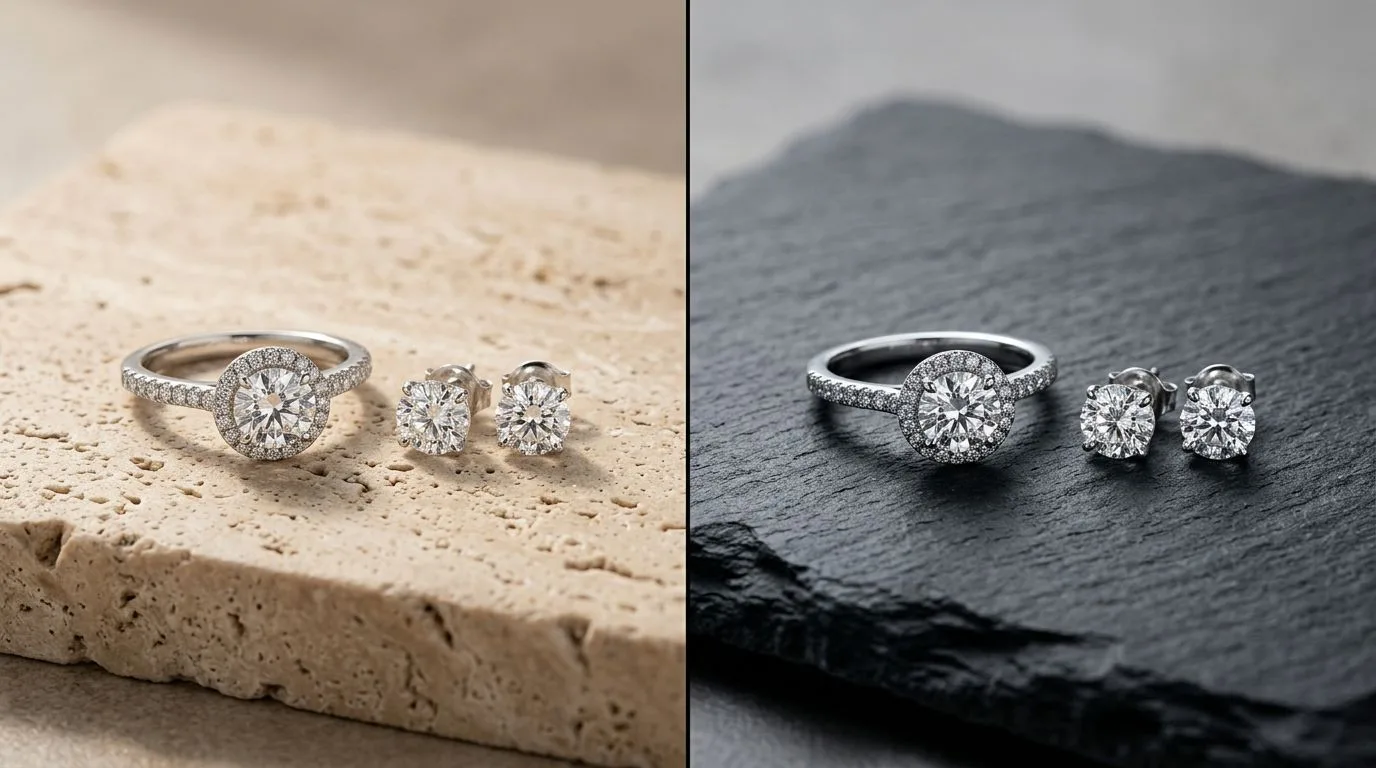
Quick verdict
If you sell across Amazon, Etsy, Shopify, Faire, and TikTok Shop, the right AI product photography tool depends on one question: how much of your catalog is jewelry? General-purpose tools — Pebblely, Photoroom, Booth.ai, Flair — are genuinely good at apparel, cosmetics, home goods, and packaged products, and most of them export a clean pure-white packshot in minutes. Hylo is purpose-built for jewelry, so it preserves the details those tools tend to flatten: a 0.8mm cable chain, the claws on a prong setting, the refraction inside a transparent stone, the micro-sparkle of pavé.
Here's the short recommendation by buyer type. Solo designer selling a mixed catalog on Etsy and Instagram: start with a general tool's free tier, switch to Hylo the moment jewelry detail starts costing you returns. Small DTC brand on Shopify with a fine-jewelry line: Hylo, because brand consistency across 200 SKUs matters more than category breadth. Etsy or Amazon Handmade seller shooting one product type: Hylo if it's jewelry, a general tool if it's candles or ceramics. Wholesale supplier building linesheets for Faire and retail buyers: Hylo, for repeatable packshots that match across a whole collection. Enterprise or multi-category retailer: run both — a general tool for the broad catalog, Hylo for the jewelry SKUs that need to survive a 2.5x zoom.
At-a-glance comparison
Every marketplace has hard image rules, and a tool either respects them or makes you fix them by hand. Amazon's main image demands a pure-white background (RGB 255, 255, 255), the product filling at least 85% of the frame, no props, text, or watermarks, and at least 1000px on the longest side so hover-zoom activates (Amazon recommends 1600px+ for the best zoom). Etsy rewards lifestyle and scale shots but still needs a clean hero and favors a square crop for its grid. Shopify wants consistent aspect ratios across the collection page. Faire buyers compare whole linesheets side by side, so identical white fields read as a serious brand. TikTok Shop leans vertical, 9:16, for in-feed shopping.
The practical question isn't 'which tool makes a nice image' — it's 'which tool gets a usable file onto each channel without a manual round-trip.' A shot that looks great but lands at 92% fill on a faintly grey background still gets bounced from Amazon. The table below scores each tool on the things that actually decide whether your listing goes live without a rejection.
| Capability | General tools (Pebblely, Photoroom, Booth.ai, Flair) | Hylo |
|---|---|---|
| Jewelry-tuned model (chains, prongs, stones) | Partial — general product model, flattens fine detail | Yes — tuned for metal, gemstones, findings |
| Pricing | Free tiers + ~$10-$40/mo plans | Free trial (15 credits), then per-credit plans from ~$12 |
| Brand consistency across SKUs | Limited — per-image presets | Brand Kit locks look across the whole catalog |
| Bulk / batch processing | Yes — strong batch on most tools | Yes — AI Photoshoot + AI Retouch run in batches |
| Marketplace presets (Amazon white, sizes) | Some background + crop presets | Built-in pure-white RGB 255, 85% fill, 1000px+ exports |
| Export quality (zoom-grade) | Up to 2K-4K depending on plan | Up to 4K for marketplace zoom and print |
| Commercial license | Yes on paid tiers | Yes — outputs are yours to sell |
| Free tier | Yes — most offer a trial or free credits | Yes — 15-credit trial, no card |
Where general tools win
Being honest here is the whole point — a comparison that pretends the alternatives are bad just loses your trust. General-purpose AI photography tools win in three real ways, and for a lot of sellers those wins are decisive.
Category breadth. Pebblely, Photoroom, and Flair were trained across the entire ecommerce spectrum. If your catalog is candles, skincare bottles, sneakers, mugs, and a few rings, a general tool gives you one workflow for everything. Hylo is deliberately narrow: it's excellent on jewelry and not the right pick for a 40-SKU homeware drop. If jewelry is a minority of what you sell, the breadth wins.
Speed and price at the entry level. Photoroom and Pebblely are built for volume background swaps and scene generation, and their free and low-cost tiers are aggressive. A seller who just needs a clean white background behind a non-reflective product — a tote bag, a ceramic bowl — can get a compliant Amazon packshot in under a minute without thinking about prong integrity. For simple shapes on white, the marginal quality difference is small and the speed is real.
Mature scene and background libraries. Booth.ai and Flair, in particular, have deep template ecosystems for lifestyle backdrops, surfaces, and staged environments. If your conversion strategy leans on editorial mood and varied scenes more than on macro fidelity, those libraries are a head start. Hylo focuses its scene work on the contexts that sell jewelry — hands, necks, velvet, marble, soft studio light — rather than the broad set a homeware or apparel brand would want.
Workflow integrations and ecosystem. Photoroom and Flair have been at this long enough to build API access, design-suite plugins, and Shopify app listings that slot straight into an existing pipeline. A team already standardized on one of those tools gets batch background removal, resizing, and export without changing how they work. That maturity is real, and for a high-volume multi-category operation it can outweigh a per-category quality edge. The honest take: general tools are the safe default for breadth, and they earned it.

Where Hylo wins
Jewelry breaks generic product-photography AI in specific, repeatable ways, and that's exactly what Hylo is engineered around.
Thin-element and findings preservation. A 0.8mm cable chain, a delicate bezel rim, a lobster clasp, the gallery rail under a setting — general models routinely thin these out, merge links, or hallucinate a smoother form. Hylo's AI Photoshoot is tuned to hold fine metal geometry, so a tennis bracelet still reads as individual links and a chain doesn't dissolve into a smudge at 2.5x zoom. That matters because Amazon zoom is where buyers inspect craftsmanship before they buy.
Gemstone and metal physics. Transparent stones need believable refraction and internal facets; metal needs reflections that follow the form, not random hot spots. Hylo handles transparent-stone refraction, pavé micro-sparkle, and the difference between a polished and brushed finish — the details that make a 1ct round-cut solitaire look set rather than pasted on. AI Retouch then cleans dust, fingerprints, and stray reflections on the stone table without softening the facets.
Marketplace presets built in. Instead of you eyeballing a crop and a background, Hylo ships marketplace-ready output: a true pure-white field at RGB 255, the piece filling roughly 85% of the frame, and exports at 1000px+ (up to 4K) so Amazon's hover-zoom and a print linesheet both work from the same file. That removes the round-trip to Photoshop most sellers do today to pass Amazon's main-image rules.
Brand consistency at catalog scale. The Brand Kit stores your background tone, lighting style, props, and aspect ratios, so SKU #1 and SKU #200 match — across your Shopify grid, your Etsy thumbnails, your Faire linesheet, and your Amazon gallery. The Canvas Editor handles the per-channel crops and any logo or text overlay, and the Creative Library keeps every approved asset reusable so you're never re-shooting a piece you already have.

Which brands should pick which
The honest answer is that the winner changes with your catalog, channels, and budget. Five common profiles:
- The mixed-catalog Etsy seller (jewelry + candles + prints). Pick a general tool. One workflow for the whole shop beats best-in-class jewelry output you only need for a third of your listings. Revisit Hylo if jewelry returns start spiking over photo accuracy.
- The fine-jewelry DTC brand on Shopify. Pick Hylo. With diamonds, gold, and thin chains, the macro fidelity and the Brand Kit consistency across a 150+ SKU grid are worth more than category breadth. A flattened chain on a $1,200 piece is a lost sale.
- The wholesale / Faire linesheet supplier. Pick Hylo. Buyers compare a whole collection side by side, so repeatable lighting and identical white fields across every packshot read as a serious brand. Inconsistent shots read as amateur.
- The Amazon-first seller of simple, non-reflective products. Pick a general tool. If the hero is a leather wallet or a wood box, you mainly need a fast, compliant pure-white packshot at 85% fill — exactly what Pebblely and Photoroom do cheaply.
- The zero-budget hobbyist doing one listing. Pick a free tier — either side. For a single image with no scale demands, the free credits on a general tool or Hylo's 15-credit trial both get the job done; don't pay until volume justifies it.
Notice this list does not always pick Hylo. If your work isn't jewelry, or it's a one-off, or you have no budget and no recurring need, a general tool — or a free tier — is the correct call.
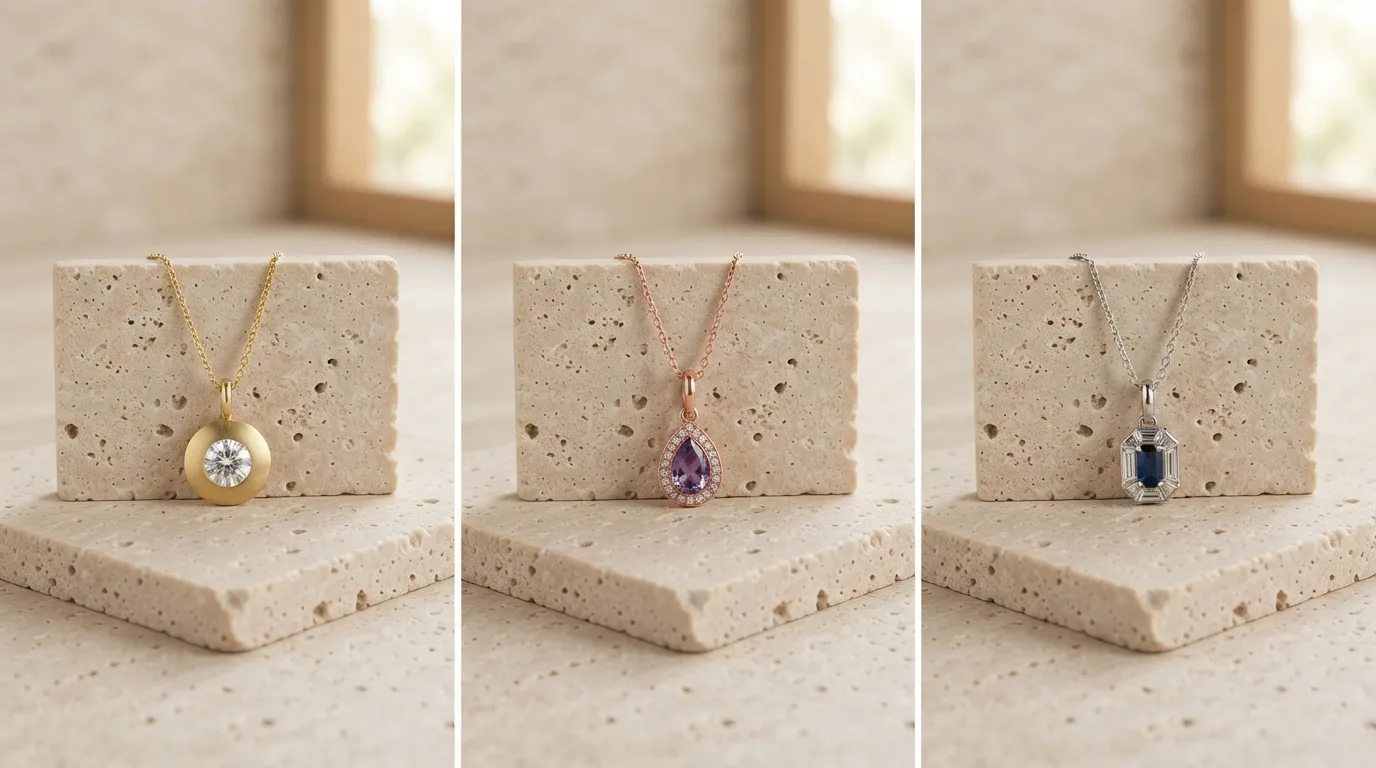
How to switch or try Hylo without risk
You don't have to gamble a catalog to find out which tool wins for your products. Run a controlled head-to-head.
- Start free. Hylo's free trial is 15 credits with no card required — enough to generate a real batch of marketplace shots before you commit a rupee or a dollar.
- Pick your 10 hardest SKUs. Choose the pieces that actually break AI: a thin chain, a pavé band, a transparent-stone pendant, a brushed-metal cuff. Easy shapes prove nothing — the difference shows on the difficult ones.
- Run the same 10 through both tools. Set your white background, target 85% frame fill, and export at 1000px+ so you're judging at marketplace zoom, not a thumbnail.
- Inspect at 2.5x. Zoom into the chain links, the prong claws, the stone facets, and the clasp. That's where flattening, merged links, and fake reflections hide — and where a returns-driving flaw lives.
- Set up your Brand Kit once. In Hylo, lock your background tone, lighting, and aspect ratios so the next 200 SKUs match automatically. Use AI Retouch for dust and fingerprints and the Canvas Editor for per-channel crops.
One reassurance on the commercial side: Hylo's outputs are yours to sell, so anything you generate during the trial can go straight onto a live listing — the test images aren't throwaways. And because Hylo credits don't expire, a slow-season trial doesn't pressure you into burning a plan before you're ready to scale.
If the general tool's output survives the zoom test on your jewelry, keep it — that's a real result, and breadth has value. If the chains thin, the stones go glassy, or the whites drift off RGB 255, that's your answer: the jewelry-tuned tool just saved you a rejection queue on Amazon and a stack of returns. Either way, you decided on your own products, at zero cost.
