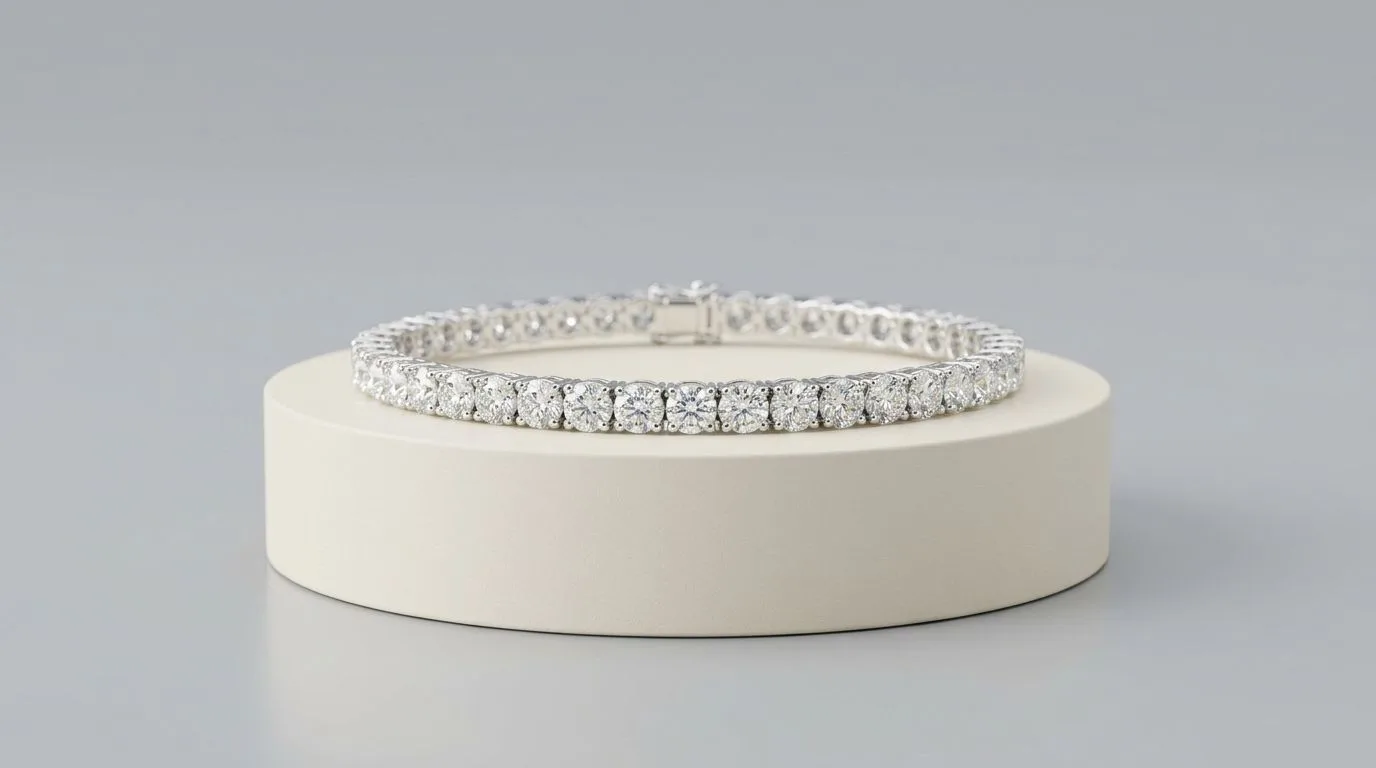
The Psychology of Grid Coherence
Unlike selling on Amazon or Etsy—where your listing is surrounded by competitors—your Shopify store is a walled garden. You control the entire visual experience.
The most fatal mistake independent jewelry brands make is treating each seasonal product launch as an isolated photoshoot. If you shoot your Spring collection on white marble with natural light, and your Fall collection on dark velvet with strobes, your 'All Products' collection page will look chaotic.
In luxury e-commerce, inconsistency destroys trust. Customers subconsciously associate a disorganized visual grid with poor product quality or unreliable shipping.
Your primary objective is to establish a visual baseline—a mathematically precise 'Brand Kit'—that you can replicate indefinitely.
The Technical Setup for Consistency
To build a highly cohesive Shopify storefront manually, you must strip away all environmental variables. Gather these tools:
- A Mirrorless Camera or DSLR: Tethered to a laptop so you can overlay a grid template on your screen to ensure every ring is perfectly centered.
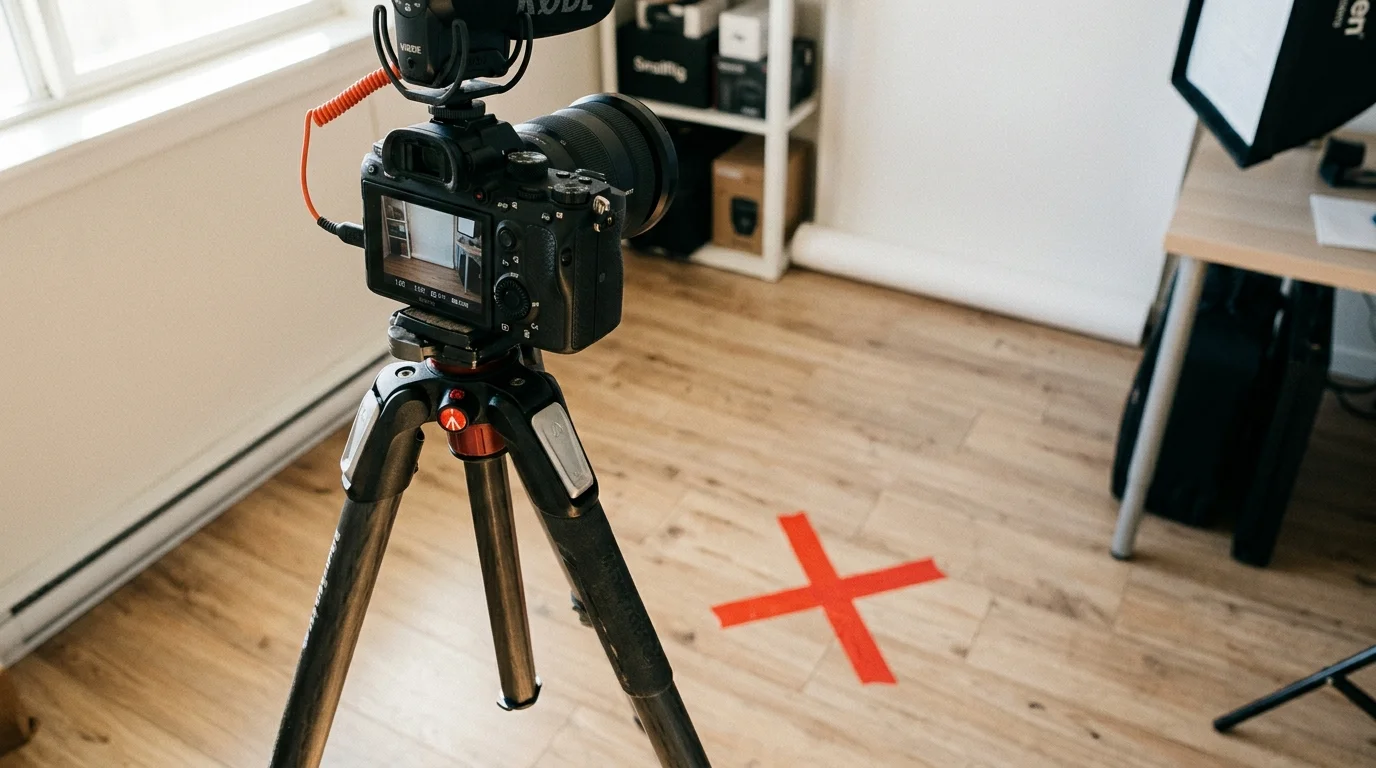
- A Heavy-Duty Tripod: Lock the pan and tilt heads. Use gaffer tape to mark the exact position of the tripod legs on the floor.
- C-Stands and Sandbags: Your lights cannot move. Map the exact distance and angle of your strobe lights or continuous LED panels.
- Museum Wax: Use a microscopic amount to position rings and earrings at the exact same 45-degree angle for every single shot.
The 4-Step Shopify Asset Workflow
1. Document Your Brand Kit
Before shooting, document your constraints. Choose a background color (e.g., pure white, soft beige #F5F5DC, or dark charcoal #333333). Choose a crop ratio: Shopify's Dawn theme natively supports Square (1:1) or Portrait (4:5) grids. Choose your lighting style: harsh editorial shadows or soft, diffused gradients.
2. Lock the Capture Environment
Once your lights and tripod are locked, do not touch them. Place the first ring. Check your tethered screen to ensure it hits the center crosshairs. Take the photo. Remove the ring. Place the next ring in the exact same spot. This assembly-line process ensures spatial consistency.
3. Batch Process in Lightroom
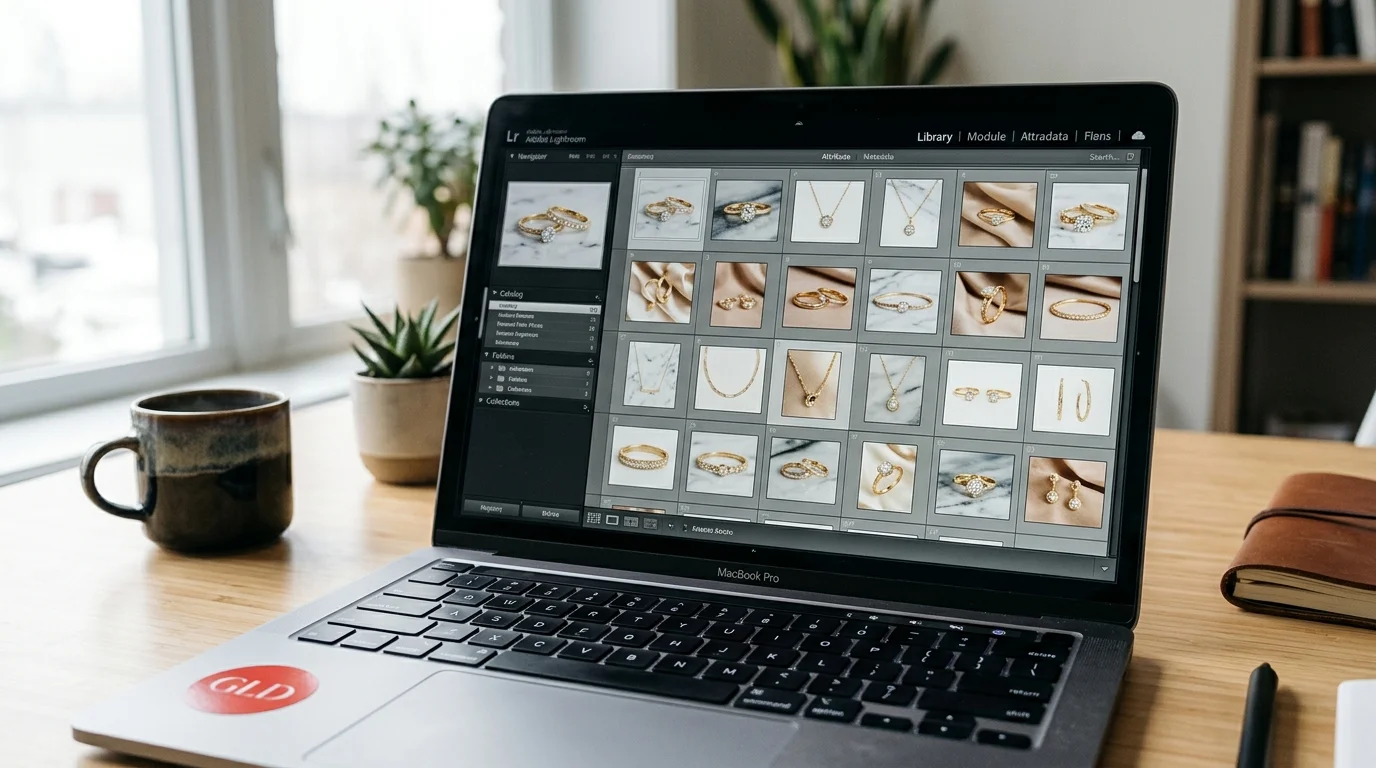
Import the raw files into Adobe Lightroom. Because your lighting never changed, you can edit the first photo (adjusting white balance, curves, and sharpness) and instantly sync those exact settings across all 50 images in the batch.
4. Optimize for Shopify's CDN
Shopify compresses images automatically via its CDN, but uploading massive 10MB raw files will throttle your backend workflow. Export your final images sized to 2048x2048 pixels. This specific resolution provides enough detail for Shopify's native hover-to-zoom functionality without crippling your Largest Contentful Paint (LCP) performance metric, which Google wants under 2.5 seconds. Ensure the file size is under 500kb per image.
Algorithmic Consistency via Hylo AI
Maintaining a physical studio setup is expensive and inflexible. If you decide to rebrand your store from a white aesthetic to a dark-mode aesthetic, you must re-shoot your entire inventory.
In 2026, top DTC jewelry brands utilize AI to decouple the physical photoshoot from the final render:
- Define your exact visual constraints (background hex code, shadow intensity, camera angle) within Hylo's Brand Kit.
- Shoot your jewelry on a smartphone. You do not need tape on the floor or strict tripod alignment.
- Upload your entire catalog to Hylo in a single batch.
- Hylo's AI instantly strips the backgrounds, centers the jewelry using bounding-box mathematics, applies your designated lighting physics, and exports the files at precisely 2048x2048 pixels.
If you ever decide to rebrand, you change the Brand Kit setting and re-run the catalog through Hylo rather than booking a full reshoot — the constraint becomes review time, not studio time. As with any AI generation, plan to review each re-rendered image against the real piece before it goes live, since a rebrand that quietly introduces colour or scale drift is worse than the inconsistency it replaced.
Merchandising the Alternate Image Slots
While your main image must rigidly adhere to your grid guidelines, you must use the 2nd, 3rd, and 4th image slots to aggressively merchandise the product:
- The Video Loop: Shopify natively supports MP4 video in the image carousel. A seamless 5-second looping video of a diamond ring rotating under a spotlight provides massive trust signals.
- The Scale Shot: Fine jewelry is notoriously difficult to scale visually. You must include a lifestyle shot (a ring on a finger, a necklace on a clavicle) so the buyer understands the physical dimensions.
- The Hover State: Navigate to your Shopify theme settings and enable 'Show second image on hover'. Set the second image to your on-model scale shot. This creates an interactive, highly engaging collection page.