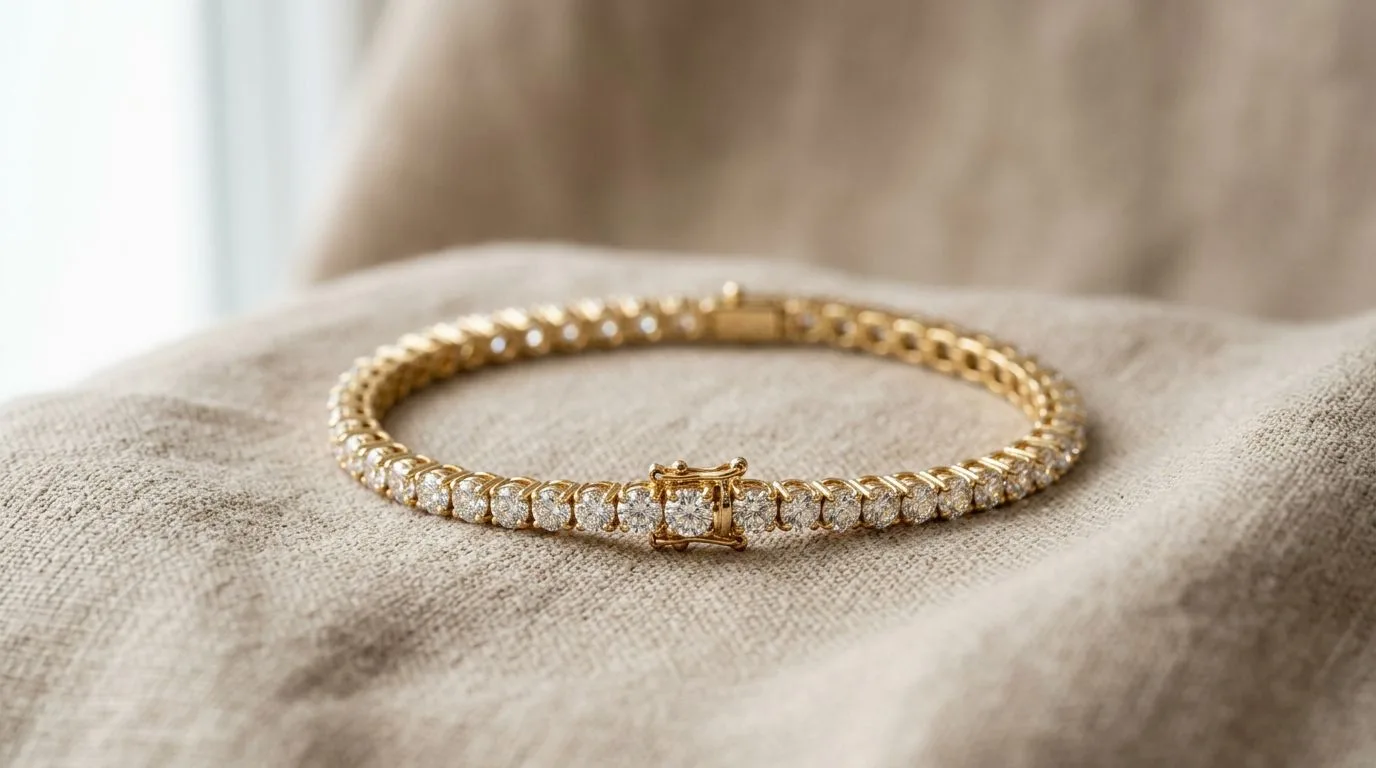
The Algorithm Demands White Backgrounds
Many new Etsy jewelry sellers make a critical mistake: they use highly styled, complex lifestyle images (like a ring sitting on a bed of moss) as their primary thumbnail.
While lifestyle images are essential for building brand identity, your first image must be on a pure white background (hex #FFFFFF).
Etsy aggressively syndicates its top listings to Google Shopping. Google's Merchant Center algorithms will often reject or down-rank product feeds if the primary image contains cluttered backgrounds. A pure white background is the operational baseline for high-volume Etsy jewelry sales.
The Professional Studio Setup (Under $100)
You do not need a $10,000 studio to achieve commercial-grade jewelry photography. You need strict environmental control. Gather these five physical tools:
- A modern smartphone or DSLR: An iPhone 14 Pro (or newer) utilizing the dedicated macro lens is sufficient. If using a DSLR, a 100mm f/2.8 macro lens is the industry standard.
- A heavy-duty tripod: Macro photography magnifies motion blur. Your camera must be perfectly still.
- 12x12 inch White Cast Acrylic: This acts as your base. Unlike paper, acrylic creates a sharp, premium reflection beneath the jewelry.
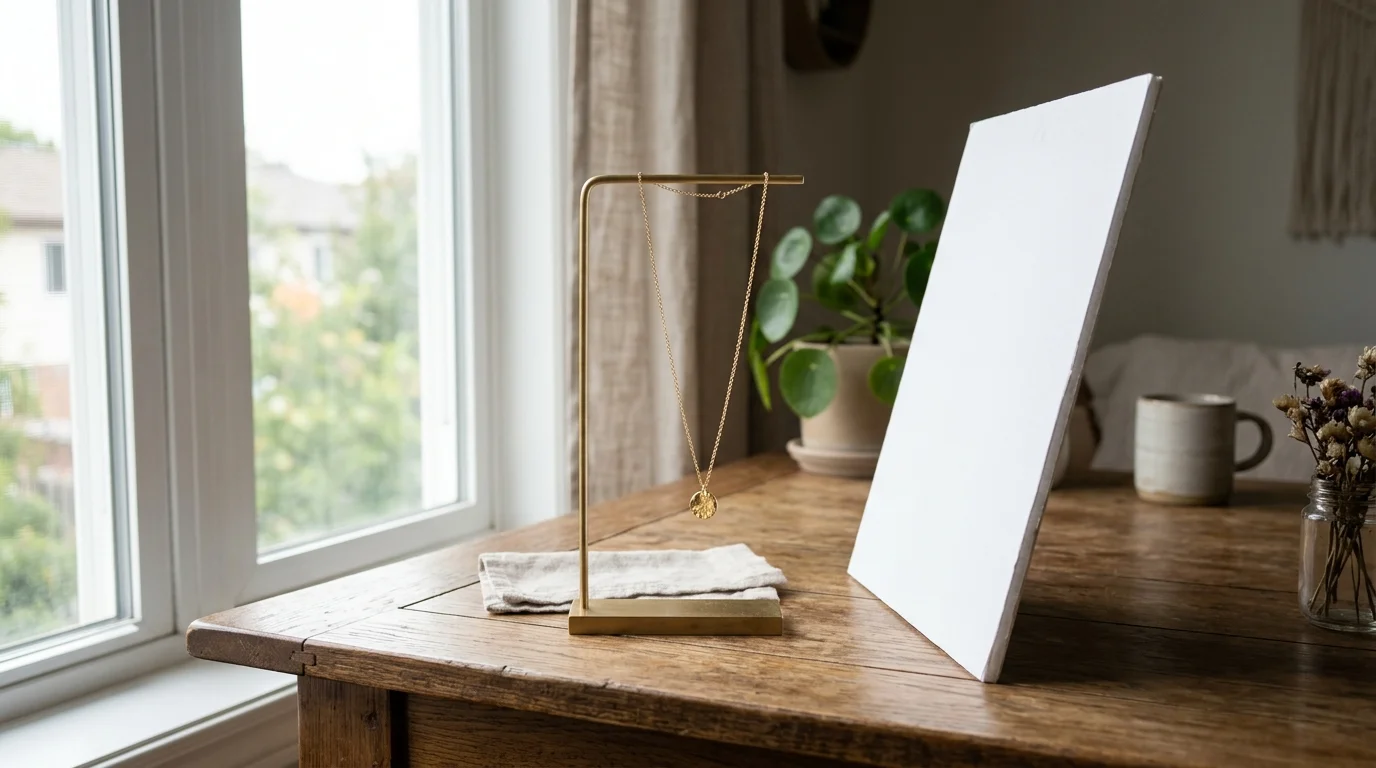
- 12x18 inch White Foamcore: You will use this as a 'bounce card' to reflect light back onto the dark side of the jewelry.
- Museum Wax (Sticky Wax): A microscopic dab of this clear wax on the bottom of a ring band will allow it to stand perfectly upright on the slippery acrylic.
The Step-by-Step Photography Workflow
Follow this precise sequence to capture raw files that are ready for Etsy.
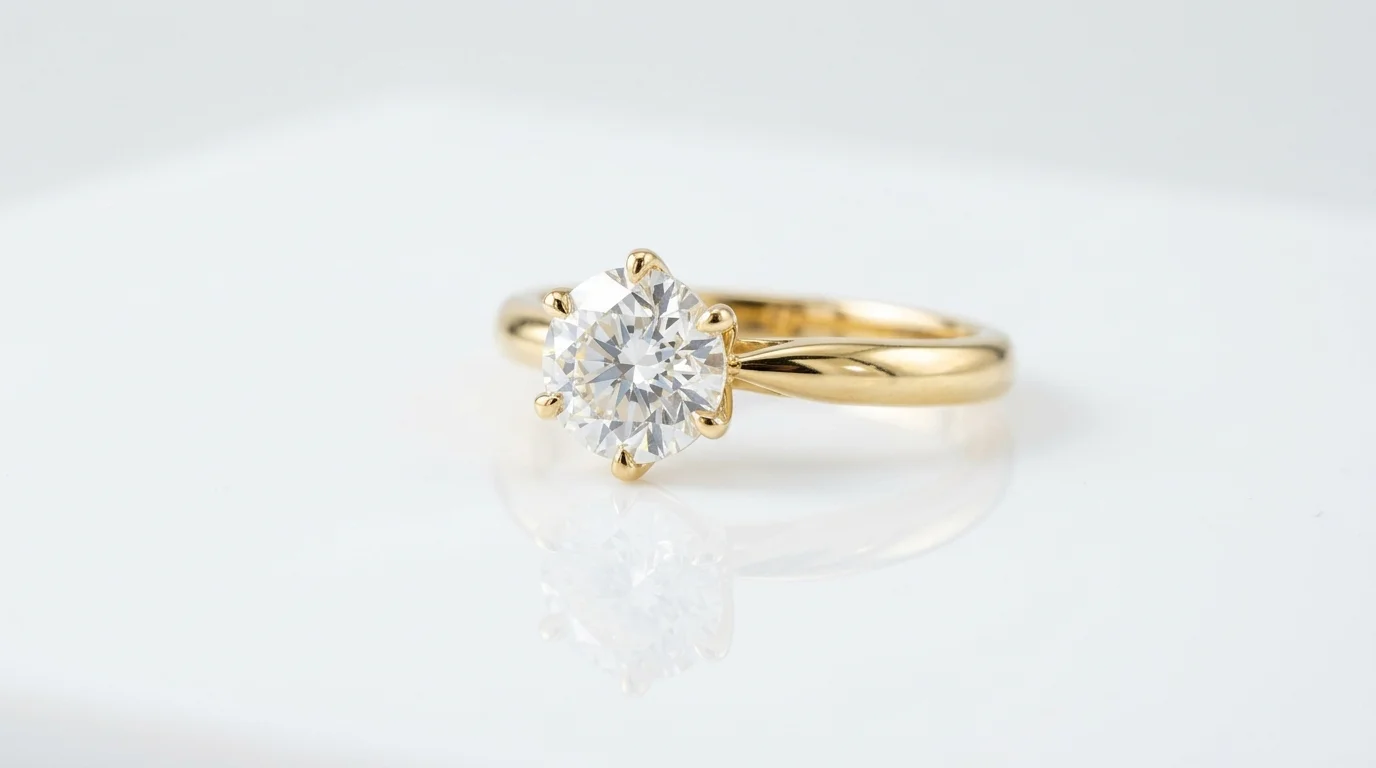
1. Establish Directional Lighting
Turn off all overhead incandescent or fluorescent lights in your room to prevent yellow color-casting (mixed lighting ruins diamond clarity). Place your acrylic board directly next to a large, north-facing window. Place your white foamcore board exactly opposite the window. The window provides the primary light; the foamcore bounces it back to fill in the shadows.
2. Configure Deep Focus Settings
Because jewelry is shot at a macro distance, your depth of field shrinks to millimeters. If you shoot at f/2.8, the front prong will be sharp, but the back of the band will melt into a blur.
- Set your aperture to f/11 or f/14.
- Set your ISO to 100 to eliminate digital noise.
- Use a 2-second self-timer so you do not shake the camera when pressing the shutter.
3. Handle with Gloves
Clean the jewelry immediately before shooting using an ultrasonic cleaner or microfiber cloth. Handle the piece exclusively with white cotton gloves. A single fingerprint on a high-polish silver band will look like a massive smudge on a Retina display.
4. Shoot and Evaluate
Take the photo. Zoom in to 100% on the gemstone. If the metal looks completely black, it means the highly polished metal is reflecting the dark room. To fix this, build a 'white tent' around the ring using additional foamcore, forcing the metal to reflect only white.
Post-Processing for Etsy's 2000px Standard
Etsy officially recommends listing images be 2000 pixels on the shortest side with a 1:1 (square) or 4:3 aspect ratio.
Once you have your raw photo, you must perform post-processing:
- Draw a clipping path around the jewelry using Photoshop's Pen Tool (do not use magic wand tools, as they will destroy thin chain links).
- Delete the background to pure white (RGB 255,255,255).
- Color correct the white balance so silver looks icy and gold looks warm.
- Apply an unsharp mask to highlight the gemstone facets.

How to Automate Etsy Photography with Hylo
The manual workflow described above requires approximately 20 minutes of labor per SKU. For a 50-piece collection, that is nearly 17 hours of repetitive labor.
By leveraging Hylo's AI physics engine, top Etsy sellers bypass physical lighting and manual Photoshop clipping entirely:
- Shoot a quick, well-focused photo of your jewelry on your phone, ignoring the background.
- Upload the raw image to Hylo.
- Hylo's jewelry-tuned edge detection mathematically isolates the piece, perfectly preserving 1mm prongs and negative chain space.
- Click the 'Etsy Pure White' preset. Hylo will instantly drop the background to RGB 255, generate a physically accurate drop shadow, and export the file precisely at 2000x2000 pixels.
This reduces your per-SKU processing time from 20 minutes to under 30 seconds.
