What is Product Photography? (The Definition)
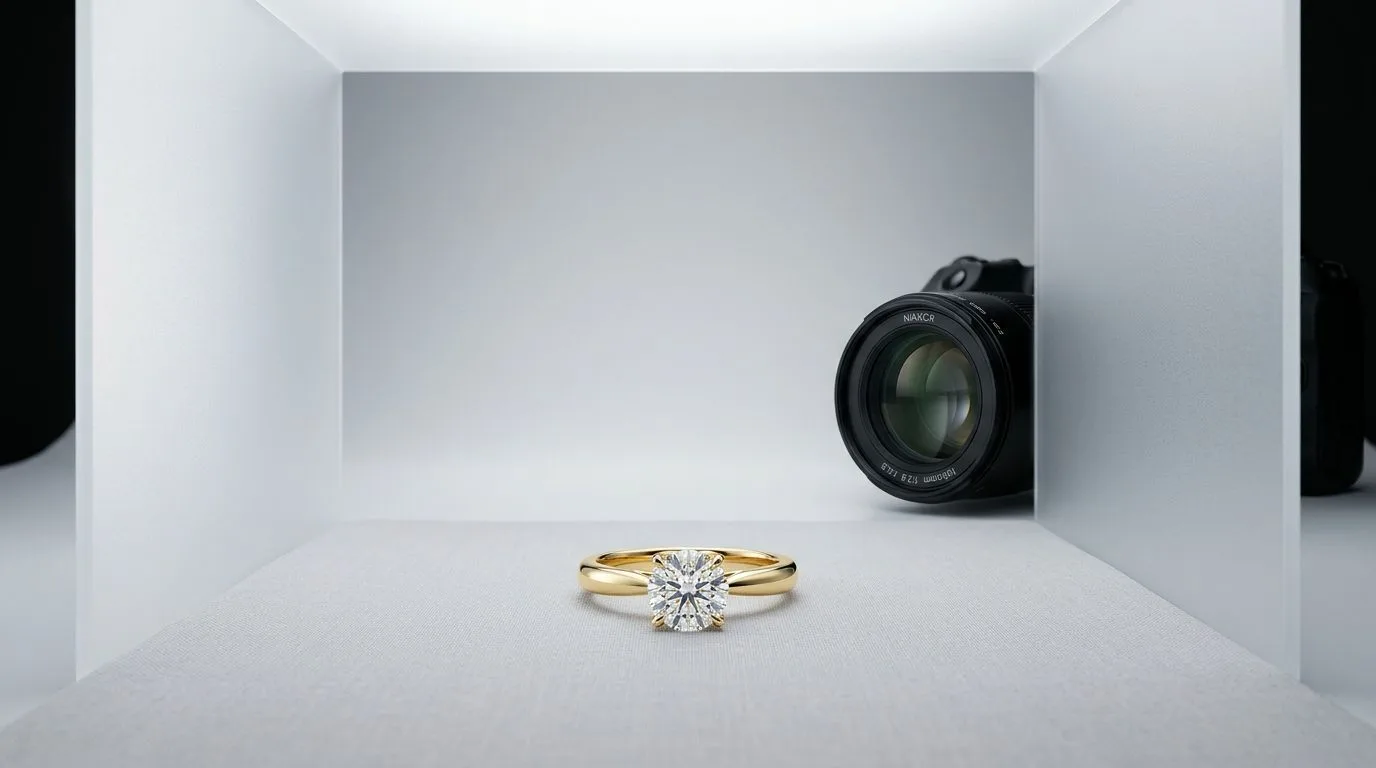
Product photography is the practice of creating images of a product for commercial use. Unlike other forms of photography, its objective is not purely artistic expression but to present a product in its best light to persuade a customer to make a purchase. It's a critical component of e-commerce, advertising, and cataloging.
Good product photography is a blend of technical skill and brand storytelling. It requires precise control over lighting to highlight textures and details, a strong understanding of composition to guide the viewer's eye, and meticulous post-production to ensure color accuracy and perfection. For tangible goods, especially high-consideration items like jewelry, the product photograph often serves as the primary point of contact between the brand and the potential buyer.
How is Product Photography Used in Jewelry?
For jewelry brands, product photography isn't one-size-fits-all. Different channels and business goals demand different styles of imagery. The common thread is a non-negotiable need for quality and detail.
E-commerce & Website Photos
Your Shopify, WooCommerce, or Webflow store requires clean, consistent, and informative images. These are often called "packshots" or "e-comm shots."
- Background: Almost always a pure white or light neutral seamless background (#FFFFFF or #F5F5F5). This removes distractions and creates a uniform look across your entire product catalog.
- Angles: A minimum of 3-5 shots per product: a hero shot (front-on or 3/4 view), a side profile, a top-down view, and a detail shot showing the clasp, setting, or gemstone facets. A scale shot (e.g., next to a coin or on a simple bust) is also crucial.
- Goal: To replicate the in-store experience by showing the customer every detail as clearly as possible. This builds trust and reduces returns.
Social Media & Marketing Content
Instagram, TikTok, and Pinterest require images that stop the scroll. These are less about clinical detail and more about context, brand, and aspiration.
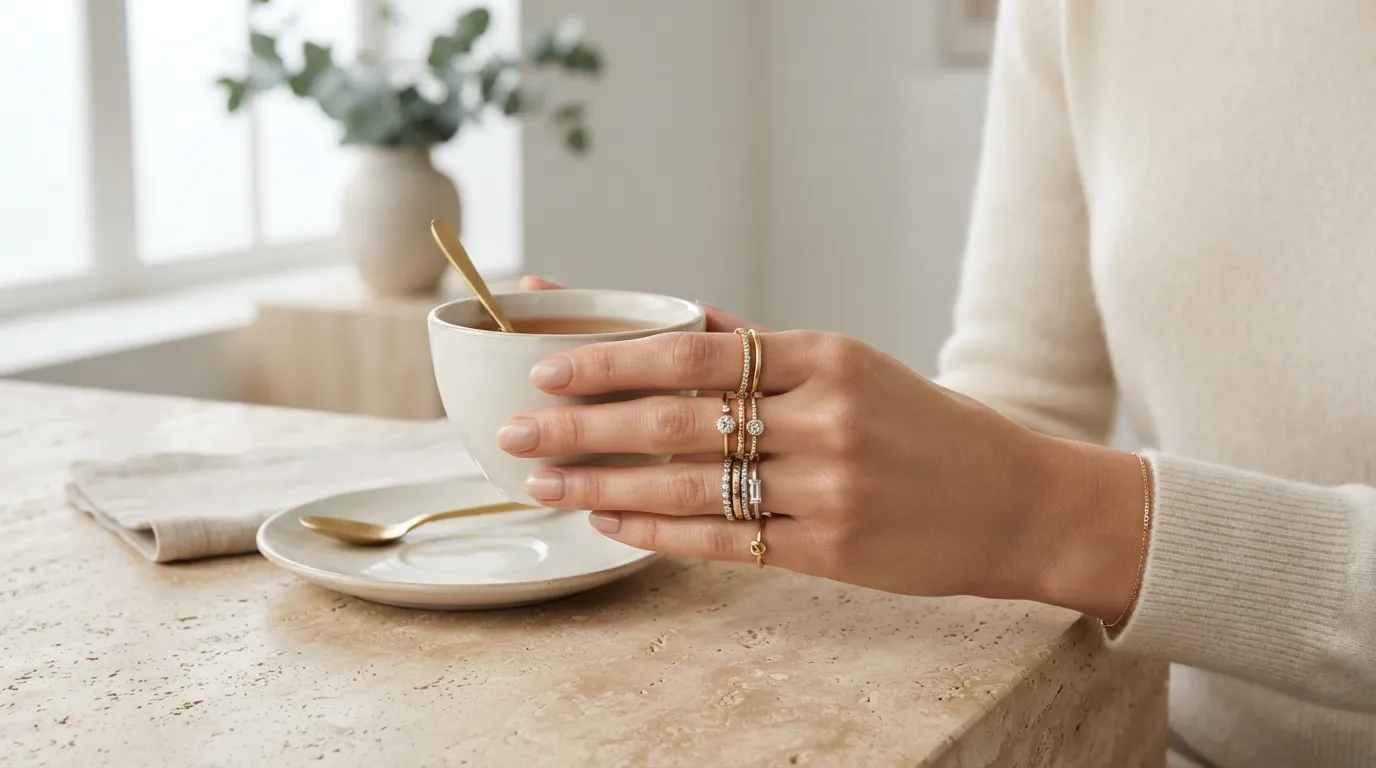
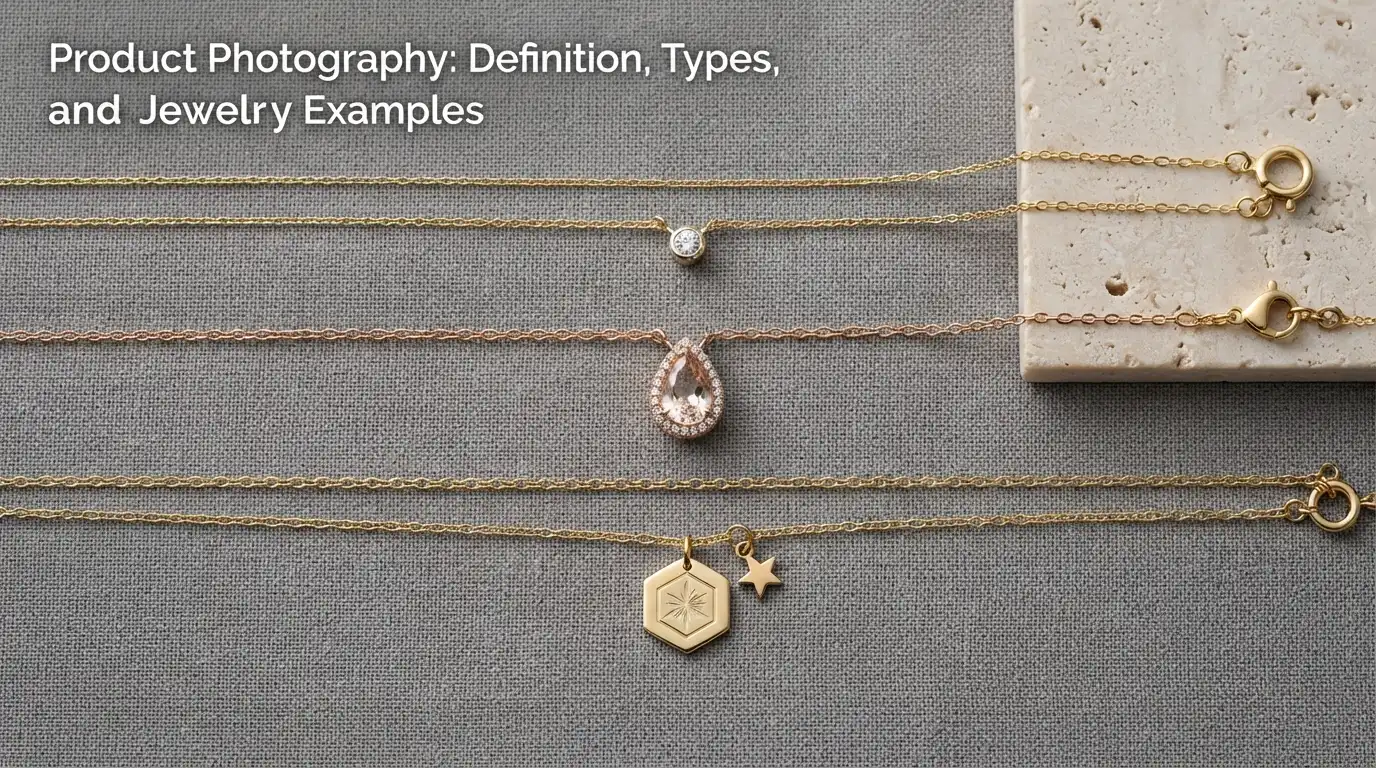
- Style: Lifestyle shots (on-model), stylized flatlays with props (silk, stone, botanicals), and creative still lifes that evoke a mood.
- Composition: More artistic freedom. Asymmetrical compositions, interesting shadows, and rich textures work well.
- Goal: To tell a story about your brand and inspire desire. A customer should see the photo and imagine themselves wearing the piece. Hylo's
Creative Libraryprovides hundreds of on-brand backgrounds perfect for this purpose.
Linesheets & Wholesale Catalogs
When selling to retail buyers, clarity and efficiency are key. A linesheet needs to present your entire collection in a format that's easy to scan and order from.
- Layout: Typically a grid format with one primary photo per product, often on a clean white background.
- Information: The image is paired with essential data: SKU, product name, materials, dimensions, and wholesale price.
- Goal: To provide buyers with a clear, comprehensive overview of your collection for easy purchasing decisions. Consistency is paramount.
A Practical Example: Shooting a Solitaire Engagement Ring
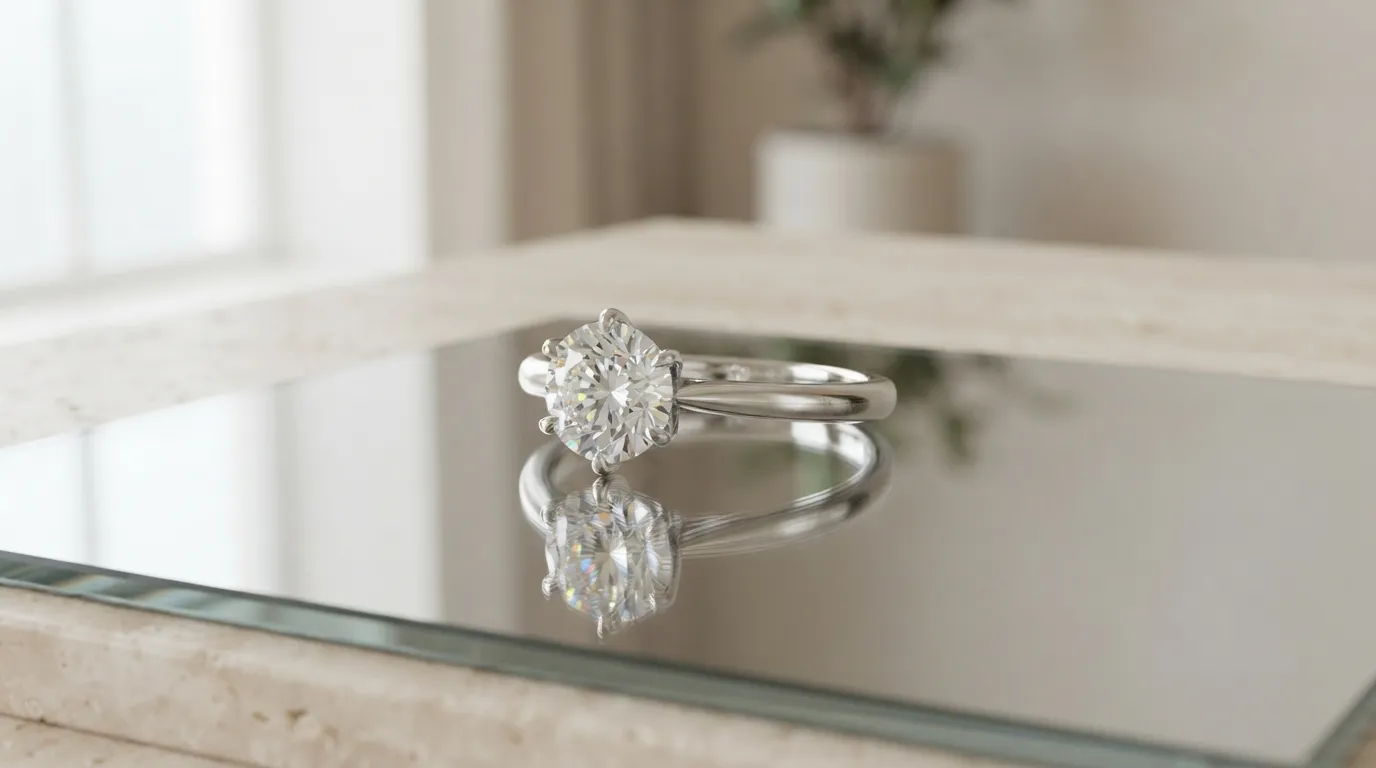
Let's apply these concepts to a common scenario: photographing a 1.5-carat oval-cut diamond solitaire ring in a platinum four-prong setting for a new product launch.
The Traditional Studio Workflow
- Setup: A photography studio is booked for a half-day, costing between $400 and $1,200. The setup includes a seamless white paper background, a large softbox as the key light, a silver reflector for fill, and a tripod.
- Gear: A full-frame DSLR or mirrorless camera with a 100mm macro lens is used to capture fine details.
- Camera Settings: The photographer shoots at f/11 or f/16 to maximize depth of field, ensuring the entire ring is in focus. ISO is set to 100 to eliminate noise, and the shutter speed is adjusted to achieve the correct exposure (e.g., 1/125s).
- Shot List: Multiple shots are taken for focus stacking in post-production. The photographer captures the required angles: top-down, 3/4, side profile, and a close-up of the prong setting.
- Post-Production: The images are imported into Adobe Lightroom for color correction and then Photoshop. This involves hours of focus stacking the images, removing dust and fingerprints, polishing the metal, and cutting the ring out onto a pure white background. The total time can be 4-8 hours for a single product.
The AI-Powered Hylo Workflow
- Capture: Place the ring on a neutral, non-reflective surface and take a single, clear photo with a smartphone.
- Upload: Upload the photo to Hylo.
- Retouch: Use
AI Retouchto instantly remove any smudges on the metal or dust on the diamond. This takes about 10 seconds. - Generate: Use
AI Photoshootto place the retouched ring onto dozens of scenes. Select a classic "White Seamless" for the e-commerce packshots and a "Cream Marble" or "Soft Focus Drapes" scene from theCreative Libraryfor the social media launch posts. - Finalize: Use the
Canvas Editorto add a text overlay with the carat weight or to create a multi-image carousel for Instagram. The entire process takes less than 5 minutes.
Related Product Photography Terms
Understanding the language of product photography helps you communicate more effectively with photographers, editors, or when using AI tools.
- Packshot: The most common type of product photo, featuring the product on a plain, usually white, background. It's the standard for e-commerce category pages and marketplaces like Amazon.
- Lifestyle Photography: Shows a product in a real-world context or in use. For jewelry, this is typically an on-model shot, demonstrating how a necklace lays or how a ring looks on a hand.
- Flatlay: An image shot directly from above (a bird's-eye view) of items arranged on a flat surface. It's a popular format for social media, especially for showcasing collections of earrings, rings, and bracelets.
- Ghost Mannequin: A post-production technique where multiple photos are combined to create the illusion of a product being worn by an invisible model. It's used to give jewelry or apparel shape and form without the distraction of a human model.
- Retouching: The process of digitally enhancing an image. For jewelry, this includes cleaning up metal (removing smudges), enhancing gemstone sparkle, correcting colors, and removing distracting background elements.
