Why jewelry brands are rethinking product photography
The traditional model is broken. A single photoshoot for a new collection can cost between $2,000 and $5,000 for a day with a professional photographer, stylist, and studio. For most jewelry brands, that's an impossible expense, especially when you need fresh assets for every channel—from your Shopify homepage to your Instagram Stories, TikTok Shop, and wholesale linesheets.
This old model can't keep up with the speed of modern retail. Product cycles are faster, trends change weekly, and your audience expects to see new content daily. You can't afford a five-figure photoshoot every time you launch a new earring style or want to test a new creative angle for your ads.
The result? Founders resort to lightboxes and iPhone shots on their kitchen table. The images are inconsistent, off-brand, and fail to capture the true quality of the piece. They look amateur, and they kill conversion rates.
AI has changed the equation. Until recently, AI image generators struggled with the specific challenges of jewelry: complex reflections on polished gold, the precise faceting of a diamond, and the delicate details of a pavé setting. General-purpose tools like Photoroom or Canva produce generic, often flawed results. Hylo is different. Our models are trained exclusively on millions of high-end jewelry images, giving our AI a deep understanding of how to render precious materials realistically. It's not about replacing photographers; it's about giving the 90% of brands that can't afford one a professional, scalable, and affordable alternative.
How Hylo works for jewelry product photography
We designed Hylo to fit directly into a jewelry brand's workflow, turning a single, basic product photo into an entire library of campaign-ready assets. The process is fast, intuitive, and requires no technical skill.
-
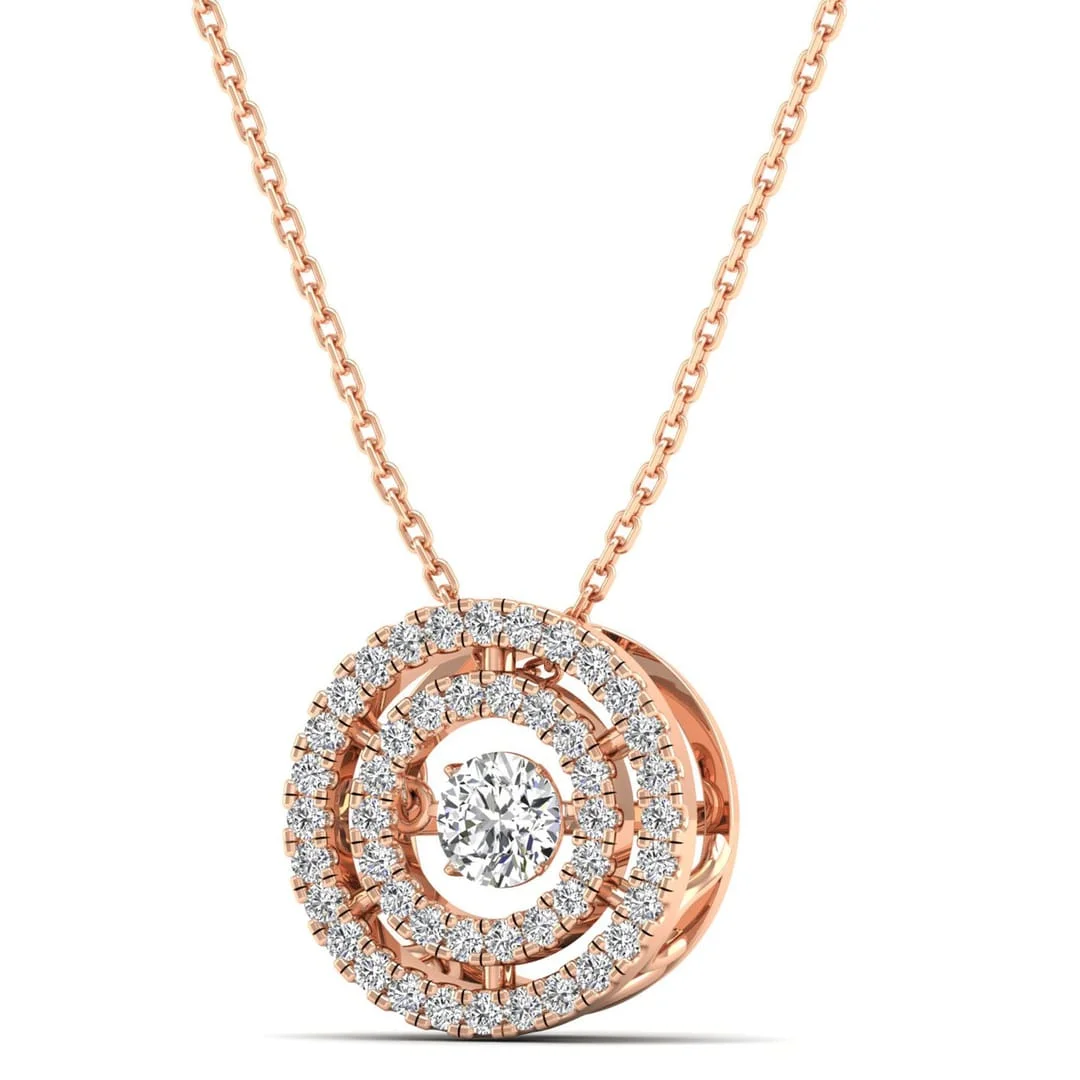
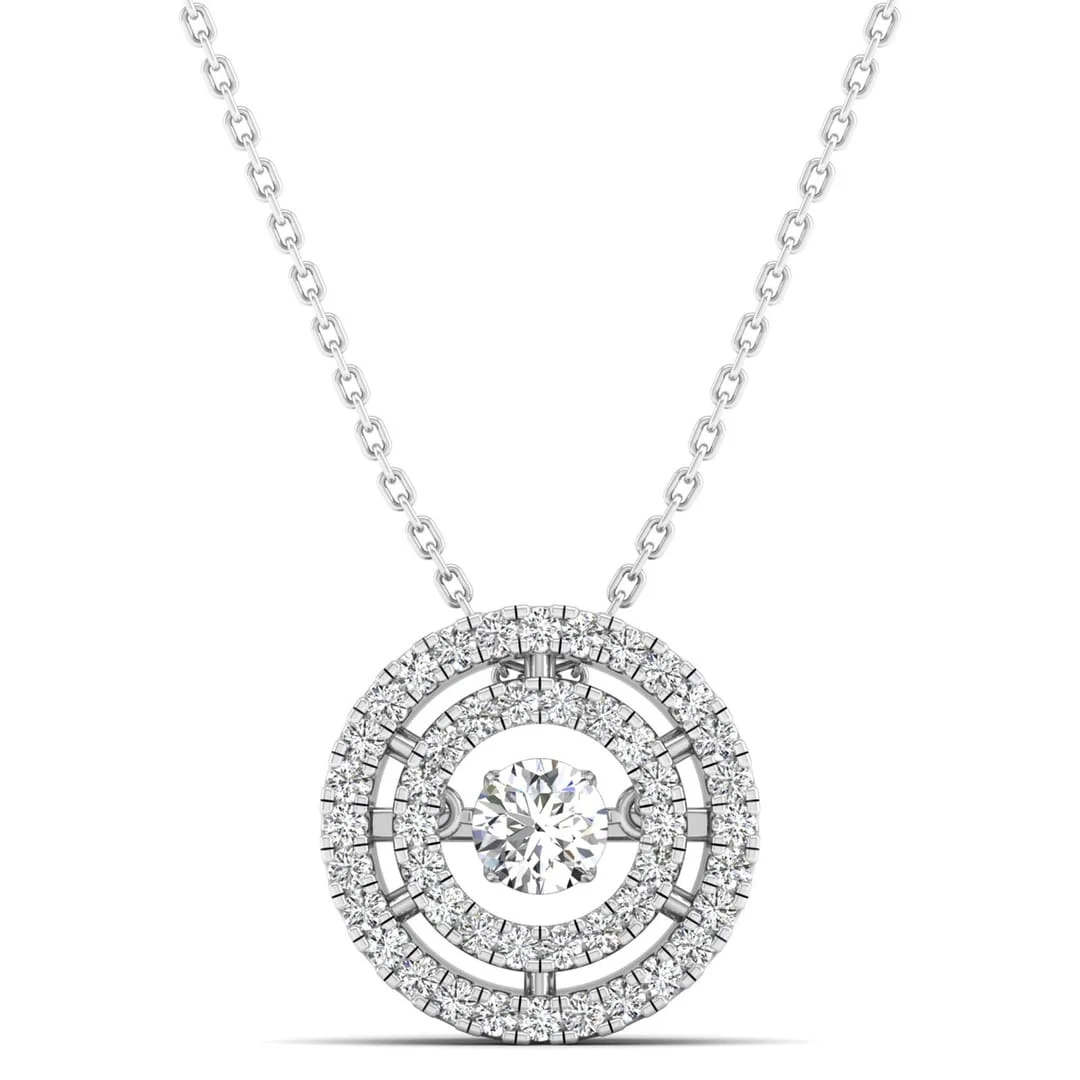
Upload Your Base Image: Start with a clean, well-lit photo of your jewelry on a plain background. It doesn't need to be perfect. A shot from your phone or a simple lightbox setup is all you need. For example, a 14k gold chain necklace on a white foam board.
-
Define Your Brand: Before you generate, use our Brand Kit feature. Upload your logo, define your brand colors, and describe your aesthetic in a few words—e.g., "minimalist, warm, coastal, natural light." The AI uses this as a core reference, ensuring every image it creates feels like it came from your brand, not a stock photo library.
-
Generate with AI Photoshoot: This is where the magic happens. Instead of writing complex prompts, you select a theme from our Creative Library, which is filled with styles specifically for jewelry. Choose from:
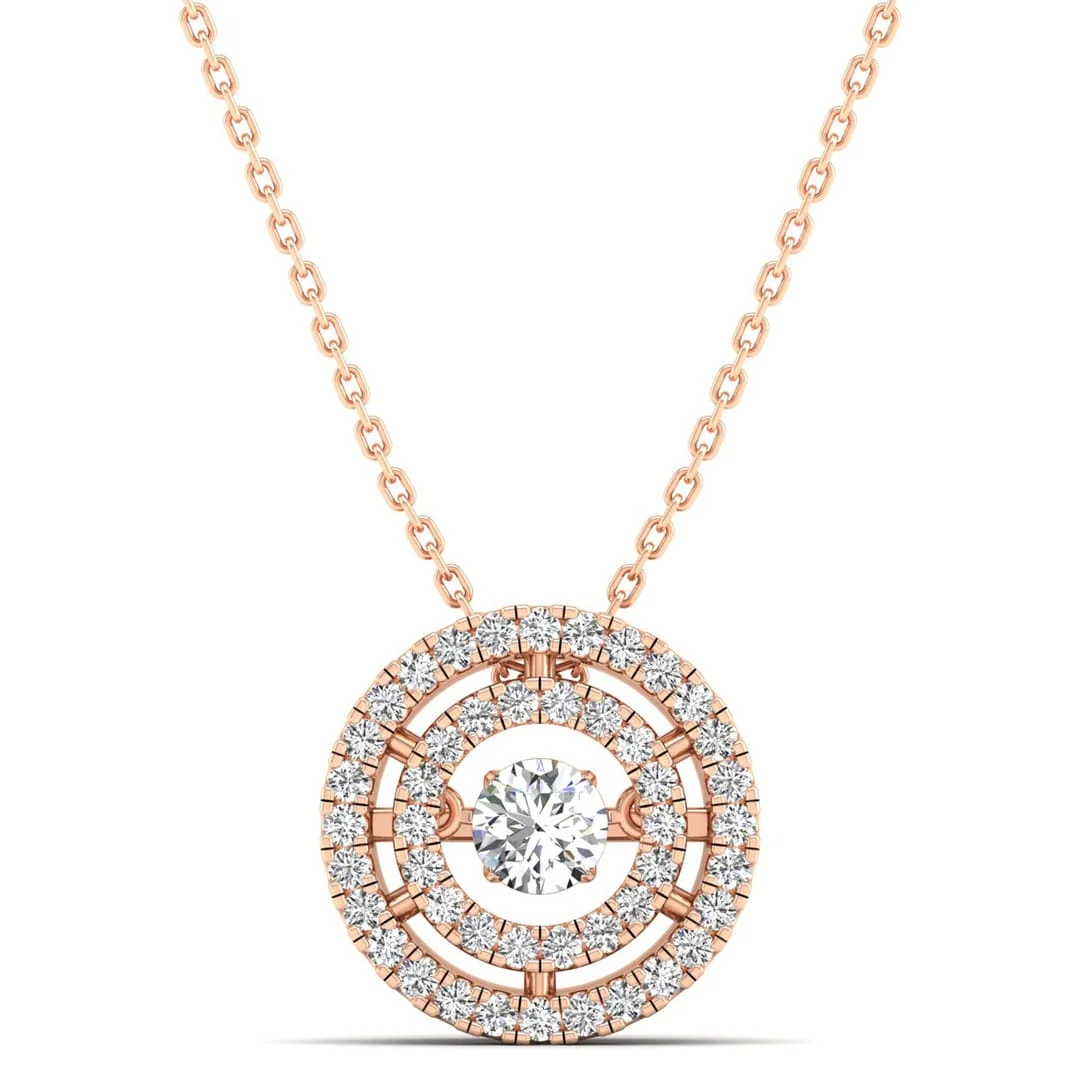
- Packshots: Clean, e-commerce ready shots on seamless backgrounds.
- Lifestyle: Your piece on a marble tray, draped on a silk scarf, or next to a latte.
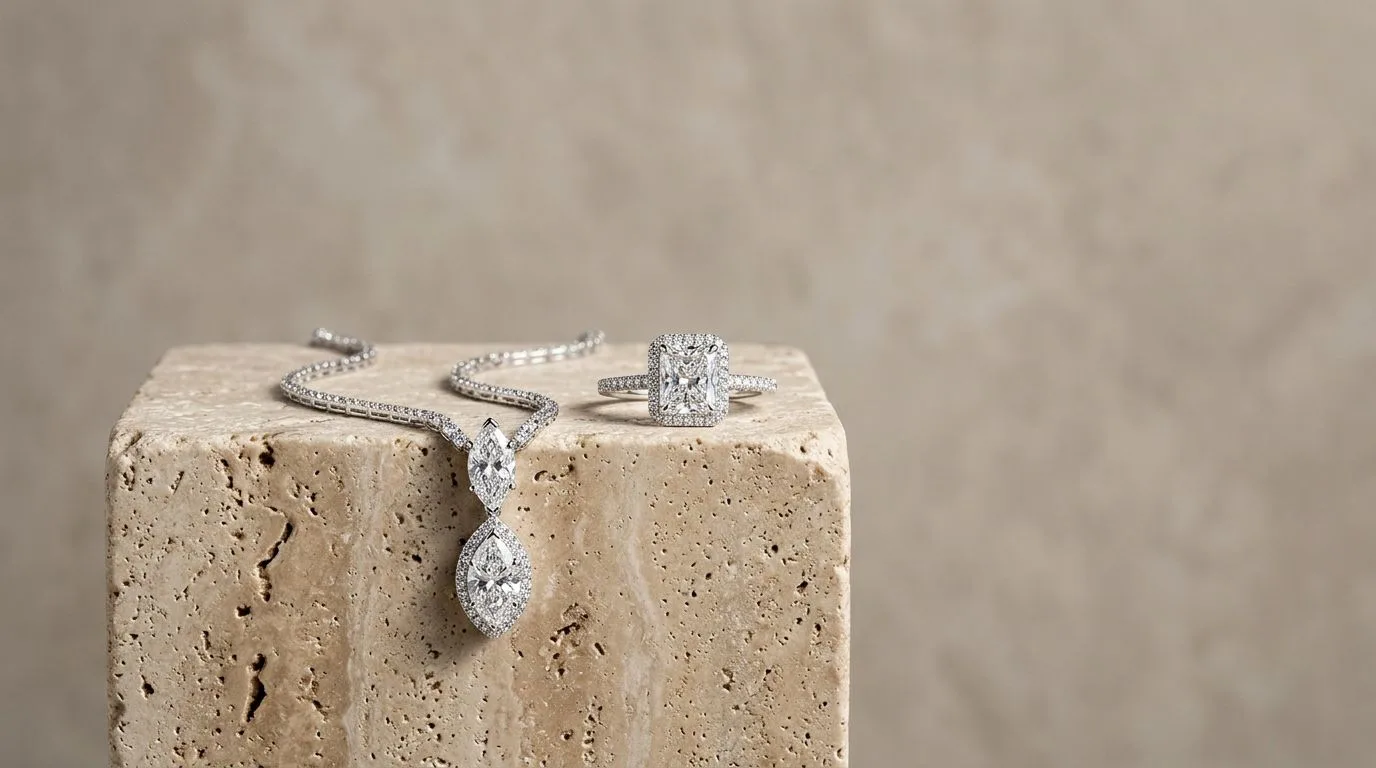
- Editorial: High-concept scenes with architectural elements, dramatic shadows, or natural textures.
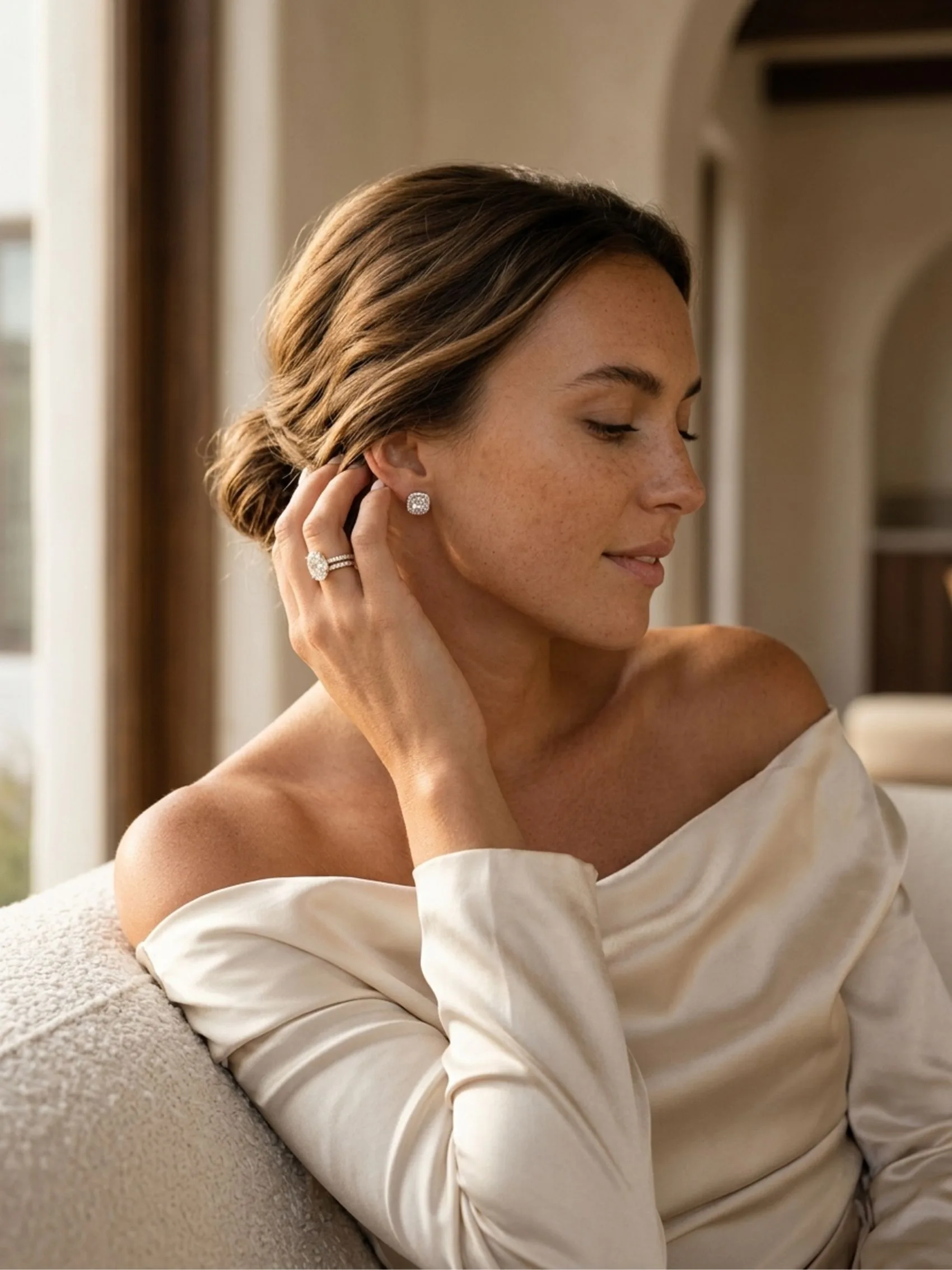
- On-Model: Generate realistic images of your earrings, necklaces, or rings on a diverse range of AI-generated models and hands. No model booking required.
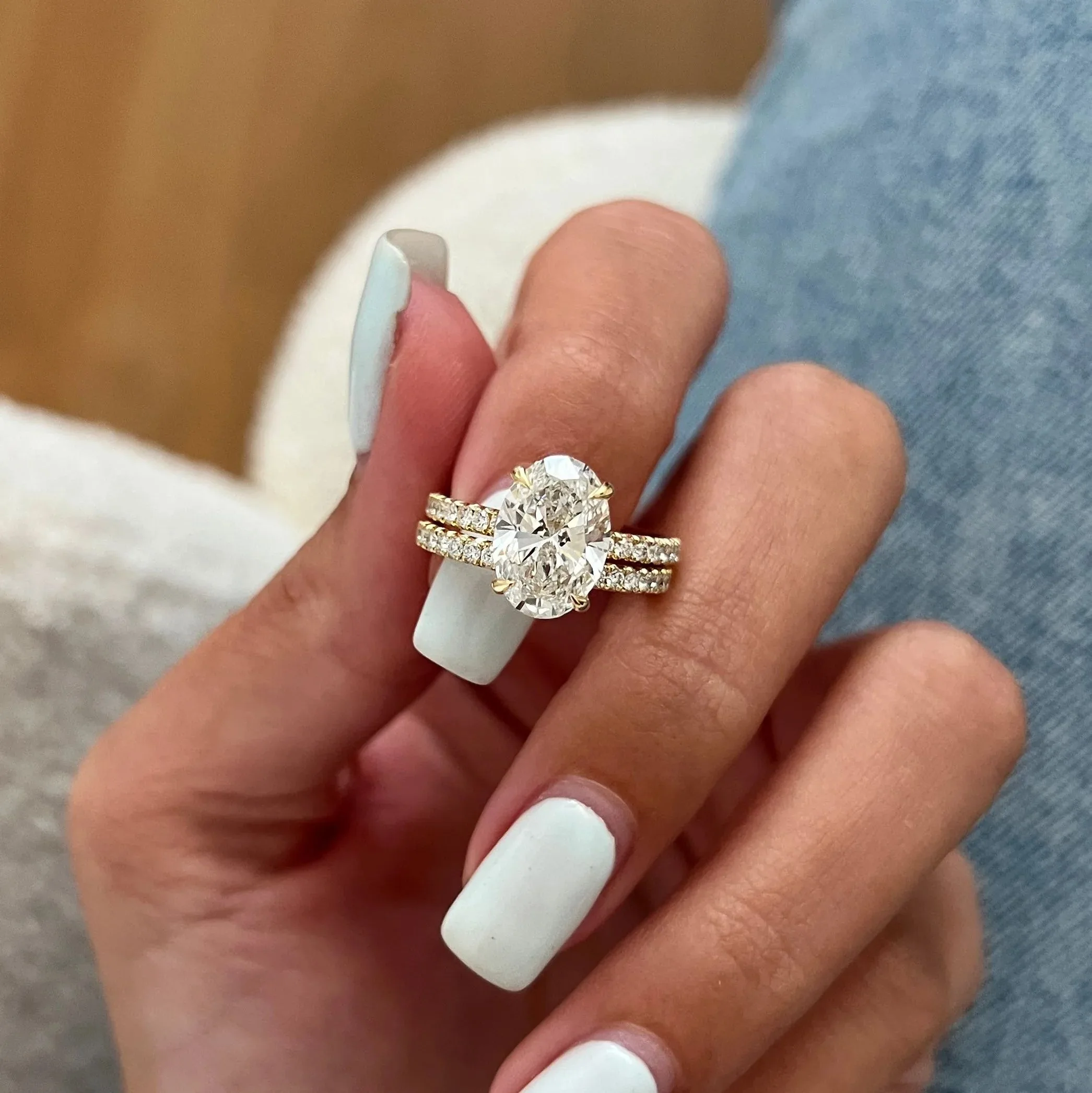
- Macro: Create detailed close-ups that highlight craftsmanship, like the prongs on a solitaire diamond ring or the texture of a brushed-gold cuff.
-
Perfect with AI Retouch: Even the best photos have minor flaws. Our one-click AI Retouch tool is trained to identify and remove the things that plague jewelry photos: dust, fingerprints on metal, unwanted reflections, or minor scratches on your shooting surface. It's like having a professional retoucher on call.
-
Export for Any Channel: Use the Canvas Editor to resize and format your final images. Take a single lifestyle shot and instantly crop it to a 1:1 square for your Instagram grid, a 4:5 portrait for a Pinterest pin, and a 9:16 vertical for Stories. Add your logo or promotional text, then export as a high-resolution JPG or transparent PNG.
Who uses Hylo for jewelry product photography
Hylo is built for jewelry businesses at every stage. We serve everyone from independent designers launching their first collection to established brands managing multi-channel sales.
Here are a few examples of who we work with:
-
The Independent Designer & Atelier: A solo founder who handcrafts every piece. They need stunning visuals for their Webflow site and Instagram but have a near-zero marketing budget. Hylo lets them produce images that rival established luxury brands, giving their unique designs the professional presentation they deserve.
-
The Shopify DTC Brand: A 5-person team with a growing catalog. They need a constant stream of new creative to refresh product pages, run Facebook ads, and populate email campaigns. Hylo becomes their in-house content engine, allowing them to create unlimited variations and A/B test lifestyle images to find what best boosts their conversion rate.
-
The Etsy & Amazon Handmade Seller: Competing in a crowded marketplace, they need to stand out. Generic lightbox photos don't cut it. With Hylo, they create unique, branded lifestyle scenes that stop the scroll and build a recognizable brand identity, leading to more clicks and sales on the platform.
-
The Wholesale Supplier: This brand sells primarily to retail buyers through linesheets and platforms like Faire. They need clean, consistent, and professional packshots for their digital catalog. Hylo ensures every product is shot from the same angle with the same lighting, creating a polished and cohesive linesheet that makes it easy for buyers to place orders.
-
The Brick-and-Mortar Retailer: An established local jeweler looking to launch an e-commerce store. They have a massive inventory but no experience with digital photography. Hylo allows them to digitize their entire catalog quickly and affordably, without having to invest in an expensive in-house studio or hire a full-time photographer.
What you get with every Hylo plan
We believe in transparent pricing that scales with your business. No hidden fees, no complex tiers. You get access to the full power of our AI on every plan, including Free.
-
Free Plan (30 credits to start): This is your no-risk trial. It's designed for you to test the platform with your own products. 30 credits are enough to generate a full set of images for your first product—packshots, lifestyle scenes, and on-model shots. See the quality for yourself before you ever spend a dollar.
-
Starter Plan ($9/month for 120 credits): Perfect for new designers, Etsy sellers, or brands launching their first few SKUs. This plan gives you enough credits to photograph a small collection (around 5-10 products) for your website and social media launch. It's the most affordable way to get professional-grade photography for your new business.
-
Pro Plan ($29/month for 500 credits): Our most popular plan, built for growing DTC brands. With 500 credits, you can manage a full product catalog, constantly refresh your website's creative, run A/B tests on your ads, and keep your social media feeds full of fresh, on-brand content. It's the workhorse plan for brands that are serious about scaling online.
-
Studio Plan ($79/month for 1,500 credits): Designed for high-volume brands, wholesalers, and creative agencies. This plan provides the capacity to photograph hundreds of products per month, manage multiple brand aesthetics with different Brand Kits, and fulfill the content needs of a large, multi-channel operation. It's the equivalent of having a full-time photo studio at your command.
Get your first professional photos in under 5 minutes
Going from signup to your first downloadable, campaign-ready image is a fast, simple process. Here's how to do it:
- Sign up for a free Hylo account. No credit card required. You'll get 30 free credits instantly.
- Upload your first product photo. Drag and drop a photo from your phone or computer. A clean shot on a white background works best.
- Choose a style. Browse the Creative Library and pick a scene that matches your brand. Let's say, a "Textured Stone" background for an earthy, organic brand.
- Generate. Click the generate button. In about 30 seconds, Hylo will produce four unique variations of your product in that scene.
- Refine and Export. Pick your favorite image. Use AI Retouch to remove any tiny imperfections. Then, use the Canvas Editor to resize it for Instagram and download your high-resolution JPG. You're ready to post.
