How to Use This Hub
This page maps Hylo's eight brooch photography styles to the actual decision you face: which shot type do I need for this channel, this SKU, this deadline?
Start with the channel.
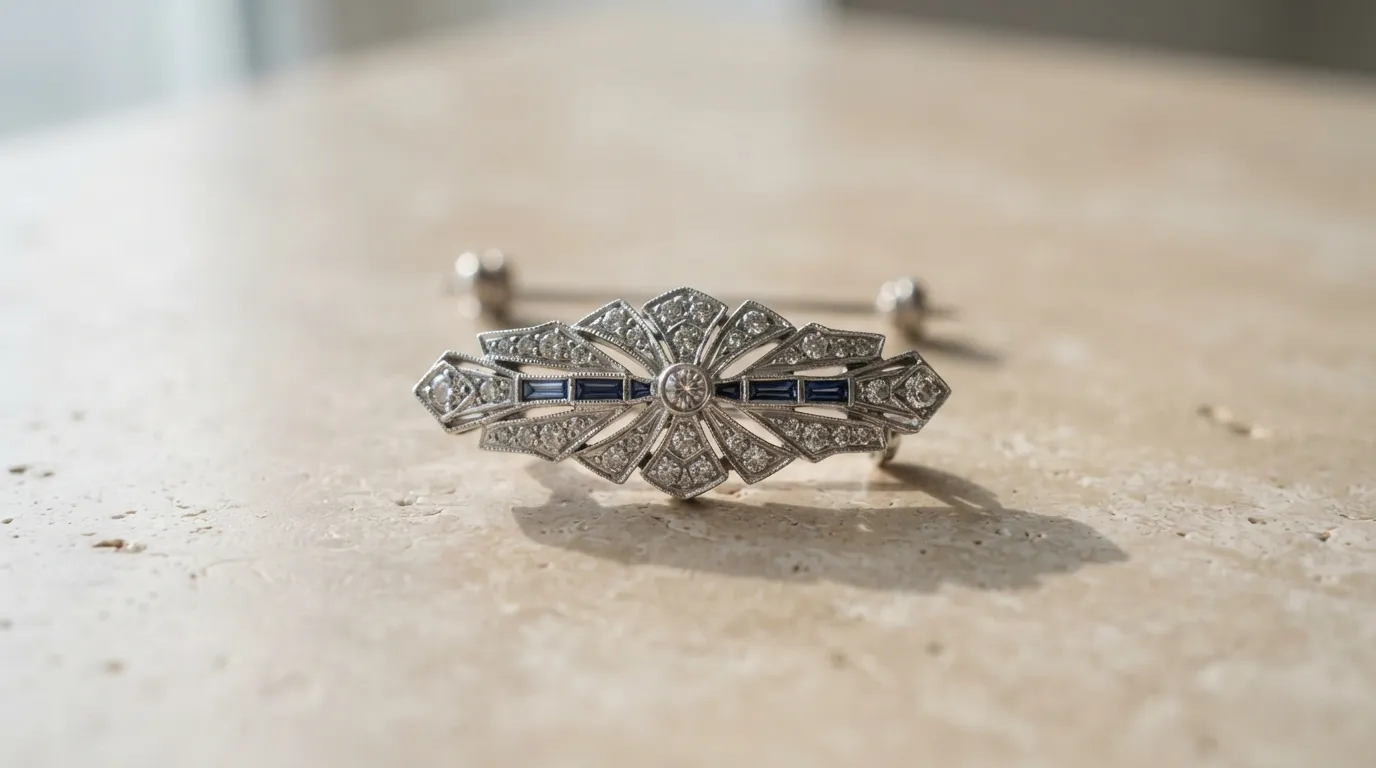
Marketplace main image (Etsy, Amazon Handmade): Both platforms crop the primary image to a square thumbnail in search results. A tight flatlay packshot or macro shot on white or off-white — with the brooch filling at least 60–70% of the frame — performs better than editorial shots that lose detail at thumbnail size. Etsy lets you use a lifestyle shot as image #2 or #3; Amazon's pure-white main-image requirement means the flatlay or macro is your only compliant option for the primary slot.
Storefront hero (Shopify, Webflow, WooCommerce): Here you have room to tell a story. Editorial and lifestyle model shots show the brooch in context — worn on a lapel, pinned to a jacket, layered over silk. These convert well on brand-forward DTC stores where the buyer is choosing between you and a boutique.
Instagram and TikTok: Vertical lifestyle shots and styled detail close-ups. Brooches are inherently photogenic objects — the clasp, the enamel fill, the hand-set stones — and social formats reward that close-up detail work. The macro style in this hub is built exactly for that.
Wholesale linesheet (Faire, trade shows): Buyers need to see construction detail. A clean three-quarter-angle packshot on neutral grey or white, with the pin mechanism visible, is what linesheet buyers expect. Ghost-mannequin and editorial shots are secondary; the packshot is the workhorse.
A brooch SKU typically needs three shot types to cover all channels: a tight packshot for marketplace compliance, an editorial or lifestyle shot for the storefront hero, and a macro detail for social. Hylo generates all three from a single uploaded photo. Pick the style presets in sequence and export each set.
Why Brooch Photography Matters for Jewelry Brands
Brooches are one of the most technically demanding jewelry categories to photograph well. Rings and pendants have a single primary axis. Brooches are often asymmetric, three-dimensional, and built from multiple materials — enamel over brass, pavé-set stones in a silver mount, vintage gold filigree with pearl drops. A camera angle that flatters one element can flatten another entirely.
That complexity costs money in a studio. A photographer who understands how to handle a large art-deco enamel brooch versus a small gold pin versus a contemporary resin piece is not shooting 20 SKUs in a day at a standard rate. Brooch sessions run longer, require more angles, and demand a technician who knows the difference between a bar pin and a C-clasp and why the depth of field setting changes accordingly. Studio bookings for a medium-size brooch collection — 30–50 SKUs, 3 shots each — typically run $2,000–$4,500, not counting retouching.
Channel demands make this worse. Etsy's search grid, Amazon's pure-white main-image rule, Instagram's vertical crop, and a wholesale linesheet's construction-detail standard are four different briefs. Brands that try to stretch one set of studio shots across all four channels end up with compromised listings everywhere.
AI brooch photos solve the multi-channel problem at a fraction of the cost. You upload one product photo — taken on your desk, your light pad, or your kitchen table — and Hylo's AI renders it in eight style presets, each tuned to different lighting, background, framing, and mood. The editorial preset knows how to show a large statement brooch in context without losing its surface detail. The macro preset knows that an enamel section needs soft, diffused light to show the fill without creating hotspots. The flatlay packshot preset knows that marketplace algorithms reward clean white-ground images.
For brands building or refreshing a brooch collection — independent designers releasing seasonal pieces, vintage dealers photographing estate pieces for resale, contemporary brands adding brooches to an existing ring-and-necklace catalog — this is the practical option. You are not replacing a specialist photographer's judgment. You are running the equivalent of eight miniature shoots from a single input image, across style presets that encode that specialist judgment into the AI.
The business impact shows up in conversion. Listings with multiple high-quality images from multiple angles and contexts outperform single-image listings on every major jewelry marketplace. The marginal cost of generating eight style variants with Hylo is one set of credits, not eight separate studio bookings.
The 8 Core Brooch Photography Styles at a Glance
Hylo's style presets divide into three rough groups based on use case. Here's how they map for brooch work specifically.
Commercial packshots are your compliance shots. The flatlay packshot renders the brooch on a white or off-white surface, lit from above or at a low angle to show surface texture, with enough depth of field to keep the full piece sharp — f/11 equivalent at the AI render layer. The three-quarter-angle packshot adds a slight rotation to show depth, which matters enormously for dimensional pieces like enamel-and-brass or stone-set clustered designs. These two presets are your marketplace-primary images.
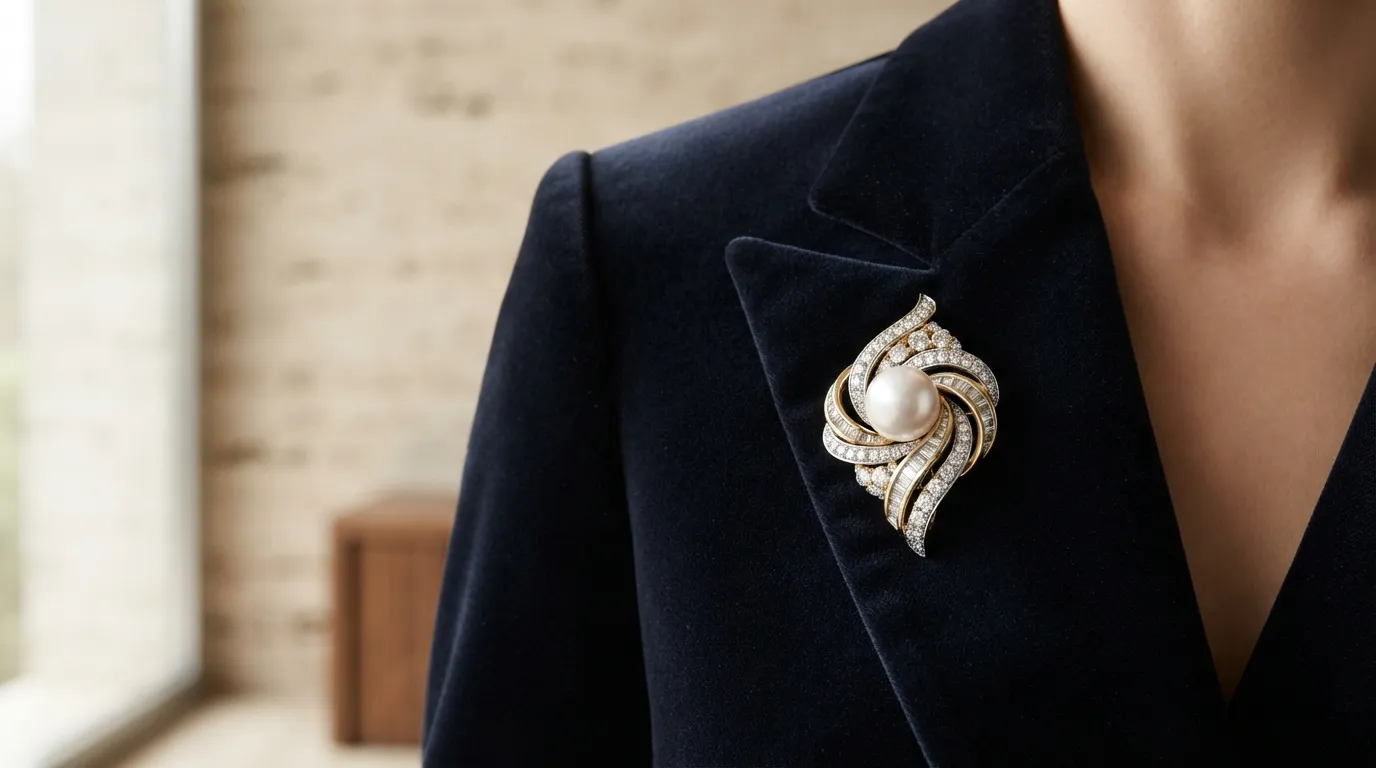
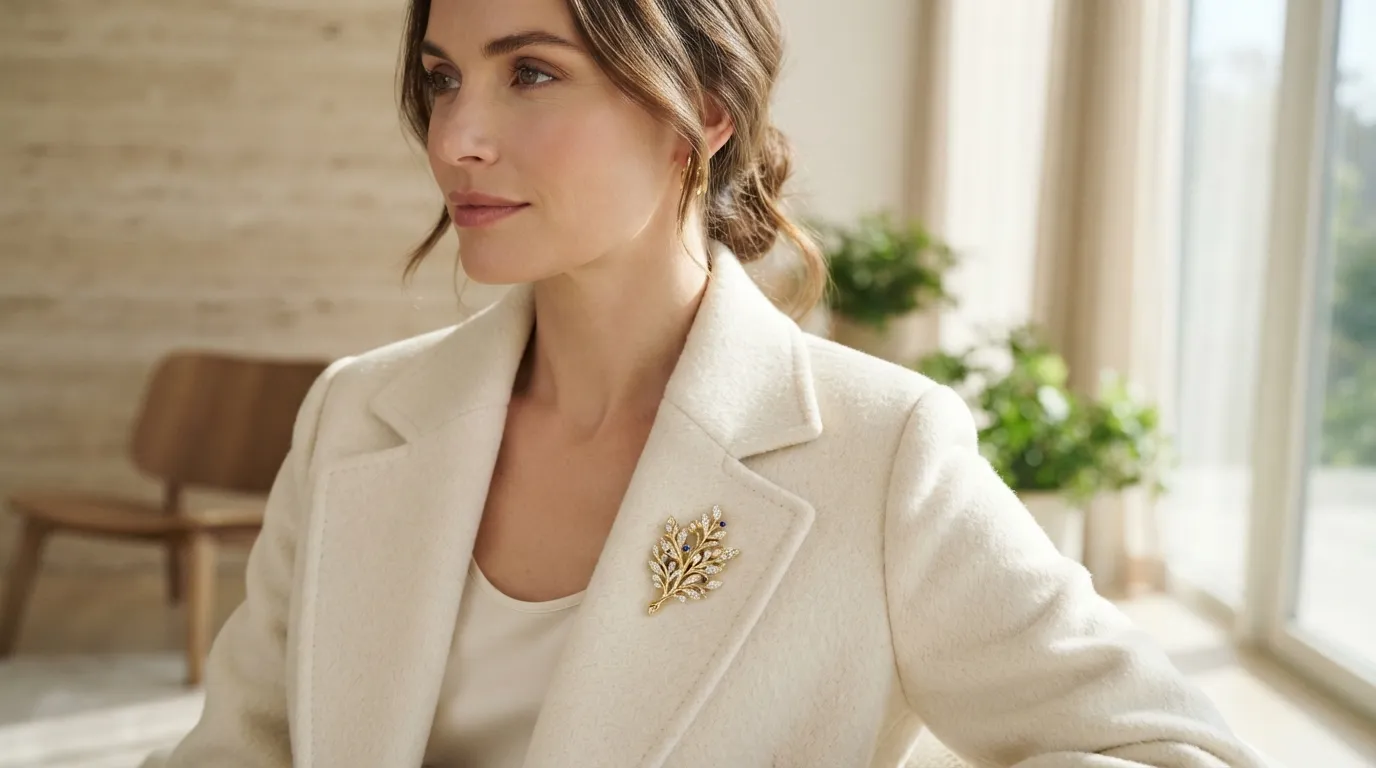
Editorial and lifestyle styles are your conversion and brand-building shots. The jewellery editorial preset places the brooch in a high-contrast, intentional composition — often with props or textile backgrounds that complement the piece's era or material palette. A 1920s art-deco enamel brooch in the editorial preset naturally pulls toward neutral linen and aged brass props; a contemporary resin piece pulls toward clean acrylic and bold colour. The lifestyle model preset shows the brooch worn, pinned to a jacket lapel or collar, on a model whose styling complements the piece. These are your storefront hero and social images.
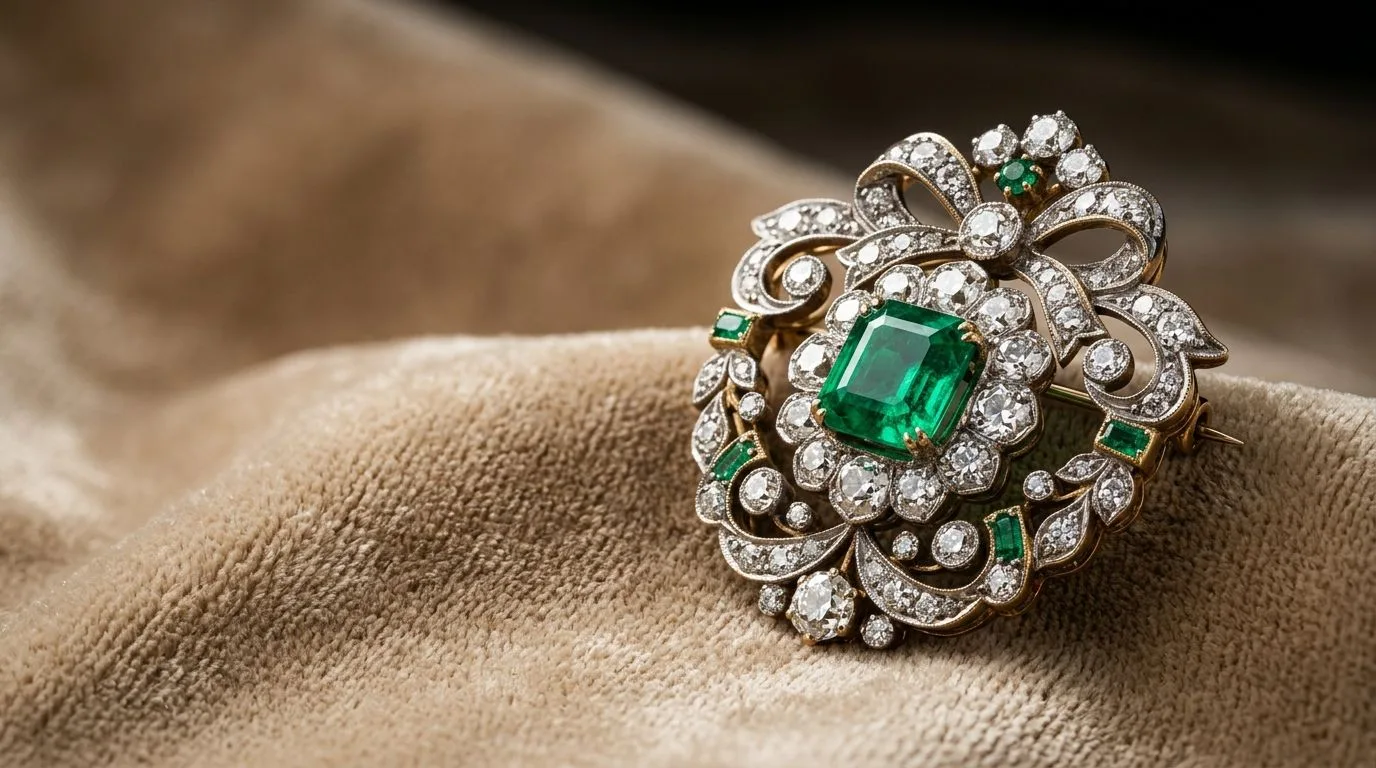
Detail and macro styles are where brooches actually stand out. The macro close-up preset renders at a level of detail that studio photography achieves only with a dedicated macro lens and controlled light. Pavé-set stones show individual facets. Enamel sections show the fill depth and the cloisonné lines. Filigree work shows the wire pattern. This preset is built for social content where the detail itself is the message — and it works particularly well for vintage and estate brooches where provenance-level detail is part of the value proposition.
The remaining presets — lifestyle flat-lay with context, dark-ground fine jewellery, and the clean-background detail shot — handle edge cases: luxury positioning, dark-background editorial, and the mid-ground between a true macro and a full packshot. Hylo's AI Photoshoot panel lets you run all eight in sequence from a single upload session. Select the presets, set your output ratio (square for marketplace, 4:5 for Instagram, 3:2 for storefront), and generate.
How to Combine Brooch Styles for a Complete Listing
A complete brooch listing on a mid-to-premium marketplace uses at least three images. Here's the stack that converts.
Primary: flatlay packshot on white. This is the image that has to work at 160×160px thumbnail and 2,000×2,000px zoom simultaneously. Generate it first. Check that the brooch fills 65–75% of the frame and that the pin hardware is visible and in focus. Etsy's search results are unforgiving at thumbnail size — a brooch that disappears into negative space loses the click.
Secondary: editorial or lifestyle model. This is the image the buyer lingers on after they click through. It answers the question buyers are actually asking: how does this look in the real world? For brooches, that means worn context. The lifestyle model preset shows the piece on-body — on a jacket, a coat, a silk blouse — which for many buyers is the deciding image. If you're selling vintage statement brooches to a collector market, the jewellery editorial preset (a composed still-life with complementary props) may convert better than an on-body shot.
Third: macro detail. One close-up that shows what makes the piece worth its price. For a pavé-set brooch, that's the stone work. For a champlevé enamel piece, it's the colour fill and the cloisonné lines. For a filigree gold brooch, it's the wire construction. This image is where a buyer convinced by the packshot and the lifestyle shot tips into purchasing.
For a wholesale linesheet, swap the editorial shot for a second packshot — a slightly different angle, showing the reverse and the pin mechanism. Linesheet buyers need to understand construction. They are not buying from emotion; they are buying from specification.
Hylo's Brand Kit lets you lock a background palette and lighting style across all three image types so they read as a coherent set even though they're generated from different presets. Set your Brand Kit before running the style queue. A brooch collection where the packshots are white-ground and the editorals are warm-linen and the macros are dark-ground looks like three different product ranges. Brand consistency at the image level is what separates brands from listings.
For a launch with 20 brooch SKUs, the efficient workflow is: run all 20 through the flatlay packshot preset in one batch, review and export the compliant shots, then run the top 8–10 priority SKUs through the editorial and macro presets. You do not need three styles for every SKU on day one. Prioritise the hero pieces.
Common Mistakes Jewelry Brands Make with Brooch Photography
Wrong primary image format for the channel. Amazon requires a pure-white background on the main image. Etsy allows lifestyle shots as primaries but penalises low-resolution thumbnails. Shopify has no hard requirement but brand stores with lifestyle primaries show higher session duration. Running the wrong style preset as your primary image for a specific channel is the single most common mistake — and it's invisible until you look at the conversion data.
The fix: generate the flatlay packshot for marketplace compliance, then use the editorial or lifestyle shot for DTC storefront. They are different briefs. Treat them that way. A useful test: open your listing on a phone and look at the thumbnail in search results at its actual rendered size — roughly 80×80px on Etsy mobile. If you can't tell what the product is, the primary image is wrong.
Photographing brooches flat when they're dimensional. A large vintage brooch with raised enamel sections, stone settings, or 3D sculptural elements loses its depth entirely in a flat overhead shot. You end up with a silhouette. Even the flatlay packshot preset in Hylo applies a subtle three-quarter angle on detected dimensional objects. If you're uploading the source image, shoot the piece from a 15–25° angle rather than dead overhead — the AI has more to work with.
Ignoring pin hardware in the source photo. Buyers, especially wholesale buyers, want to see the clasp mechanism. A brooch photographed with the pin obscured or out of frame signals that the seller is hiding something. Make sure the hardware is visible in your uploaded source image. Hylo's AI preserves what's in the source; it does not invent construction details. For hinged bar-pin clasps and C-catch mechanisms especially, shoot the brooch at a slight angle so the back hardware is partially visible — this is exactly what wholesale buyers photograph in their own linesheet QC process, and seeing it in a listing builds the same confidence.
Running every SKU through every preset before reviewing. Brooch collections often include wildly different pieces — a tiny gold lapel pin alongside a large 10cm statement piece. The same preset settings that work for one will not work for the other. Run one SKU through the full preset queue first, review each output, decide which three styles you're keeping for that piece type, then batch the rest. The AI Photoshoot gallery shows all eight side by side so the review takes two minutes, not twenty.
Skipping Brand Kit before running the session. Without Brand Kit, each preset makes independent choices about background tone, lighting colour temperature, and prop style. The packshot may land on cool white, the editorial on warm cream, the macro on grey. Set Brand Kit with your brand's colour palette and the outputs will share a consistent visual language across all eight presets, all SKUs, all channels.