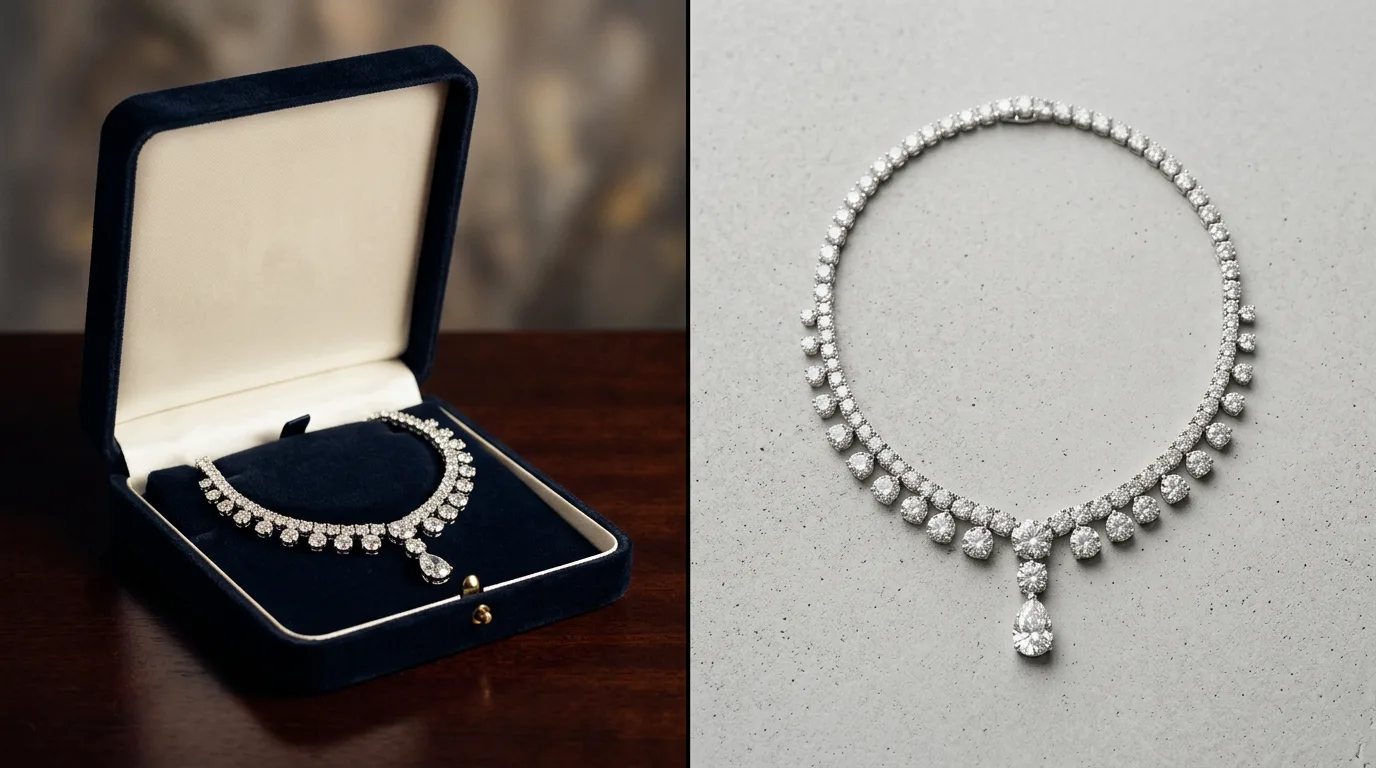

Why jewelry brands are rethinking product photography
For decades, the standard workflow for jewelry photography has been rigid and expensive. A standard commercial studio booking typically runs $2,000 to $5,000 per session. That covers the photographer's day rate, studio rental, lighting equipment, and a limited round of post-production retouching. For a massive seasonal hero campaign, that investment makes sense. But for the daily operational grind of a modern jewelry business, the math is fundamentally broken.
E-commerce moves too fast for quarterly photoshoots. Today's jewelry brands are managing multi-channel empires. A single new SKU requires a pure white packshot for Shopify, a lifestyle image for an Etsy listing, a 9:16 vertical asset for a TikTok Shop catalog, and a clean, distraction-free flatlay for a Faire wholesale linesheet. When product cycles are measured in weeks rather than seasons, you cannot wait a month for a retoucher to return your assets.
Historically, brands tried to solve this by bringing photography in-house. This usually means buying a $1,500 DSLR, a macro lens, and a bulky lightbox, only to discover that jewelry is the single hardest product category to photograph. Shooting a 1ct round-cut solitaire on white seamless requires shooting at f/11 or f/16 to keep the entire ring in focus, which requires massive amounts of light, which then creates harsh reflections on the polished metal.
General-purpose AI photo editors like Pebblely, Booth, Photoroom, and Canva have attempted to bridge this gap. They are incredible tools for standard consumer goods—if you are selling skincare, coffee, or apparel, they work beautifully. But jewelry is a completely different physics problem. Generic AI models do not understand the structural integrity of a claw setting or the specific refractive index of a moissanite stone. When you put a diamond ring into a generic AI generator, the AI often hallucinates extra prongs, warps the band, or flattens the gemstone into a dull piece of glass.
Hylo exists to solve this exact problem. It is an AI-powered jewelry photo editor trained specifically on the physics of fine and fashion jewelry. It bridges the gap between the $5,000 studio booking and the reality of running a fast-paced, multi-channel jewelry brand, giving you editorial-grade assets without the editorial price tag.
How Hylo works for jewelry photo editing
The Hylo platform is built as an end-to-end studio replacement. You don't need to bounce between Lightroom for color correction, Photoshop for background removal, and a separate AI tool for background generation. The entire workflow happens in one continuous pipeline.
It starts with the upload. You can shoot a sapphire bezel pendant on your iPhone at your kitchen table—just ensure the piece is in focus and shot in indirect, diffused daylight. When you upload that raw image, Hylo instantly strips the background with pixel-perfect precision, preserving the finest details of delicate chains and complex pavé settings.
Next, you apply your Brand Kit. Consistent art direction is what separates premium ateliers from hobbyists. The Brand Kit allows you to lock in your specific hex codes, preferred lighting styles, and recurring textures (like specific linens, marbles, or stone podiums). This ensures that an image generated in October perfectly matches an image generated in March, keeping your Shopify grid flawless.
From there, you move into the AI Photoshoot. Because Hylo is a dedicated jewelry photo editor, the generation categories are built for how jewelry is actually sold. You can select:
- Packshot: Pure white or hex-code backgrounds with natural drop shadows for Amazon and Shopify compliance.
- Editorial: High-contrast, Vogue-style dramatic shadows and premium prop styling.
- Lifestyle: Contextual environments, like a sunlit cafe table or a marble vanity, perfect for Instagram and Pinterest.
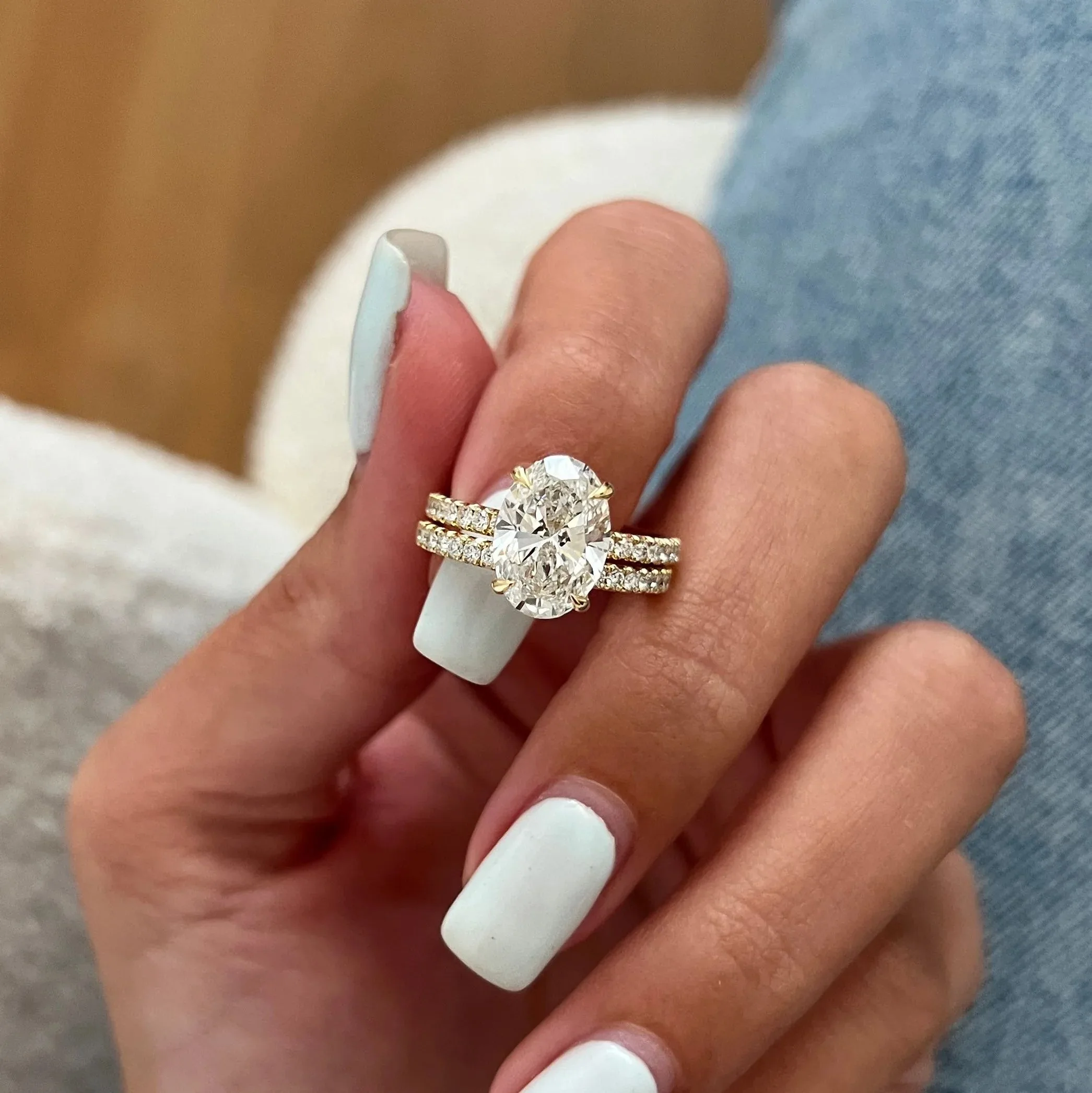
- Model-Hand: Realistic hand models to show the scale and proportion of rings and bracelets, historically the hardest thing to generate without AI warping.
- Macro: Ultra-close-up environments designed to highlight gemstone clarity and metal finishing.
Once the scene is generated, the AI Retouch feature takes over. Raw smartphone photos often capture unwanted reflections—like the black silhouette of your phone or a yellow color cast from your ceiling lights—baked right into the polished silver or gold. AI Retouch cleans the metal, restores the true color of the alloy, and sharpens the facets of the gemstones.
Finally, the Canvas Editor allows you to prep the asset for distribution. You can adjust the framing, add text overlays, and batch export the exact same image as a 1:1 square for your website and a 4:5 vertical for social media.
Who uses Hylo
Hylo is built for the thoughtful middle of the jewelry market. We don't build for hobbyists, and we aren't trying to replace the creative director of a global luxury house shooting a billboard campaign. We build for the founders, operators, and marketers running real, revenue-generating jewelry businesses who need high-volume, high-quality assets to drive conversion.
Here is how different types of jewelry businesses use Hylo as their primary photo editor:
- Independent Designers & Atelier DTC: Solo founders who handle product design, operations, and marketing.
- The Problem Solved: Turning quick bench snaps or iPhone photos of a custom commission into web-ready, high-end assets before shipping the physical piece to the client.
- Scaling Shopify & Webflow DTC Brands: Teams of 2 to 20 people managing large catalogs and frequent seasonal drops.
- The Problem Solved: Standardizing packshots across 500+ SKUs. When you have multiple team members uploading products, Hylo's Brand Kit ensures every single image on the collection page shares the exact same lighting direction and shadow density.
- Etsy & Amazon Handmade Sellers: High-volume marketplace sellers competing in crowded search grids.
- The Problem Solved: Click-through rate optimization. On Amazon, you need a pure white background to comply with terms of service. On Etsy, lifestyle images in the primary slot drastically outperform plain white backgrounds. Hylo lets sellers generate both from a single base photo in seconds.
- Wholesale Suppliers & Faire Merchants: Brands focused on B2B sales and retail distribution.
- The Problem Solved: Generating clean, distraction-free flatlays and ghost mannequin shots for linesheets. Retail buyers want to see the product clearly without heavy styling; Hylo strips away the noise and delivers crisp catalog imagery.
- Brick-and-Mortar Retail Stores: Traditional jewelers adding e-commerce or refreshing a legacy catalog.
- The Problem Solved: Digitizing inventory. Many retail stores have thousands of pieces sitting in glass cases with outdated, poorly lit website photos. Hylo allows staff to photograph inventory on the showroom floor and instantly upgrade it to modern e-commerce standards.
What you get at every plan
We price Hylo based on the realities of jewelry margins. A single retouched image from an offshore agency often costs $5 to $15. A local studio shoot costs thousands. Hylo is designed to deliver immediate return on investment from the first time you use it. We offer transparent tiers based on your brand's volume and workflow needs.
Free (30 Credits) We don't expect you to trust an AI with your flagship products without seeing it work first. The Free tier gives you 30 credits to test the engine. We highly recommend uploading your hardest piece to photograph—a complex halo ring or a highly reflective 18k gold bangle. Strip the background, run it through the AI Photoshoot, and see the difference a jewelry-specific model makes.
Starter ($9/month) Built for the solo designer or part-time seller launching their first collection. If you are doing one or two small drops a month and need a handful of professional packshots and lifestyle assets for Instagram, the Starter plan gives you enough runway to elevate your brand without straining your cash flow. It is the perfect replacement for buying a cheap lightbox on Amazon.
Pro ($29/month) This is the sweet spot for the vast majority of growing DTC brands. At $29 a month, you unlock the volume needed to support a multi-channel strategy. This plan is for the brand owner who needs to generate 50+ assets a month—populating Shopify product pages, running A/B tests on Facebook Ads with different lifestyle backgrounds, and keeping the Pinterest feed fresh. At this tier, Hylo fully replaces your need for a freelance retoucher.
Studio ($79/month) Designed for high-volume ateliers, marketing agencies managing multiple jewelry clients, and retail stores digitizing massive catalogs. The Studio plan provides the heavy-duty credit volume required to process hundreds of SKUs. If you are shooting a 200-piece wholesale linesheet for Faire or migrating a legacy retail catalog to a new Shopify build, the Studio tier provides the scale and speed to get it done in days rather than months.
Getting started in under 10 minutes
You do not need to be a prompt engineer or a professional photographer to get studio-grade results. You can go from a raw piece of jewelry to a fully edited, web-ready asset in under ten minutes by following a few basic steps.
- Prep the physical piece: Wipe your jewelry with a microfiber cloth. Dust and fingerprints are the enemy of good photography, and removing them in real life is always faster than relying on AI to guess what is a diamond facet and what is a smudge.
- Shoot in diffused light: Place your jewelry on a plain, neutral surface (like a sheet of white printer paper). Turn off overhead yellow room lights and shoot near a window with indirect sunlight. Tap your phone screen to lock focus on the center stone or main detail.
- Upload and strip: Bring the photo into Hylo. The background removal tool will instantly isolate the jewelry, leaving you with a clean PNG.
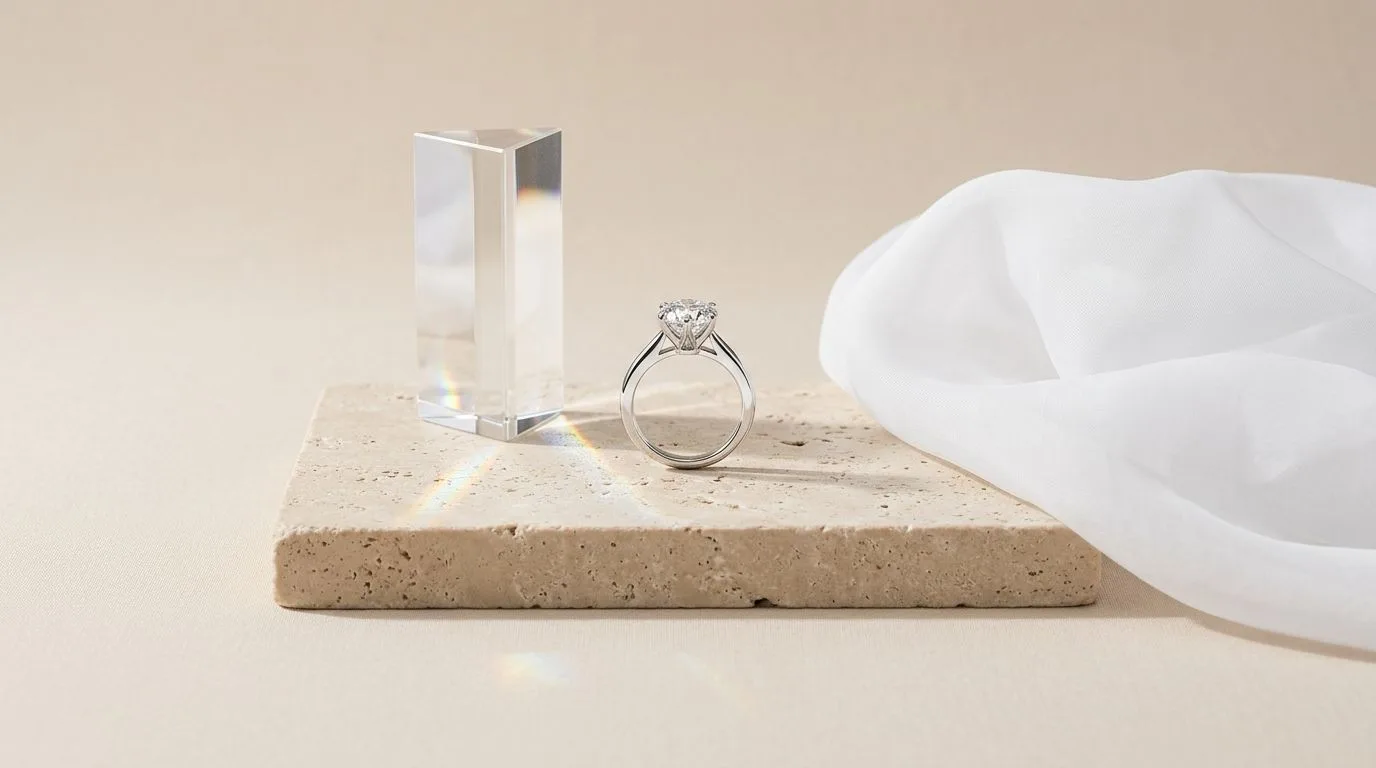
- Select your environment: Open the AI Photoshoot tab. Choose a pre-built scene from the Creative Library—such as a minimalist stone podium or a soft silk drape—or use your Brand Kit to apply your custom aesthetic.
- Generate, Retouch, and Export: Hit generate. Review the variations, select your favorite, and use AI Retouch to polish the metals. Finally, use the Canvas Editor to crop the image for your specific sales channel and export in high resolution.
