Quick Verdict: Who Wins for Jewelry?
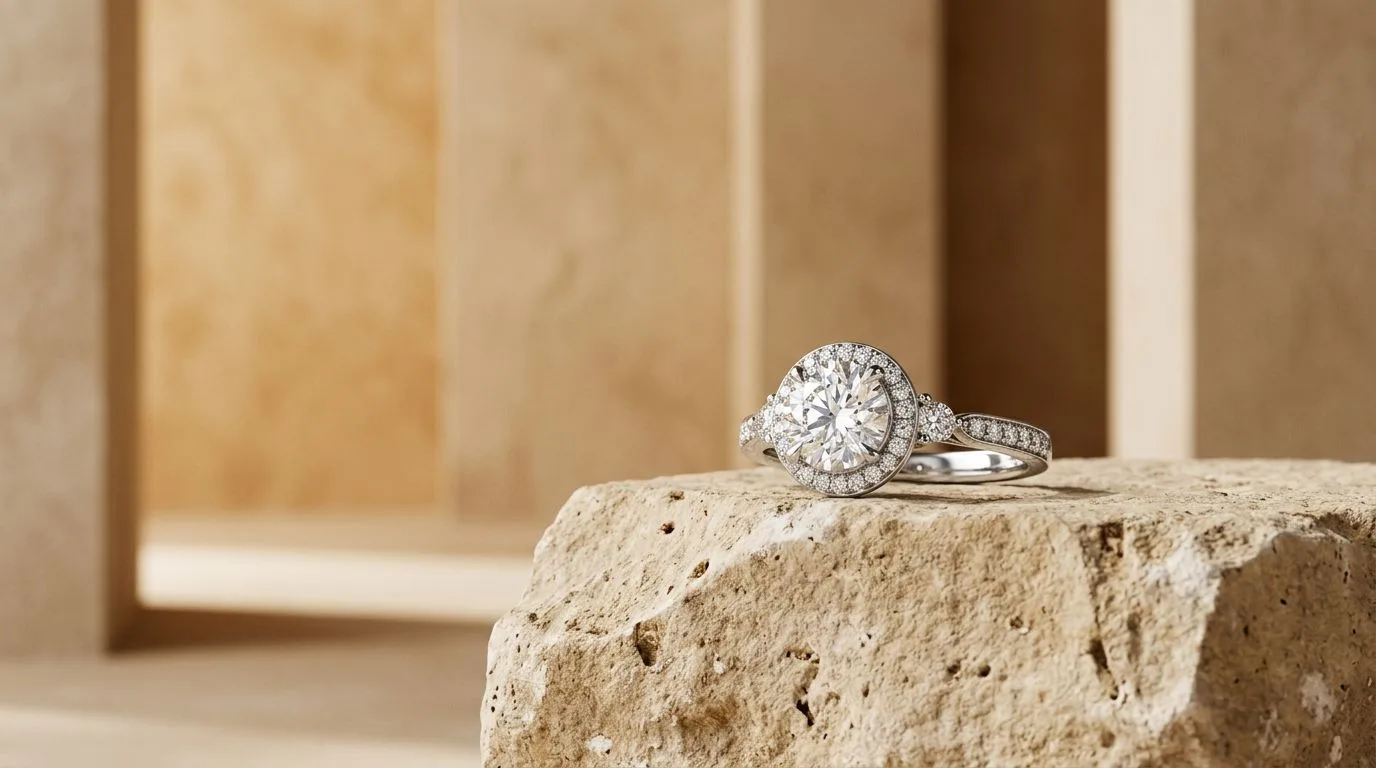
Pebblely is a fast, accessible AI image generator for general-purpose products. But for jewelry—with its fine details, reflective surfaces, and need for absolute brand consistency—a specialized tool is required. Hylo is built specifically for jewelry, making it the best Pebblely alternative for serious jewelry brands. Its AI model understands the physics of light on metals and facets, preserving crucial details like prong settings and pavé stones that general models often blur.
Here’s the recommendation by brand type:
- For Solo Designers & Etsy Sellers: Start with Hylo's free tier. You get jewelry-specific quality from day one, ensuring your first listings look as professional as established brands.
- For Small DTC Brands: Hylo is the clear choice. The
Brand Kitfeature ensures every photo, from your new collection launch to your evergreen bestsellers, shares a consistent visual identity. - For Wholesale Suppliers: Your linesheets demand clean, uniform packshots. Hylo's
AI Retouchand consistent backgrounds provide catalog-ready images without the cost of a photography studio. - For Enterprise Brands: The precision, quality, and scalability of Hylo's jewelry-tuned model make it the only viable option for replacing traditional studio photography for hundreds of SKUs.
Pebblely Alternatives: At-a-Glance Comparison
When choosing an AI photography tool, the devil is in the details. A model trained on furniture and cosmetics won't understand how to render a diamond's fire or the soft luster of 18k gold. This table breaks down the key differences for a working jewelry brand.
| Feature | Hylo | Pebblely | Photoroom | Flair.ai | Booth AI | Canva Magic Studio | Adobe Firefly |
|---|---|---|---|---|---|---|---|
| Jewelry-Tuned AI | ✅ Yes, core focus | ❌ No, general purpose | ❌ No, general purpose | ❌ No, general purpose | ❌ No, general purpose | ❌ No, general purpose | ❌ No, general purpose |
| Pricing (Starts) | $49/mo (Pro) | $19/mo | $12.99/mo | $29/mo | $99/mo | Included in Canva Pro ($14.99/mo) | Included in Creative Cloud ($22.99/mo) |
| Brand Consistency | ✅ Excellent (Brand Kit) | mediocre | poor | fair | fair | poor | poor |
| Bulk Processing | ✅ Yes | ✅ Yes | ✅ Yes | ✅ Yes | ✅ Yes | ❌ No | ❌ No |
| Marketplace Presets | ✅ Yes (Etsy, Amazon) | ✅ Yes | ✅ Yes (extensive) | ❌ No | ❌ No | ✅ Yes | ❌ No |
| Max Export Quality | 4K (4096x4096px) | 2K (2048x2048px) | 4K (4096x4096px) | 2K (2048x2048px) | 4K (4096x4096px) | 1K (1024x1024px) | 2K (2048x2048px) |
| Commercial License | ✅ Yes | ✅ Yes | ✅ Yes | ✅ Yes | ✅ Yes | ✅ Yes | ✅ Yes (with limitations) |
| Free Tier | ✅ Yes, 10 free images | ✅ Yes, 40 free images | ✅ Yes (with watermark) | ✅ Yes, 30 free images | ❌ No | ✅ Yes (with limitations) | ✅ Yes (with limitations) |
Where Pebblely Wins
To be clear, Pebblely is a great tool for its intended purpose. If your business isn't focused on jewelry, it has several advantages.
-
Speed and Simplicity: Pebblely's interface is incredibly straightforward. You upload an image, type a simple prompt, and get results in seconds. For a social media manager who needs a quick lifestyle shot of a non-reflective product like a candle or a bottle of soap, this workflow is hard to beat. There's almost no learning curve.
-
Generous Free Tier: With 40 free images per month, Pebblely offers one of the most generous free plans on the market. This makes it an excellent choice for students, hobbyists, or businesses testing the waters of AI photography without any financial commitment. You can generate over a dozen options for a few products before ever needing to pay.
-
Broad Theme Variety: Because Pebblely is a general-purpose tool, its themed presets cover a vast range of styles—from seasonal holidays to abstract concepts. If you sell a wide variety of products (e.g., a gift shop with apparel, home goods, and a small jewelry counter), Pebblely's versatility is a significant asset for creating diverse marketing content quickly.
Where Hylo Wins for Jewelry
Hylo is designed to solve the specific, costly problems that jewelry brands face in product photography. This specialization creates four key advantages over a general tool like Pebblely.
-
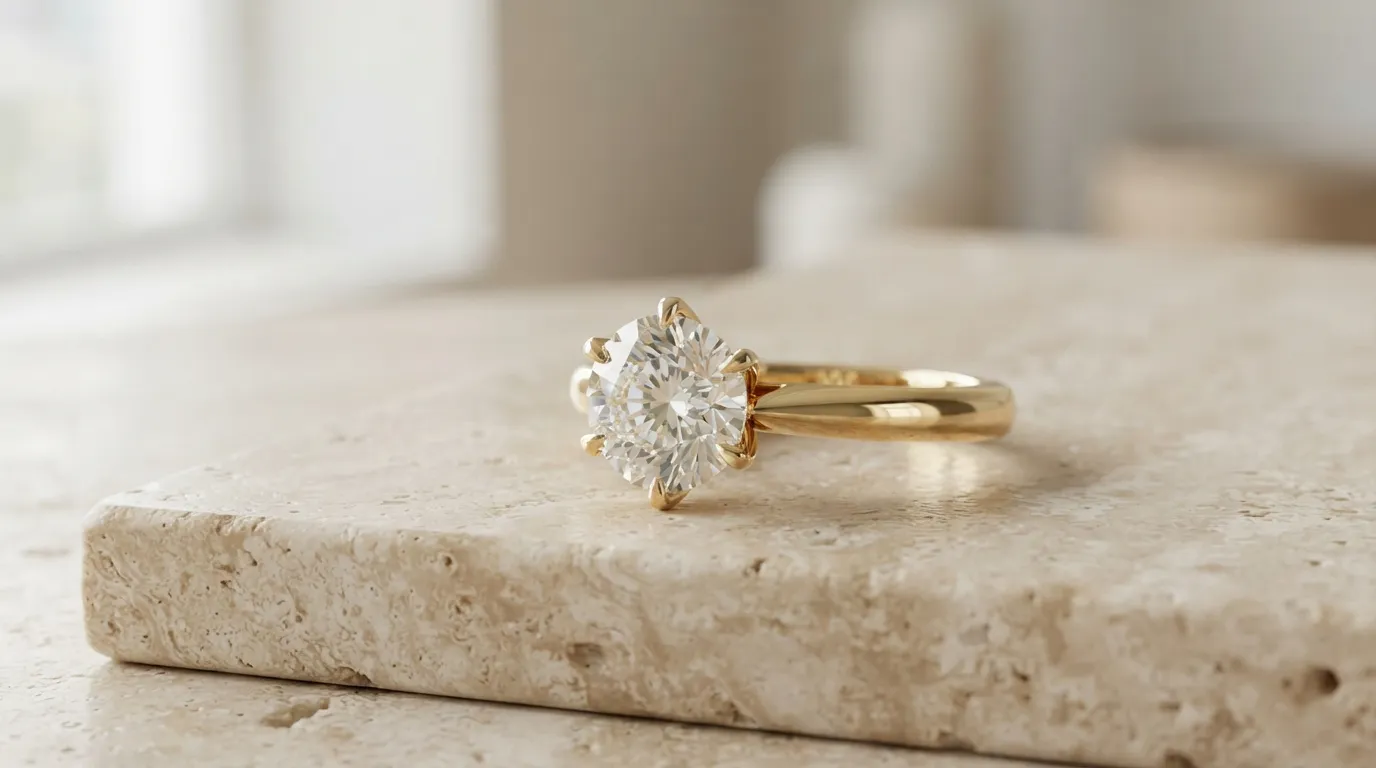
Superior Detail on Metals and Gems: This is the most critical difference. Hylo's AI model was trained on hundreds of thousands of high-end jewelry images. It understands how light interacts with a bezel setting versus a claw setting. It renders the delicate links of a cable chain without blurring them into a solid line. Where Pebblely might warp a prong or create an unnatural, plastic-like sheen on gold, Hylo maintains the integrity and realism of the piece. For example, a 0.5ct pavé eternity band will retain the distinct sparkle of each individual stone in Hylo; in Pebblely, it often becomes a blurry, glittery texture.
-
Flawless Reflections and Shadows: Jewelry is all about reflections. A general AI model sees a reflection as a flaw to be smoothed over. Hylo sees it as a feature to be rendered realistically. It creates soft, believable highlights on a curved gold cuff and accurate, sharp reflections in the facets of a well-cut diamond. The shadows it generates are also more natural, grounding the product in the scene rather than making it look like a sticker on a background.
-
Unyielding Brand Consistency with
Brand Kit: Pebblely and other alternatives generate beautiful but often inconsistent images. One prompt might give you a warm, soft-focus look, and the next a cool, sharp one. This is a brand killer. Hylo'sBrand Kitsolves this. You define your brand's lighting, camera angles, shadow density, and background materials once. Then, every single photo you generate—for 10 SKUs or 1,000—adheres to that same visual identity. This is how you build a professional, trustworthy brand aesthetic without a 5-figure photoshoot. -
Integrated
AI Retouchfor Perfection: Raw product photos, even from a phone, have dust, fingerprints, and tiny scratches. Traditionally, you'd spend hours in Photoshop cleaning these up. Hylo integrates this step. ItsAI Retouchfeature is specifically trained to identify and remove these imperfections from metal and stone surfaces with a single click, saving hours of post-production work per batch.
Which Brands Should Pick Which Tool?
Choosing the right tool depends entirely on your business model, product category, and quality standards. Let's break it down into common scenarios.
Choose Pebblely if...
- You sell a wide variety of non-jewelry products and just need quick, decent-looking images for social media.
- You are a hobbyist or just starting out and need to test a few product ideas with zero budget.
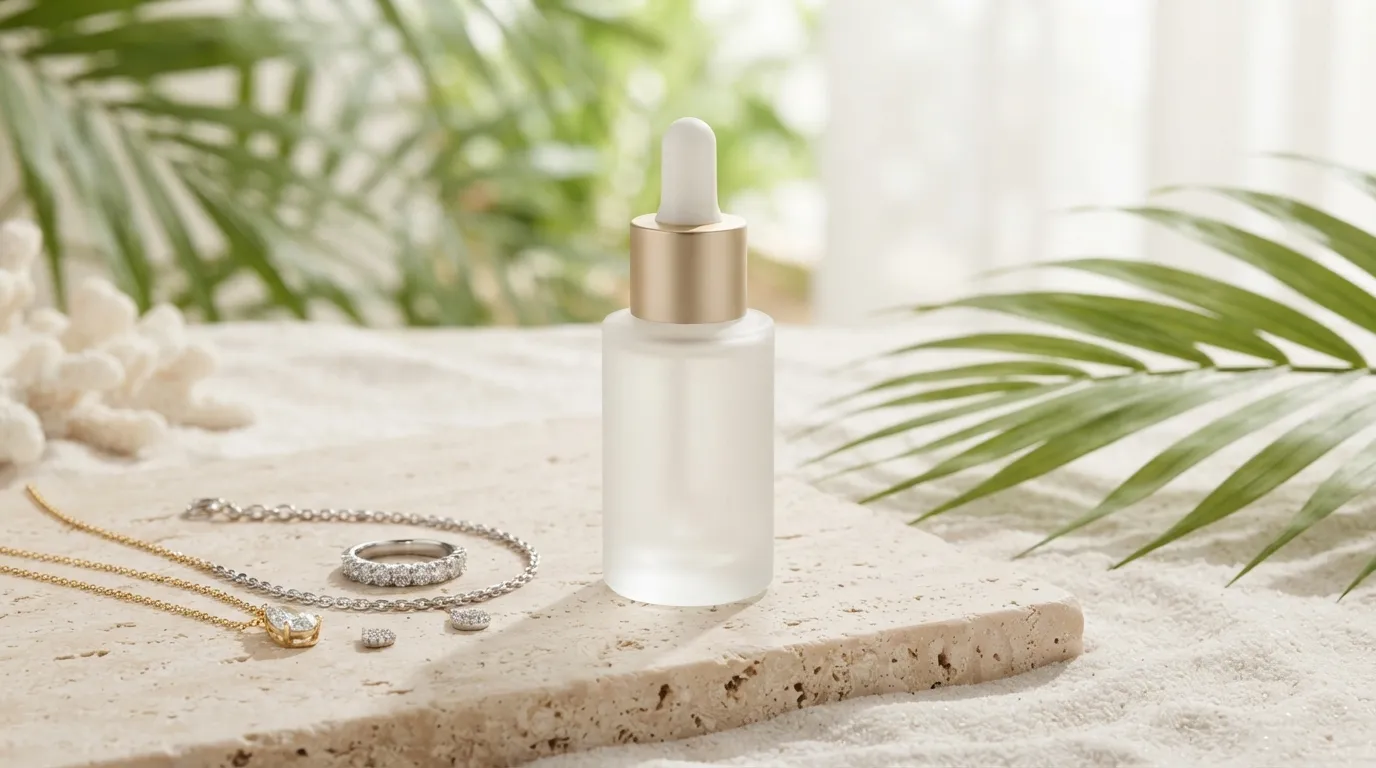
- Your primary need is creating conceptual or marketing art, not clean e-commerce listings. For example, placing a picture of your necklace on a beach scene, rather than shooting the necklace for a product page.
Choose Photoroom or Canva if...
- Your workflow is 100% mobile-based. Photoroom's mobile app is best-in-class for quick background removal and template-based edits on the go.
- You are already heavily invested in the Canva ecosystem for all your other brand assets. Using Canva Magic Studio keeps everything in one place, even if the quality isn't specialized for jewelry.
Choose Hylo if...
- Jewelry is your primary or only product category. The specialized AI model will save you from endless re-rolls and frustratingly warped details.
- You are a DTC brand on Shopify, Webflow, or WooCommerce and need a consistent, professional look across your entire store.
- You are an Etsy seller looking to graduate from a messy, inconsistent grid to a polished, top-seller aesthetic that builds buyer trust.
- You create wholesale linesheets and need hundreds of perfectly uniform, high-resolution packshots on a clean background.
- You value quality and brand integrity over pure speed and are willing to invest in a tool that replaces a $2,000/day photographer, not just a free app.
How to Switch or Try Hylo Without Risk
Moving to a new creative tool can feel daunting, but you can validate Hylo's performance for your specific products in under 30 minutes, for free.
Here’s a simple A/B test to run:
-
Sign up for Hylo's free trial. You get 10 free image credits, with no credit card required. This is enough to test 3-4 of your key products.
-
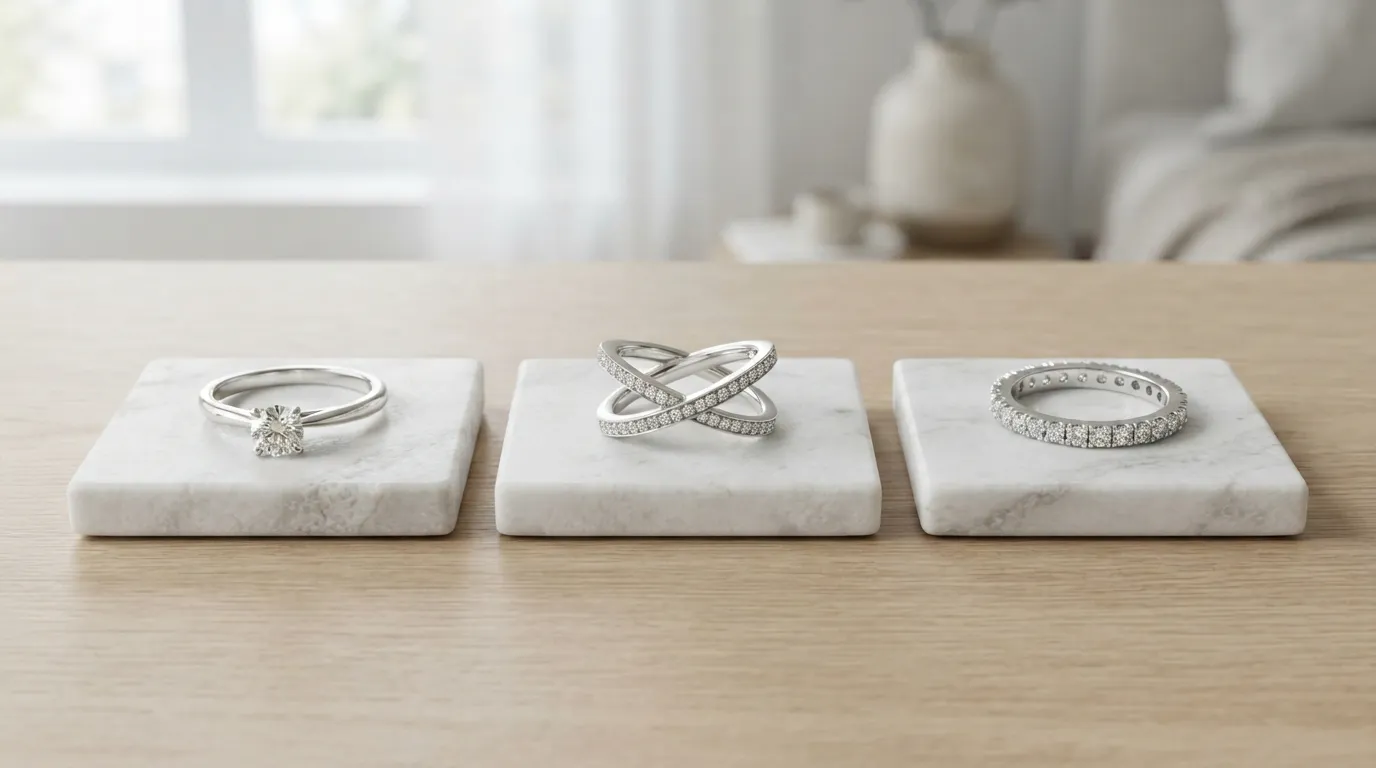
Choose 3 representative SKUs. Pick one simple piece (like stud earrings), one complex piece (a necklace with a thin chain), and one with a large reflective surface (a wide silver cuff).
-
Take a basic photo. You don't need a professional setup. Place the piece on a plain white sheet of paper near a window and take a clear, well-lit photo with your smartphone. Upload this same source photo to both Pebblely and Hylo.
-
Generate your images. In Pebblely, use your standard prompt (e.g., "on a marble slab next to a silk ribbon"). In Hylo, select a scene from the
Creative Libraryor use yourBrand Kitto apply your brand's signature style instantly. -
Compare the results side-by-side. Don't just look at the overall vibe. Zoom in.
- Is the chain on the necklace fully rendered?
- Are the prongs holding the diamond sharp and distinct?
- Does the reflection in the silver cuff look natural or distorted?
- Are the images consistent with each other?
The difference in detail, especially on your most complex pieces, will be immediately apparent. This simple test removes all guesswork and shows you the tangible quality improvement a jewelry-specific tool provides.
