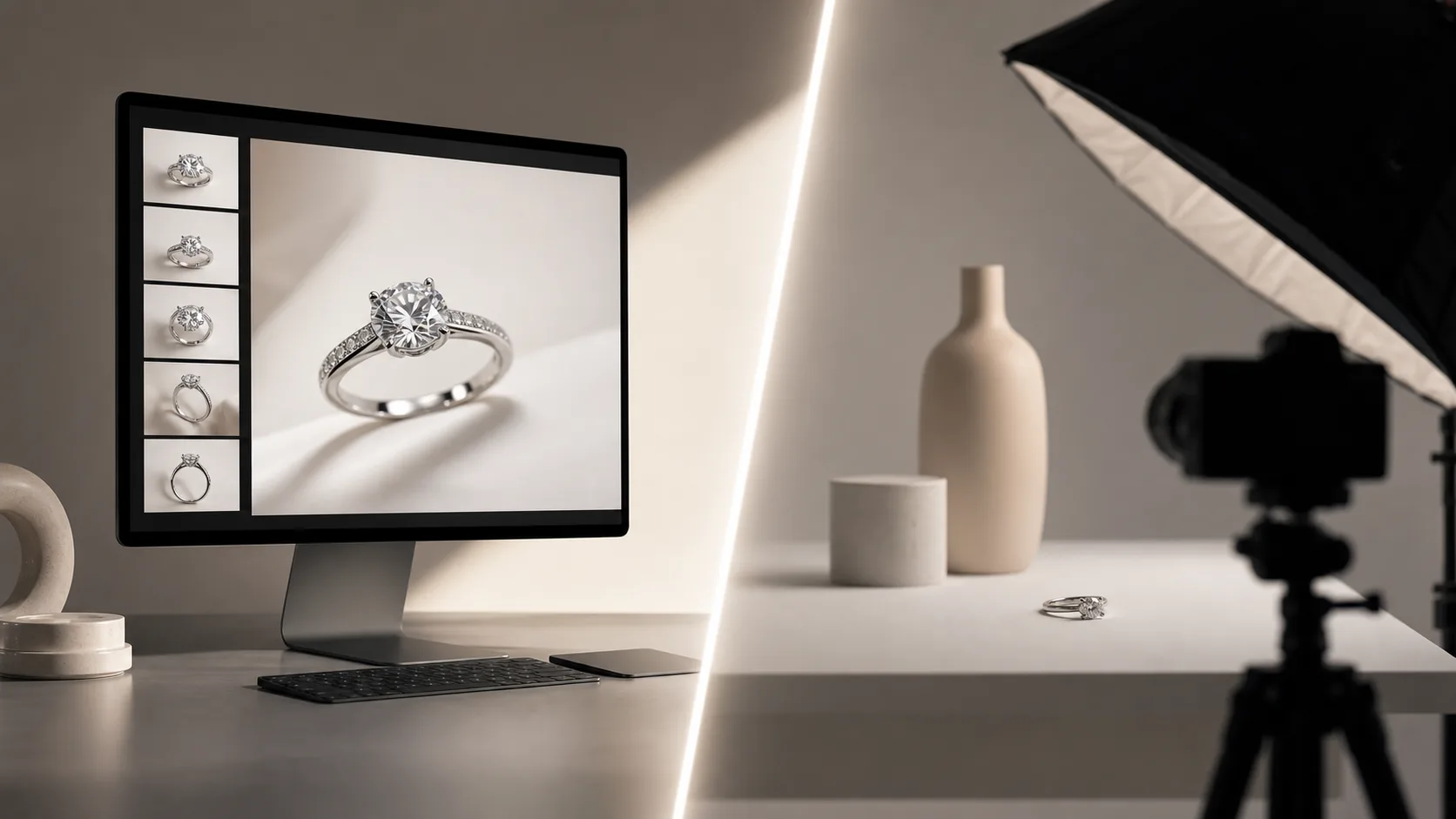
Quick verdict
Choosing between Hylo and Booth.ai comes down to what you sell. Booth.ai is a generalist platform built for broad e-commerce—it is exceptionally good at putting clothing on AI-generated models and placing large consumer packaged goods (CPG) into creative lifestyle scenes. Hylo is a specialist platform built exclusively for jewelry.
General AI image generators struggle with the micro-geometry of jewelry. They tend to melt thin chains, hallucinate extra prongs, and turn highly polished 14k gold into something resembling yellow plastic. Hylo's AI models are fine-tuned specifically to solve these macro-photography problems, preserving the exact structural integrity of your pieces while generating studio-grade environments.
Recommendations by brand profile:
- Solo jewelry designer: Choose Hylo. You need macro precision for your rings and necklaces without learning complex prompt engineering.
- Small DTC jewelry brand: Choose Hylo. The Brand Kit will lock in your visual identity across your Shopify store and Instagram, ensuring every flatlay matches.
- Etsy & Amazon seller: Choose Hylo. The one-click white seamless and subtle shadow generation will get your listings marketplace-compliant instantly.
- Multi-category apparel brand: Choose Booth.ai. If 90% of your catalog is clothing and you need AI models to wear your garments, Booth is the superior tool.
- Enterprise department store: Use both. Route your apparel and furniture SKUs through Booth's API, and route your fine jewelry through Hylo to prevent chain distortion.
At-a-glance comparison
When evaluating AI photography tools, it's critical to look past the marketing examples and focus on how the underlying models handle your specific product category. Jewelry requires a fundamentally different AI approach than a pair of sneakers or a bottle of shampoo. Here is how the two platforms stack up on the features that matter to jewelry merchants.
| Feature | Hylo | Booth.ai |
|---|---|---|
| Primary Focus | Macro jewelry photography | Apparel, CPG, and lifestyle |
| Model Fine-tuning | Trained exclusively on jewelry | General e-commerce data |
| Thin Chain Preservation | Excellent (keeps 1mm chains intact) | Poor (frequent melting/distorting) |
| Gemstone Facet Rendering | High accuracy | Variable (often blurred or smoothed) |
| Apparel AI Models | No | Excellent (generates human models) |
| Prompt Engineering | Not required (uses visual Brand Kits) | Required (relies heavily on text prompts) |
| Marketplace Presets | Yes (Amazon, Etsy, Faire) | Manual setup required |
| Free Tier | Yes | Yes |
The 20-SKU Stress Test: Methodology
To provide an objective baseline for this comparison, we ran side-by-side tests using 20 identical raw smartphone photos of jewelry. We stripped the backgrounds and ran the exact same SKUs through both Hylo and Booth.ai.
The test batch included:
- 5 rings: Including a 1ct round-cut solitaire, a complex vintage pavé band, and a high-polish signet ring.
- 5 necklaces: Featuring delicate 1mm cable chains, snake chains, and heavy Cuban links.
- 5 earrings: Ranging from simple gold hoops to multi-stone chandelier drops.
- 5 bracelets: Including diamond tennis bracelets and reflective silver bangles.
We scored the outputs on three criteria: structural preservation (did the AI alter the physical product?), reflection accuracy (does the metal look like real metal?), and environment realism (do the shadows and lighting match the background?). The results of this test inform the detailed breakdowns below.
Where Booth.ai wins
Booth.ai is a highly capable platform, and for certain e-commerce applications, it is the undisputed leader. If your brand falls into the following categories, Booth.ai is likely the better investment.
1. Apparel and AI Human Models
Booth.ai's standout feature is its ability to map clothing onto AI-generated human models. If you sell t-shirts, dresses, or outerwear, Booth allows you to upload a flat lay of the garment and generate a realistic image of a model wearing it in a specific setting (e.g., "a woman walking down a street in Paris"). Hylo does not generate human models. If your primary need is fashion editorial photography on humans, Booth.ai is the clear winner.
2. Broad CPG Flexibility
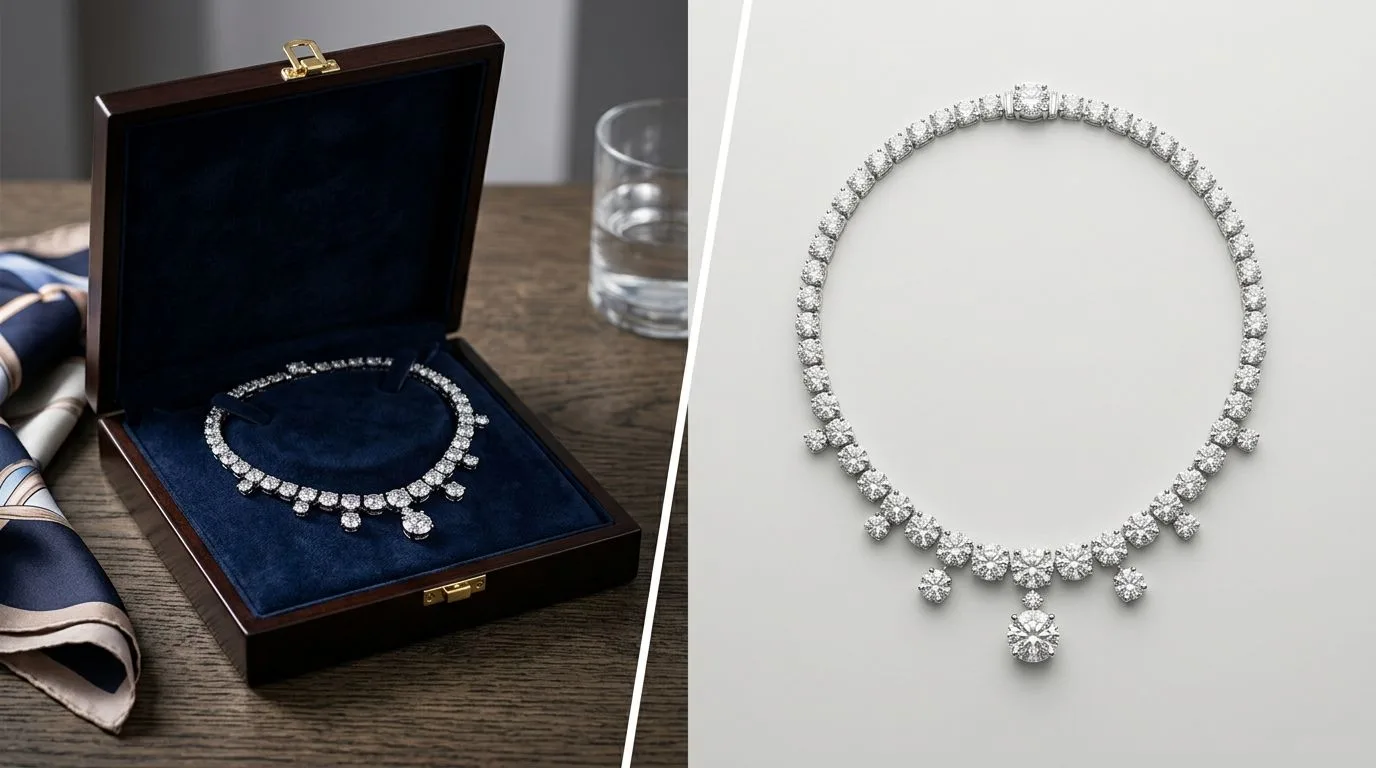
If you sell a wide variety of products—coffee bags, skincare bottles, sneakers, and home goods—Booth offers incredible flexibility. Because it is built on generalized AI models, it understands how to place a bottle of lotion on a bathroom sink just as well as it understands placing a camping tent in a forest. It is a Swiss Army knife for general e-commerce managers who need to churn out content for dozens of different product categories.
3. Granular Text Prompting
Booth relies heavily on text prompts to generate scenes. For users who are skilled at prompt engineering and want absolute, granular control over every element in the background, Booth provides a highly customizable canvas. You can dictate the exact type of wood on a table, the time of day, and the specific props in the background. While this requires a steep learning curve, it offers limitless creative possibilities for non-jewelry items.
Where Hylo wins
When the product is jewelry, the requirements shift dramatically. A macro photograph of a $3,000 engagement ring requires a level of precision that generalist AI tools simply cannot achieve. In our 20-SKU test, Hylo outperformed Booth.ai across every jewelry-specific metric.
1. Preserving Structural Integrity (The "Melted Chain" Problem)
The number one reason jewelry brands abandon general AI tools is structural distortion. In our tests, when we fed a 1mm cable chain into Booth.ai, the AI frequently "hallucinated" the background over the chain, causing it to look broken, melted, or fused together. Similarly, complex prong settings on rings were often blurred or merged into the gemstone.
Hylo's AI is explicitly trained to understand jewelry geometry. When you run a delicate necklace through Hylo's AI Photoshoot, the model recognizes the chain and protects those pixels. The result is a crisp, continuous chain that looks exactly like the physical product, completely eliminating the need for hours of manual Photoshop reconstruction.
2. Accurate Metal and Gemstone Rendering
General AI models struggle with high-polish surfaces. When placing a gold ring into a new AI-generated environment, tools like Booth often apply aggressive color grading that turns 14k yellow gold into a flat, unrealistic yellow, or makes sterling silver look like matte gray plastic.
Hylo understands how light interacts with precious metals and gemstones. It generates accurate, localized reflections based on the environment you choose. If you place a platinum ring on a dark slate background, Hylo calculates the correct micro-shadows and metallic contrast. It also preserves the sharp, geometric facets of diamonds and colored gemstones, ensuring they retain their brilliance rather than looking like smoothed glass.
3. Brand Consistency Without Prompt Engineering
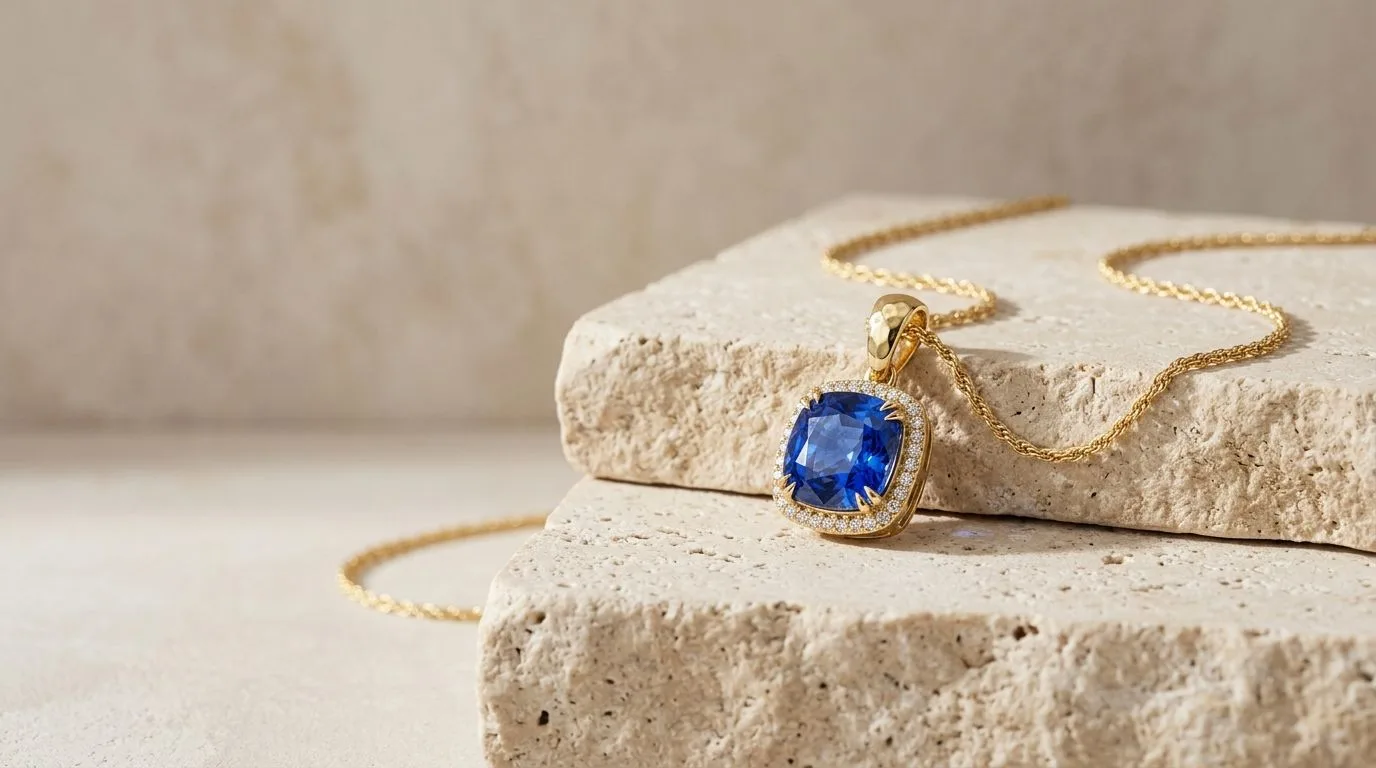
Writing prompts for jewelry is notoriously difficult. Trying to type "a minimalist beige stone podium with soft window light from the left, f/11 aperture, macro focus" into a general AI generator rarely yields consistent results across a 50-SKU linesheet. One image might look like a moody editorial, while the next looks like a bright summer day.
Hylo solves this with the Brand Kit. Instead of typing prompts, you select your brand's specific lighting styles, shadow intensities, and background textures. Once configured, you can process your entire catalog through these locked settings. Whether you are generating a hero shot for a Shopify homepage or 50 packshots for a wholesale linesheet, every image will share the exact same visual DNA.
4. Purpose-Built AI Retouching
Jewelry photography is unforgiving. A raw smartphone shot will capture every speck of dust, fingerprint, and microscopic scratch on a highly polished surface. While Booth focuses on generating backgrounds, Hylo includes specialized AI Retouch tools designed for macro photography. Before generating your final scene, Hylo can automatically clean up metal surfaces, removing blemishes while keeping the core texture intact. This replicates the work of a high-end retoucher who normally charges $25-$50 per image.
Which brands should pick which
Still unsure? Here are four common business scenarios and the tool that fits best.
Scenario A: The Fine Jewelry Atelier
- Profile: You sell 14k gold and diamond pieces ranging from $500 to $5,000. You shoot your pieces on an iPhone using a macro lens, but the backgrounds look amateurish.
- The Winner: Hylo. At this price point, trust is everything. If a customer sees a distorted prong or a melted chain, they will assume the product is cheap or a scam. You need Hylo's structural preservation to ensure the imagery matches the price tag.
Scenario B: The Lifestyle Apparel Brand
- Profile: You are a DTC clothing brand selling streetwear. You occasionally sell a few branded accessory pieces (like a chunky steel pendant or a beanie), but 95% of your revenue is apparel.
- The Winner: Booth.ai. You need the ability to generate human models wearing your hoodies and jackets. The accessories are an afterthought, and Booth's generalist capabilities will serve your core business much better.
Scenario C: The High-Volume Etsy/Amazon Seller
- Profile: You sell hundreds of fashion jewelry SKUs. You need clean, pure white backgrounds with natural drop shadows to comply with Amazon's strict main-image requirements, plus a few simple lifestyle shots for Etsy.
- The Winner: Hylo. Hylo's marketplace presets allow you to achieve perfect, compliant packshots instantly. The Canvas Editor lets you dial in the exact shadow opacity you need without touching Photoshop.
Scenario D: The Multi-Category Department Store
- Profile: You manage e-commerce for a retailer that sells everything from couches to dresses to watches.
- The Winner: Both. Use Booth.ai's API to automate the lifestyle generation for furniture and apparel. Carve out the jewelry and watch categories and process them through Hylo to ensure the macro details aren't destroyed.
How to switch / try Hylo without risk
If you are currently using a generalist AI tool like Booth.ai, Canva, or Midjourney, and you are frustrated by the amount of time you spend fixing melted chains in Photoshop, running an A/B test is the best way to prove the value of a specialized tool.
Step 1: Select your hardest SKUs. Don't test with a simple, chunky ring. Pick your most difficult pieces: a necklace with a 1mm chain, a ring with a complex pavé halo setting, and a highly reflective silver bangle. Gather 5-10 raw photos of these items.
Step 2: Run the baseline. Process these images through your current AI workflow. Note how long it takes to write the prompts, generate the images, and (most importantly) how much manual editing is required to fix the structural errors on the jewelry itself.
Step 3: Test Hylo's free tier. Create a free account on Hylo. Upload the exact same raw images. Skip the text prompts entirely—just select a clean, minimalist environment from the Creative Library. Generate the scenes.
Step 4: Compare the macro details. Zoom in to 200% on both sets of images. Look at the prongs. Look at the links in the chain. Look at the reflections on the metal. The difference between a generalist AI and a jewelry-specific AI will be immediately obvious.
Hylo is designed to replace a $2,000 to $5,000 macro studio booking. By running this simple 10-SKU test, you can see firsthand how fine-tuned AI eliminates the friction of jewelry content creation, allowing you to launch products faster and increase your conversion rates.
