What is a white background photo?
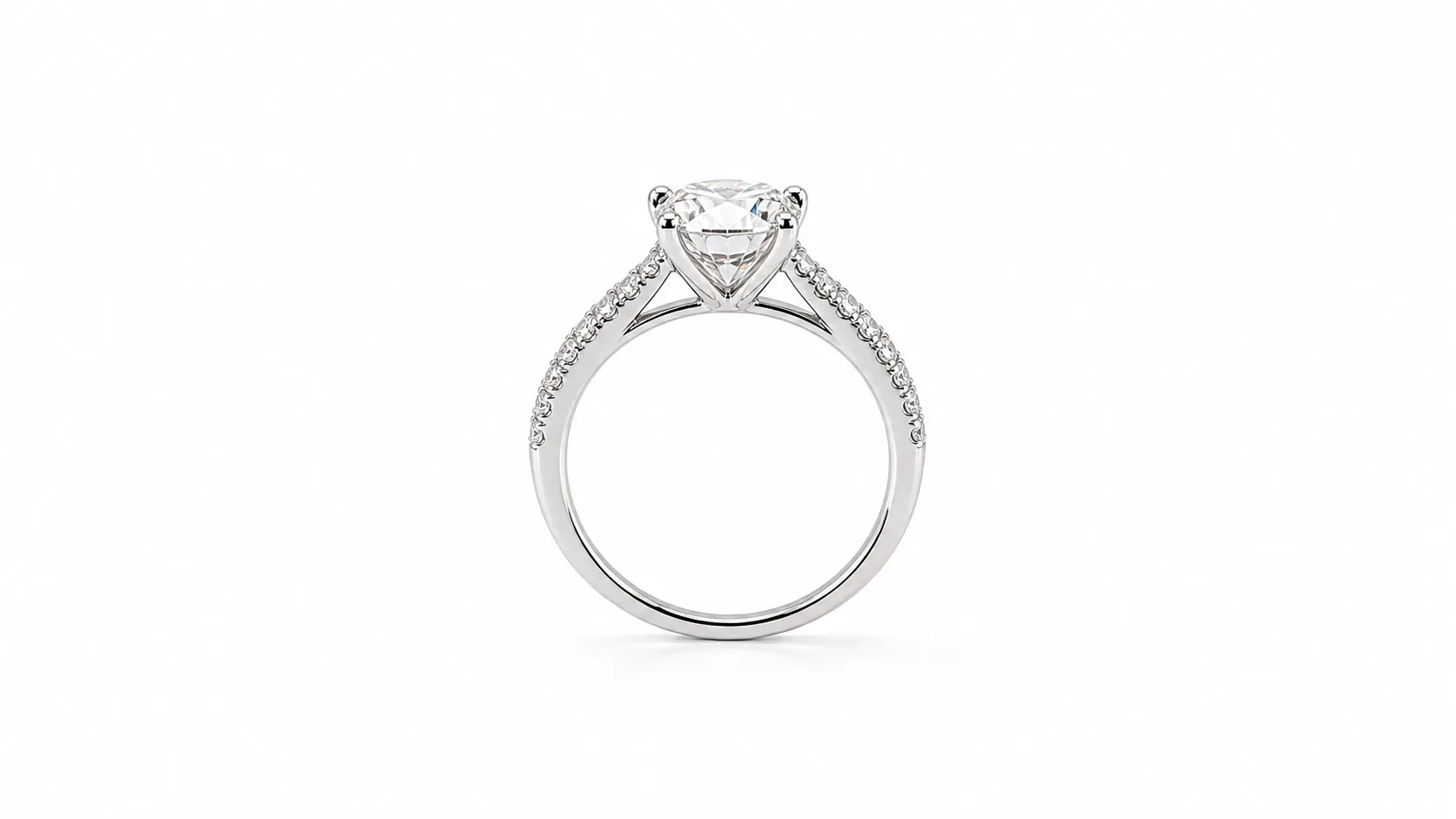
A white background photo is an image where the subject is presented against a perfectly uniform, pure white background. The technical specification for this background is RGB (255, 255, 255) or hex code #FFFFFF. It is not off-white, light grey, or a physical white sheet with texture and shadows. It is a digitally perfect white that serves to completely isolate the product.
This style, often called a 'packshot' or 'cutout,' is the universal standard for e-commerce. Its primary function is to remove all visual noise—distracting backgrounds, props, or environments—so the customer's attention is 100% on the product itself. This clarity is crucial for conveying detail, texture, and form, which builds buyer confidence and reduces returns.
Why are white background photos essential for jewelry?
For jewelry, the white background isn't just a best practice; it's a necessity. The small, intricate, and reflective nature of jewelry makes it uniquely dependent on this clean, high-contrast presentation.
- Highlights Intricate Details: A pure white background acts like a blank canvas, making the fine details of a piece stand out. The facets of a gemstone, the texture of a brushed gold finish, the precision of a pavé setting—all become clearer and more impactful without a competing background.
- Ensures Color Accuracy: Colored backgrounds can cast a subtle hue onto reflective metals and gemstones, misrepresenting their true color. A pure white background is neutral, ensuring that the gold looks like gold, the platinum looks like platinum, and the sapphires look exactly as they should.
- Meets Marketplace Requirements: Major online marketplaces, especially Amazon, mandate pure white backgrounds for all primary product images. Adhering to this rule is non-negotiable for selling on these high-traffic platforms.
- Creates a Professional, Cohesive Catalog: When every product in your Shopify or Etsy store is shot against the same white background, it creates a clean, professional, and uniform grid. This visual consistency elevates your brand perception from a hobbyist to a serious business.
- Provides Ultimate Versatility: A jewelry photo with a clean white background is a foundational marketing asset. It can be used on your website, in digital ads, on linesheets for wholesale buyers, and in print catalogs. With the background already removed, it's also easy to place onto a lifestyle image or graphic using a tool like the
Hylo Canvas Editor.
How to create white background photos for your jewelry
There are two primary paths to achieving a perfect white background: the traditional studio process and modern AI-powered tools.
Traditional Studio Photography
The classic method involves a controlled studio environment.
- Setup: You'll need a camera with a macro lens (like a 100mm f/2.8), a tripod, multiple lights (strobes or continuous LEDs), diffusers to soften the light, and a white seamless paper background or a light tent.
- Shooting: The jewelry is placed on the white seamless paper. The lights are positioned to illuminate the piece evenly while minimizing harsh shadows and reflections. A typical setting might be f/11, 1/125s, ISO 100 to ensure the entire piece is in sharp focus.
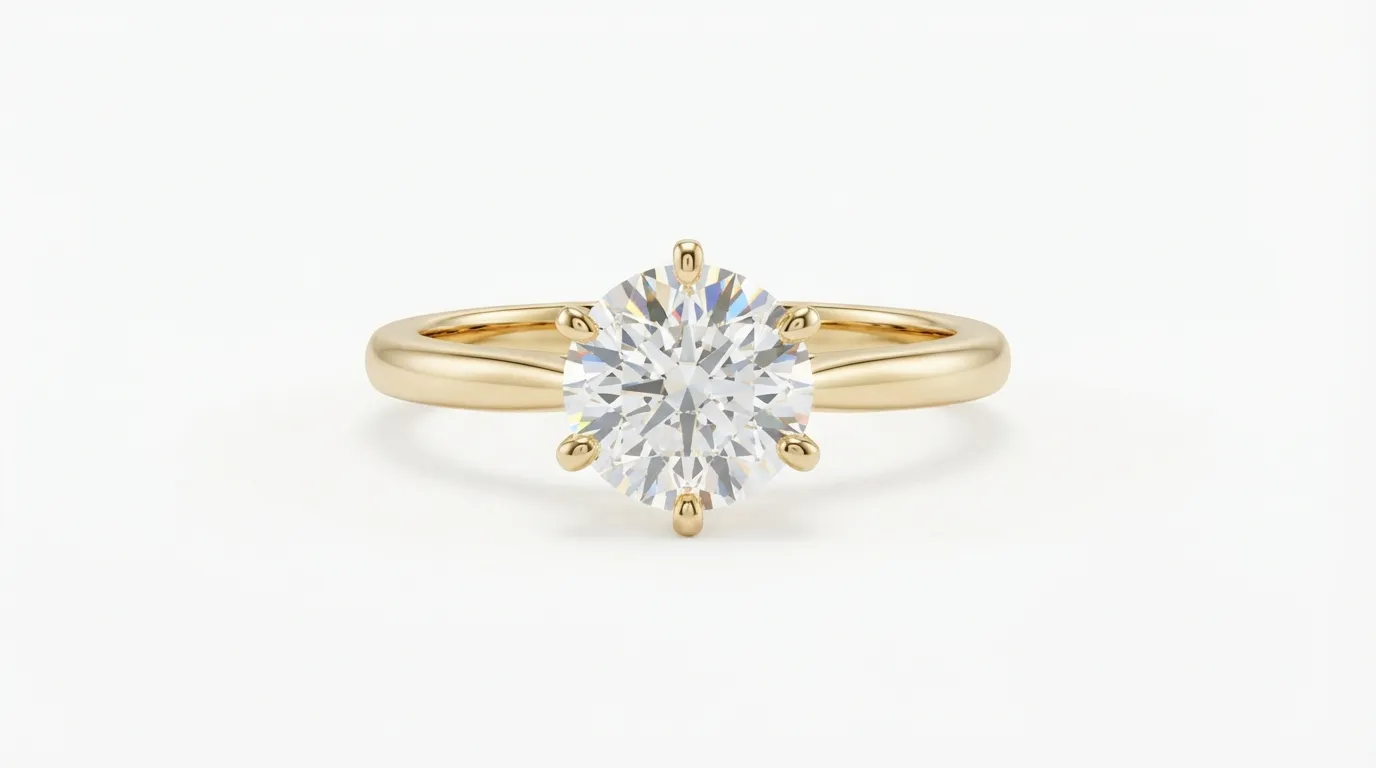
- Post-Production: Even with a perfect setup, the background will be light grey, not pure white. The image must be brought into software like Adobe Photoshop. Using the Pen Tool, you create a precise 'clipping path' around the jewelry to isolate it, then place it onto a new layer filled with pure #FFFFFF white. This is time-consuming, requires significant skill, and can take 15-30 minutes per image for complex pieces like chains or detailed rings.
This process is effective but expensive, requiring thousands of dollars in equipment or studio day rates of $400-$800, plus a retoucher's time.

AI-Powered Tools
AI tools dramatically simplify this workflow. Instead of creating a perfect environment, you just need a clear photo of your product.
- Capture: Take a well-lit photo of your jewelry with your smartphone. A simple, uncluttered background is helpful but not essential.
- Process: Upload the image to an AI tool. A generic tool like Photoroom or Canva can remove the background, but specialized jewelry tools like
Hylo AI Retouchare trained specifically on the challenges of jewelry—like reflective metals, transparent gemstones, and intricate chain links. - Refine:
Hyloautomatically detects the product, removes the background with high precision, and places it on a pure white background. The AI also cleans up fingerprints and minor scratches on the metal and enhances gemstone sparkle. What took 30 minutes in Photoshop now takes about 15 seconds.
For a brand launching a new collection of 15 necklaces, this changes the workflow from a week-long project costing thousands to an afternoon task costing a fraction of a single studio day.
Related Photography Terms
Understanding these related terms will help you build a complete visual strategy for your brand.
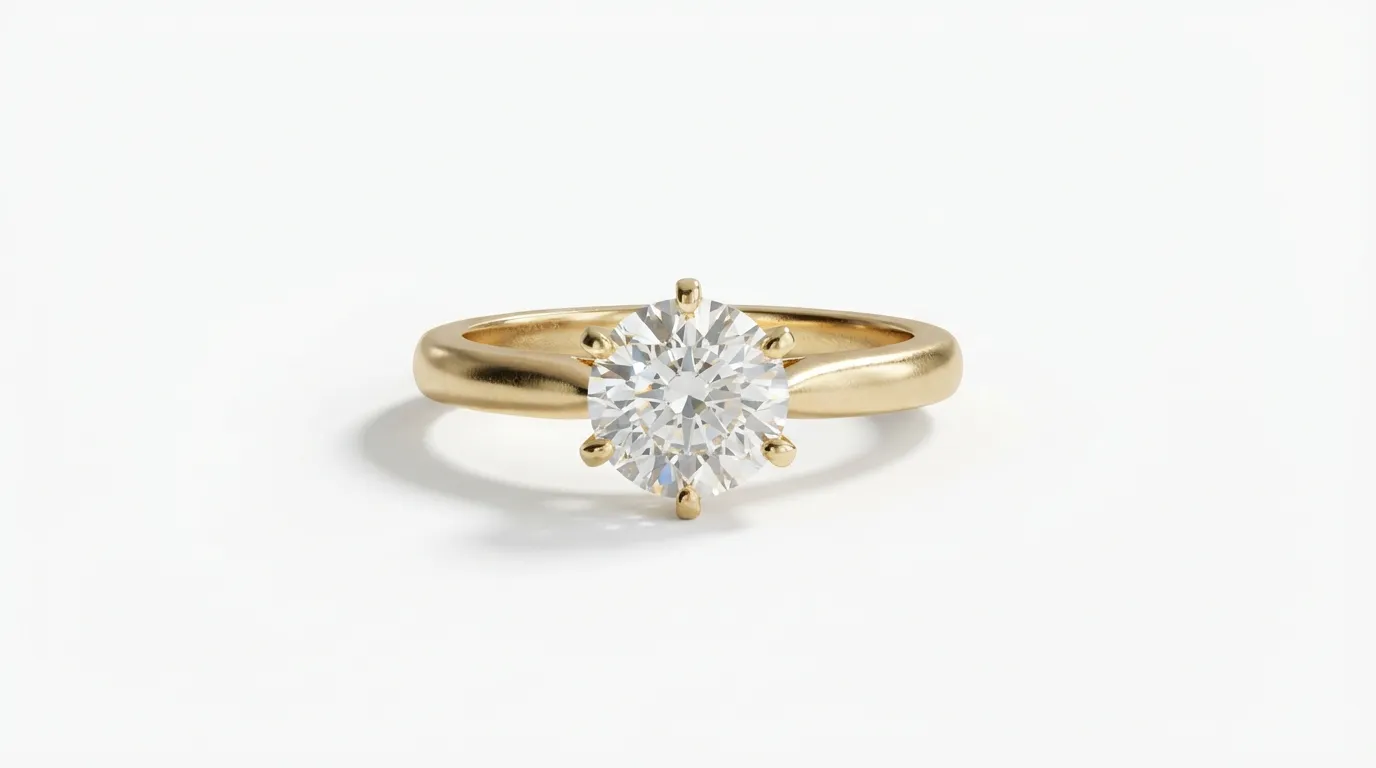
- Packshot: Often used interchangeably with 'white background photo.' A packshot is a still or video image of a product, intended to be a direct and informative representation. While typically on a white background, it can sometimes have a simple grey or colored one.
- Lifestyle Photo: The opposite of a packshot. A lifestyle photo shows your jewelry in context—on a model, as part of an outfit, or in a real-world setting. These images sell the feeling and aspiration of the brand, while packshots sell the product itself. A good e-commerce strategy uses both.
- Ghost Mannequin: A post-production technique primarily for clothing where a product is shot on a mannequin, which is then digitally removed to create a 3D effect as if an invisible person is wearing it. The concept of isolating the product is similar, but the application is different.
- Flatlay: A photograph taken from directly above, looking down on items arranged on a flat surface. Common for social media, flatlays can showcase a jewelry piece alongside complementary props to tell a story.
- Seamless Background: The physical roll of paper or fabric used in a photo studio to create a background with no visible corners or edges. This helps create the illusion of infinite space behind the product and makes the post-production editing process easier.
