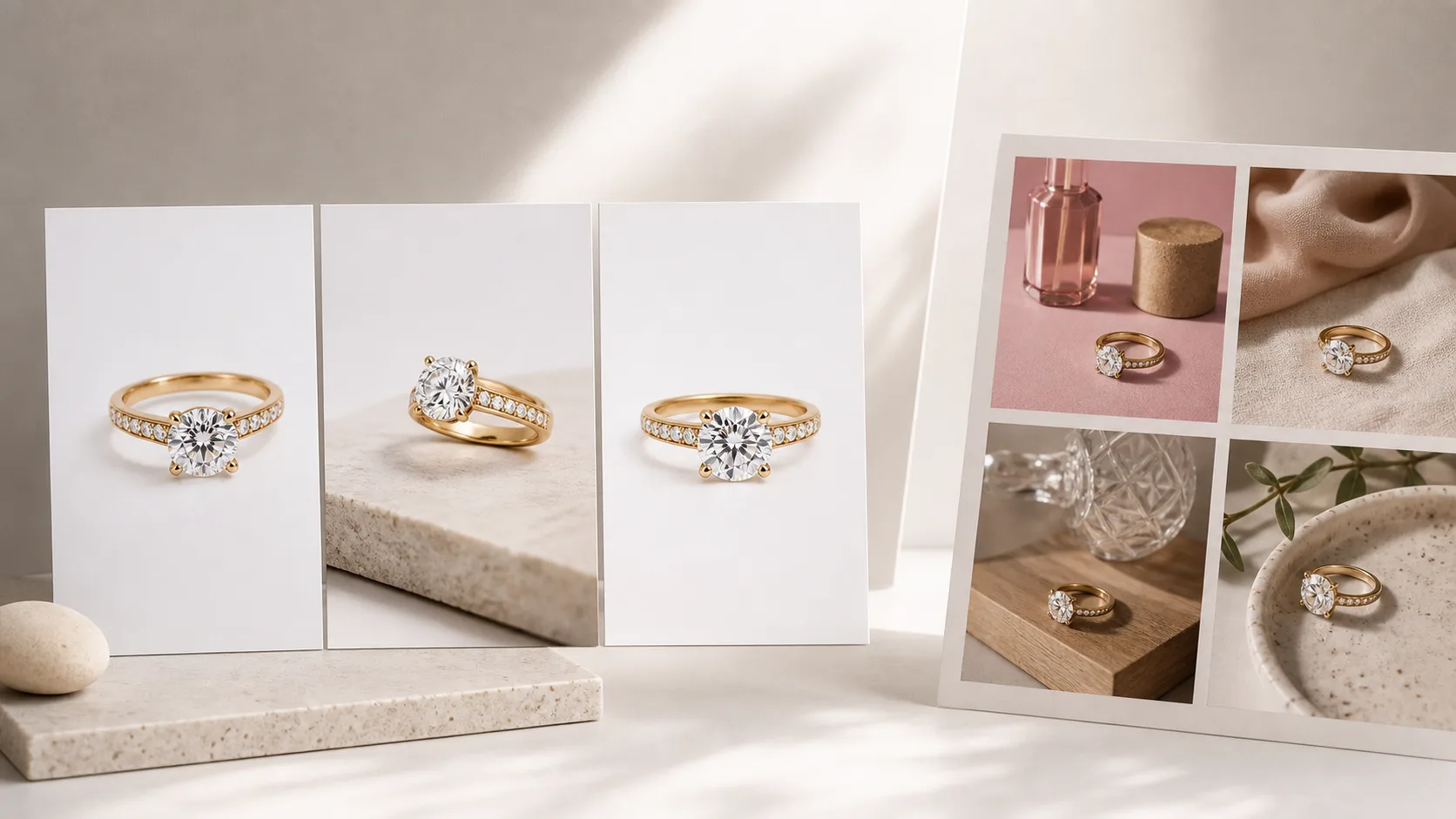
Quick verdict
Flair is a good product photography tool. It's just not built for jewelry. That gap is not a marketing claim — it shows up in the output.
On identical input images across 20 jewelry SKUs, Flair produces usable results for chunky, opaque pieces (bangles, cuff bracelets, resin pendants) but falls apart on anything requiring fine detail: thin gold chains lose their delicacy, pavé stones render as a blurred sparkle field, and prong settings that look crisp on entry look muddy after Flair's scene compositor processes them. Hylo's AI was built specifically for jewelry and handles those same inputs without the fidelity loss.
Here is the one-line call by buyer type:
- Solo jewelry designer / atelier: Hylo. The free trial covers your first 15 shots; Flair's free tier is 10 credits a month on a tool not optimized for what you sell.
- DTC jewelry brand (2–20 people): Hylo for everything catalog-facing. Flair if you also sell candles or beauty products and need a shared tool.
- Etsy / Amazon Handmade seller: Hylo. Marketplace main images reward sharp detail, and Hylo's AI Photoshoot presets are built around exactly those use cases.
- Wholesale supplier producing linesheet shots: Hylo — consistent white-sweep packshots across every SKU, no per-shot variance.
- Multi-category brand (jewelry + lifestyle goods): Flair handles the non-jewelry SKUs fine; use Hylo for the jewelry line.
At-a-glance comparison
Both tools let you take a product photo and generate a finished image with an AI-designed background or scene. The split happens the moment the product has a metal surface, a gemstone, or a fine structural element.
| Feature | Hylo | Flair |
|---|---|---|
| Jewelry-tuned AI model | Yes — trained on thin chains, prong settings, pavé, metal reflections, gemstone refraction | No — general-purpose e-commerce model |
| On-model jewelry shots | Yes — hand, wrist, neck, collarbone presets with realistic skin and drape | Limited — no jewelry-specific on-body templates |
| AI Retouch (existing shots) | Yes — batch background removal, shadow, color correction | No |
| Brand Kit consistency | Yes — Brand Kit stores colors, voice, category rules; every generation inherits them | Basic brand colors and fonts |
| Batch / bulk processing | Yes — AI Retouch handles dozens of images in one job | Limited batch capability |
| Marketplace presets | Yes — Etsy, Amazon, Shopify, Faire dimensions built in | Generic social/e-commerce formats |
| Commercial license | Yes — all outputs fully licensed for commercial use | Yes |
| Free tier | 15 credits, no card required | 10 credits/month |
| Paid plans from | $12 (Base, 250 credits, one-time purchase) | ~$19/month (Pro, recurring monthly billing) |
Where Flair wins
Honesty first: Flair is a genuinely polished tool and there are cases where it beats Hylo.
The scene builder is more visual and intuitive. Flair's drag-and-drop canvas — where you physically position your product image inside a 3D scene, add props, adjust lighting angle, and iterate visually — is more hands-on than Hylo's style-based workflow. If your team includes a designer who wants precise art direction on a one-off shot, the Flair canvas gives more granular control.
Better for non-jewelry product categories. Candles, skincare, packaged food, and apparel accessories photograph well in Flair. If you run a lifestyle brand that sells jewelry alongside other product lines, Flair is a competent single-tool option for the non-jewelry SKUs.
Template library for lifestyle scenes. Flair ships a large library of pre-built scene templates (marble countertops, botanical backgrounds, editorial flats) that are strong for beauty and home goods. Most of them do not translate well to fine jewelry — the scale and material rendering are off — but for brands that occasionally need a styled lifestyle shot for a non-jewelry hero, the templates are quick. One practical use case: if you sell both jewelry and candles, Flair's candle templates are genuinely strong and Hylo is not trying to compete there.
No learning curve on the canvas. Designers familiar with Canva or Figma will feel at home in Flair within minutes. Hylo's workflow — upload product, choose AI Photoshoot style, generate — is faster for volume, but offers less moment-to-moment compositional control. If precise prop placement matters for a specific shot, Flair's canvas is the right tool.
Monthly billing if you prefer predictable costs. Hylo's plans are one-time credit purchases — you buy credits when you need them, and they never expire. Flair bills monthly at a fixed rate, which some finance teams find easier to budget.
Where Hylo wins
For jewelry brands specifically, the wins are structural — they come from how the AI was trained, not just feature counts.
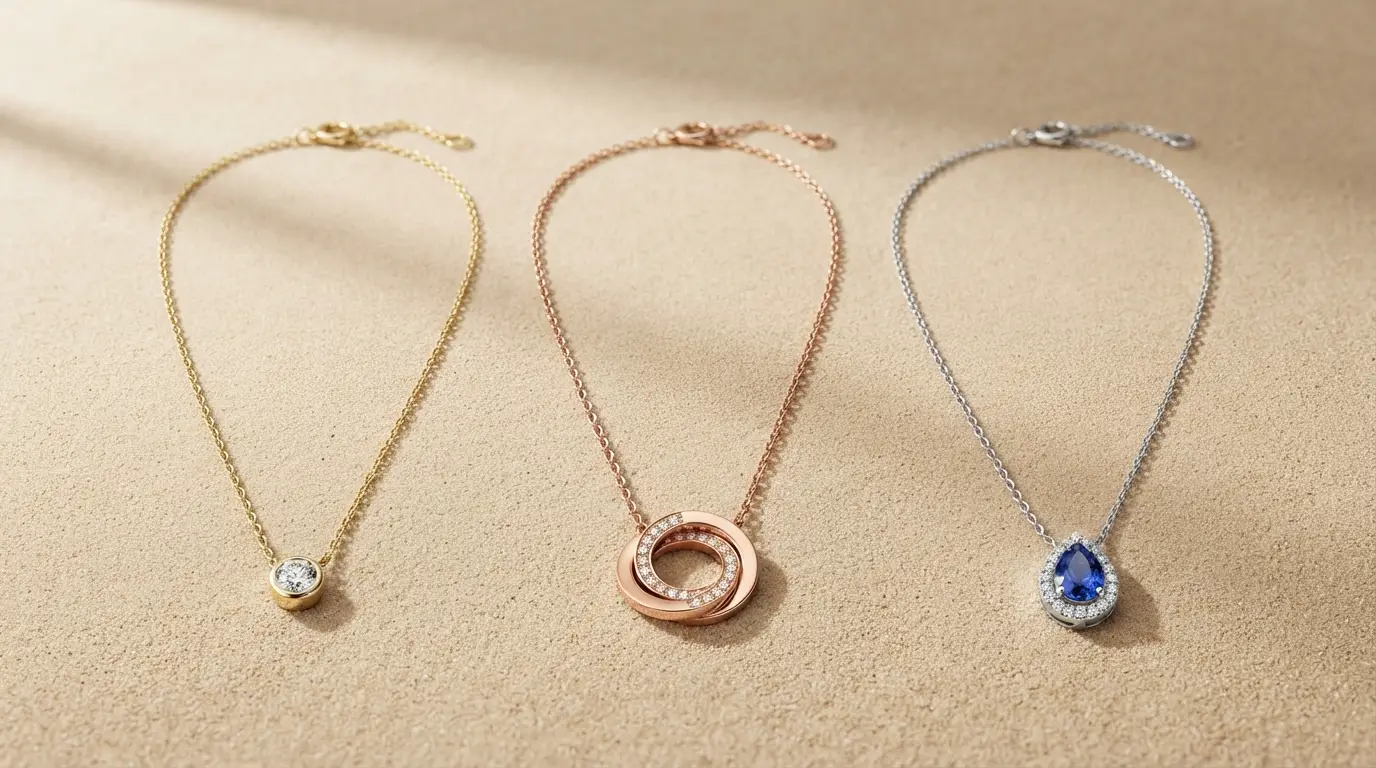
Thin-chain fidelity. A 16-inch cable chain at 1mm width is one of the hardest subjects in product photography. Under studio lights it photographs beautifully; under bad AI it becomes a smeared silver line. Hylo's model was trained to preserve chain continuity, link definition, and catch-light sharpness on fine chains. Flair's general model does not.
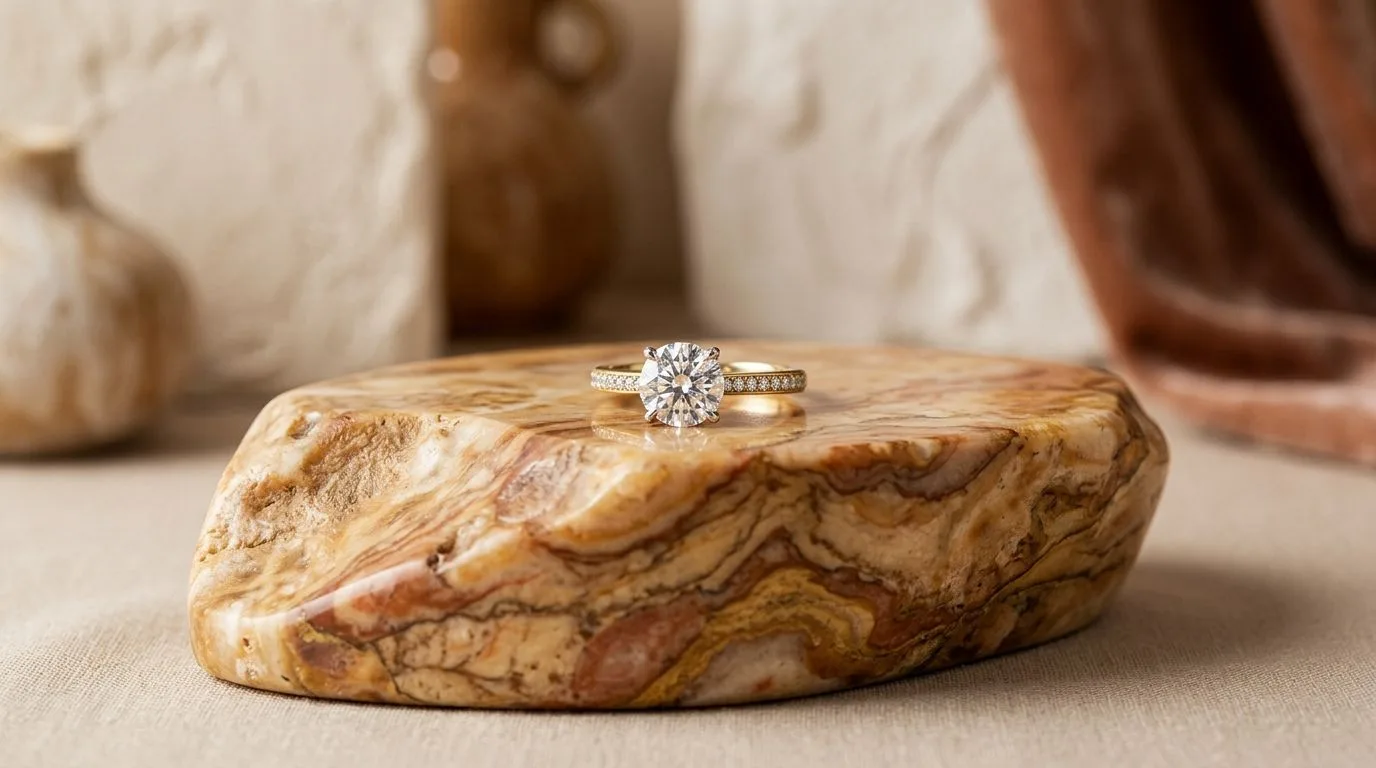
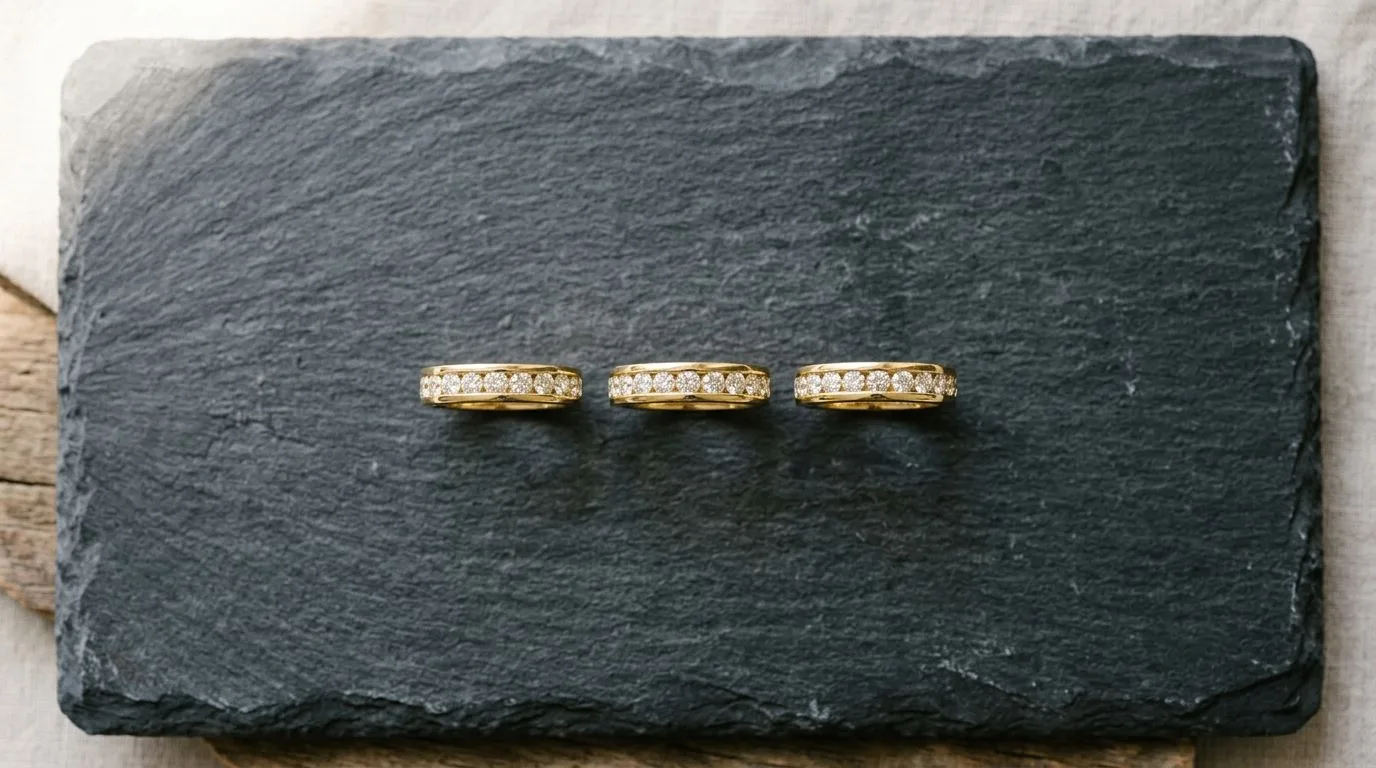
Prong settings and pavé detail. A solitaire's four-prong or six-prong claw is a structural signature — bend them in the output and you misrepresent the product. Hylo holds prong geometry correctly on round-cut, princess, and emerald-cut settings. On pavé bands, individual stone facets render as distinct rather than blurring into a glitter wash.
On-model hand and wrist shots. Rings and bracelets live on bodies. Hylo's AI Photoshoot includes hand, wrist, and collarbone presets where a stylized AI model wears the piece with natural skin tone, realistic knuckle and nail detail, and correct drape for the metal weight. These are among the highest-converting images on Etsy and Instagram for jewelry brands — and Flair has no direct equivalent.
Brand Kit and consistency at scale. If you have 300 SKUs and you refresh the catalog quarterly, you need every image to feel like it came from the same shoot. Hylo's Brand Kit stores your brand colors, voice, and category rules. Generate a cocktail ring and a tennis bracelet six weeks apart and they share the same visual DNA. Without a jewelry-aware Brand Kit, Flair generations can drift noticeably across a catalog.
AI Retouch on existing shots. Got three years of product photography sitting in Dropbox? Hylo's AI Retouch batch-processes your existing images — background removal, shadow reconstruction, color correction, white-balance normalization — without reshooting. Flair does not offer a comparable retouch-first workflow.
Gemstone refraction and metal reflections. Transparent stones — a 1ct round brilliant, an oval sapphire, an emerald-cut aquamarine — are notoriously difficult for AI because refraction changes with every angle of incoming light. Hylo's model has been tuned on thousands of gemstone product images and produces believable fire and brilliance on faceted stones without hallucinating color channels or turning a blue sapphire into a murky blob. Metal reflections follow the same logic: yellow gold in Hylo stays warm and directional; Flair's general model tends to flatten metal surfaces into a uniform chrome-gray, losing the warmth difference between 18K yellow and 14K rose.
One-time pricing with no expiry. Credits never expire. A solo designer who buys Hylo's Base plan at $12 can spend those 250 credits over six months. No monthly clock running. Compare that to Flair's Pro plan at ~$19/month: if you shoot one collection a quarter, you pay for months you barely use.
Which brands should pick which
Choose Hylo if:
- Your primary catalog is fine jewelry — rings, necklaces, earrings, chains, bracelets with pavé or stone settings
- You need on-model shots (hands, wrists, neckline) regularly
- You want brand-consistent output across a large SKU count
- You have existing product photos you want to retouch and re-background in batch
- You prefer one-time credit purchases over recurring monthly billing
- You sell on Etsy or Amazon Handmade, where sharp main-image detail is a ranking and conversion factor
Choose Flair if:
- You sell multiple product categories and jewelry is only part of your catalog
- You want a designer-controlled canvas for one-off art-directed shots
- You prefer monthly billing over buying credits when you need them
- Your jewelry line skews toward chunky, opaque, statement pieces (where Flair's general model performs adequately) rather than fine or delicate settings
- Your team has a designer who wants hands-on scene composition
The one-off scenario: A brand with a very occasional jewelry shoot — say, one collection drop a year — could get away with Flair's free tier. But that same brand will immediately hit the fidelity ceiling on anything fine, and Hylo's free 15 credits covers a full collection's worth of packshots and lifestyle images without a card.
How to try Hylo against Flair without committing
The most useful comparison is running the same SKU through both tools on the same day. Here is how to do it without spending money.
Start with Hylo's free tier. Sign up at hylo.app — no card, 15 credits included immediately. Take one of your existing product photos (a ring or chain works best for the comparison, since that is where the gap is most visible). Run it through AI Photoshoot with a white-sweep packshot and a lifestyle preset. Download both outputs.
Then take the same source image into Flair's free tier (10 free credits). Set up a comparable scene — neutral background, similar lighting temperature. Export.
Put the three images side by side: your original, Hylo's output, Flair's output. Zoom into the chain links or prong tips at 100%. The difference in fine detail is usually obvious at that scale.
If you are testing AI Retouch — uploading an existing photo to clean up the background — that feature only exists in Hylo; Flair has no equivalent, so that test is one-sided by design.
Hylo does not offer refunds on credits after use, but the 15 free credits on signup are enough to run a real, meaningful 10-SKU test before spending anything.
What to look for in the side-by-side
Zoom into the prong tips on any stone-set ring. In Hylo's output, four-prong claws should be four distinct rounded tips holding the stone; in Flair, they often smear into the girdle or disappear into the bezel. For chain pieces, trace any horizontal segment — link gaps should be visible, not filled in. Check metal tone: yellow gold should read warm and slightly directional, not flat silver. If you have an existing photo with a cluttered background, run it through Hylo's AI Retouch first to get a clean cutout, then take that same cutout into Flair for its scene generator — that combination workflow is actually where both tools can coexist.
For INR buyers: Hylo's plans are priced in USD but accept international payment methods. The Base plan at $12 runs to roughly ₹1,000 at current exchange rates — less than a single hour of a retouching studio in Mumbai or Surat.
