Quick Verdict: Hylo for Jewelers, ZMO for Apparel
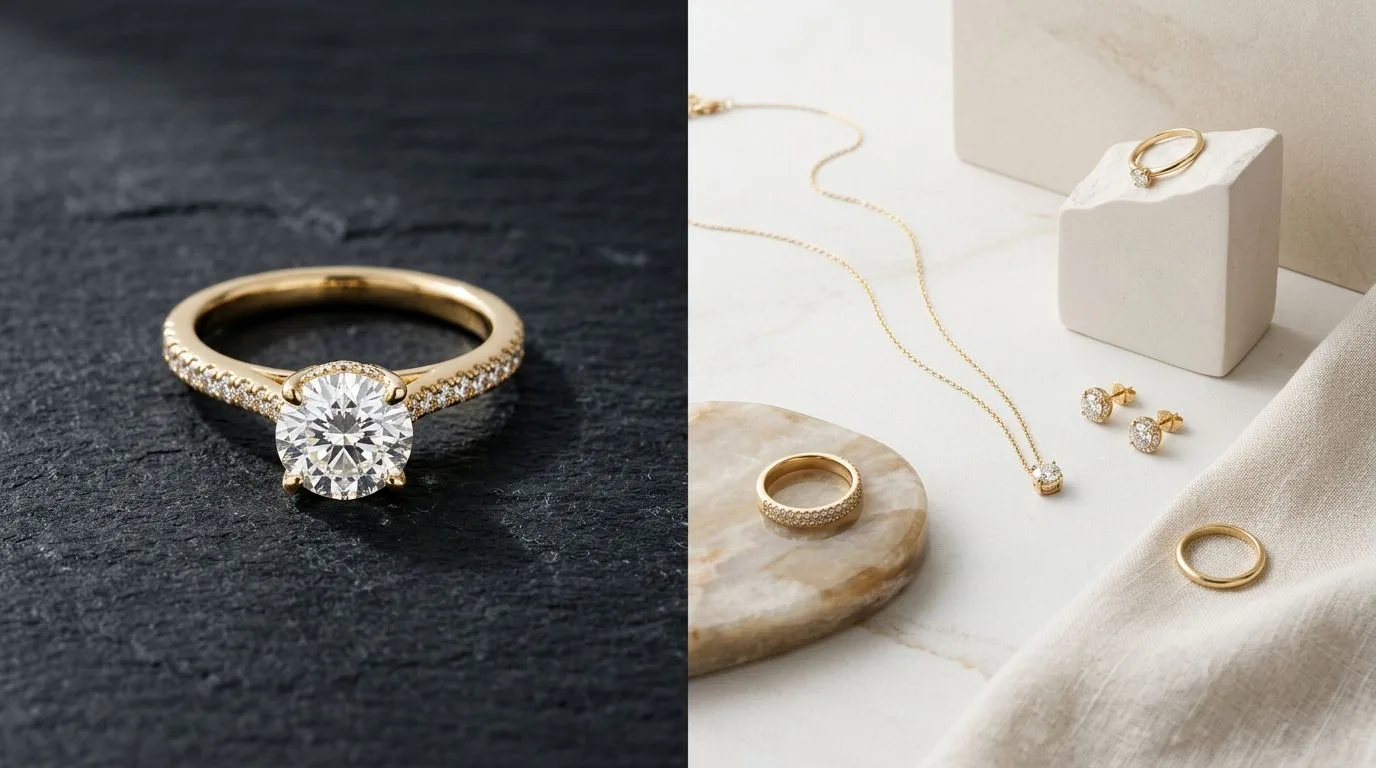
For jewelry brands, the choice between Hylo and ZMO.AI is a choice between a specialist tool and a generalist one. Hylo is purpose-built for one thing: creating stunning, accurate, and consistent photographs of jewelry. Its AI model is trained exclusively on high-end jewelry, enabling it to master the nuances of metal reflections, gemstone fire, and delicate details like prong settings and thin chains. ZMO.AI is a powerful AI image generator for the broader fashion industry, with a primary focus on generating realistic on-model imagery for apparel.
While ZMO.AI can place jewelry on its AI-generated models, it treats it as an accessory. The output often lacks the crisp detail and material accuracy required for a product detail page (PDP). Hylo, by contrast, is designed to replace a professional packshot photographer, delivering catalog-ready images that drive conversions.
Our recommendations at a glance:
- Solo Jewelry Designer: Start with Hylo. The precision and brand consistency tools will elevate your brand far beyond what a general tool can offer.
- DTC Jewelry Brand: Hylo is the clear winner for creating a cohesive, high-end look across your entire catalog and marketing channels.
- Etsy/Amazon Handmade Seller: Hylo. Marketplace success depends on standout visuals. Hylo's ability to create clean, detailed shots will give you a significant edge.
- Wholesale Supplier: Hylo. Use it to generate consistent linesheets and catalogs without booking expensive studio time.
- Apparel Brand with a Jewelry Line: ZMO.AI could be a fit if your primary need is on-model apparel shots and jewelry is a secondary category. For your jewelry-specific PDPs, however, you'll still get better results from a dedicated tool like Hylo.
At-a-Glance Comparison: Hylo vs. ZMO.AI
This table breaks down the core differences in features and focus between the two platforms. The key distinction is specialization: Hylo's entire feature set is tuned for the unique challenges of jewelry, while ZMO.AI serves a wider fashion audience.
| Feature | Hylo | ZMO.AI |
|---|---|---|
| Core AI Model | Jewelry-specific; trained on millions of high-end jewelry images. | General fashion; trained on apparel, models, and accessories. |
| Best For | High-fidelity packshots, lifestyle shots, and creative jewelry ads. | Generating on-model imagery for apparel and fashion lookbooks. |
| Brand Consistency | High. Brand Kit saves lighting, shadows, backgrounds, and props. | Moderate. Style references can be used but lack granular control. |
| Bulk Processing | Yes, designed for entire collections with consistent output. | Yes, supports bulk generation, primarily for apparel variations. |
| Marketplace Presets | Yes, including templates for Etsy, Amazon, The Knot, and more. | No, general export settings. |
| Handling Details | Excellent. Preserves fine chains, pavé settings, and gemstone facets. | Inconsistent. Often simplifies or distorts intricate jewelry details. |
| Pricing Model | Per-image credits with monthly/annual plans. | Subscription-based with credit packs. |
| Free Tier | Yes, includes free credits to test all features. | Yes, offers a free plan with a limited number of credits. |
| Commercial License | Yes, included on all paid plans. | Yes, included on paid plans. |
Where ZMO.AI Wins
No tool is perfect for every job. ZMO.AI is a strong contender in the AI fashion space, and it excels in a few key areas where its broader focus is an advantage.
1. On-Model Apparel Generation
This is ZMO.AI's core strength. If your primary business is selling clothing and you need to generate hundreds of images of a new t-shirt on different models, in different poses, and in different settings, ZMO.AI is one of the best tools on the market. Its model generation is fast and realistic, offering a wide variety of ethnicities, body types, and poses. For a brand that sells, for example, 90% apparel and 10% accessory jewelry, ZMO provides a streamlined workflow for their main product category.

2. Full Fashion Ecosystem
ZMO.AI offers more than just image generation. Their platform includes features like Model Try-on and other tools aimed at the entire fashion production lifecycle. For a large apparel enterprise looking for a single platform to handle multiple AI-driven creative tasks, ZMO.AI presents a comprehensive suite. This integrated approach can be appealing for brands who want one vendor for model generation, background replacement, and other apparel-focused visuals.
3. Broad Accessory Categories
Because ZMO.AI isn't specialized, it can handle a wider range of accessories with a similar level of quality. If you're a general boutique selling handbags, sunglasses, scarves, and a small selection of simple jewelry, ZMO can produce usable images for all of them. The quality on a beaded necklace might not be perfect, but it will be on par with the quality of the generated handbag, providing a consistent (if not hyper-detailed) look across diverse product types.
Where Hylo Wins
Hylo was built by jewelers, for jewelers. This singular focus means every feature is designed to solve the specific, difficult problems of jewelry photography. The difference is not just in quality, but in workflow and brand control.
1. Unmatched Detail and Material Accuracy
This is the most critical differentiator. Jewelry is a game of millimeters. Hylo's AI model understands the difference between a claw setting and a bezel setting. It renders the delicate links of a 1mm cable chain without breaking them. Most importantly, it understands how light interacts with precious materials.
- Metal Reflections: Gold looks like polished gold, not a flat yellow. Sterling silver has the correct specular highlights. The subtle tones of rose gold are preserved.
- Gemstone Transparency & Fire: Diamonds and other precious stones are rendered with convincing depth, facets, and sparkle. ZMO.AI and other general models often make gems look like opaque, plastic cabochons.
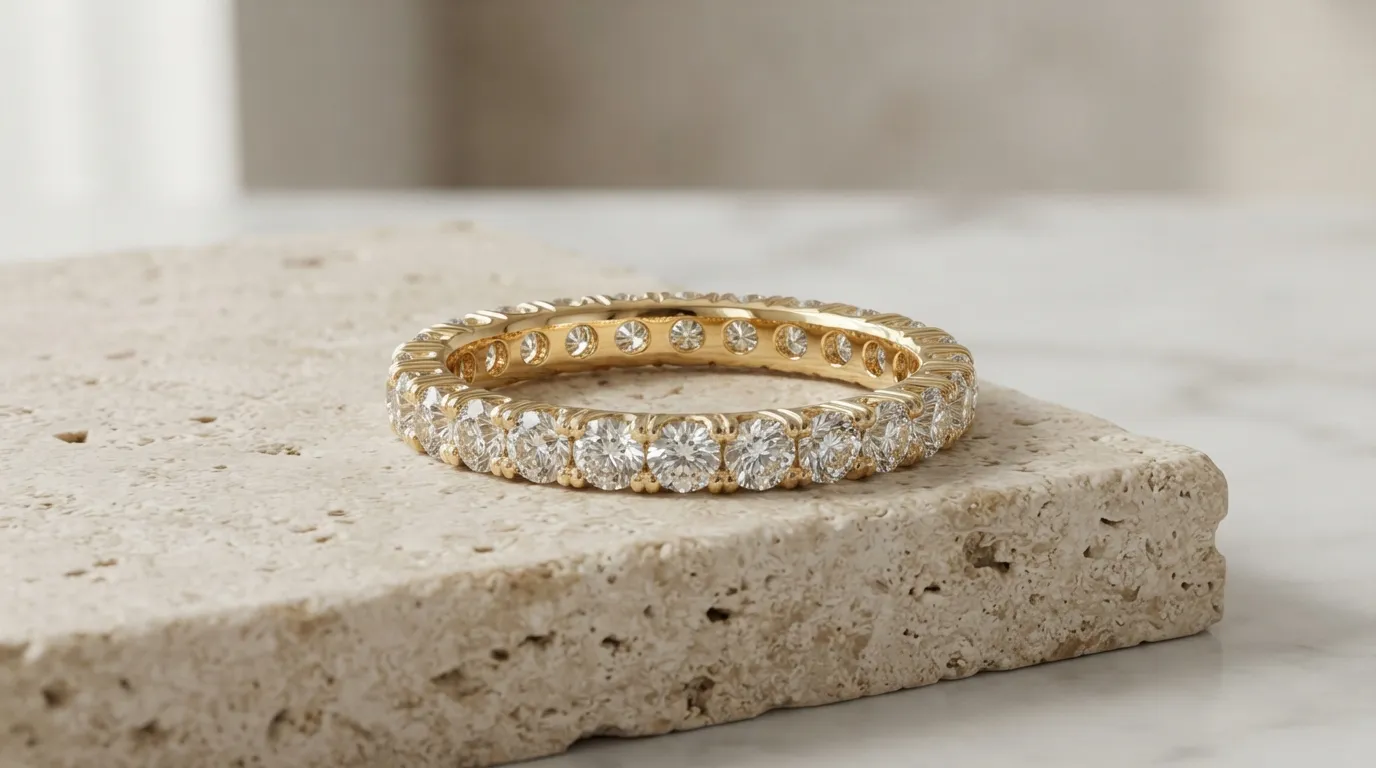
- Example: Take a pavé-set diamond eternity band. Hylo will render each individual stone and the tiny prongs holding it. A general model will likely blur this into a single, glittery texture.
2. Absolute Brand Consistency with Brand Kit
Consistency is the hallmark of a professional brand. Hylo's Brand Kit is an industry-first feature that allows you to lock in your brand's unique visual identity. You can save specific lighting setups, camera angles, shadow softness, background colors, and prop styles. When you upload a new collection, you can apply your Brand Kit with one click to generate perfectly consistent images for every single SKU. This is impossible to achieve with prompt-based general tools, where every generation has a degree of randomness. For a brand that needs 50 SKUs to look like they were shot on the same day by the same photographer, Hylo is the only option.
3. Integrated Jewelry-Specific Workflow
Hylo isn't just a generator; it's a photo studio. The workflow is designed for jewelry production.
- AI Retouch: Before you even generate a lifestyle shot, you can use
AI Retouchto instantly remove dust, fingerprints, and minor scratches from your source photo. This saves hours of manual work in Photoshop. - Canvas Editor: After generating an image, you can use the built-in
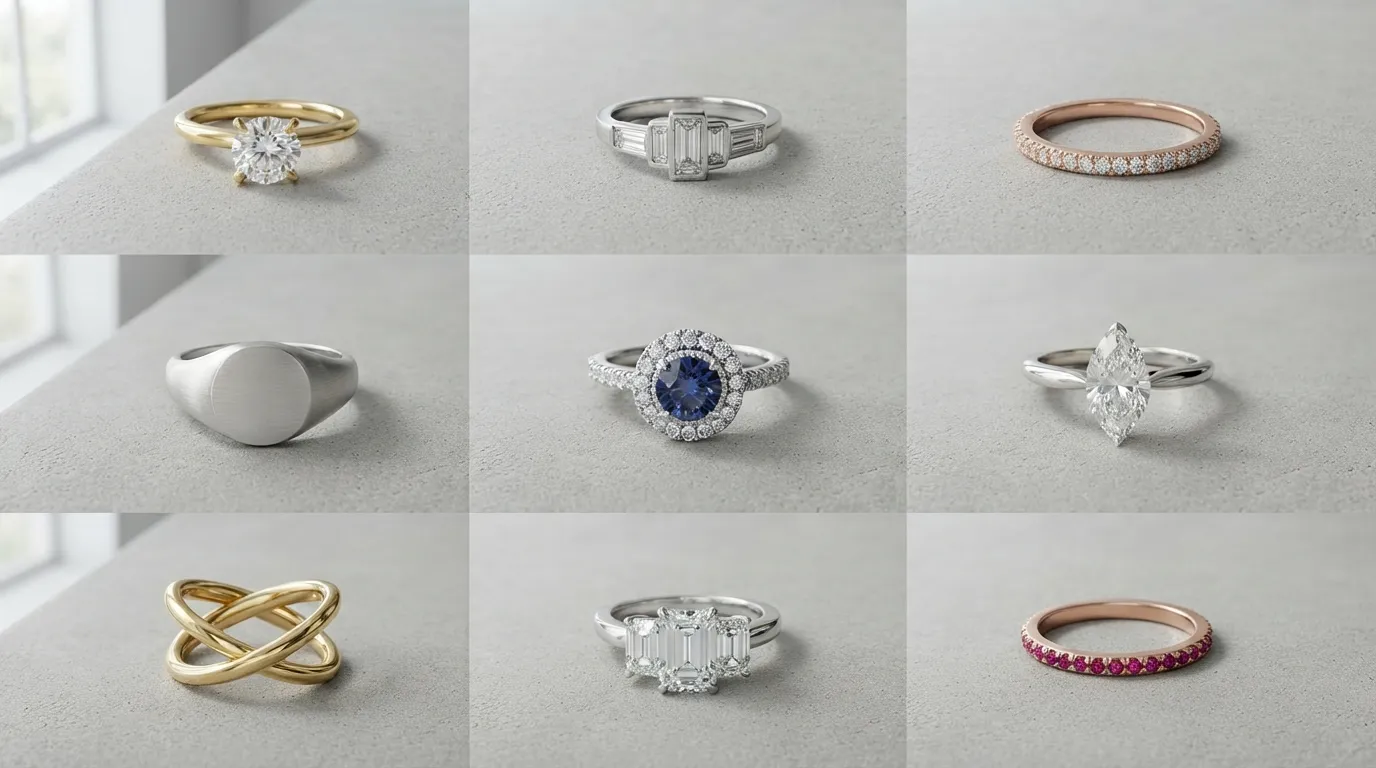
Canvas Editorto make fine-tuned adjustments, add text, or composite multiple images for social media posts or email banners. You don't need to export to another tool to finish the job. - Creative Library: Hylo provides a vast library of scenes, props, and templates specifically curated for jewelry—marble trays, ring stands, floral elements, textured backgrounds—that are proven to convert.
4. Superior Return on Investment
While ZMO.AI may have a low entry price, the quality of its jewelry output often isn't high enough for a primary PDP image, relegating it to secondary or social media use. Hylo generates images that can replace a professional photographer, who might charge $2,000-$5,000 for a single day's shoot. By producing unlimited, high-converting images for a low monthly fee, Hylo provides a much higher ROI for any business where jewelry is the primary source of revenue.
Which Brands Should Pick Which?
Here are a few concrete scenarios to help you decide.
Choose ZMO.AI if...
- You are an apparel-first brand. If you sell dresses, shirts, and pants, and you just launched a small collection of simple, complementary necklaces, ZMO.AI can create on-model shots for your main apparel line and include the jewelry as an accessory. The focus is the clothing, and the jewelry is secondary.
- You need lifestyle concepts, not product details. If you're just looking for general AI-generated fashion scenes to use on a mood board or in a blog post and the specific details of the jewelry are not important, ZMO.AI's speed and breadth are an asset.
- Your budget is zero and you need a few quick social posts. For a one-off project or a brand just starting with no budget, ZMO.AI's free tier can generate some interesting on-model images that are better than nothing, even if the jewelry itself isn't perfectly rendered.
Choose Hylo if...
- Jewelry is your core business. If you are a designer, studio, or retailer whose revenue comes from selling jewelry, you need a tool that respects the detail and value of your product. That tool is Hylo.
- You sell engagement rings or fine jewelry. For high-consideration purchases, customers scrutinize every detail. Hylo's ability to accurately render diamond facets, prong settings, and metal finishes is essential for building trust and closing the sale.
- You need a consistent catalog for Shopify/Etsy. Your storefront is your brand. Hylo's
Brand Kitensures every product, from a tiny stud earring to a statement necklace, looks like it belongs in the same premium collection, shot by the same professional team. - You create wholesale linesheets. Buyers need to see clean, consistent, and accurate product photos to make purchasing decisions. Hylo can generate an entire linesheet's worth of imagery in an afternoon, all with the exact same lighting and angle.
How to Switch or Try Hylo Without Risk
Making a change in your creative workflow can feel daunting. We designed Hylo to be easy to test and adopt. You can validate if it's right for your brand in under an hour, for free.
Here’s a simple A/B test you can run:
- Sign up for Hylo's free trial. You'll get free credits to generate a batch of images with no commitment.
- Select 5-10 of your products. Choose a variety: a ring with pavé details, a delicate chain necklace, a pair of gemstone earrings. Use the same source photos you've previously used with ZMO.AI or your current method.
- Upload to Hylo. Our system automatically removes the background and preps the product for shooting.
- Use
AI Photoshoot. Choose a few scenes from our Creative Library that match your brand aesthetic. If you're on a paid plan, you can create aBrand Kitto lock in your style. - Generate and Compare. Place the Hylo outputs side-by-side with the ZMO.AI outputs. Scrutinize the details. Is the chain broken? Are the gems clear? Does the metal look real? Is the shadow realistic? The difference in quality will be immediately apparent.
We are confident that you'll see a dramatic improvement in detail, realism, and brand consistency. All Hylo paid plans also come with a money-back guarantee, so you can fully explore the platform with zero risk.
