Quick Verdict: Hylo for Professionals, Photoroom for Generalists
Choosing between Hylo and Photoroom comes down to a single question: are you a generalist ecommerce seller or a dedicated jewelry brand? Photoroom is a powerful, accessible tool for a wide range of products. It excels at fast, clean background removals and offers a vast library of social media templates, making it a workhorse for sellers with diverse inventories. If you sell apparel, accessories, and a few simple jewelry pieces, Photoroom is efficient and cost-effective.
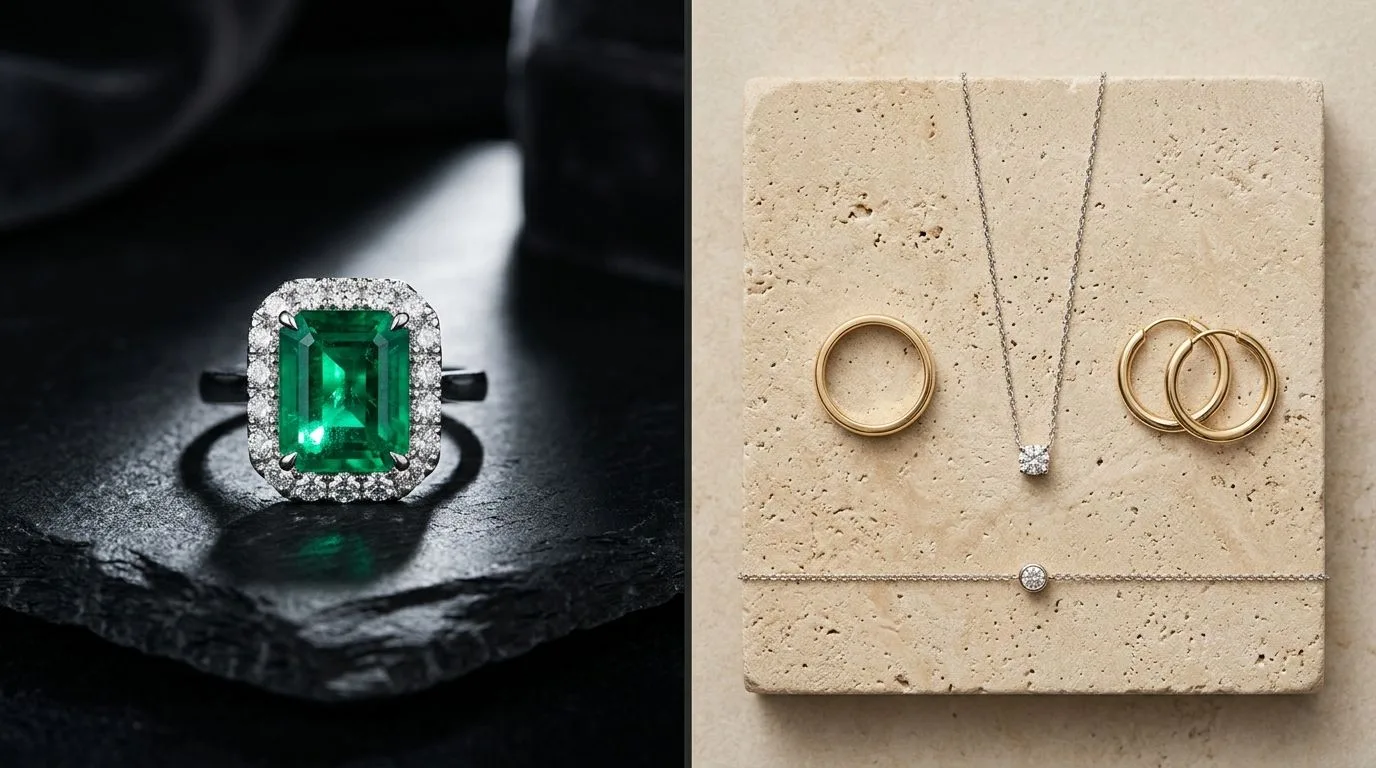
Hylo is purpose-built for the unique challenges of jewelry photography. Its AI model is trained specifically on gems, metals, and fine details, resulting in outputs that Photoroom's generalist model can't match. It correctly renders fine chains, sharpens prongs, and creates realistic metal sheens. For jewelry brands where image quality directly impacts conversion and perceived value, Hylo is the clear winner. It's not just an editor; it's a replacement for a professional photography studio.
Our recommendation by brand type:
- Solo Designer: For basic white backgrounds on a tight budget, Photoroom's free tier is a good start. To establish a premium brand look, invest in Hylo for your core collection.
- Small DTC Brand: Hylo. Your brand's visual consistency is paramount. Hylo's
Brand Kitand superior realism will elevate your storefront and ads. - Etsy Seller: If you sell a mix of vintage, crafts, and jewelry, Photoroom is a versatile choice. If you are a dedicated jewelry seller, Hylo will make your listings look dramatically more professional than your competition.
- Wholesale Supplier: Hylo. The batch processing and brand consistency features are essential for creating professional, high-volume linesheets.
At-a-Glance Comparison: Hylo vs. Photoroom
While both tools use AI to generate product photos, their focus and capabilities differ significantly. This table breaks down the key distinctions for a jewelry brand owner.
| Feature | Hylo | Photoroom |
|---|---|---|
| AI Model Focus | Jewelry-specific (metals, gems, details) | General purpose (all product types) |
| Best For | High-end catalog & lifestyle shots | Quick background removal, social posts |
| Brand Consistency | High (via Brand Kit & Creative Library) | Low (requires manual template application) |
| Bulk Processing | Yes, designed for entire catalogs | Yes, on Pro plan for background removal |
| Marketplace Presets | Yes (Etsy, Amazon, Shopify aspect ratios) | Yes (generic social media sizes) |
| Detail & Realism | Excellent (handles thin chains, prongs, reflections) | Good (can struggle with fine, reflective details) |
| Commercial License | Included on all paid plans | Included on Pro plan |
| Free Tier | Yes, 30 free credits to start | Yes, with Photoroom watermark |
Where Photoroom Wins
To be clear, Photoroom is a popular and powerful tool for a reason. In several areas, its approach is a better fit for certain users.
1. Speed and Simplicity for General Tasks
If your primary need is removing the background from a simple object—like a beaded bracelet or a solid pendant with no chain—and placing it on a white background, Photoroom is incredibly fast. Its mobile app is particularly slick and intuitive for quick, on-the-go edits. The user experience is designed for speed and volume across many product categories, not just one.
2. Breadth of Social Media Templates
Photoroom functions more like a lightweight version of Canva than a dedicated product photography tool. It has a massive library of pre-made templates for Instagram Stories, sales announcements, collages, and more. For a business owner who needs to create a wide variety of marketing assets and not just product shots, this integrated functionality is a significant advantage.
3. A Single Tool for Mixed Inventory
If your store sells a wide range of products—for example, t-shirts, handbags, and a small collection of simple earrings—Photoroom is a logical and cost-effective choice. Its generalist AI model is trained to handle all of these items reasonably well. Subscribing to a single, versatile tool is more efficient than paying for a specialized tool for just one small part of your catalog.
Where Hylo Wins
Hylo's advantage comes from its specialization. By focusing exclusively on jewelry, it solves problems that generalist tools like Photoroom aren't designed to address.

1. Superior AI Model for Jewelry Details
This is the most critical differentiator. In our head-to-head test using 20 challenging SKUs (including pavé rings, rope chains, and faceted morganite), Hylo consistently produced superior results.
- Thin Chains: Photoroom's background removal often clipped or entirely erased delicate chains. Hylo's model identified and preserved them perfectly.
- Prong Settings: Hylo rendered prongs and bezels with sharp, metallic definition. Photoroom tended to soften these details, making them look slightly blurry or painterly.
- Gemstone Facets: Hylo maintained the crisp facets and internal fire of transparent stones. Photoroom sometimes smoothed them over, losing the stone's dimension.
- Metal Reflections: Hylo creates photorealistic reflections that follow the contours of the metal. Generalist tools can produce flat, plastic-like sheens that immediately signal an AI-generated image.
2. Unmatched Brand Consistency with Brand Kit
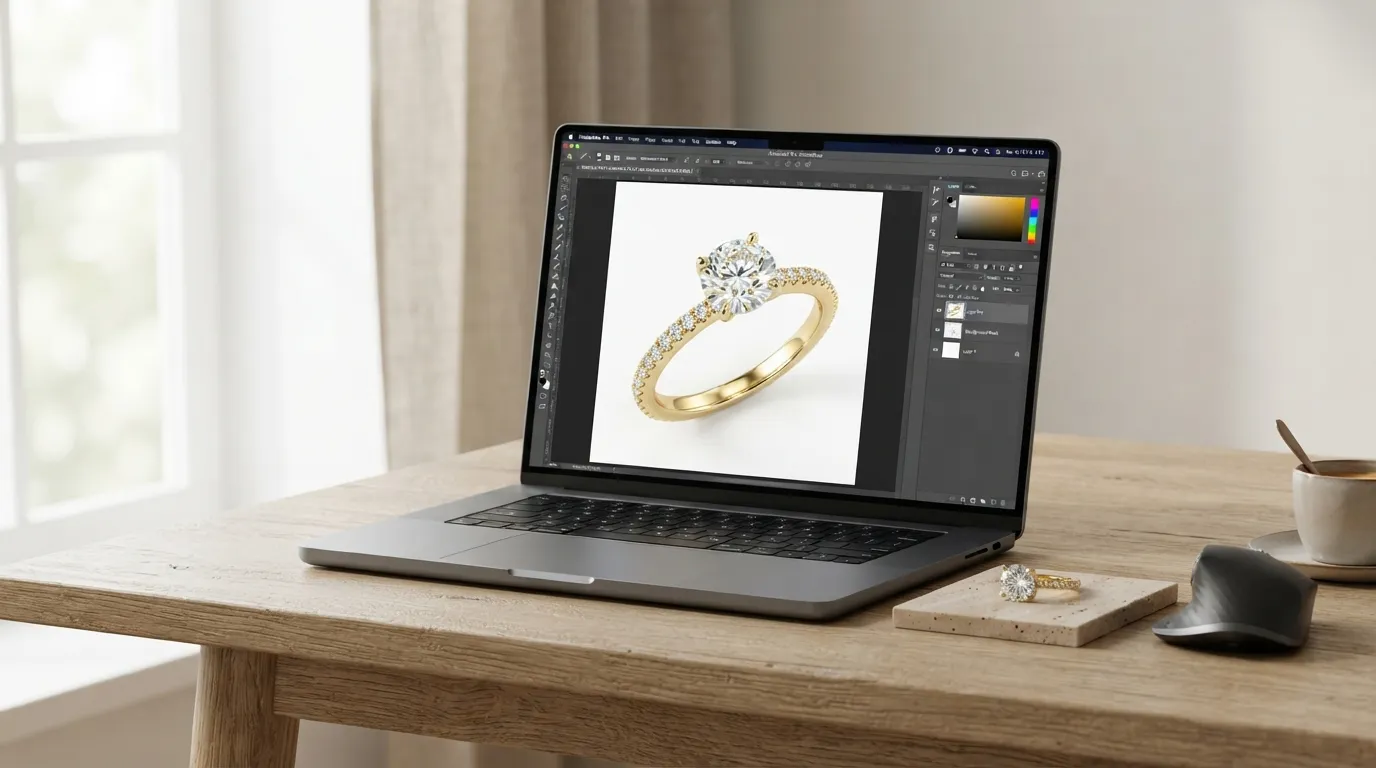
Creating a cohesive brand aesthetic is nearly impossible when you edit each photo manually. Hylo's Brand Kit solves this. You define your brand's lighting, camera angles, shadow direction, and background surfaces once. Then, you can apply this exact same look to hundreds of products with a single click. This ensures every product on your Shopify grid or linesheet looks like it was shot in the same professional studio on the same day.
3. Workflow Built for Professional Catalogs
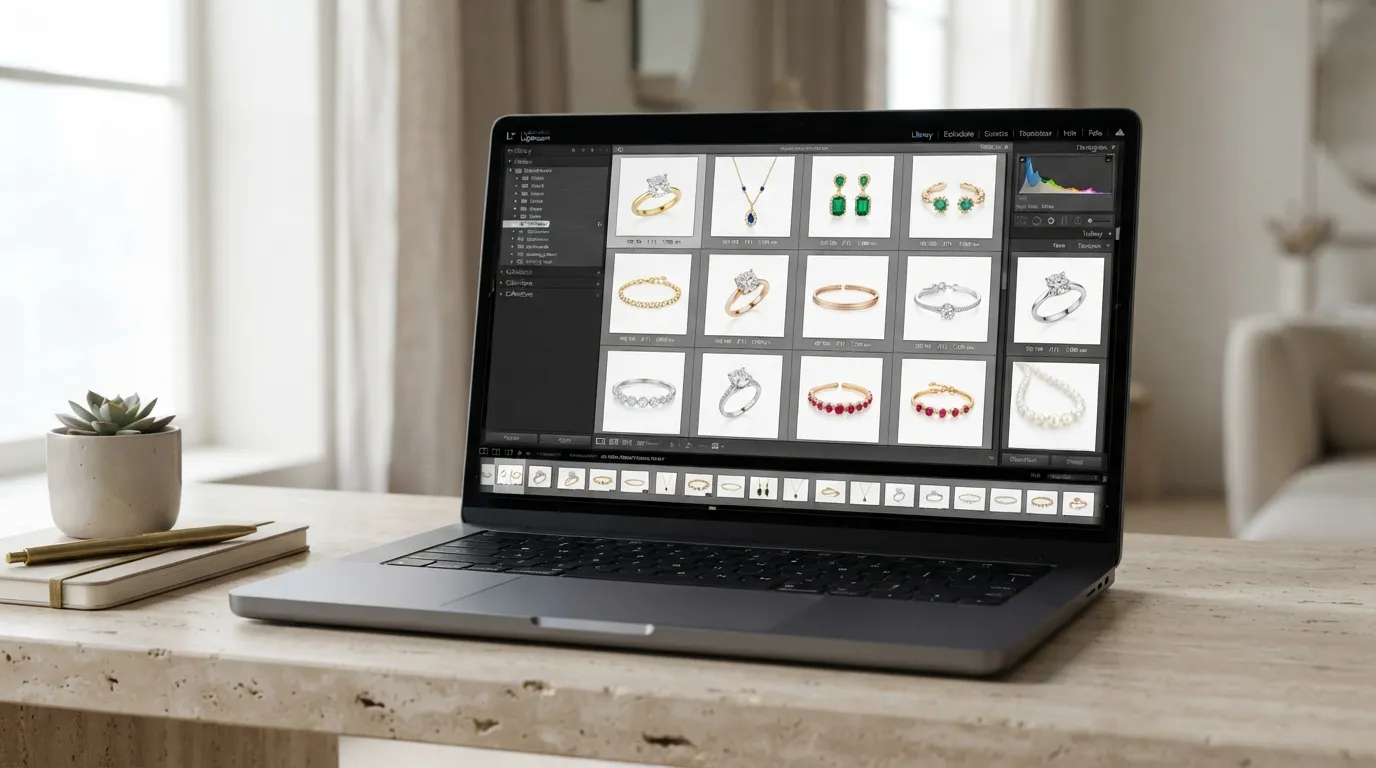
Hylo is structured around a professional workflow. You can use the AI Photoshoot feature to generate entirely new lifestyle scenes from a simple phone photo, or use AI Retouch to perfect existing studio shots. The Creative Library provides hundreds of professionally designed scenes—from marble flatlays to soft-focus lifestyle backgrounds—that are tuned for jewelry. This is about building an entire visual identity, not just editing a single image.
4. Studio-Grade Output Worthy of a High Price Tag
The ultimate goal of Hylo is to produce an image that justifies a premium price for your jewelry. The subtle interplay of light and shadow, the accurate color representation, and the tack-sharp details combine to create a sense of value and trust. When selling a $3,000 engagement ring, a slightly "off" AI image can kill the sale. Hylo's output is designed to meet the standards of luxury brands, replacing studio bookings that cost $2,000-$5,000 per day.
Which Brands Should Pick Which Tool?
Your choice depends entirely on your business model, product type, and goals.
-
Choose Photoroom if... you are a generalist marketplace seller with a diverse inventory. If you sell vintage clothing, handmade crafts, and a small amount of simple, non-reflective jewelry, Photoroom is an efficient, all-in-one solution for creating clean listings and social posts quickly.
-
Choose Hylo if... you are a dedicated jewelry brand. If your business is built on selling fine or demi-fine jewelry, image quality is your most important marketing asset. The precision, realism, and brand consistency from Hylo will directly impact your conversion rates and justify your price points.
-
Choose Photoroom if... your primary need is creating social media marketing graphics. If you spend most of your time making Instagram Stories, sale banners, and collages, Photoroom's massive template library is a better fit.
-
Choose Hylo if... you need to create professional linesheets for wholesale. The ability to apply a perfectly consistent background and shadow style to hundreds of SKUs via the
Brand Kitwill save you dozens of hours and result in a far more professional presentation for retail buyers. -
A Hybrid Approach: Start with Photoroom's free tier for basic background removal. Once you've validated your designs, upgrade to Hylo to shoot your core collection. Use Hylo to create your main product images for your website, and use Photoroom or Canva to place those high-quality images into social media templates.
How to Switch or Try Hylo Without Risk
Comparing AI tools is subjective. The best way to choose is to test them on your own products. Here’s a simple, no-risk process to see the difference for yourself.
- Sign Up for Free: Create a free Hylo account to get your initial 30 credits. There's no credit card required.
- Select Your Test SKUs: Choose 5 of your best-selling pieces and 5 of your most difficult pieces to photograph (e.g., a herringbone chain, a pair of detailed filigree earrings, or a low-contrast gemstone like aquamarine).
- Take Simple Photos: You don't need a professional setup. Just place your jewelry on a plain white surface near a window and take a clear, well-lit photo with your smartphone.
- Run Your Current Workflow: Process these 10 photos using your standard Photoroom workflow. Export the final images.
- Run the Hylo Workflow: Upload the same 10 original smartphone photos to Hylo. Use
AI Photoshootto place them in a scene from theCreative Librarythat matches your brand aesthetic. - Compare Side-by-Side: Open the Photoroom results and the Hylo results. Look closely at the details. Is the chain cutout clean? Are the prongs sharp? Do the reflections on the metal look natural? Does one image look more expensive or trustworthy than the other?
This simple A/B test will give you all the information you need to decide which tool creates more value for your brand.
