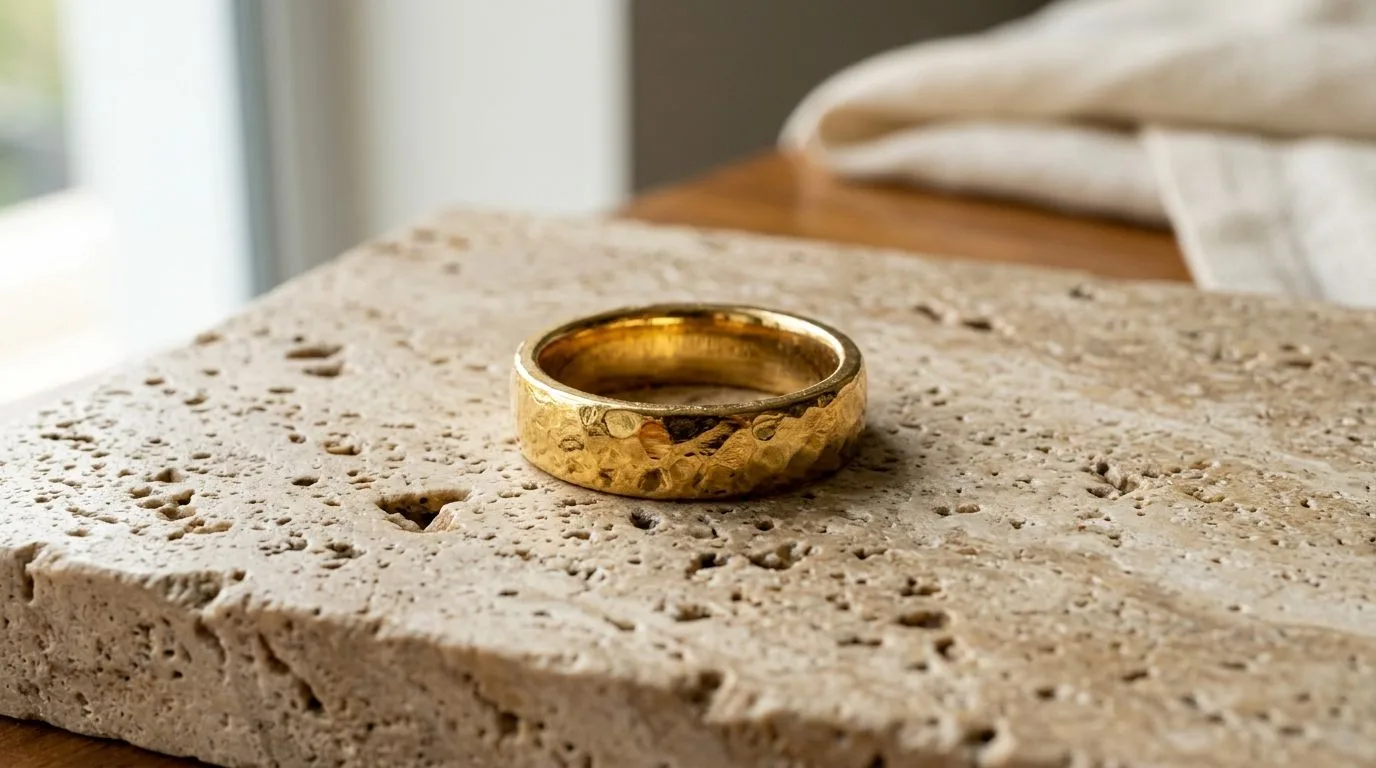
Gold is one of the most commercially important and most frequently mis-photographed materials in jewelry. Get the tone wrong and you create a specific, avoidable problem: a buyer choosing 22K yellow gold receives something that looked different online, or a rose gold piece that photographed too yellow disappoints the person who wanted its pink warmth. Because buyers often choose between gold types specifically on colour, accurate tone is not an aesthetic nicety, it is a returns-prevention measure. This guide explains why gold misbehaves on camera and how to capture it truthfully.
Why gold photographs the wrong colour
Two independent effects conspire to distort gold. The first is white balance. Automatic white balance is a guess the camera makes about what "neutral" is in a scene, and a frame dominated by a shiny, warm-toned metal confuses that guess. The camera frequently overcorrects, rendering gold too yellow, too orange, or washed out, none of which match the piece in hand. The second effect is reflection. Gold is essentially a warm-tinted mirror, so it picks up the colour of everything around it: a warm-painted wall, a coloured backdrop, even the photographer's clothing all bounce their colour into the metal. The gold you capture is a blend of the real metal and its environment.
Fixing white balance
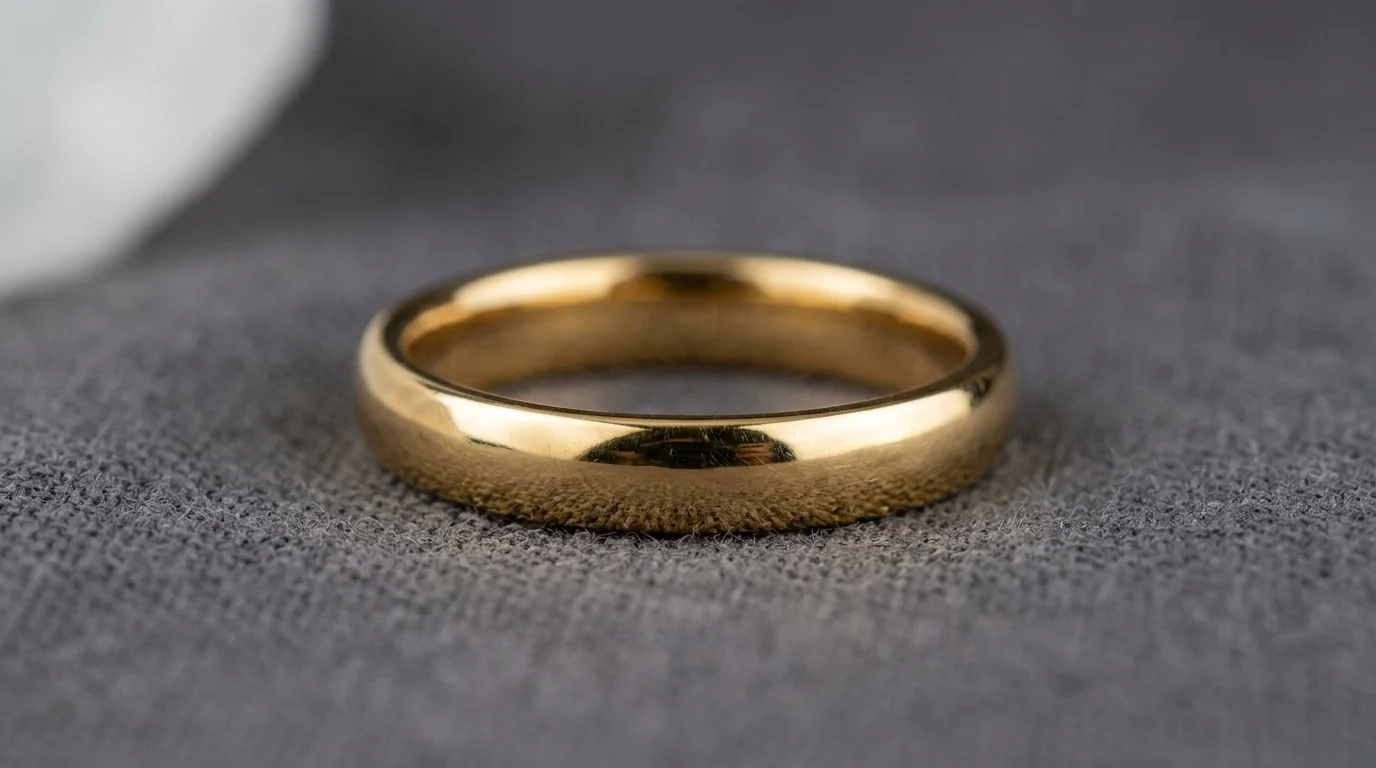
The reliable fix for white balance is to stop guessing. Photograph a grey card under the exact light you are shooting with, and set a custom white balance from it, giving the camera a true neutral reference so it renders gold as the metal actually is. Pair this with shooting in RAW. A RAW file keeps the full colour information the sensor recorded, so you can fine-tune white balance afterwards with no loss of quality, whereas a JPEG has already baked in the camera's white-balance decision and resists clean correction. For colour-critical work, that latitude is the difference between getting tone exactly right and living with whatever the camera chose.
Controlling reflections
Because gold reflects its surroundings, the environment is part of your colour management. Remove coloured objects and backdrops from near the piece, and when you bounce light to fill shadows, use neutral white cards rather than coloured ones. The aim is for the only colour in the gold to be the gold's own. This is also why a consistent light source matters: mixing daylight from a window with warm tungsten bulbs creates two different colour temperatures in the same frame, which makes neutral colour genuinely impossible to achieve. Light with a single, known colour temperature.
Respecting the different golds
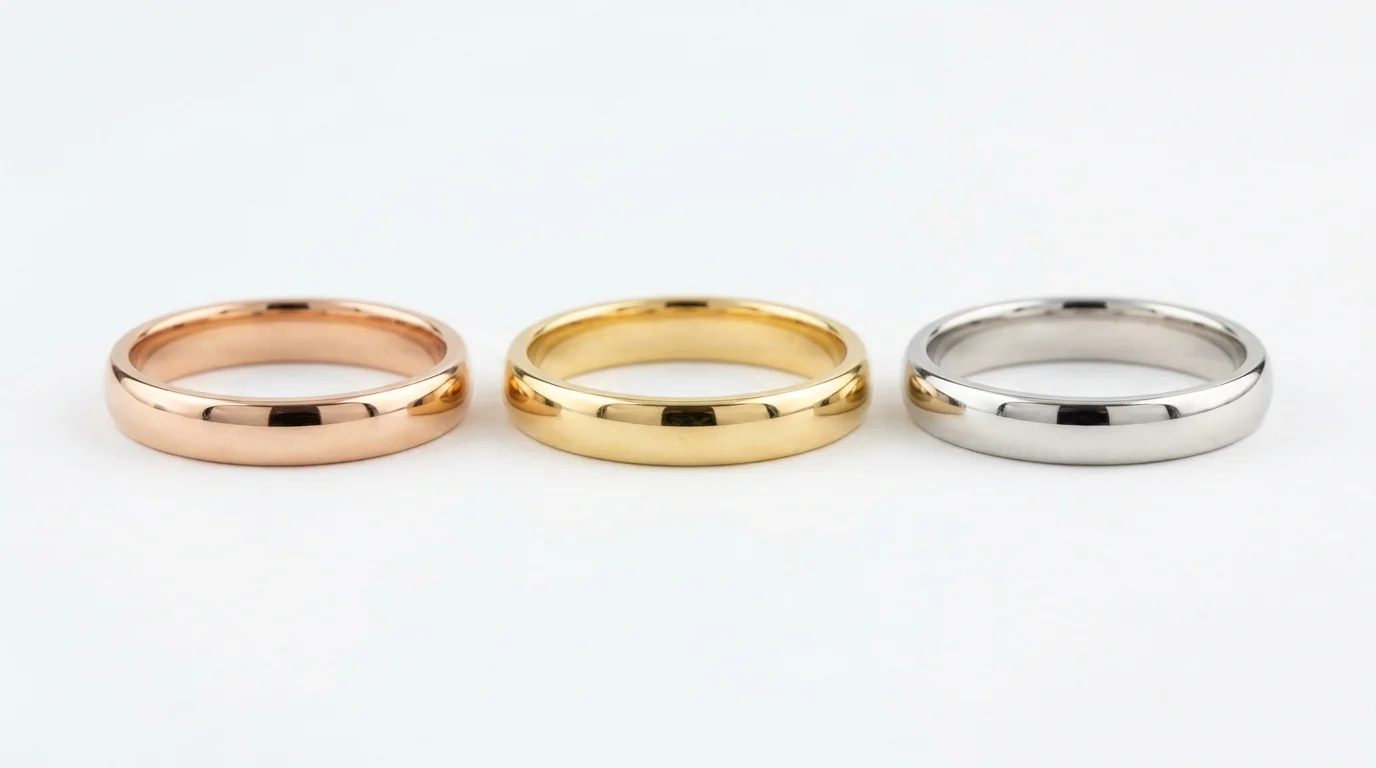
There is no single "gold" colour to aim for, because 22K yellow, 18K, and rose gold are genuinely different. High-karat 22K yellow gold, common in Indian jewelry, is richly, warmly yellow. 18K gold is typically lighter and its exact colour depends on the alloy mixed with it. Rose gold gets its distinctive pink from copper in the alloy. When you correct an image, you are targeting that specific piece's true colour, not a generic gold. A buyer comparing a rose gold and a yellow gold version is making a colour decision, and your images have to represent each one honestly for that decision to hold up when the piece arrives.
The commercial cost of wrong gold tone
It is worth dwelling on why gold tone matters so much more than it might seem, because the instinct is to treat colour as a finishing detail rather than a core requirement. For most jewelry buyers, and especially in markets like India where gold is bought both as adornment and as a store of value, the karat and colour of the gold are not incidental; they are the product. A buyer choosing 22K over 18K is making a decision about purity, warmth, and worth, and the image is the only evidence they have before the piece arrives. If your photograph of a 22K piece looks pale and cool, it can read as lower karat and cheapen the perceived value, suppressing the sale. If an 18K piece is over-warmed to look like high-karat gold, the buyer feels misled when the real item arrives, and a misled buyer returns the piece and rarely comes back.
This is the quiet way inaccurate gold tone erodes a business. It does not announce itself as a single dramatic failure; it shows up as a slightly lower conversion rate across the catalog, a slightly higher return rate, and a slow drip of reviews mentioning that the colour "looked different in the photos". Each of those is individually small and easy to dismiss, but together they are the difference between a catalog that performs and one that underperforms for reasons the seller never quite diagnoses. Getting gold tone right is therefore not perfectionism; it is protecting the conversion and trust that the rest of your effort depends on.
How cameras decide colour, and why gold fools them
To control gold tone, it helps to understand what white balance actually is. A camera does not know what colour the light in your scene is; it has to estimate it, and then it shifts every colour in the frame to compensate so that whites look white. Under warm light, it cools the image; under cool light, it warms it. Automatic white balance makes this estimate by assuming the average of the scene should be roughly neutral grey. That assumption works for ordinary scenes, but it breaks down when the frame is dominated by a single strong colour, which is exactly the situation when a warm gold piece fills the frame against a plain background.
Faced with a frame full of warm gold, the camera's averaging logic concludes the scene is too warm and cools it down to compensate, draining the gold of the very warmth that defines it. This is why auto white balance so often renders rich 22K gold as a flat, pale yellow: the camera is doing precisely what it was designed to do, and that design is wrong for this subject. Understanding this removes the mystery and points to the fix. You are not fighting a faulty camera; you are overriding an assumption that does not hold for gold, by giving the camera an external neutral reference instead of letting it guess.
The grey card workflow in detail
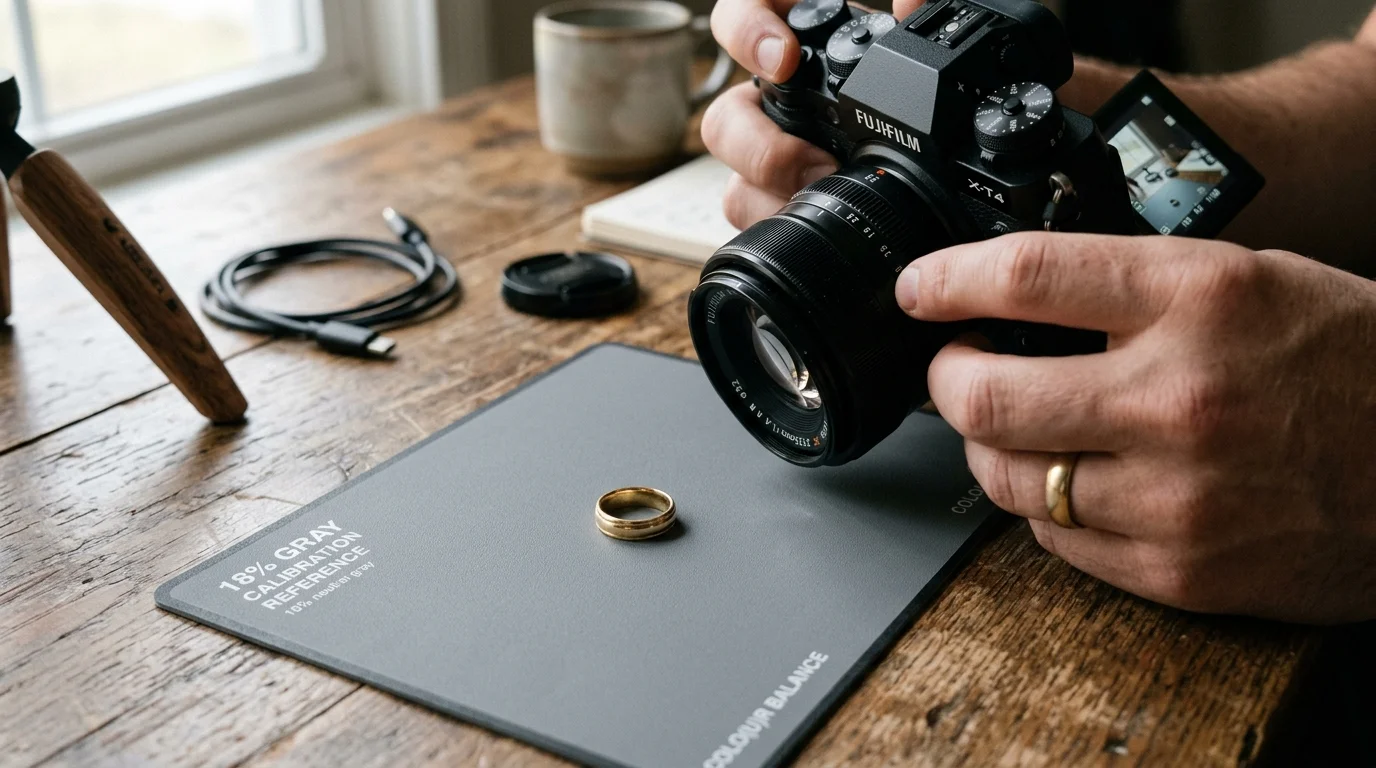
The grey card is the single most reliable tool for accurate gold, and using it well is worth getting right. A photographic grey card is a surface manufactured to reflect light neutrally, neither warm nor cool, so it gives the camera a true reference for what neutral looks like under your specific light. The workflow is straightforward. Set up your lighting exactly as you will shoot the gold. Place the grey card where the piece will sit, so it receives the same light. Photograph the card filling the frame. Then either set a custom white balance in-camera from that shot, or, if you are shooting RAW, use that frame later to set the white balance for the whole set in your editing software with a single click of the eyedropper on the card.
The key discipline is that the grey card reading is only valid for the lighting it was taken under. If you change the light, move a lamp, open a blind, swap a bulb, you must take a fresh grey card reference, because the neutral point has moved. This is one more reason to lock your lighting before you start and keep it constant through the shoot. A locked setup with one grey card reference at the start gives every image in the session the same accurate, repeatable colour baseline, which is exactly what consistency across a catalog requires.
Building a repeatable gold colour standard
For a seller with more than a handful of pieces, the goal is not to colour-correct each image by eye, which is slow and inconsistent, but to establish a repeatable standard. Lock the lighting, take the grey card reference, shoot RAW, and apply the same white balance derived from the card across the whole set. Then, when you fine-tune, target the true colour of each specific gold type rather than nudging each image toward whatever looks nice in isolation. The reference point is always the physical piece, ideally checked against the real item under neutral light, not a memory or an idealised image of gold.
This repeatability is what makes a large catalog look coherent. When every yellow-gold piece is corrected to the same true 22K tone and every rose-gold piece to the same true pink, the catalog reads as one consistent collection, and a buyer comparing two pieces is comparing the pieces themselves rather than inconsistencies in your photography. It also makes the work delegable and scalable: a documented colour standard, locked lighting, grey card, RAW, defined target tones per gold type, can be followed by anyone, whereas correcting by eye depends on one person's judgment and never quite repeats.
Common gold photography mistakes to avoid
A few specific mistakes account for most gold colour failures. The first is trusting auto white balance, which, as explained, reliably gets gold wrong. The second is mixing light sources, a window plus a warm lamp, which makes a single neutral correction impossible because different parts of the piece are lit by different colour temperatures. The third is shooting near coloured surfaces, a wooden table, a coloured wall, a patterned backdrop, whose colour reflects into the gold and tints it. The fourth is shooting JPEG for colour-critical work, which bakes in the camera's white-balance guess and leaves little room to correct. The fifth, and most tempting, is over-warming gold in post because a richer gold looks appealing, which directly causes returns when the muted real piece arrives.
Each of these has a simple counterpart: use a grey card, light with one colour temperature, neutralise the surroundings, shoot RAW, and correct toward truth rather than toward what flatters. None of these requires expensive equipment, a grey card and a single consistent light source are inexpensive, and the discipline is more important than the gear. A seller who internalises these five fixes will produce more accurate gold than one with a far more expensive setup who ignores them.
Gold against different backgrounds and metals
Background choice interacts with gold tone in ways sellers often overlook. A pure white background is the marketplace standard and keeps the gold reading neutrally, but it also makes the gold appear slightly warmer by contrast, which is usually flattering and accurate. A black or dark background can make gold look richer and more luxurious but risks the metal losing definition in the shadows if the lighting is not careful. Coloured backgrounds are the real danger: a warm-toned surface reflects warmth into the gold and amplifies the over-warming problem, while a cool surface can drain it. The safest approach for accurate primary images is a neutral white or light grey, reserving darker or styled backgrounds for secondary and lifestyle slots where mood is the goal rather than colour reference.
Mixed-metal pieces add another layer of difficulty, because a single white balance must render two or more metals truthfully at once. A piece combining yellow and white gold, or yellow gold with rose gold accents, requires lighting and correction that keeps each metal true without pushing the others off, which is harder than getting a single tone right. The discipline is the same, neutral reference, consistent light, RAW capture, but the checking is more demanding: confirm every metal in the piece reads correctly, not just the dominant one. This is exactly the kind of consistency challenge that a locked, repeatable workflow handles far better than ad hoc per-image correction.
A final practical tip is to check your gold images on more than one screen before publishing. Colour can shift between an uncalibrated laptop, a phone, and a properly calibrated monitor, and what looks accurate on one may look too warm or too pale on another. While you cannot control the buyer's screen, calibrating your own display and reviewing on a couple of devices guards against publishing a whole catalog that is subtly off because your editing screen was miscalibrated. The aim throughout is the same: the gold a buyer sees should match the gold that arrives, because that match is what protects both the sale and the relationship.
Keeping it true through post and generation
The same principle governs retouching and AI generation: the output must match the real metal. There is a constant temptation to over-warm gold because a richer, more saturated gold looks appealing on screen, but that is precisely how you manufacture returns, since the physical piece will look comparatively muted. Hylo's AI Retouch can clean gold imagery and even backgrounds while the discipline stays the same, preserve the true tone, and AI Photoshoot can generate gold presentation images that should likewise be checked against the real piece's colour. Accurate gold is honest gold, and honest gold is what keeps buyers. Treat tone not as a post-production flourish but as a core specification of the product, as fixed as the karat stamped on the piece — karatage is a defined alloy standard (World Gold Council), and 22K, 18K, and 14K alloys genuinely differ in colour, which is exactly why a photograph that shifts that colour is misdescribing the product. Every step from lighting to export becomes a way of protecting that specification rather than an opportunity to embellish it.
