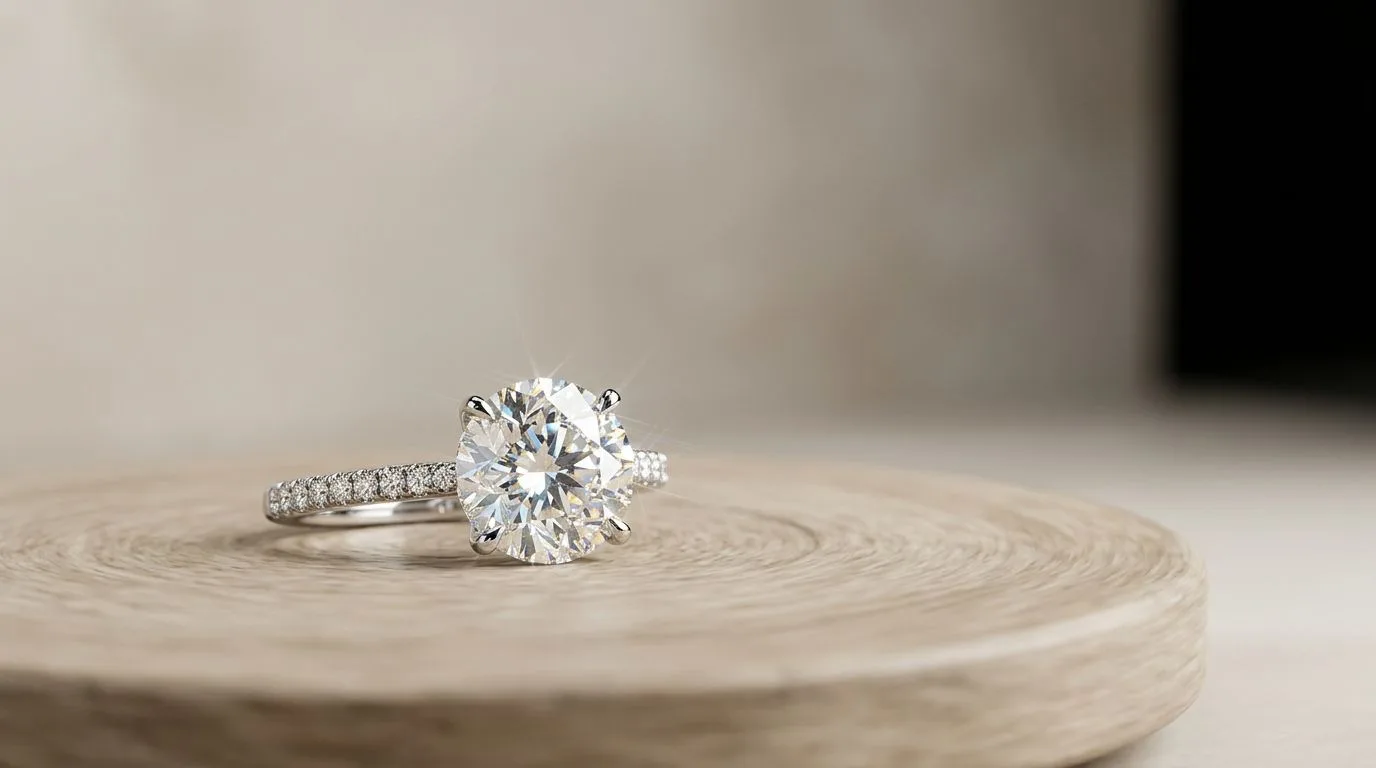
Why 360-Degree Videos Convert Better
In high-ticket e-commerce, static images are no longer enough to build trust. Buyers want to see the gallery of the ring, the exact thickness of the band, and how light interacts with the stone as it moves. 360-degree spinner videos bridge the gap between digital shopping and physical retail, increasing conversion rates by up to 30% for fine jewelry.
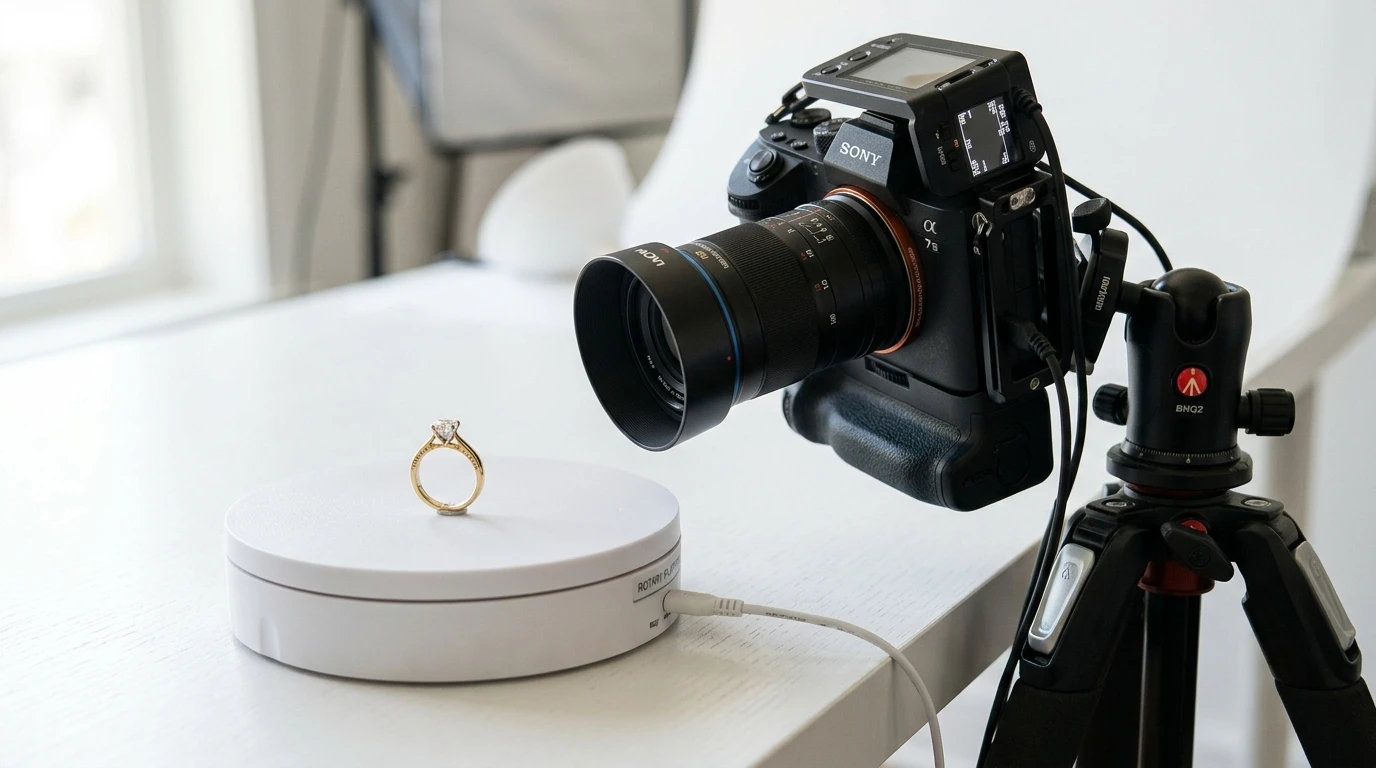
The Hardware Requirements for 360 Jewelry Video
To build a professional 360-degree capture station, you will need:
- Motorized Turntable: Do not use cheap, battery-operated turntables. The gears will slip, causing microscopic vibrations that a macro lens will amplify into unusable, shaky footage. Invest in a professional, stepper-motor turntable.
- Hanging Kits: Rings can sit flat, but necklaces and earrings look terrible lying down. You need a specialized hanging stand or clear acrylic fixtures to suspend the jewelry in the center of the turntable.
- Macro Lens: A 100mm macro lens allows you to stay far enough away to avoid blocking the light, while zooming in tight enough to fill the frame with the ring.
- Heavy Tripod: Absolute camera stability is mandatory. Even walking heavily past a cheap tripod during a 15-second rotation will ruin the video.
Step-by-Step 360 Video Production
1. Secure and Center the Jewelry
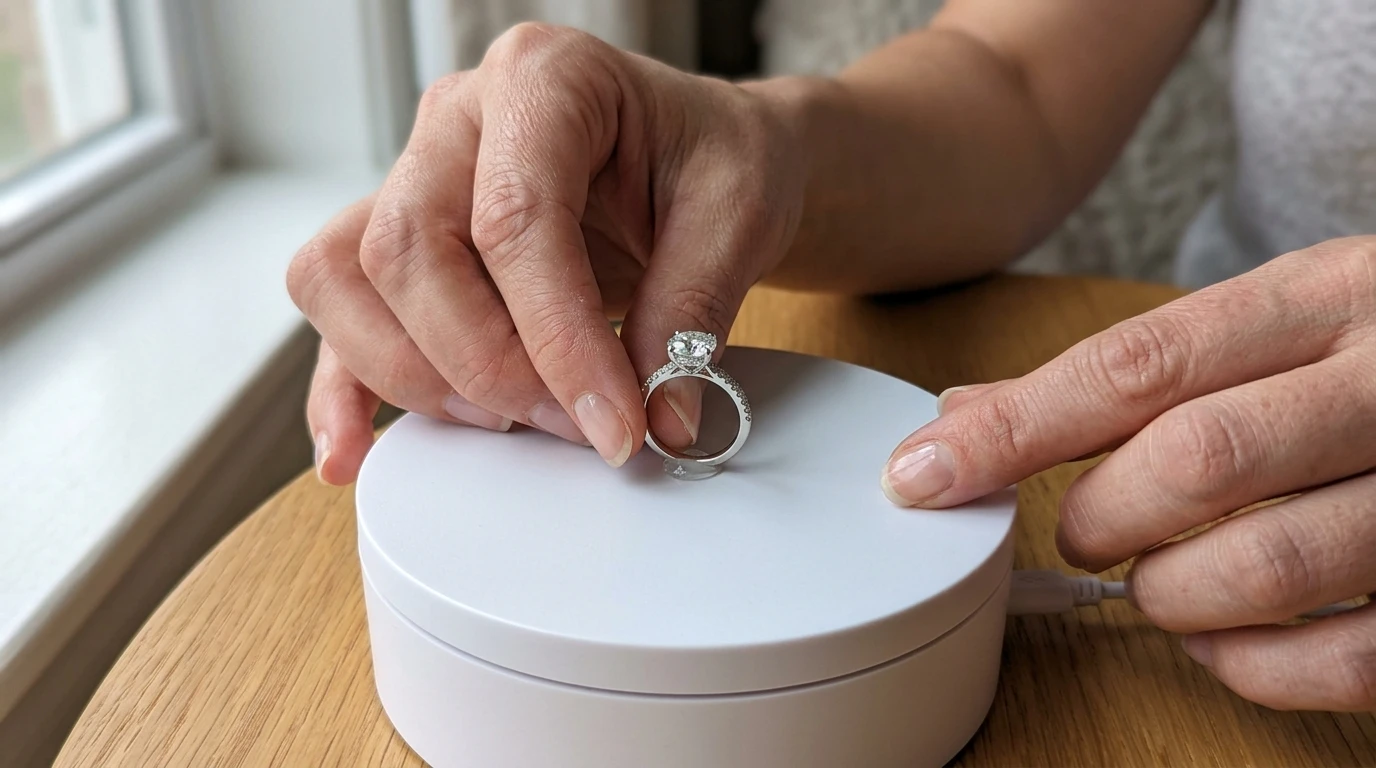
The hardest part of 360 photography is finding the exact axis of rotation. If a ring is placed even 2 millimeters off-center, it will visibly wobble in and out of focus as it spins. Use a tiny speck of museum wax (sticky wax) to secure the ring perfectly on the center mark of the turntable.
2. Configure Your Lighting
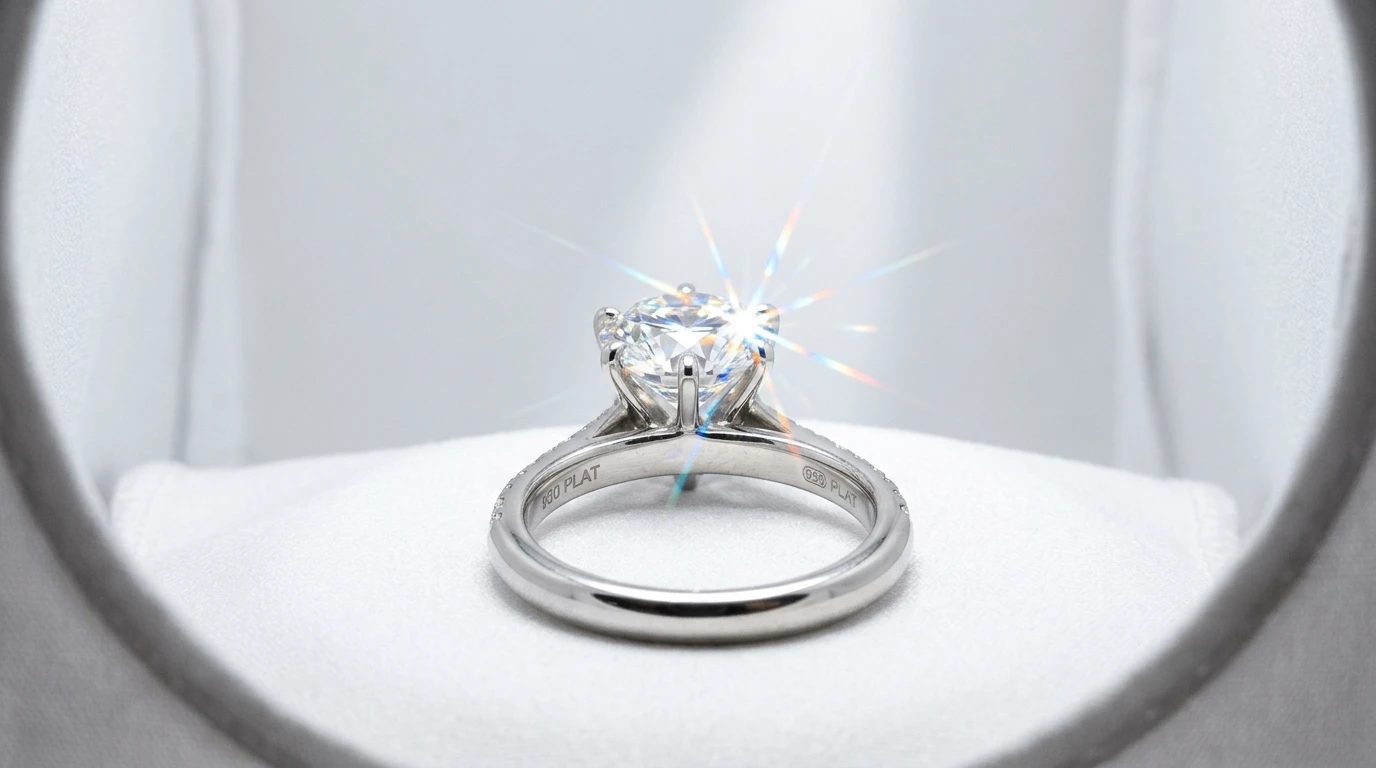
Jewelry is a mirror; it reflects its entire environment. Build a 'white tent' around your turntable using diffusers or foam core to block reflections of the camera lens, the room, and the photographer. Use a continuous LED softbox for base illumination, and a single, hard LED 'sparkler light' aimed directly at the diamond to trigger scintillation as it rotates.
3. Lock Camera Settings
Never shoot video on Auto. As the ring rotates, the camera will constantly try to adjust the exposure based on the changing reflections, causing the video to aggressively flicker between bright and dark.
- Focus: Set your focus manually on the front prong of the ring and lock it.
- Exposure: Lock your ISO, Aperture, and Shutter Speed.
- White Balance: Lock your custom white balance using a grey card.
4. Capture the Spin
Set your turntable to a slow, consistent speed (typically 15 to 30 seconds for a full rotation). Hit record on your camera, let it complete one full 360-degree spin, and stop recording.
The Software Alternative: AI 360 Generation
Building a vibration-free motorized turntable setup requires significant physical space, technical knowledge, and an investment of $1,000 to $5,000 in specialized macro hardware.
Today, high-end jewelers use generative AI engines like Hylo to create motion without hardware.
- You take a standard, high-quality still photograph of your ring.
- You upload the single image to Hylo.
- Hylo's AI understands the 3D geometry of standard jewelry cuts (bands, prongs, facet structures).
- It algorithmically extrudes the 2D image into a 3D space, generating a hyper-realistic 360-degree rotation video, complete with dynamic, moving light reflections and synthesized diamond sparkle.
This approach allows brands to generate hundreds of videos for their Shopify store in minutes, without ever buying a turntable.
