What You'll Need for Necklace Photography
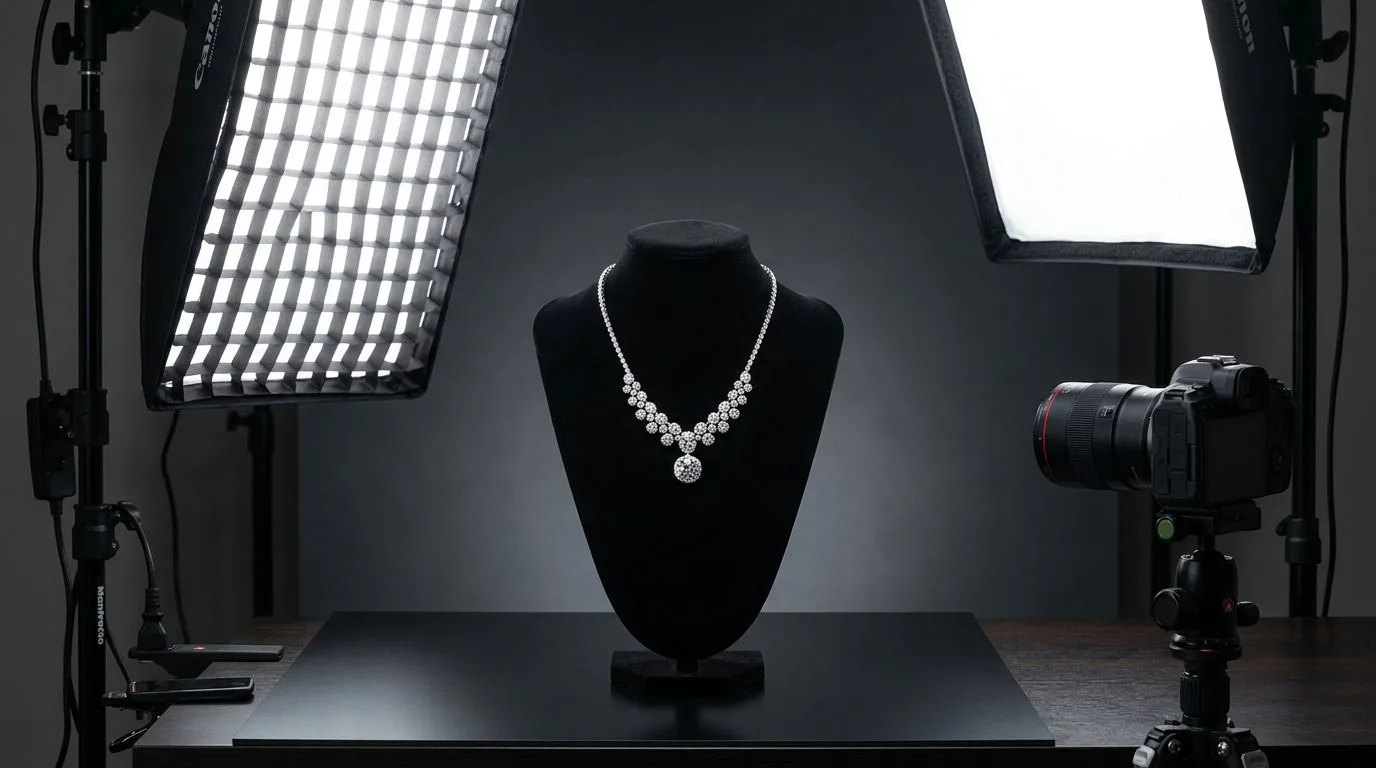
Before you touch a camera, you need to assemble a dedicated jewelry photography kit. Necklaces present a unique challenge: they are large enough to require a wide field of view, yet detailed enough to demand macro precision. A standard ecommerce setup won't cut it.
Here is the exact equipment required to shoot a necklace to professional studio standards:
- Camera Body: A full-frame DSLR or mirrorless camera (e.g., Canon EOS R5, Sony a7R IV). You need high resolution to capture the facets of a 1mm pavé diamond on a pendant.
- Macro Lens: A 90mm to 105mm macro lens (like the Nikon AF-S VR Micro-NIKKOR 105mm f/2.8G). Standard kit lenses distort proportions and cannot focus closely enough for pendant detail shots.
- Sturdy Tripod with an Extension Arm: Necklaces are frequently shot top-down (flatlay). A heavy-duty tripod with a horizontal center column allows you to position the camera directly over the jewelry without getting the tripod legs in the frame.
- Lighting: Two strobe lights (e.g., Godox AD200Pro) equipped with 8x36-inch strip softboxes. Strip boxes create long, elegant highlights on chains and curved metal surfaces.
- Diffusion Material: A roll of Savage Translum or heavy tracing paper. This is critical for softening the light before it hits highly reflective gold or silver.
- The Styling Kit: White cotton gloves, a microfiber cloth, compressed air, a piece of 12x18 inch white foamcore (for bouncing light), clear fishing line (for suspension shots), museum wax (to hold chains in place), and a white acrylic sheet for flatlays.
Before You Start: Preparation and Common Misconceptions
Jewelry photography is 80% preparation and 20% execution. Skipping the prep phase leads to hours of tedious Photoshop work later.
Misconception 1: You should use a light tent. Many beginners buy cheap pop-up light tents from Amazon, thinking it will solve their reflection problems. While a light tent eliminates unwanted room reflections, it also eliminates contrast. It bathes the necklace in flat, omnidirectional light, turning a brilliant 14k gold chain into dull, flat plastic. To make metal look like metal, you need directional light and controlled shadows.
Misconception 2: Smudges can be fixed in post-production. Never handle a necklace with bare hands before shooting. The natural oils from your fingers will transfer to the metal and gemstones. Under macro lighting, a single fingerprint looks like a smeared, greasy texture that destroys the clarity of a pendant. Always wear white cotton gloves when placing the jewelry on your set, and use compressed air to blow away dust immediately before pressing the shutter.
The 10-Step Workflow for Photographing a Necklace
This workflow covers the standard flatlay approach on a white background, which is the most common requirement for ecommerce product pages, linesheets, and wholesale catalogs.
Step 1: Clean and Inspect the Jewelry
Put on your cotton gloves. Wipe down the entire chain and pendant using a specialized jewelry cloth (like a Cape Cod polishing cloth for metals, or a simple microfiber cloth for gemstones). Inspect the clasp to ensure it functions correctly, as you will likely want to photograph the closure mechanism as a secondary shot.
Step 2: Set Up Your Background
Place your white acrylic sheet on a sturdy table. Acrylic is preferred over seamless paper because it provides a subtle, high-end reflection beneath the necklace, adding depth. If you prefer a pure matte look, use a high-quality matte white vinyl backdrop. Ensure the surface is perfectly level.
Step 3: Style the Chain
Styling the chain is the hardest part of necklace photography. A necklace dumped on a table looks messy; it needs deliberate shaping.
- The V-Shape: Ideal for pendants. Create a sharp 'V' leading down to the pendant, with the rest of the chain curving gently toward the top of the frame.
- The S-Curve: Ideal for chains without a focal pendant (like a herringbone or Figaro chain). Snake the chain into a gentle 'S' shape to show flexibility and movement. Use tiny dabs of museum wax underneath the chain links at the apex of your curves to hold the shape in place. The wax is invisible to the camera but prevents the chain from uncoiling.
Step 4: Position the Primary Light
Place your first strobe (the key light) at the top of the table, angled down at 45 degrees toward the necklace. Place your diffusion material (Translum) between the light and the jewelry. This creates a soft gradient across the top of the pendant and highlights the upper edges of the chain links.
Step 5: Place Reflectors for Metal Gradients
Metals only look good when they reflect a gradient of light to dark. If the bottom of your pendant looks black, it's reflecting the dark room. Cut a small piece of white foamcore and prop it up just outside the bottom of the camera frame, facing the pendant. This bounces the primary light back into the bottom of the jewelry, creating a beautiful silver or gold gradient.
Step 6: Dial in Camera Settings
Mount your camera on the tripod overhead, pointing straight down. Set your camera to manual mode.
- Aperture: Set to f/11 or f/14. You need a deep depth of field to keep both the top of the pendant and the chain in focus.
- Shutter Speed: Set to 1/125s. Since you are using strobes, this is the standard sync speed to block out ambient room light.
- ISO: Set to 100. Always use the lowest native ISO to ensure maximum image quality and zero digital noise.
Step 7: Light the Gemstone (If Applicable)
If the necklace features a faceted gemstone (like a sapphire or diamond), the soft diffused light won't make it sparkle. Gemstones need hard, direct light to create scintillation. Take a small LED penlight or a secondary strobe with a snoot (a tight modifier) and aim it directly at the gemstone from a low angle. This will ignite the facets without overexposing the metal.
Step 8: Capture the Base Exposure
Take a test shot. Check your camera's histogram to ensure you aren't blowing out the highlights (clipping the whites) or losing detail in the shadows. The white background should appear light gray in the raw file—you will push it to pure white during post-production to avoid bleeding light over the edges of the jewelry.
Step 9: Focus Stack for Depth of Field
Even at f/11, a macro lens might not keep a thick pendant and the clasp completely sharp at the same time. To fix this, use focus stacking. Take 3 to 5 images without moving the camera or jewelry. For the first shot, focus on the highest point of the pendant. For the next, focus slightly lower. Continue until you have focused on the flat chain. You will merge these images later in Photoshop or Helicon Focus.
Step 10: Retouch and Format
Import your raw files into Lightroom or Capture One. Correct the white balance so the silver looks neutral and the gold looks warm, not green. Export the file to Photoshop, merge your focus stack, and use the Healing Brush tool to remove any microscopic dust or scratches. Finally, use the Pen Tool to cut the necklace out from the background (creating a clipping path) and place it on a pure white (#FFFFFF) canvas.
Common Necklace Photography Mistakes and How to Fix Them
Even experienced photographers run into issues when shooting delicate chains and highly polished pendants. Here are the most common pitfalls and their exact fixes.
The "Black Hole" Pendant
A highly polished, flat pendant (like a gold disc) acts like a mirror. If you shoot it directly from above, it will reflect the black camera lens and the dark ceiling, making the gold look black. The Fix: You need to manage the "family of angles." Angle the pendant slightly upward by placing a small piece of wax or a hidden prop underneath its bottom edge. This changes the angle of reflection so the pendant reflects your white diffusion paper instead of the camera lens.
Floating or Unnatural Chain Shapes
When styling a chain on a flat surface, beginners often pull the chain too tight, making it look stiff and unnatural, or leave it too loose, making it look messy. The Fix: Introduce gravity. Even on a flatlay, a necklace should look like it's hanging. Pinch the pendant and pull it gently downward while holding the top of the chain, then lay it down. Use museum wax to lock in the natural teardrop shape.
Washed-Out Gold
If your 14k or 18k gold looks pale, yellow-green, or resembles brass, your lighting is too flat or your white balance is off. The Fix: First, ensure you are using a gray card to set a custom white balance before shooting. Second, introduce negative fill. Place a piece of black foamcore near the edge of the set. The gold will reflect this black card, adding deep, rich contrast back into the metal and making the yellow tones pop.
Tangled Clasps in the Frame
Including the clasp in the main product shot often clutters the frame and distracts from the pendant. The Fix: Hide the clasp. Run the ends of the chain out of the top of the frame. If you must show the clasp to prove the chain length or closure type, shoot the clasp as a separate, dedicated macro detail image.
Pro Tips for Styling Different Necklace Types
Not all necklaces can be styled the same way. Adapting your approach to the specific jewelry type separates amateur catalogs from editorial-grade linesheets.
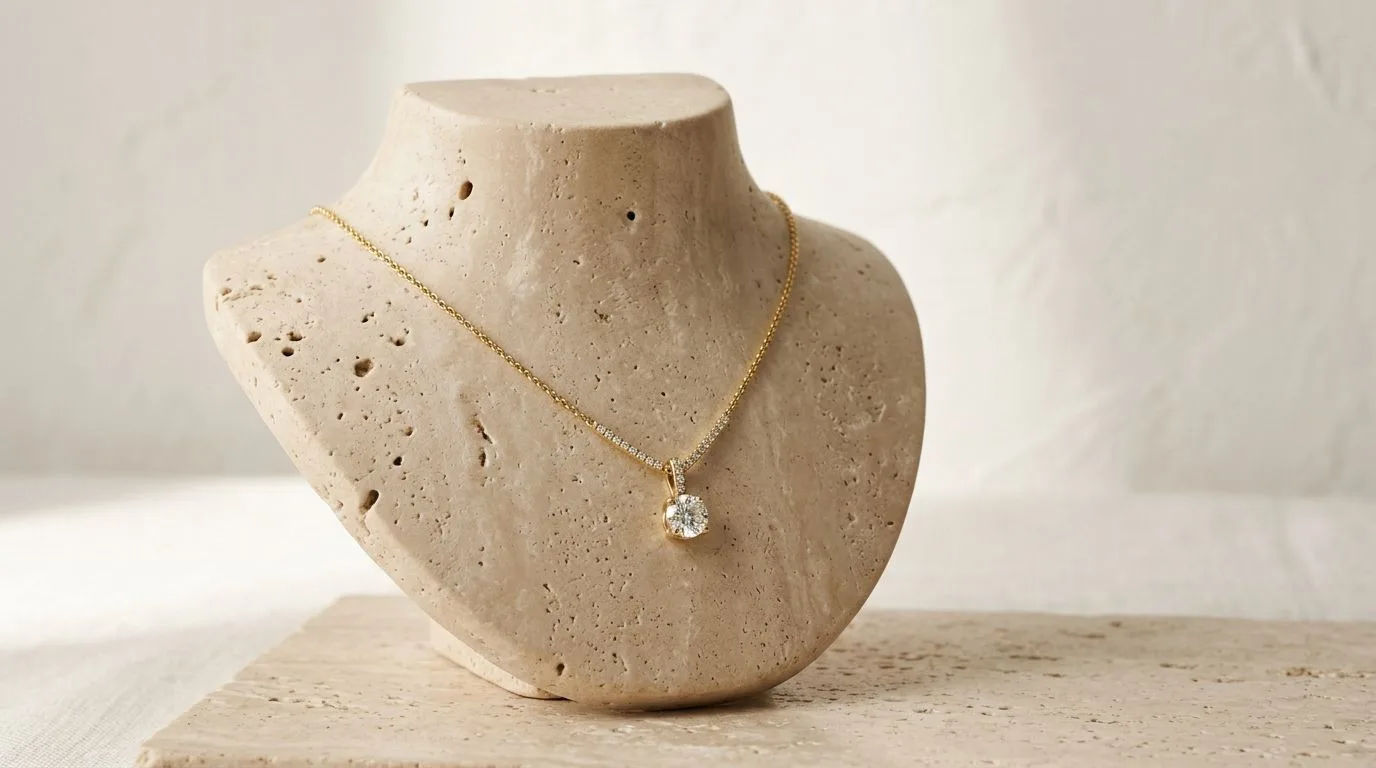
- Tennis Necklaces: Because tennis necklaces are composed of hundreds of articulated settings, they rarely sit perfectly flat. Instead of a flatlay, shoot tennis necklaces on a slanted velvet or leather bust. The angle allows gravity to pull the diamonds into perfect alignment.
- Lariats (Y-Necklaces): Lariats require vertical space. Shoot them suspended. Tie clear fishing line to the top of the chain and hang it from a C-stand. Light it from both sides. In post-production, clone out the fishing line. This shows the exact drape of the drop chain.
- Chokers: Chokers look strange when laid flat because they are designed to be rigid cylinders. Use a ghost mannequin technique. Photograph the choker around a specialized neck display, then take a second photo of the inside back of the choker. Merge them in Photoshop to create a hollow, 3D floating effect.
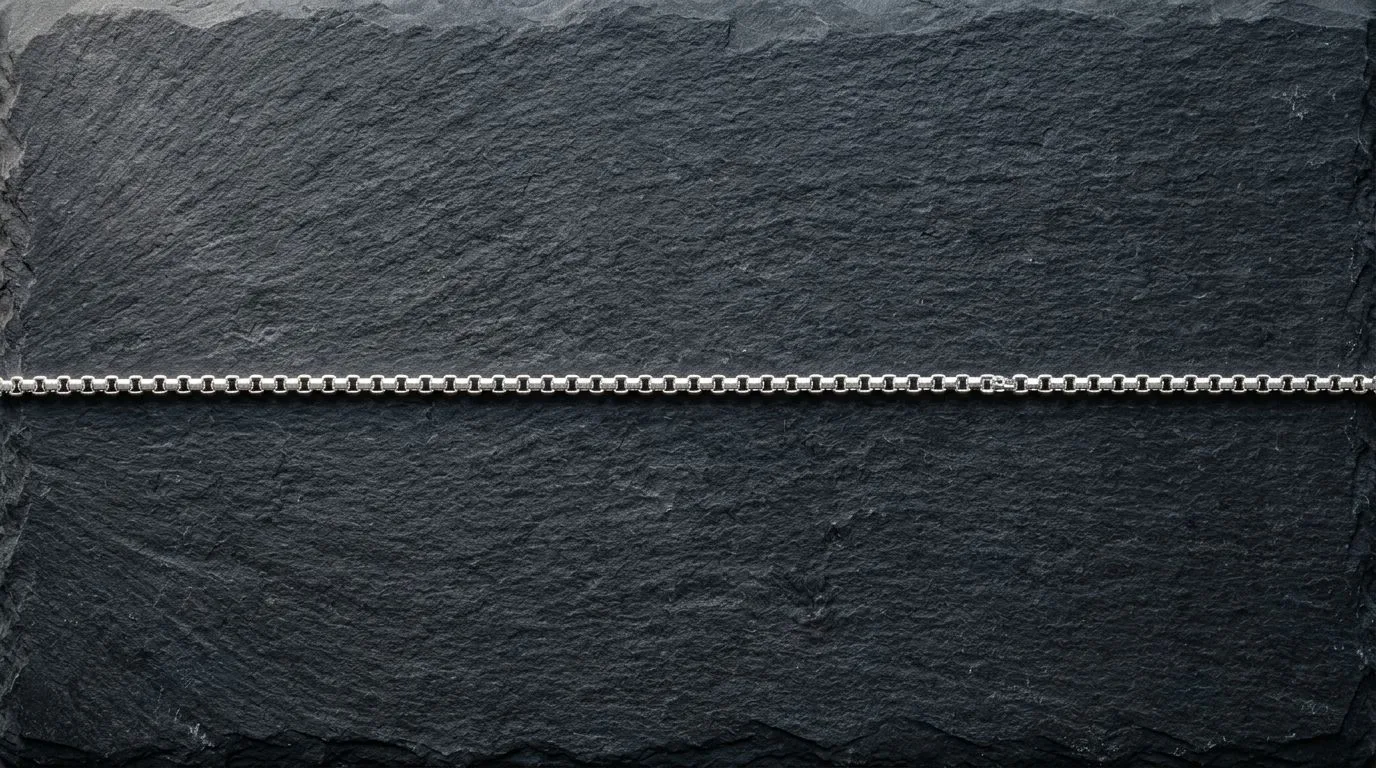
- Delicate Cable Chains: Thin chains (under 1mm) easily disappear against a pure white background. To counter this, lower your key light slightly to create a tiny drop shadow beneath the chain. The shadow provides visual separation, making the delicate links readable.
Lighting Setups by Metal and Stone
| Material | Primary Modifier | Lighting Strategy | Background Preference |
|---|---|---|---|
| Yellow Gold | Strip box with heavy diffusion | Soft gradient + black negative fill for contrast | White or warm neutral |
| White Gold / Silver | Large softbox with diffusion | Broad, even highlights to emphasize brightness | Cool gray or pure white |
| Diamond Pendants | Strip box + bare bulb snoot | Soft light for metal, hard directional light for facets | Dark gray or black (for editorial) |
| Pearls | Double strip boxes | Even bilateral lighting to capture the spherical luster | White acrylic |
How to Photograph Necklaces Faster with Hylo
Shooting a necklace manually—setting up the C-stands, styling the chain with wax, capturing a 5-image focus stack, masking the chain with the Pen tool, and retouching the dust—takes an experienced photographer roughly 30 to 45 minutes per SKU. If you are launching a 50-piece collection, that is a week of full-time studio work.
This is exactly what Hylo is built to eliminate.
Instead of wrestling with strip boxes and focus stacking, you can shoot a well-lit, in-focus image of your necklace flat on a table using your smartphone. Upload that base image into Hylo.
Using AI Photoshoot, Hylo automatically removes the background, preserving the intricate spaces between chain links that normally require tedious clipping paths. You can then use the Canvas Editor to place the necklace onto a realistic, AI-generated model to show scale and drape, or place it on an editorial prop (like an acrylic block or marble plinth) with physically accurate shadows and reflections.
If the metal looks dull in your raw photo, Hylo's AI Retouch acts as an instant digital polishing cloth, restoring the pristine gradient of 14k gold or the sharp scintillation of a diamond pendant without requiring you to paint in highlights manually in Photoshop. By setting up your Brand Kit, you ensure that every necklace in your catalog is exported with the exact same margins, background hex code, and shadow intensity, turning a 45-minute manual process into a 60-second automated workflow.
Note: Manual photography is still required for high-end, bespoke pieces (e.g., a $50,000 high-jewelry collar) where capturing the microscopic internal inclusions of a specific gemstone is legally or commercially necessary. But for ecommerce catalog shots, DTC product pages, and social media styling, Hylo delivers studio-grade results at a fraction of the time and cost.
Questions Jewelry Brands Ask About Necklace Photography
Beyond the technical setup, brand owners frequently ask about presentation strategy.
Should I use a ghost mannequin or a flatlay for ecommerce? Flatlays are the industry standard for the primary product image (the first image on a Shopify page) because they offer the cleanest, least distracting view of the design. Ghost mannequins are excellent for the second or third image in the carousel because they immediately communicate how the necklace sits on the collarbone (e.g., choker vs. princess length).
How do I show the scale of a tiny pendant? Macro photography notoriously destroys a sense of scale. A 5mm pendant can look the size of a golf ball. Always include at least one lifestyle or on-model image in your product listing. If you cannot shoot on a model, use an AI tool like Hylo to drape the necklace accurately on a digital bust, or shoot the necklace next to a recognizable styling prop (like a standard-sized ring box or a floral element).
Is it better to shoot on white seamless or a lifestyle background? Both serve different purposes. Pure white (#FFFFFF) is mandatory for wholesale linesheets, Amazon listings, and clean grid layouts on Shopify. Lifestyle backgrounds (textured stone, silk, or styled scenes) belong on Instagram, Pinterest, and the hero banners of your website. You should capture the item on a clean background first, then use software to generate the lifestyle variations.
