The Physics of Macro Depth of Field
To understand why focus stacking is a mandatory skill for high-end jewelry retouchers, you must understand the limitations of optical physics.
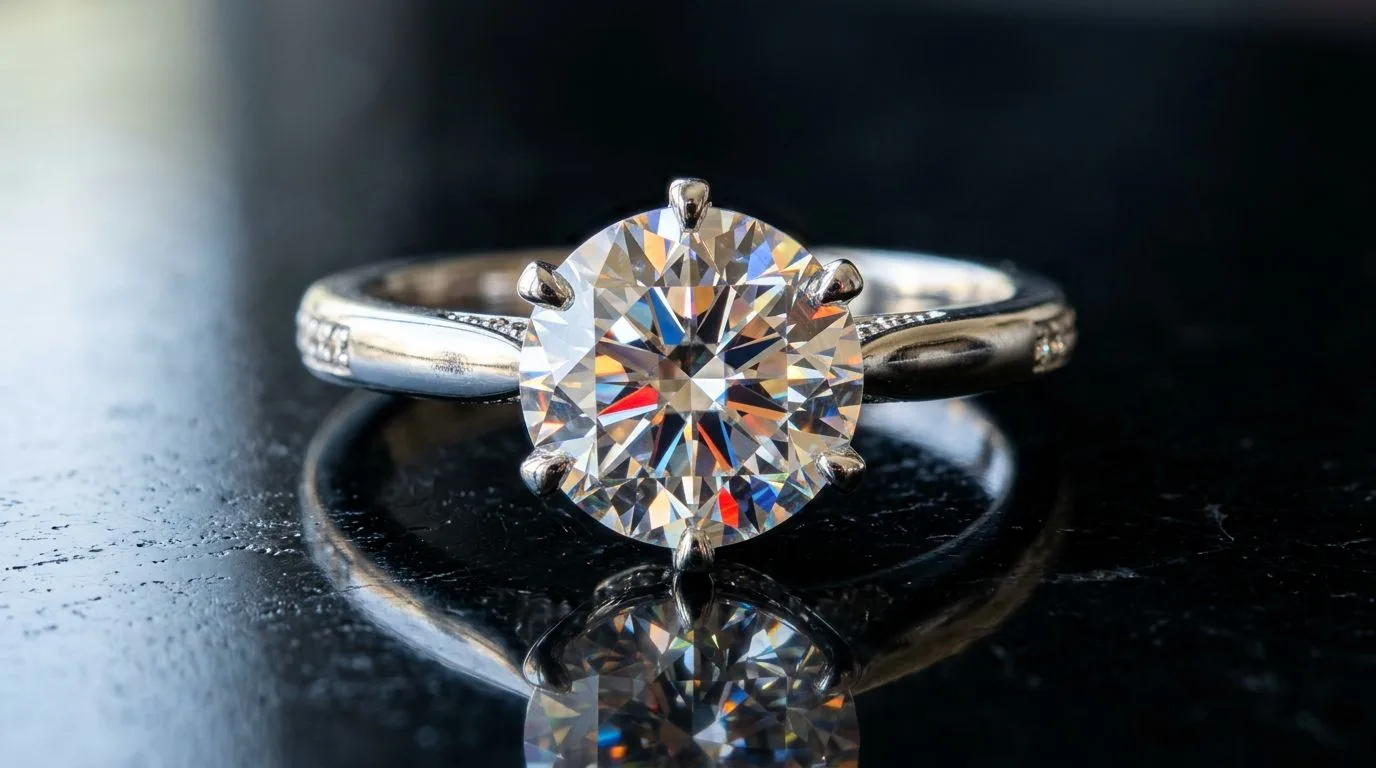
When a camera lens moves extremely close to a subject (e.g., a 1-carat diamond ring shot at a 1:1 magnification ratio), the Depth of Field (DOF) shrinks exponentially. Even at a moderately narrow aperture like f/8, the area of acceptable sharpness might only be 2 millimeters deep.
If you focus your lens on the front prong holding the center stone, the back of the ring band will melt into a blurry bokeh. While this selective focus is artistically pleasing for lifestyle photography, it is a technical failure for e-commerce catalog photography. A buyer needs to see the structural integrity of the entire ring shank, the gallery, and the side stones.
The f/22 Fallacy: Why We Can't Just Close the Aperture
The logical instinct for a beginner photographer is to simply stop down the aperture to f/22 to force a wider depth of field.
However, doing so introduces a severe optical degradation known as Lens Diffraction. When light is forced through a microscopic pinhole aperture (f/22), the light waves bend and scatter as they hit the sensor. This scattering causes a universal loss of sharpness across the entire image. The photo will look soft and muddy, completely obliterating the razor-sharp facets and icy contrast required for high-end diamond photography.
The Focus Stacking Workflow
To get front-to-back sharpness without diffraction, you must shoot at your lens's optical 'sweet spot' (usually f/8 or f/11) and utilize the focus stacking technique.
1. The Capture Sequence
- Mount the camera on a heavy, perfectly stable tripod. Any microscopic camera shake will ruin the stack.
- Switch the macro lens to manual focus.
- Focus on the absolute closest point of the jewelry to the lens (e.g., the front-most prong).
- Trigger the shutter remotely to avoid vibrating the camera.
- Turn the focus ring a fraction of a millimeter deeper into the ring.
- Take another photo.
- Repeat this process 5 to 15 times until the focal plane has traveled to the absolute back edge of the ring band.
(Note: High-end mirrorless cameras from Canon, Sony, and Nikon feature an automated 'Focus Bracketing' mode that calculates these micro-steps and fires the burst automatically).
2. Algorithmic Blending (Post-Production)
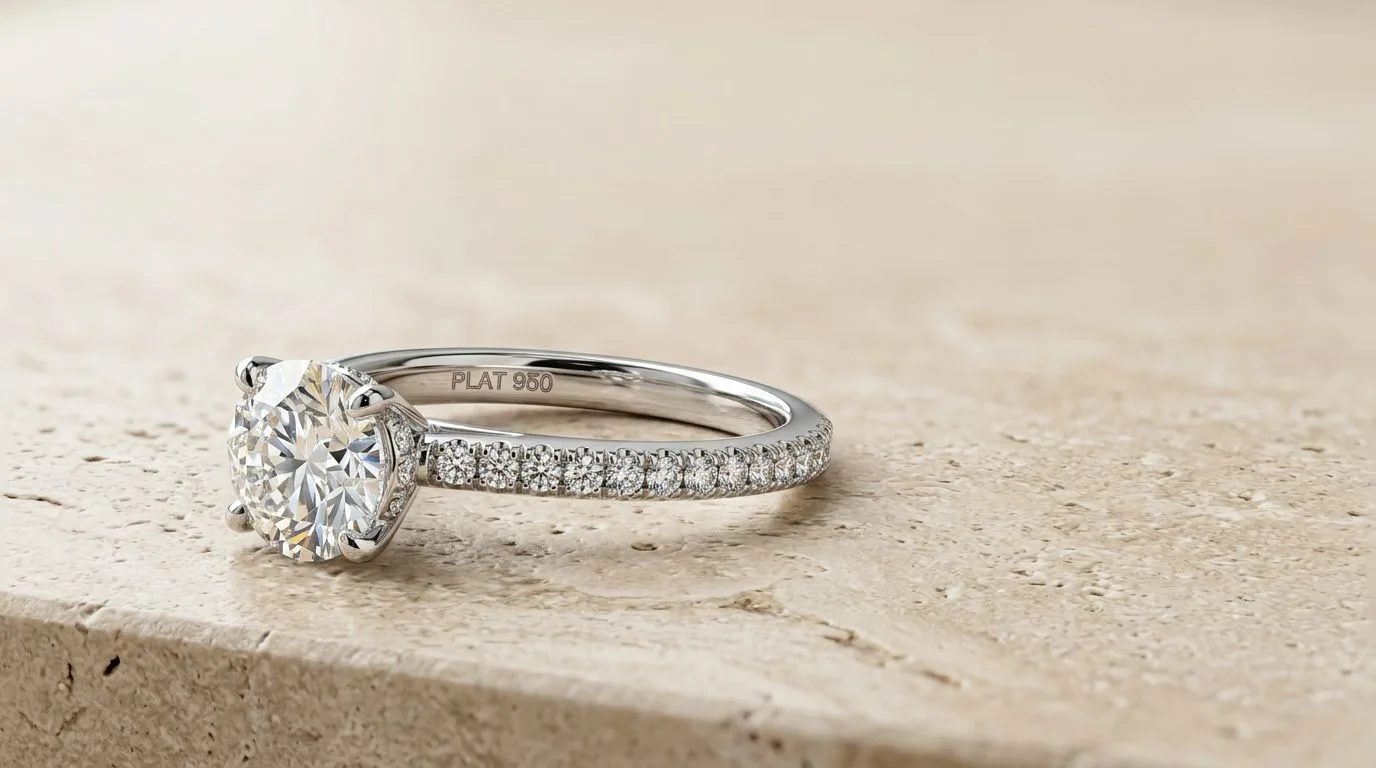
You now possess a sequence of 15 raw files, each with a different 2mm slice of sharpness.
- Import them into Photoshop as layers within a single document.
- Select all layers and run Edit > Auto-Align Layers. This corrects any 'focus breathing' (where the lens slightly changes its field of view as the focus shifts).
- Keep all layers selected and run Edit > Auto-Blend Layers, choosing the 'Stack Images' option.
Photoshop's algorithm analyzes the localized contrast of every pixel across all 15 layers. It masks out the blurry data and retains only the sharpest pixels, merging them into a single, physically impossible composite where the front prong and the back band are both tack sharp.
The Commercial Bottleneck
While focus stacking yields technically perfect results, it introduces massive operational friction for high-volume jewelry businesses:
- Labor Costs: Shooting and manually blending a 15-image stack can take 5 to 10 minutes per SKU. For a 300-piece seasonal collection, this adds weeks of highly paid retouching labor.
- Data Storage: Archiving 15 raw files (at 40MB each) for a single final asset requires massive, expensive server infrastructure.
- Reflection Artifacts: If the jewelry is highly polished, turning the focus ring can cause the specular highlights (reflections) to shift microscopically between shots. The blending algorithm often misinterprets these shifting reflections, creating digital 'smudges' or halo artifacts that require tedious manual cloning to fix.
Algorithmic Depth of Field via AI
Focus stacking was a necessary workaround for traditional optical limitations. With the deployment of generative AI engines, those physical limitations are being bypassed entirely.
By leveraging tools like Hylo, jewelry brands eliminate the focus stacking workflow.
Instead of capturing a 15-frame bracket on a tripod, a photographer takes a single, slightly out-of-focus smartphone photo. Hylo's AI models are trained exclusively on the structural blueprints of fine jewelry. When the AI processes the image, it does not apply a generic sharpening filter; it understands the 3D geometry of the ring and mathematically regenerates the blurred back band and the front prongs to infinite, tack-sharp focus.
You achieve the optical depth-of-field of a 15-image DSLR focus stack from a single 2D snapshot in under 10 seconds, fundamentally altering the unit economics of jewelry catalog production.
