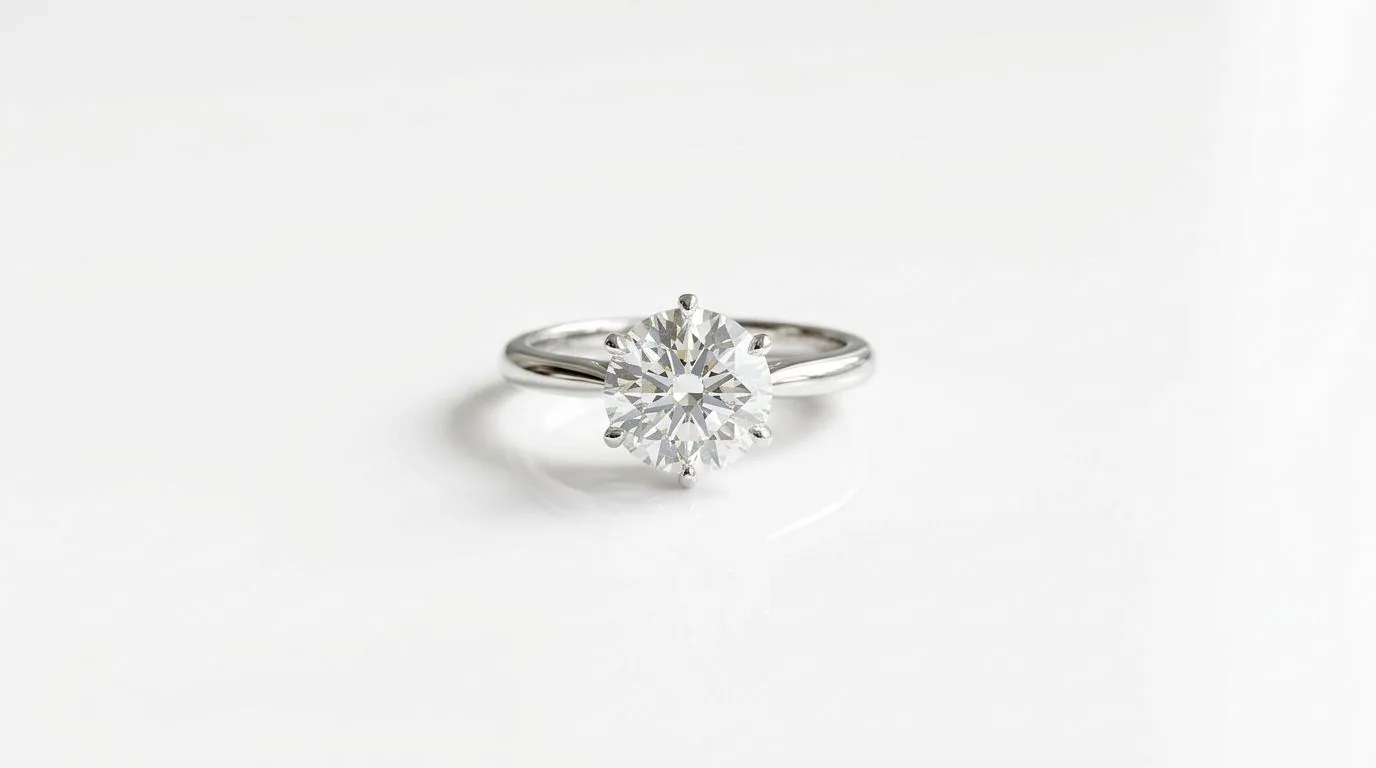
What You'll Need for a Flawless Ring Shot
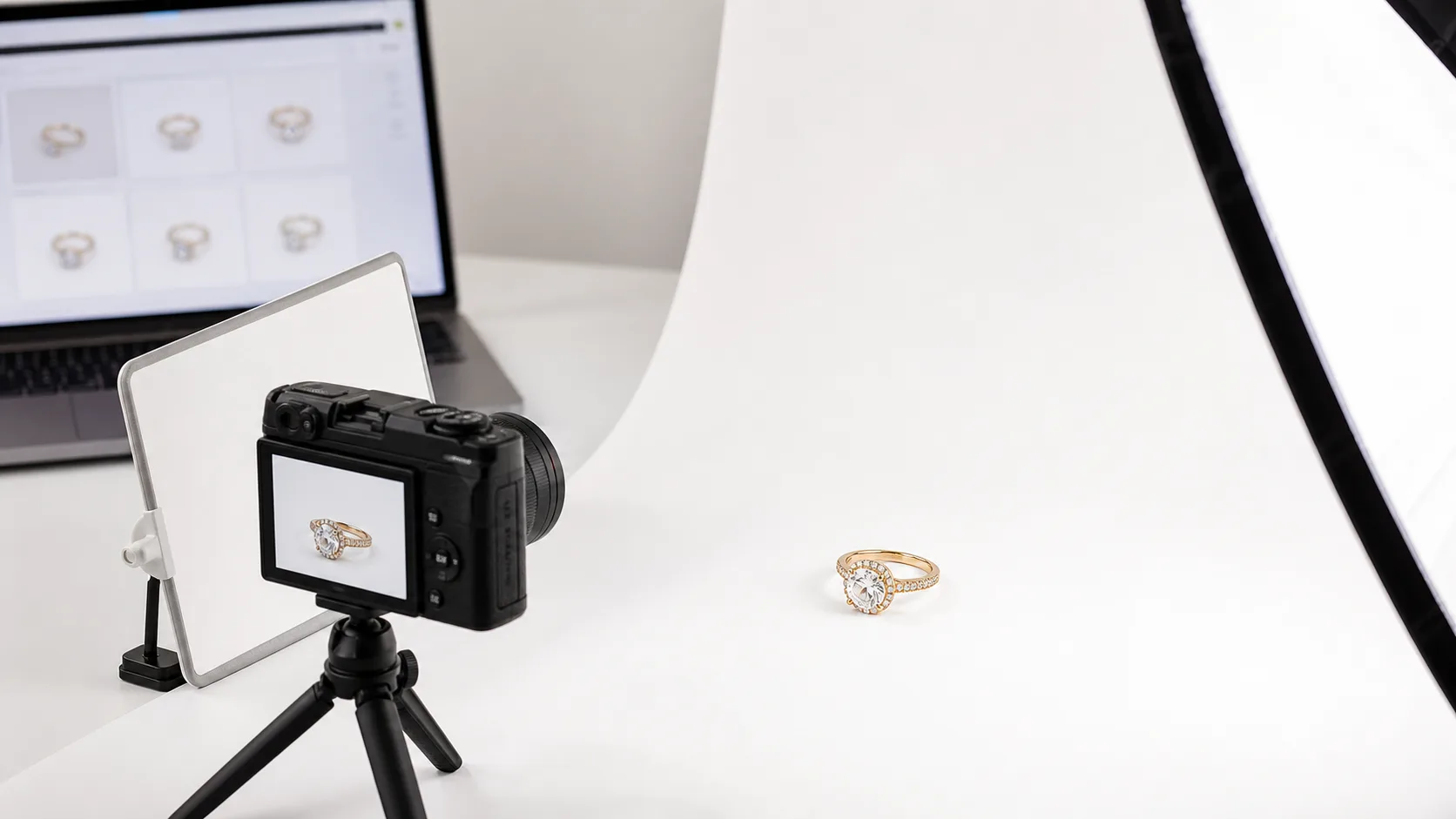
Getting a professional packshot isn't about having the most expensive gear; it's about having the right gear. A common mistake is buying a pre-made lightbox, which often produces flat, uninspired lighting. A component-based setup gives you complete control.
One thing worth knowing before you invest in any of it: a pure white background isn't just an aesthetic choice. Amazon's product image requirements mandate a pure white background (RGB 255, 255, 255) for main listing images, and Etsy's seller handbook recommends clean, well-lit product shots at 2000px or wider. Whatever method you choose below, the target is the same: a true #FFFFFF background that passes marketplace review on the first submission.
Here’s the essential toolkit for a studio-quality white background ring photo:
- Camera: A DSLR or mirrorless camera that can shoot in Manual mode and RAW format. An iPhone 13 Pro or newer shooting in ProRAW can also work, but a dedicated camera offers more control.
- Lens: A 90mm or 100mm macro lens is the industry standard. This allows you to capture fine details like prong settings and inscriptions without distortion.
- Tripod: A sturdy, heavy tripod is non-negotiable. Rings require long exposures and precise focus; any camera shake will result in a blurry, unusable image.
- Lighting: Two off-camera lights are essential for shaping the ring. Continuous LED panels (like those from Godox or Neewer) are great for beginners because you can see the light in real-time. Strobes offer more power but have a steeper learning curve.
- Light Modifiers: Two small softboxes (around 12x12 inches) or diffusion panels. These soften the light, creating gentle highlights and minimizing harsh glare on the metal and gemstone.
- Surface: A roll of white seamless paper or a sheet of matte white acrylic. The paper can be curved into a 'sweep' for a completely seamless look. Acrylic can provide a subtle, high-end reflection.
- Props & Tools:
- Museum Wax or Dental Wax: A tiny, pea-sized amount will hold the ring upright without being visible.
- White Foam Core: At least two 12x18 inch pieces to use as bounce cards, filling in shadows and adding highlights.
- Remote Shutter or 2-Second Timer: To trigger the camera without touching it, eliminating shake.
- Air Blower and Microfiber Cloth: For cleaning the ring right before the shot.
- Software: Adobe Lightroom for initial adjustments and Adobe Photoshop for the final cutout and compositing. There is no substitute for Photoshop's Pen Tool for this task.
Before You Start: Prep the Ring and Your Space
Before you turn on a single light, two preparation steps will save you hours in post-production. Jewelry photographers spend more time preparing than shooting.
-
Clean the Ring Meticulously. Under a macro lens, every speck of dust, fingerprint, and bit of tarnish is magnified tenfold. Use a lint-free microfiber cloth to polish the metal and a rocket air blower to remove any remaining dust from gemstone facets and prong settings. Wear cotton gloves while handling the prepped ring.
-
Control Your Reflections. A ring's polished surface is a perfect mirror. It will reflect you, your camera, and your entire room. To avoid this, wear neutral-colored clothing (black or grey is best) and work in a space with neutral walls. You can create a 'cone' around the ring with white foam core, leaving just a small opening for the camera lens. This ensures the only reflections are clean, white highlights.
The 10-Step Process for a Perfect White Background Ring Photo
This is the standard studio workflow for creating a commercial-grade ring packshot. Follow these steps in order for a repeatable, professional result.
-
Clean and Prep the Ring. As mentioned above, this is the most critical first step. Ensure the ring is spotless and polished.
-
Set Up Your Surface. Unroll your seamless white paper onto a table, letting it curve up against a wall or backdrop stand. This 'sweep' eliminates any horizon line behind the product.
-
Position the Ring. Take a tiny ball of dental wax and press it onto the paper. Gently press the bottom of the ring's band into the wax to stand it upright. The classic shot is a 3/4 angle, showing the top of the main stone and the details of the band and setting.
-
Mount Camera on Tripod. Position your camera and tripod directly in front of the ring. Frame the shot in-camera, leaving some empty space around the ring for cropping later. A good starting distance is 18-24 inches.
-
Set Up Lighting. This is where the artistry begins. Place your main light (the 'key light') at a 45-degree angle to the camera and slightly above the ring. This creates the primary highlights. Place your second light (the 'fill light') on the opposite side at a 45-degree angle, and set it to half the power of the key light. This fills in the shadows without eliminating them completely, which gives the ring dimension.
-
Use Bounce Cards. Look at the shadows on the ring. Are there dark spots on the band? Use a piece of white foam core, propped up with a clamp or block, to bounce light back into those dark areas. This is how you make the entire piece of metal look bright and clean.
-
Dial In Camera Settings. Switch your camera to Manual (M) mode.
- ISO: Set to the lowest native value, usually 100 or 200. This ensures maximum image quality with no grain.
- Aperture: Start at f/11. For a large or complex ring, you may need to go to f/16 to get everything in focus (this is called 'depth of field').
- Shutter Speed: Adjust this to get the correct exposure. It will likely be between 1/60s and 1/200s. Use your camera's light meter to guide you.
- White Balance: Don't use Auto. If using daylight-balanced LEDs, set your Kelvin temperature to 5600K or use the appropriate preset. A custom white balance with a grey card is the pro method.
-
Nail the Focus. Switch your lens to manual focus. Use your camera's live view screen and zoom in 10x on the main gemstone or the prongs holding it. Carefully turn the focus ring until this area is perfectly sharp. This is the most important part of the shot.
-
Take the Shot. Use a 2-second timer or a remote shutter to take the picture. This prevents any camera shake from your finger pressing the button. Check the image on the back of the camera. Zoom in to confirm focus. Look at the histogram to ensure the brightest parts of the image (the highlights) aren't 'clipped' or blown out.
-
Edit in Post-Production.
- Lightroom: Import the RAW file. Make basic adjustments to exposure, contrast, and clarity. Correct any color cast using the white balance tool. Sharpen the image slightly.
- Photoshop: Open the image in Photoshop. Use the Pen Tool to trace a perfect path around the ring. This is tedious but creates a far better result than any magic wand tool. Convert the path to a selection, add a 1px feather, and copy the ring to a new layer. Create a new layer underneath and fill it with pure white (#FFFFFF). Finally, add a very soft, subtle drop shadow layer between the ring and the white background to give it a sense of place.
Common Mistakes When Shooting Rings (and How to Fix Them)
Even with the right steps, small issues can derail a shoot. Here are the most common problems jewelry brands face and the specific fixes for each.
| Mistake | Why It Happens | How to Fix It |
|---|---|---|
| The white background looks grey | The camera's meter is underexposing to avoid blowing out highlights. | In-camera, use exposure compensation to add +1 to +1.7 stops of light. In editing, use the Levels or Curves tool to set the white point of the background to pure white. |
| The ring is blurry or soft | Camera shake, missed focus, or shallow depth of field. | Always use a tripod and remote shutter. Use manual focus with 10x zoom on the prongs. Use a smaller aperture (f/11, f/14, f/16) to increase depth of field. |
| Harsh, dark shadows under the ring | A single, hard light source placed too high. | Use two lights. Add a large diffuser (softbox) to your main light. Use a white bounce card placed just out of frame to reflect light back into the shadows. |
| Ugly reflections of the room or camera | Polished metal acts like a mirror. | Build a 'tent' of white foam core around the ring, leaving a small hole for the lens. Wear black. Turn off all other room lights. |
| Gemstones look dull and lifeless | The light isn't hitting the gemstone facets at the right angle. | Move your key light around while looking through the camera. Watch for the 'sparkle' to appear as the light hits the facets. This often requires very small, precise adjustments. |
Pro Tips for Studio-Quality Ring Photography
Once you've mastered the basics, these advanced techniques will elevate your images from good to exceptional.
-
Focus Stacking for Ultimate Sharpness. Even at f/16, a complex ring may not be perfectly sharp from front to back. Focus stacking is the solution. Take multiple photos (5-15) of the ring, slightly adjusting the focus point from the very front to the very back. Then, use software like Helicon Focus or Photoshop's auto-align/blend feature to merge them into one perfectly sharp image.
-
Composite Different Lighting Setups. Sometimes, the best lighting for the metal isn't the best lighting for the gemstone. Pros often shoot two separate images without moving the camera. The first is lit to make the metal band look perfect. The second is lit to make the diamond sparkle. In Photoshop, they mask the two images together to create a composite with ideal lighting on every part of the ring.
-
Use a Graduated Background. Instead of pure white, try placing a sheet of grey or black paper far behind the ring. When lit properly, this creates a soft gradient that can make the ring pop. The final image can still be placed on a white background for your ecommerce site, but the gradient adds dimension to the initial capture.
-
Add a Natural Reflection. For a more premium look, shoot the ring on a sheet of white or black glossy acrylic. This creates a soft, natural reflection underneath the ring, which feels more organic than a photoshopped drop shadow. This is common for editorial or hero images on a website.
How to Get a White Background Ring Photo in 60 Seconds with Hylo
The manual process described above provides complete control, but it's time-consuming, requires expensive equipment, and has a steep learning curve. For busy brand owners, there's a faster way.
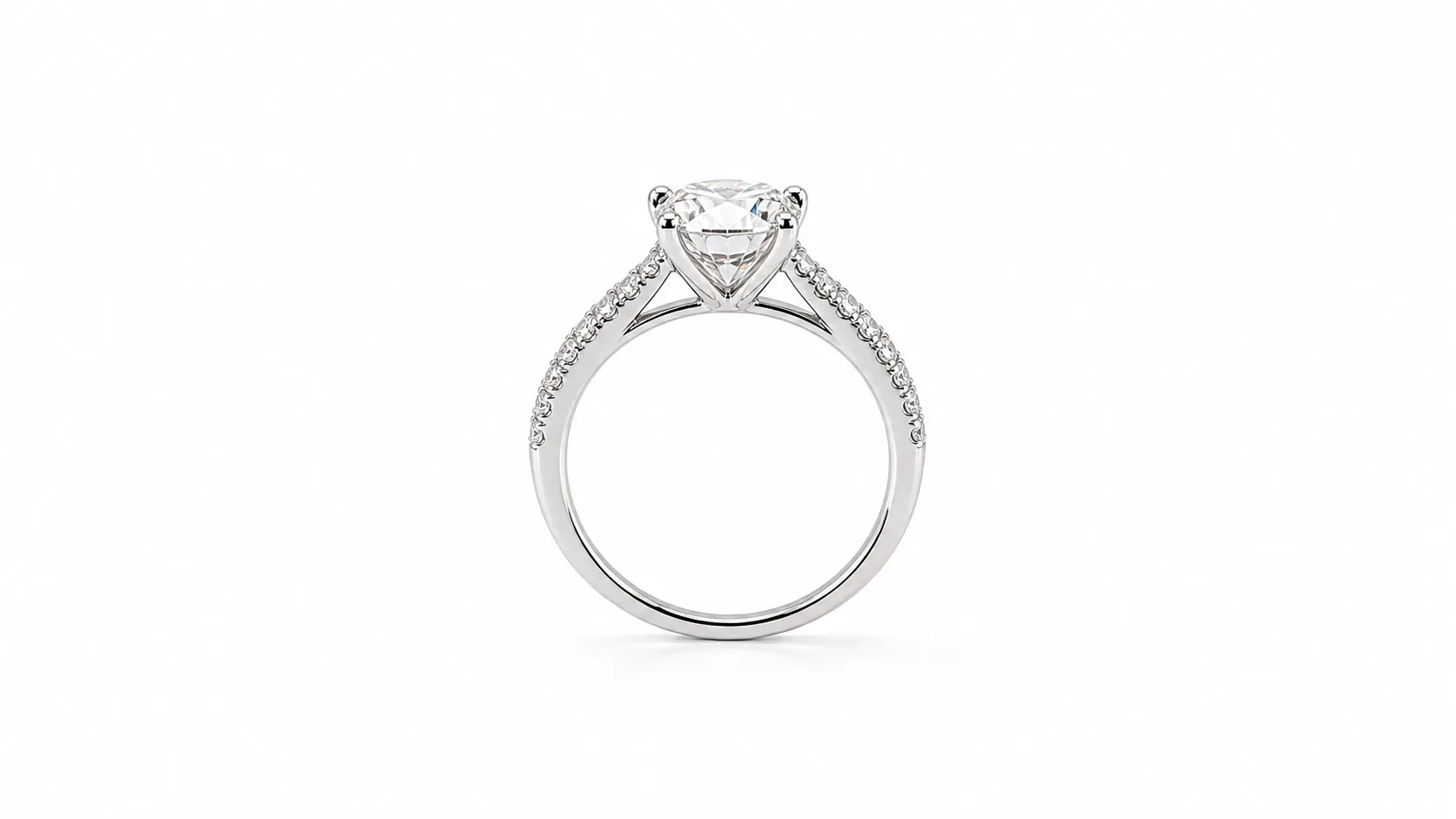
Here is an actual raw phone photo of a ring next to the Hylo output — the same input-to-output path described in the steps below:
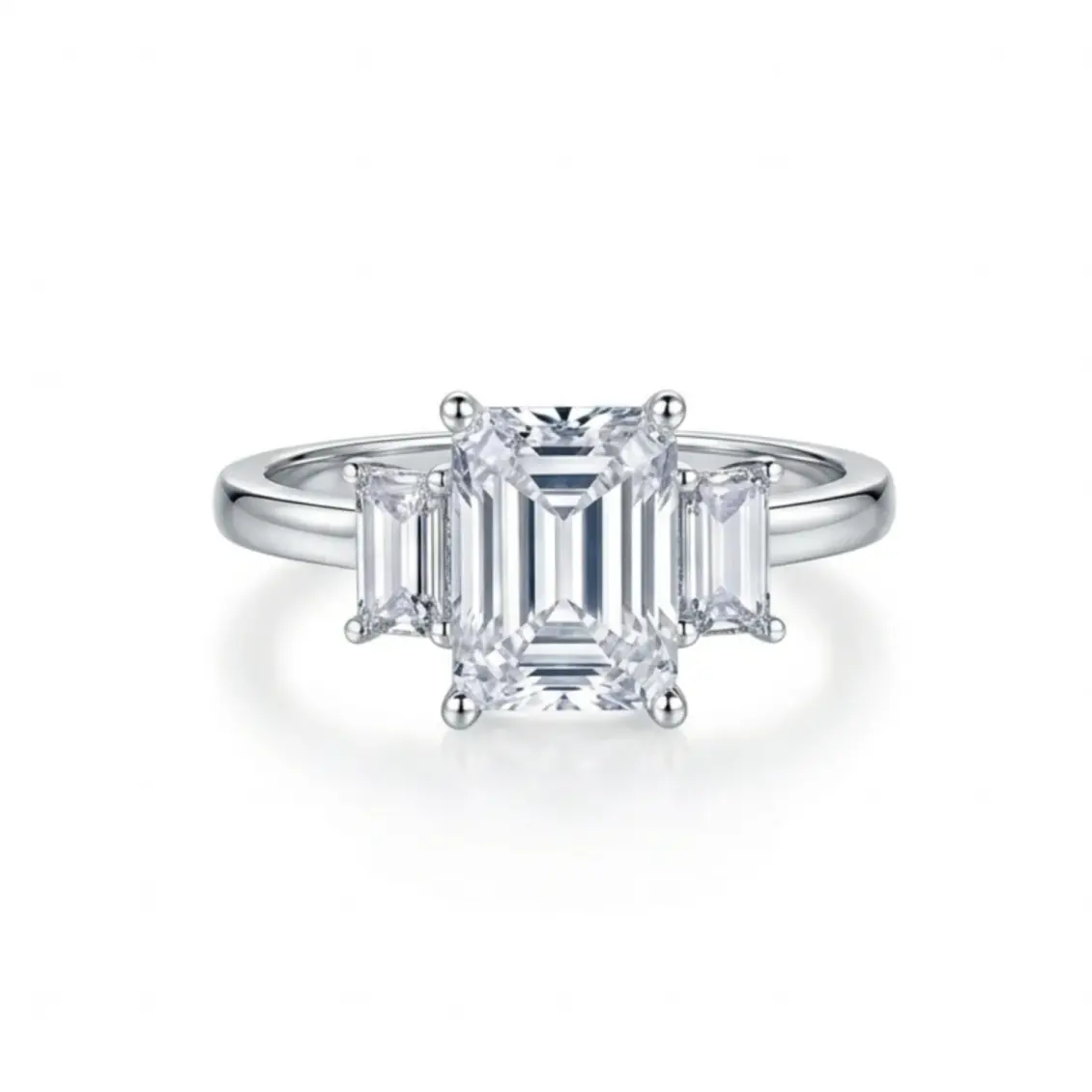
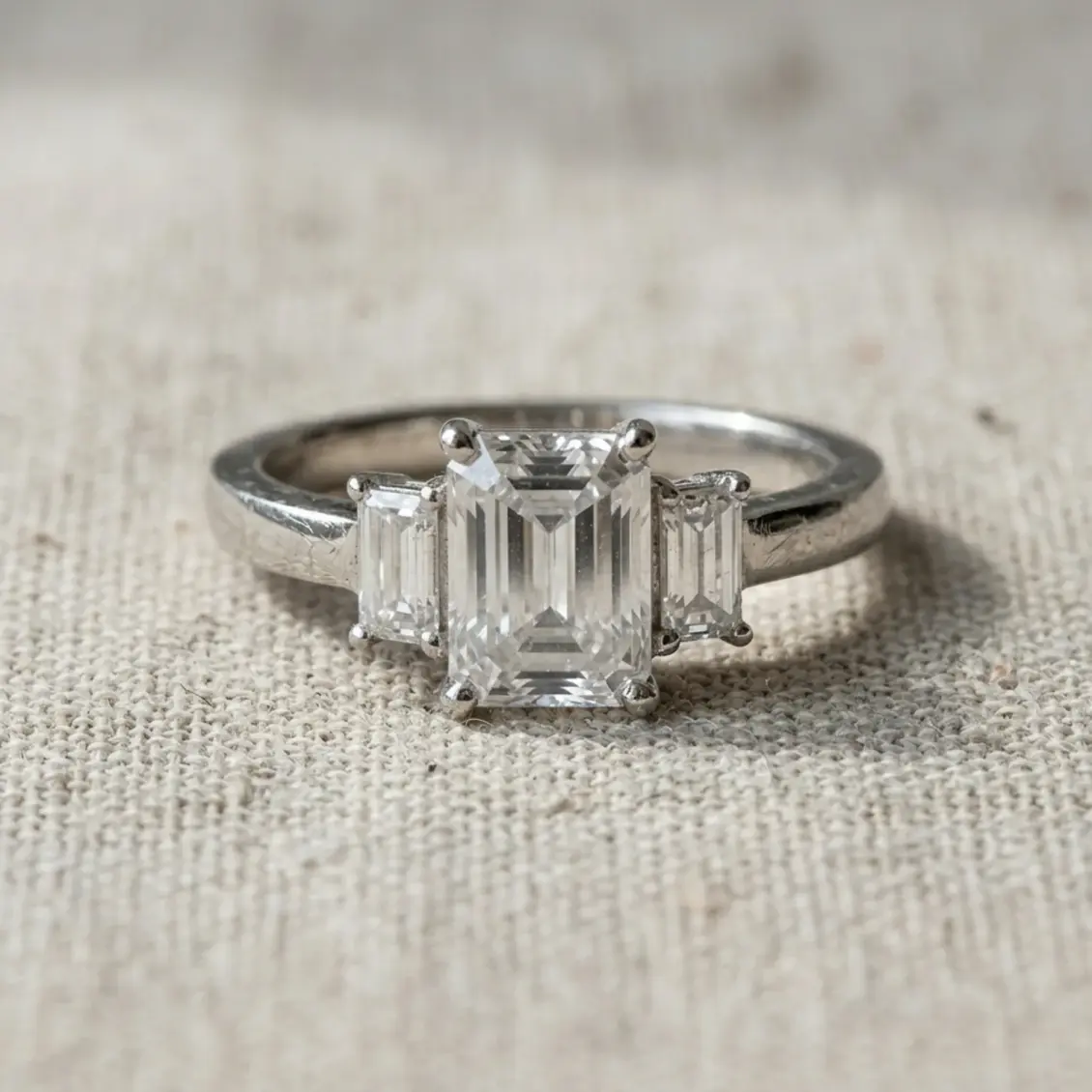
Hylo's AI Photoshoot is designed specifically for jewelry. It replaces the entire studio setup and post-production workflow.
- Take a simple photo. Place your ring on a neutral surface and take a well-lit photo with your smartphone. It doesn't need to be perfect.
- Upload to Hylo. Drag and drop your image into a new project.
- Describe your scene. Instead of setting up lights and backgrounds, you just type what you want. A good prompt is:
"1-carat oval diamond solitaire ring with a pavé band, standing on a pure white seamless background, bright studio lighting, macro shot, photorealistic." - Generate. Hylo's AI creates dozens of images based on your prompt, generating perfect studio lighting, realistic shadows, and a pure #FFFFFF background automatically. The AI understands how light interacts with facets and metal, creating results that are far more realistic than simple background removal tools like Canva or Photoroom.
For an entire collection, you can save your prompt, lighting style, and camera angle to your Brand Kit. Then, you can apply it to hundreds of products in one click, achieving perfect consistency that would take a professional photographer days to replicate manually. Use AI Retouch for any final tweaks, like removing a speck of dust you missed during cleaning. The manual method is excellent for a single heroic campaign image; Hylo is built for producing an entire catalog at studio quality.
Questions Jewelry Brands Ask About White Backgrounds
How do I photograph rings with complex pavé settings? Pavé bands are challenging because of their many small stones and reflective surfaces. Focus stacking is almost essential here to ensure every stone is sharp. You'll also need very diffuse lighting from large softboxes to avoid creating thousands of tiny, distracting specular highlights. The goal is a gentle, continuous shimmer, not a series of sharp glints.
How do I keep colored gemstones from looking washed out on white? This is a white balance and lighting control issue. First, use a grey card or a tool like a ColorChecker Passport to create a custom camera profile for accurate color. Second, be careful not to overexpose the scene. It's better to shoot slightly darker and bring up the exposure in post-production than it is to blow out the color saturation of the gemstone. Avoid direct, hard light, which can wash out color; stick to soft, diffused sources.
How do I maintain consistency across an entire ring collection?
Consistency is key for a professional online store. The manual method requires meticulous documentation. Record the exact height of your tripod, the distance from the lens to the ring, the precise position and power of your lights, and all your camera settings. Take a reference photo of your setup. A much simpler method is using Hylo's Brand Kit, which saves your AI-generated lighting, camera angles, and backgrounds, allowing you to apply the exact same look to every ring in your collection with one click.
