What you'll need
To eliminate the 'black mirror' effect on highly polished jewelry, you must control the environment 360 degrees around the ring. You will need:
- A DSLR or modern smartphone with a macro lens.
- A tripod to ensure a perfectly steady shot at a slow shutter speed.
- A light tent or a roll of white seamless paper to create a curved background (a 'sweep').
- A large piece of white foamcore board (the critical tool for hiding your camera).
- Museum wax to stand the ring upright.
- Diffused lighting (LED softboxes or indirect natural window light).
Before you start
The biggest misconception in jewelry photography is that you can 'photoshop out' a bad reflection.
When a polished 14k gold band reflects the dark corner of your bedroom, the camera captures that section of the ring as pure black. There is no 'gold' color data left in those pixels to recover in post-processing. You cannot fix bad lighting in Photoshop without completely repainting the metal by hand. You must solve reflections physically before you press the shutter.
Step-by-step ring photography walkthrough
Follow these steps to construct an environment where the ring has nothing dark to reflect.
1. Build the seamless sweep
Take your roll of white paper or acrylic and drape it down a wall and across your table. Do not fold the corner; let it curve gently. This eliminates the horizontal line behind the jewelry, providing a continuous white background.
2. Stand the ring upright
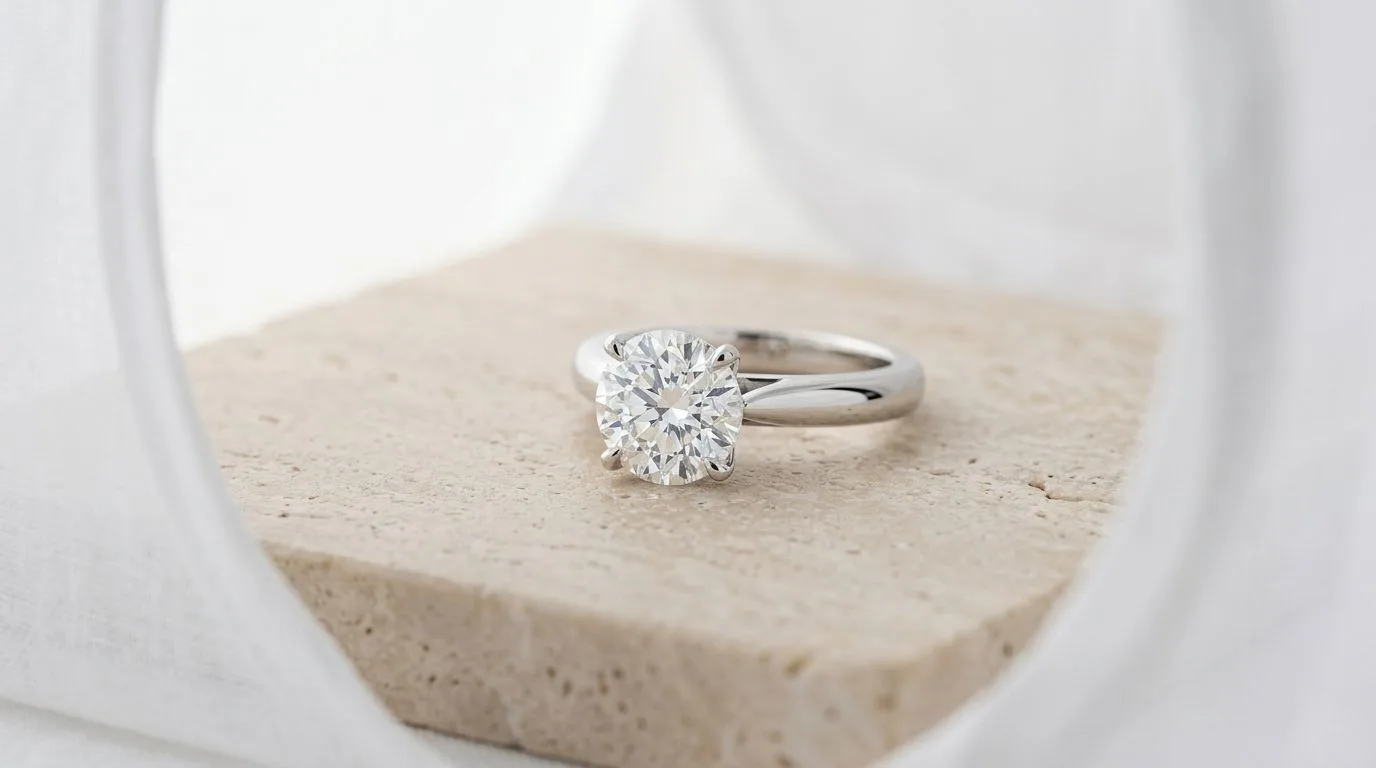
Take a tiny, pinhead-sized piece of museum wax. Stick it to the bottom of the ring band and press it firmly onto the white acrylic. The ring should stand at a slight 45-degree angle facing the camera, showing both the primary stone and the inside of the band.
3. Create the light tent
Position your softboxes on the left and right sides of the ring. If you do not have a pre-made light tent, position two pieces of white foamcore on either side of the ring to bounce the light inward.
4. Create the camera shield
The reason you see a black spot in the center of your ring band is because the ring is reflecting you and your black camera lens. Take a piece of white foamcore. Cut a hole exactly the size of your camera lens in the center. Position this board directly in front of the camera, poking the lens through. Now, when the ring 'looks' at the camera, it only sees a massive white wall with a tiny black dot.
5. Add a black flag (Optional)
Pure white metal can sometimes look flat and lack contrast. To give silver and platinum 'shape', take a thin strip of black cardboard (a 'flag') and position it just outside the frame on one side of the ring. The ring will reflect this black strip, creating a beautiful dark gradient edge that defines the curve of the band.
6. Shoot and review
Set your aperture to f/14 for deep focus, and your ISO to 100. Use a 2-second timer so your finger pressing the shutter doesn't shake the camera. Take the photo and zoom in to 100%. If you see dark smudges on the metal, trace the angle of reflection to find what dark object in your room is causing it, and block it with white foamcore.
Common mistakes and how to fix them
- Direct flash: Never use your camera's built-in flash. It will create a blinding, blown-out white spot on the metal and deep, harsh black shadows behind the ring.
- Reflecting your clothing: If you are wearing a bright red shirt while photographing silver rings, the silver will look pink. Always wear neutral colors (black, white, or grey) when shooting highly reflective objects.
- Smudged metal: A fingerprint on polished metal scatters light, dulling the reflection. Wipe the ring with a microfiber cloth immediately before the final shot.
Pro tips for ring photography
- Focus stacking: If you want both the front diamond and the back of the band perfectly sharp, f/14 might not be enough. Take 3-5 photos, changing the focal point slightly from front to back, and merge them in Photoshop using 'Auto-Blend Layers'.
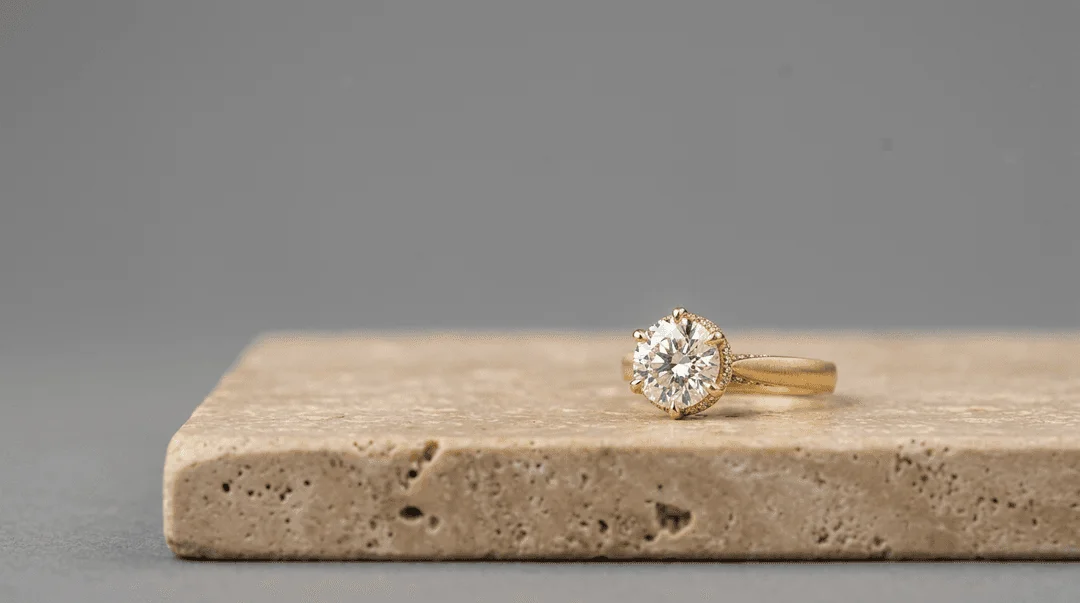
- The 10-to-2 angle: The most flattering angle for an engagement ring is usually turned slightly off-center (like the hands of a clock at 10 and 2). This shows the profile of the setting while still highlighting the center stone.
How to do this faster with Hylo
Building a flawless white tent, cutting foamcore shields, and managing black flags takes years to master and hours to execute for a full catalog.
With Hylo, you don't need a light tent.
- Stand your ring up on a table (even if it's reflecting your messy living room) and snap a sharp photo with your smartphone.
- Upload the image to Hylo.
- Hylo's jewelry-specific AI understands exactly what shape the metal is. It will instantly remove the chaotic room reflections and regenerate flawless, studio-grade specular highlights and gradients along the curve of the band.
- Apply your Brand Kit to place the ring on a gorgeous, cohesive background.
You get the exact look of a $10,000 light-tent studio setup in about 30 seconds.
Questions jewelry brands ask about ring photography
Why does my silver ring look black in photos? Silver acts like a mirror. If you take a photo of a silver ring in a dark room, it reflects the darkness and appears black. You must surround the ring with bright white light to make it look like silver.
Can I use a lightbox from Amazon? Yes, cheap LED lightboxes are a good starting point because they surround the ring in white. However, the LEDs are often too harsh and create ugly, dotted reflections on the metal. You will need to add a layer of diffusion paper over the LEDs to soften the light.
