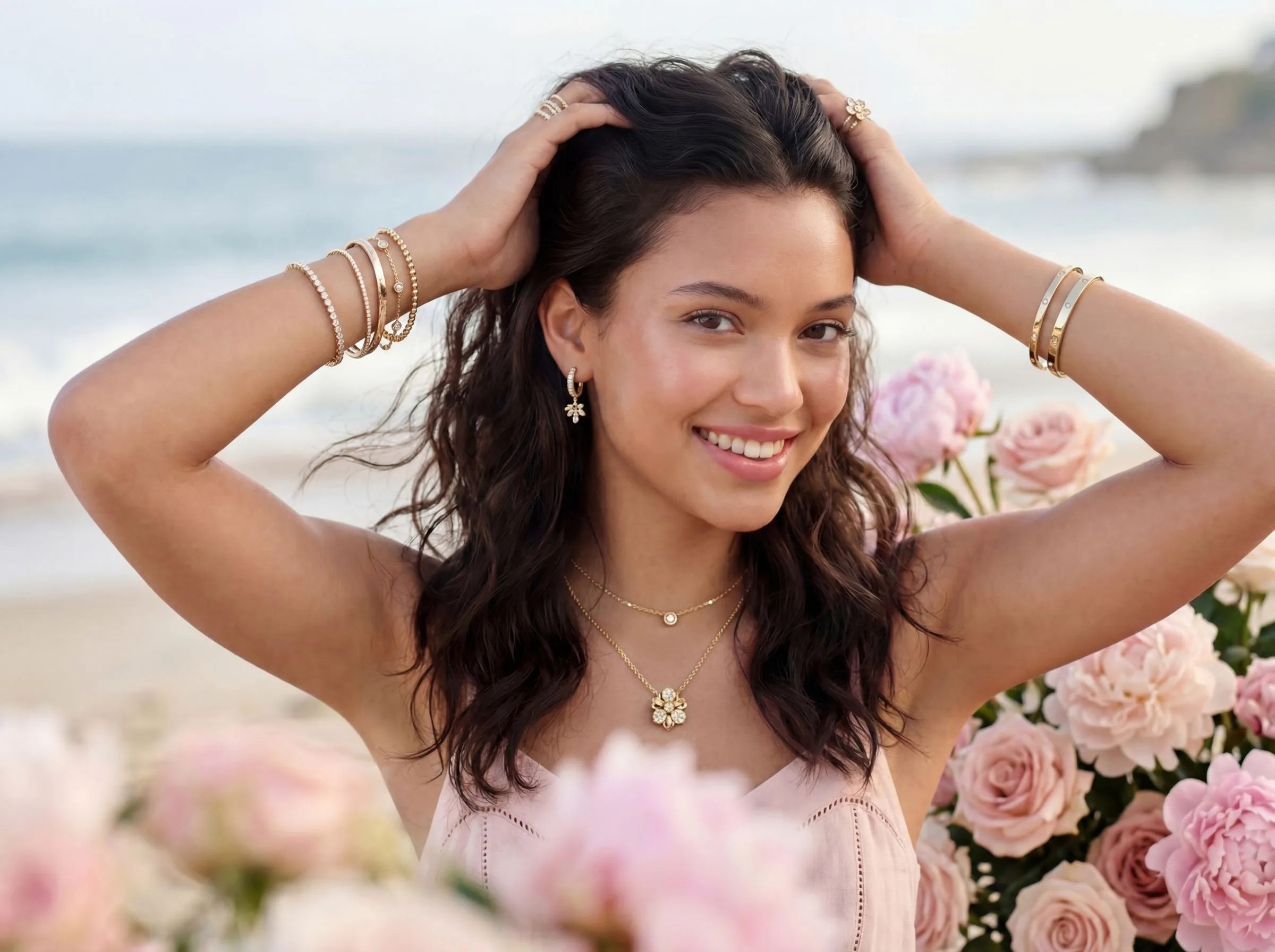
Quick Verdict
Both tools cut the cost of catalog photography. But they're solving different problems.
Photoroom is a background remover first. It's fast, the mobile app is genuinely good, and for a solo Etsy seller who needs a white-background shot of a pendant in two minutes, it works. Photoroom's strength is simplicity and speed.
Hylo is a full catalog studio. You upload one product image, set your Brand Kit once, and generate styled, multi-angle, marketplace-ready catalog images across every category — rings, earrings, necklaces, bracelets — without re-shooting. The output understands what jewelry actually looks like: prong-set diamonds, pavé bands, thin 14K chains, transparent sapphires. Photoroom's AI doesn't; it treats a signet ring the same as a coffee mug.
Who should pick what:
- Solo designer, 1–5 SKUs, tight budget → Photoroom gets you a clean white-background shot fast. Free tier covers basic needs.
- DTC jewelry brand on Shopify or Webflow → Hylo. Brand consistency across 50+ SKUs is where catalog photography actually moves conversion.
- Etsy or Amazon Handmade seller → Depends on volume. Under 20 SKUs with no visual brand system: Photoroom. Over 20 SKUs or planning a catalog refresh: Hylo's per-image cost comes out lower at scale.
- Wholesale supplier producing linesheet shots → Hylo. Linesheet buyers need consistent angles and backgrounds — Hylo's style library locks that in across hundreds of pieces.
- Enterprise / agency producing catalog sets → Hylo, with the Creative Library and Canvas Editor for batch export.
At-a-Glance Comparison
Both tools use AI, but the models underneath are built for completely different outputs.
| Feature | Hylo | Photoroom |
|---|---|---|
| Jewelry-tuned AI model | Yes — prong settings, pavé, transparent stones, thin chains | No — generic object detection |
| Pricing (entry) | Free (15 credits, no card) | Free (limited exports/month) |
| Brand consistency | Brand Kit locks colors, style, and framing across every generation | Style templates available; not brand-tied |
| Bulk catalog processing | AI Photoshoot generates multiple angles and styles per SKU | Batch background removal; single style per run |
| Marketplace presets | Shopify, Etsy, Amazon main-image specs built in | Amazon, Shopify templates available |
| Export quality | Up to 4K | Up to 4K (paid tiers) |
| Commercial license | Yes, all plans | Yes, all plans |
| Free tier | 15 credits — enough for 2–3 full photoshoot sets | 10 background removals/month |
The table looks balanced because both tools are competent in their lane. The difference shows up the moment you try to produce a consistent 12-image catalog set for a new ring collection. Photoroom handles one image at a time. Hylo handles the collection.
Pricing also diverges on the high end. Photoroom's Pro tier (around $19–$29/month depending on region) gives you unlimited background removals and HD exports — good value if background removal is the whole workflow. Hylo's plans are credit-based: Base ($12 for 250 credits), Core ($59 for 1,200 credits plus 150 first-time bonus), Pro ($119 for 2,500 credits plus 300 bonus). At 7 credits per 2K AI Photoshoot style, a 20-SKU catalog with 3 style variants per piece costs around 420 credits — well within the Base plan and a fraction of a $1,500–$3,000 studio booking. The free trial (15 credits, no card) lets you run 2 full photoshoot sets before deciding anything.
Where Photoroom Wins
Be honest here: Photoroom is genuinely better at some things.
Background removal speed. For a single product shot where you need the background gone in 30 seconds, Photoroom is faster. The app is polished, the mobile workflow is tight, and you don't need to upload a reference image or configure anything. Snap, remove, export.
Non-jewelry categories. Photoroom is a general-purpose tool. If you sell jewelry alongside candles, skincare, or apparel, Photoroom handles all of it with consistent quality. Hylo is purpose-built for jewelry — that focus is a feature for jewelry brands but a limitation if your catalog spans multiple product types.
Casual or infrequent use. If you list 3–4 new pieces per month and just need something presentable, Photoroom's free tier (10 exports/month) is genuinely usable. The learning curve is near-zero.
Video background removal. Photoroom added short-video background removal in 2024. Hylo's video generation is a separate workflow (AI Video Shoot) focused on motion campaigns — not background-removal-on-demand for existing clips. If that's your primary need, Photoroom has the edge.
Price floor. Photoroom's free tier allows 10 removals per month at no cost, and the output on simple, high-contrast pieces (a gold bangle on a white table, a solitaire ring on clean velvet) is good enough for an early-stage Etsy listing. If your jewelry is simple in silhouette and you only need a background swap, paying for AI-generated catalog images before you've validated product-market fit may not be the right call.
Where Hylo Wins
For jewelry specifically — and especially for catalog production at any meaningful scale — Hylo pulls ahead on four concrete things.
Jewelry-tuned image generation. Hylo's AI model was trained on jewelry. That matters when you're generating catalog images of a bezel-set opal ring or a 1.5mm diamond tennis bracelet. Generic AI flattens the stone, loses the metal grain, and blurs the prong tips. Hylo preserves them. The difference is visible at 100% zoom, and it's the difference between an image that converts and one that gets a "does this look real?" question in comments.
Brand Kit. Every Hylo generation reads your brand — your primary metal tone, your brand colors, your style preference. A generation for your winter collection and a generation six months later for summer pieces look like they came from the same shoot. Photoroom doesn't have this. Each Photoroom session starts fresh.
Catalog depth per SKU. One upload in Hylo's AI Photoshoot gives you multiple angles, multiple backgrounds, and multiple style treatments simultaneously. A jewelry brand preparing a new collection can go from 10 product photos to a full catalog set — packshots, editorial lifestyle, model-hand, macro detail — in a single session. Photoroom produces one background-removed image per input. That's one catalog image. Hylo produces a catalog.
AI Retouch for existing inventory. Already have shots from a previous studio booking? Hylo's AI Retouch batch-processes them — cleans backgrounds, adjusts color grading, corrects shadows — so your old inventory matches your new catalog aesthetic. This is the fastest way to refresh a 200-SKU catalog without re-shooting. Photoroom's retouch tools are more limited and don't support batch style-consistency passes.
Canvas Editor for channel-specific sizing. Once your catalog images are generated, Hylo's Canvas Editor lets you crop, resize, overlay text, and add your logo — all inside the same workspace. Exporting a generated ring shot at Shopify's 2048×2048 square for your storefront and then at Amazon's pure-white 1000×1000 for the marketplace listing is a minute's work, not an additional Photoshop session. Photoroom has some export templates, but the editing environment is more limited once you're past background removal.
Creative Library for catalog management. Generated catalog images land in Hylo's Creative Library automatically, tagged by collection and category. Searching for all earring shots from the spring collection, filtering by style (editorial vs. packshot), and downloading a batch for a linesheet takes seconds. For brands managing 500+ catalog images across multiple collections, that organization matters. Photoroom's exported files go to your camera roll or downloads folder — the organizational layer is on you.
Which Brands Should Pick Which
This isn't a close call once you know your situation.
Pick Photoroom if: You sell 1–10 products, you need a background removed today, you have zero budget, or your catalog spans non-jewelry categories where Hylo's jewelry focus doesn't help you. Also pick Photoroom if you're testing AI tools for the first time and want something with a two-minute learning curve.
Pick Hylo if: You're a jewelry brand — full stop. The moment you need more than a white-background removal, Hylo is the better tool. That means: you want editorial or lifestyle catalog images, you sell on multiple channels (Shopify storefront plus Etsy plus Instagram) and need images sized for each, you're launching a new collection and need a full catalog set, or you have existing inventory that needs a consistent visual refresh.
The catalog-scale tipping point. Run this math: a studio booking for a 20-SKU catalog typically runs $1,500–$3,000 for a half-day session, not counting editing time (another 4–6 hours at $50–$100/hr). At that price, Hylo's plan cost is recovered on the first catalog run. Photoroom's per-image output doesn't substitute for a catalog — it substitutes for one background edit. Different value proposition entirely.
Wholesale and linesheet sellers. If you supply to retail buyers — Nordstrom, independent boutiques, Faire — catalog image consistency is non-negotiable. Buyers pull your linesheet into their own layouts. One image shot differently from the rest destroys the linesheet. Hylo's style-locked Brand Kit generation means image 47 in your catalog looks like image 1. Photoroom can't make that guarantee across a session.
The edge case where neither is the answer. One-off commissions, custom pieces for individual clients, or extremely high-end pieces (six-figure stones) where a real photographer's creative eye and studio control matter — neither tool replaces a skilled jewelry photographer for that work. Both are production tools for catalog-scale output, not bespoke campaign shoots.
How to Switch or Try Hylo Without Risk
Hylo's free tier gives you 15 credits with no card required. That's enough to run a full AI Photoshoot on 2–3 pieces — enough to see whether the jewelry-tuned output actually looks like your product.
The practical A/B approach: take 5 SKUs you've already shot with another tool. Run them through Hylo's AI Photoshoot at 2K resolution (7 credits per piece — covers 2 full sets on a free account). Compare at 100% zoom: prong definition, stone refraction, thin-chain preservation, brand color match. If the output doesn't beat what you're currently using for those 5 pieces, the free tier cost you nothing.
If it does — and for most jewelry brands it will — the onboarding from there is straightforward. Set up your Brand Kit (upload a logo, pick your brand colors, choose your dominant metal tone), and every subsequent generation inherits it. You don't redo configuration per SKU or per session.
There's no contract, no locked-in commitment. Buy a plan when the free credits run out, or don't. The catalog images you generate are yours with full commercial licensing regardless of tier.
One thing worth testing specifically: run the same SKU through both tools on the same day. Export at full resolution, then zoom in on the prong tips, the chain links, or the stone facets. That single side-by-side is more informative than any feature table. Brands that have done this comparison tend to make a fast decision — the output difference on anything with fine metalwork is not subtle. For earrings with 0.8mm wire, a bezel-set colored stone, or a pavé half-eternity band, the gap between a jewelry-trained model and a general one shows up immediately at 100% zoom.