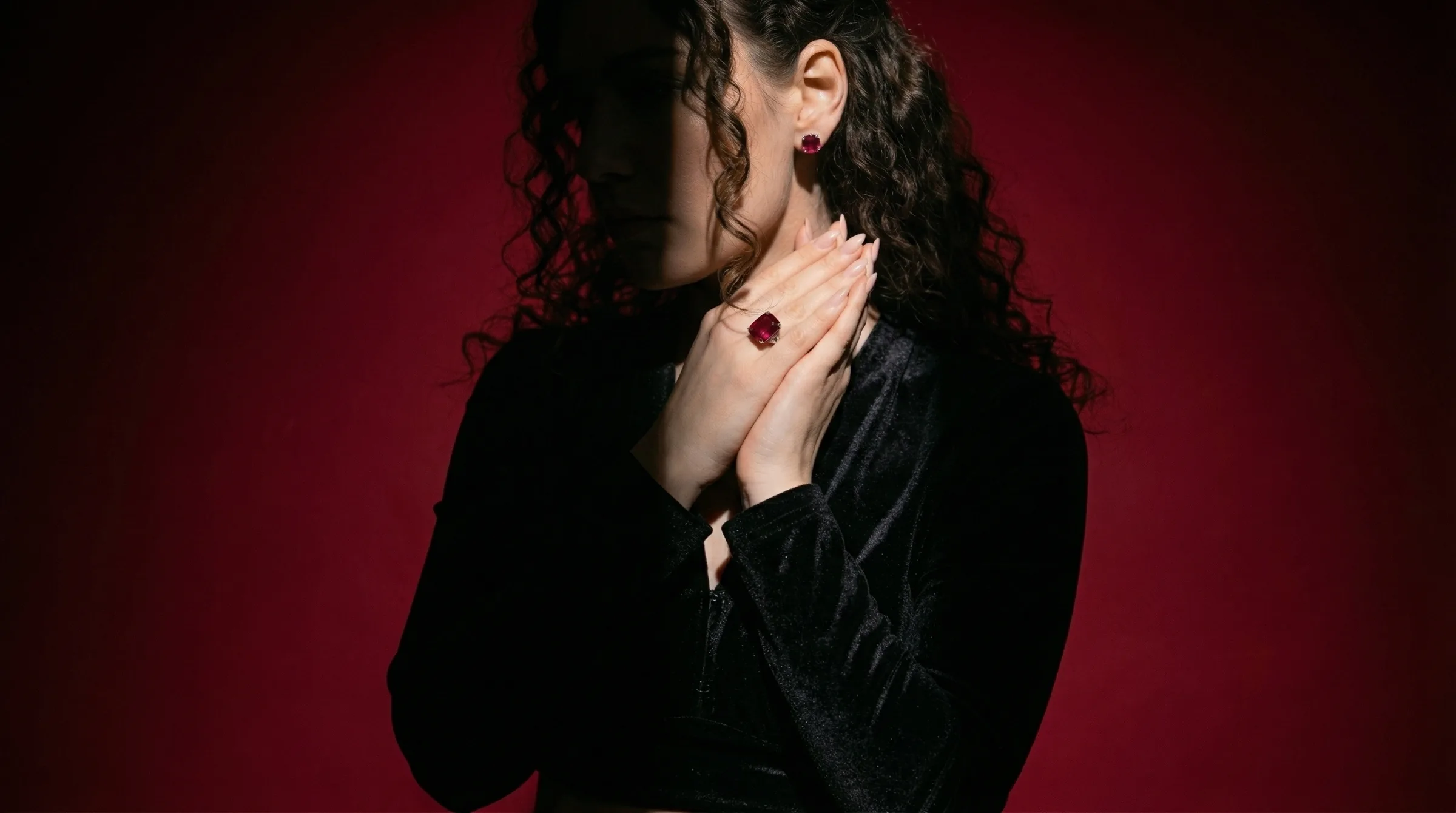
Why product photos decides the sale
The value of jewelry lives in its surface, and that only comes through when the visual does the piece justice. A sterling silver charm and an 18k yellow gold band can look identical online unless the image reveals luster, stone clarity, and the precision of the setting. Get product photos right and conversion climbs; get it wrong and even beautiful, well-made jewelry reads as cheap. That is why product photos sits at the center of jewelry e-commerce rather than at the edge — it is the first thing a shopper judges and often the only thing they judge before deciding whether to keep reading or scroll past.
The problem with the traditional approach
Professional jewelry photography needs controlled backlighting, diffusion, accurate color for gold tones, and skilled retouching. A studio session runs $2,000–$5,000 for four to eight hours, plus $50–$150 per image in retouching. For a 100-SKU store that's $15,000–$35,000 a year just to keep product pages current — more than many small brands clear in profit, so they ship phone photos and lose sales.
That cost structure forces a bad choice. Either a brand pays studio rates it can't really afford and launches slowly, or it ships phone-grade assets and quietly loses sales to competitors that look more polished. Neither option lets a small jewelry brand grow at the pace its catalog allows.
How Hylo changes the workflow
Hylo's AI Photoshoot, supported by AI Retouch, compresses the whole process into six steps:
- Shoot on a neutral surface. Place the piece on a white card or in a light box and shoot with any modern phone at ISO 100, f/2.8–f/4, under window light or a $30 LED. No studio required.
- Upload to Hylo AI Photoshoot. Drop in your JPG, PNG, or HEIC. Hylo previews what the model sees and flags a cluttered background before you waste a generation.
- Pick a lighting style. Backlighting for rings and gemstones to show sparkle, tabletop for earrings and pendants, wholesale for clean linesheet shots.
- Generate three variations. Hylo returns three studio-quality options in 60–90 seconds; pick the angle and light that matches your brand.
- Refine for two minutes. Crop to your platform ratio and nudge brightness in a free tool so the shot matches the rest of your catalog.
- Export to your channels. Push the final image straight to Shopify, Etsy, Amazon, or TikTok Shop.
What used to take weeks and thousands of dollars now takes an afternoon and a monthly plan, and the result is consistent enough to put straight on a product page.
A real example
A solo designer prepping a 40-piece sterling silver line for a Faire open shot everything on a kitchen-table light box in a morning and had live product pages by evening, at roughly 2x her old phone-photo click-through.
That pattern repeats across brands of every size. A 12-person Etsy shop selling vermeil bracelets and sterling silver charms saw click-through climb 2.3x and average order value rise from $35 to $52 after switching from phone photos to AI Photoshoot studio shots — and cut a $18,000 annual studio budget to a monthly plan.
The economics
Run the numbers for a typical 100-SKU jewelry store. The traditional route costs $15,000–$35,000 a year once you add studio time, $50–$150-per-image finishing, and the internal hours spent scheduling, styling, and organizing files. The Hylo route costs a monthly plan plus a few hours of work, which for most brands is an $11,000–$33,000 annual saving — and just as valuable, 200+ hours handed back to design, sourcing, and marketing instead of production logistics.
What to look for in a tool
When you evaluate any tool for jewelry product photography, four things matter. First, jewelry-specific quality: does it render yellow gold, rose gold, and platinum in true color, and does it keep fine chains and pavé detail crisp instead of flattening them? Second, turnaround: can you go from input to export in minutes, not days? Third, batch capacity: can it process a full 100-SKU collection without manual work on each asset? Fourth, channel fit: does it output Shopify, Etsy, Amazon, Meta, and TikTok formats with the piece kept centered? Hylo's AI Photoshoot and AI Retouch are built around those four, which is why jewelry brands tend to outgrow general-purpose tools quickly.
Common mistakes to avoid
Three avoidable errors account for most disappointing output. First, starting from cluttered inputs — fabric, wood, or a hand in the frame confuses the model, so always start with the piece on a clean surface. Second, using one look for every piece: rings and gemstones want backlighting that shows sparkle, while flatter pieces read better on softer, even light. Third, skipping the two-minute refine pass that matches a new asset to the brightness and crop of the rest of your catalog. Fix those three and results are consistently ready to publish.
Where AI fits, and where it doesn't
Hylo replaces the studio booking, the equipment, and the finishing backlog. It does not replace your design, your sourcing, or your pricing — the jewelry still has to be real and well made. What it removes is the production bottleneck, so you can refresh product photos on demand and launch on your own schedule instead of a vendor's calendar.
Getting started this week
If you sell jewelry on Shopify, Etsy, Amazon, or Faire and you are either shooting on a phone or paying studio rates, take your three weakest assets, run them through Hylo, and compare them side by side with the originals. Look closely at metal color, sparkle, and how clean the background reads. The improvement is usually obvious before you have spent a cent on a studio — and once you have seen your own pieces produced properly, it is hard to go back.
The bottom line
For a jewelry brand, product photos is not a cost center to minimize but a growth lever to pull. The brands that win online are rarely the ones with the best jewelry; they are the ones whose visuals make the jewelry look as good as it is, consistently, across every channel and every launch. Hylo's AI Photoshoot puts that within reach of a one-person shop, and the brands adopting it now are building a lead that gets harder to close every quarter.
Try Hylo free — no studio booking required.