Earring Stud jewelry photography
Earring and stud jewelry photography is the category where symmetry and pair-presentation decide the photo — buyers want to see both earrings aligned, the stud size in proportion to the wearer, and the metal color true to life. Clean macro pair-shots, ear-crop model looks, and minimal flat lays are the formats that sell, and each needs careful catchlight control so the metal doesn't disappear into the skin tone. These AI-generated looks show you the exact compositions that make studs and earrings convert.
Curated onHyloUpdated Aug 2026
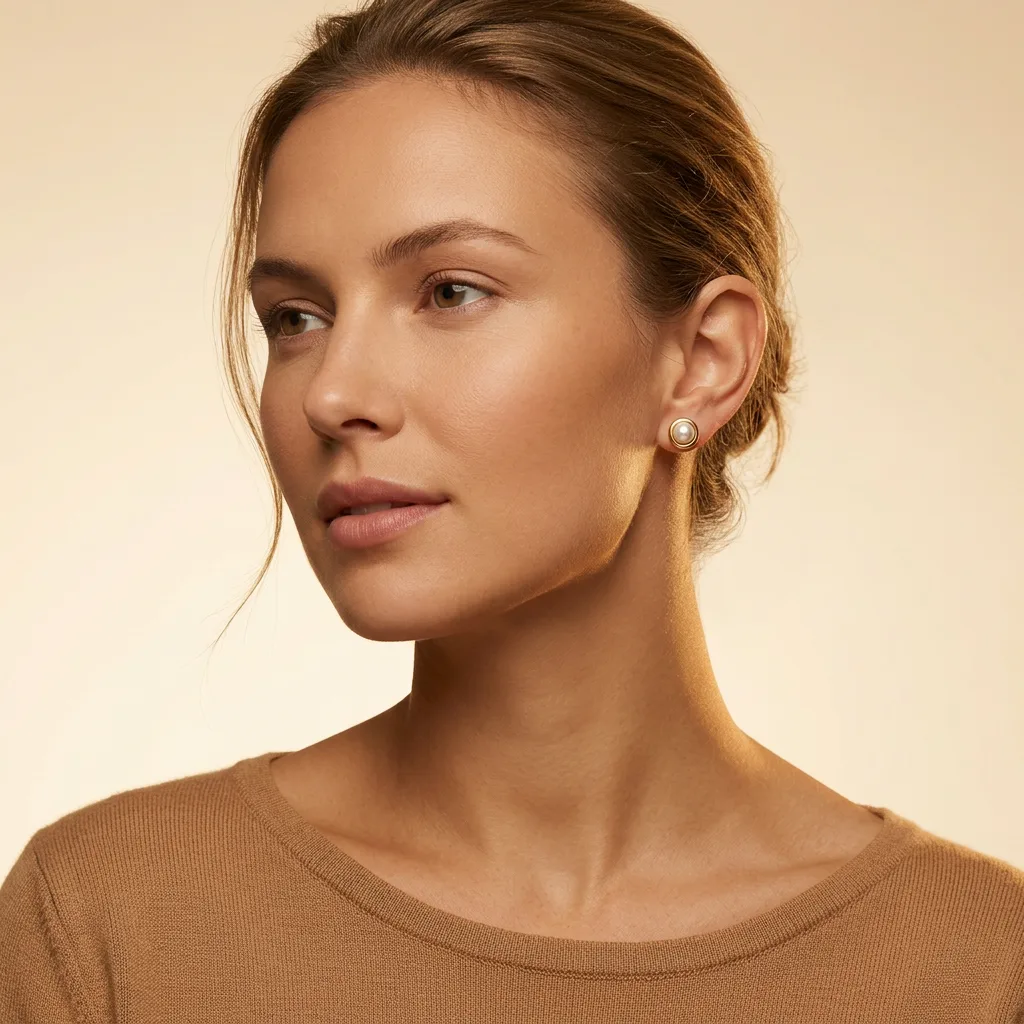
Warm Beauty Closeup — Earring Stud
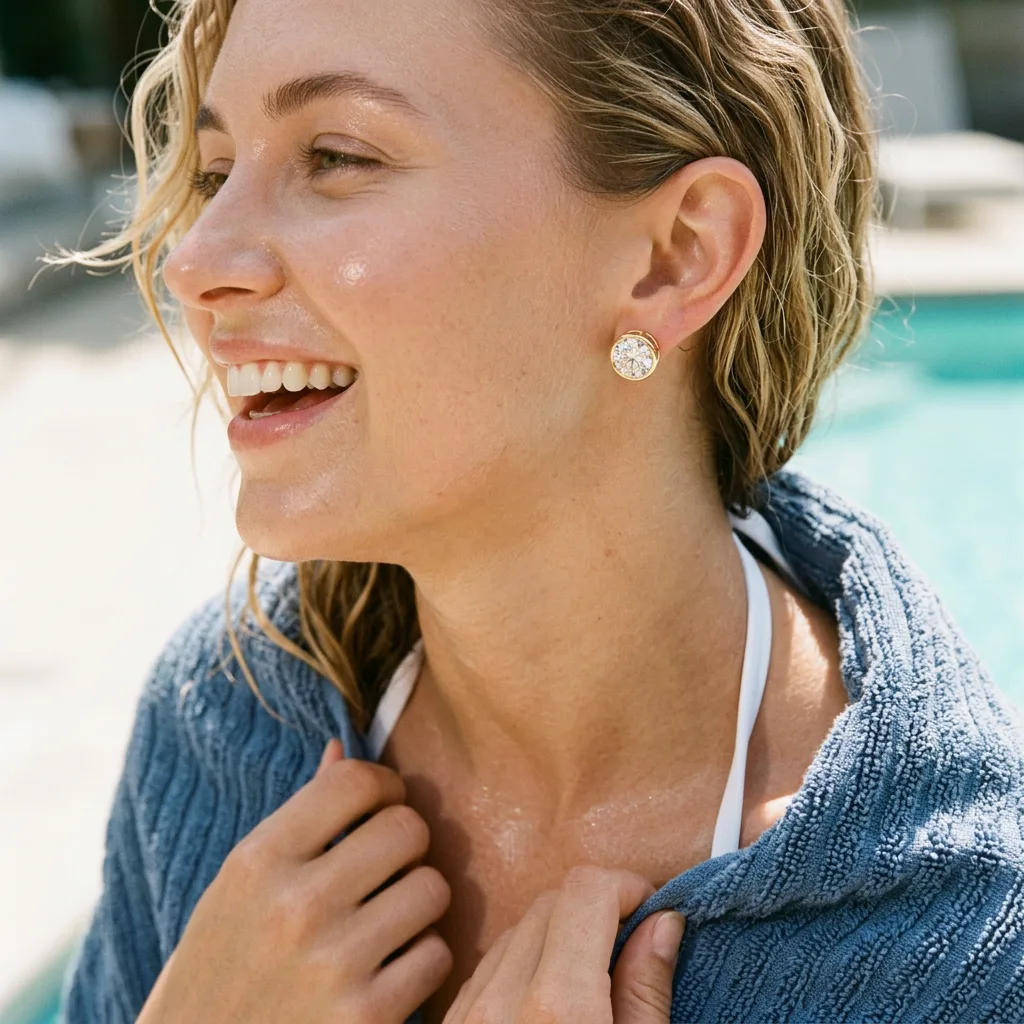
Poolside Towel Wrap — Earring Stud
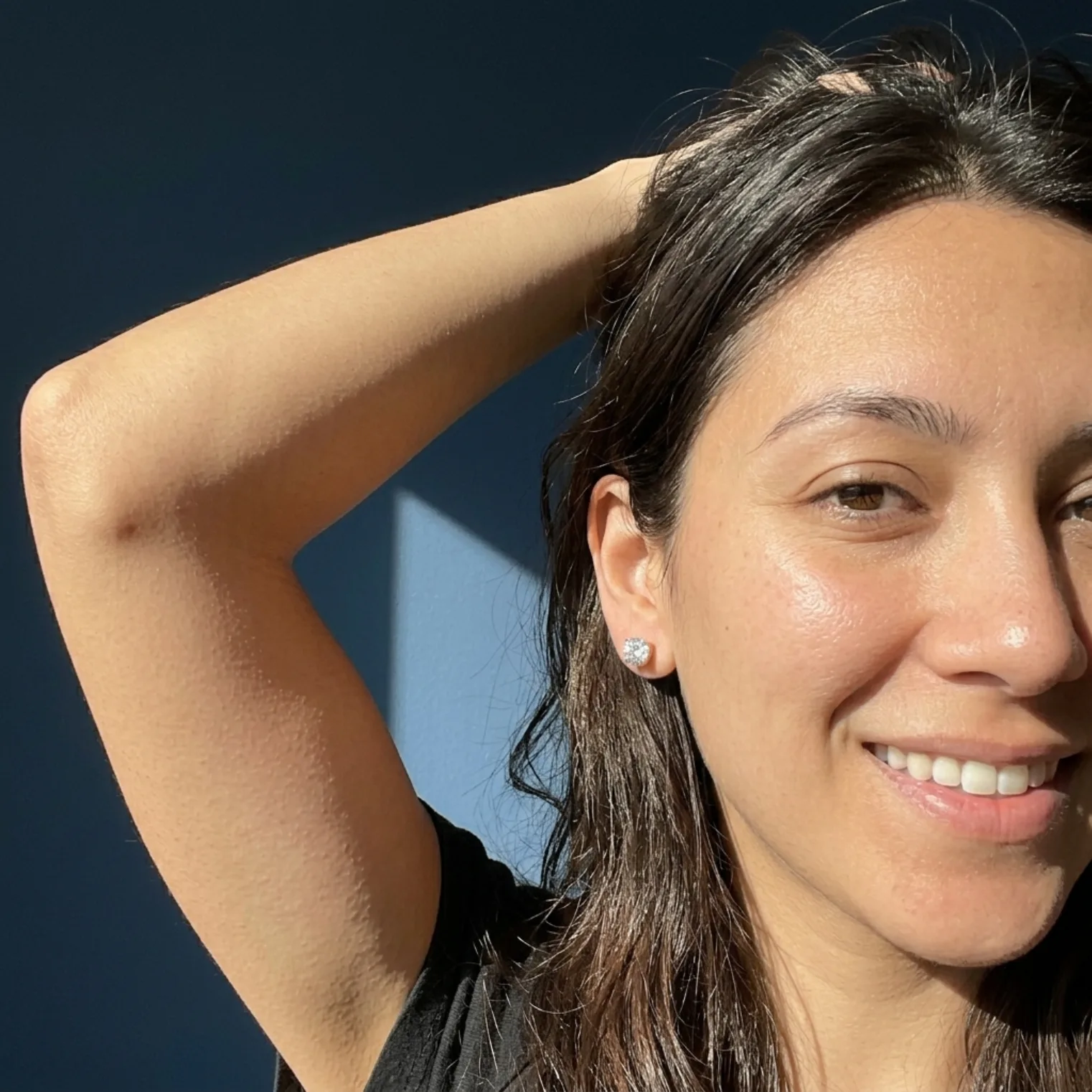
Sunlit Selfie — Earring Stud

Sun Selfie — Earring Stud
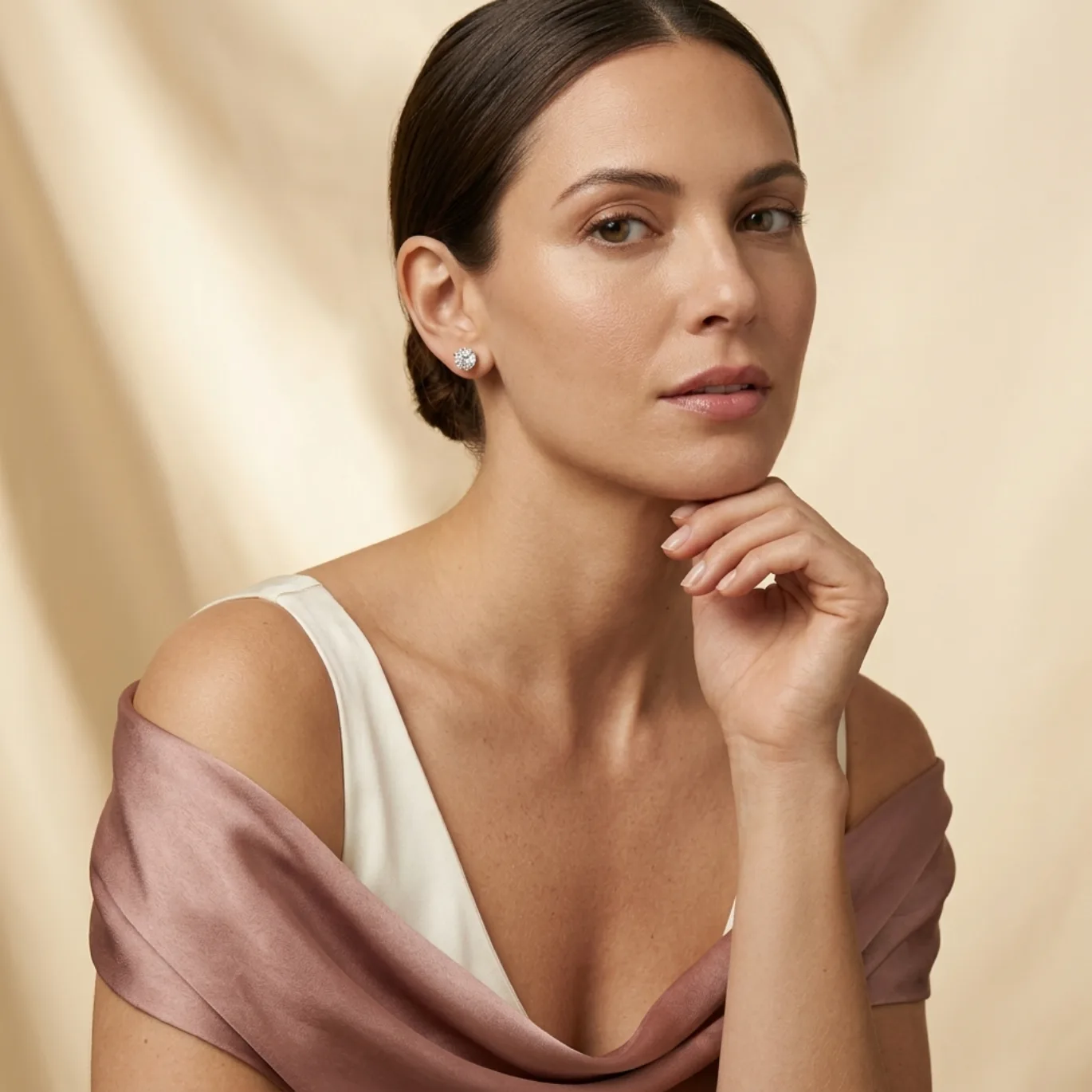
Tender Close Portrait — Earring Stud
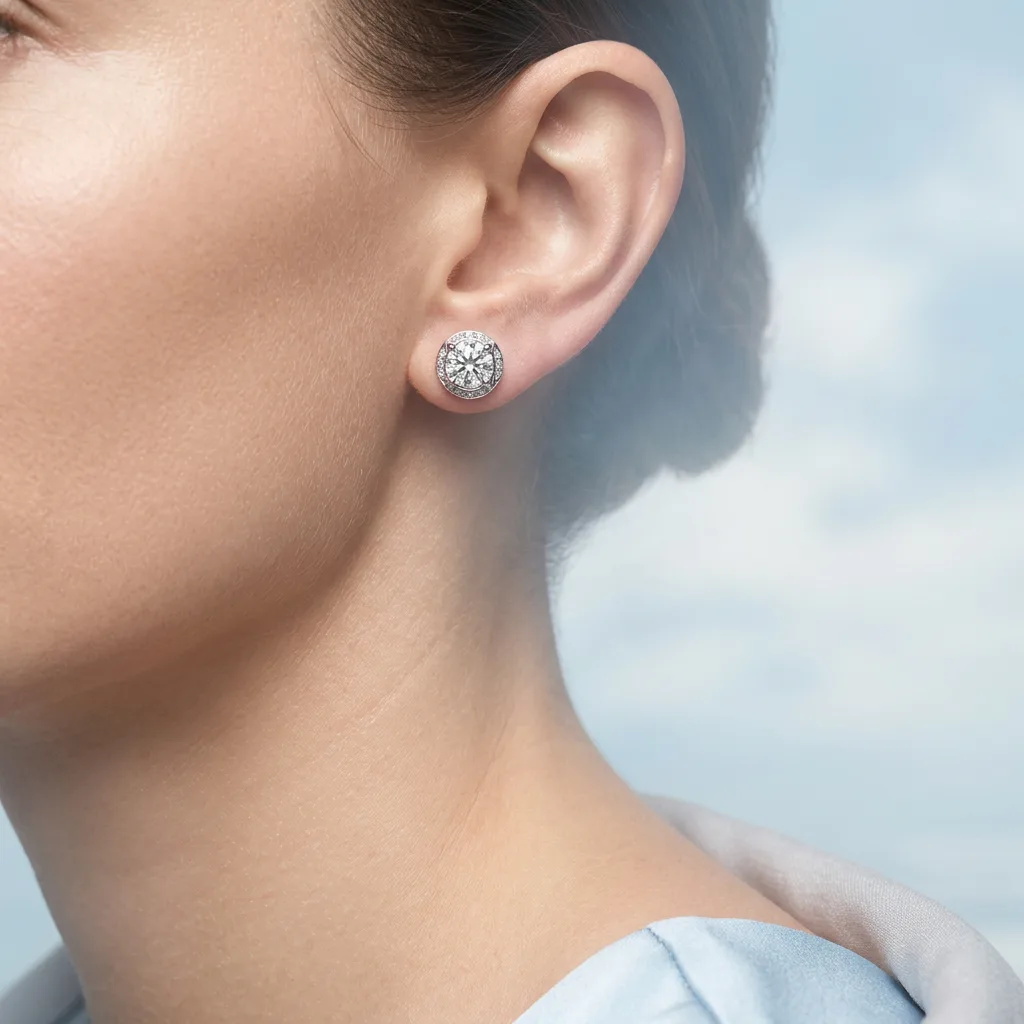
Sky Field Portrait — Earring Stud
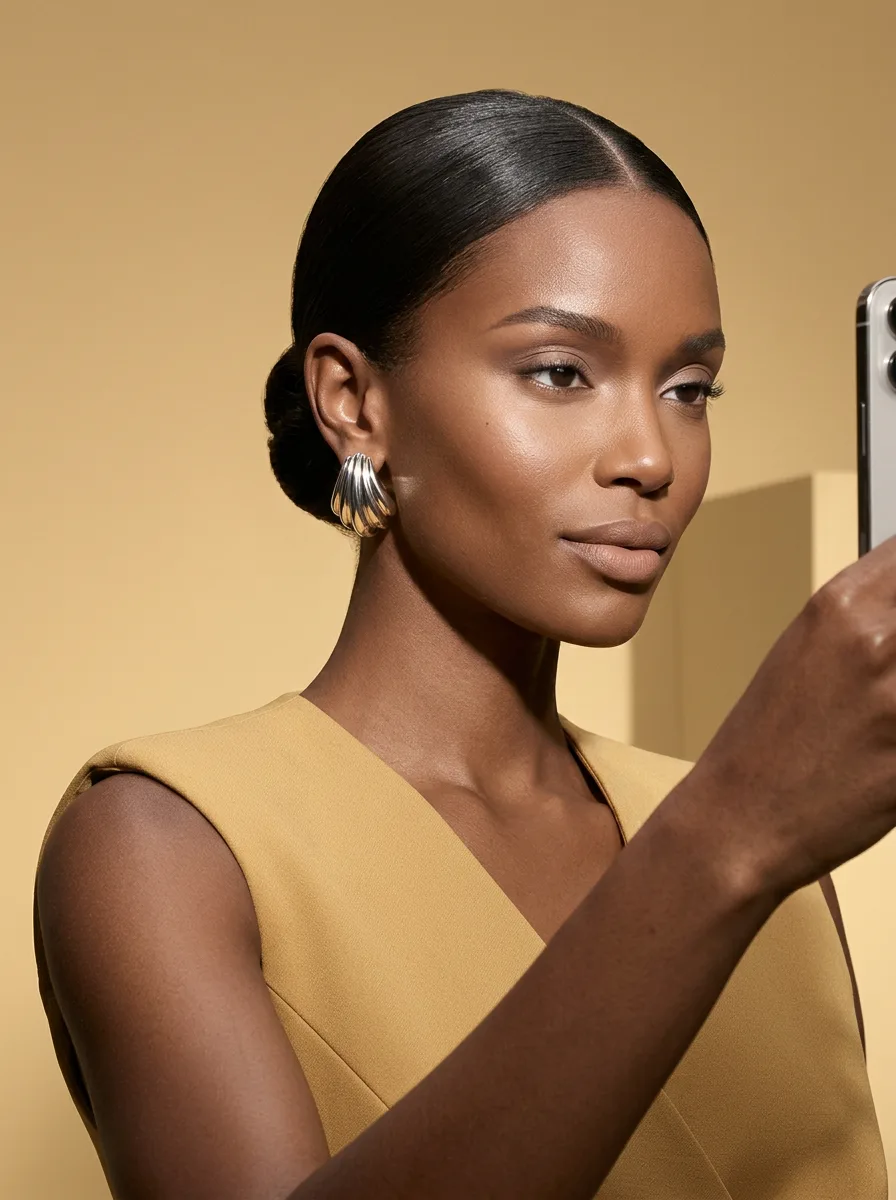
Candid — Earring Stud
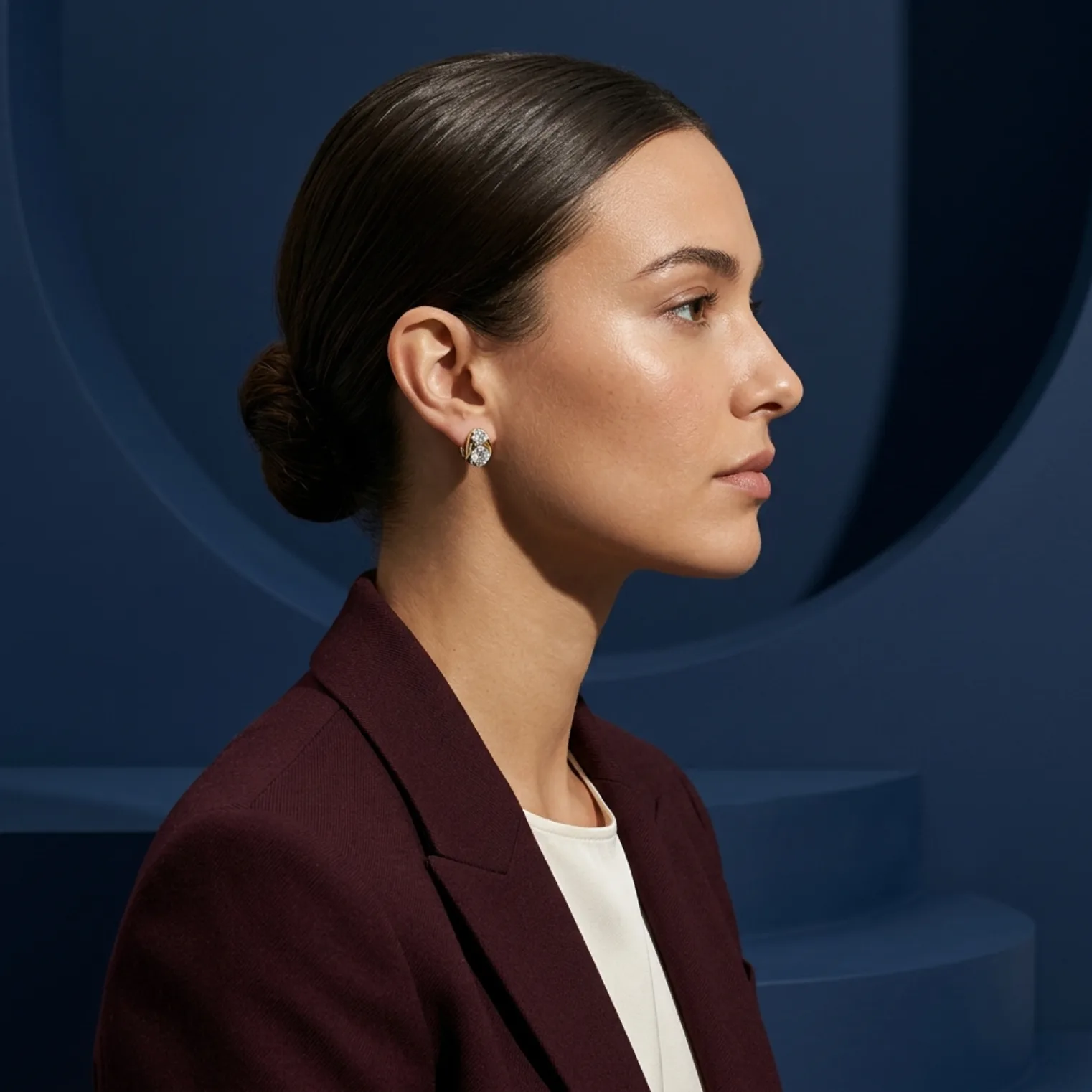
Sculptural Profile — Earring Stud
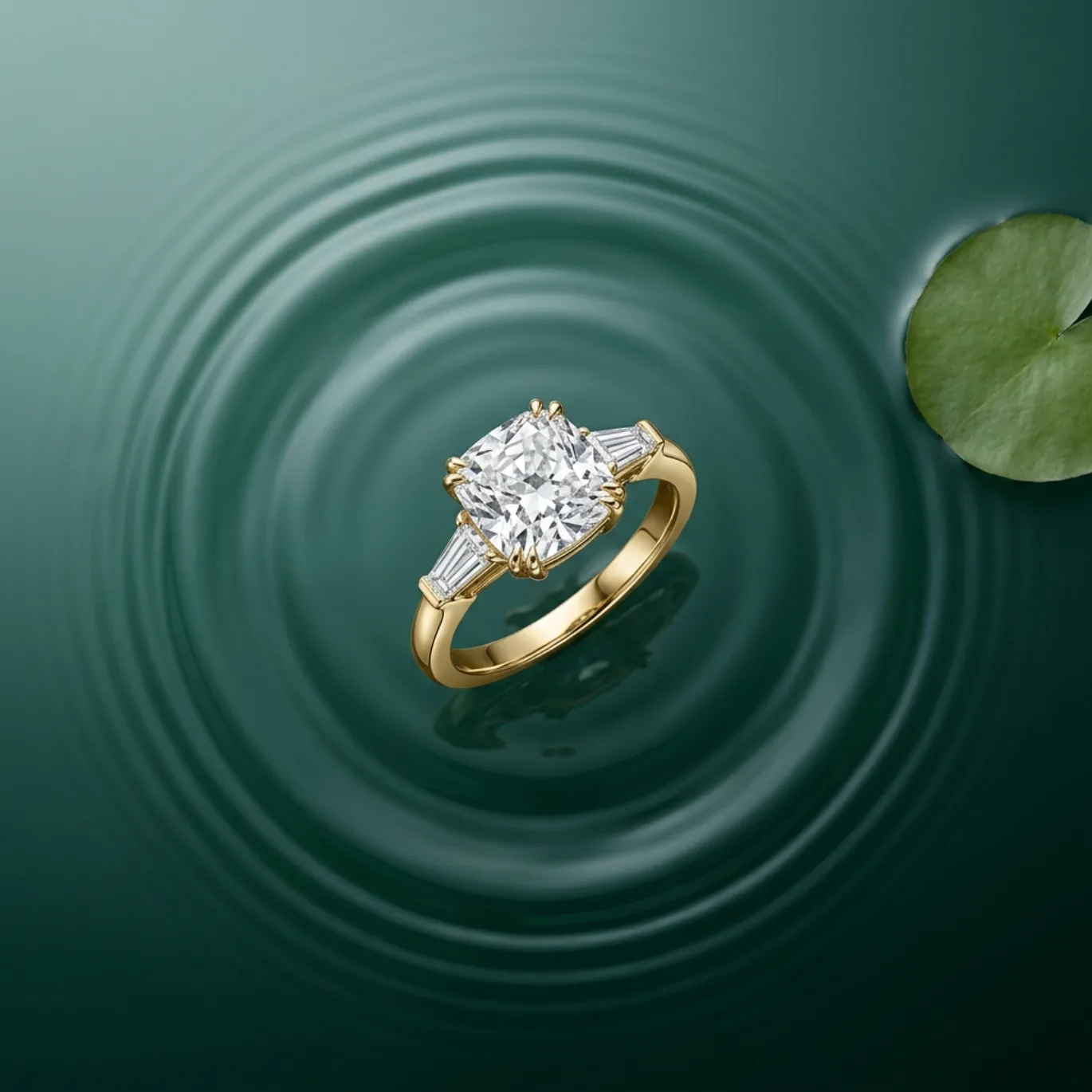
Floating Hero — Earring Stud
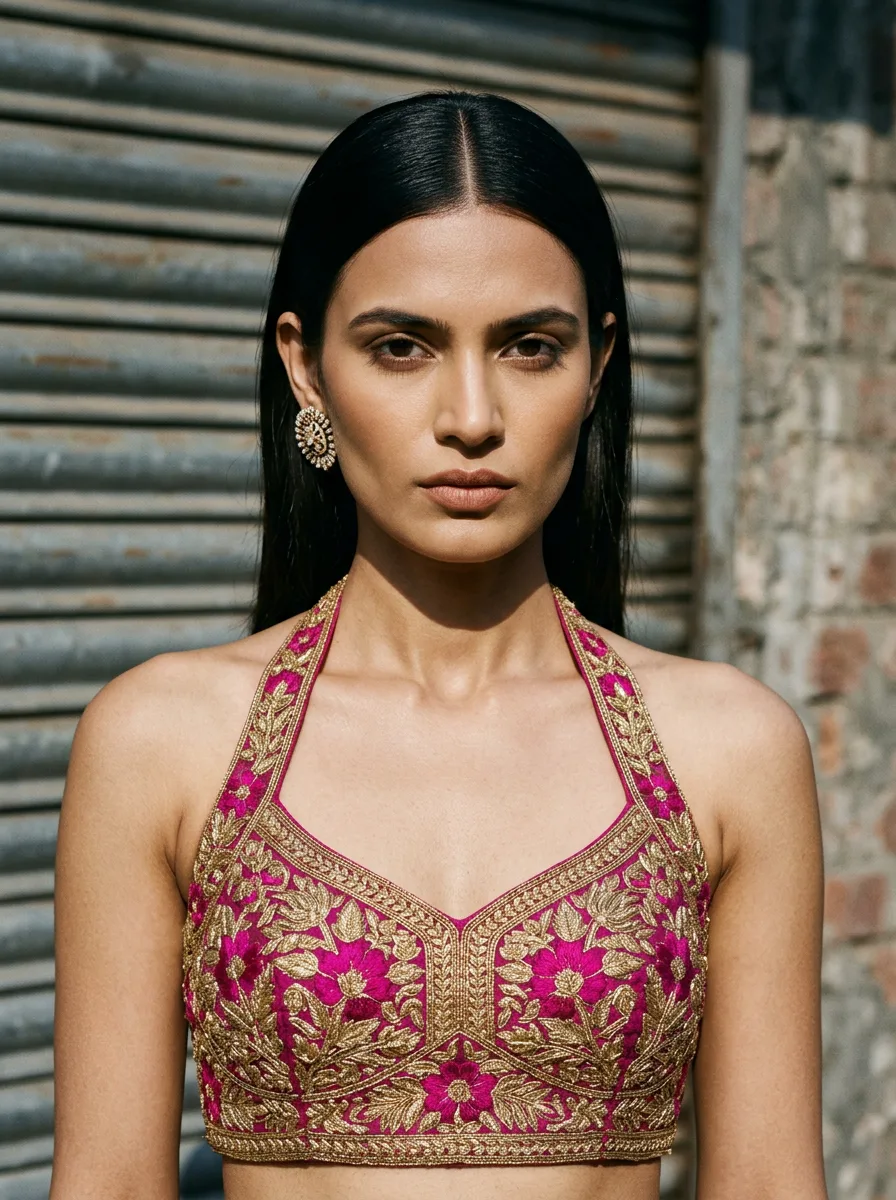
Urban Portrait — Earring Stud
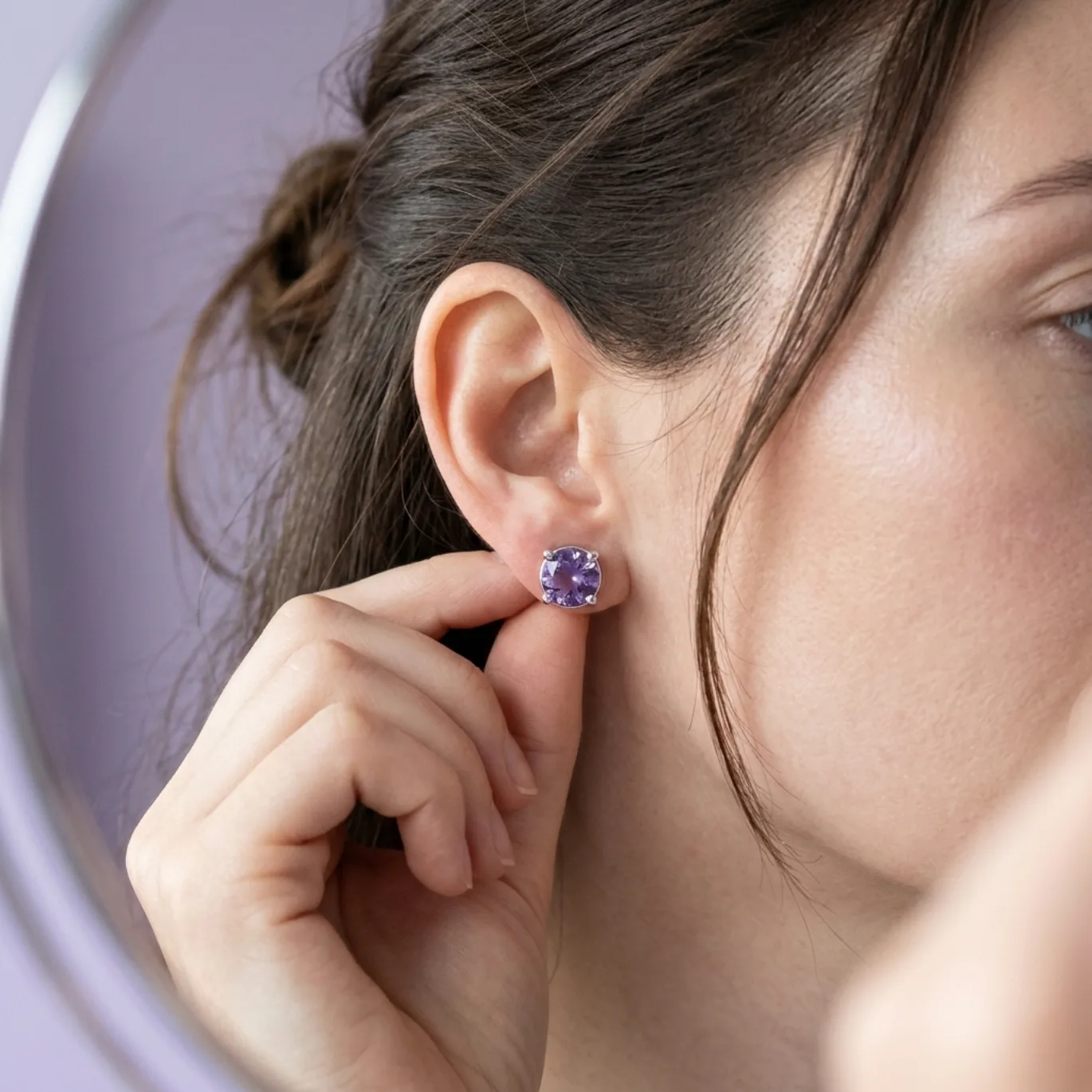
Getting Ready Selfie — Earring Stud
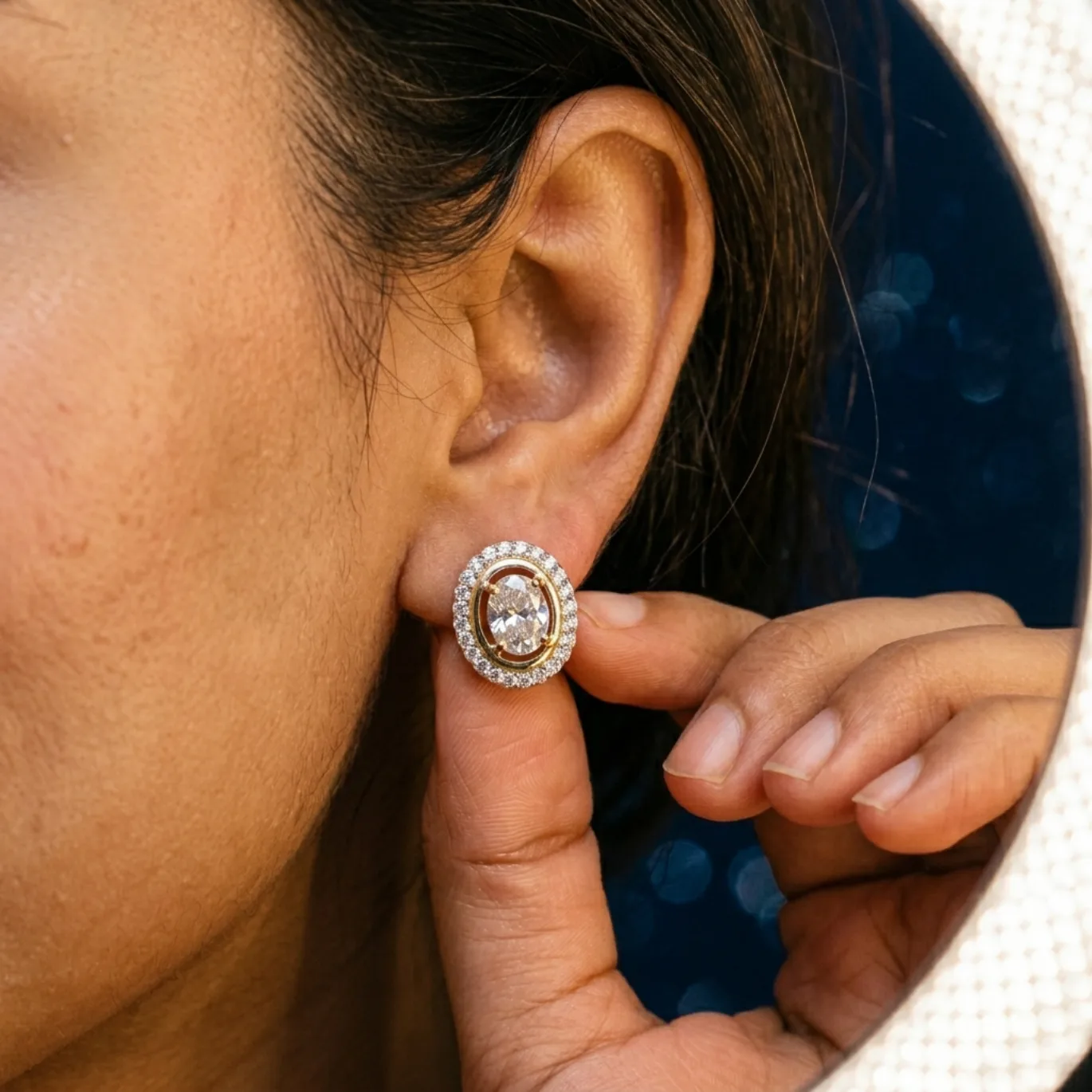
Getting Ready — Earring Stud
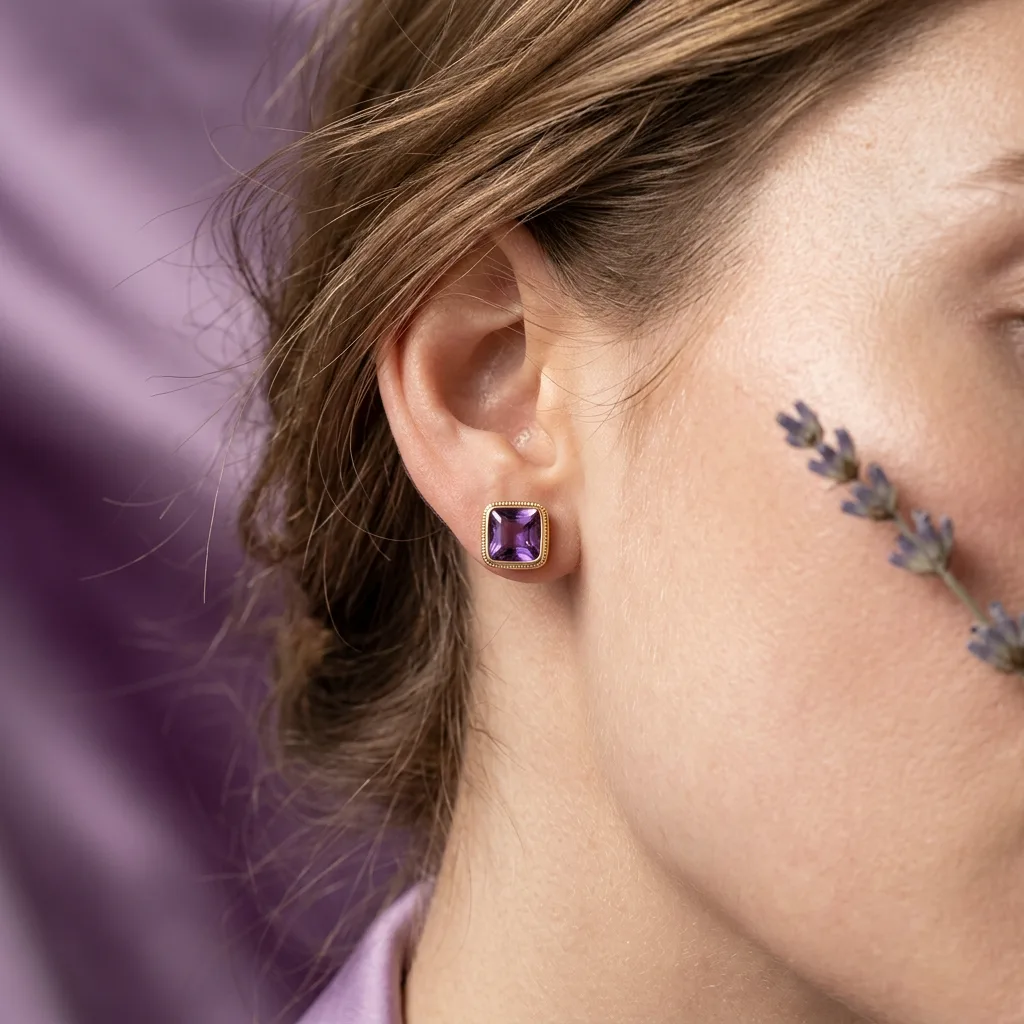
Botanical Close Portrait — Earring Stud
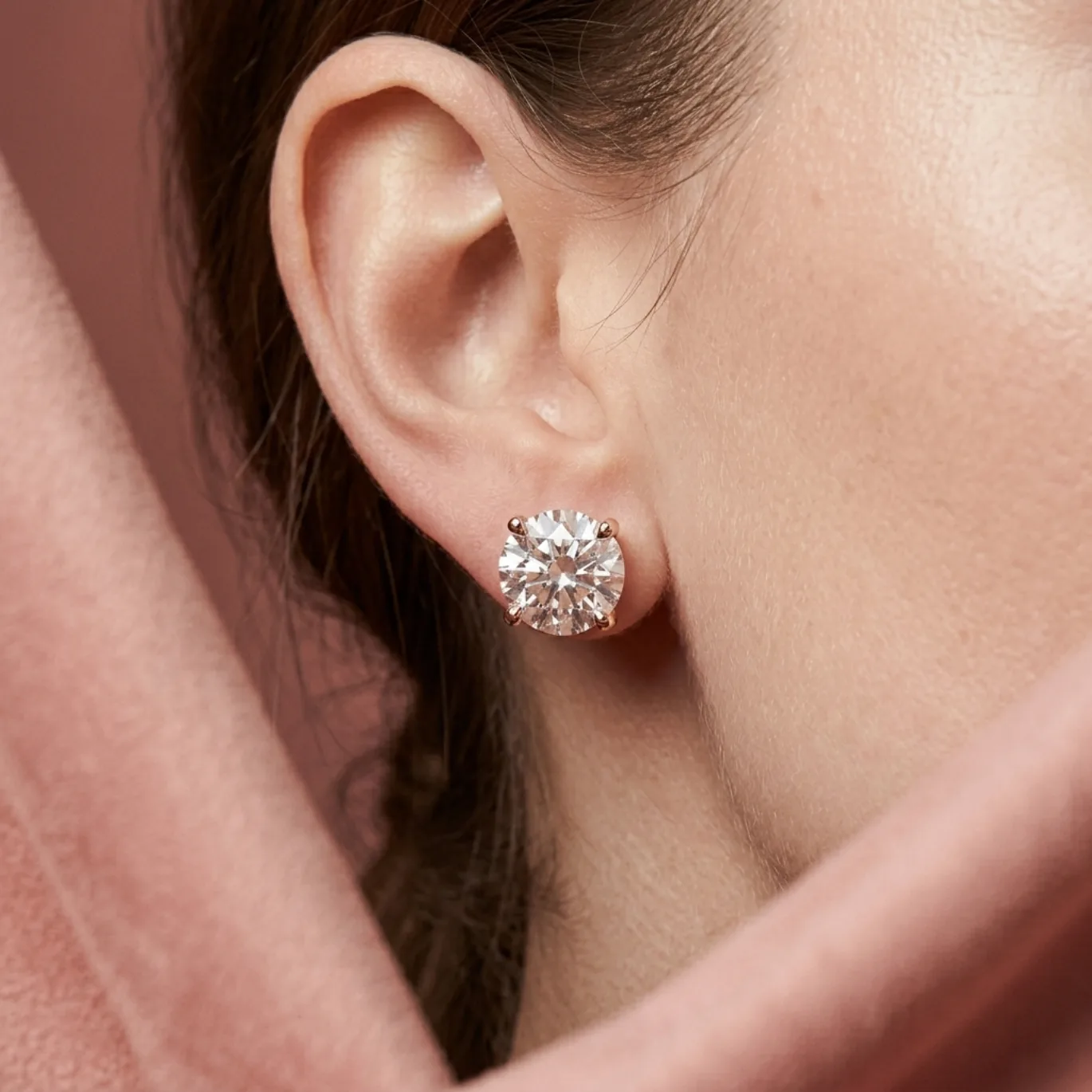
Suede Frame Editorial — Earring Stud
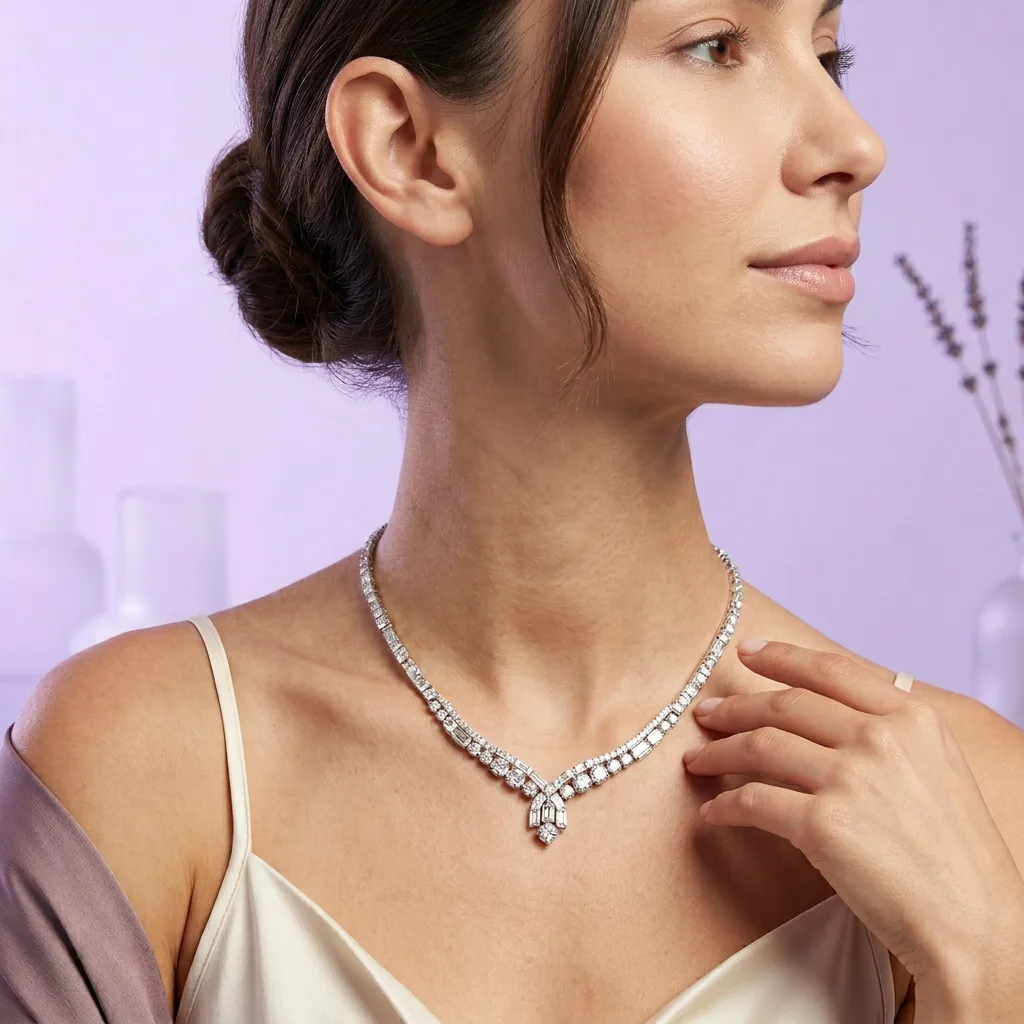
Lilac Campaign Closeup — Earring Stud
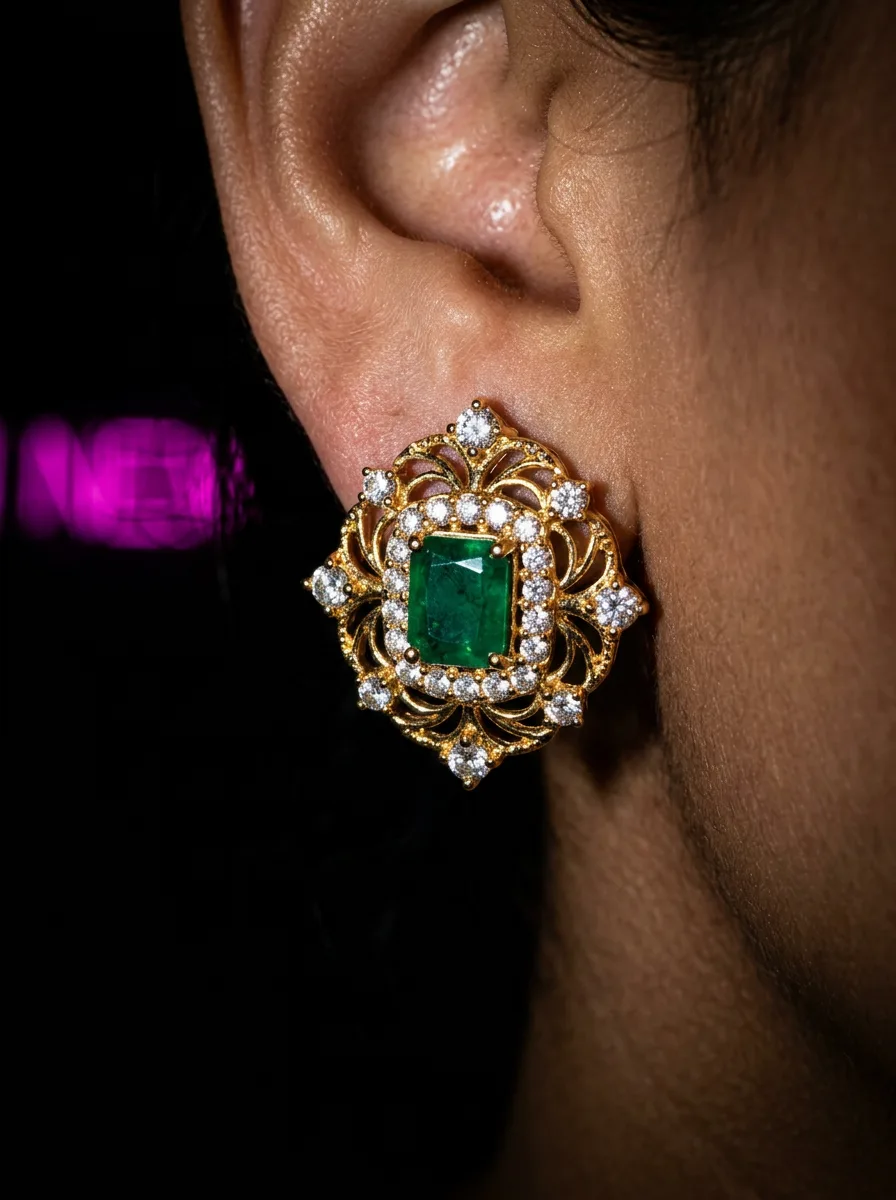
Jewelry Flash — Earring Stud
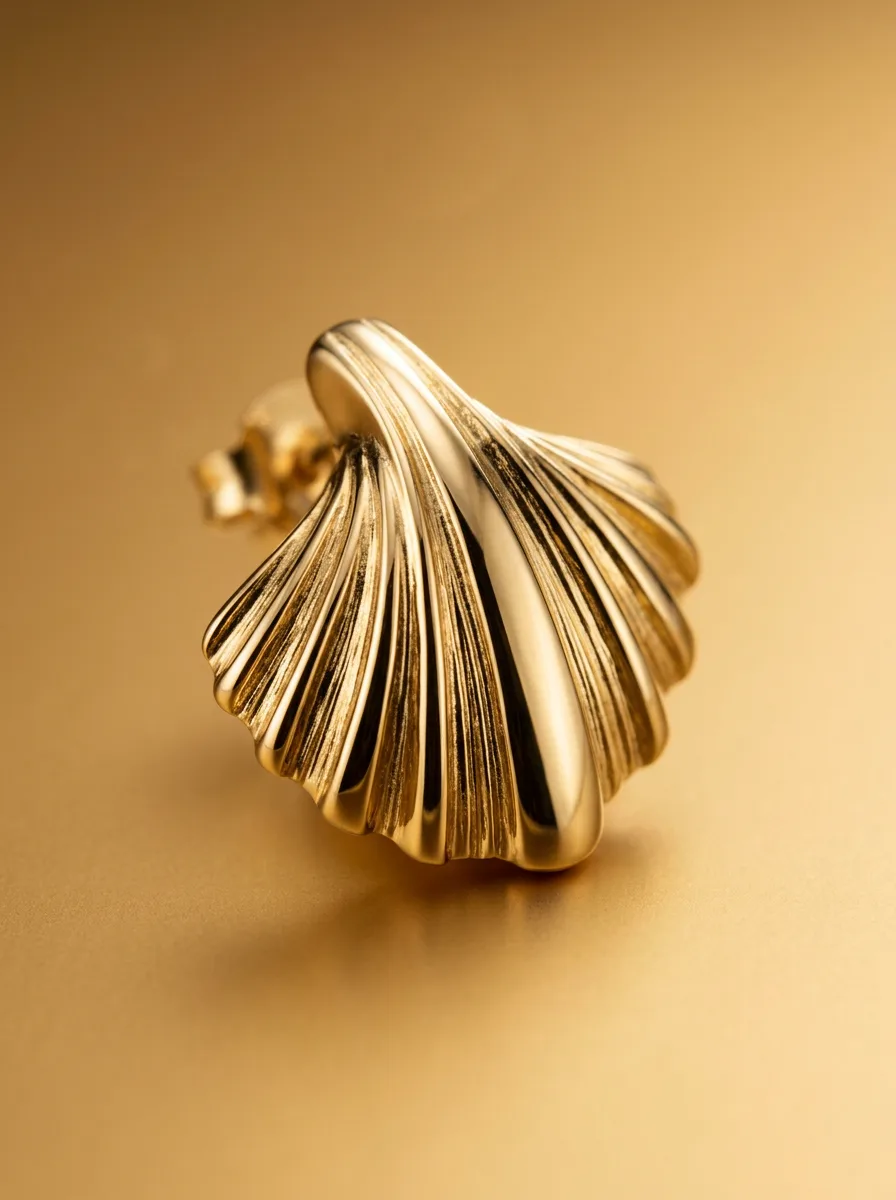
Macro — Earring Stud
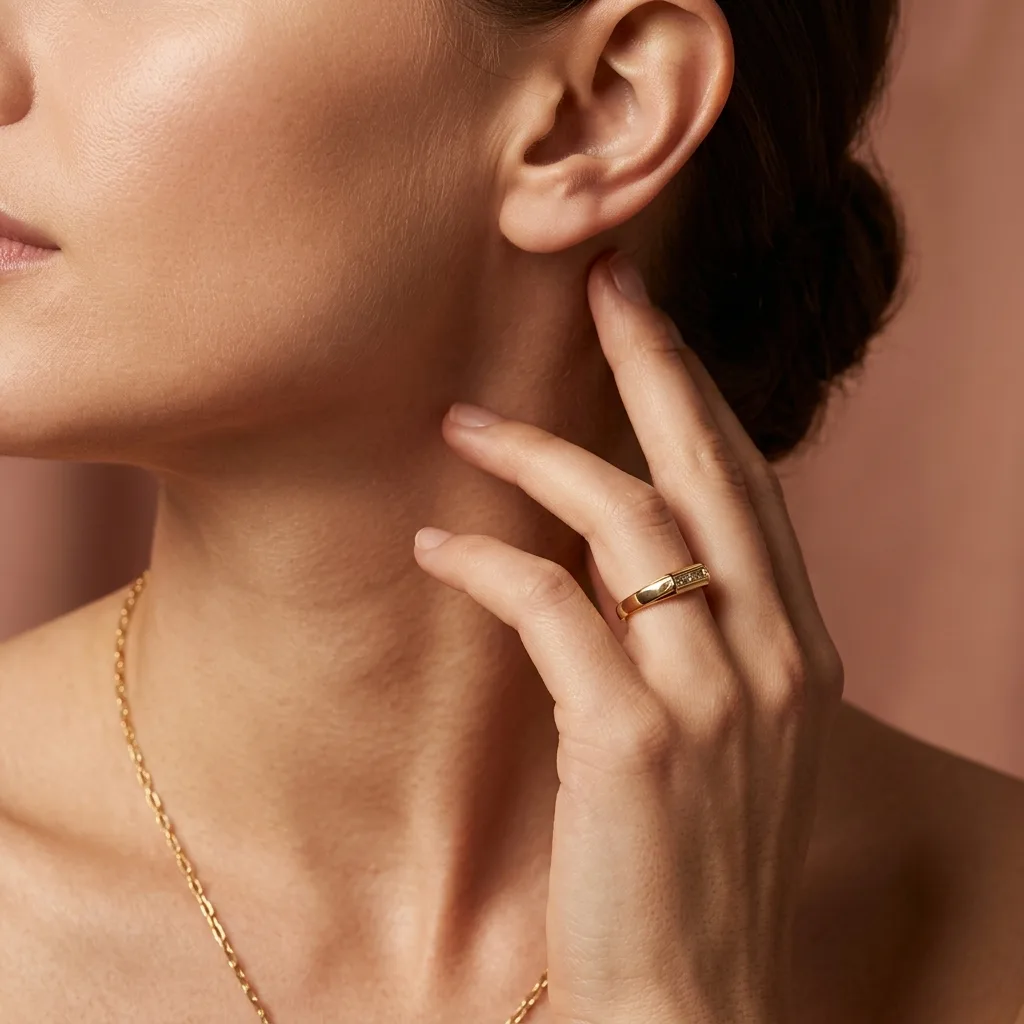
Studio Ear Neck — Earring Stud
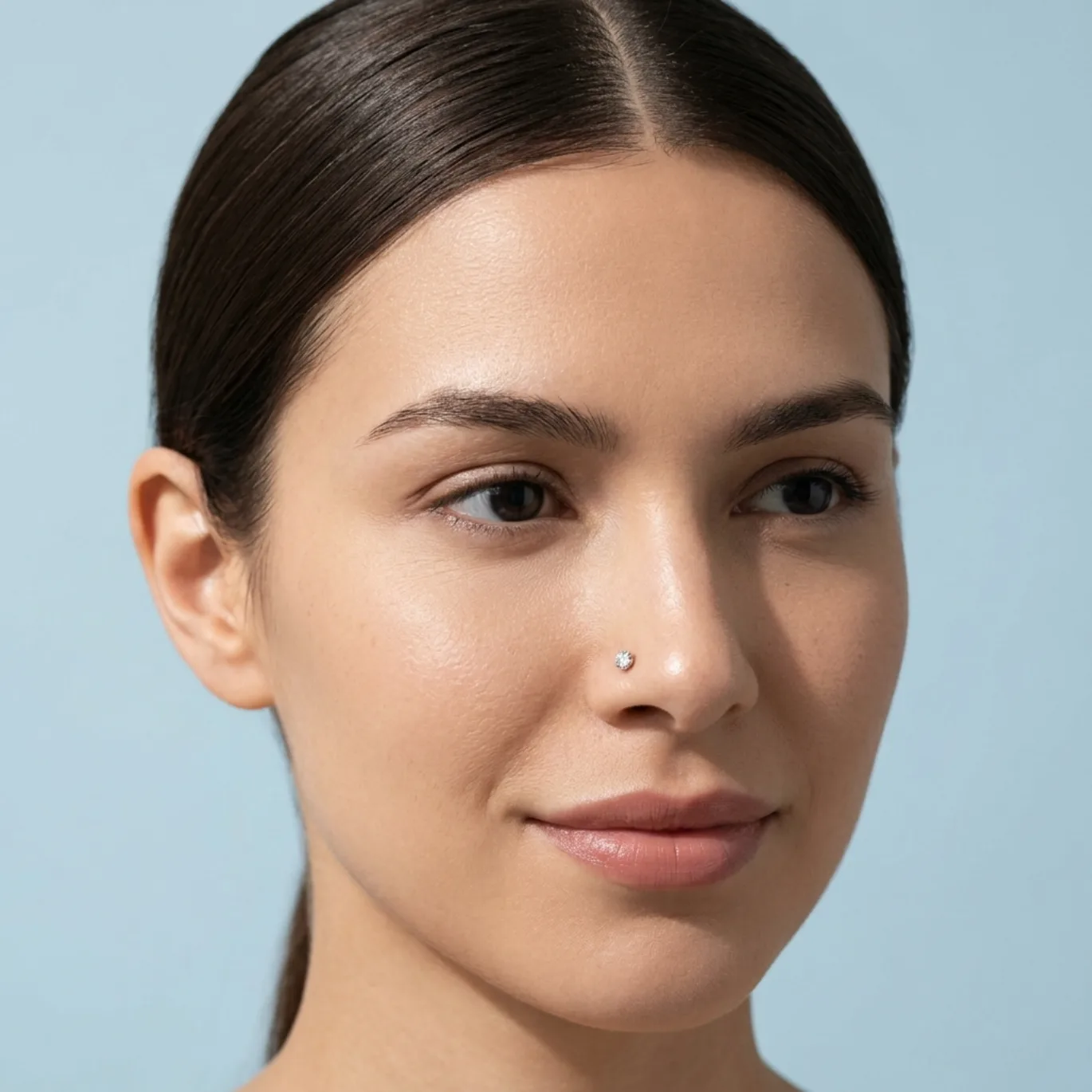
Sunlit Studio Portrait — Earring Stud
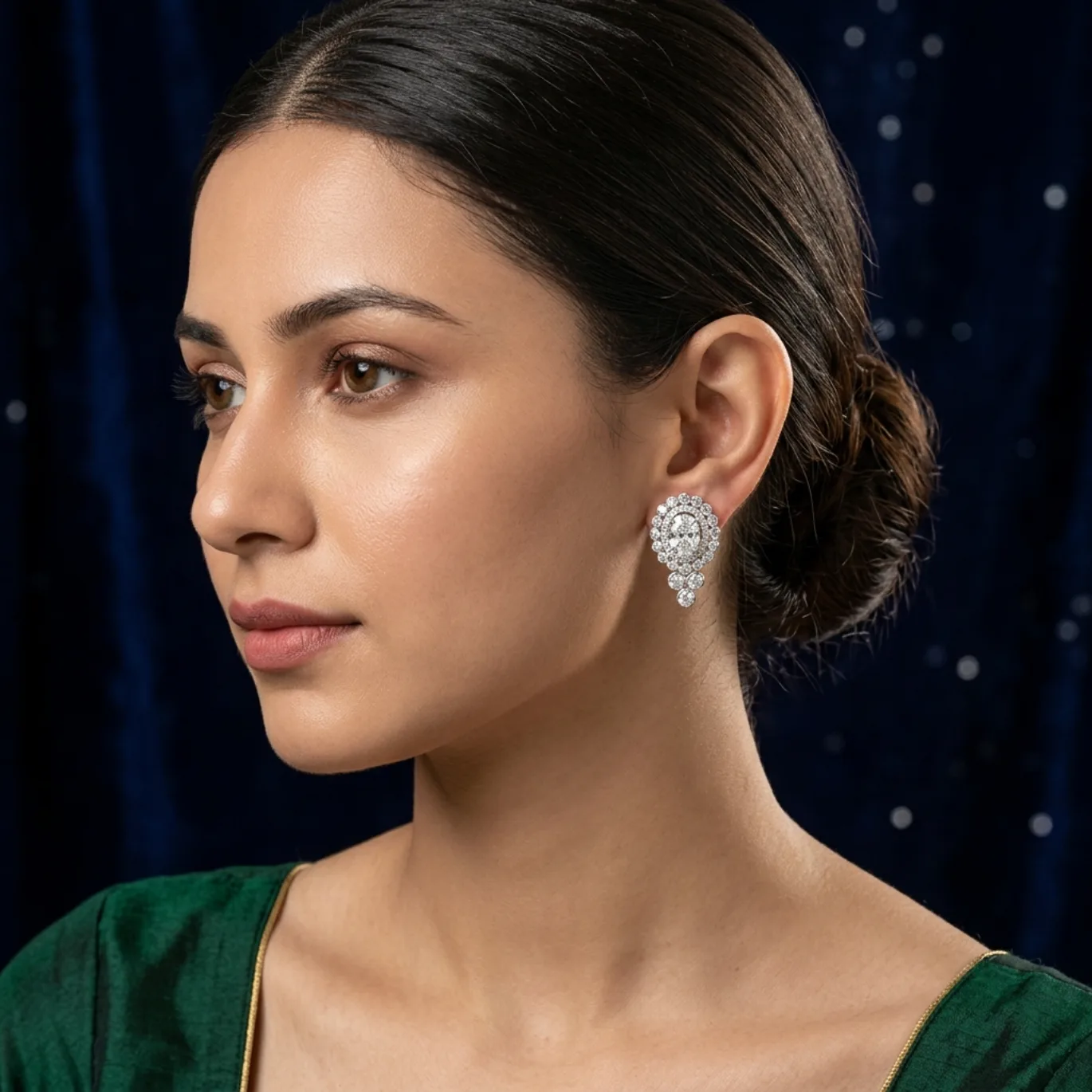
Studio Portrait — Earring Stud

Candid Waterside — Earring Stud
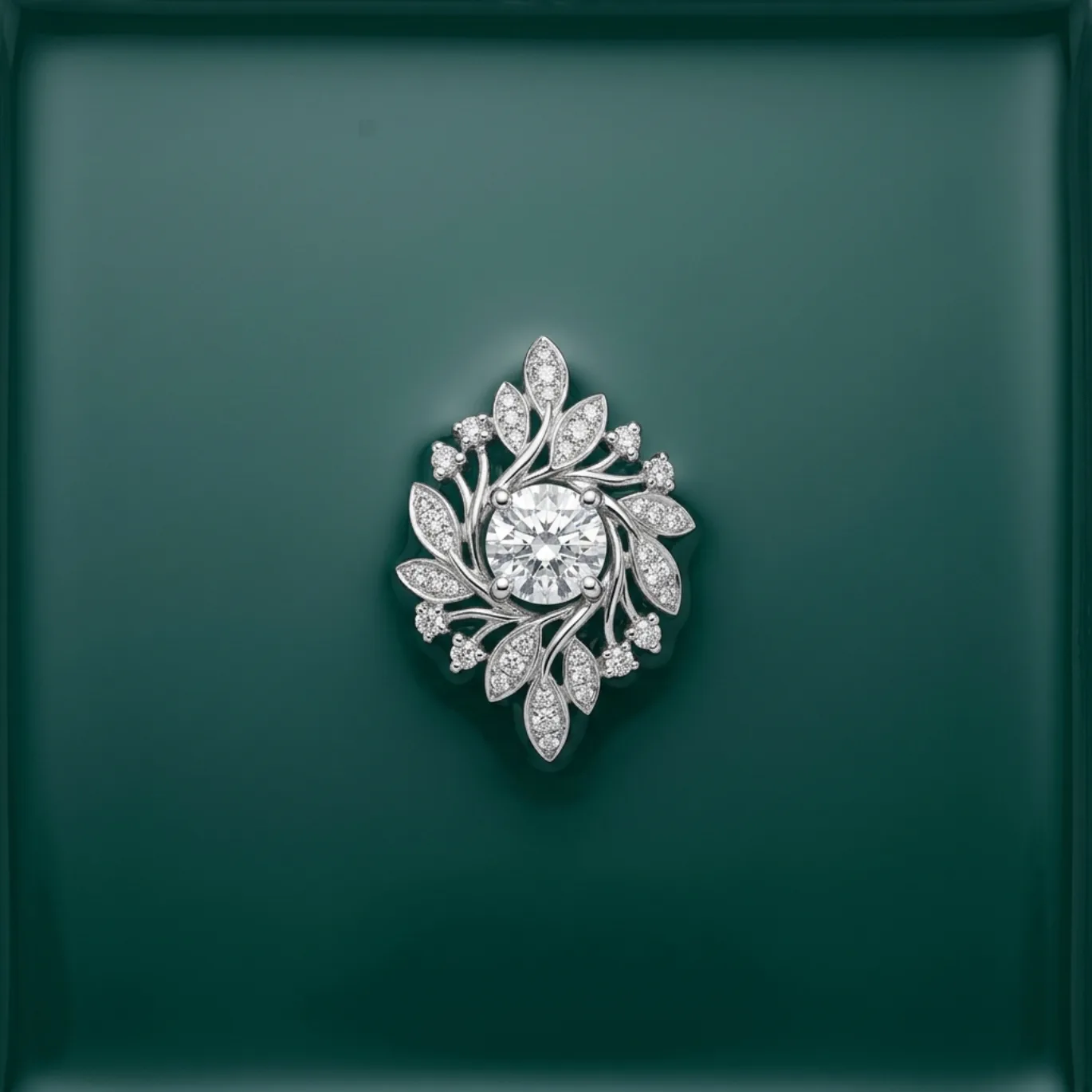
Water Tray Catalog — Earring Stud
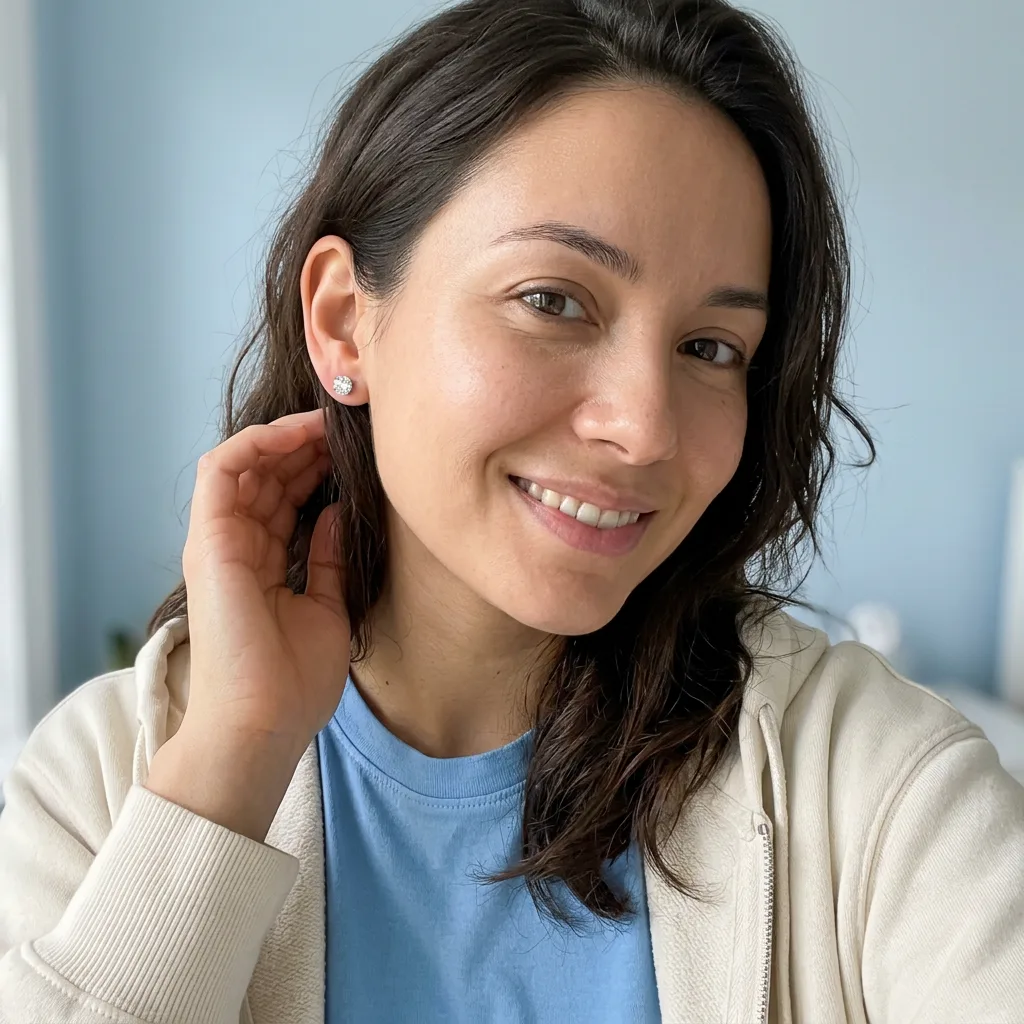
Daylight Selfie — Earring Stud
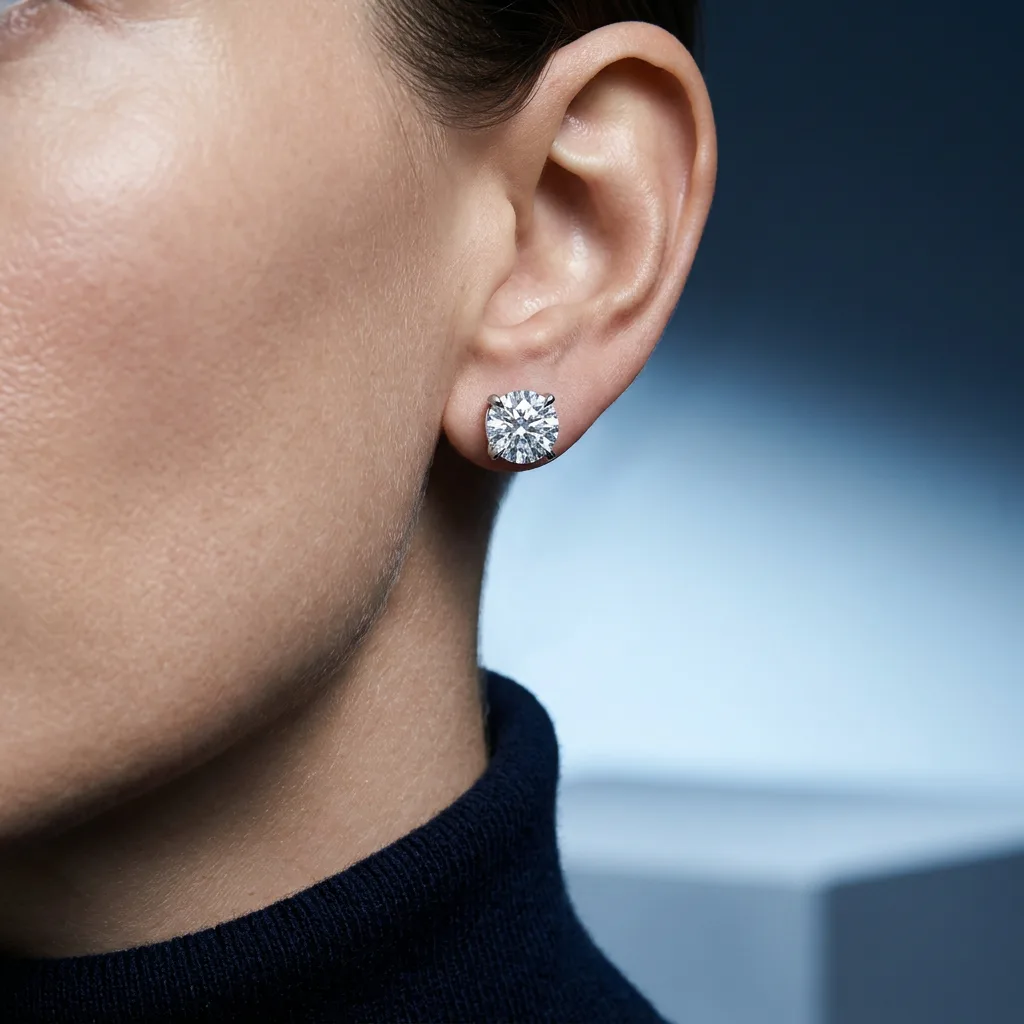
Cold Close Portrait — Earring Stud
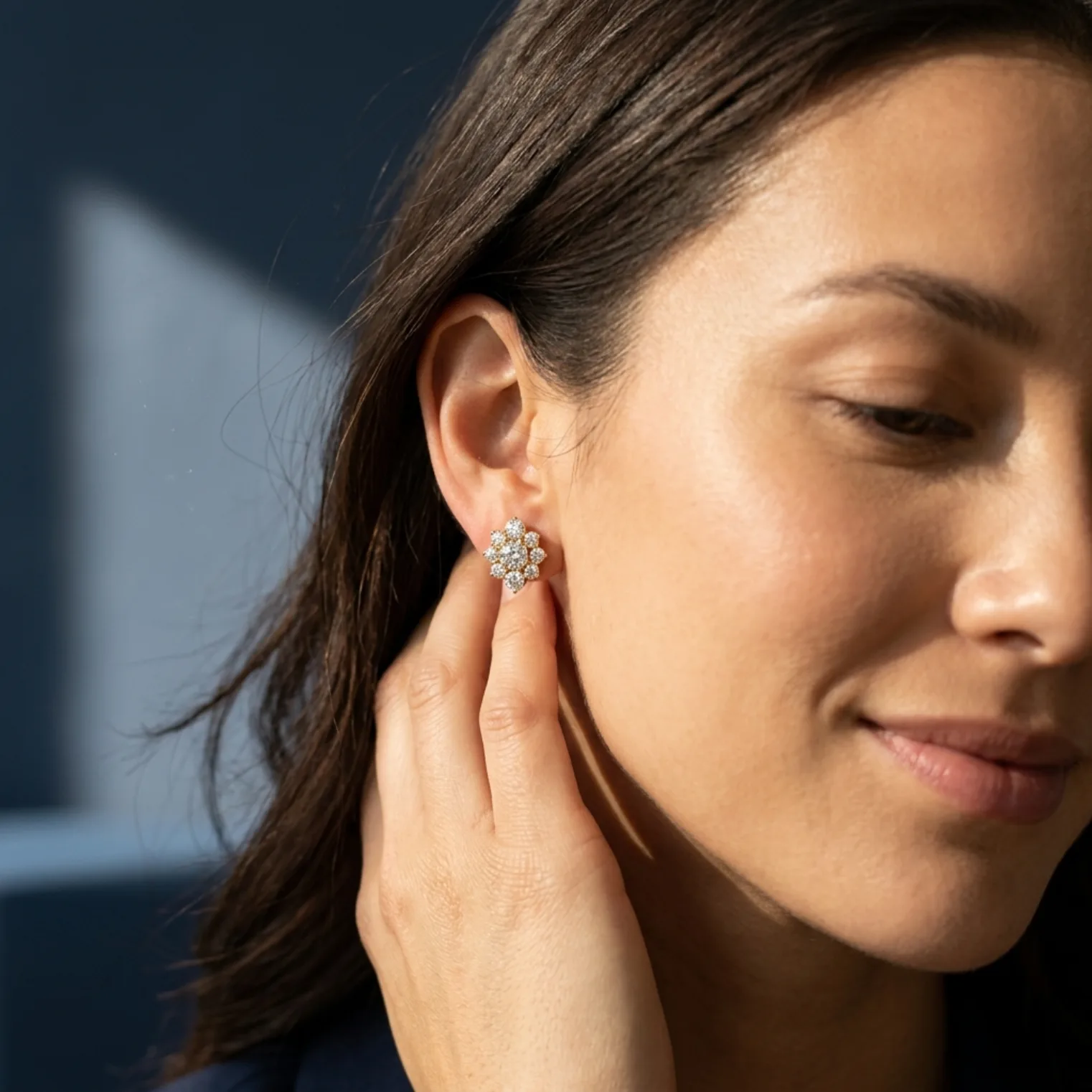
Sunlit Interior Moment — Earring Stud
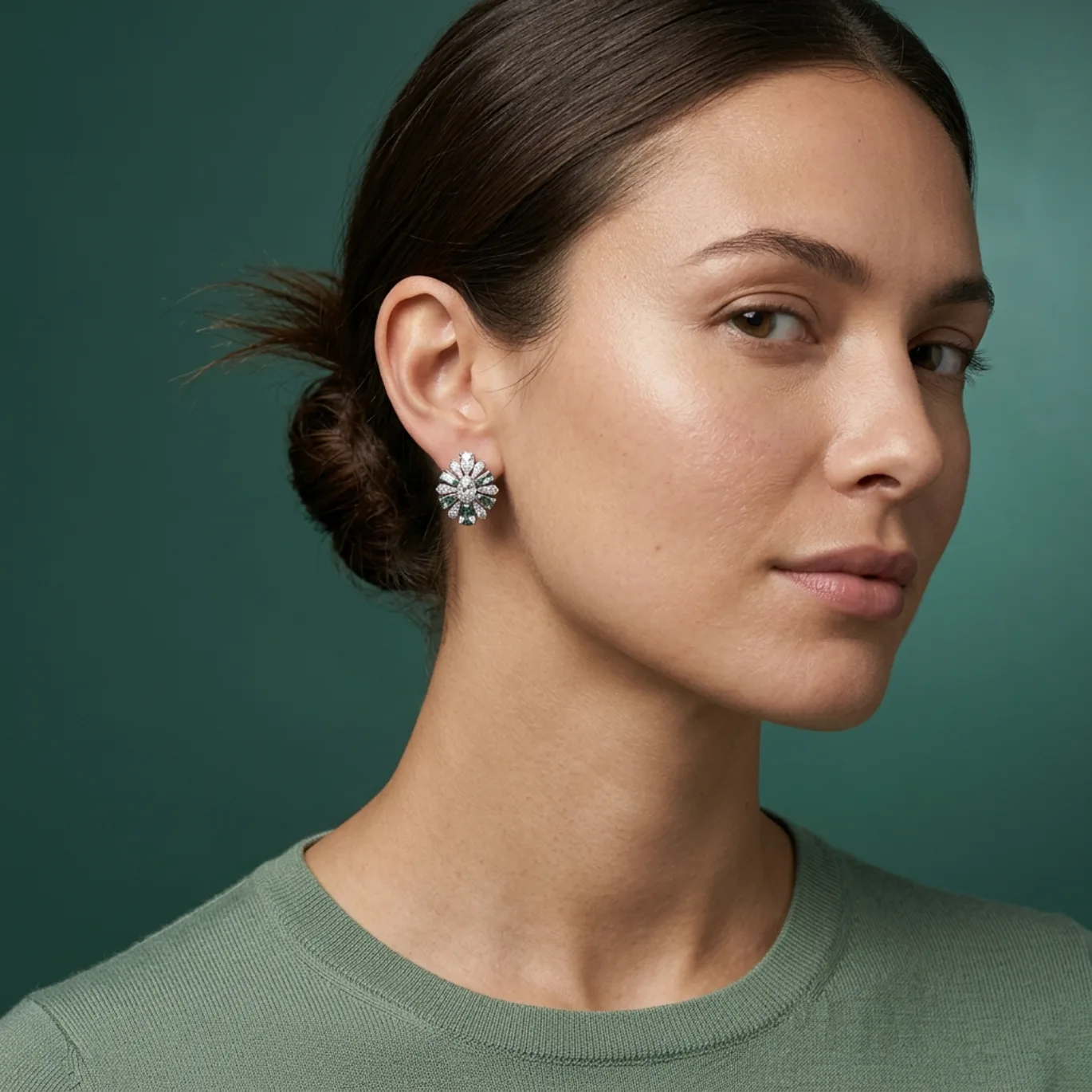
Waterside Closeup — Earring Stud
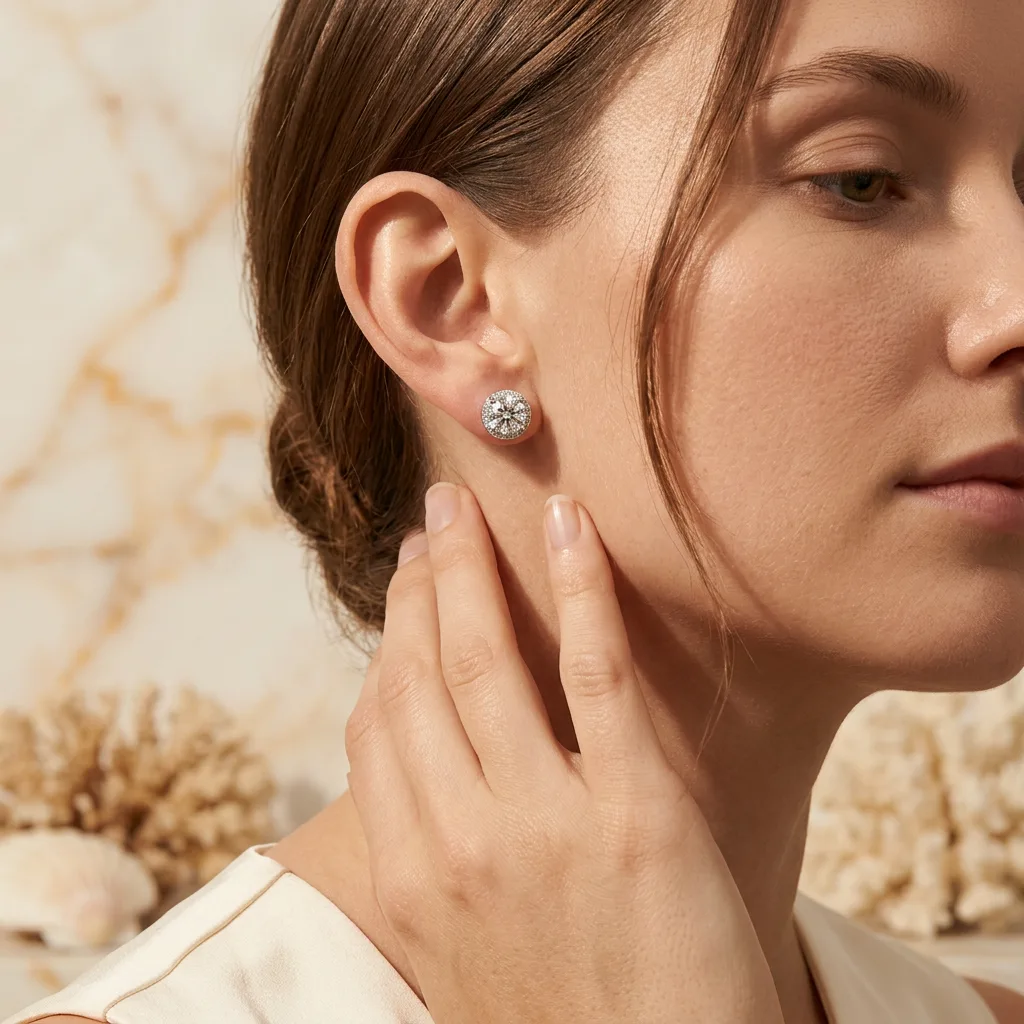
Sunlit Stone Editorial — Earring Stud
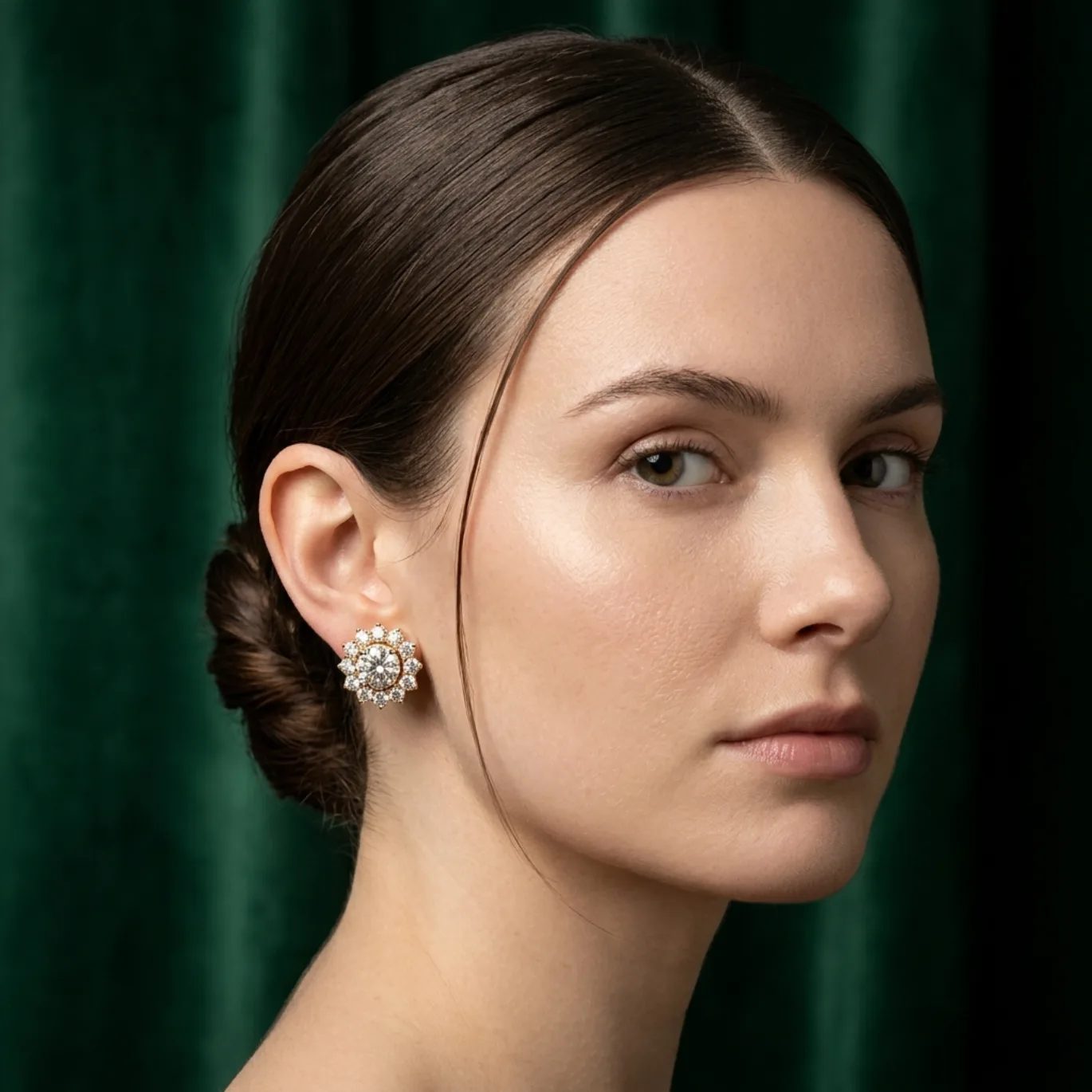
Jewel Tone Campaign Close — Earring Stud
How to get earring stud looks like these
- 1
Pick the look you want from this collection — every look links to the exact style that created it, so the composition, lighting, and background are already chosen for you.
- 2
Upload one photo of your own earring stud piece — a clean phone picture is enough. Hylo reads your actual jewelry, so the result is your product in that look, not a stock image.
- 3
Generate with AI Photoshoot — Hylo applies the style's lighting, framing, and background to your piece automatically, and your shot is ready in minutes.
- 4
Download and list — export at the resolution your marketplace needs (2K or 4K) and publish straight to Etsy, Amazon, or your own store.
More jewelry photography inspiration
Earring Stud jewelry photography — FAQ
Can I recreate these earring-stud photos with my own jewelry?
Yes — that's exactly what this collection is for. Every look here was generated by Hylo from a real style, so the same composition, lighting, and background can be applied to your own earring-stud pieces. Upload one photo of your product, pick the look you want, and Hylo produces the shot for you.
How do I get a earring-stud photo like this without a studio or photographer?
You skip the studio entirely. The flow takes minutes: upload a clean photo of your earring-stud, choose the style behind any look in this collection, and AI Photoshoot generates the image with the same lighting, framing, and background you see here — the pair and the scale are the story — two pieces shown matched and true so a buyer sees exactly how the earring sits.
Will the result show my actual piece, or a stock image?
Your piece. Hylo reads the photo you upload and applies the selected style to your real jewelry — the metal, stones, and design you sell, presented in the look you picked. Every look in this collection was generated the same way, from a real product photo.
How much does it cost to get looks like these?
New Hylo accounts start with free credits, and each generated look costs a few credits — higher-resolution exports cost slightly more. You're charged only when you generate, so you can test a look on your own piece before committing to anything.
Create this look with AI
Recreate any of these styles on your own jewelry in minutes — no studio, no photographer.
Get Started Free