Choker jewelry photography
Choker jewelry photography is about framing the neckline — the choker sits high and close, so the best photos pair it with a collarbone crop, an open neckline, or a neck flat-lay that shows the full circle. Metal tone, tightness of fit, and how the clasp sits all decide whether a choker photo looks premium, which is why on-model collar crops outperform floating product shots. These AI-generated looks give you a repeatable formula for choker photography that sells.
Curated onHyloUpdated Aug 2026
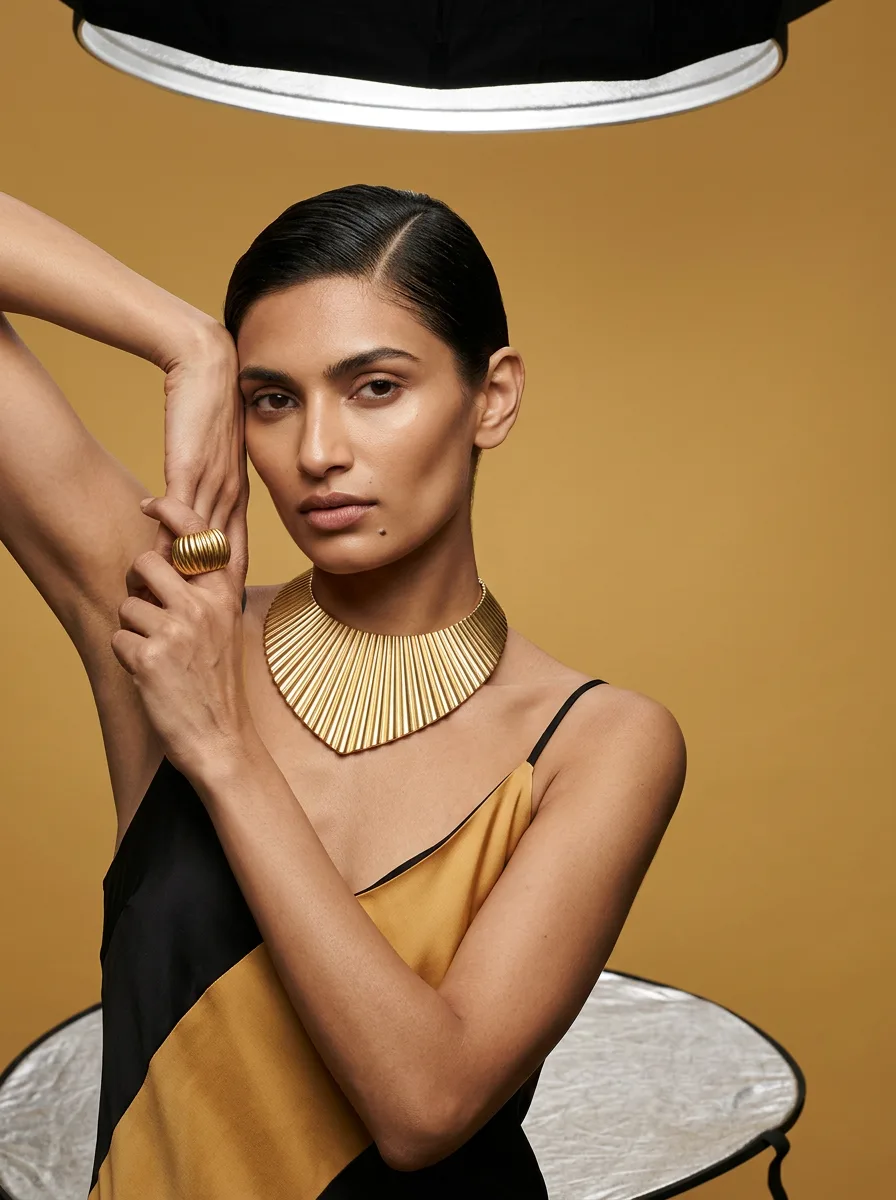
Narrative — Choker
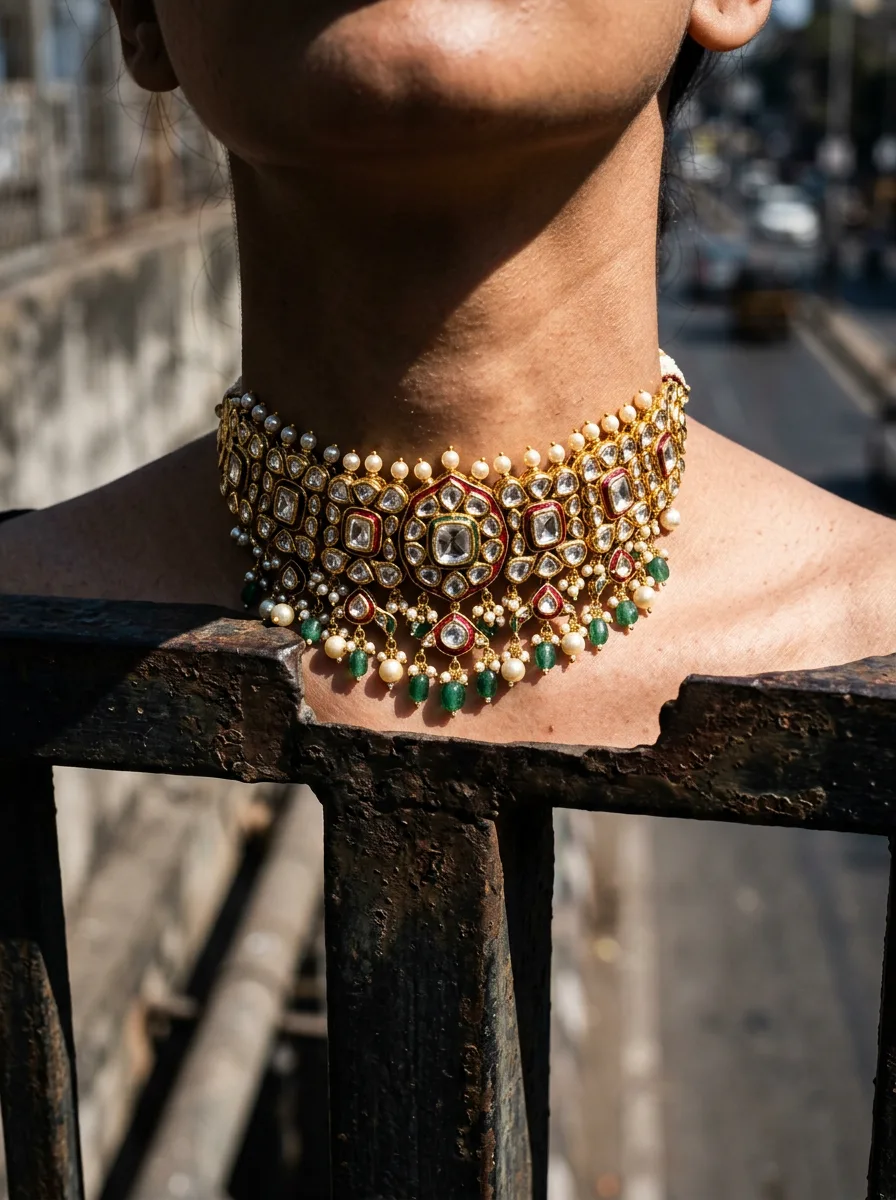
Garment Drape — Choker
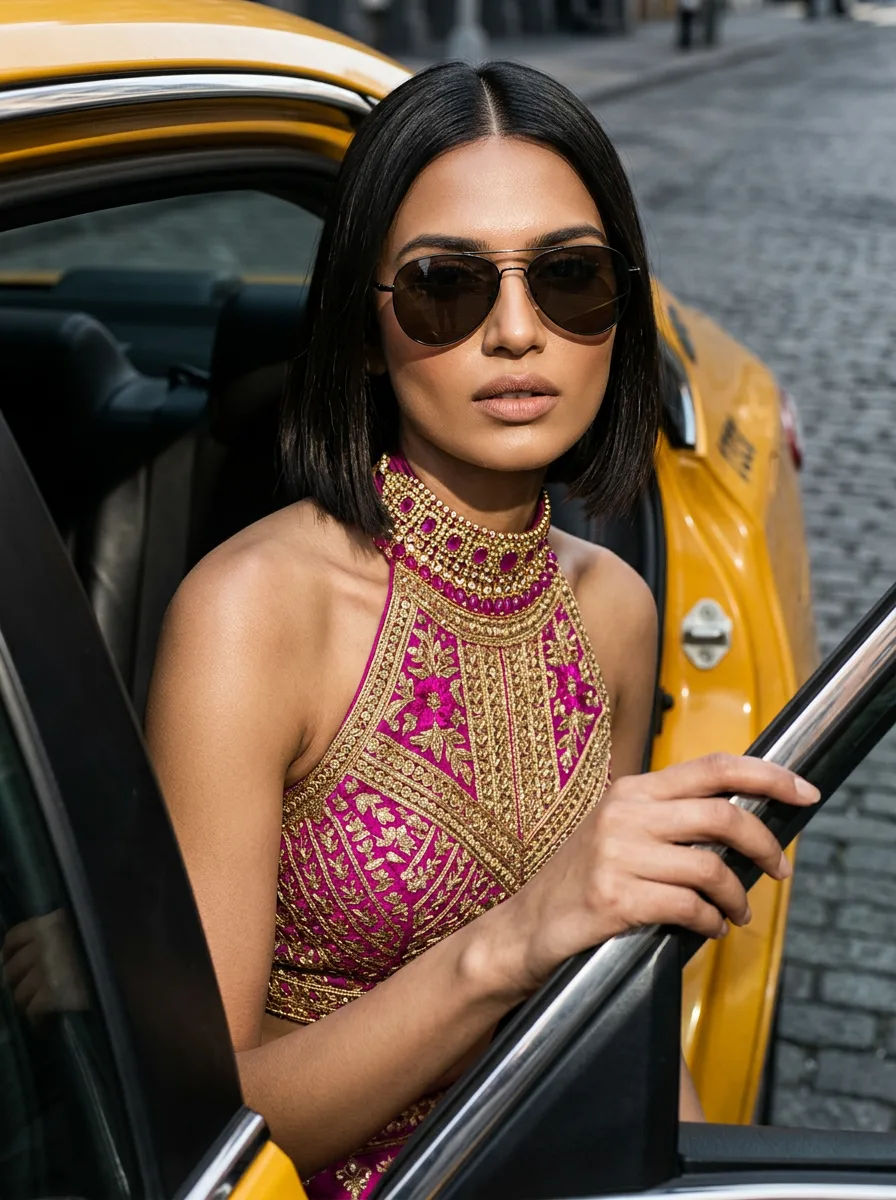
Taxi Exit — Choker
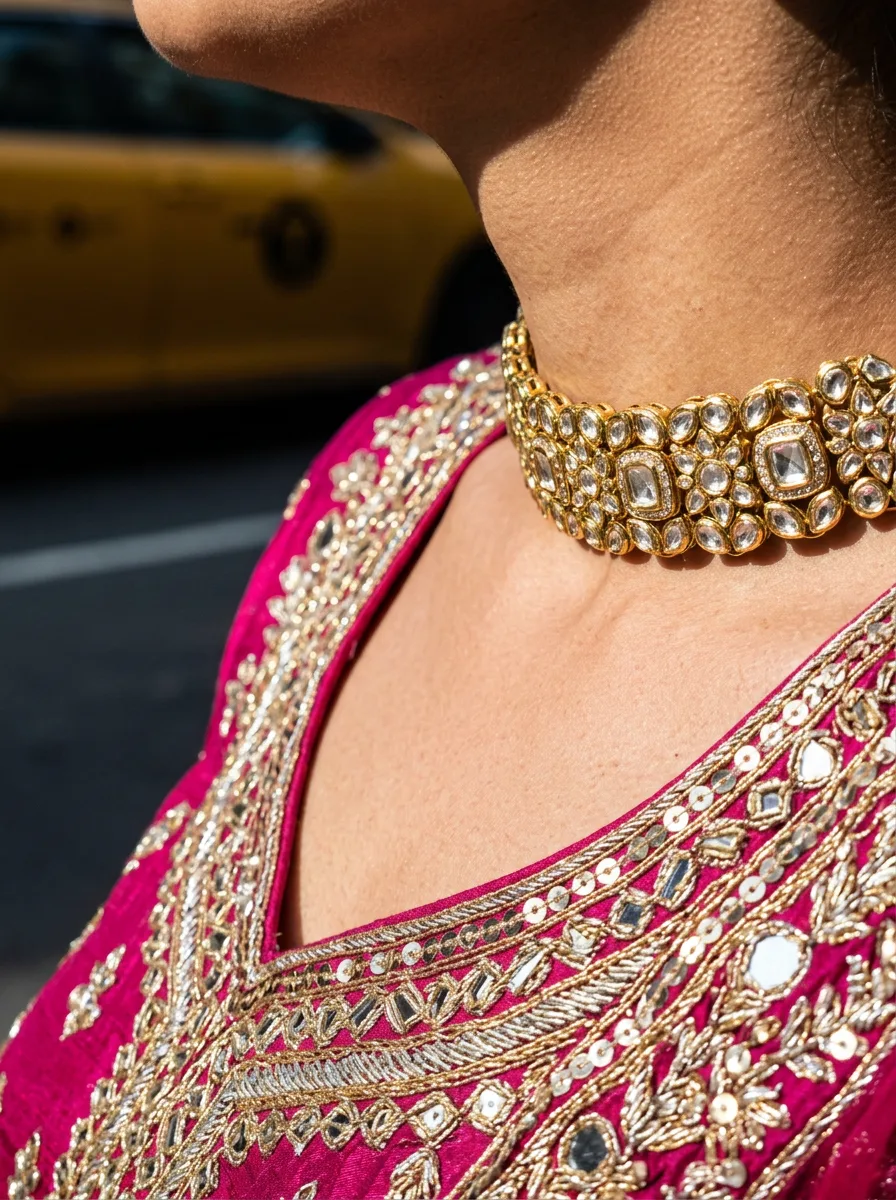
Embroidery Texture — Choker
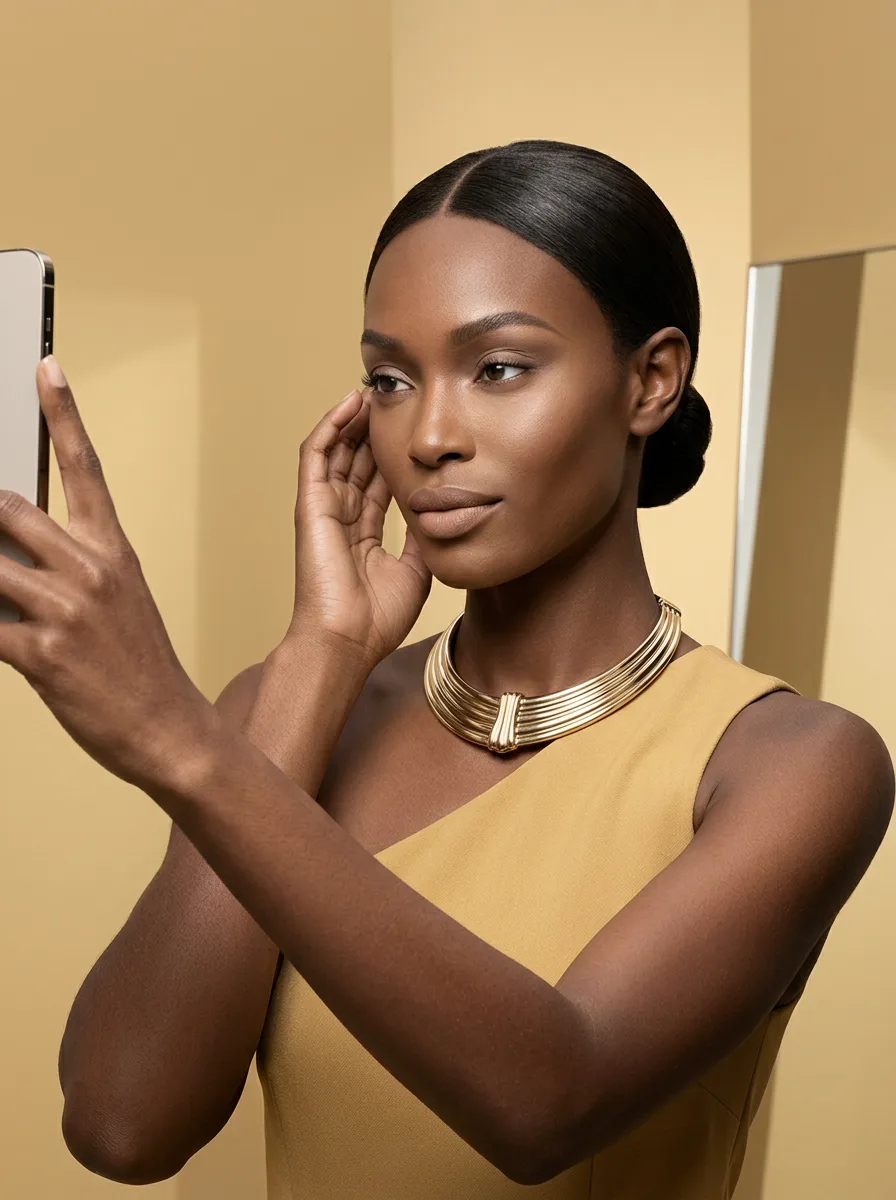
Candid — Choker
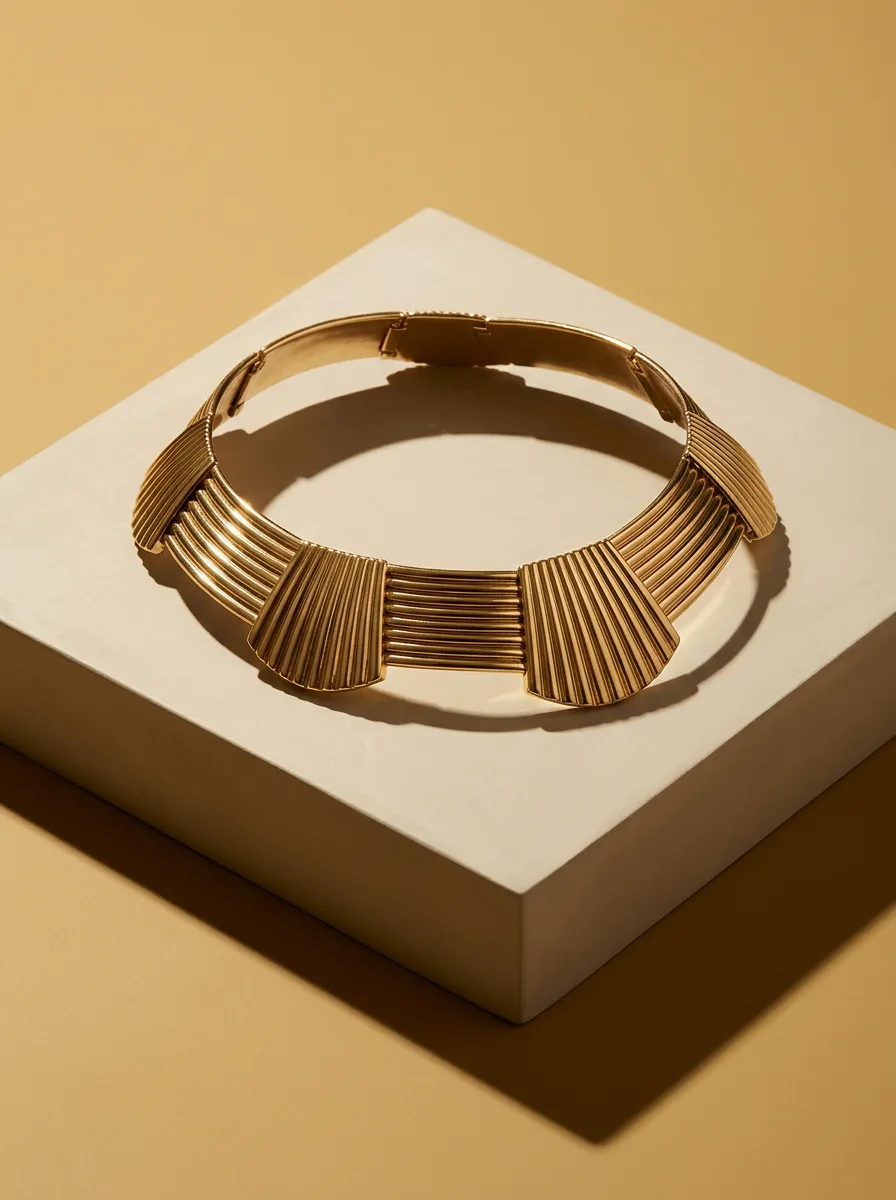
Hero — Choker
How to get choker looks like these
- 1
Pick the look you want from this collection — every look links to the exact style that created it, so the composition, lighting, and background are already chosen for you.
- 2
Upload one photo of your own choker piece — a clean phone picture is enough. Hylo reads your actual jewelry, so the result is your product in that look, not a stock image.
- 3
Generate with AI Photoshoot — Hylo applies the style's lighting, framing, and background to your piece automatically, and your shot is ready in minutes.
- 4
Download and list — export at the resolution your marketplace needs (2K or 4K) and publish straight to Etsy, Amazon, or your own store.
More jewelry photography inspiration
Choker jewelry photography — FAQ
Can I recreate these choker photos with my own jewelry?
Yes — that's exactly what this collection is for. Every look here was generated by Hylo from a real style, so the same composition, lighting, and background can be applied to your own choker pieces. Upload one photo of your product, pick the look you want, and Hylo produces the shot for you.
How do I get a choker photo like this without a studio or photographer?
You skip the studio entirely. The flow takes minutes: upload a clean photo of your choker, choose the style behind any look in this collection, and AI Photoshoot generates the image with the same lighting, framing, and background you see here — the neckline is the story — the piece sits high and close, so the frame has to show how it works with skin and collar.
Will the result show my actual piece, or a stock image?
Your piece. Hylo reads the photo you upload and applies the selected style to your real jewelry — the metal, stones, and design you sell, presented in the look you picked. Every look in this collection was generated the same way, from a real product photo.
How much does it cost to get looks like these?
New Hylo accounts start with free credits, and each generated look costs a few credits — higher-resolution exports cost slightly more. You're charged only when you generate, so you can test a look on your own piece before committing to anything.
Create this look with AI
Recreate any of these styles on your own jewelry in minutes — no studio, no photographer.
Get Started Free