Editorial jewelry photography
Editorial jewelry photography is the fashion-magazine style that turns a product into a story — styled props, unusual angles, dramatic light, and a mood that goes beyond the catalog shot. It builds brand desire, but it's the hardest style to produce in-house. These editorial looks are AI-generated so you can borrow a magazine aesthetic for your own brand without the production budget.
Curated onHyloUpdated Aug 2026
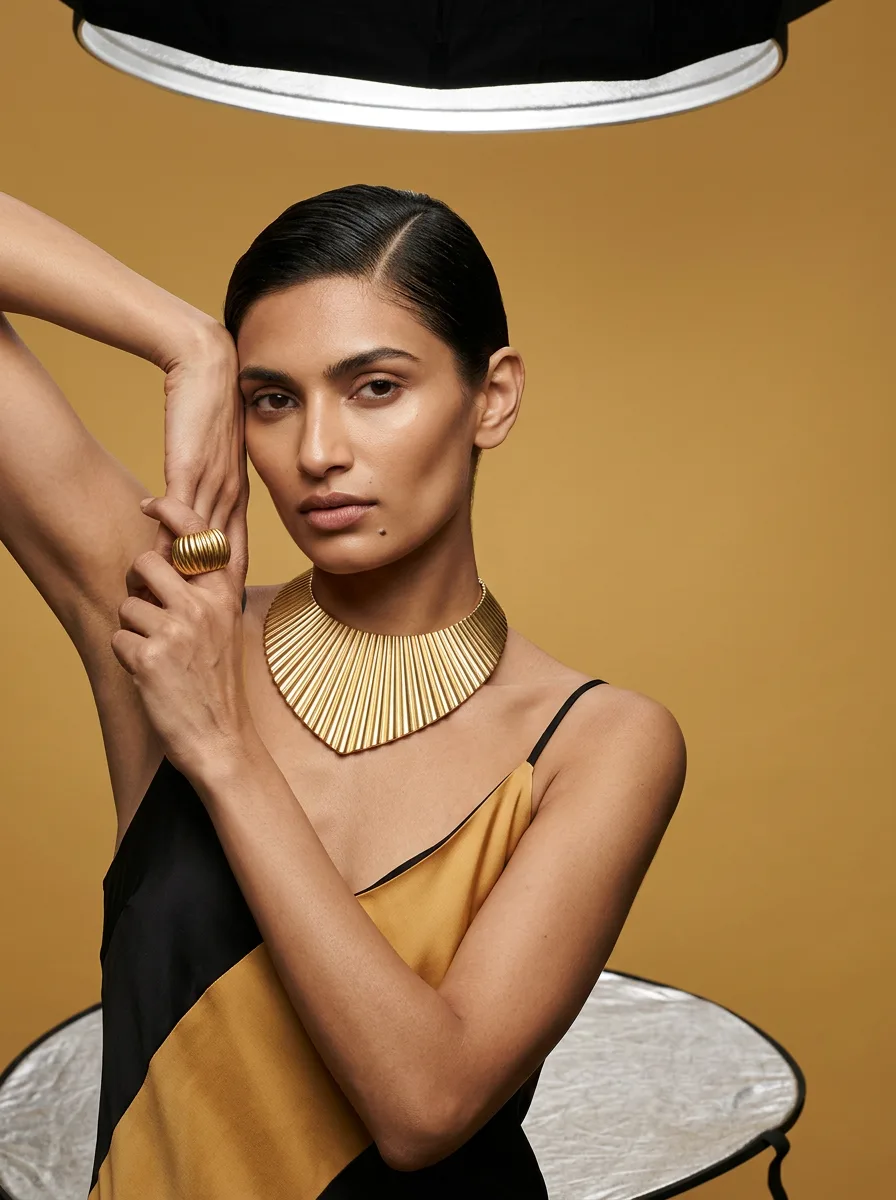
Narrative — Choker
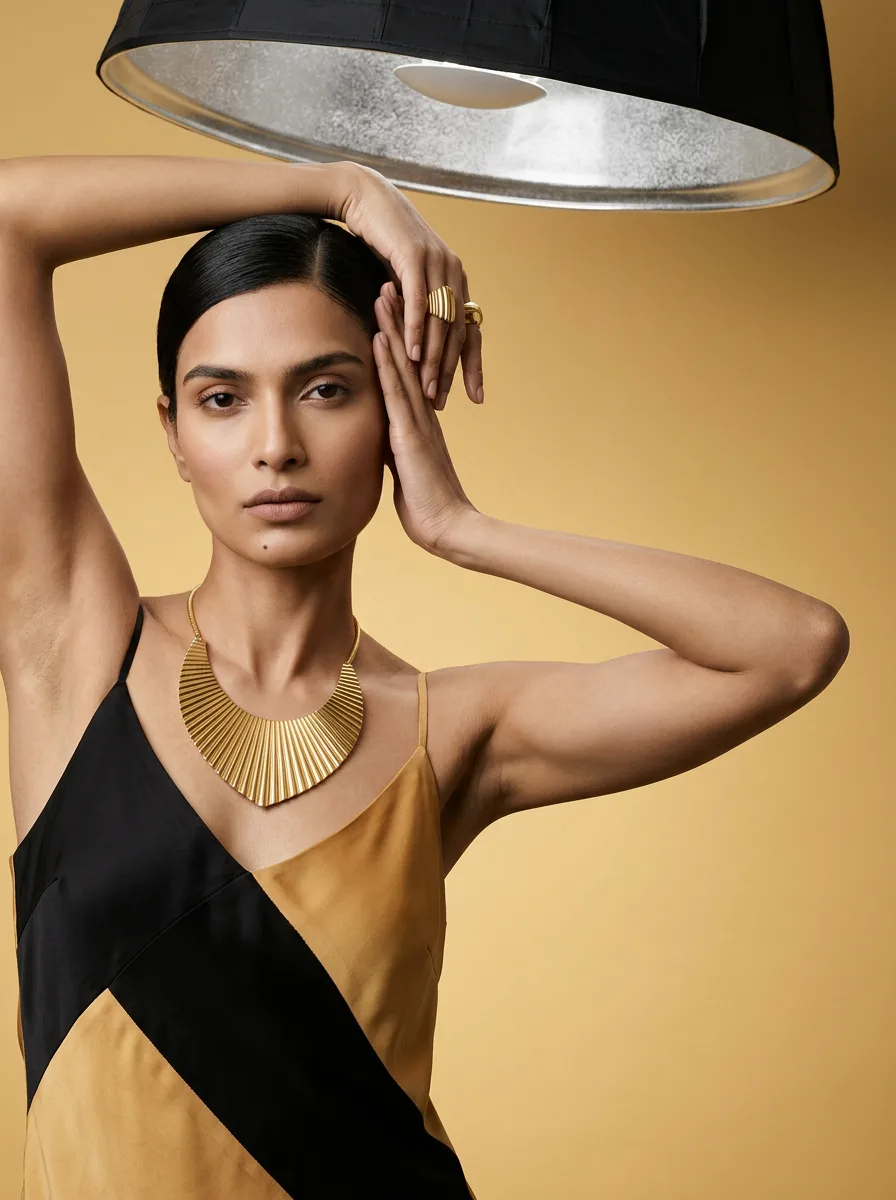
Narrative — Necklace
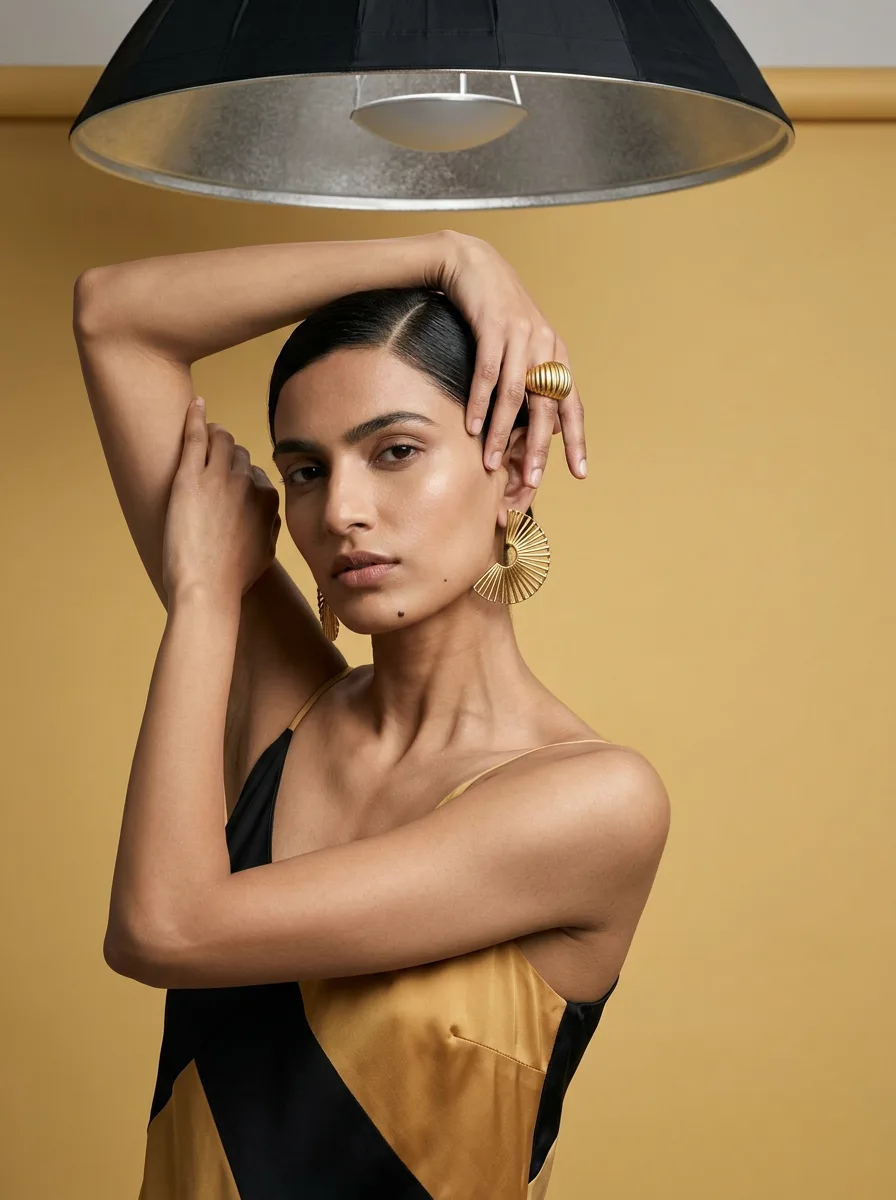
Narrative — Hathpan
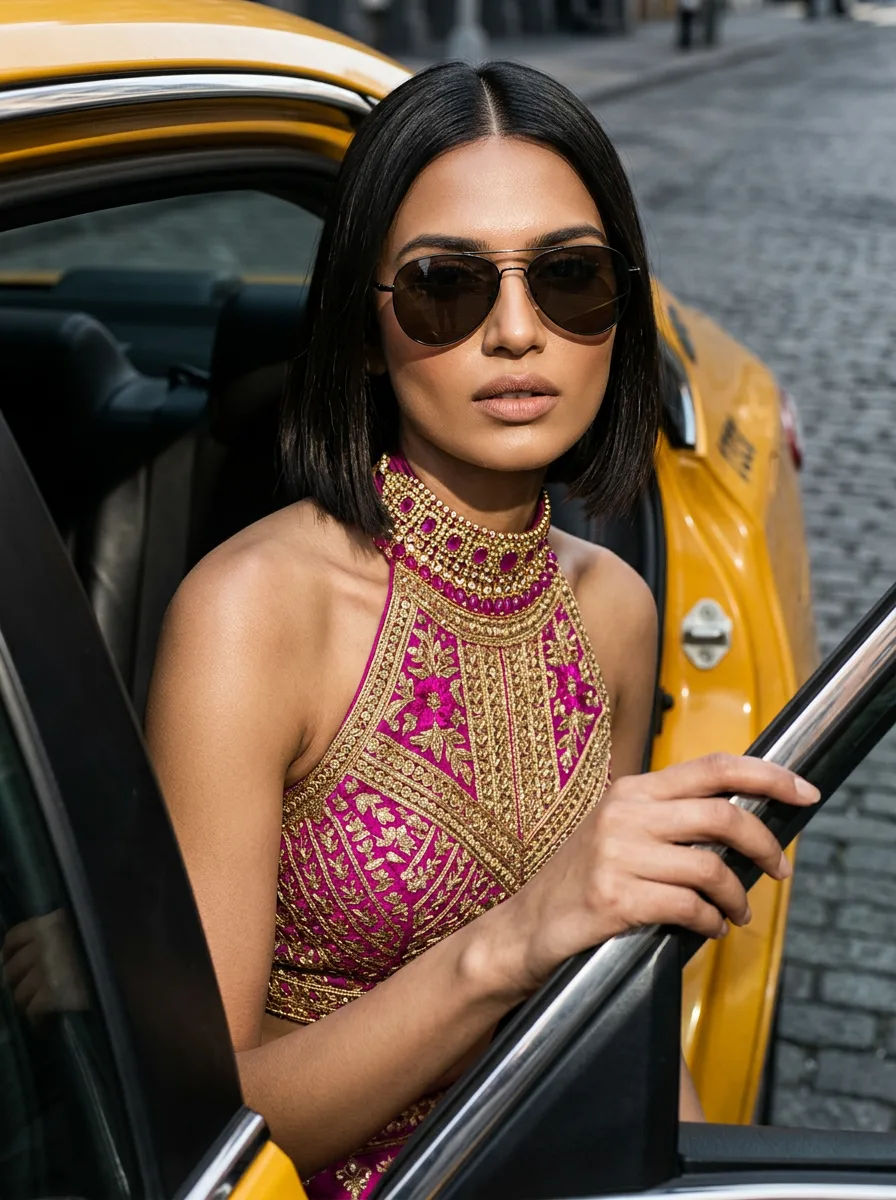
Taxi Exit — Choker
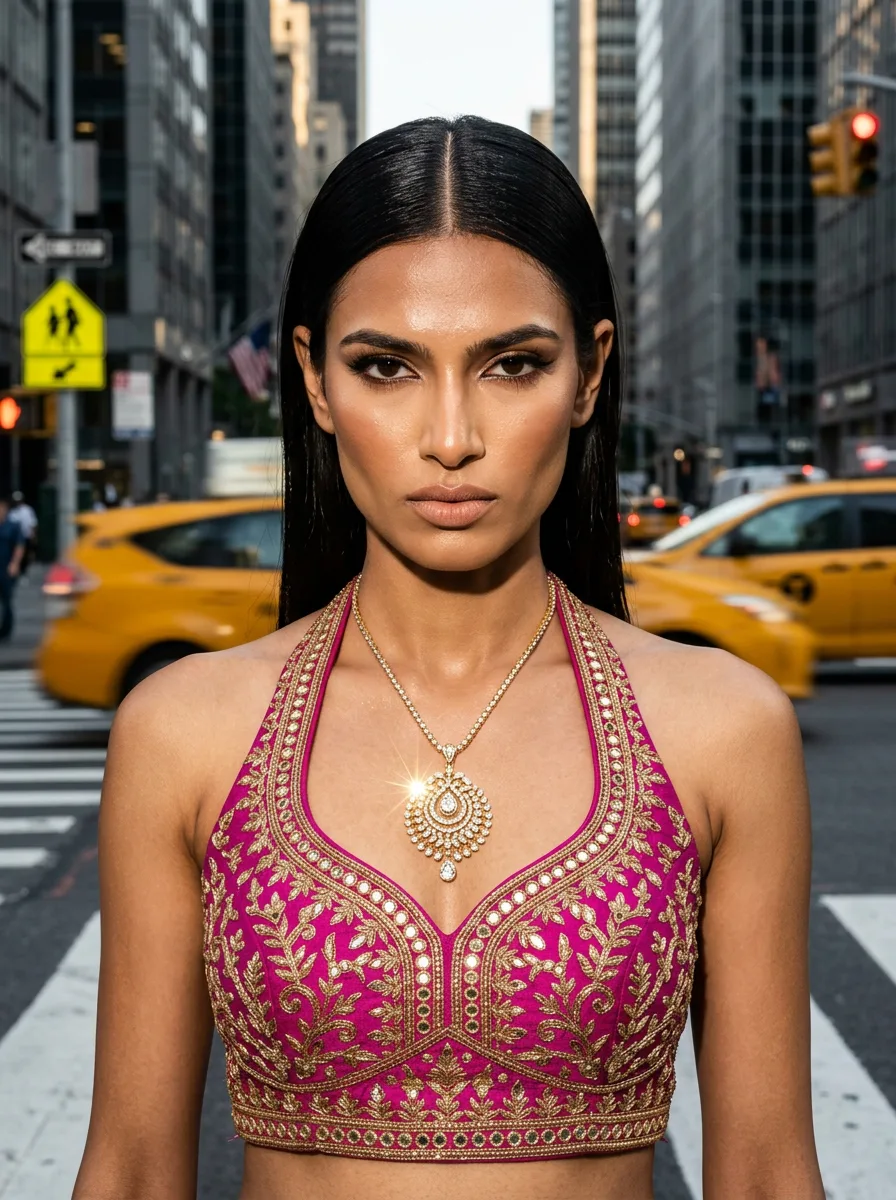
Street Crossing — Pendant
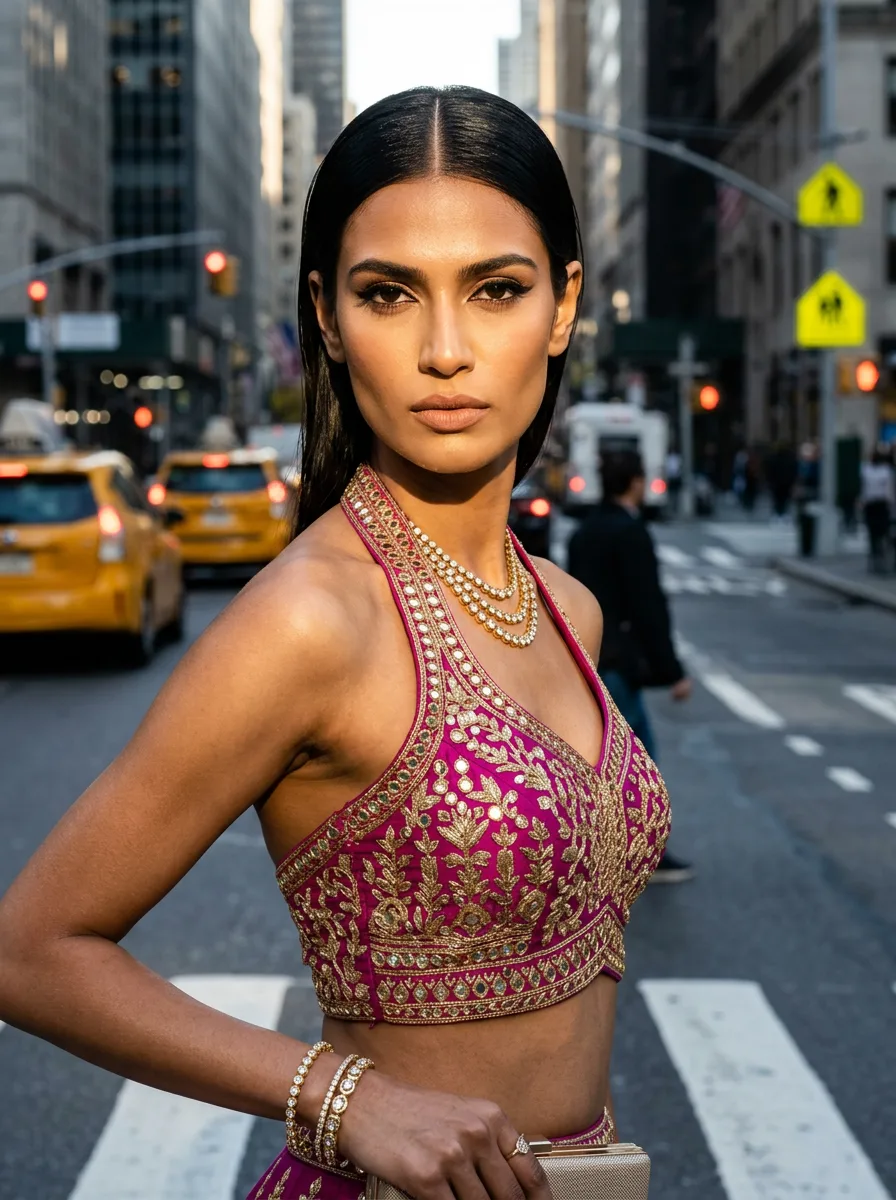
Street Crossing — Anklet
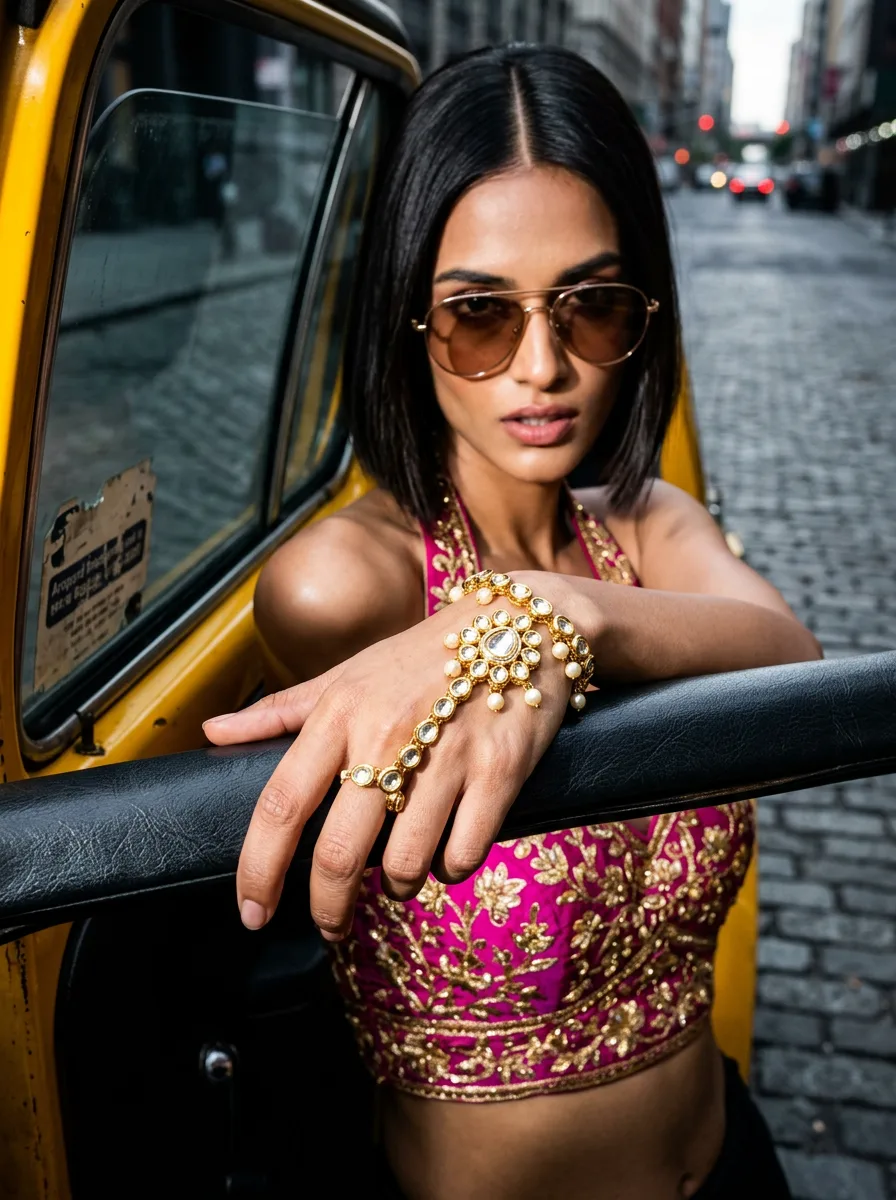
Taxi Exit — Hathpan
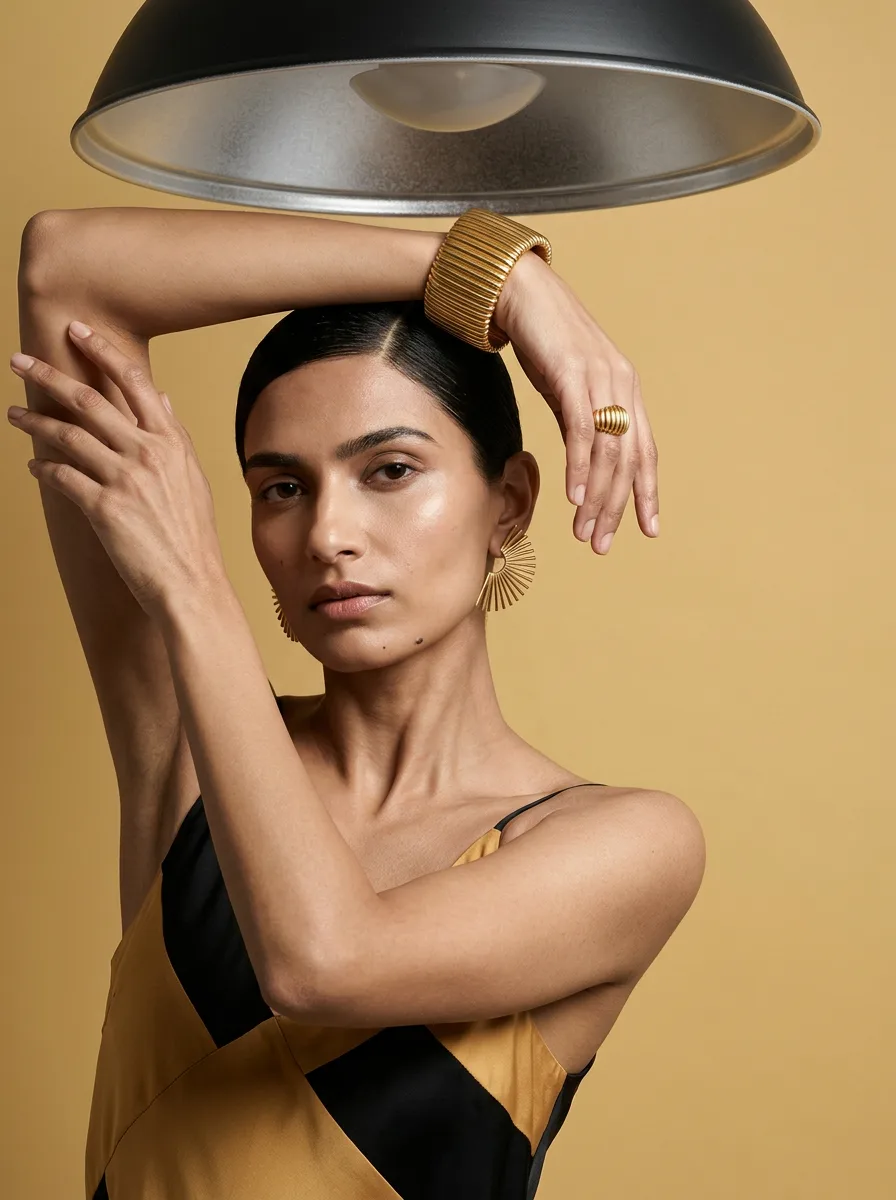
Narrative — Bracelet
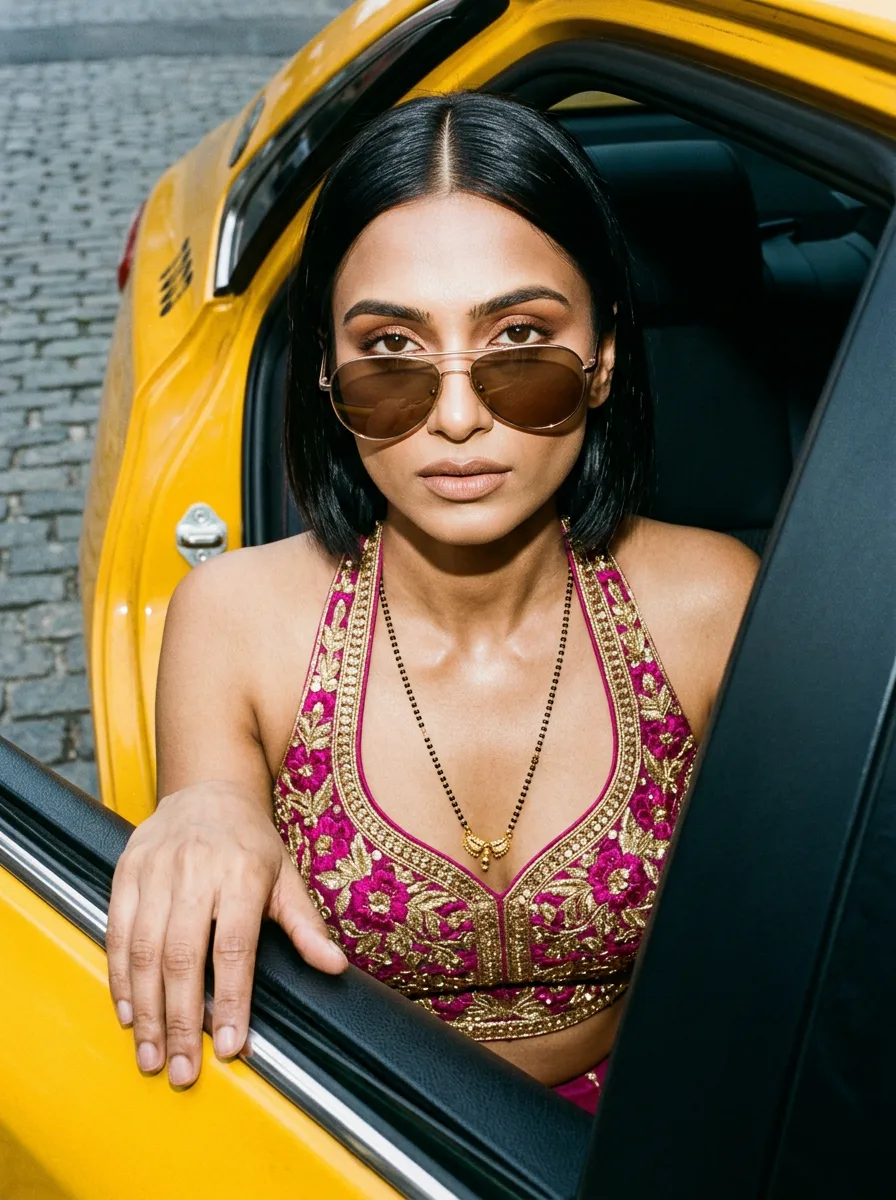
Taxi Exit — Mangalsutra
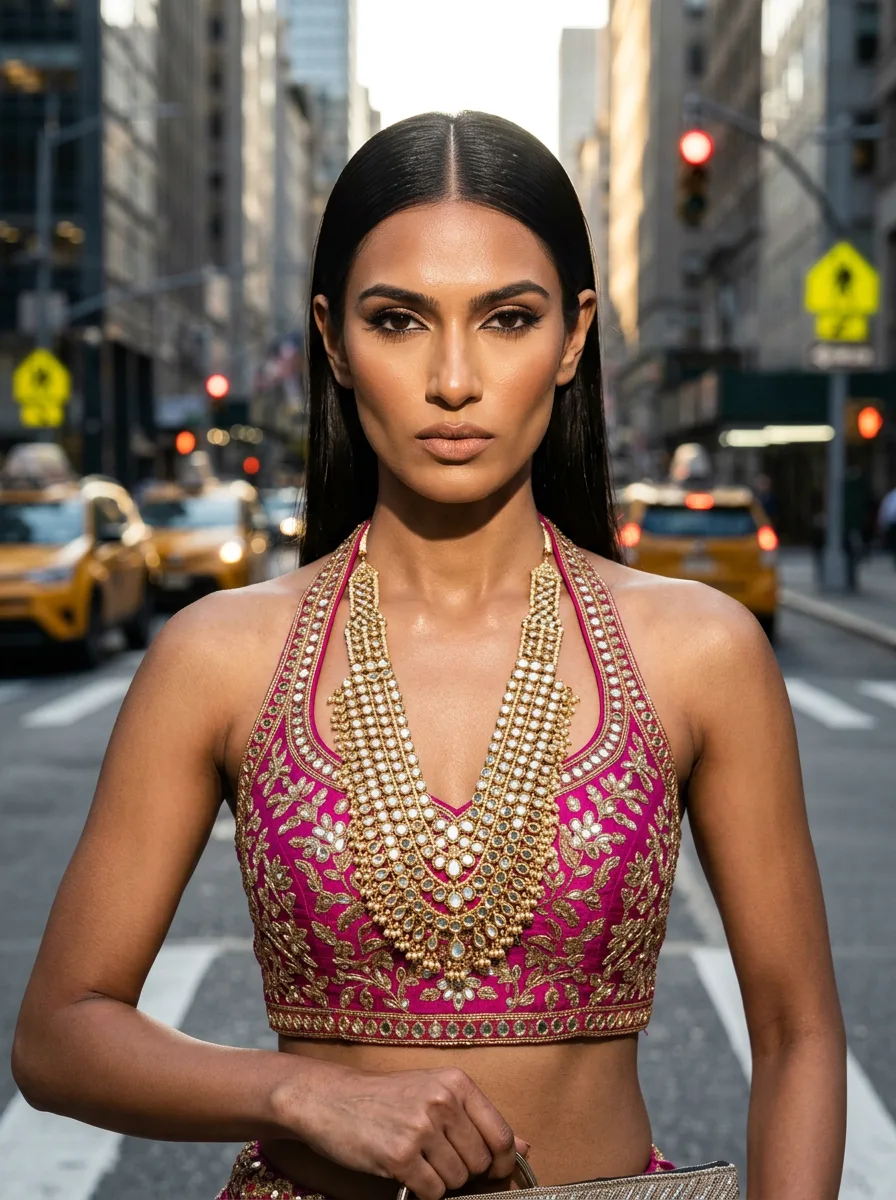
Street Crossing — Necklace
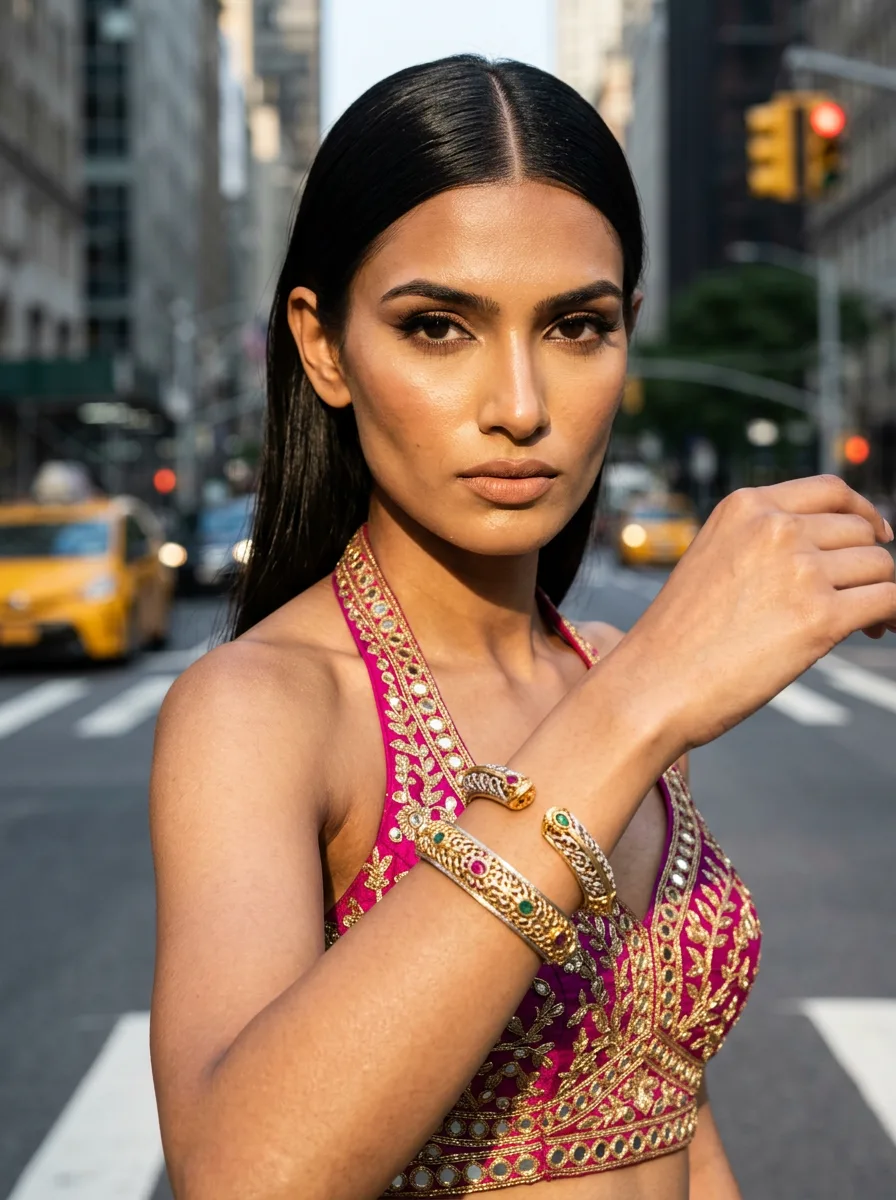
Street Crossing — Kada
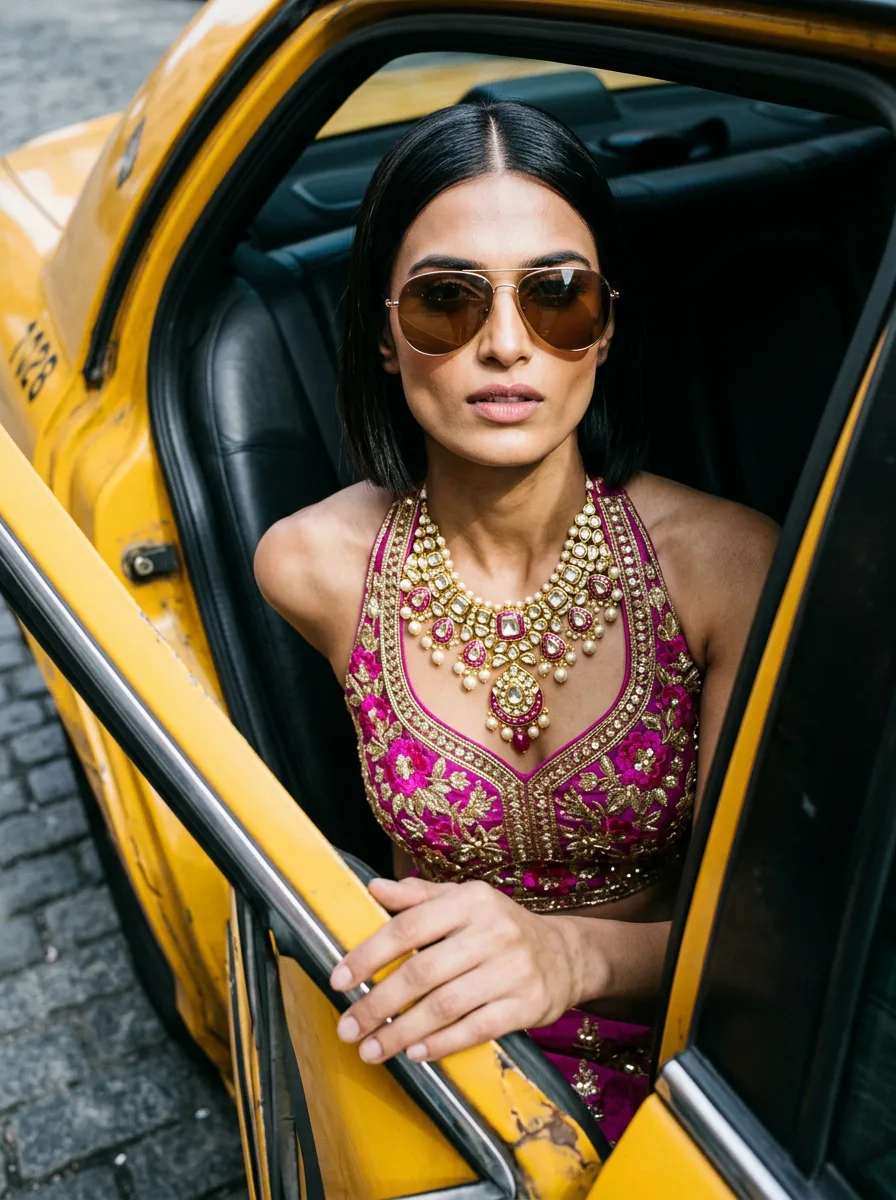
Taxi Exit — Necklace
How to get editorial looks like these
- 1
Browse the looks in this collection and pick the editorial style you want to recreate.
- 2
Upload one photo of your own jewelry — any piece you sell can be turned into this style.
- 3
Generate with AI Photoshoot — Hylo reproduces the editorial composition, lighting, and background on your actual product.
- 4
Download and list — export at 2K or 4K and publish to your marketplace of choice.
More jewelry photography inspiration
Editorial jewelry photography — FAQ
What makes editorial jewelry photography different?
It's a recognizable way of shooting jewelry — a styled, mood-driven scene that turns the piece into a story — magazine-style composition, props, and dramatic light. Buyers recognize the style at a glance, which is why listings shot this way read as premium and consistent across a catalog. The looks in this collection are all working examples of that formula.
How do I get editorial photos like these for my own jewelry?
Every look in this collection was generated by Hylo from a real style — the same formula you see here. Upload one photo of your product, pick the look you want, and generate: Hylo reproduces the composition, lighting, and background on your actual piece.
How long does it take to produce a look like this?
Minutes instead of a studio booking. You upload a photo, pick a look, and Hylo generates it automatically — no photographer, no reshoots, no waiting on availability. What used to take a full production day takes one session.
Create this look with AI
Recreate any of these styles on your own jewelry in minutes — no studio, no photographer.
Get Started Free